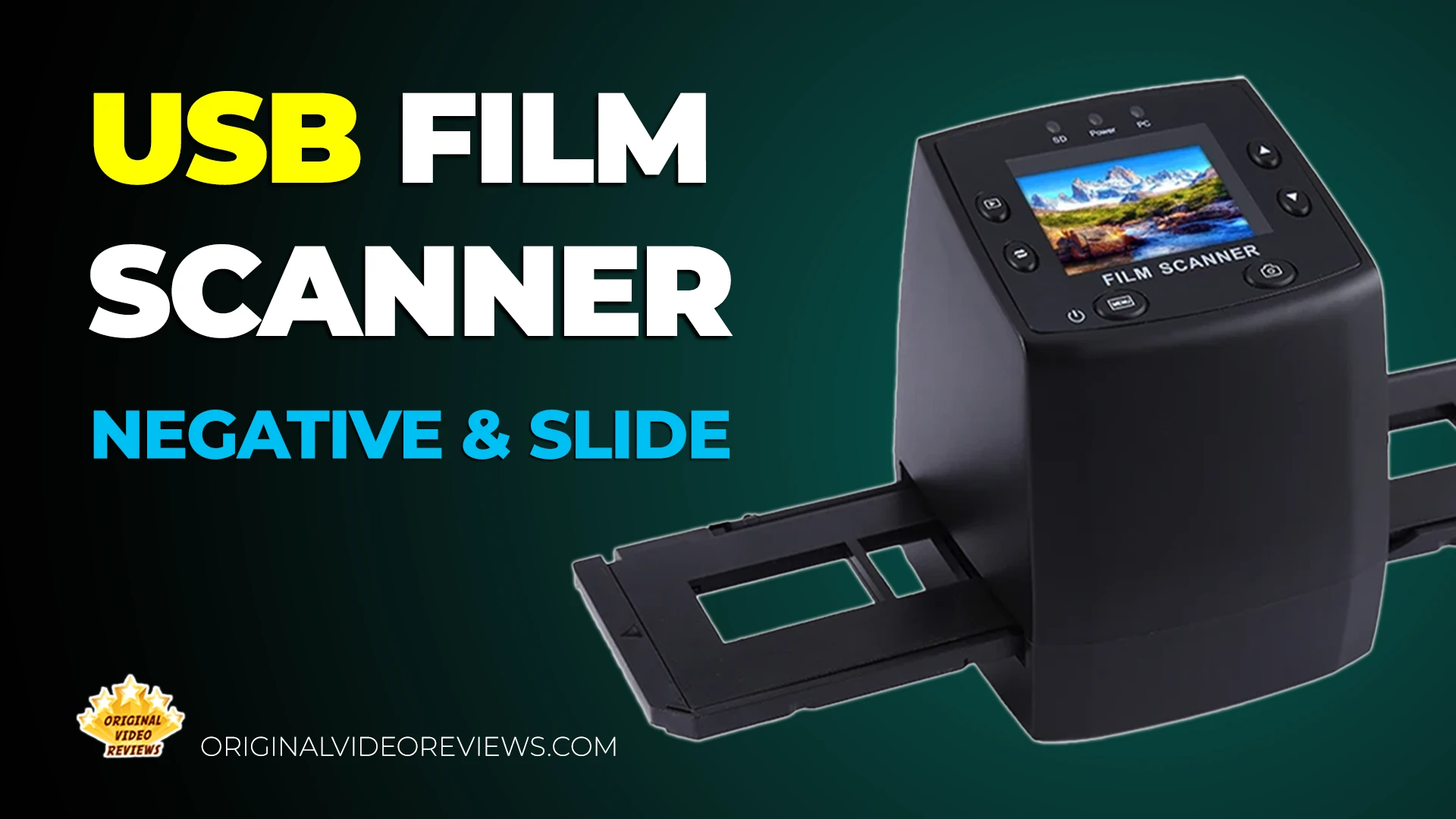
USB Film Scanner A standalone negative and slide scanner that saves to an SD card
Overview
I bought this product because I had a lot of old photos and family albums that I wanted to digitize. Converting photos into computer files is a project that some people will connect with deeply and others less so. Either way, it is a task that requires a scanner suited to old films, and that is exactly why I looked for this scanner and decided to buy it.
The EC717 negative film scanner allows you to digitize your old film negatives and slides, so you can enjoy them again on your computer or phone.
See the USB Film Scanner in action below before diving into the detailed breakdown.
Product description
- Brand
- N/A
- Model No.
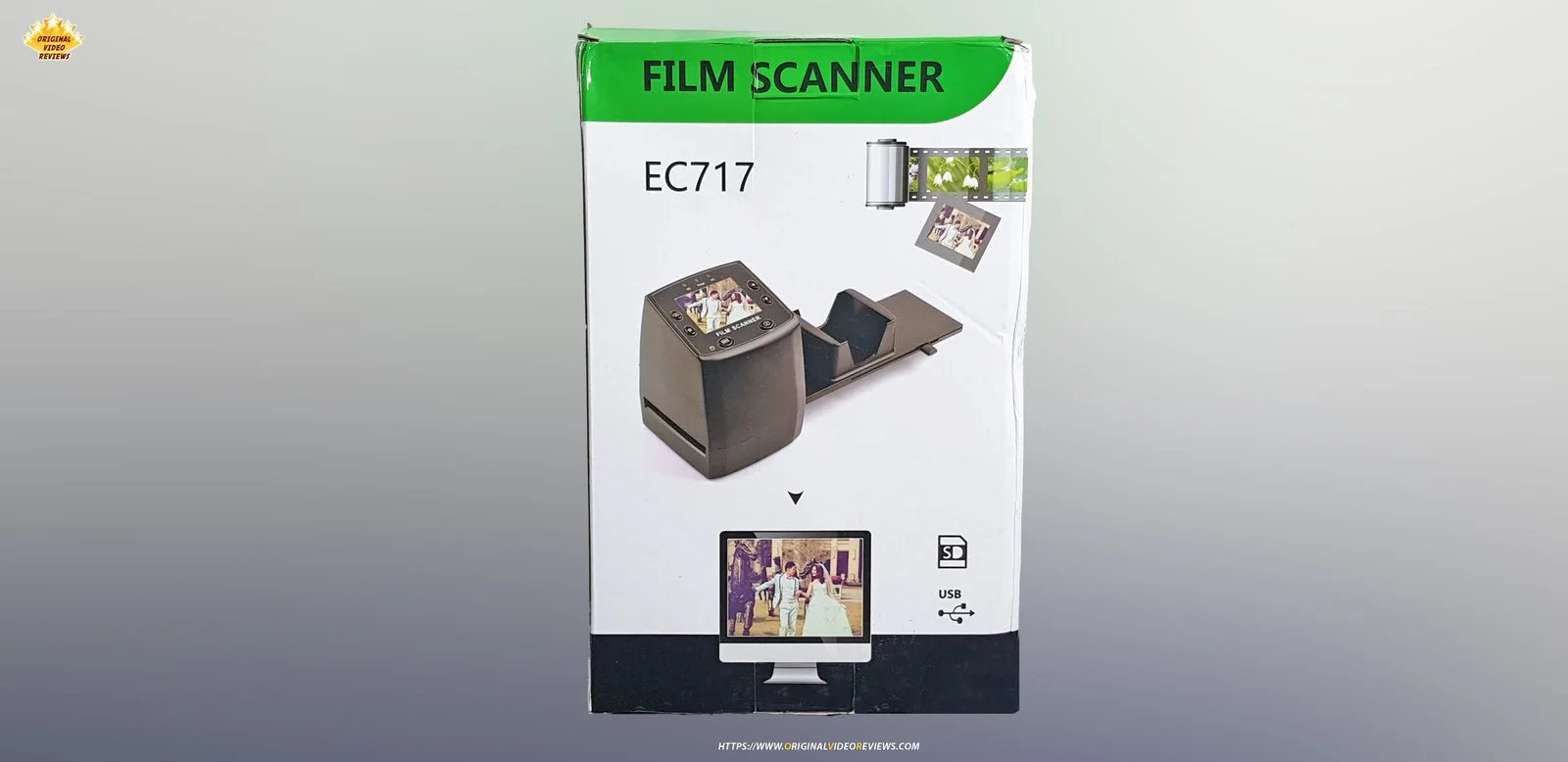
- EC717
- Type
- Negative and slide film scanner
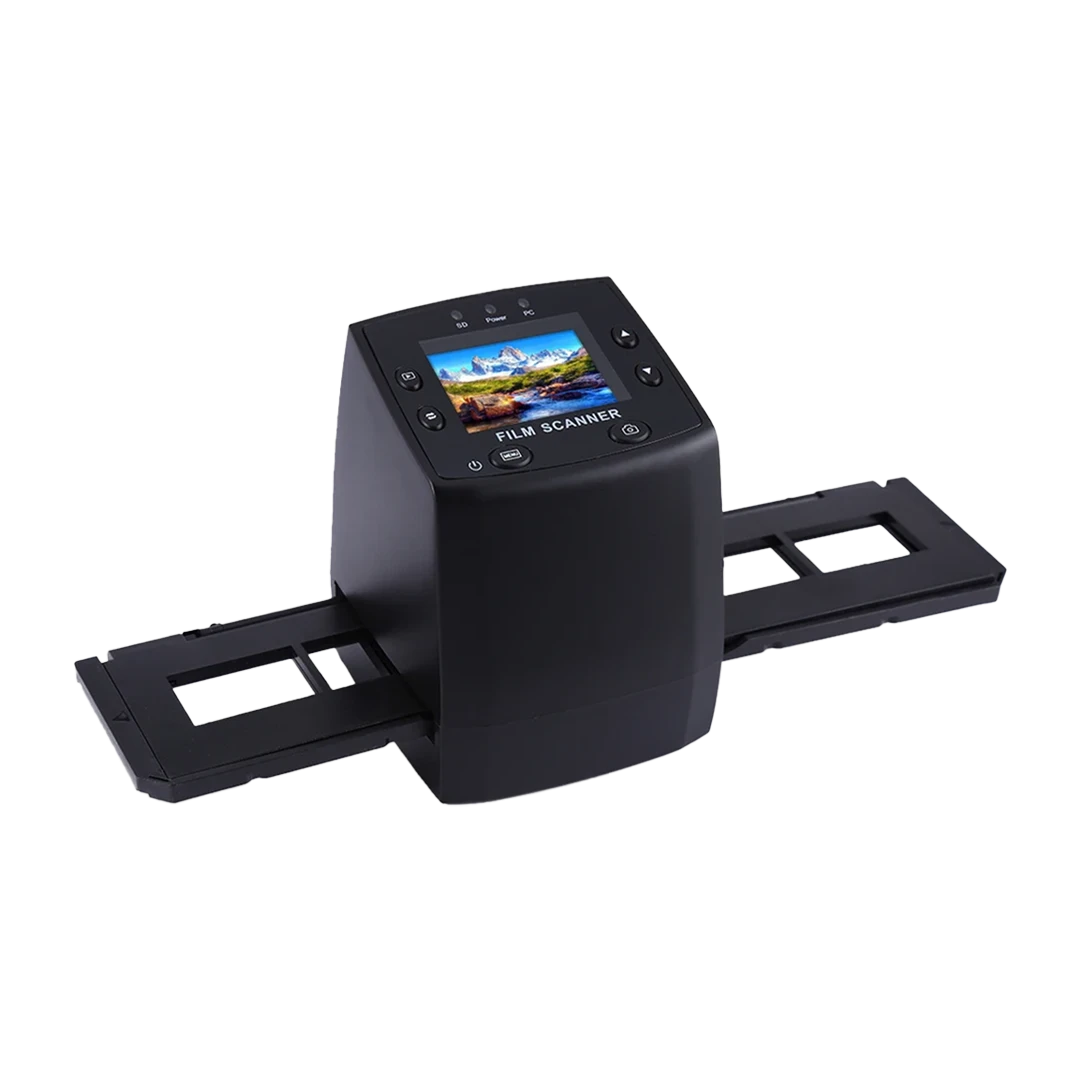
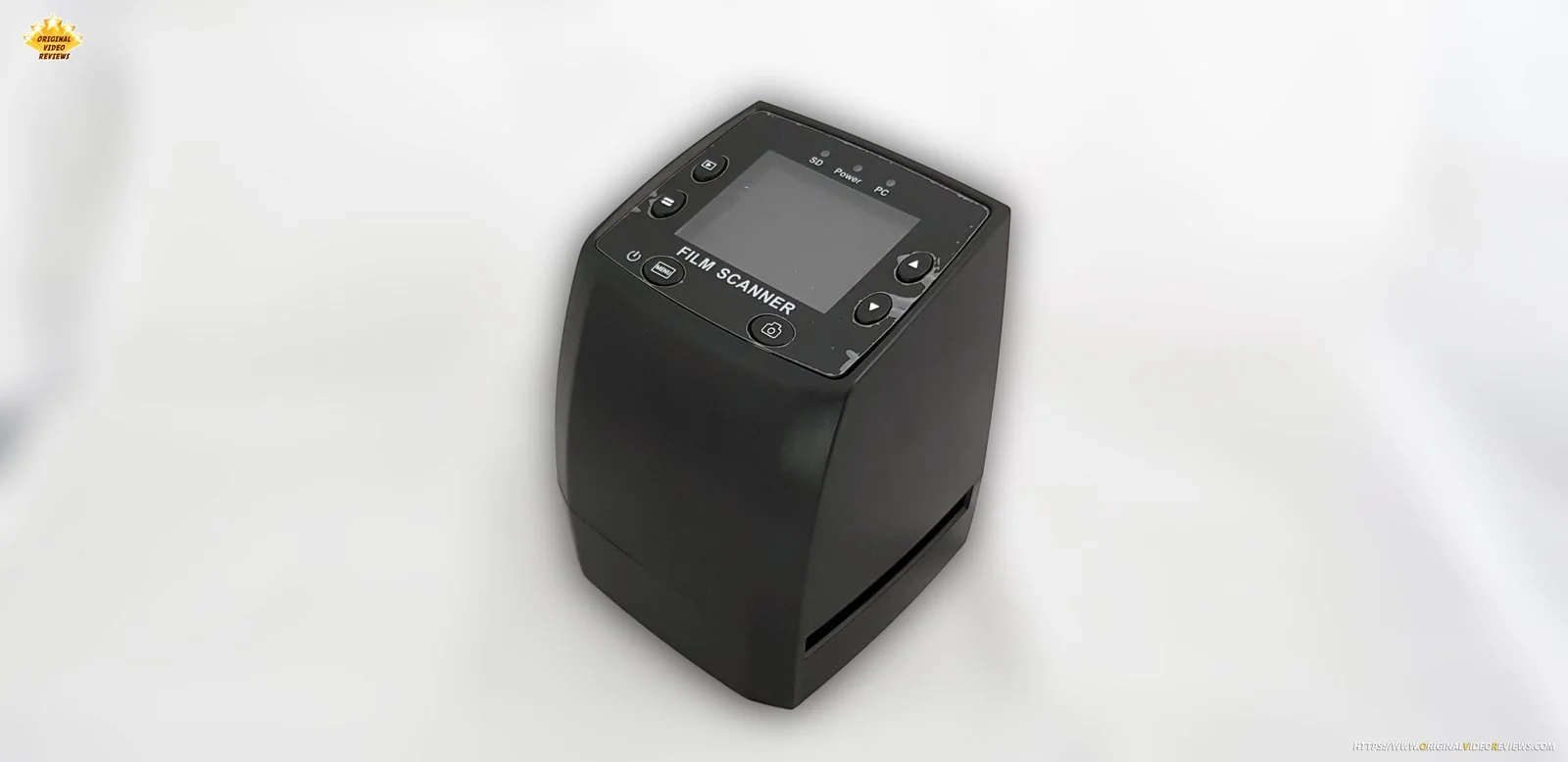
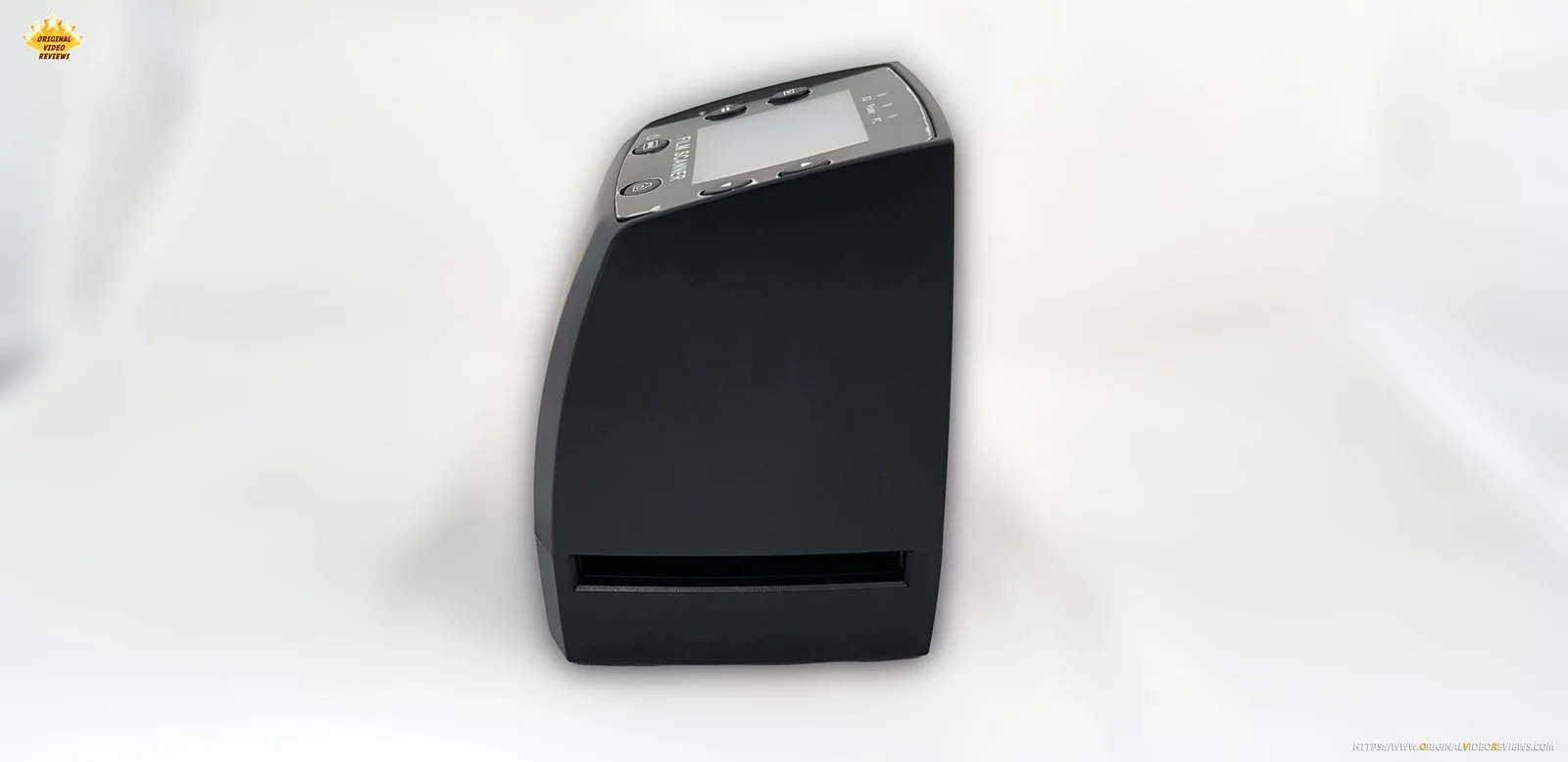
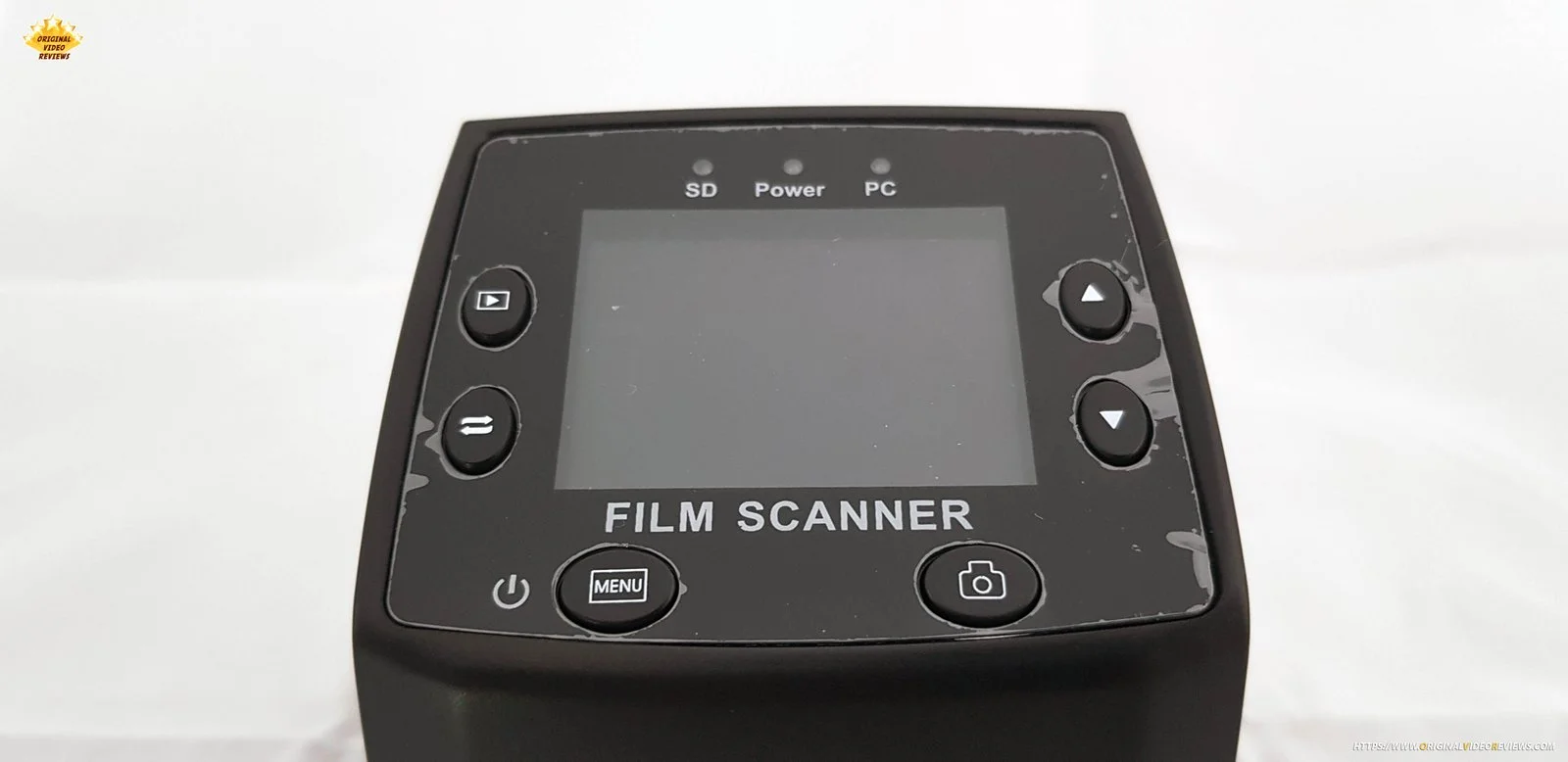
The EC717 is a standalone film scanner for 35mm film, monochrome film and slides. It has a 5.0 megapixel image sensor (2592x1944), an LED back light and a 2.4 inch TFT LCD screen. You can find this device under various labels.
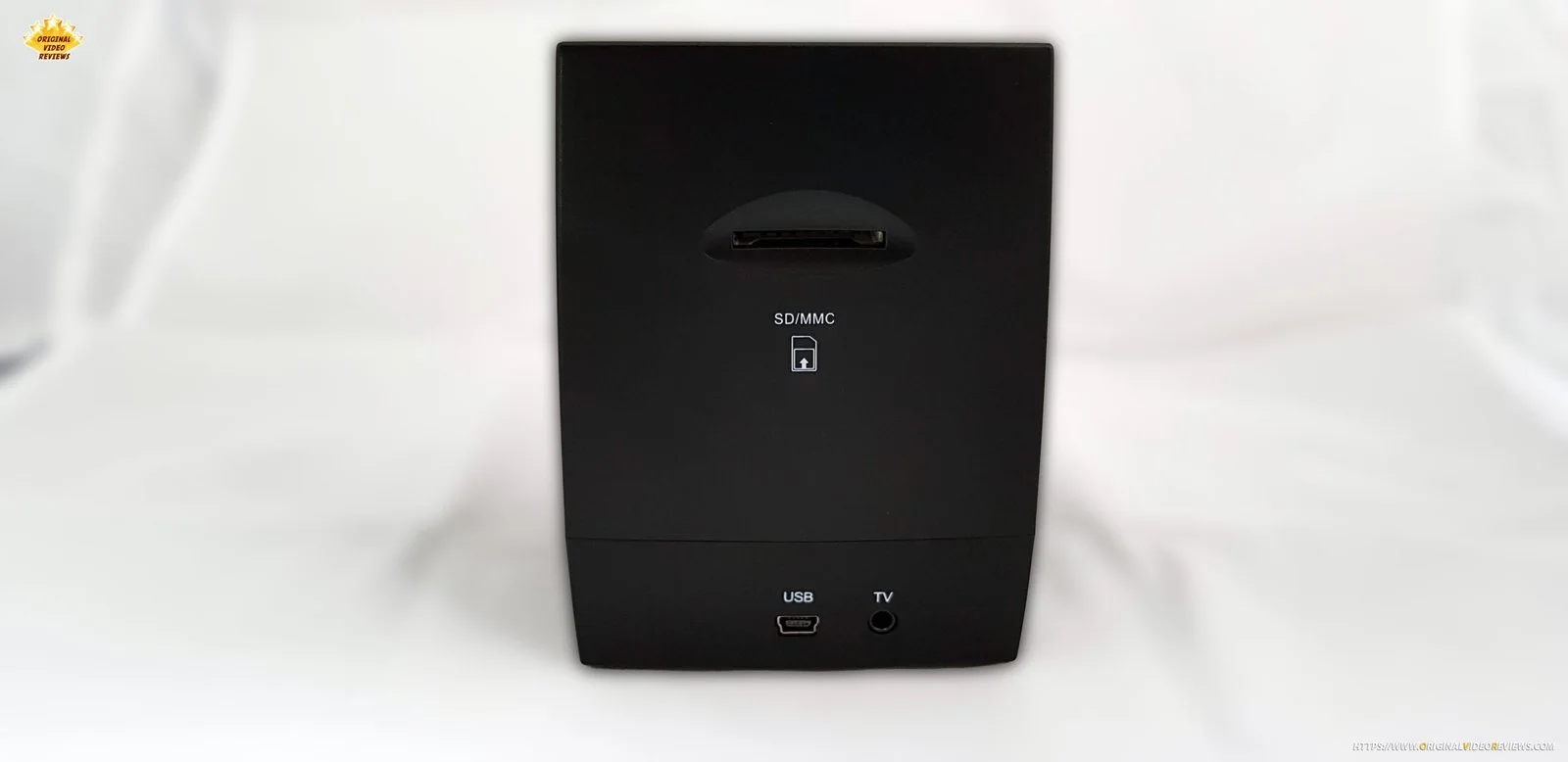
Scanned photos are saved as JPEG files to an SD card (up to 32GB). The scanner offers 5 or 10 megapixel output and 1,800dpi or 3,600dpi scan quality (both by interpolation), and it can also output to a TV (NTSC / PAL).
Specifications
Scanning & Image
| Image Sensor | 5.0 mega pixels (2592x1944) |
| Resolution (of scanned files) | 5 / 10 mega pixels (Interpolation) |
| Scan quality | 1,800dpi / 3,600dpi (Interpolation) |
| Film type | 35mm film, monochrome, slide |
| Picture effects | B&W, Slides, Negatives |
| (Saved) files format | JPEG |
| Light source | LED back light |
| Focus range | Fixed focus |
| Exposure control | Automatic / Manual |
| White balance | Automatic |
Display & TV Out
| Display | 2.4 inch TFT LCD screen (480x234) |
| TV Out type | NTSC / PAL |
Storage, Power & Connectivity
| External memory | SD card, up to 32GB |
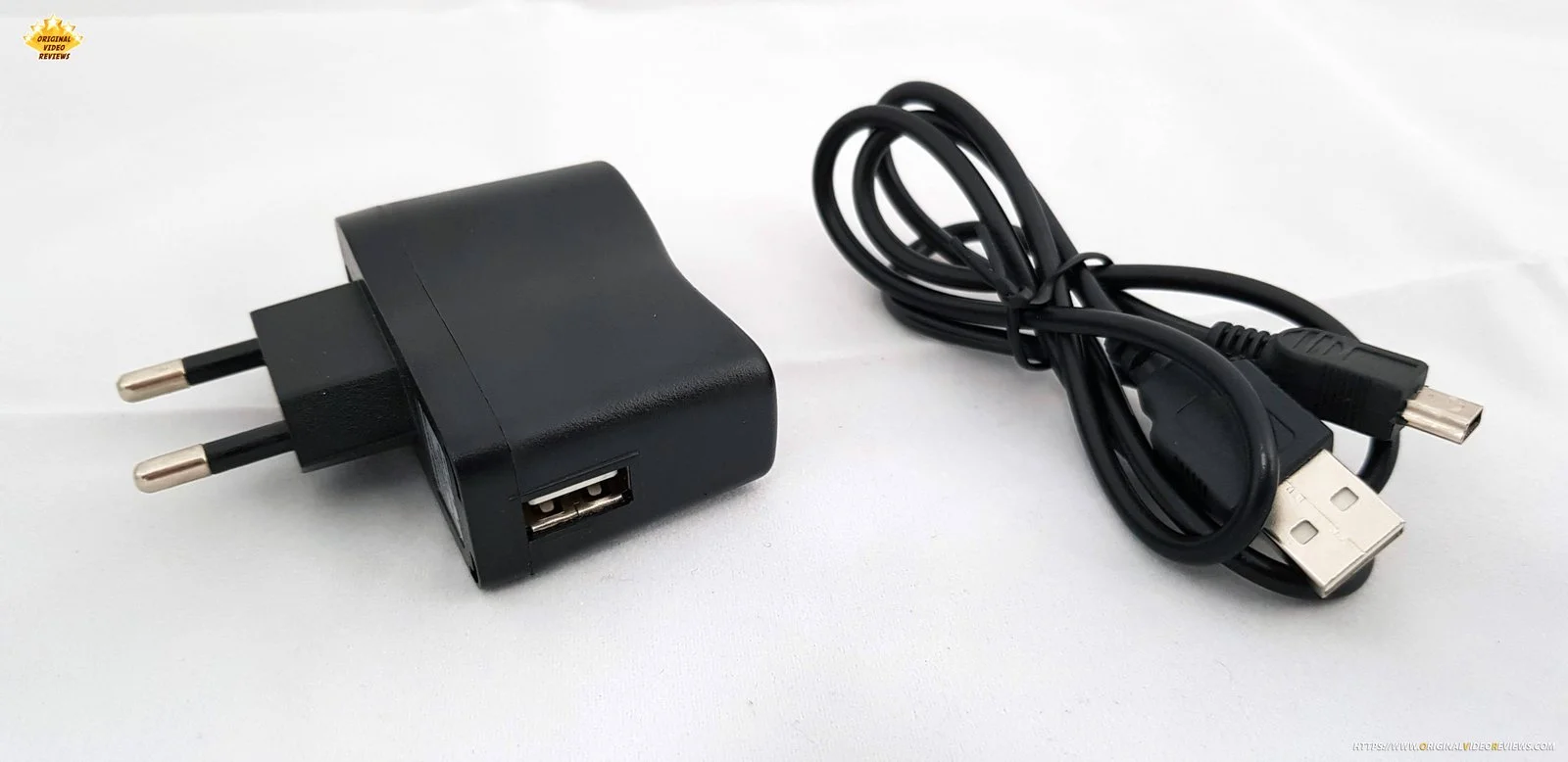
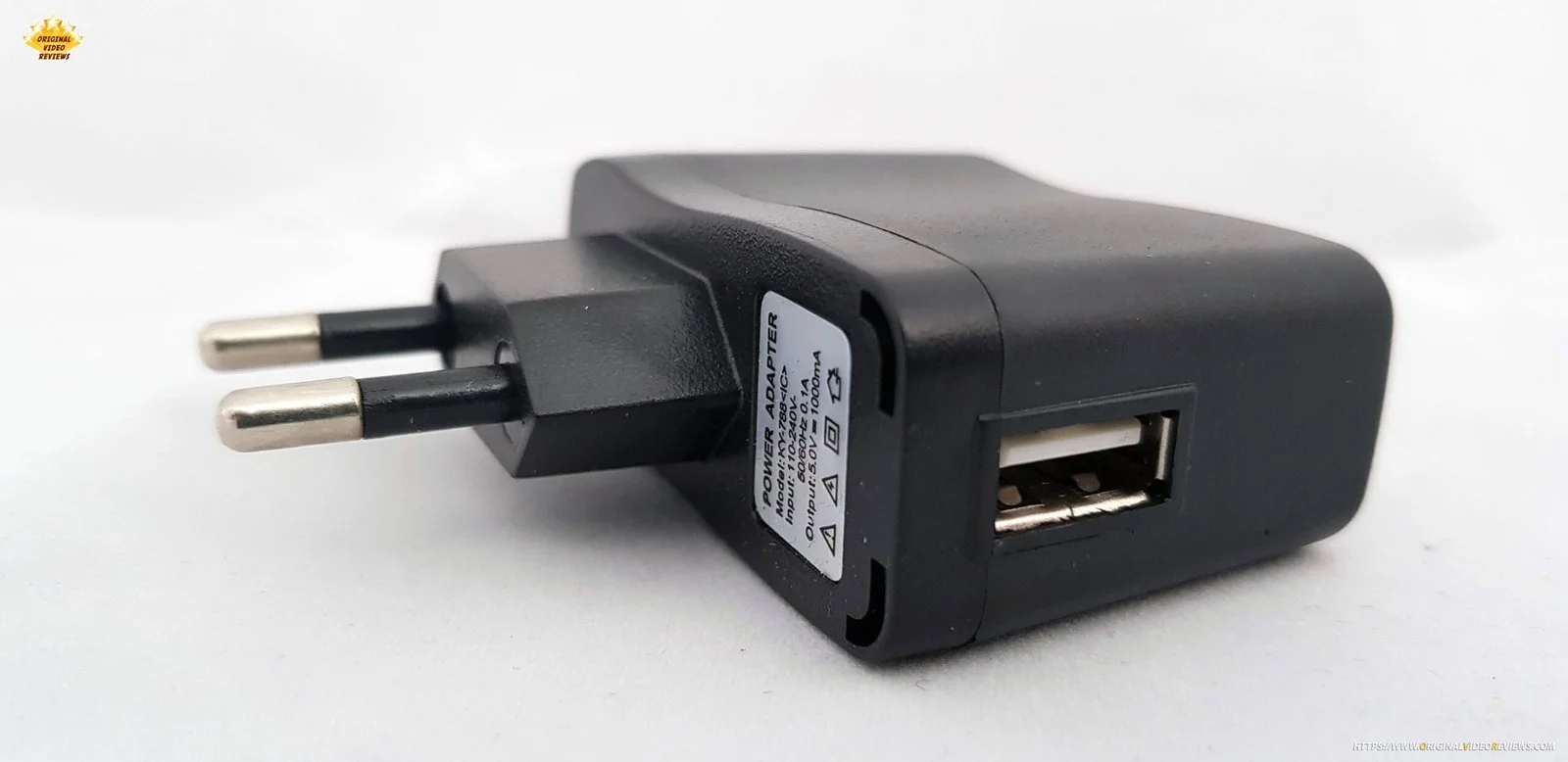
| Power supply | DC 5.0V |
| Interface | USB 2.0 |
Software & Compatibility
| Operating System | Windows, MacOS |
| Languages | English, German, Italian, Spanish, French, Chinese, Japanese |
Inside the box
Pros
It works!
No need to install any software/application or connection to the computer (except the power supply itself).
It is very simple to operate the device itself (excluding figuring out how to use films, which not everyone is familiar with).
Cons
Built quality and screen resolution is simple.
Saves files only in JPEG (which is fine for me, yet maybe this will not be good for some people).
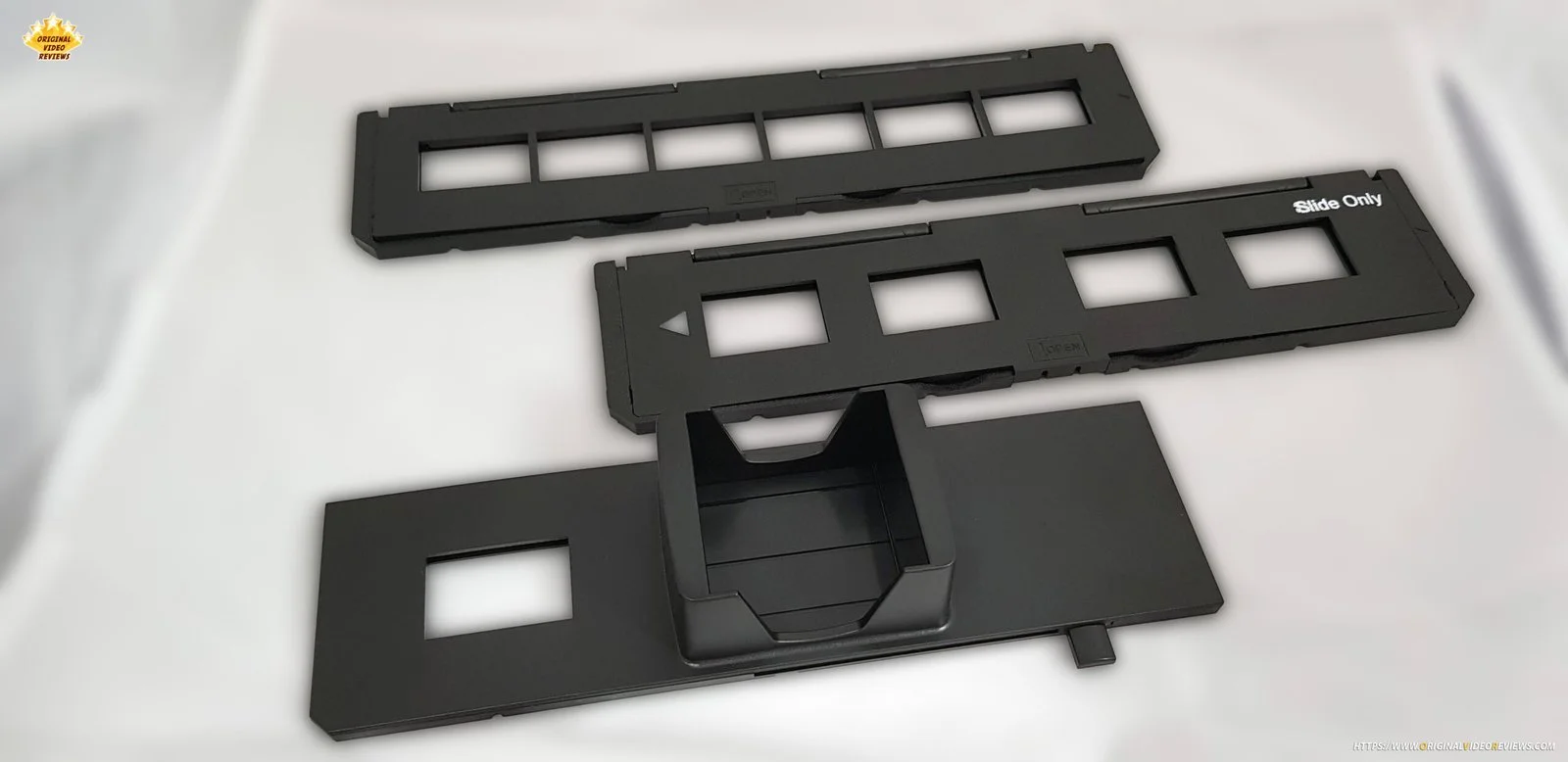
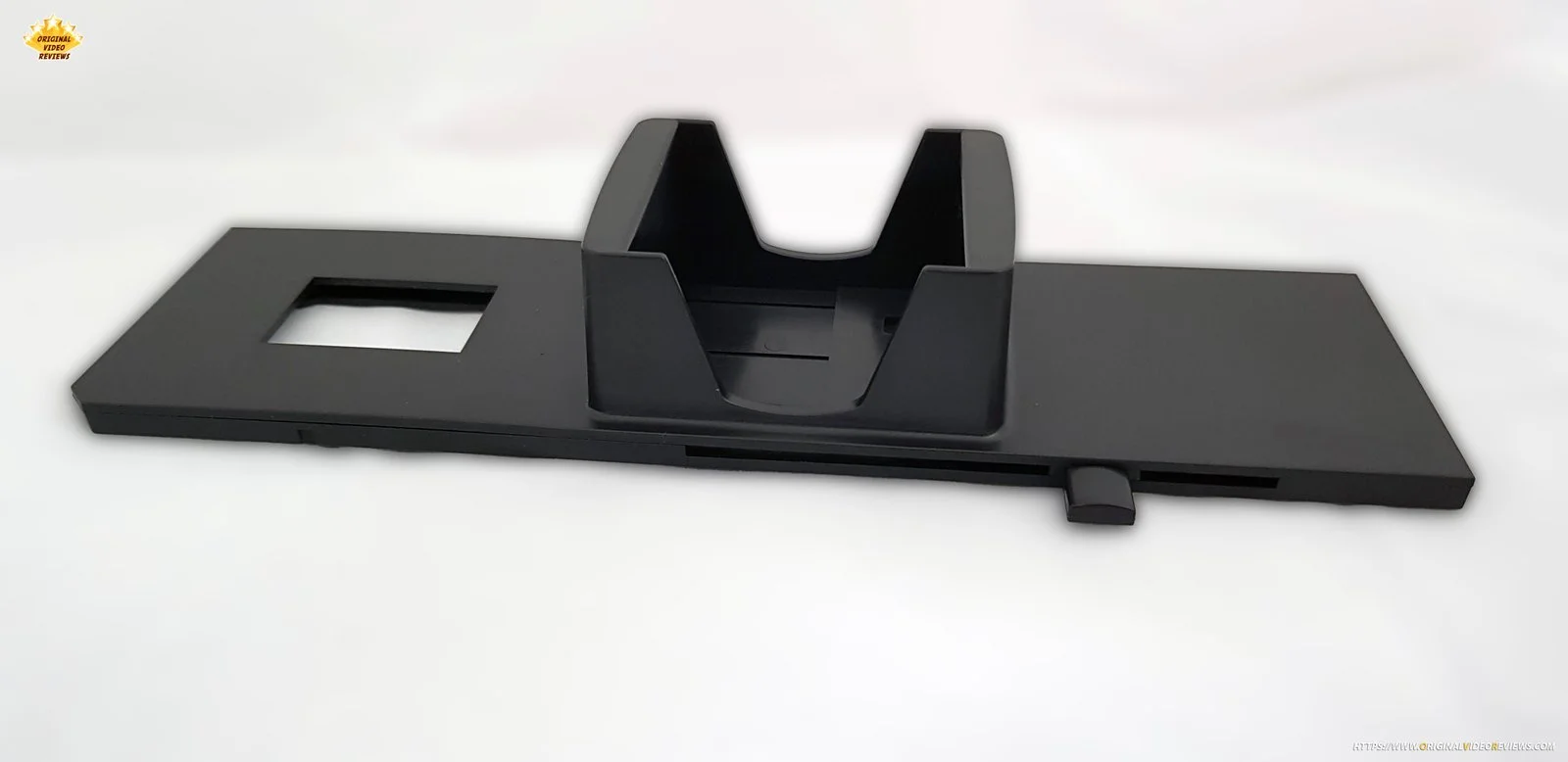
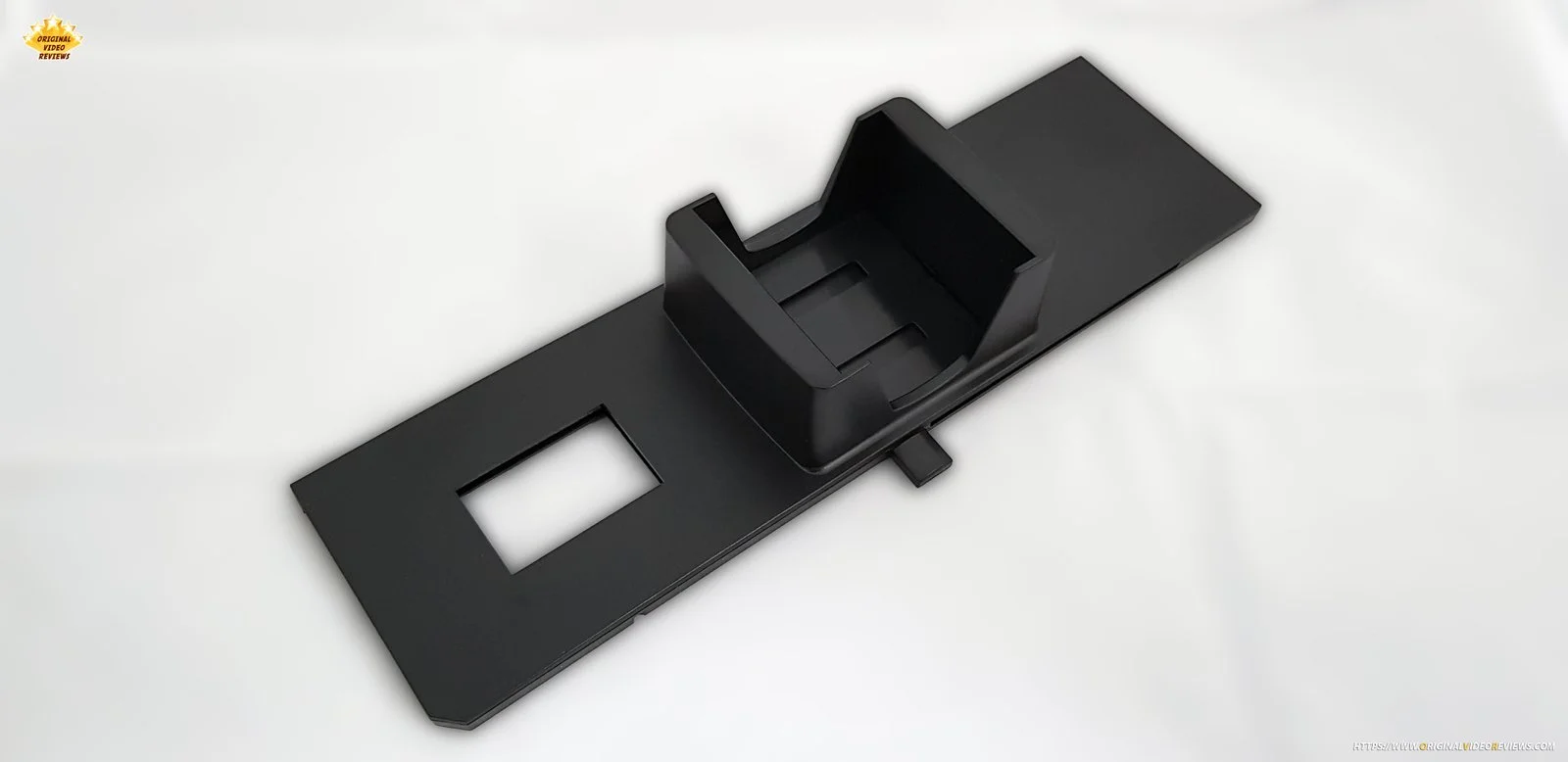
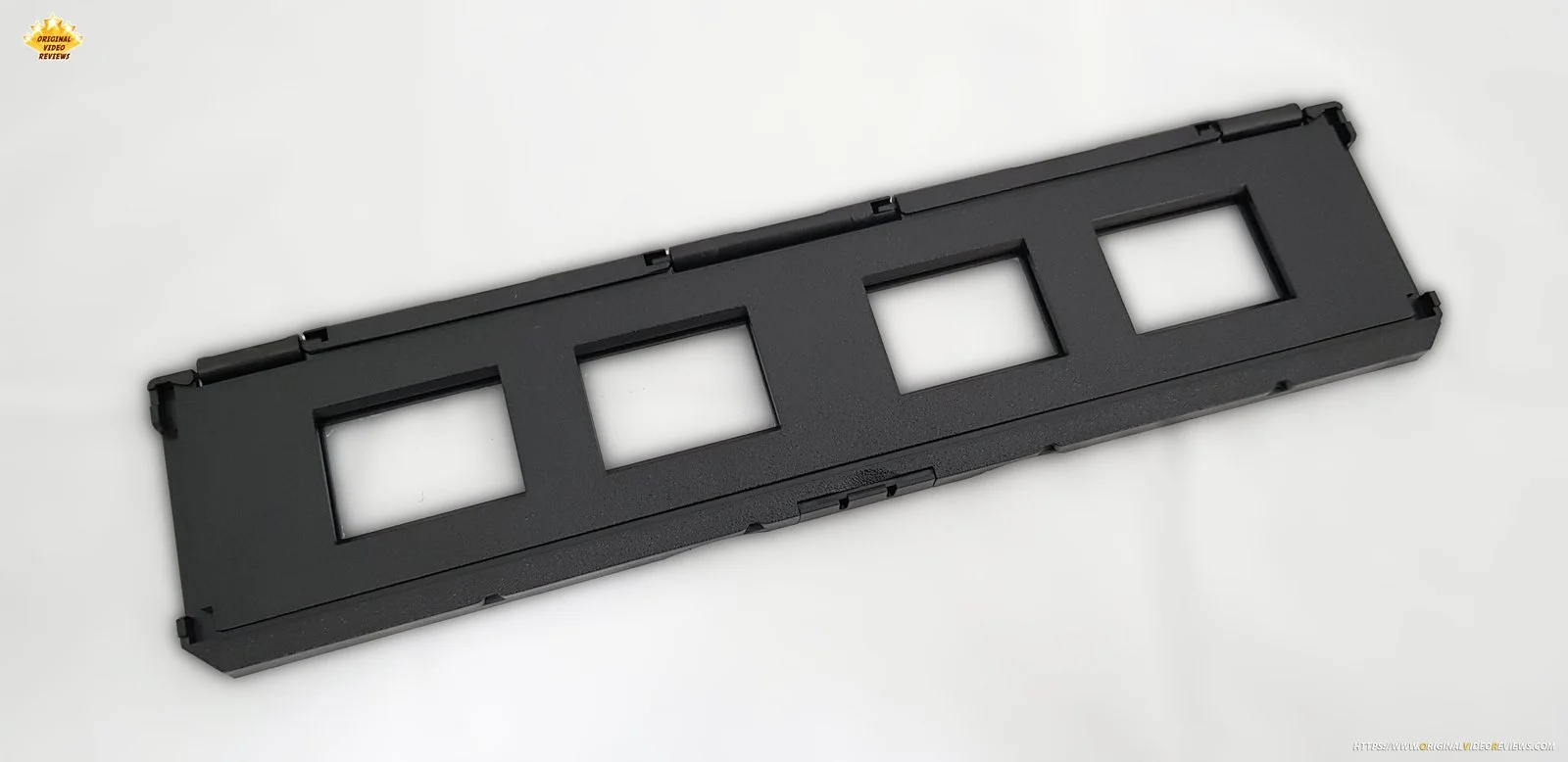
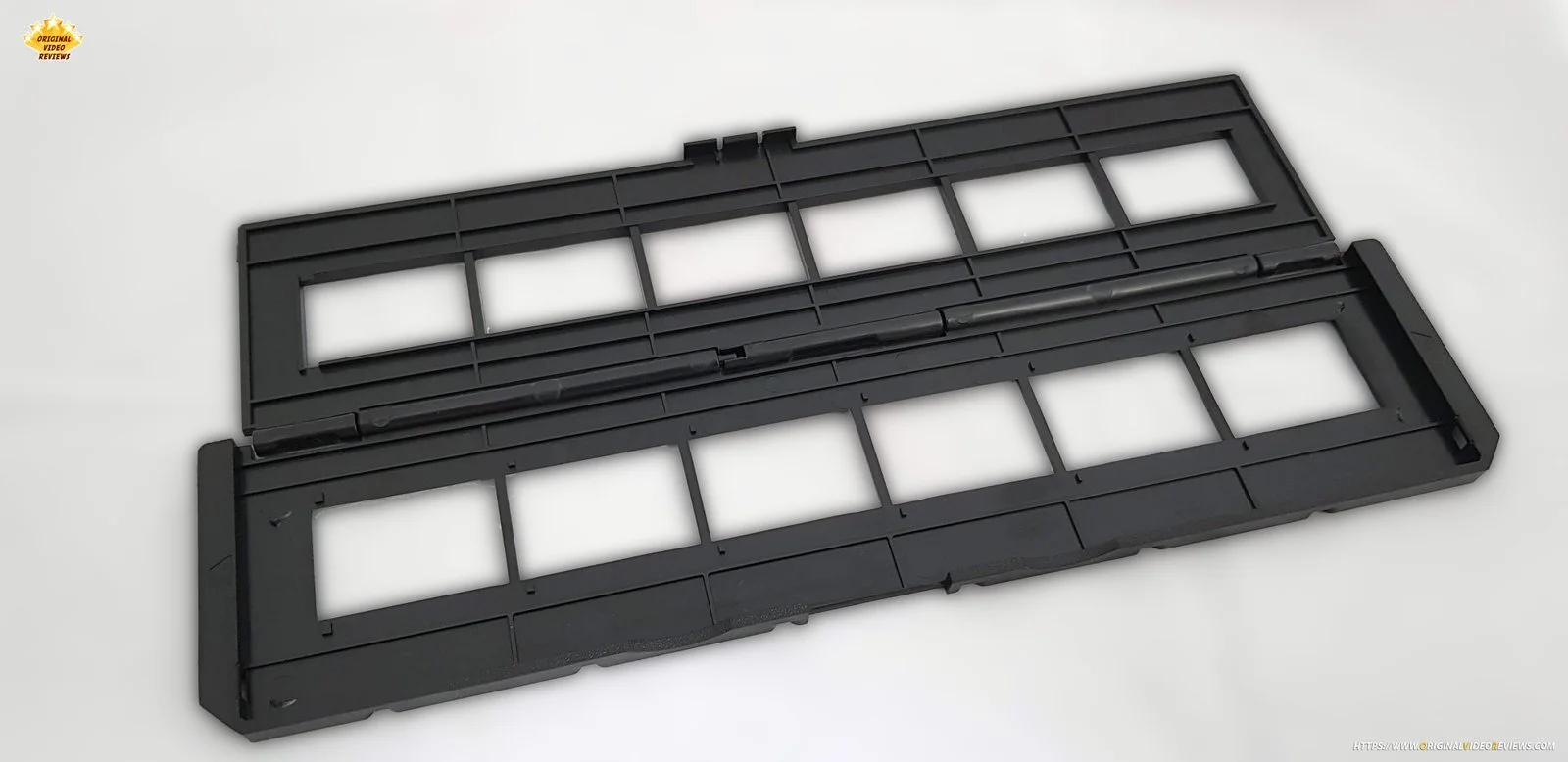
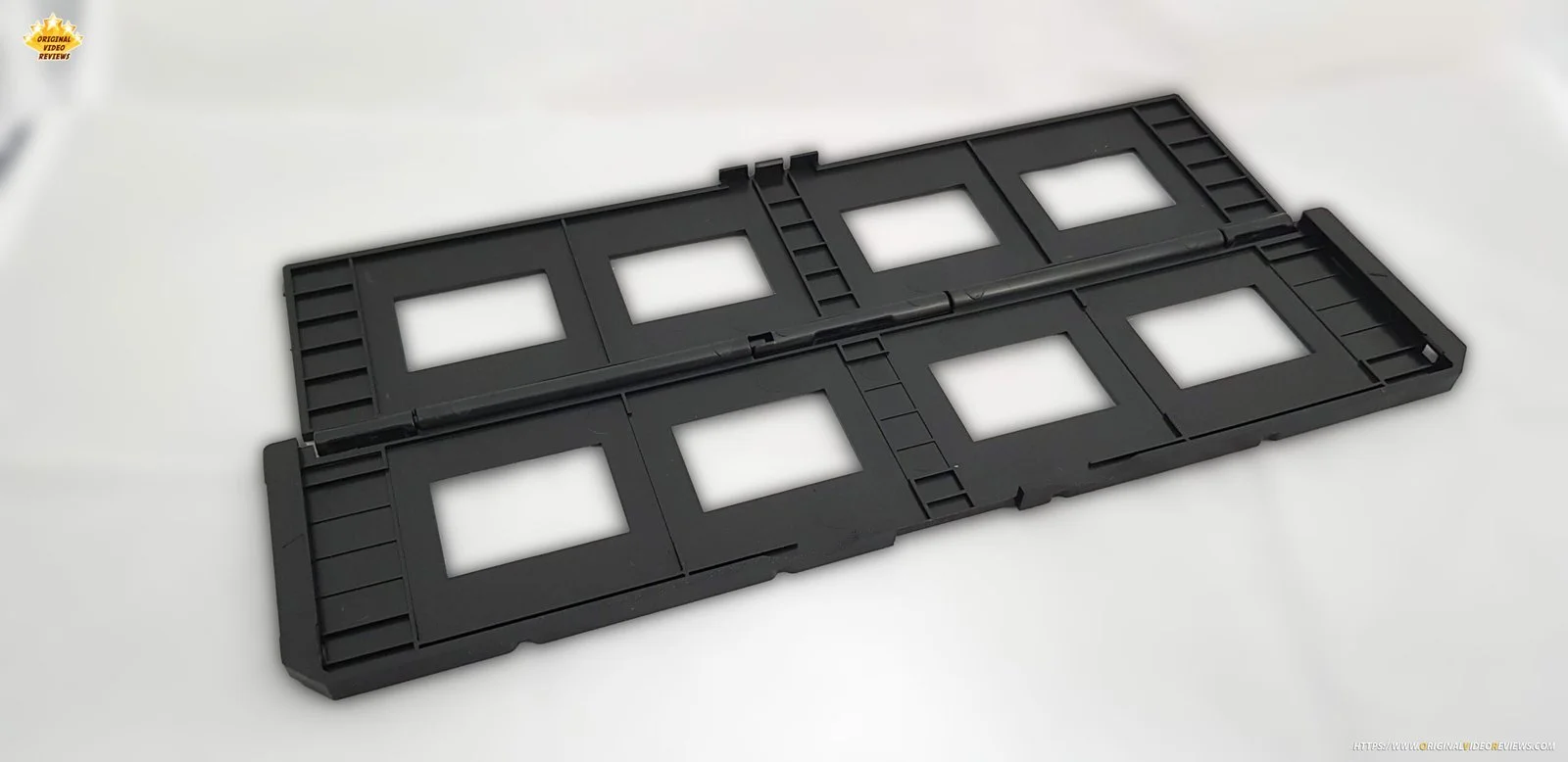
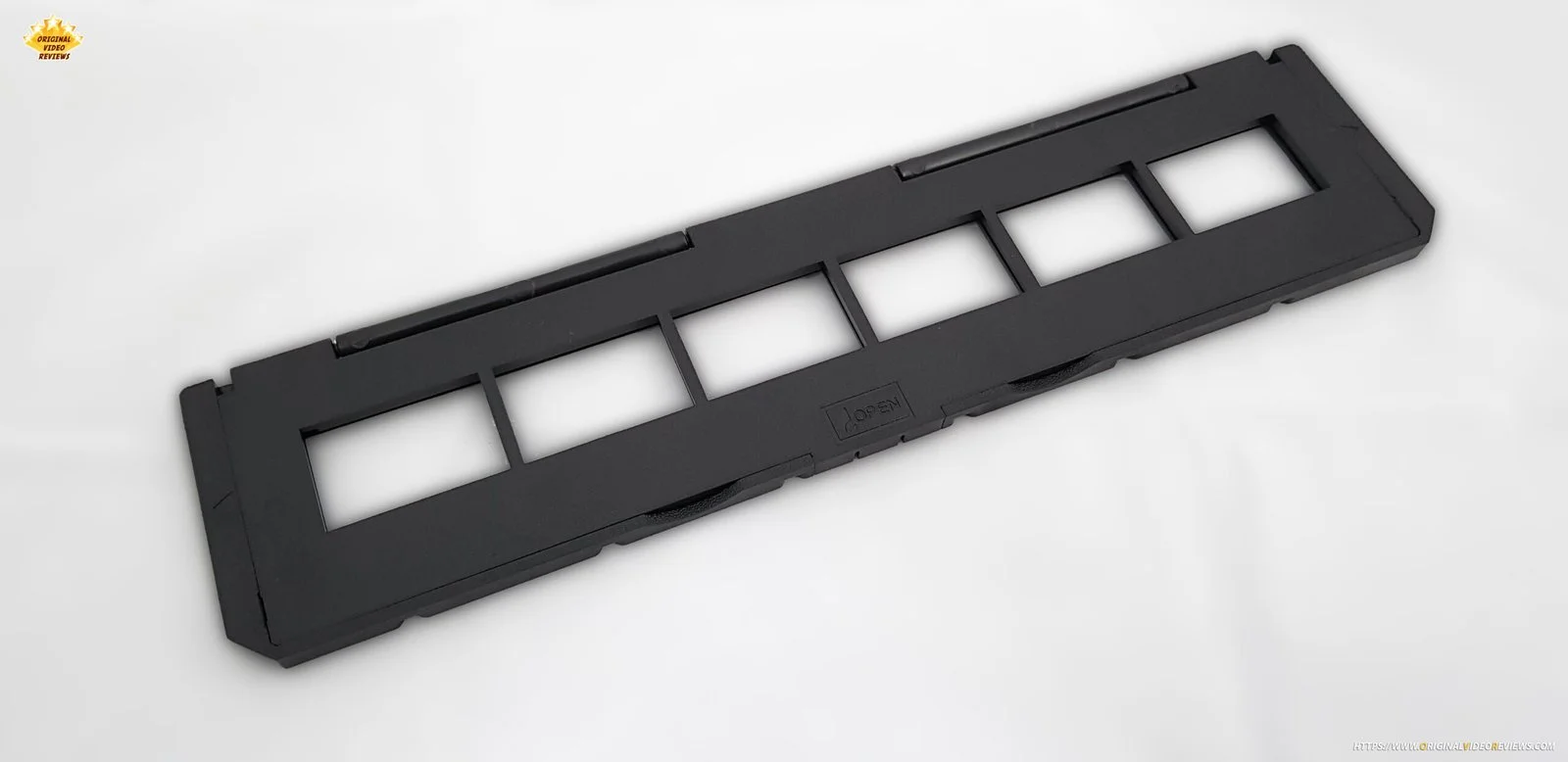
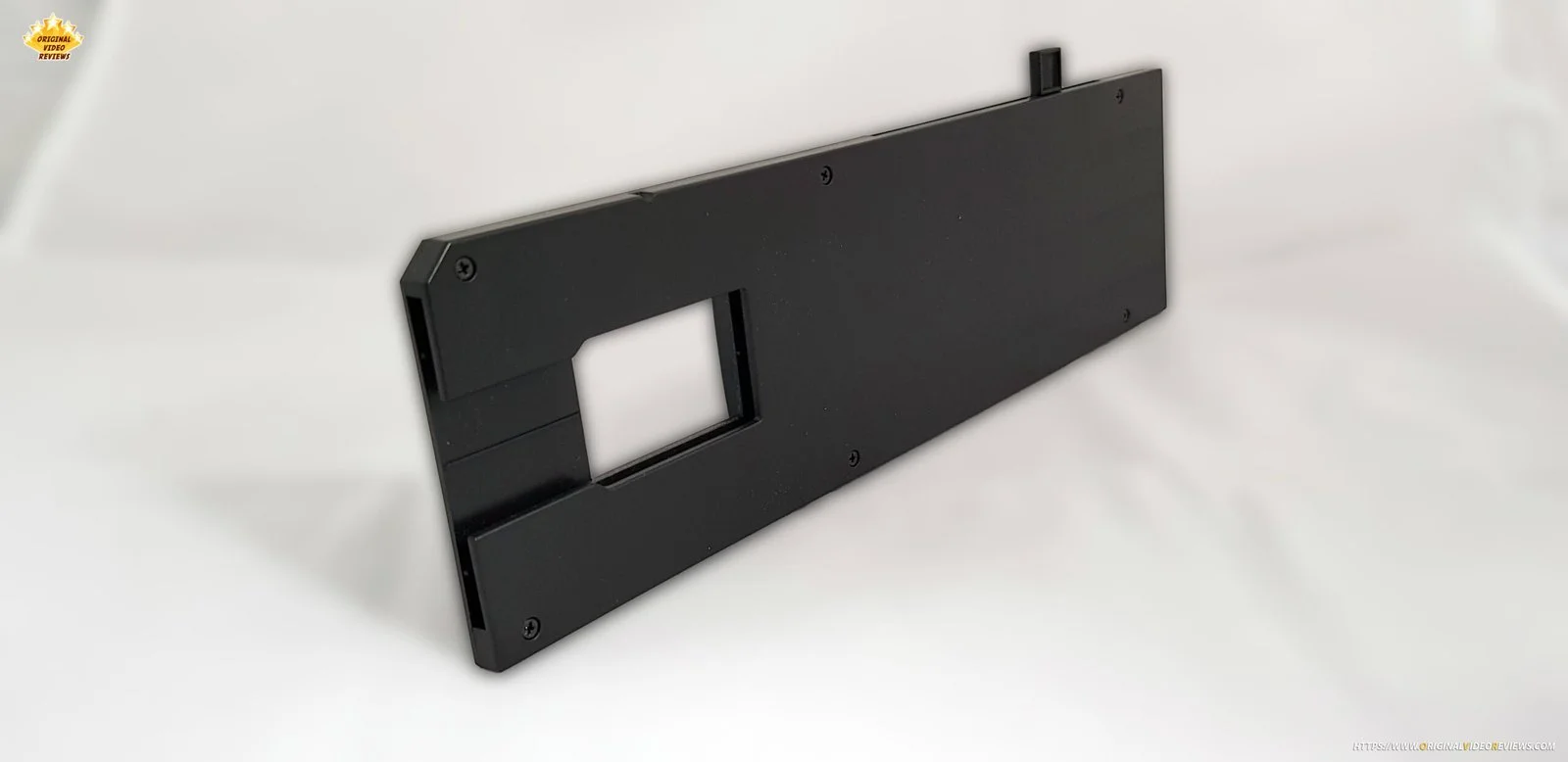
It feels like film feeders might break if you put too much pressure on them.
Overall Verdict
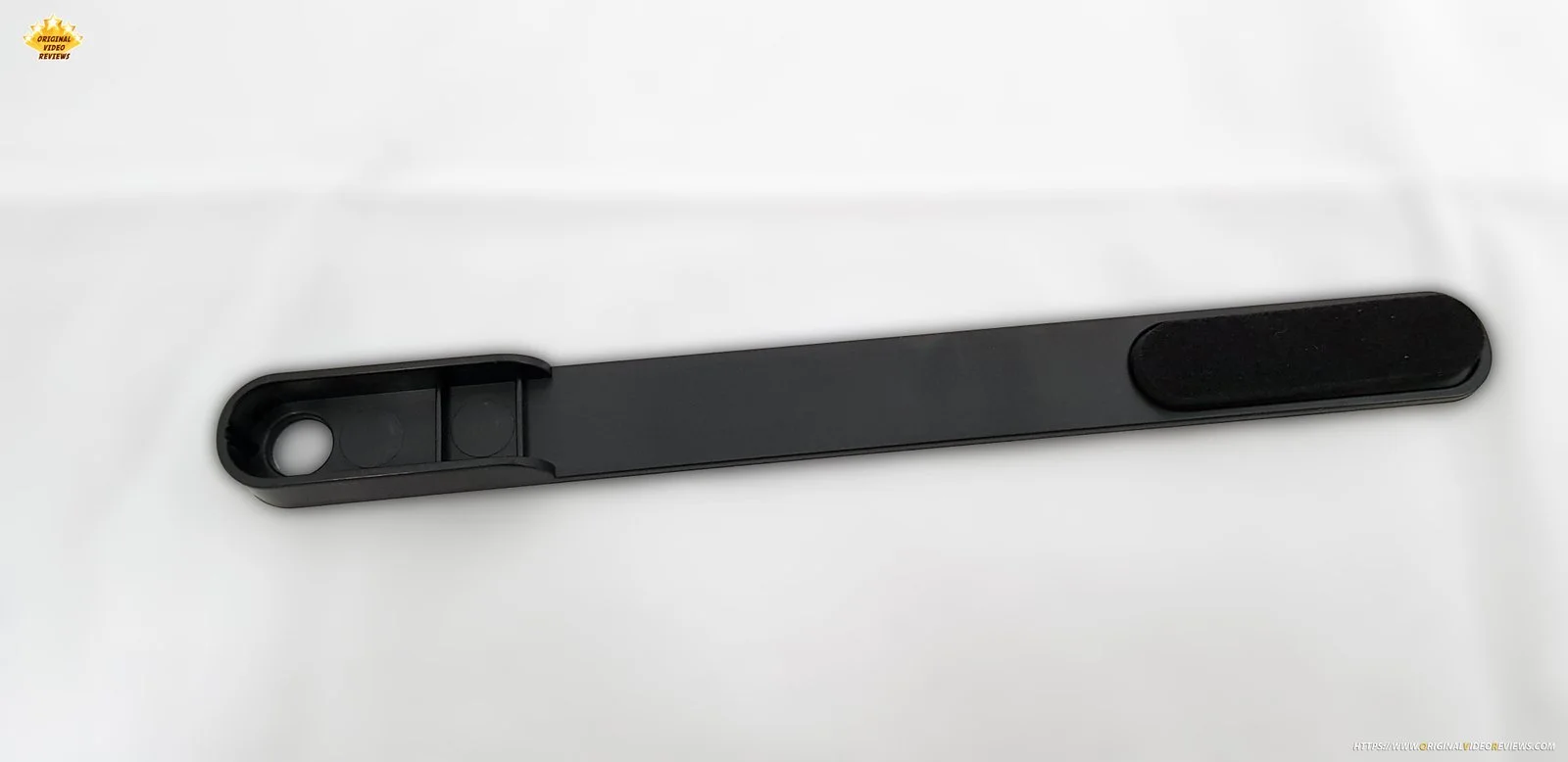
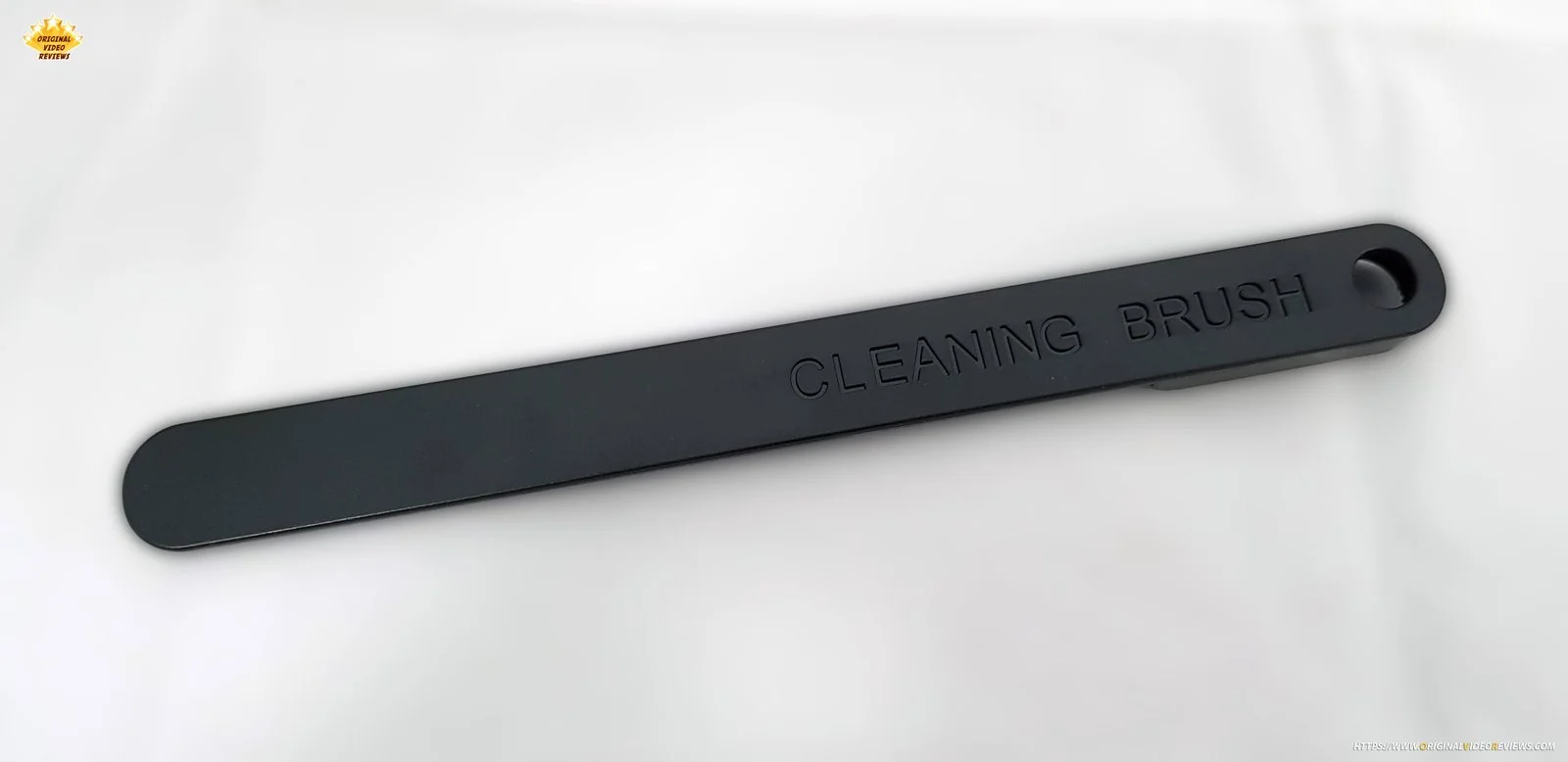
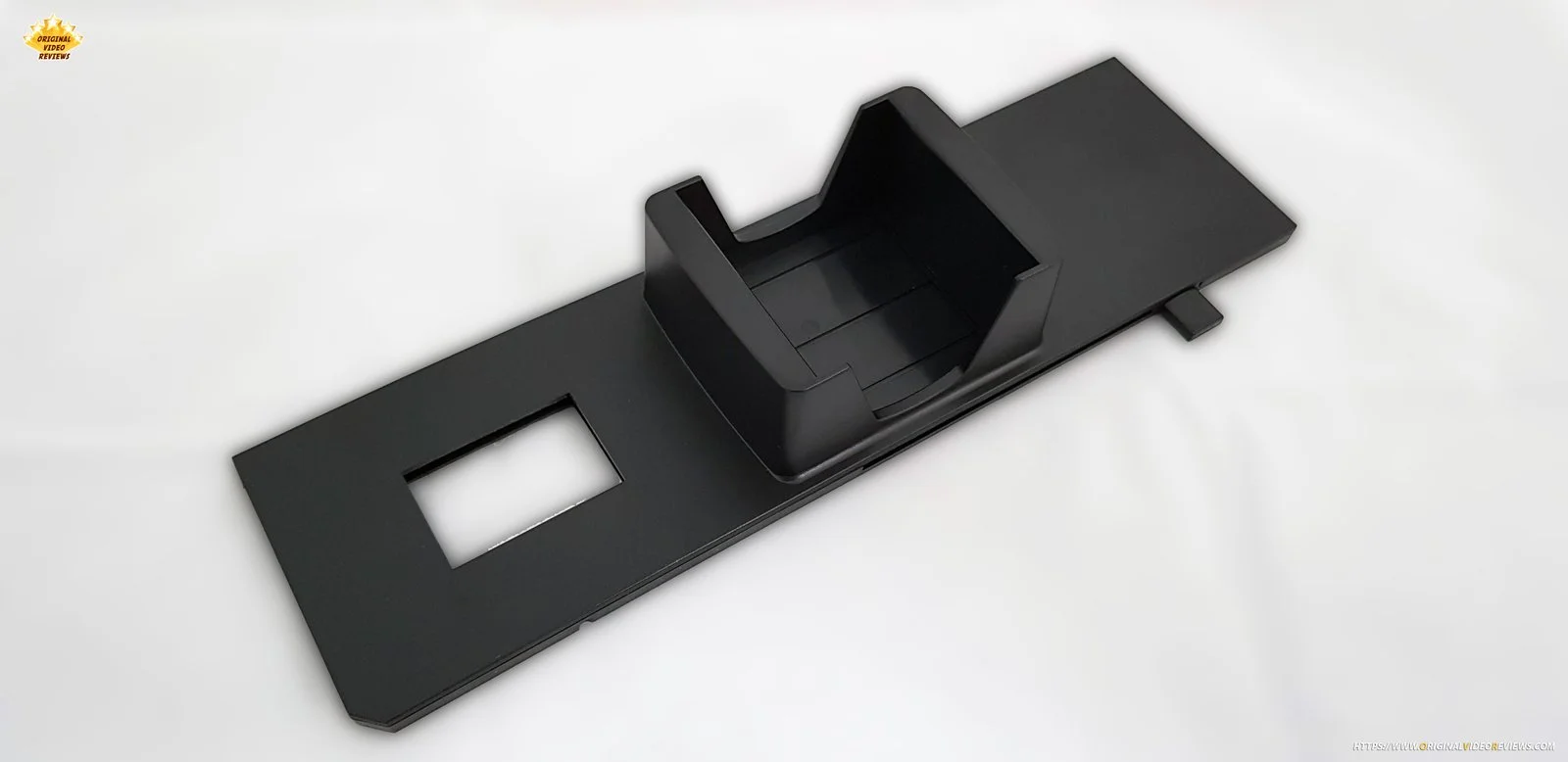
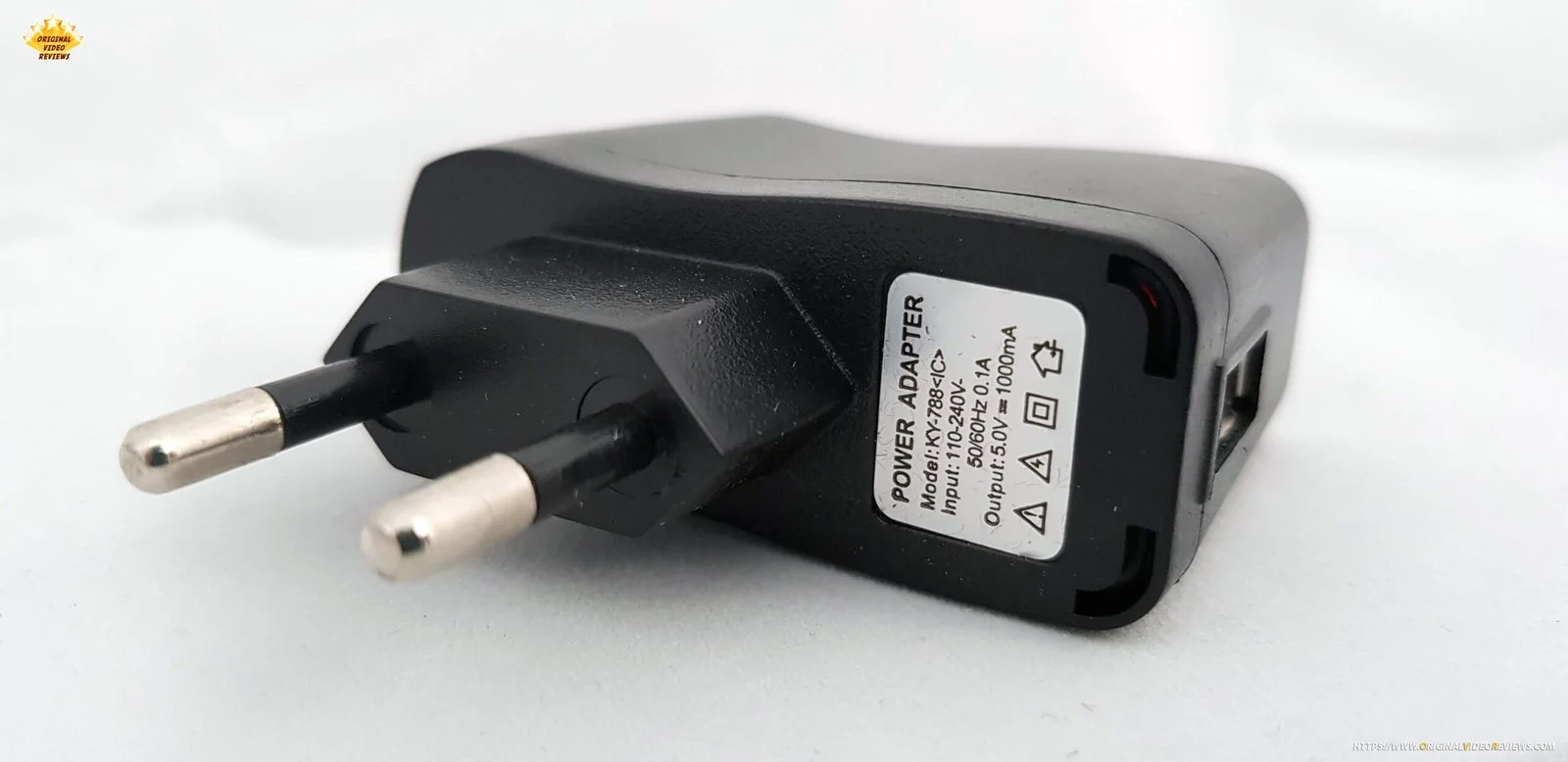
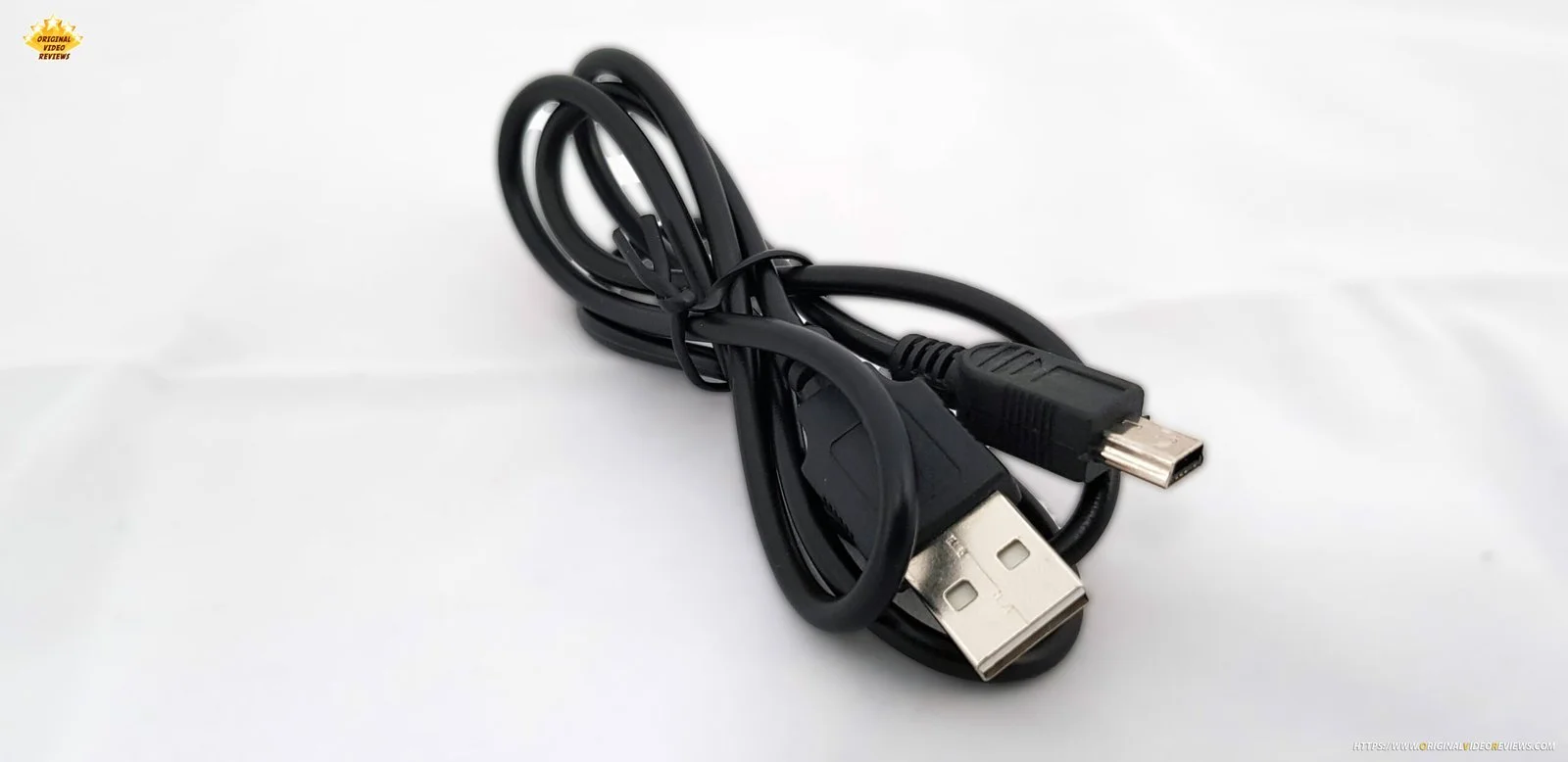
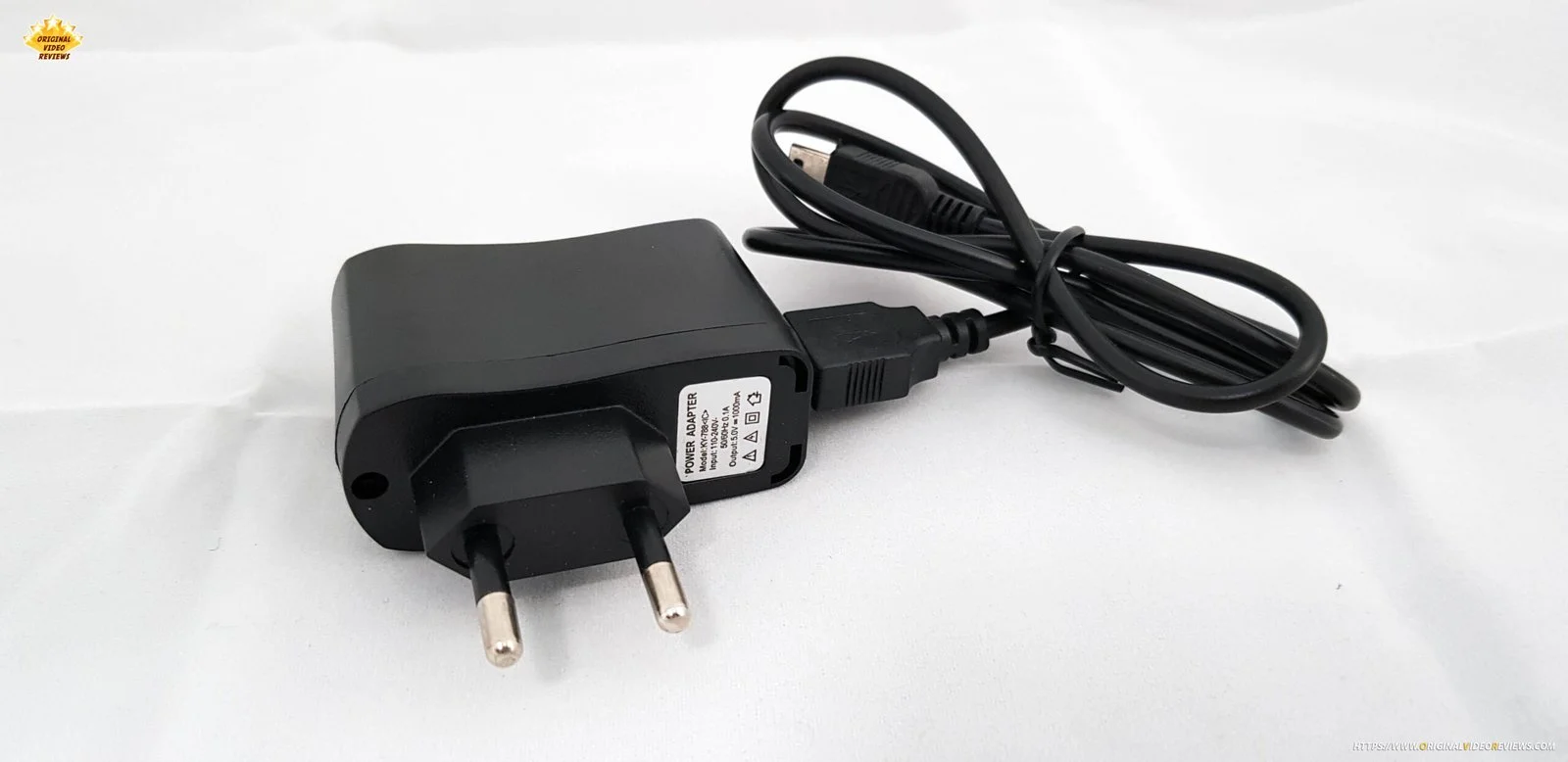
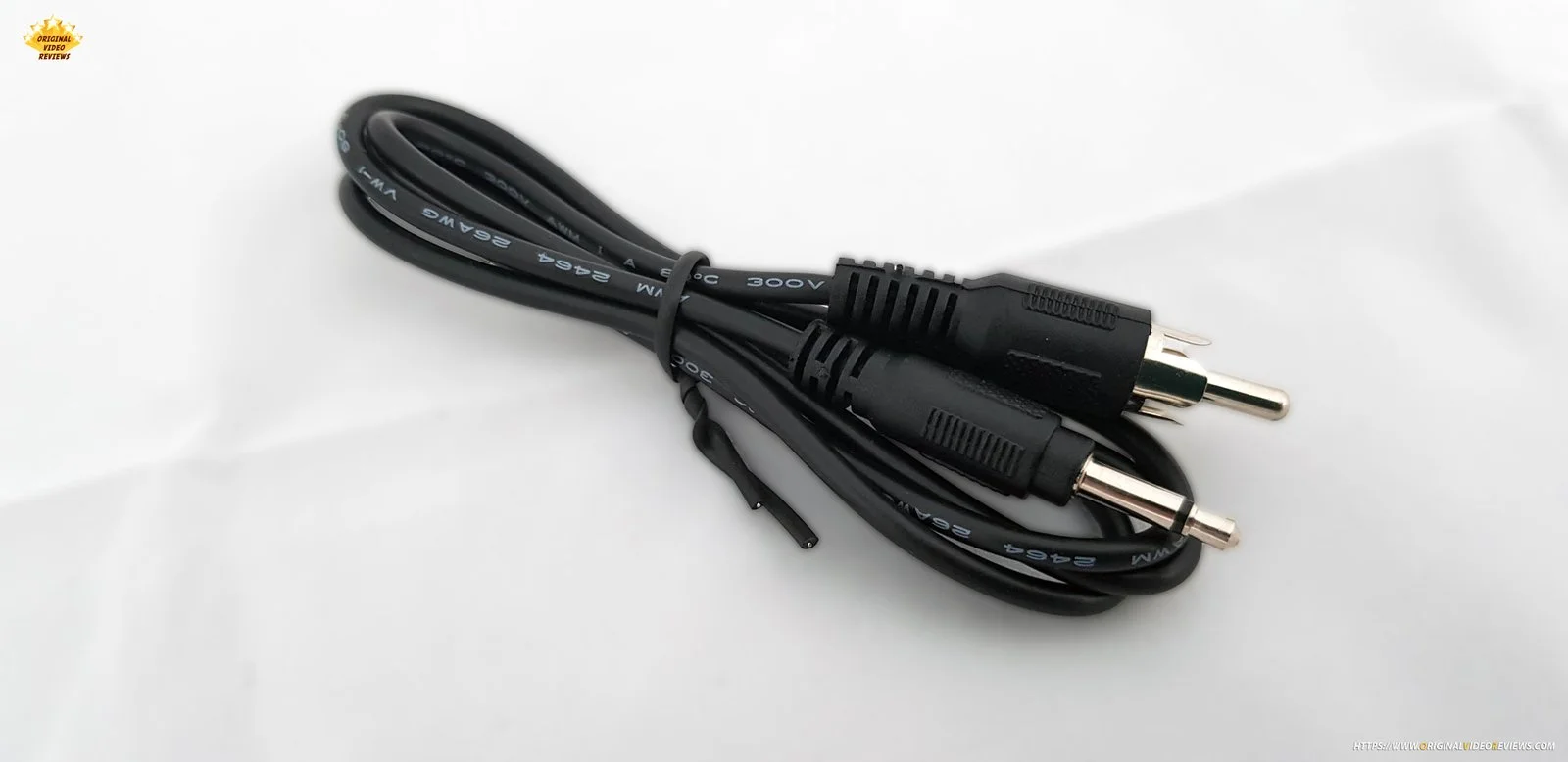
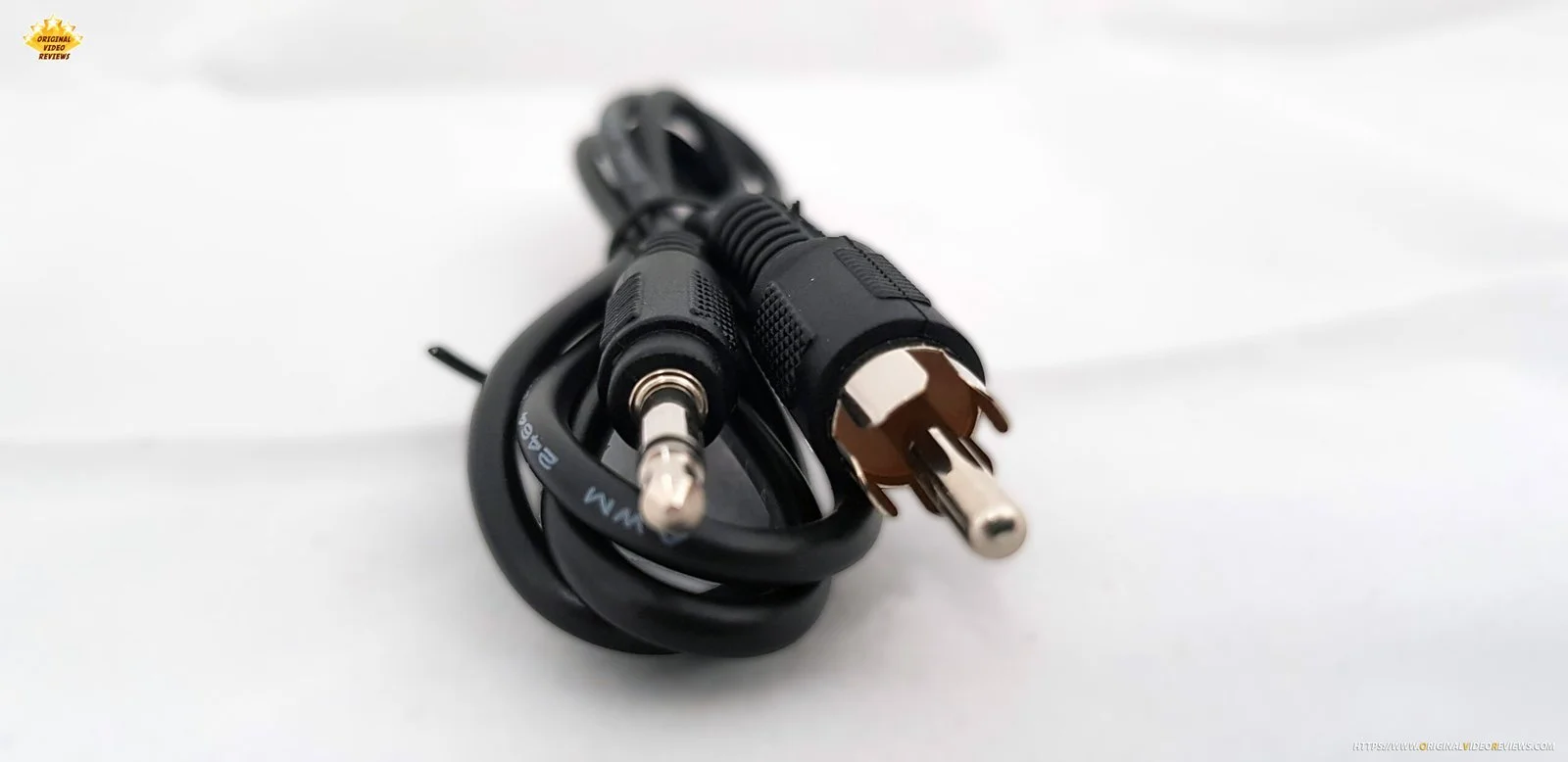
The USB Film Scanner is a simple, practical way to digitize old negatives and slides without a computer. You insert the film, frame it on the built-in 2.4 inch screen, press the scan button and the JPEG is saved to an SD card (up to 32GB), which you then move to your PC or Mac. In the box you get three film holders, a TV out cable, a power adapter, a USB cable and a cleaning brush.
It has its limits. Loading the film into the holders takes patience, the screen is only good for framing and not for judging quality, and the scans won't be better than the original film. You also need to bring your own SD card, because the scanner has no internal memory and none is included.
If you have boxes of old family negatives and slides and want an affordable way to preserve them, this scanner gets the job done.
An affordable, no-computer way to digitize old family negatives and slides, as long as you accept fiddly loading and scans that are only as good as the original film.
Where to buy
Below are links to purchase this USB negative film scanner (or similar models):
Photos
FAQ
Will this device work with my PC / MAC computer?
Once you scan the negative, it saves the file into the memory card, and you can load the memory card on your computer (PC or Mac).
Does the USB Film Scanner come with an SD card?
Which button starts the scan?
Why does the scanner connect to a TV?
Got questions about the USB Film Scanner?
Already purchased the USB Film Scanner yourself?
More Computer Accessories

Essential Computer Gear
Check out my full collection of computer accessories, including docking stations, hubs, peripherals, and more, all reviewed with a hands-on approach.
Explore All ReviewsSubscribe OVR channels
Choose the channels you like and subscribe on YouTube.
Disclaimer
This post contains affiliate links.
Please check out my disclosure policy for more details.
Thank you for your support & understanding!

Comments