In-Depth Review

USB Tape Cassette Converter Turn old audio cassettes into digital files over USB

By OVR Guy
|
January 24, 2016
USB Tape Cassette Converter review thumbnail - old cassette tape being converted to digital audio over USB

Overview

I picked up this USB tape cassette converter to start converting my old audio cassettes and save some space, while holding onto those old memories before they're gone for good.

To put it to the test, I gathered a whole stack of old cassettes, and it turns out I have quite a few, including one I hadn't expected to find: Michael Jackson's "Dangerous" album, a cassette I actually won as a gift years ago and that was the soundtrack of the beginning of the 90s for me. I'm hoping this device turns out to be a good one, since I'm counting on it to get through all these tapes.

Beyond helping you decide whether this device is worth it, I hope this also works as a small lesson for the younger generation, who might not be familiar with cassette tapes or know how people used to listen to music before YouTube and Spotify.

Watch The Review
See the USB tape cassette converter in action below before diving into the detailed breakdown.

Product Description

Brand
N/AManufactured by different sellers under different labels
Model No.
N/A
Type
USB Cassette Player / Converter

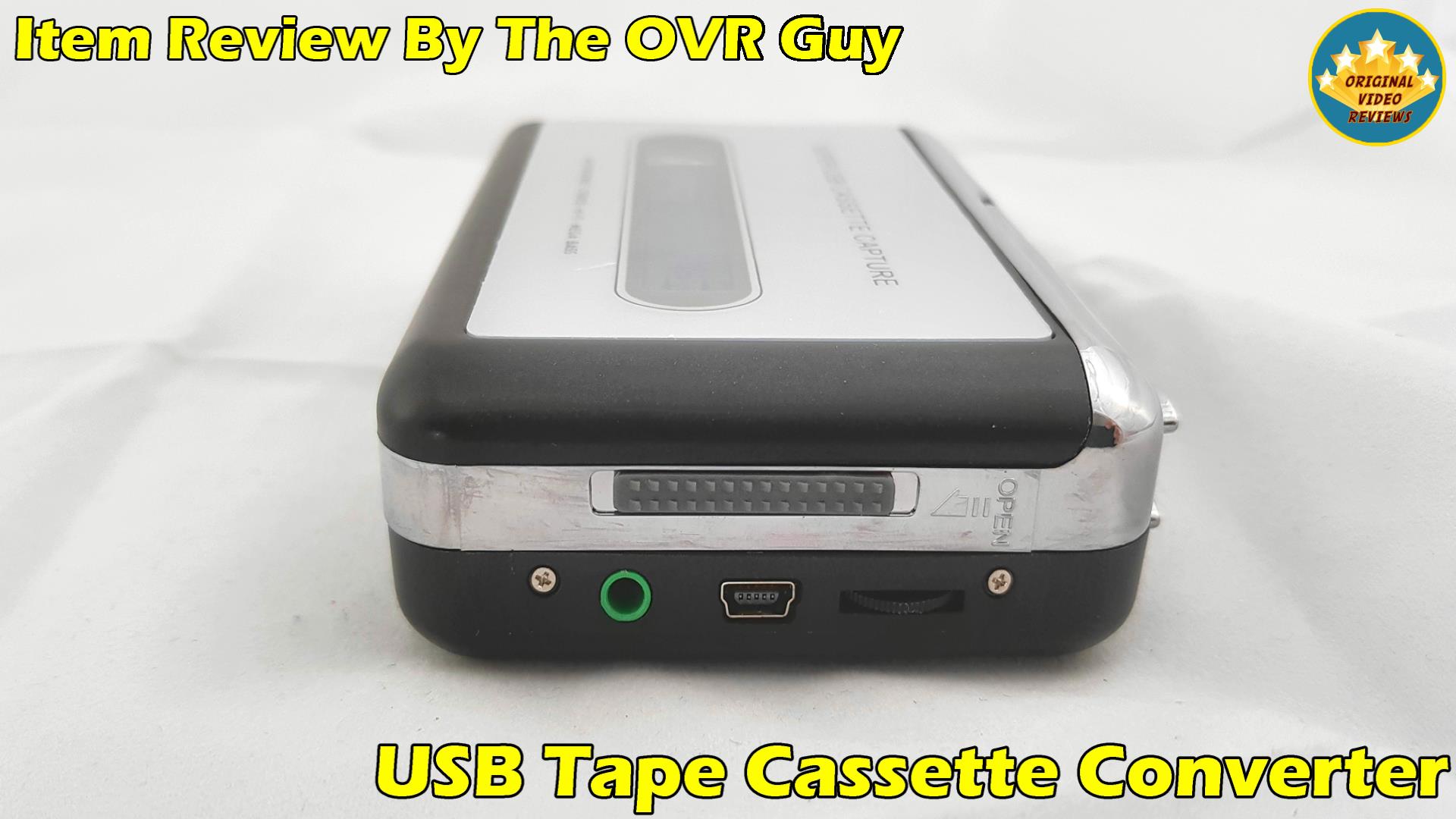
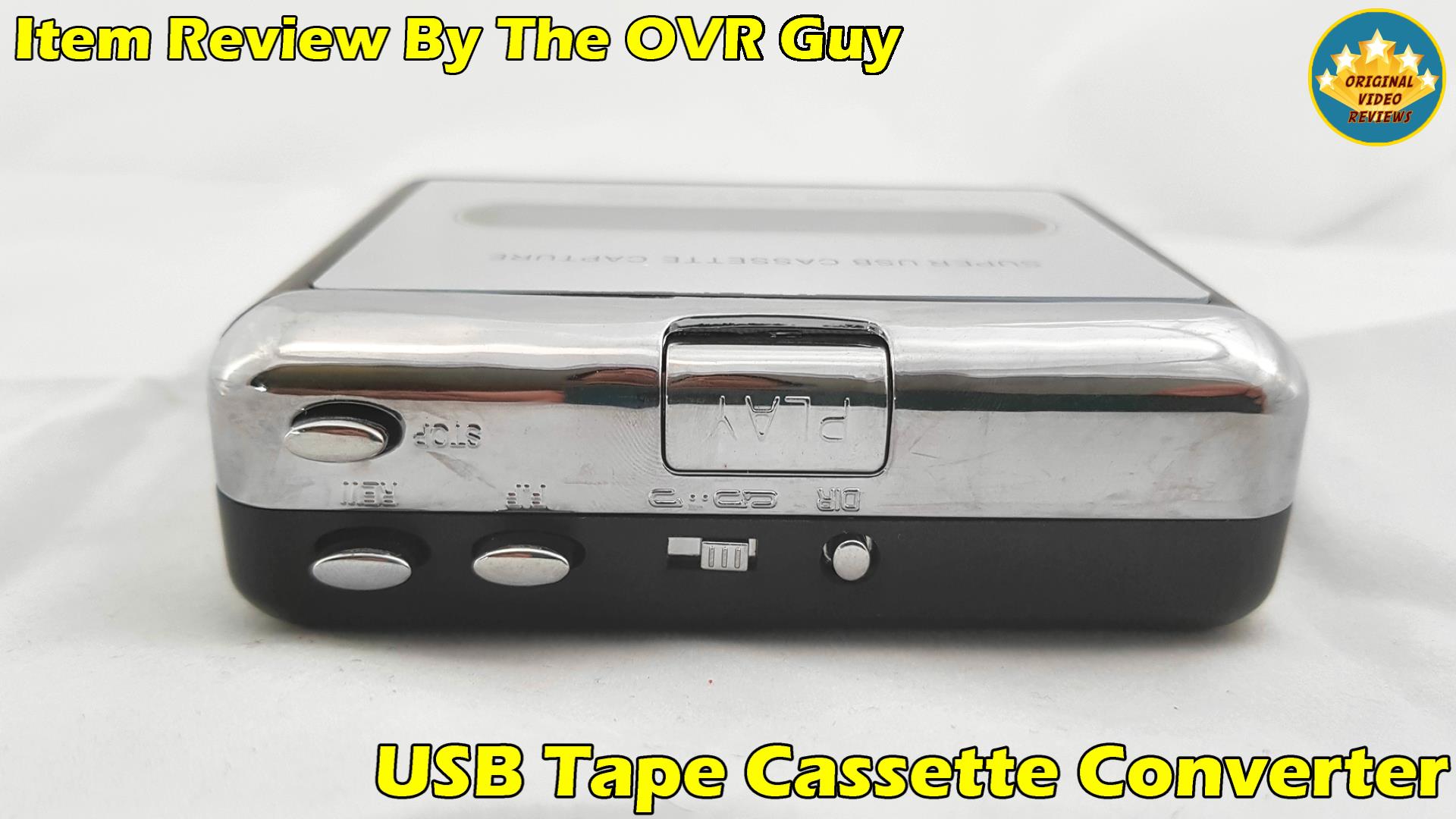
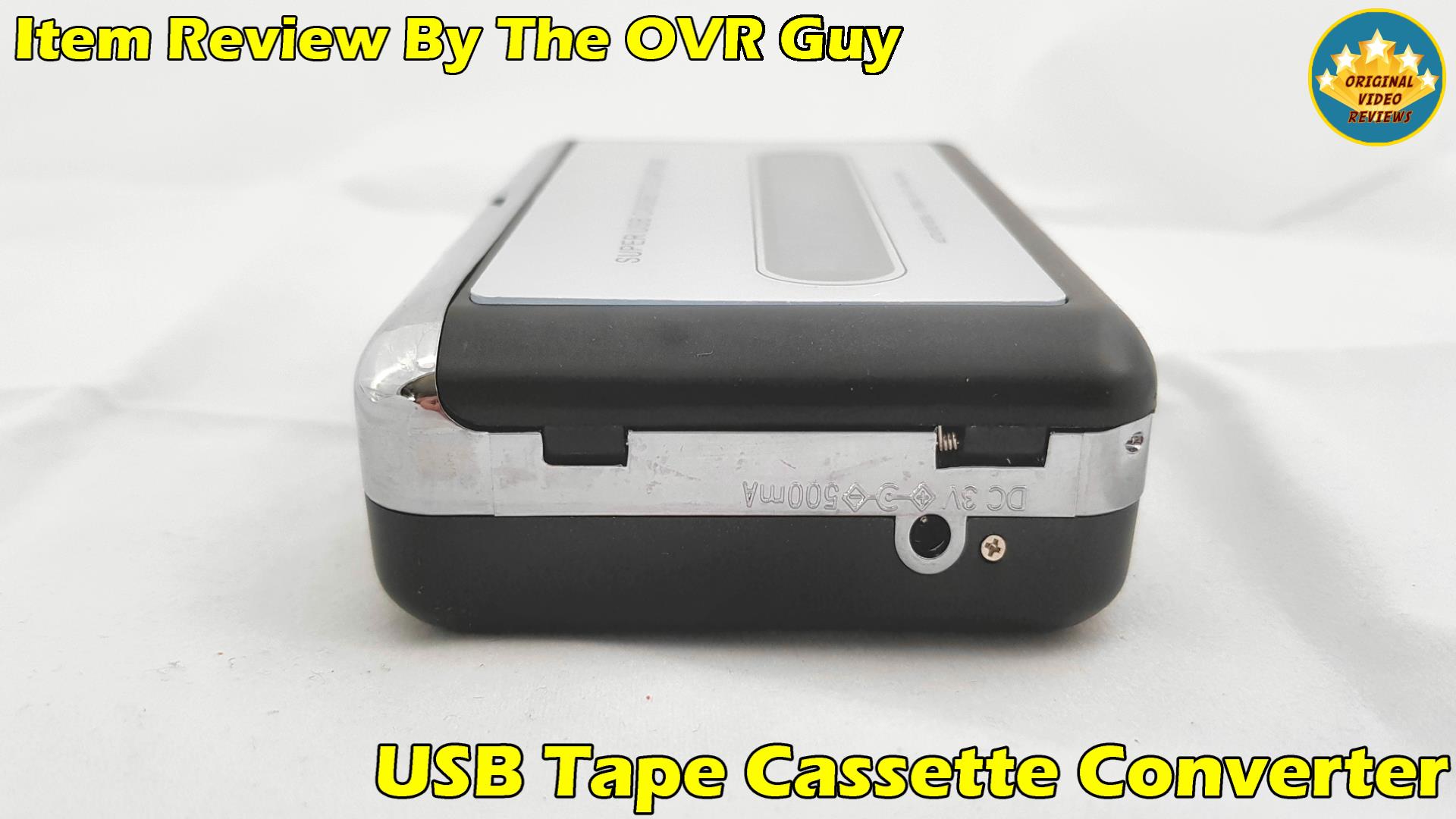
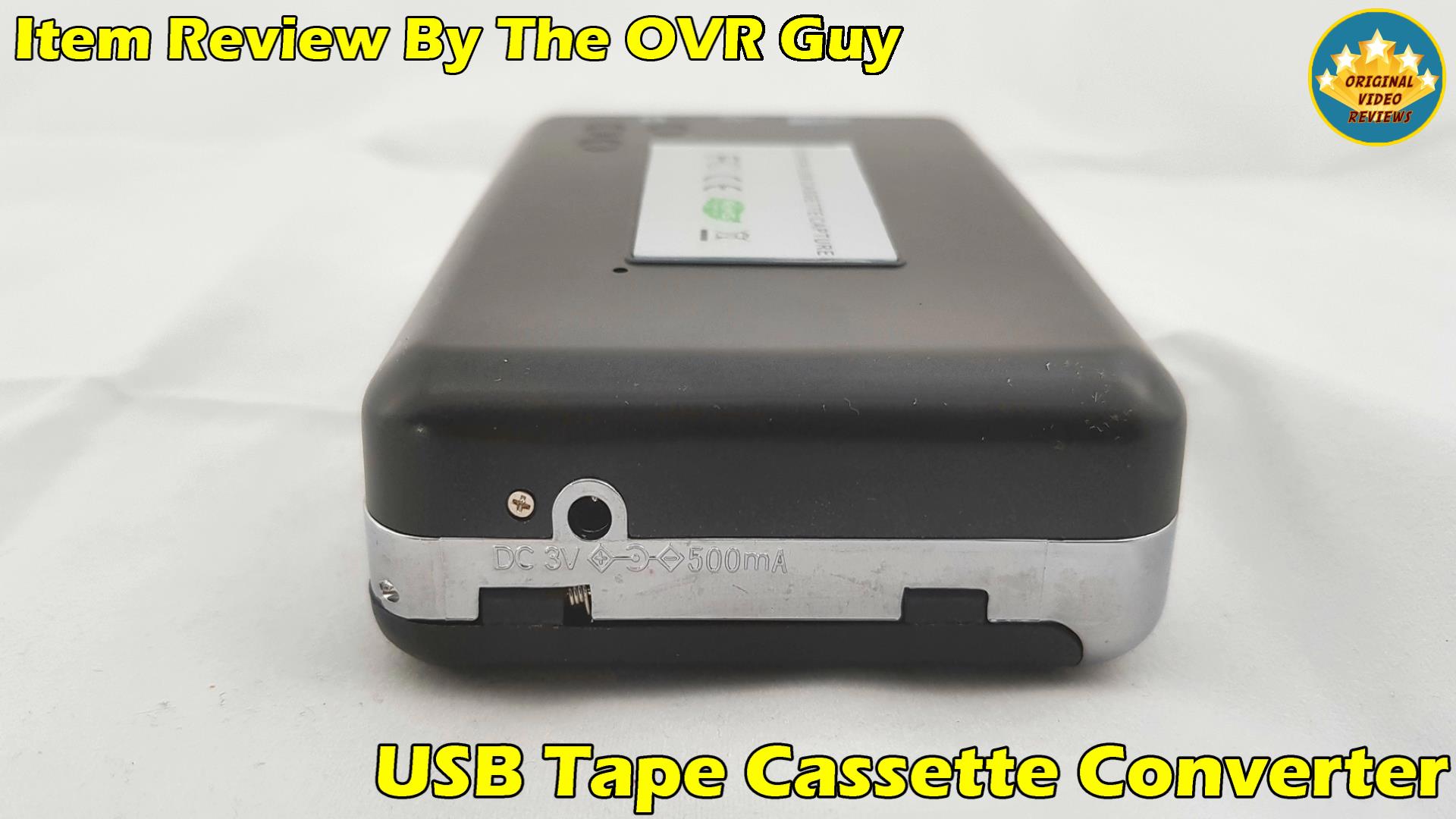
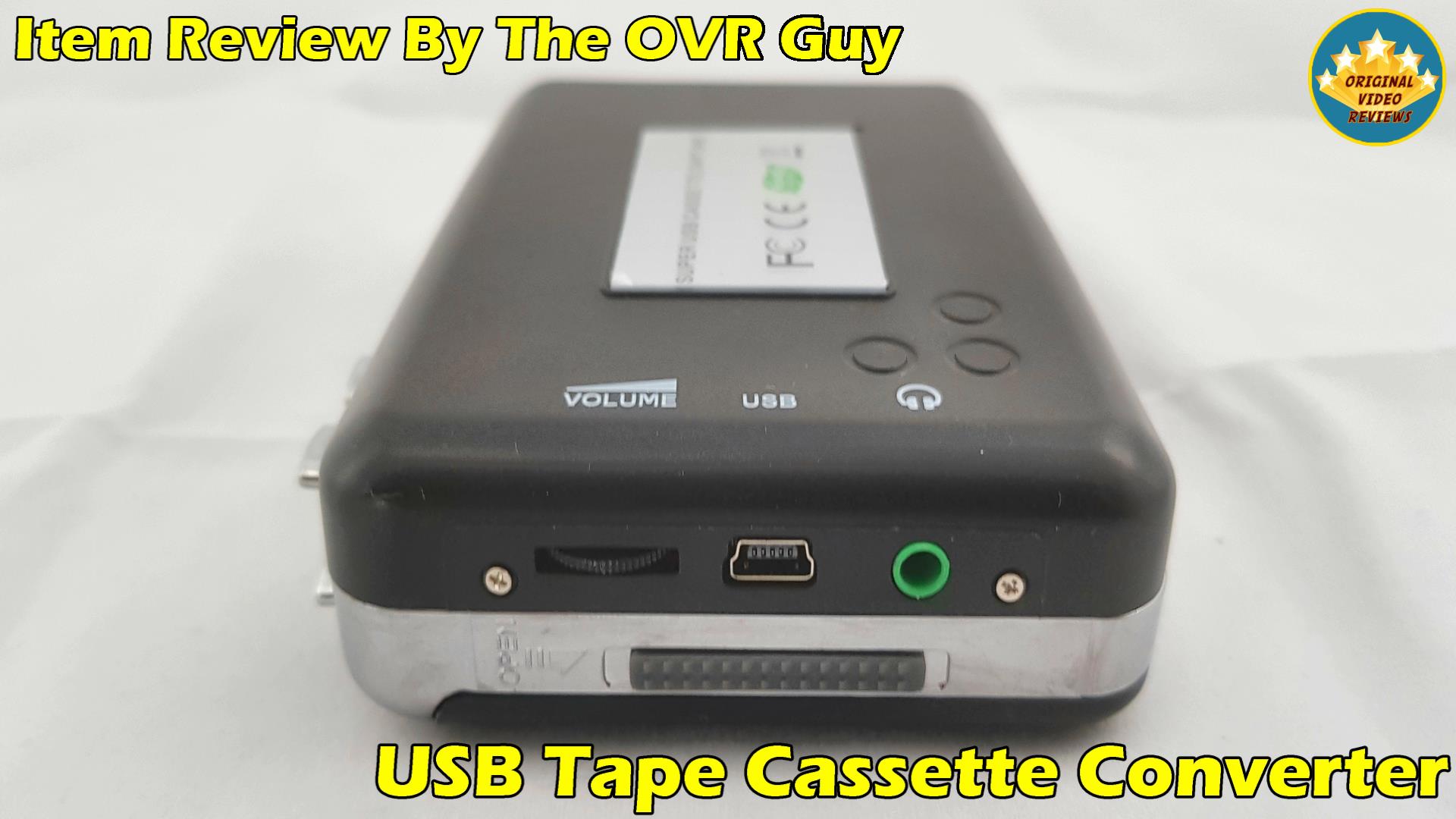
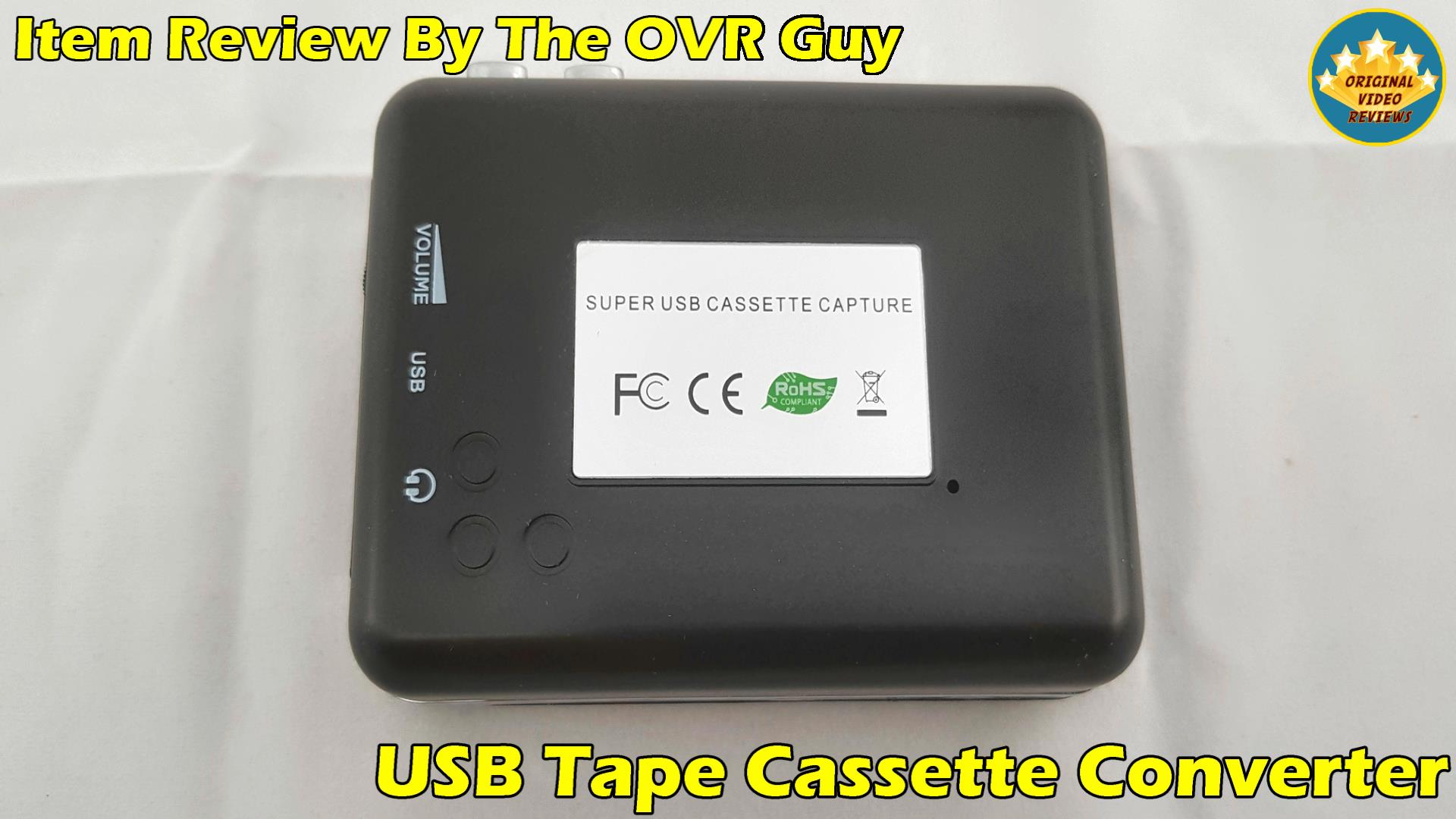
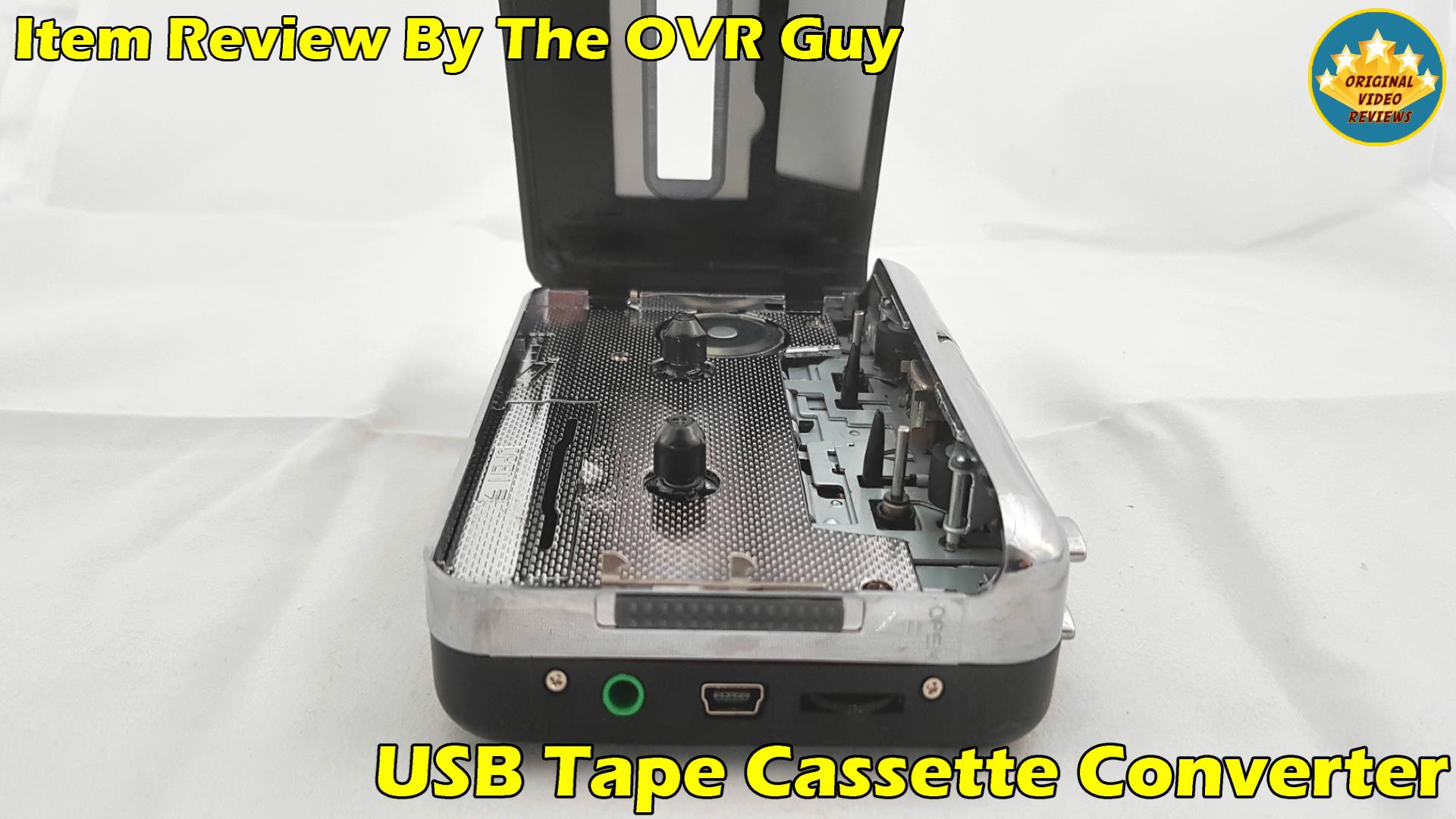
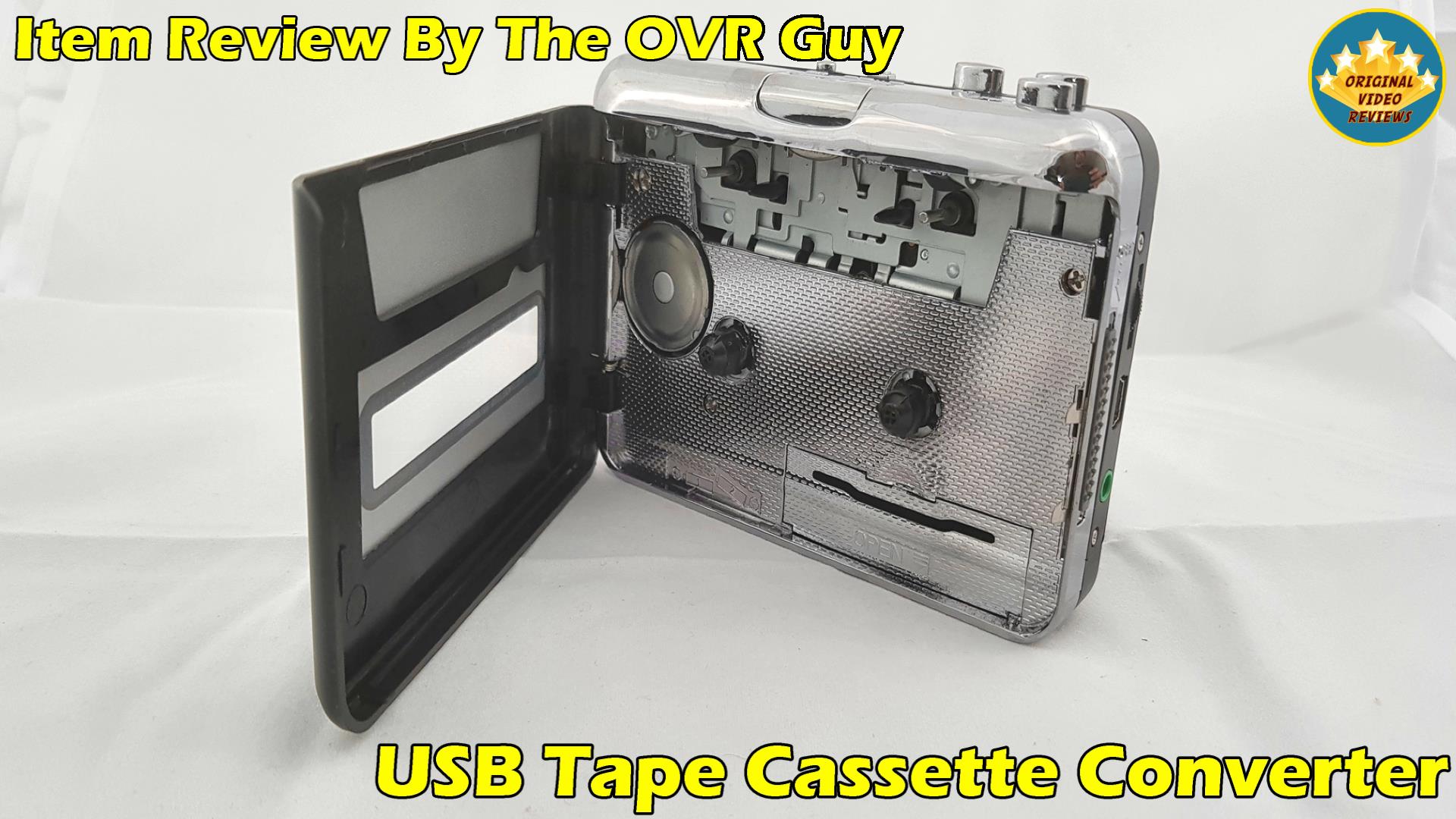
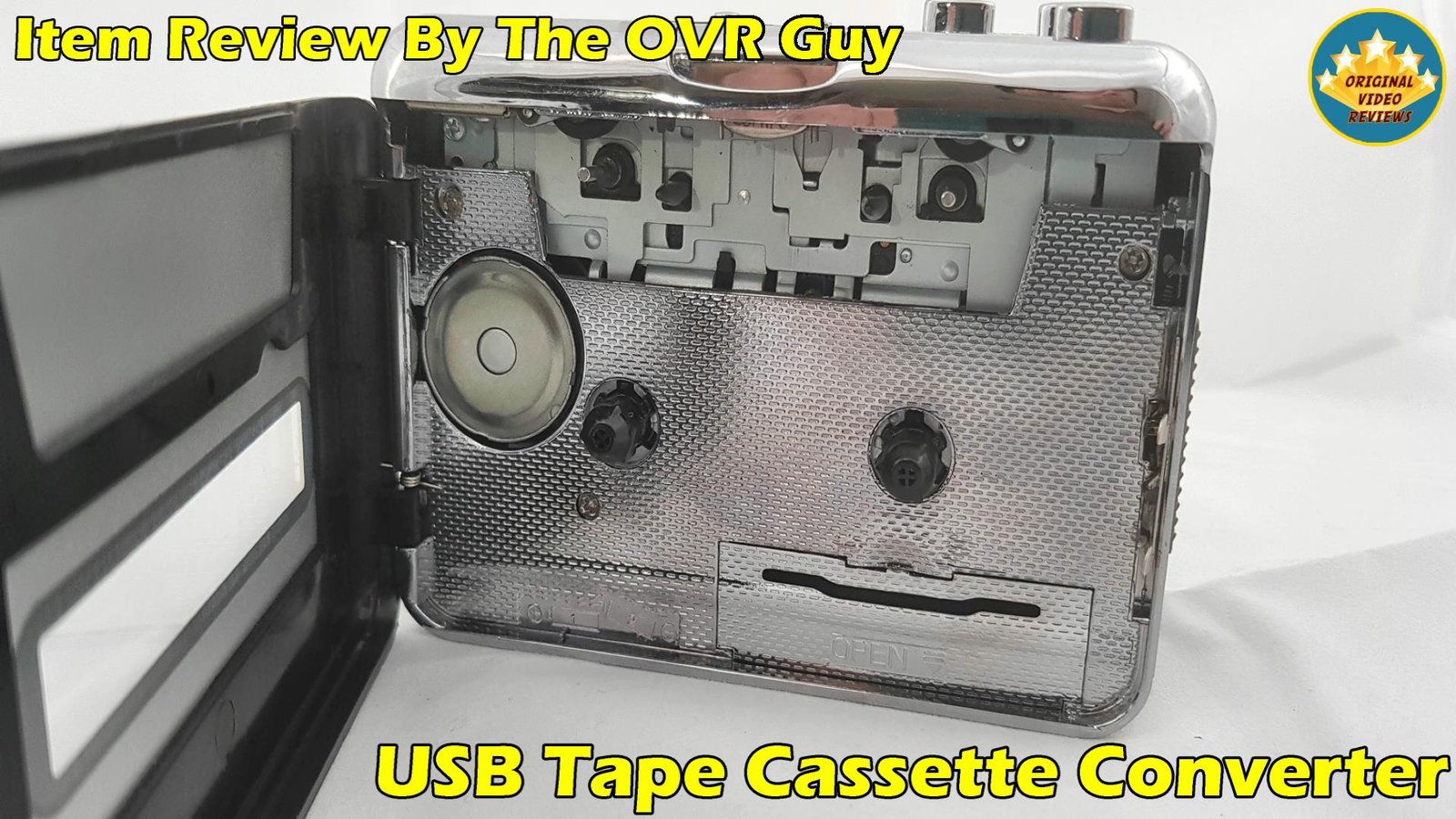
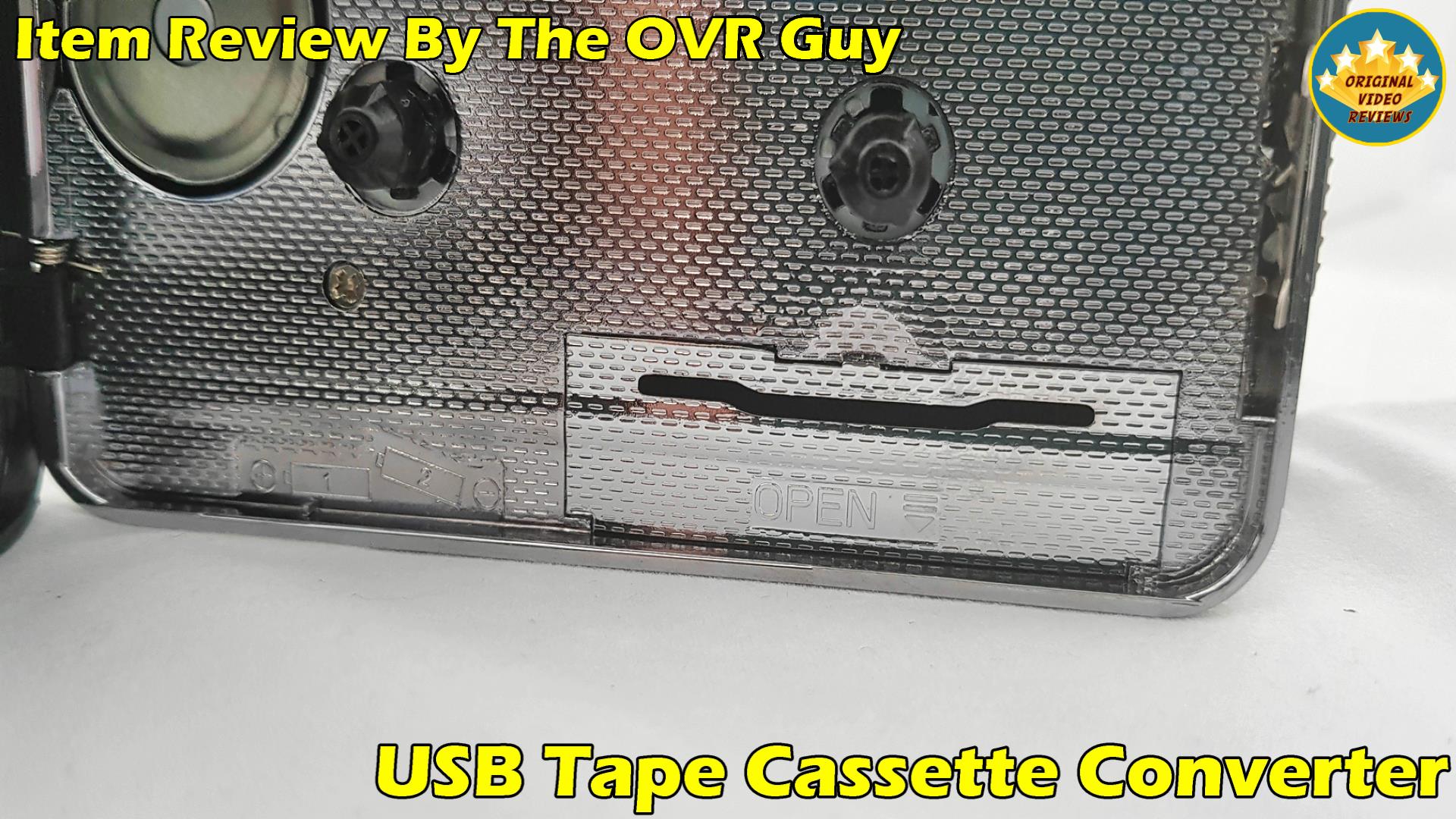
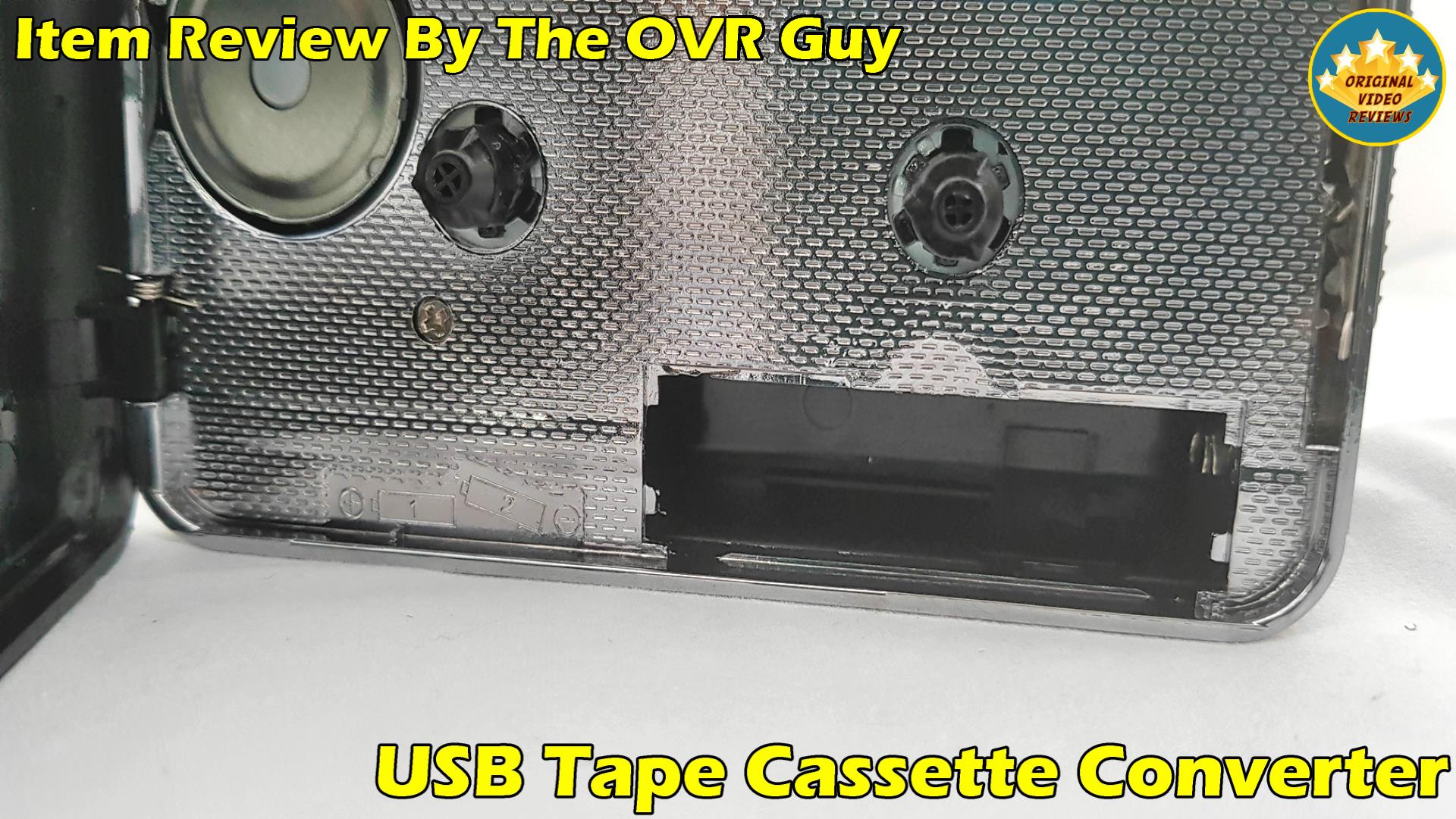
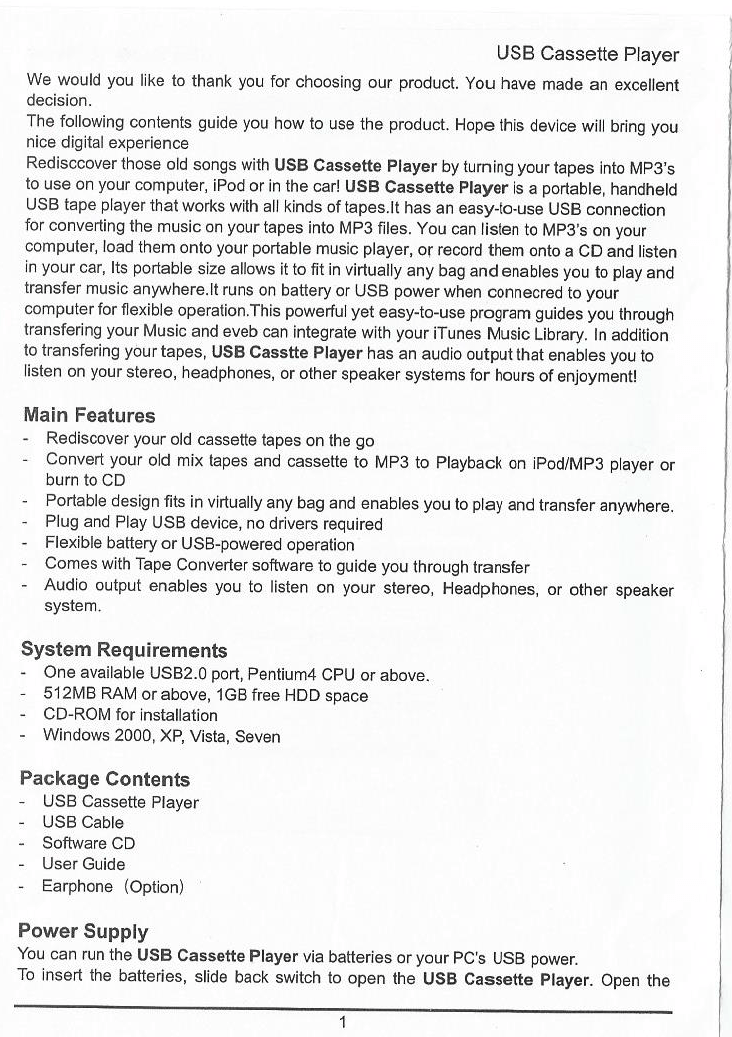
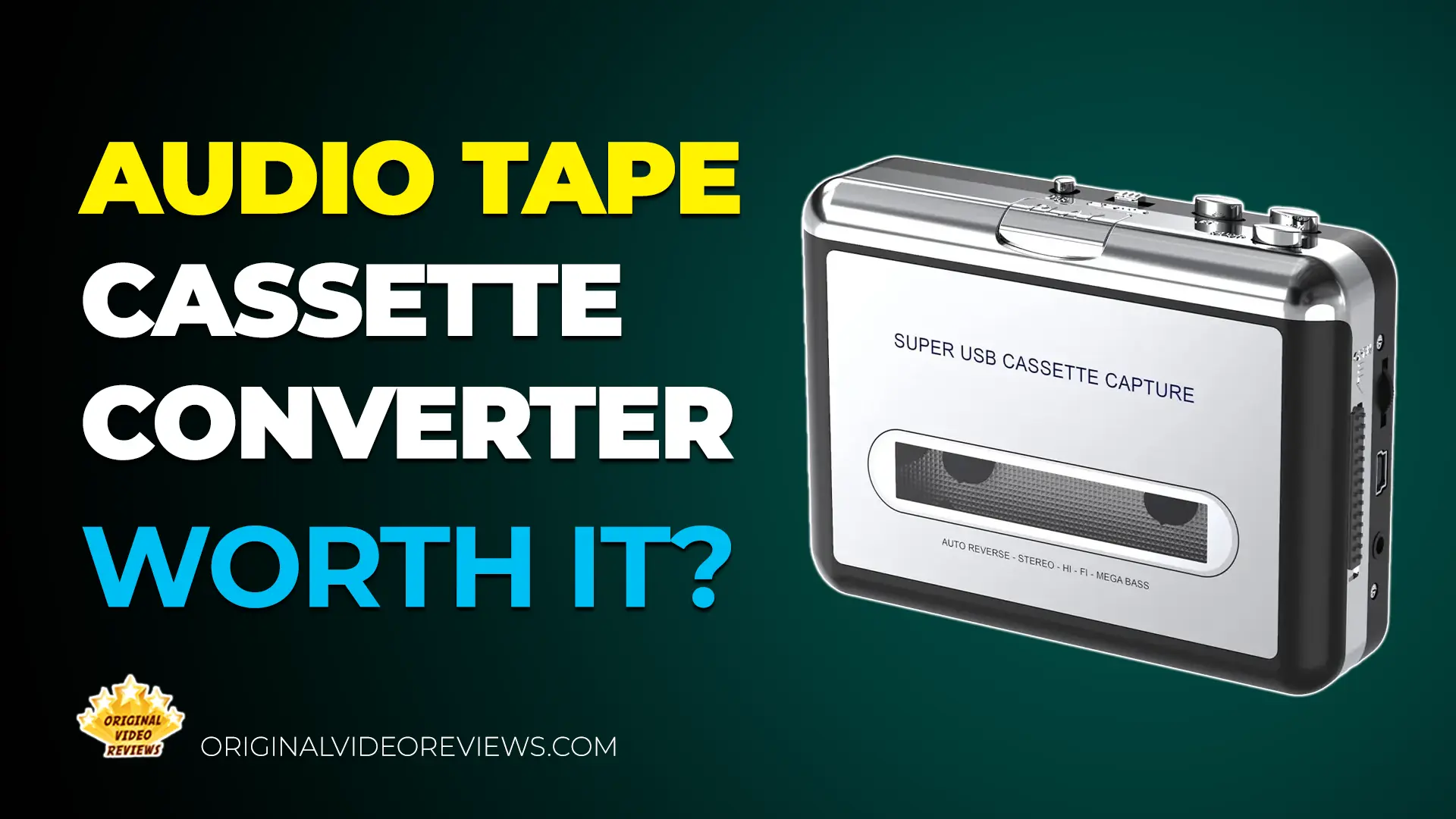
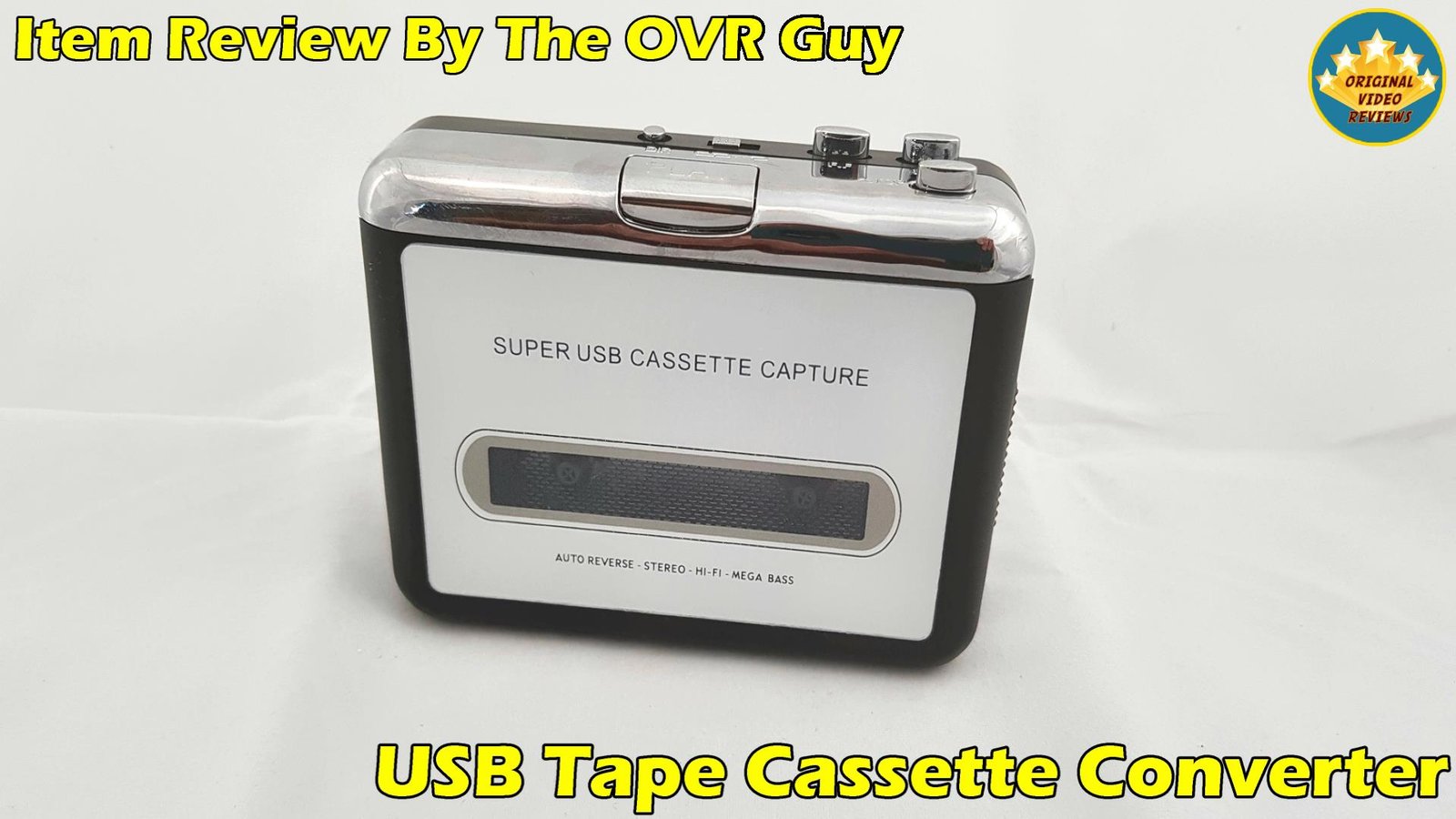
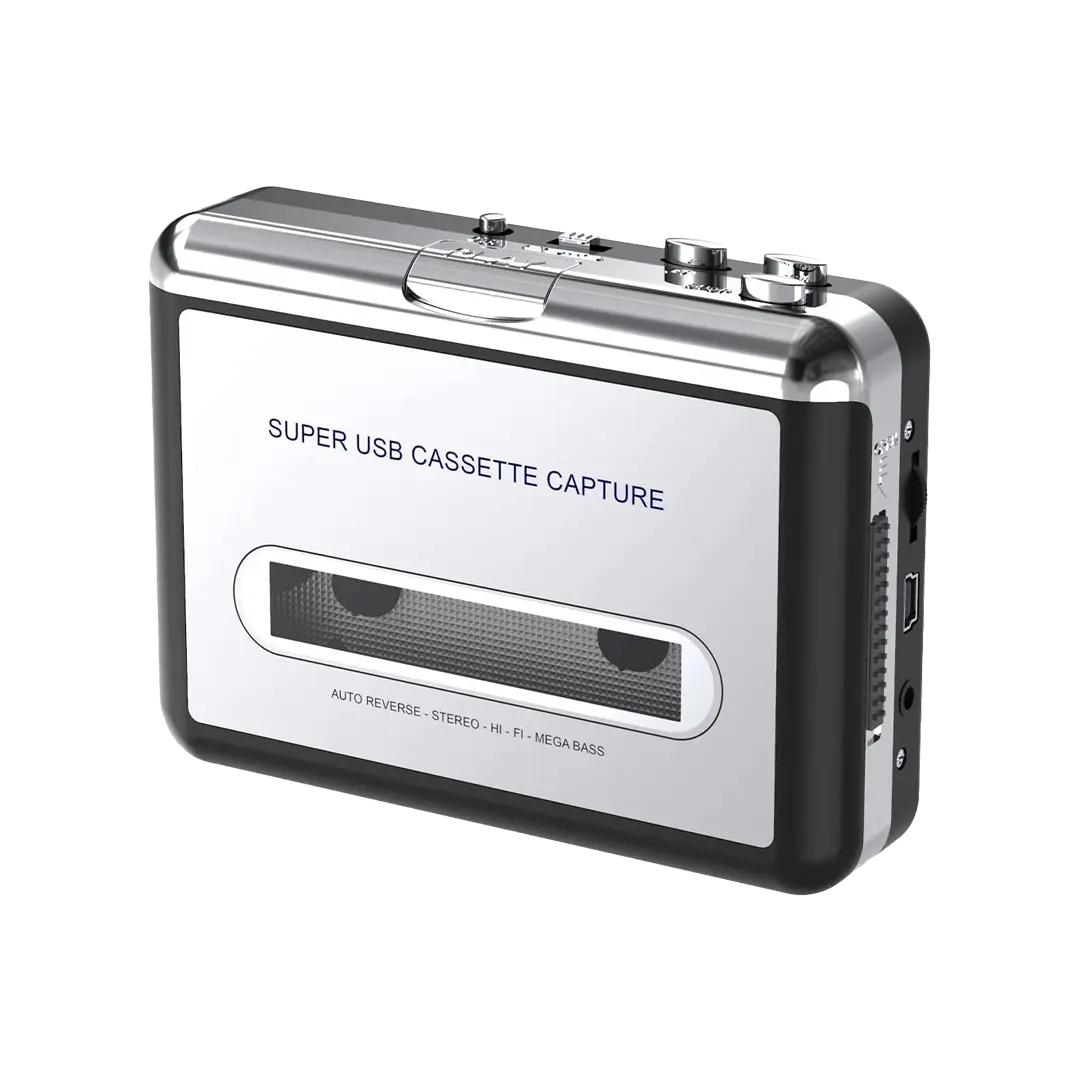
This device is a portable cassette player, also known as a "Walkman." It works with standard analog cassette tapes, and connects to a computer (PC or Mac) using a USB cable. Besides the USB connection, it can also be powered using two AA batteries or a power adapter, though neither is included in the package.

Once connected, you can convert your old cassette tapes into digital audio files, or simply use the device on its own to listen to your tapes through headphones. Conversion only works in one direction, from the tape to your computer - this device does not support recording audio onto cassettes.

The 3.5mm audio output isn't limited to headphones either - it can also be connected to a car stereo or a home sound system.

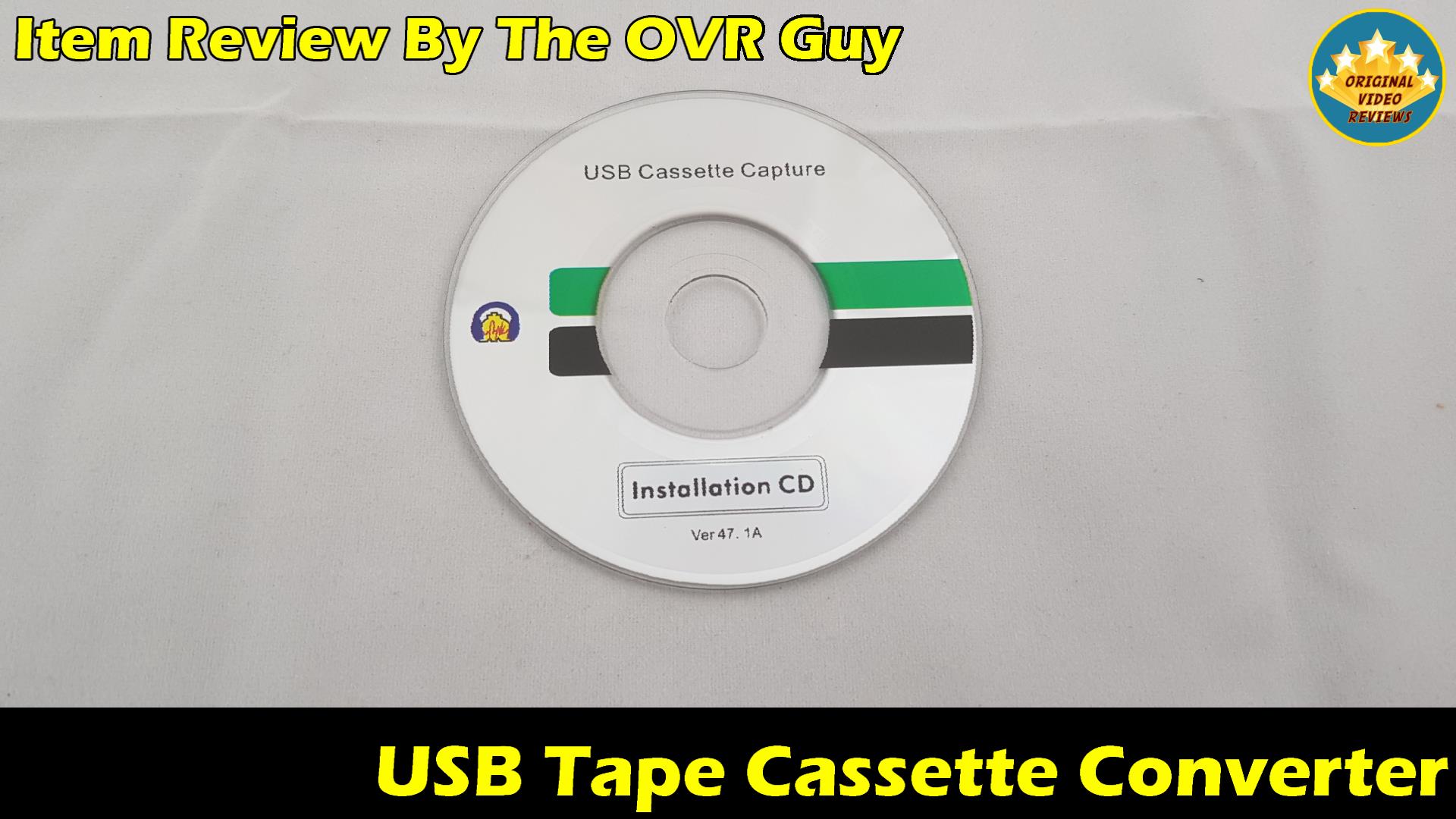
Beyond saving the converted audio as digital files, the included software also supports burning the converted tracks directly to a CD.

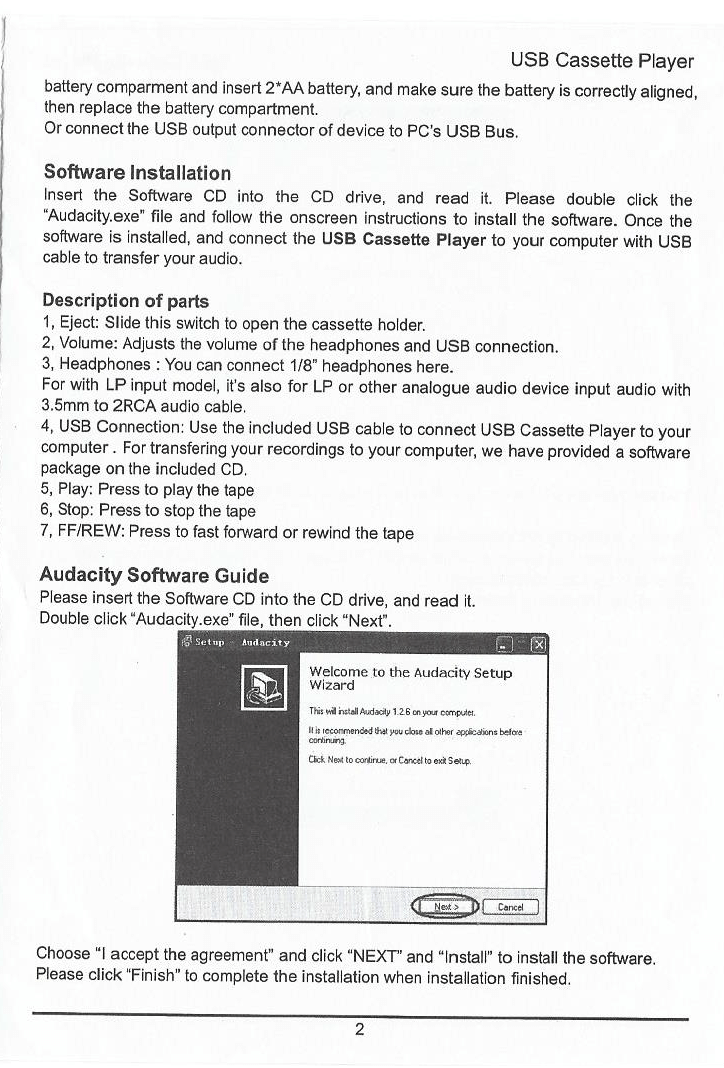
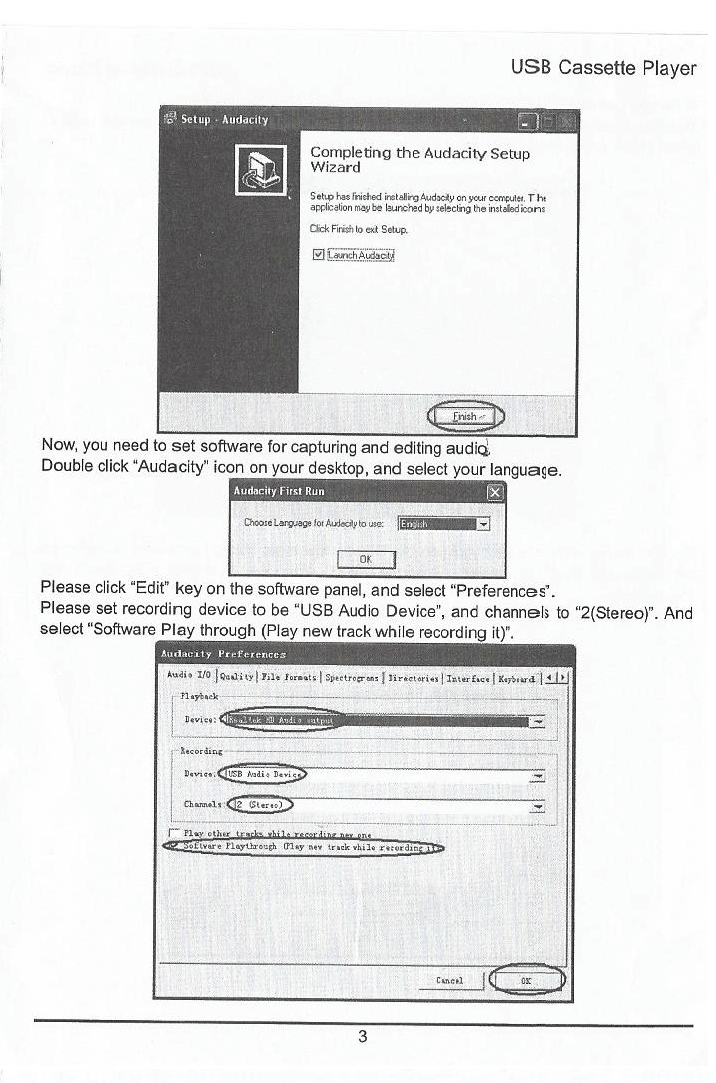
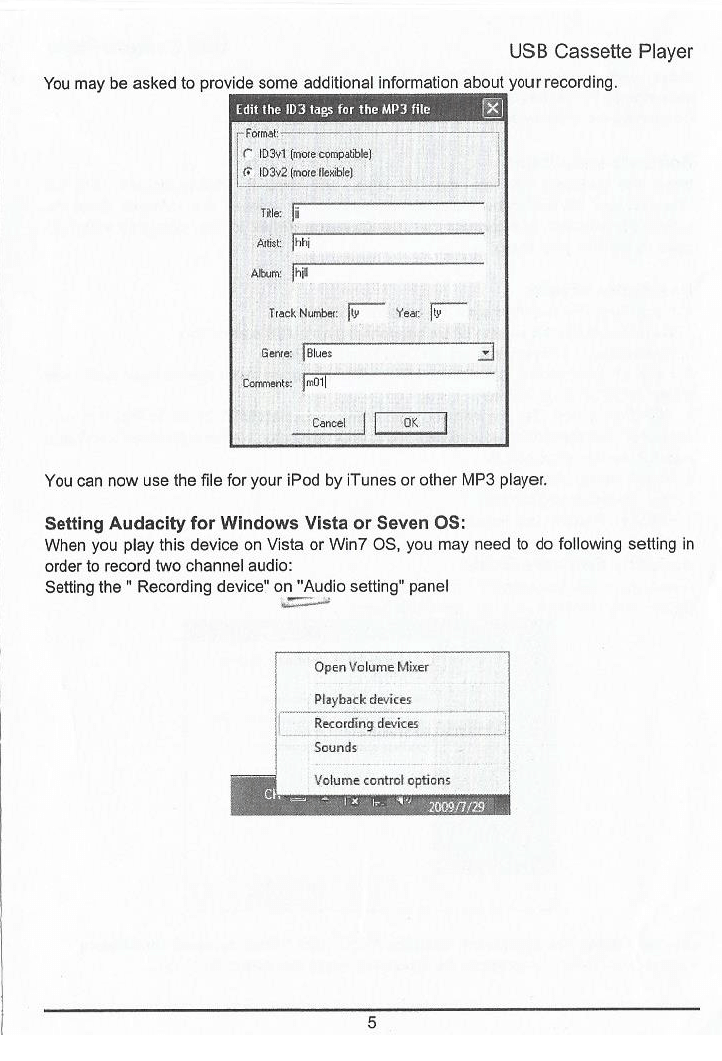
The package includes Audacity, free audio-recording software, to convert the audio from the tape to your computer, and the device itself is plug-and-play, so it doesn't require installing any drivers on your computer. Please note the software (Audacity) works with Windows, macOS, Linux, and other operating systems, thus I'm pretty sure this tape cassette player should work with them as well.

Specifications

System Requirements
CPUPentium 4 (1.7GHz) or above
RAM Memory512MB or above
Hard Drive Space1 Gigabyte or more, free space
PortUSB 2.0
Operating SystemWindows 2000 / XP / Vista / 7 / 10 according to the manufacturer
Dimensions & Weight
Size~16 x 11 x 5 cm according to the manufacturer
Weight~0.29kg according to the manufacturer
Connectivity & Power
Audio Output3.5mm headphone / AUX jack
Power SourceUSB connection, 2x AA batteries, or power adapter batteries and power adapter not included

Inside the box

1X USB Cassette Capture
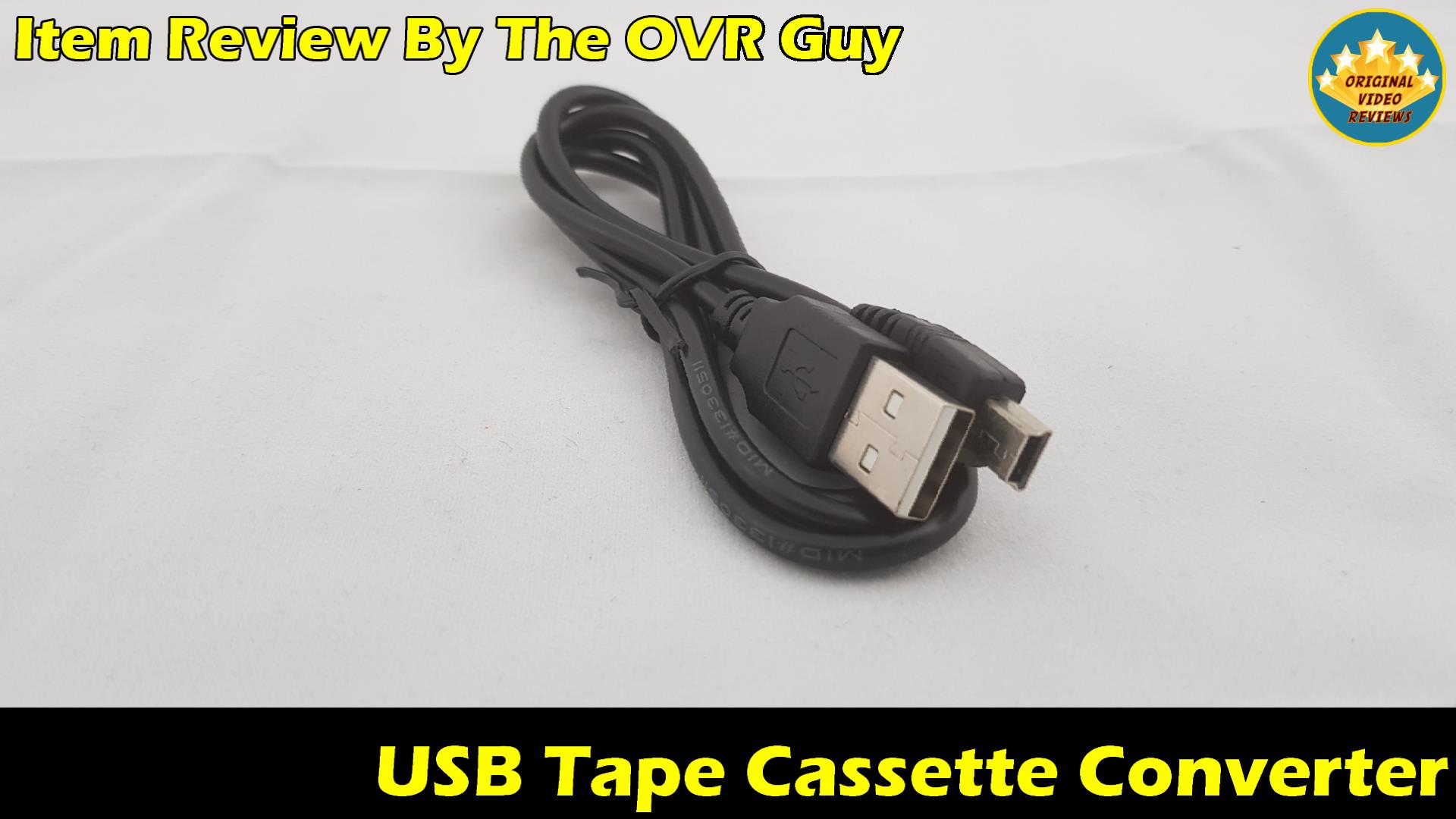
1X USB Cable
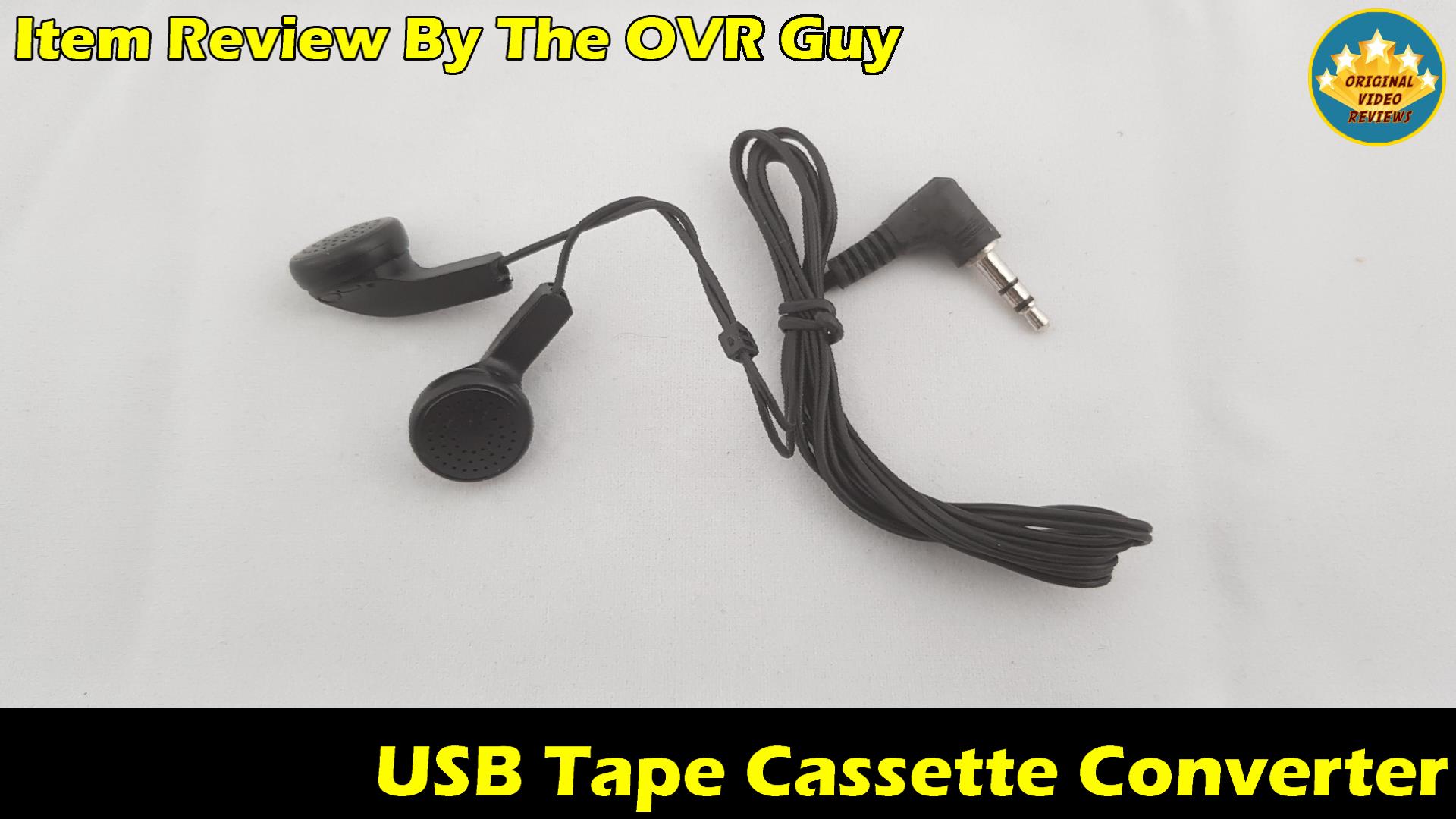
1X Headphones
1X Software Mini CD
1X User Guide

Pros

Affordable Price I think the price it costs is reasonable compared to similar tape cassette and audio-converting devices.

Build Quality This player is relatively simple and light compared to the old Walkman, and the unit I tested felt good.Keep in mind this is a generic product sold under many different labels, so build quality can vary depending on who you buy it from.

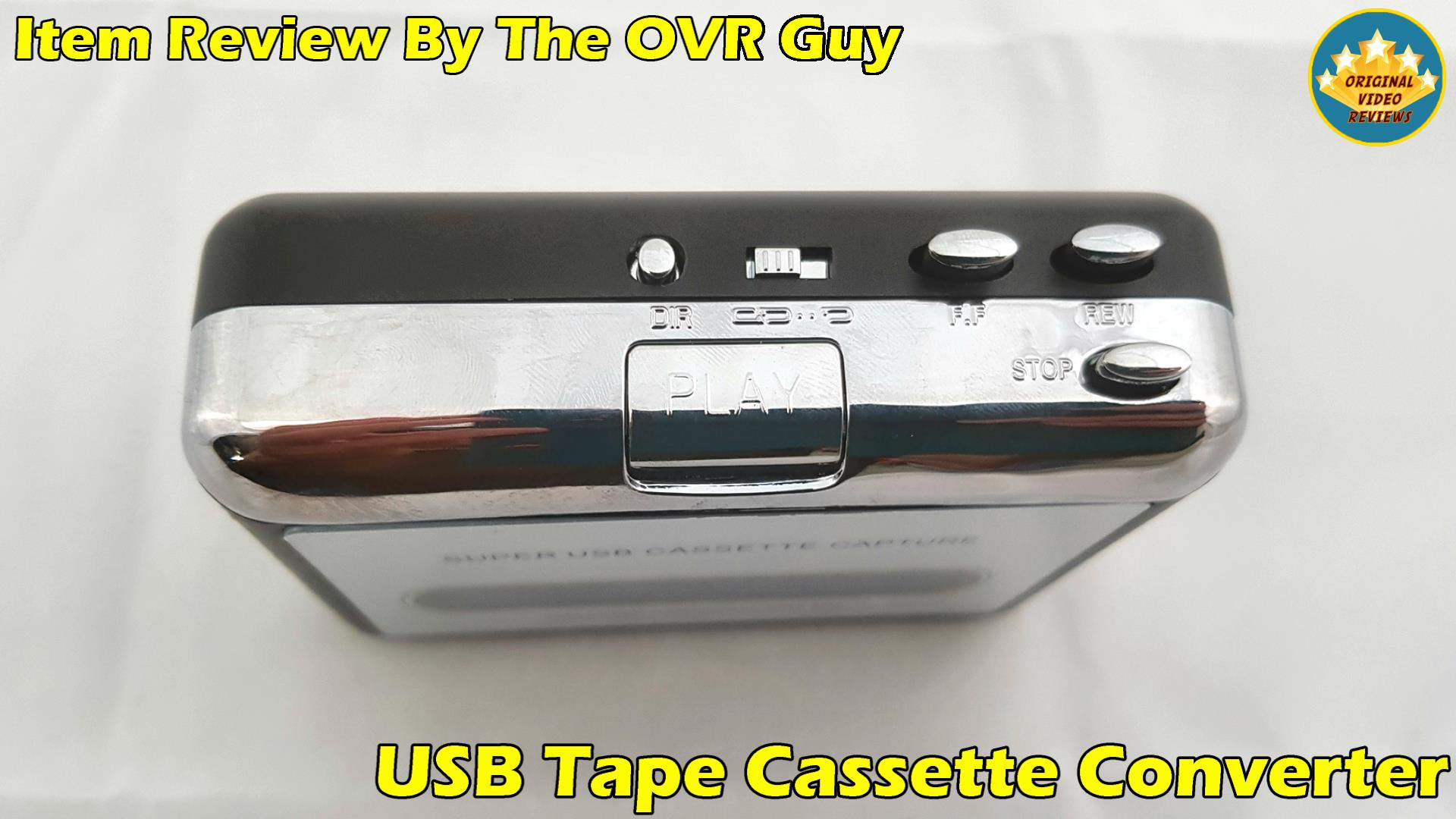
Ease of Use It is easy to operate this device, plug it into a USB port and you're ready to start converting or listening.

Portable You can carry it with you, though compared to today's media players I'm not sure it's the most convenient thing to do.

Sound Quality Considering that the audio in tape cassettes is analog (unlike digital computer files), it offers a reasonable sound quality both as a converter and as a player.Keep in mind the recording quality will have the biggest impact on the final audio quality.

Power Sources It can operate with a power adapter (not supplied), two AA batteries (not supplied), or the USB connection, which is included and can be connected directly to a USB port or a charger.

Free Software to Convert Audio The package includes software called Audacity, which lets you convert audio from the tape to your computer. The software is easy to operate in my opinion.

Software Compatibility The device works with various types of software, so you're not limited to the one supplied with it. It doesn't require installing any drivers on your computer.

Cons

You Cannot Record on Cassettes It didn't bother me personally, but I've been asked about it a lot. This is a feature older tape cassette players used to offer, and I assume there may be similar models today that do too.

Additional Features Are Missing More of a gimmick in my opinion, but similar models offer a USB socket to play from a memory card, and some come with a built-in speaker.

No Internal Battery Unlike smartphones or portable media players, it doesn't include a built-in rechargeable battery, which is unfortunate. You can work around this with rechargeable AA batteries.

Overall Verdict

Going through that stack of old cassettes, including the Michael Jackson tape I mentioned earlier, this device did exactly what I needed it to do. I'm genuinely happy with it, especially considering how many more tapes I still have left to convert.

Worth keeping in mind: this is a generic, white-label product sold under many different names by different sellers. I've owned a few of these over the years, and build quality really does depend on who you buy it from - some are solid, others feel like they'll fall apart at the buttons. The unit I tested felt fine, but that's not a guarantee for every listing out there.

If you're sitting on old cassettes and want a simple, affordable way to convert them to digital files (or just play them again), this is a reasonable pick, as long as you go in with realistic expectations about the generic nature of these devices and buy from a seller you trust.

The Bottom Line

A simple, affordable way to convert old cassettes to digital files, just be mindful that build quality varies since this is a generic, white-label product sold under many different names.

Where to buy

Below are the links to purchase the USB Tape Cassette Converter:
USB Tape Cassette Converter on Amazon
Available On Amazon

USB Tape Cassette Converter

Check Price on Amazon
USB Tape Cassette Converter on AliExpress
Available On AliExpress

USB Tape Cassette Converter

Check Price on AliExpress

Photos

User Manual

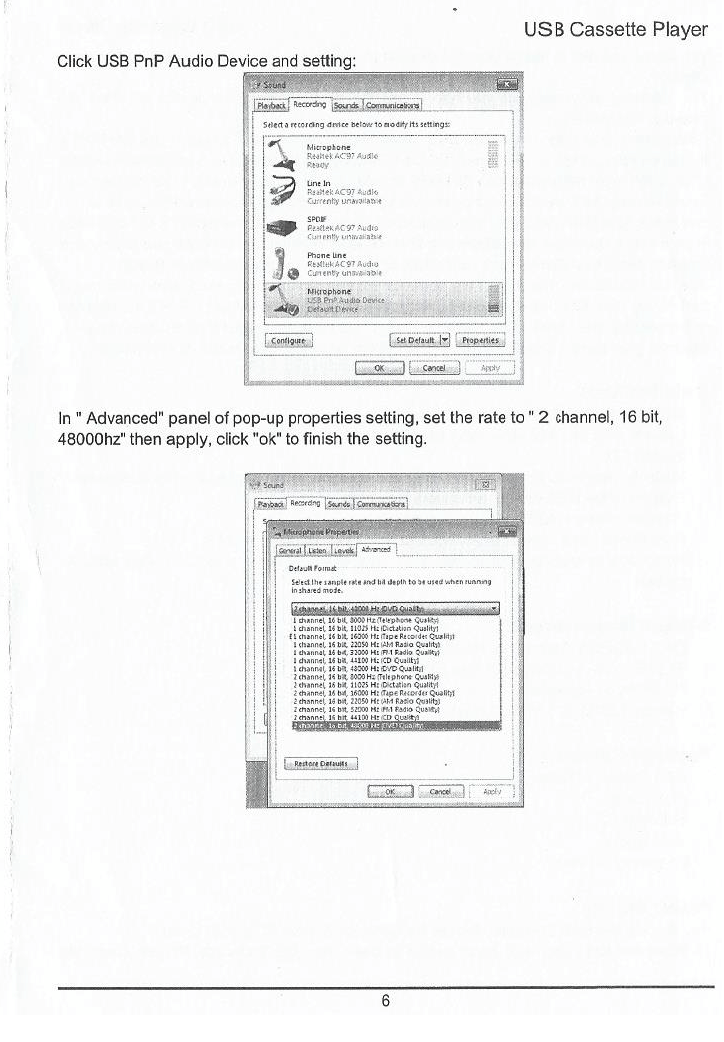
USB Tape Cassette Converter User Manual

User manual (PDF)

Download

Comments

Subscribe
Notify of
guest
0 Comments
Oldest
Newest Most Voted

FAQ

What does this device do?
You can do two things with this device: play tape audio cassettes, and convert those tape audio cassettes into digital files (such as .mp3 or .wav) on your computer.
Do I need a computer just to play a tape, or can I power it up and press play?
No, you don't need a computer just to play a tape. The device can run on USB power, a power adapter, or AA batteries, so you can plug it in or use batteries and press Play right away. A computer is only needed when you want to convert a tape into digital files.
Can I record onto cassette tapes with this device?
No, this device doesn't offer a "Record" feature, so you cannot record audio onto cassette tapes with it.
Can I copy MP3 files onto a cassette (the reverse direction)?
No. This device doesn't have an "Audio In" input or any recording capability, so it can only convert tape audio into digital files, not the other way around.
Does it play cassettes in stereo?
This depends on both the original recording and the device itself. If your cassette was recorded in stereo, and the player's audio circuitry supports stereo output, it should play back in stereo. I haven't specifically tested stereo separation on my unit, so if that matters to you, it's worth confirming before buying.
Will this device work with batteries?
Yes, it can also work with two AA batteries, as I showed in the video.
What is the name of the software supplied with this device?
The name of the software is Audacity. It's free, easy to use, and lets you convert the audio from your tapes into digital files on your computer. You can download Audacity for free here.
Got questions about the USB Tape Cassette Converter?
If you have any questions, feel free to leave a comment and I will do my best to answer.
Already purchased the USB Tape Cassette Converter yourself?
I would love to hear about your experience. Your feedback might help others make a better, smarter choice.
Subscribe OVR channels

Choose the channels you like and subscribe on YouTube.

Main Consumer Tech & Gadgets
Subscribe
Tutorials Digital and Online Guides
Subscribe
Fashion Fashion and Style
Subscribe
Kids Toys, Crafts and Kids’ Fun
Subscribe
Chef Food and Kitchen Gear
Subscribe
Travel Destinations and Adventures
Subscribe
Pets Life With Pets
Subscribe

Follow us

Explore more content, updates and fun moments on social media.

Disclaimer

This post contains affiliate links. Please check out my disclosure policy for more details.
Thank you for your support & understanding!

Share the Post:

Related Posts

0
Would love your thoughts, please comment.x
()
x