Mirabox Mbox N3 Stream Dock Affordable Programmable Stream Deck Controller
Overview
Discover the MBox N3, a cost effective and programmable controller adorned with rotary knobs, keys, and tactile buttons, complete with an LCD display.
Read on to find out how the MBox N3 stands out from other controllers and whose setup it might be the perfect addition to, as an Input Devices category product.
Product Description
- Brand
- MiraBox also sold under the FHOOU brand name
- Model No.
- Mbox N3 (White)
- Type
- Streaming Controller
The MBox N3 is an affordable and programmable streaming controller, designed to enhance the streaming workflow. This device is suitable for various applications, such as OBS, Twitch, and YouTube, and helps manage scenes, audio, and other tasks efficiently.
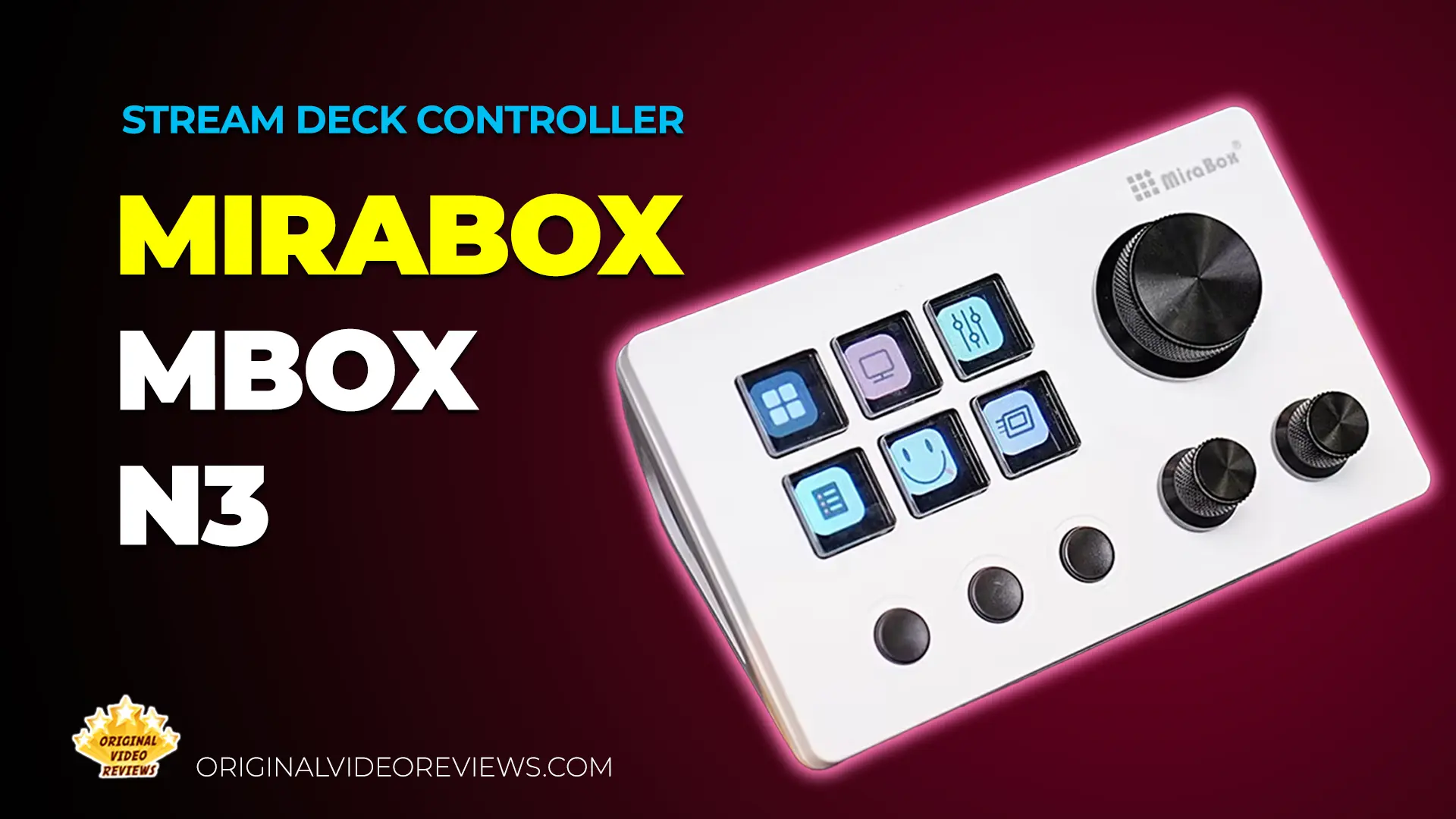
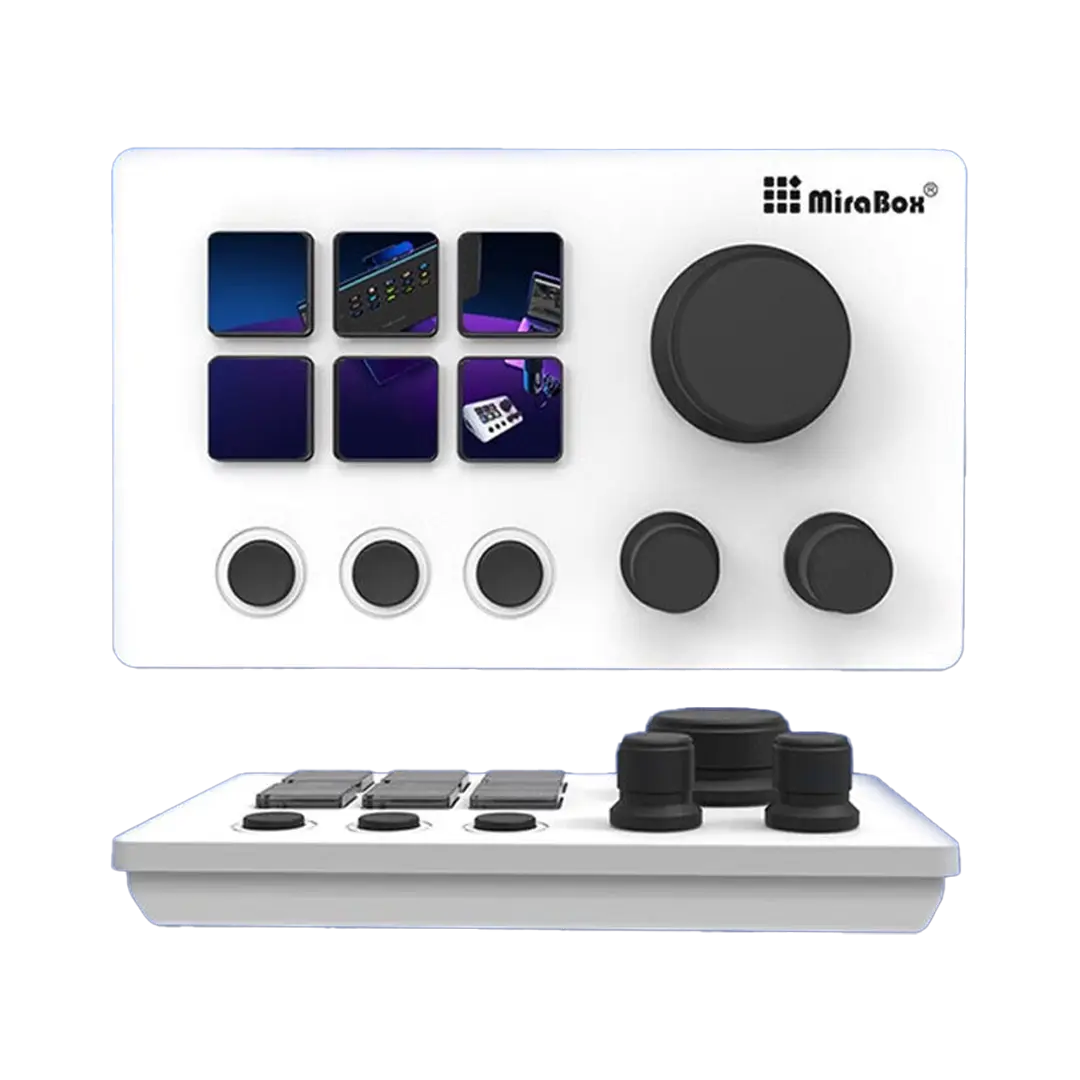
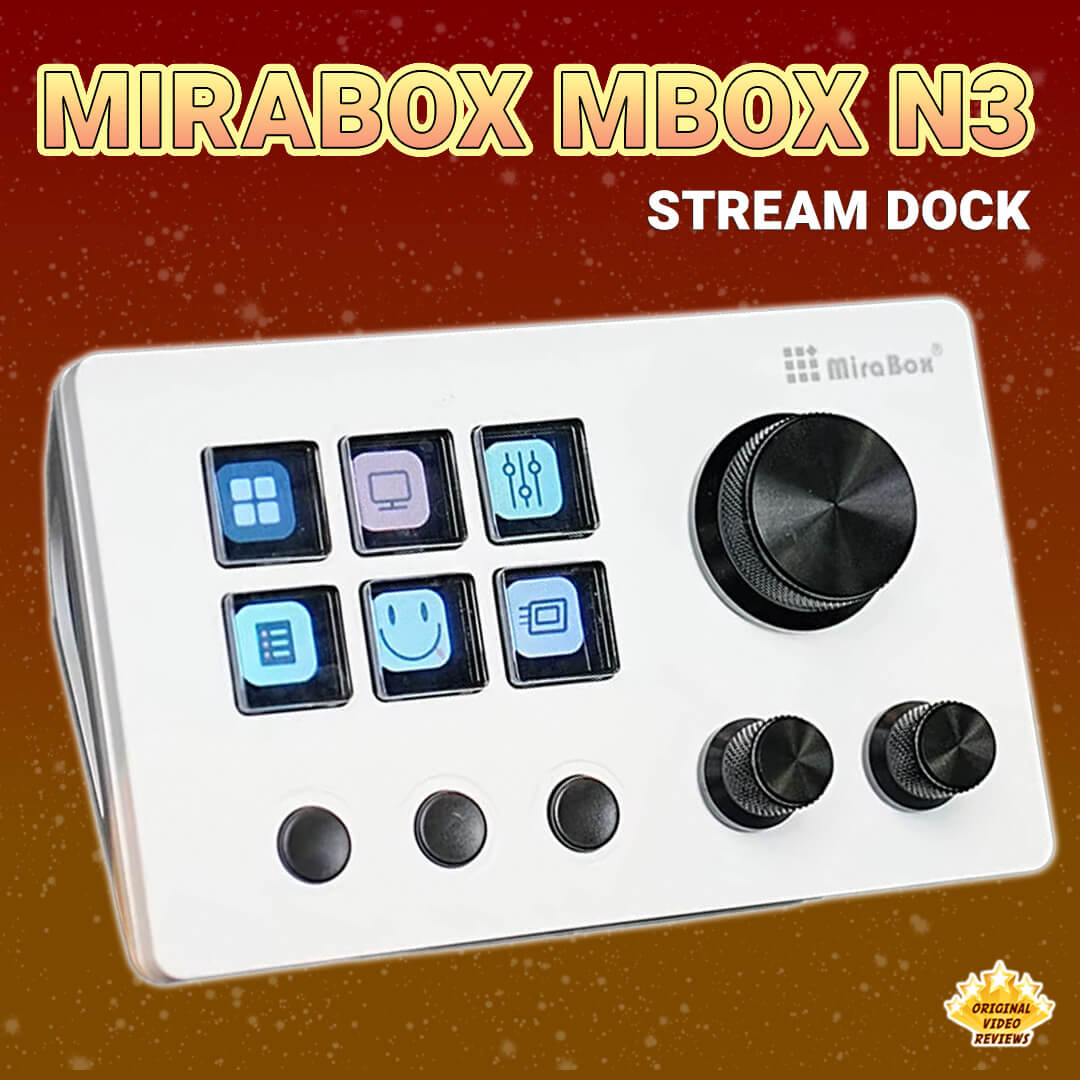
It features one large and two small rotary knobs with infinite rotation and clickable functionality, six LCD keys, and three tactile buttons. The six LCD keys are fully programmable for functions, commands, and macros, such as switching scenes, controlling audio, or launching apps. Additionally, the three tactile buttons offer easy access and quick actions during streams and other tasks.
Its ergonomic design features a detachable 40 degree stand, which facilitates comfortable viewing and use. Compatible with macOS and Windows, the MBox N3 comes with a USB cable for connection to a computer.
Specifications
Physical Specs
| Size & Weight | |
| Weight | Without stand: 148 g With stand: 200 g |
| Dimensions (without stand) | 132 x 80 x 25 mm 5.2 x 3.15 x 1.0 inch |
| Material type | Acrylonitrile Butadiene Styrene (ABS) |
| Keys backlight | Yes, LCD Keys |
Connectivity & Power
| Devices & Ports | |
| Compatible devices | Laptop, PC, Tablet |
| Operating systems | Windows / MacOS |
| Connector type | USB Type-C |
| Power rating | 5V / 500 mA |
Inside the box
Pros
PriceCompared to similar streaming controllers from established brands like Elgato, the MBox N3 comes in at a noticeably lower price point, making it an accessible way to get into stream deck style controllers without a big upfront cost.
Easy SetupThe setup process is straightforward, using the Stream Dock app. Any changes made in the app are reflected on the stream deck's display in seconds.
ResponsivenessThe display and controller are highly responsive, whether you're setting up the keys, switching between different modes, or pressing the keys to prompt computer responses.
DisplayThe stream deck offers a wide variety of colors and a reasonable resolution. While it isn't the sharpest, it is still adequate for displaying icons and readable text.
Removable StandIf you prefer using the controller without the triangular stand, it's easily detachable. This feature is beneficial for specific setups and modifications.
Cons
Software/AppThe download process for the software/app isn't as straightforward as I would have liked. Instead of downloading it from a reliable source, you need to use a direct link provided on the product's back, the user manual, or the product's page. When I tried to search online for this website to confirm it's reliable, I ended up on a slow loading Chinese site, which raises some concern about potential cyber security risks.
Wired DeviceWhile I prefer to minimize the number of cables on my desk, this device requires a constant connection via a USB-C cable. It also occupies a USB-C port, which could be a problem if you have limited USB-C ports available, an important consideration for anyone with limited USB-C connectivity.
Overall Verdict
I'm still spending time with the MBox N3 before settling on a final verdict. Once I've formed a complete opinion, this section will be updated with a full assessment and a bottom line summary.
Where to buy
Below are the links to purchase the MBox N3 Stream Dock:
Photos

Additional Links
Windows Driver Download
Stream Dock software for Windows
Mac Driver Download
Stream Dock software for macOS
Mirabox Space
Download plugins, icons, scenes, and panel themes for the Stream Dock
FAQ
What is the difference between the MBox N3 and MBox N3E?
Got questions about the MBox N3 Stream Dock?
Already purchased the MBox N3 Stream Dock yourself?
More Creator Gear
Creator Gear
Hands-on reviews of equipment for content creators: microphones, lighting, tripods and more, including videos, photos, links and more.
Explore All ReviewsSubscribe OVR channels
Choose the channels you like and subscribe on YouTube.
Disclaimer
This post contains affiliate links.
Please check out my disclosure policy for more details.
Thank you for your support & understanding!
Comments