VR Box 2 Virtual Reality Headset for Smartphones
Overview
There's a lot of hype right now around VR headsets that make 360° videos, apps, and games accessible directly through a smartphone. These headsets work by using the smartphone you already own, and right now there's a large supply of both compatible content and headset models to choose from.
But is this really a cheap substitute for the more expensive VR glasses and headsets out there?
I dove into this space and got my hands on the VR Box and the VR Box 2.0, which is supposed to be the more advanced version of the two. In this review, I'm trying to figure out whether the VR Box 2.0 is actually an improvement over the first model, and how it stacks up against VR headsets in general.
Product Description
- Brand
- Generic / White-label Sold under various brand names by different sellers
- Model No.
- VR Box 2.0 (2nd Generation)
- Type
- Smartphone VR Headset
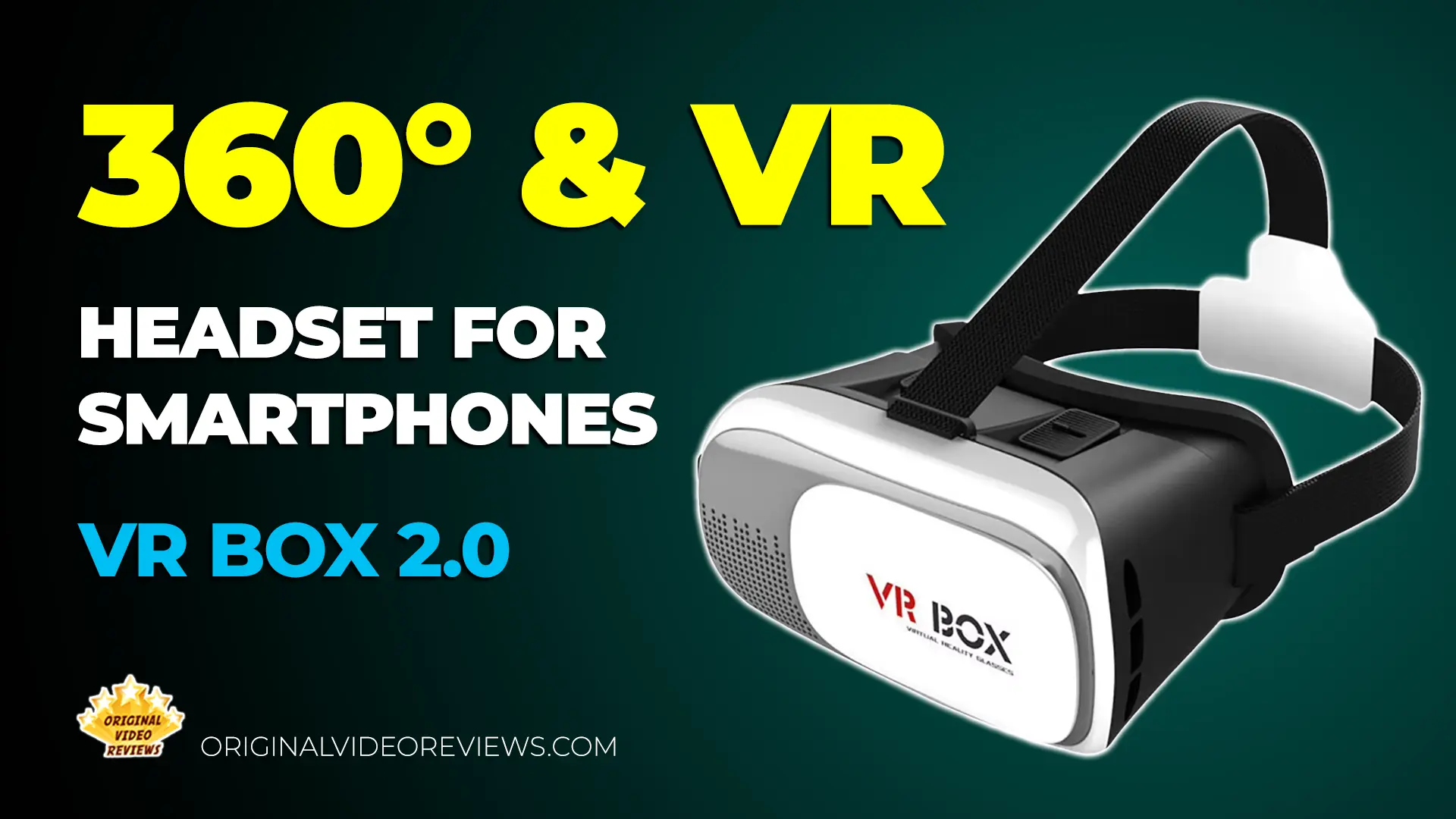
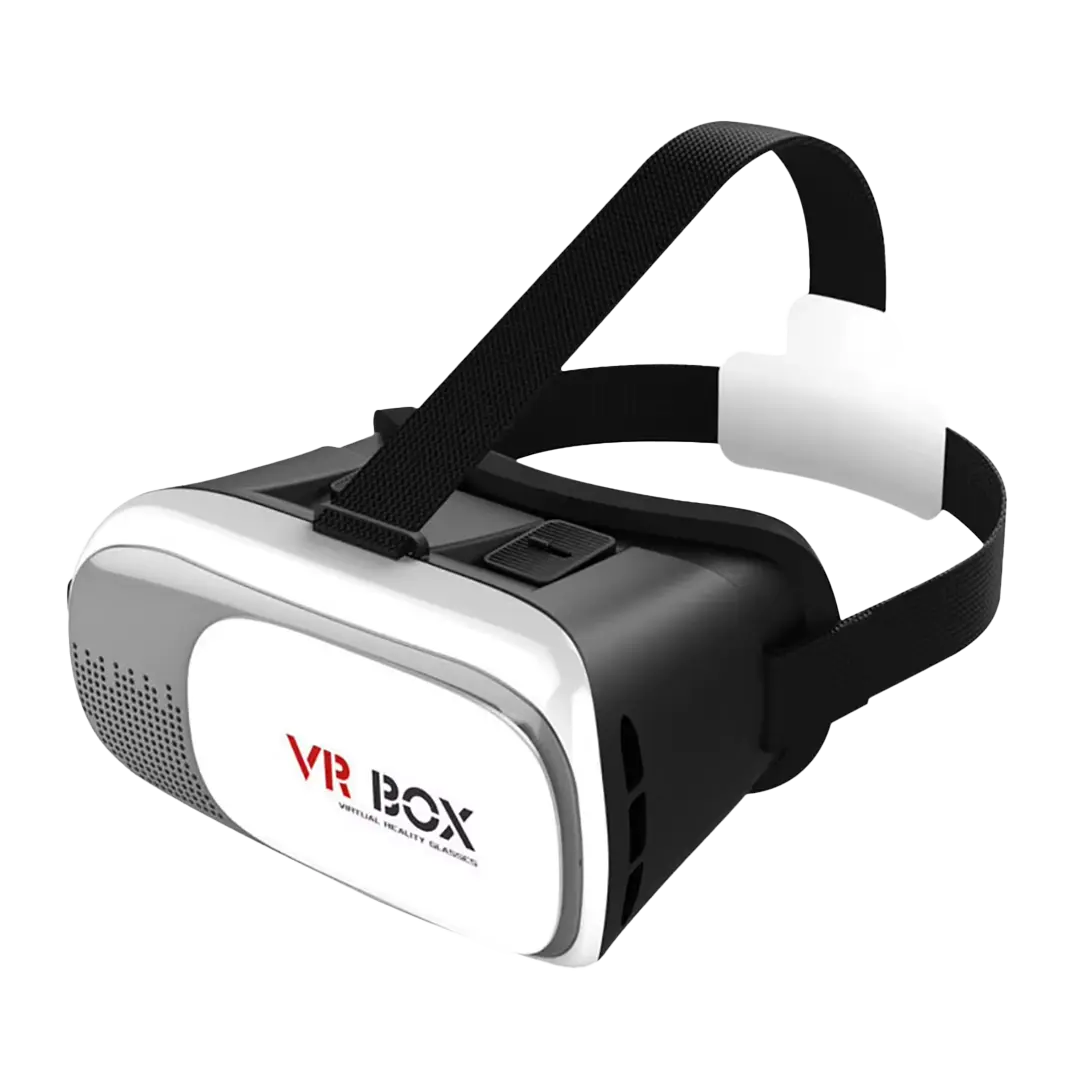
The VR Box 2.0 is a Google Cardboard-style headset that turns a compatible smartphone into a virtual reality viewer. It's the second generation of the original VR Box, built to fit smartphones between 3.5 and 6.0 inches.
Key Features
- Adjustable Lenses: The lenses move forward, backward, and side to side, so you can fine-tune them to match the distance between your eyes.
- Elastic Head Strap: A stretchable strap keeps the headset in place and adjusts to fit comfortably during longer sessions.
- Movable Front Panel: The front panel opens like a door to insert or remove the smartphone, a major improvement over the 1st generation's front panel design.
- Side Ports for Wired Headphones: Built-in side ports let you plug in wired headphones while the phone is inside the headset.
Specifications
Headset Details
| Build & Materials | |
| Headset Material | ABS |
| Cushioning Material | High-grade PU + memory foam |
| Headband Material | Elastic nylon belt |
| Smartphone Compatibility | 3.5 - 6.0 inch |
| Measurements | 20 x 13 x 12 cm |
| Weight | Approx. 300 grams |
| Lens Adjustment | from 58mm to 72mm apart The lenses can be moved closer or farther from your eyes, and adjusted sideways to match the distance between your eyes |
| Field of View | Approx. 78° (as advertised by sellers) Independent testing found the real viewing angle you'd actually experience is closer to 62-64° |
Inside the box
Pros
Improved DesignBetter design compared to the 1st generation, including the moving front panel, which was a problem in my mind in the previous generation.
Solid VR/3D ExperienceIt gives a good experience of VR / 3D.
Great Build QualitySolid, well-made construction overall.
Comfortable to WearVery comfortable, not as heavy as expected at approximately 300 grams.
Cons
No Built-In Control ButtonNo button allows you to control the smartphone while it is inside the VR glasses, such as the magnet found on the Google Cardboard. You can always use a Bluetooth controller instead, but a built-in option like this should really be there. I wasn't aware of the Google Cardboard's magnet feature while making the original video review.
Overall Verdict
The VR Box 2.0 solves the biggest problem I had with the first generation, and that alone makes it worth considering if you're curious about affordable mobile VR.
The redesigned front panel opens like a door, which is a real improvement over the frustrating mechanism on the original VR Box. Build quality feels solid, it's comfortable enough for longer sessions, and at around $20 it's an accessible entry point into VR without a big investment. The main trade-off is the lack of a built-in button to interact with your phone from inside the headset, something like the magnet on the Google Cardboard. You can work around this with a Bluetooth controller, but it would have been nice to have that option built in.
One thing worth noting: depending on the seller, this headset sometimes ships without a proper retail box. It's a minor point and doesn't affect how the product performs, but it's worth knowing before you buy.
The VR Box 2.0 is a clear step up from its predecessor and a solid, affordable choice for anyone looking to try entry-level mobile VR.
Where to buy
Below are the links to purchase the VR Box 2 Virtual Reality Headset:
Photos
FAQ
What size of smartphones will fit these VR glasses?
In the front panel, the VR glasses have a door/window, what is that for?
Can I connect wired headphones to these VR glasses?
Can I use the VR Box 2 with no headphones?
I wear eyeglasses, will the VR glasses fit me?
Will I see my phone's screen bezels when looking through the VR glasses?
What does the field of view actually feel like when using these glasses?
Can you recommend games and videos to use with these VR glasses?
- InMind VR, the game I like the most and what I use to test VR glasses each time. Note that these current links are for PC VR/standalone Quest versions, not the original mobile Cardboard version: Steam, SideQuest, Softonic, Meta
- More free VR games on Google Play
- VR/XR apps on Google Play
- 360° videos on YouTube
Got questions about the VR Box 2 Virtual Reality Headset?
Already purchased the VR Box 2 Virtual Reality Headset yourself?
Subscribe OVR channels
Choose the channels you like and subscribe on YouTube.
Disclaimer
This post contains affiliate links.
Please check out my disclosure policy for more details.
Thank you for your support & understanding!

Comments