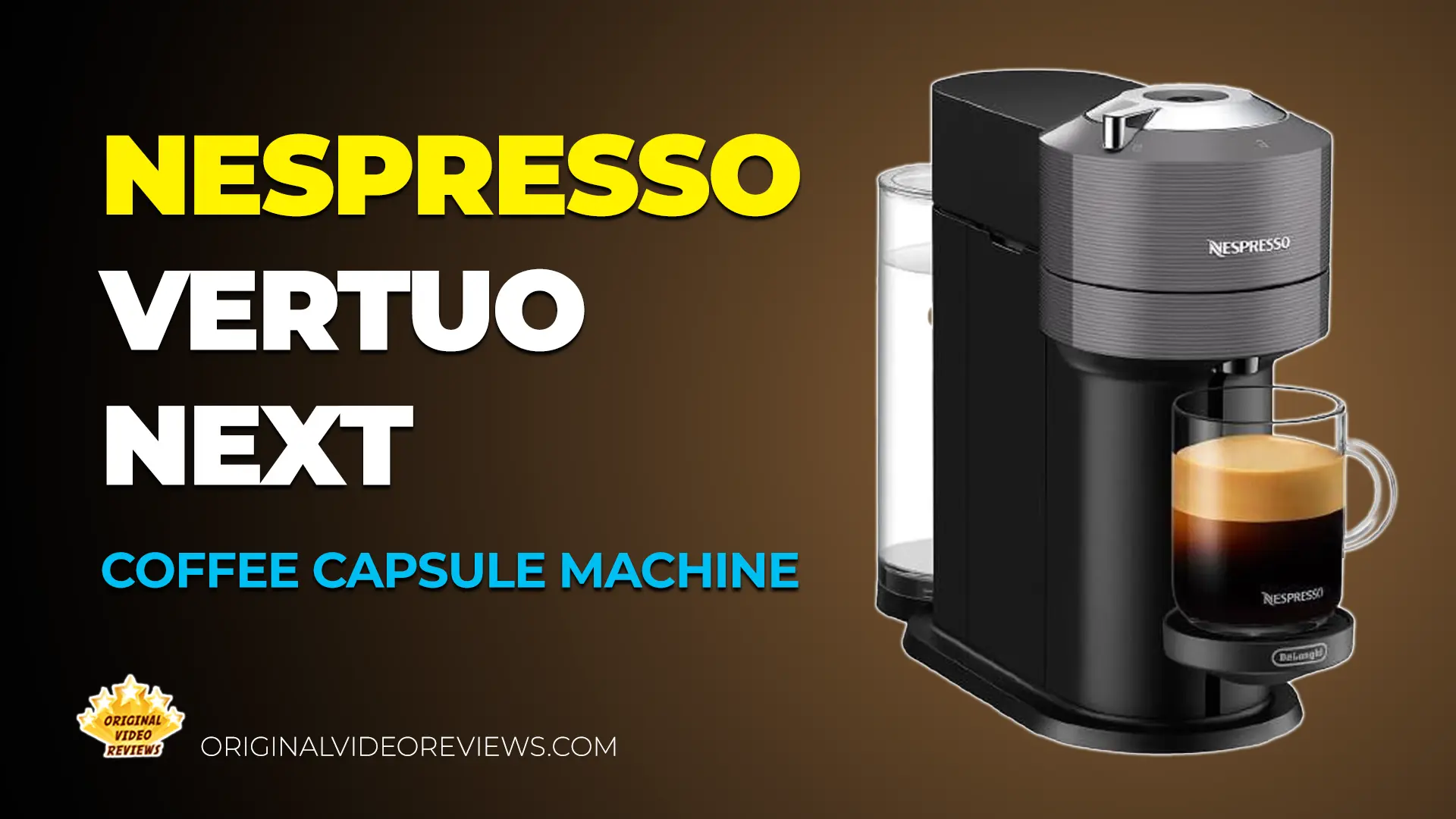
Nespresso Vertuo Next A Compact Machine With Centrifusion Brewing and Bluetooth Pairing
Overview
Nespresso's shift to the Vertuo capsule system was clearly meant to broaden the horizon for brand loyalists and coffee drinkers alike. While it's still up in the air how many people actually ditched their classic machines to make the switch, Nespresso keeps doubling down by releasing new models to capture different audiences. The motivation behind this usually boils down to a few things: fixing past design flaws, pushing genuine innovation, or simply finding fresh ways to drive sales. All of these are legitimate, but the real question is which category the new Vertuo Next falls into.
Compared to the VertuoPlus I previously reviewed, the Next takes a noticeably different direction in its design footprint. It also brings distinct brewing performance and a fresh set of features that weren't present in the older model. Let's break down exactly what this machine brings to the table, and find out if it's actually a meaningful upgrade to my daily coffee routine.
Product Description
- Brand
- Nespresso (De'Longhi)
- Model
- Vertuo Next (ENV120.GY)
- Style & Color
- Modern | Matte Gray
The Vertuo Next uses Nespresso's capsule system, but it brews coffee a bit differently than standard espresso machines. Instead of just pushing water through the coffee grounds under high pressure, the machine spins the capsule to extract the coffee, in a process Nespresso markets as "Centrifusion" technology, reaching up to 4,000 rotations per minute. That's notably lower than the up to 7,000 RPM used on earlier Vertuo machines like the VertuoPlus; according to Nespresso, the change supports the larger Carafe capsule size, helps keep noise and vibration down on the lighter, more compact body, and is part of a revised brewing profile aimed at a smoother crema.
One of its main selling points is the automatic barcode scanner. According to the manufacturer, the machine reads a barcode on the bottom of each inserted capsule. This allows it to automatically adjust the water volume, temperature, and brewing time. In practice, this means you don't need to mess with any manual settings; the machine does the thinking for you based on the specific pod.
It supports six different preset cup sizes, covering everything from a standard Espresso (40ml) and Double Espresso (80ml), up to larger mugs (230ml) and an Alto size (414ml). There is also a massive 535ml option meant for sharing, though you will need to purchase their special glass Carafe accessory separately to use it.
This specific bundle (the ENV120.GY model) comes in a "Modern" style featuring a Matte Gray plastic finish, and it includes the standalone Aeroccino milk frother for milk-based drinks. The machine houses a 1.1-liter water tank, weighs 9.5 pounds, and runs on a 1500W electric system. Keep in mind that the parts are not dishwasher safe, so they will require hand washing.
Specifications
Dimensions & Weight
| Physical Size | |
| Dimensions (D x W x H) | 14.2 x 5.5 x 12 in according to the manufacturer |
| Weight | 9.45 lb (~4.3 kg) according to the manufacturer |
Capacity
| Water Tank | |
| Capacity | 37.2 fl oz / 1.1 L |
| Cup Sizes | |
| Alto | 14 fl oz / 414 ml |
| Mug / Coffee | 7.77 fl oz / 230 ml |
| Gran Lungo | 5 fl oz / 150 ml |
| Double Espresso | 2.7 fl oz / 80 ml |
| Espresso | 1.35 fl oz / 40 ml |
Power
| Electrical Data | |
| Voltage | 220-240V AC EU model |
| Wattage | 1500 W |
| Plug Type | EU plug (Schuko) |
Operation
| Extraction & Power Management | |
| Extraction technology | Centrifusion capsule spins at high speed, according to the manufacturer |
| Heat-up time | 30 seconds |
| Automatic power off | After 2 minutes of inactivity |
Design & Materials
| Build | |
| Colour | Gray |
| Material | Plastic |
| Exterior Finish | Matte |
| Dishwasher Safe | No |
| Product Info | |
| Style | Modern |
| Model Number | ENV120.GY |
| Manufacture Year | 2020 |
| Warranty | 2 years (manufacturer) |
Inside the box
Pros
Compact and Lighter Compared to the VertuoPlus that came before it, the Vertuo Next is noticeably lighter (about 9.45 lb vs. ~10.8 lb), with a footprint that's about the same width but easier to live with on a smaller counter.
Simple Operation The combination of a barcoded capsule and a single button is a cool bit of design; insert the capsule, press the button, done.
Attractive Design It looks a lot more modern than the boxier, rounded-edge look of the VertuoPlus.Design is subjective though. Some days I see a cool coffee machine, other days it reminds me of a SodaStream.
Tech-Forward Bluetooth and an app add a layer of connectivity that's supposed to bring some added value.
Cons
Lower Centrifusion Speed Than Its Predecessor On paper, the extraction power isn't identical to the previous generation. Nespresso reduced the Centrifusion spin speed on the Vertuo Next to up to 4,000 rotations per minute, down from up to 7,000 on the VertuoPlus.
App Features May Vary By Region Not all of the Nespresso app's features are necessarily available everywhere, so Bluetooth/app functionality may be more limited depending on where you live.
Overall Verdict
My full verdict and hands-on video for this machine are coming soon
My full verdict and hands-on video for this machine are coming soon
Helpful Videos
Introducing The Nespresso Vertuo Next
- Supports five different cup sizes, from Espressos to Mugs.
- Uses integrated barcode technology that reads each capsule to automatically adjust the brew.
- Aims to expand the range of Nespresso coffee styles available to users.
Official product video
How To Use The Nespresso Vertuo Next
- Fill the water tank with fresh water (0:07-0:12), then close the head or press the coffee button to turn the machine on (0:15-0:23). Wait about 30 seconds for the light to turn steady (0:26-0:33).
- Adjust the cup support height to fit your cup (0:51-0:58).
- Unlock the machine head, insert a Nespresso Vertuo capsule with the dome facing down (classic capsules are incompatible), and lock the handle to the left (1:02-1:22).
- Press the coffee button to start brewing. The machine automatically reads the capsule's barcode to optimize the brew (1:24-1:47).
- Stop the coffee flow early by pressing the button again, or manually top up by pressing the button twice and stopping at the desired volume (1:50-1:59).
- Turn the handle to the right to unlock and automatically eject the used capsule (2:02-2:07).
Official product video
How To Set Up And Pair The Nespresso Vertuo Next
- Rinse and clean the water tank and lid, then fill with fresh drinking water (0:07-0:15). Make sure the capsule container and cup support are properly in place (0:20-0:26).
- Plug the machine in, then close and lock the head to turn it on. It heats up for about 30 seconds, shown by a pulsing light that turns steady when ready (0:32-0:51).
- Place a container of at least one liter under the outlet. With the machine locked and no capsule inside, press the coffee button three times within two seconds (0:51-1:04) to start the automatic rinsing cycle, which can take up to seven minutes (1:08-1:21).
- Download the Nespresso app and make sure both Bluetooth and Wi-Fi are enabled (1:28-1:38).
- Launch the app, tap the machine icon on the homepage, and follow the in-app instructions to complete pairing (1:41-1:52).
Official product video
How To Customize Coffee Volume And Reset To Factory Settings
- Insert the capsule you want to program and lock the machine head (0:36-0:43).
- Wait for the coffee button light to stop blinking and become steady (0:45-0:52).
- Press and hold the coffee button until the desired amount of water is dispensed (0:55-0:58); the machine stores this volume for that capsule type.
- To factory reset: open the head and make sure the used capsule is ejected (1:10-1:13), close the head but leave the handle unlocked (1:16-1:19), then press the coffee button five times within three seconds (1:19-1:21).
- The button light blinks orange five times, then turns steady white, confirming the reset is complete (1:25-1:30).
Official product video
How To Pair The Nespresso Vertuo Next With The Nespresso App
- Download the Nespresso app (0:21-0:26), and make sure Bluetooth and Wi-Fi are enabled while near the machine (0:31-0:38). Have your Wi-Fi password ready (0:38-0:43).
- Make sure the machine is plugged in and switched on (1:02-1:06).
- Open the app and select the machine icon to begin pairing (0:47-0:54).
- Place your phone near the machine with Bluetooth on (1:10-1:14).
- Select your local network and enter your Wi-Fi password to complete setup (1:21-1:28).
- Once paired, the machine is ready for use (1:42-1:45). Keep the app updated for the best performance (1:46-1:52).
Official product video
What Do The Blinking Lights Mean?
- White blinking (0:10): typically indicates the machine is warming up or performing a standard operation.
- Orange blinking (0:33): often signals the machine needs attention, such as maintenance or descaling.
- Red/orange blinking (1:01): suggests a specific error or issue that needs troubleshooting.
- Recap (1:38): a final summary of the light patterns to help identify the machine's status at a glance.
Official product video
How To Clean, Descale, And Empty The Nespresso Vertuo Next
- Cleaning (0:12-1:37): rinse and clean the water tank and lid, then fill with fresh water. Place a 1-liter container under the outlet, lock the machine with no capsule inside, and press the coffee button three times within two seconds to start the 7-minute automatic cleaning cycle. Avoid abrasive agents or solvents.
- Descaling (1:37-4:21): triggered when the light blinks orange and white three times. Mix one unit of Nespresso descaling agent with 0.5L of water in the tank, unlock the machine, and hold the button for at least 7 seconds to enter descaling mode (you have 45 seconds to start this). Lock the machine and press the button to begin the first phase, then rinse the tank, refill with fresh water, and press the button again to rinse the system. Let the machine dry for 10 minutes afterward.
- Emptying the system (4:21-5:04): unplug the machine and remove the capsule container and drip tray. Place a container under the outlet, close and lock the head, then plug the machine back in while holding the coffee button to start the roughly 30-second emptying process.
Official product video
Nespresso Vertuo Next Masterclass: Setup, Technology, And Sustainability
- Machine setup and maintenance (0:56-2:02): cleaning the water tank, heating up, and the initial rinsing procedure.
- Coffee range and cup sizes (2:05-3:27): from 40ml Espresso and 80ml Double Espresso to 150ml Gran Lungo, 230ml Mug, and the 535ml Carafe for sharing.
- Centrifusion technology (3:32-4:40): unlike pressure-based systems, the capsule spins at up to 4,000 RPM, with a barcode-reading system automatically adjusting water flow, temperature, and infusion time per capsule.
- Crema formation (4:59-5:12): the crema comes from oils in the coffee beans, separated during the high-speed extraction process.
- Sustainability (5:15-6:32): Nespresso's AAA Sustainable Quality Program (launched 2003) and its use of infinitely recyclable aluminium capsules.
Official product video
Where to buy
Below is the link to purchase the Nespresso Vertuo Next:
Photos
User Manual
Nespresso Vertuo Next Installation Manual
Installation manual (PDF)
Nespresso Vertuo Next User Manual
User manual (PDF)
Additional Links
Nespresso Official Product Page
nespresso.com
FAQ
Does it work with classic Nespresso capsules?
How many used capsules does the container hold before I need to empty it?
Why does this machine spin at a lower RPM than older Vertuo models?
Got questions about the Nespresso Vertuo Next coffee capsule machine?
Already tried the Nespresso Vertuo Next coffee capsule machine yourself?
Coffee & Espresso Reviews

Coffee & Espresso Reviews
Coffee and espresso reviews, honest and hands-on – machines, beans, and capsules. All the information you need to make the right decision.
Explore Coffee & Espresso ReviewsSubscribe OVR channels
Choose the channels you like and subscribe on YouTube.
Disclaimer
This post contains affiliate links.
Please check out my disclosure policy for more details.
Thank you for your support & understanding!

Comments