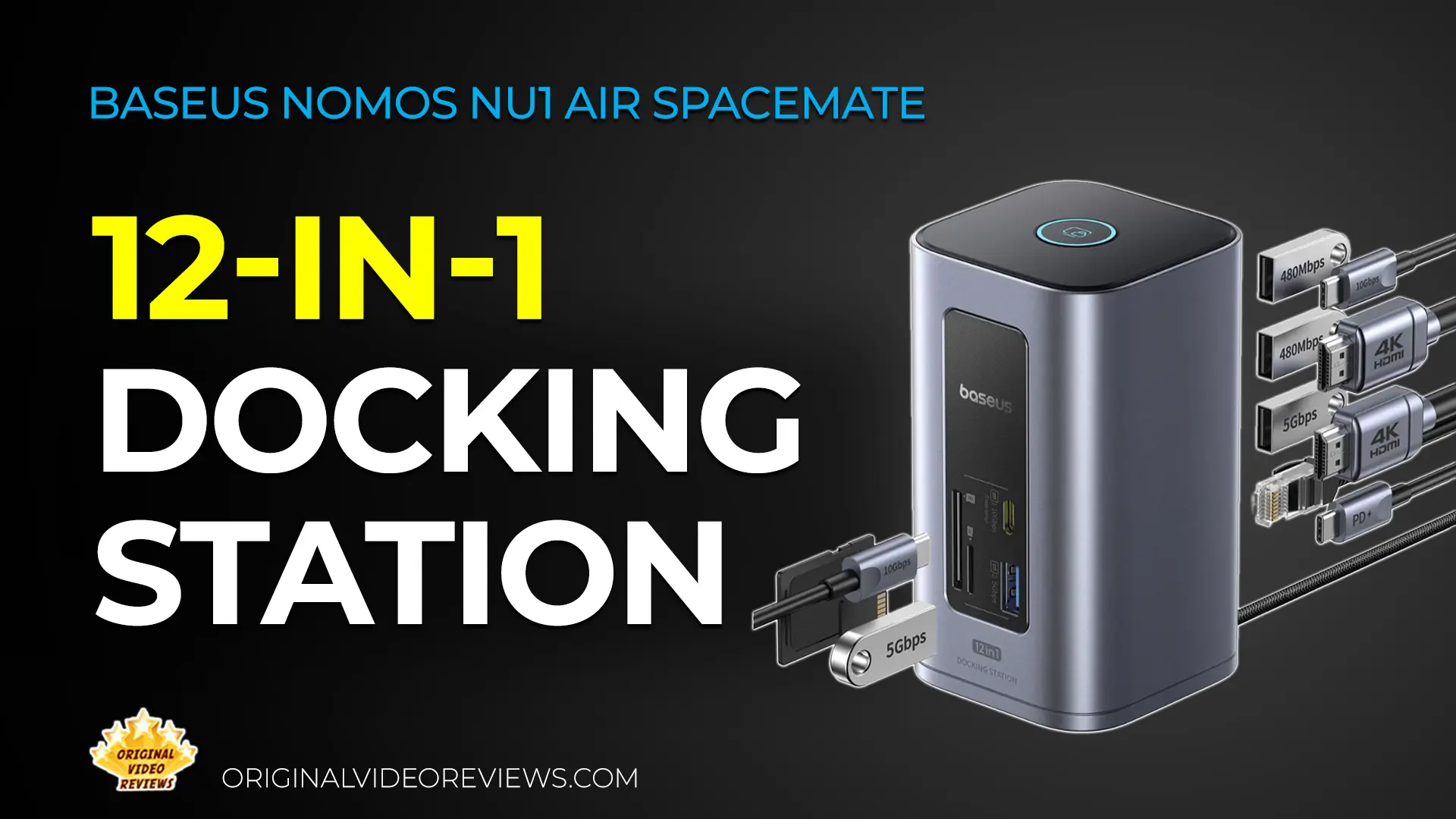
Baseus Nomos NU1 Air Spacemate 12-in-1 Docking Station
Overview
I’ve been looking to upgrade my workstation setup for a long time. Between my laptop and dual-monitor configuration, managing cables and connectivity was becoming a daily struggle. My goal was simple: to synchronize everything perfectly without breaking the bank.
The market is flooded with options, ranging from basic, single-purpose display extenders to ultra-expensive professional docking stations. I found myself questioning what I actually needed: Do I really need that high price tag? Are simple dongles enough? I knew for sure that I needed extra USB ports for charging peripherals and an SD card reader, a feature sadly missing from my recent laptops.
I wanted something practical, functional, reliable, and aesthetically clean. After testing several solutions that felt either too cheap or unnecessarily overpriced, I chose the Baseus Nomos NU1 Air Spacemate as my primary workstation hub. In this review, I’ll share everything you need to know about why this model is the right upgrade for your workspace.
Product description
- Brand
- Baseus
- Model No.
- BS-OH198
- Type
- 12-in-1 Docking Station
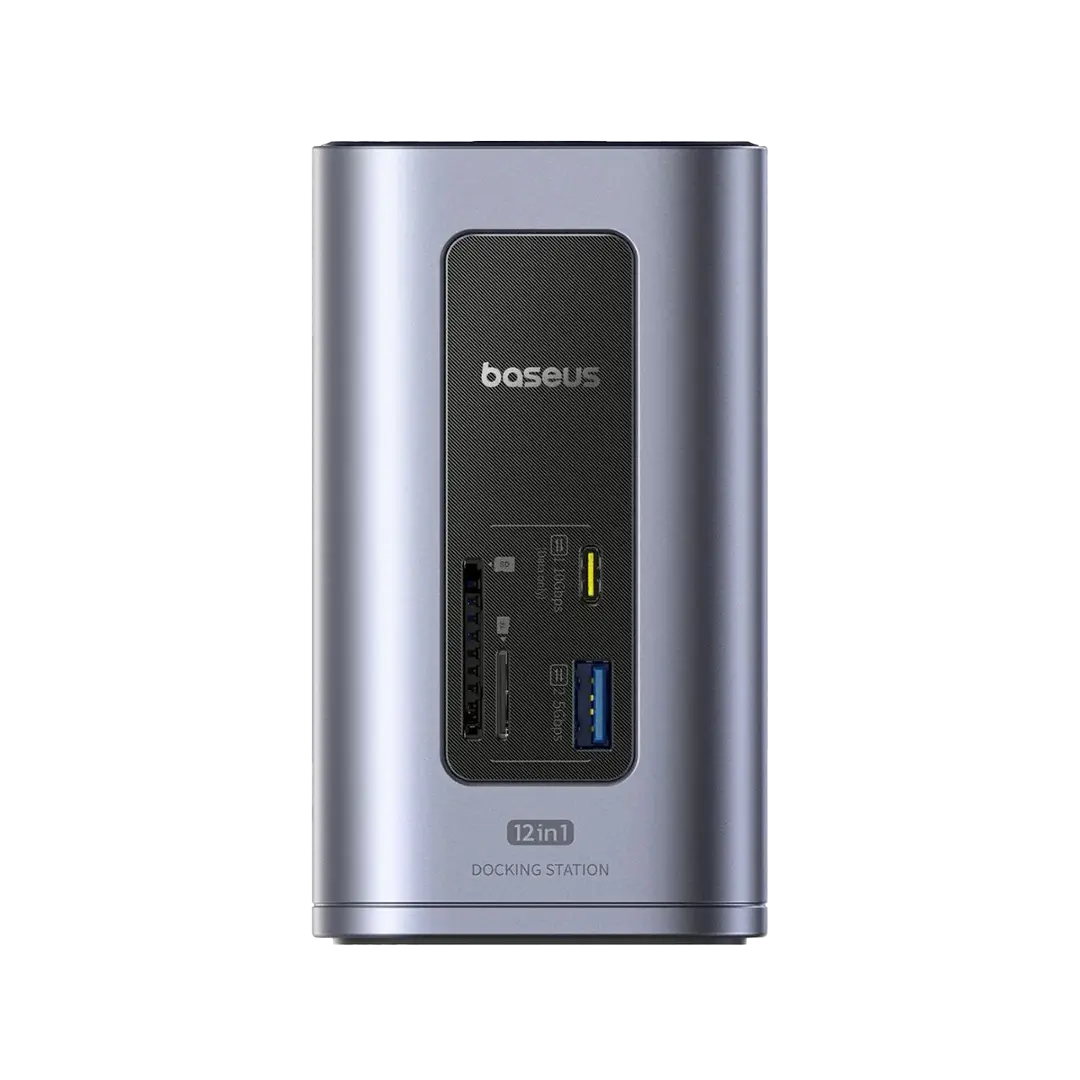
The Baseus Nomos NU1 Air Spacemate is a USB-C docking station designed to expand connectivity for laptops. It features a 12-in-1 port configuration, including dual HDMI video outputs, USB-A and USB-C data ports, RJ45 Ethernet, SD/TF card slots, and a USB-C Power Delivery (PD) port capable of up to 100W input.
According to the manufacturer's specifications, the dual HDMI ports support resolution up to 4K@60Hz. Baseus also claims the device incorporates smart power management to optimize performance when multiple peripherals are connected, as well as dedicated buttons for screen-locking and energy-saving modes.
The unit is constructed from aluminum alloy, intended for heat dissipation. It is compatible with major operating systems, including Windows, macOS, and Linux. Performance metrics, such as the 10Gbps data transfer speed on USB-C 3.2 ports and the 1000Mbps Ethernet stability, are based on manufacturer testing under controlled conditions.
Specifications
Connectivity & Speeds
| Expansion Ports | |
| USB-C Data Ports | 2x USB-C 3.2 Up to 10Gbps data transfer speed |
| USB-A High Speed | 2x USB-A 3.0 Up to 5Gbps data transfer speed |
| USB-A Standard | 2x USB-A 2.0 Up to 480Mbps data transfer speed |
| Card Reader Slots | 1x SD, 1x TF UHS-I V3.0 standard (Up to 104MB/s) |
| Wired Network | RJ45 Gigabit Ethernet Up to 1000Mbps bandwidth access |
Display Modes & Video
| Video Output Capabilities | |
| HDMI Resolution | Dual Display Up to 4K @ 60Hz |
| Windows Display Modes | 3 Modes Supported: • Main Monitor A → A+A Display • Main Monitor A → B+B Display • Main Monitor A → B+C Display |
| macOS Display Modes | 2 Modes Supported: • Main Monitor A → A+A Display • Main Monitor A → B+B Display |
Power Management
| Power Distribution & Controls | |
| Power Delivery Input | USB-C PD 100W Max Fast charges host laptop while powering peripherals |
| Power Allocation | Smart Power Management Reserves power overhead for optimal connected device performance |
| Top Hardware Button | Multi-function Control: • Short Press: Instant Screen-Lock (Privacy function) • Long Press (2s): Energy Saving Mode (Cuts peripheral power except PD charging) |
Technical Specs
| Hardware Architecture | |
| Material Housing | Aluminum Alloy |
| Dimensions | 115.5 x 65.5 x 65.5 mm |
| Weight | 0.62 kg |
| Model No. | BS-OH198 |
| System Compatibility | Windows, macOS, Linux, Vista |
Inside the box
Pros
Multi-Monitor Extension Delivers true screen expansion capabilities, making it seamless to project your workflow over two external 4K monitors directly from your Windows machine.Supports 3 layout modes on Windows; manufacturer also claims macOS compatibility.
Diverse Port Selection Packed with 12 useful ports, including fast 10Gbps Type-C slots, USB-A, Gigabit Ethernet, and essential SD/TF memory card readers that modern laptops often lack.
Efficient 100W Power Delivery Supports high-speed 100W pass-through charging. This allows you to use your laptop's original charger to power both the hub and your computer, eliminating the need for bulky, dedicated power bricks.
Reliable Windows Stability In my testing on Windows, the docking station demonstrated highly consistent connectivity, sustaining reliable data transfers and stable performance under daily, heavy-duty usage.
Solid Build & Compact Footprint Manufactured with a rigid aluminum alloy chassis that feels reassuringly solid. Its compact structure takes up minimal workspace, keeping your desk clutter-free.
Hardware Privacy Button Features a dedicated control button on top for instant screen-locking. It serves as an excellent and practical privacy solution for fast desk management.
Well-Sized & Sturdy Cable The built-in host USB-C connection cable is constructed with high-quality materials to last, and offers a highly reasonable length, providing flexible placement options on your desk.
Cons
No Power Adapter Included The package lacks an external power supply. While it functions by drawing power from your laptop's charger, it is an additional step and cost that some users might find inconvenient.
Fixed Host Cable The USB-C cable is hard-wired into the unit. If the cable itself becomes damaged or wears out over time, you cannot simply swap it out, which may limit the long-term lifespan of the docking station.
Data-Only Front Ports Not all front-facing ports support device charging. Using them to charge your phone or other peripherals often results in no power transfer, which can be limiting when you need a quick top-up.
Overall Verdict
When I purchased this docking station, I was fairly sure it was the solution I needed, though I had some minor concerns regarding display stability and power management. Those worries disappeared almost immediately. The device has performed flawlessly from day one. It is easy to operate, takes up almost no room, and has genuinely saved me from needing a messy pile of extra adapters and splitters. Please note that my experience is based entirely on my use with a Windows machine.
While I found cheaper individual fixes for specific needs, looking at the entire package compared to expensive, high-end docks, this is an excellent option. It sits firmly on my desk without sliding around like those cheap plastic hubs, and it feels built to last. Since this is an ongoing review, I will keep testing it and update this space if anything changes.
As for the downsides: the fixed cable is my biggest annoyance. If it breaks, you cannot just swap it out, so I am making sure to handle it with care. I also miss having charging capabilities on the front USB ports when I need to quickly juice up my phone. Regarding the lack of an included power adapter: at first I thought this was a major issue, but you can easily grab a high-quality GaN charger and cable online for a very low price (I have linked my recommendations below). Ultimately, given the performance and price, these trade-offs are easy to live with.
A high-quality docking station at a very attractive price. I highly recommend it for Windows users, especially if you work with multiple monitors. It provides robust power and all the essential features needed for a modern workstation, including a convenient, front-access card reader.
Where to buy
Below are the links to purchase the Baseus Nomos NU1 Air 12-in-1 Docking Station:
Photos
User Manual
Baseus Nomos NU1 Air 12-in-1 Docking Station User Manual
Official user manual (PDF)
Additional Links
Baseus Official Product Page
baseus.com
FAQ
Got questions about the Baseus Nomos NU1 Air?
Already purchased the Baseus Nomos NU1 Air yourself?
More Computer Accessories

Essential Computer Gear
Check out my full collection of computer accessories, including docking stations, hubs, peripherals, and more—all reviewed with a hands-on approach.
Explore All ReviewsSubscribe OVR channels
Choose the channels you like and subscribe on YouTube.
Disclaimer
This post contains affiliate links.
Please check out my disclosure policy for more details.
Thank you for your support & understanding!


Comments