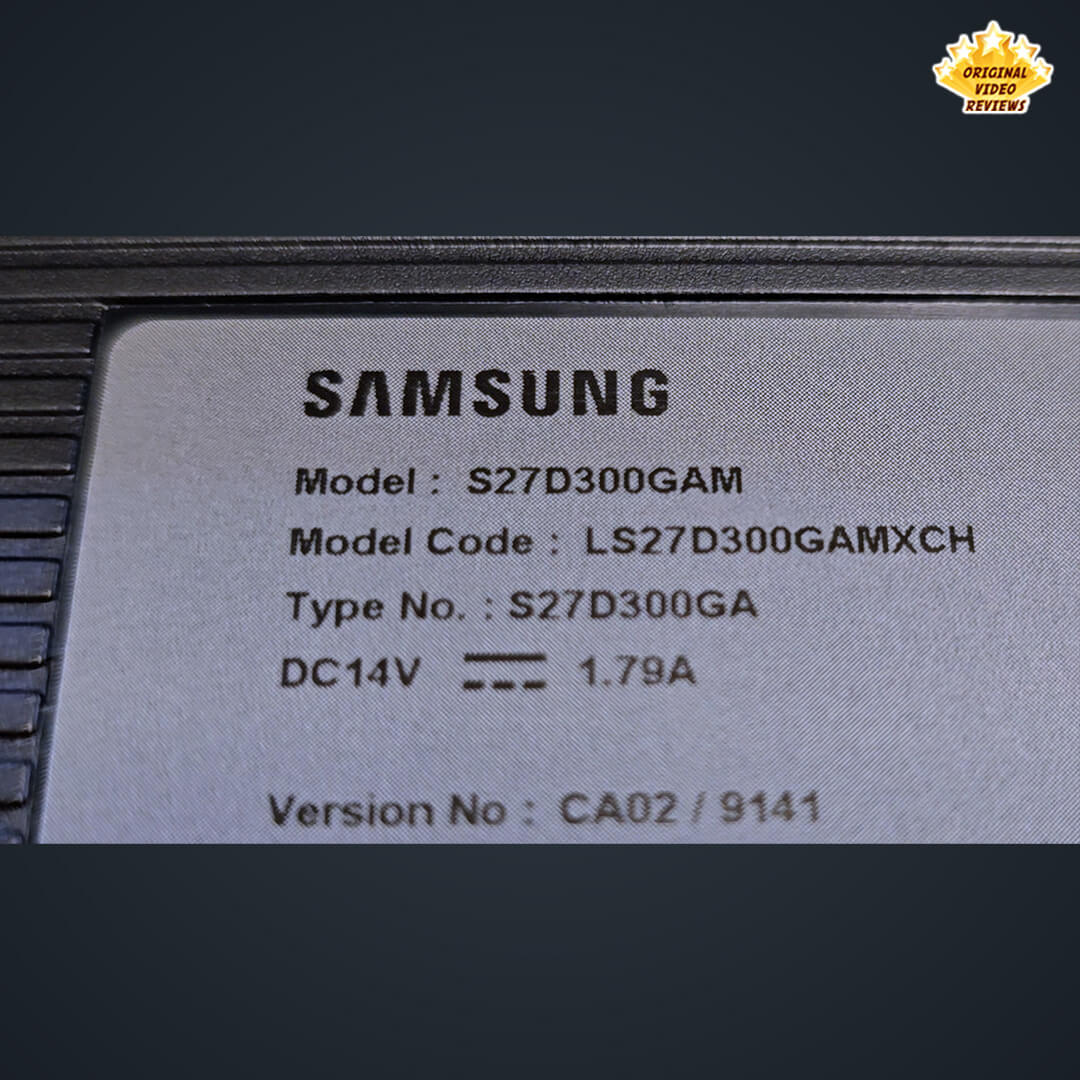
Samsung Essential Monitor S3 27-Inch (S30GD)
Overview
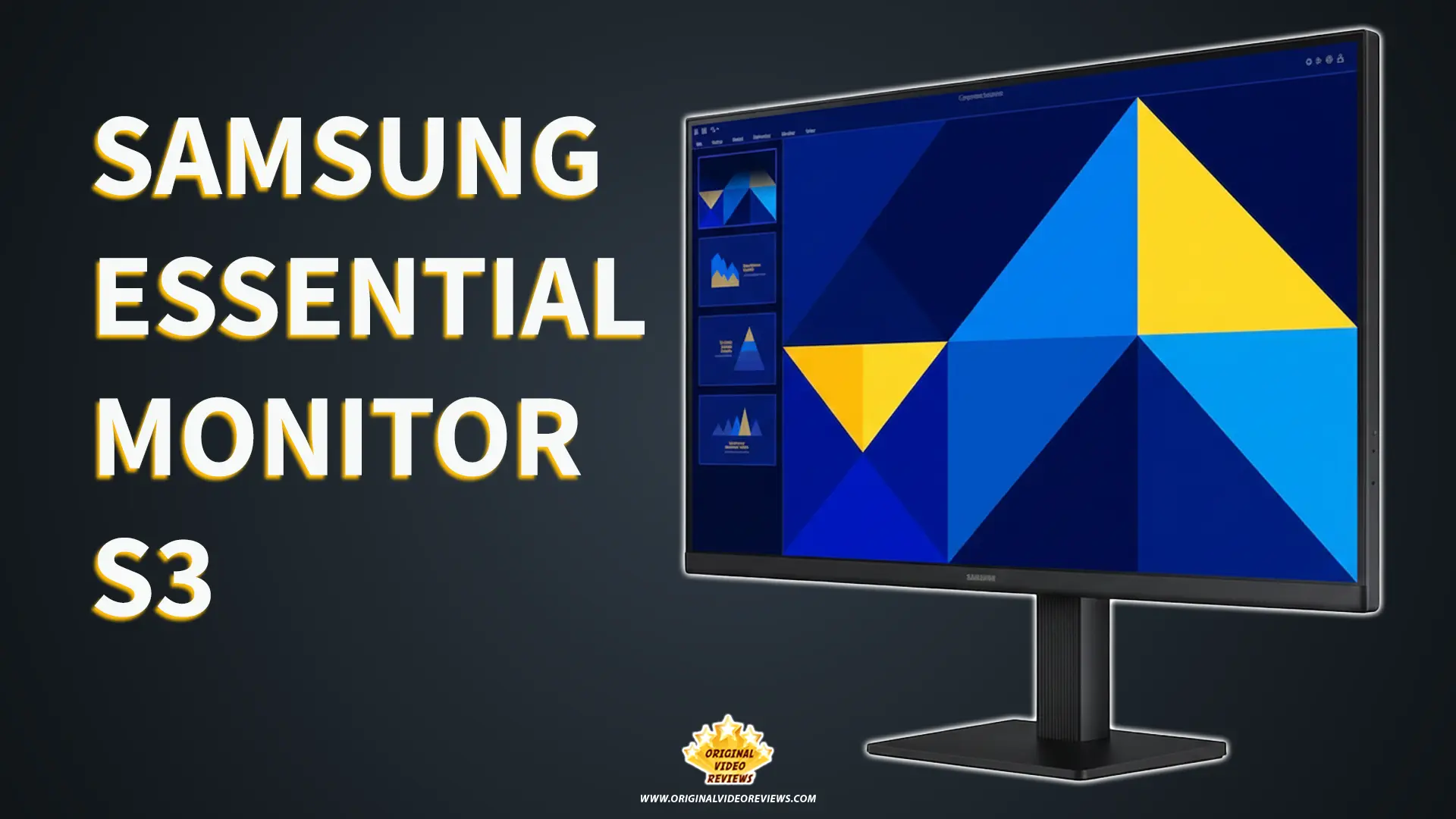
If you’re looking for a clean, modern 27-inch display that simply delivers, the Samsung S3 series is likely on your radar. It’s built for the core setup - the home office, the student desk, or the everyday workstation - where the goal is reliable performance and a sharp picture without paying for "pro" features that often go unused.
As the OVR GUY, I’ve spent years reviewing everything from high-end gear to entry-level essentials. While I certainly appreciate premium quality, there’s a specific kind of professional satisfaction in finding a product that punches above its weight class. Recently, I’ve been re-evaluating my own workspace and playing around with my laptop and monitor setup. As I was making some changes to the overall flow of my desk, I realized it had been quite a while since I last updated my display.
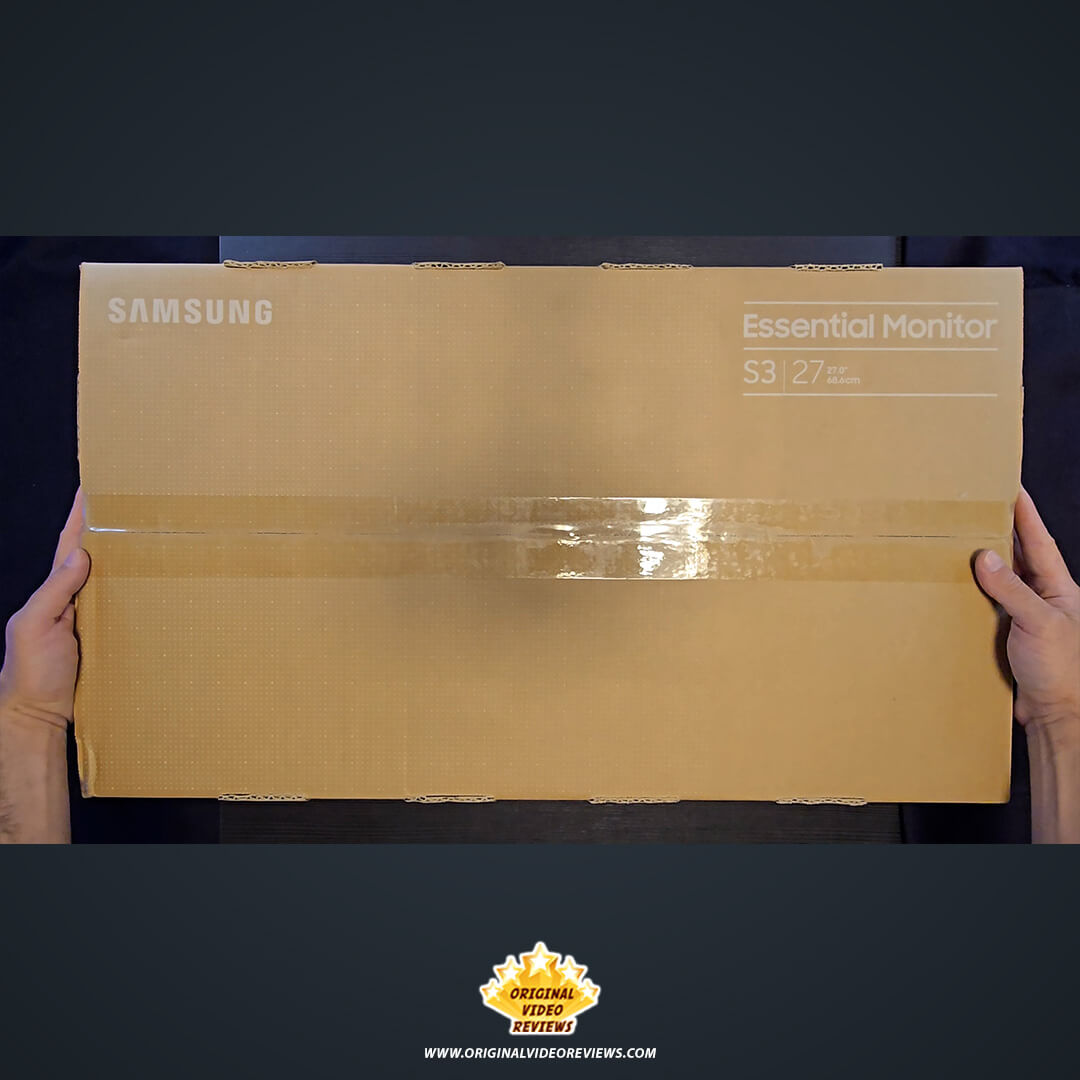
I’ve always found that a 27-inch secondary monitor is the definitive "sweet spot" for my workflow - whether I'm editing videos, managing content, or handling the day-to-day grind. Since I was already refreshing my setup, I decided it was the perfect time to bring in something new. I went with the Samsung Essential Monitor S3 (S30GD), a fresh 2025 model from a brand I trust. I wanted to see if this latest generation is just a basic "essential" tool, or if it’s actually a high-quality sleeper hit that can anchor a modern workspace.
Product details
- Manufacturer
- Samsung
- Model Name
- Essential Monitor S3 (S30GD)
- Size
- 27″
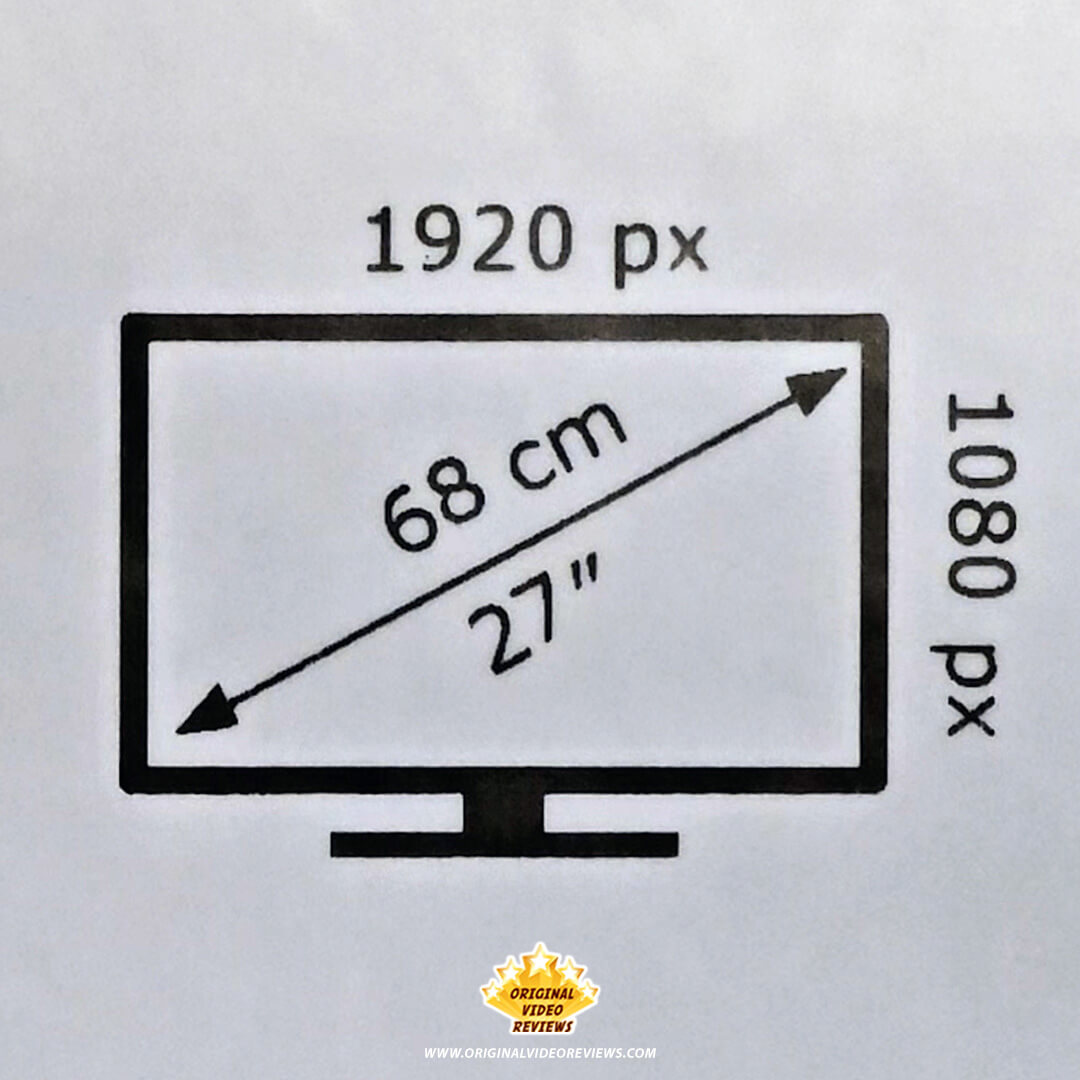
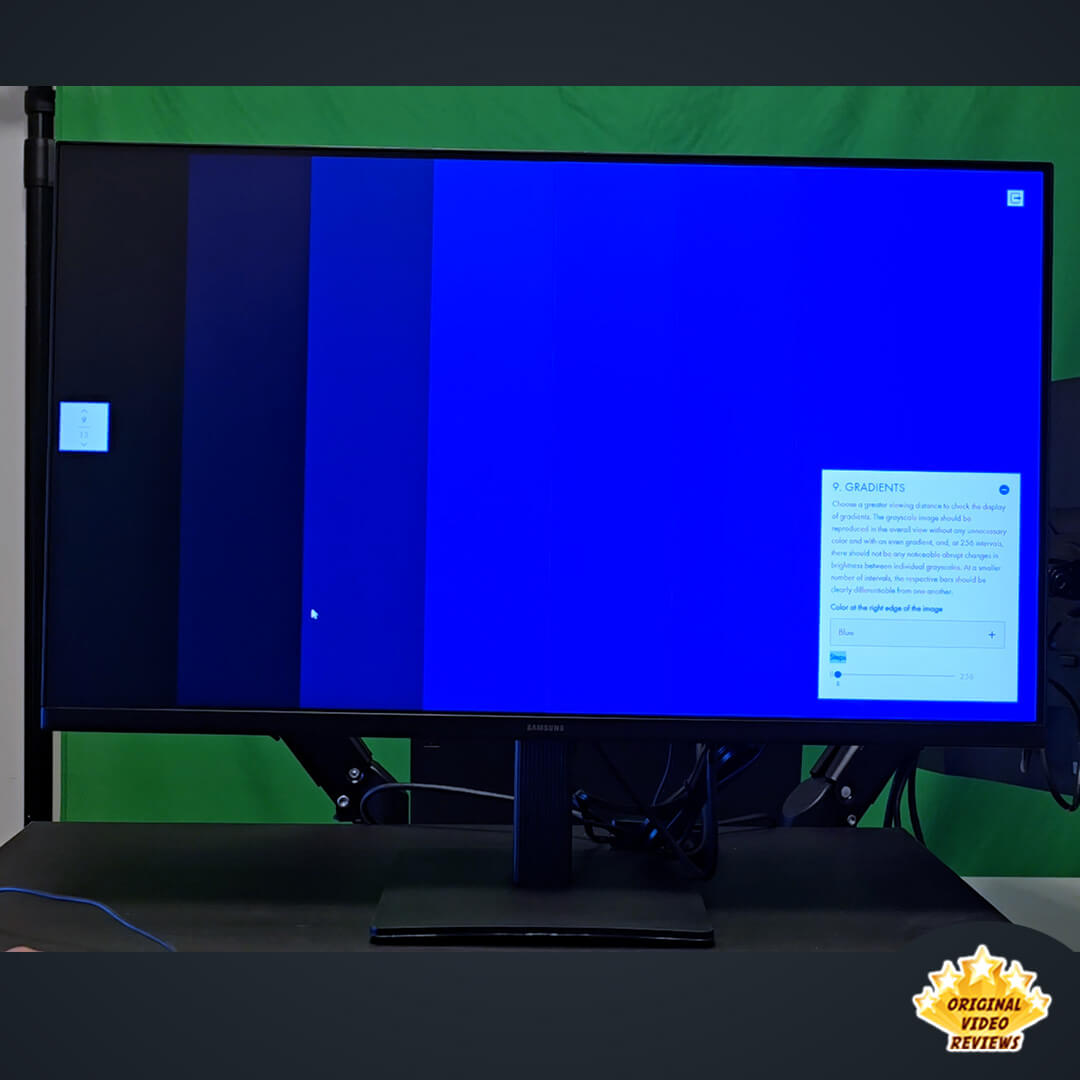
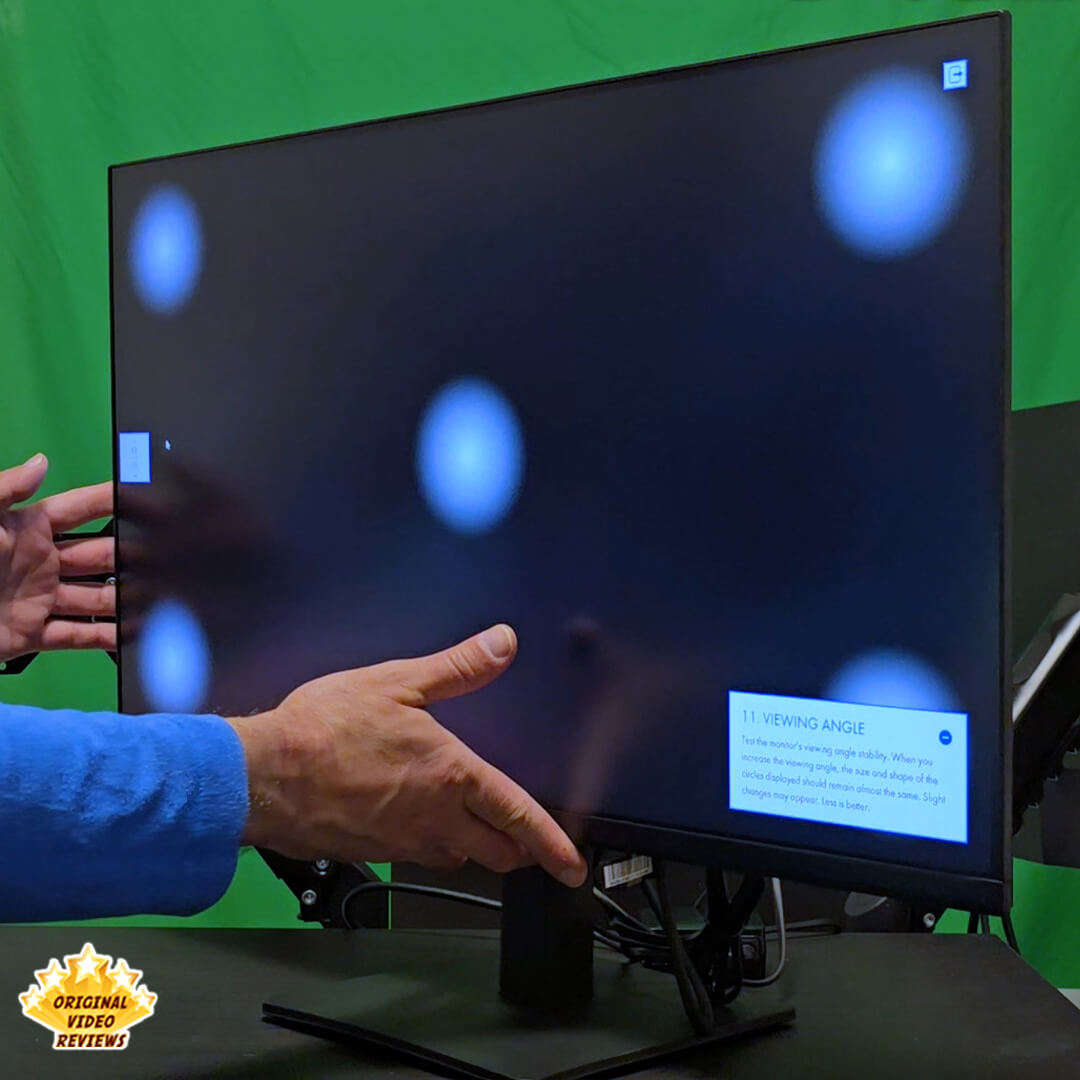
The Samsung Essential Monitor S3 (S30GD) is built to handle the modern demands of a versatile workspace. At its core is a 27-inch Full HD (1920x1080) IPS panel, which is a significant point to note. Unlike basic TN or VA panels often found in this category, the IPS technology ensures vibrant color accuracy and consistent clarity even when viewing the screen from the side - up to 178 degrees.
One of the standout upgrades for this 2025 model is the move to a 100Hz refresh rate. While standard office monitors typically cap at 60Hz or 75Hz, this bump to 100Hz provides a noticeably smoother experience, whether you're scrolling through long documents, editing timelines, or playing casual games. Combined with AMD FreeSync support, it effectively eliminates screen tearing and stuttering for a more fluid visual flow.
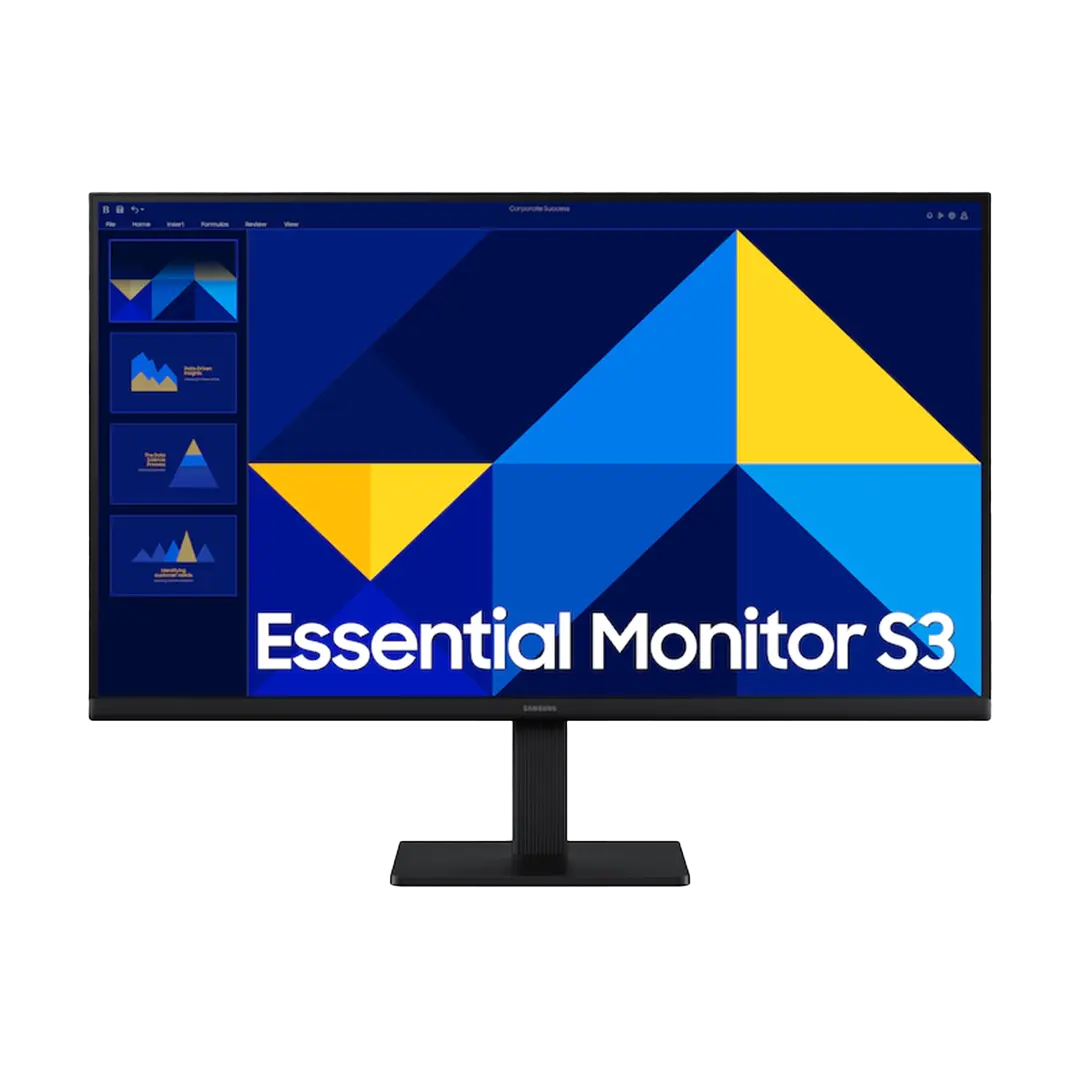
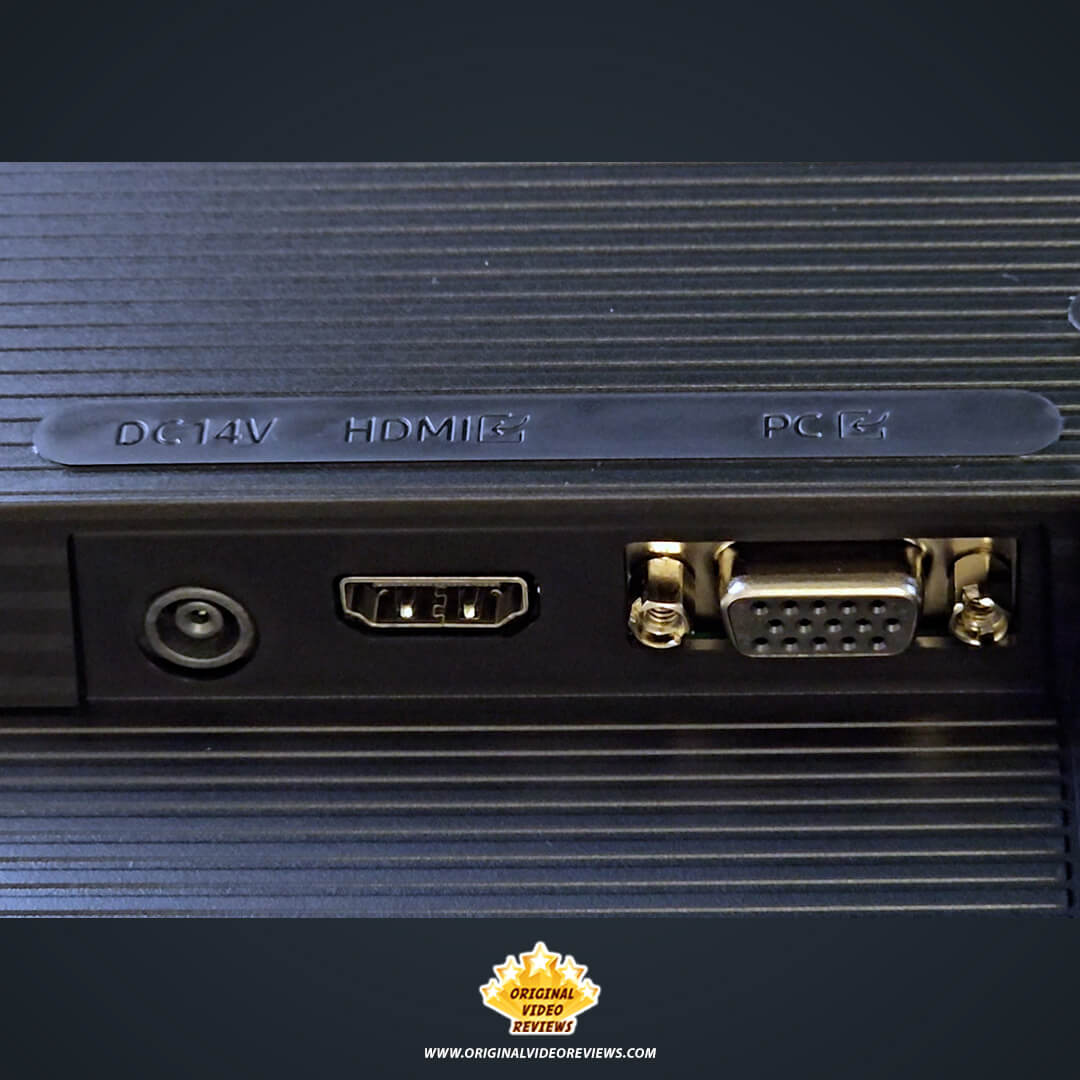
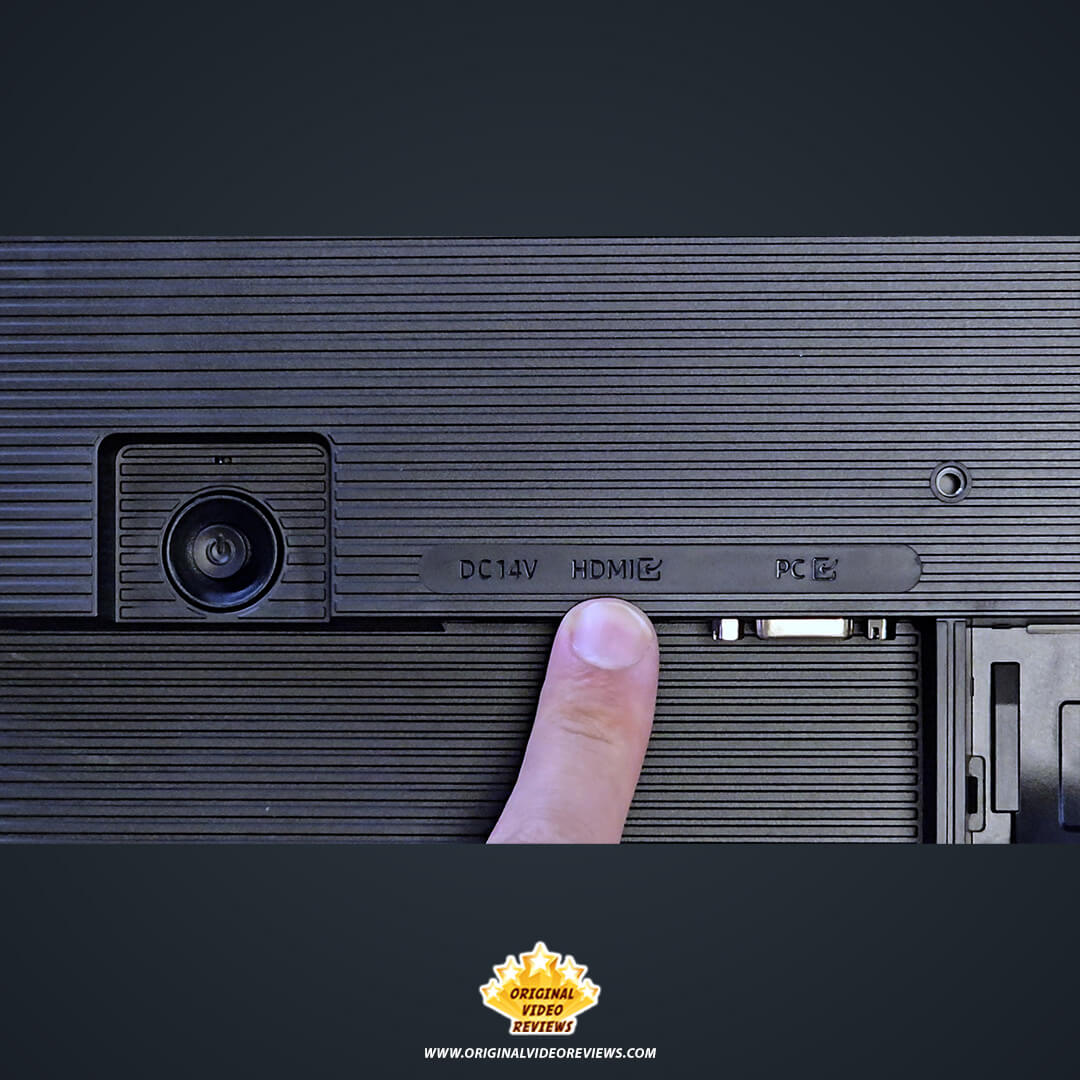
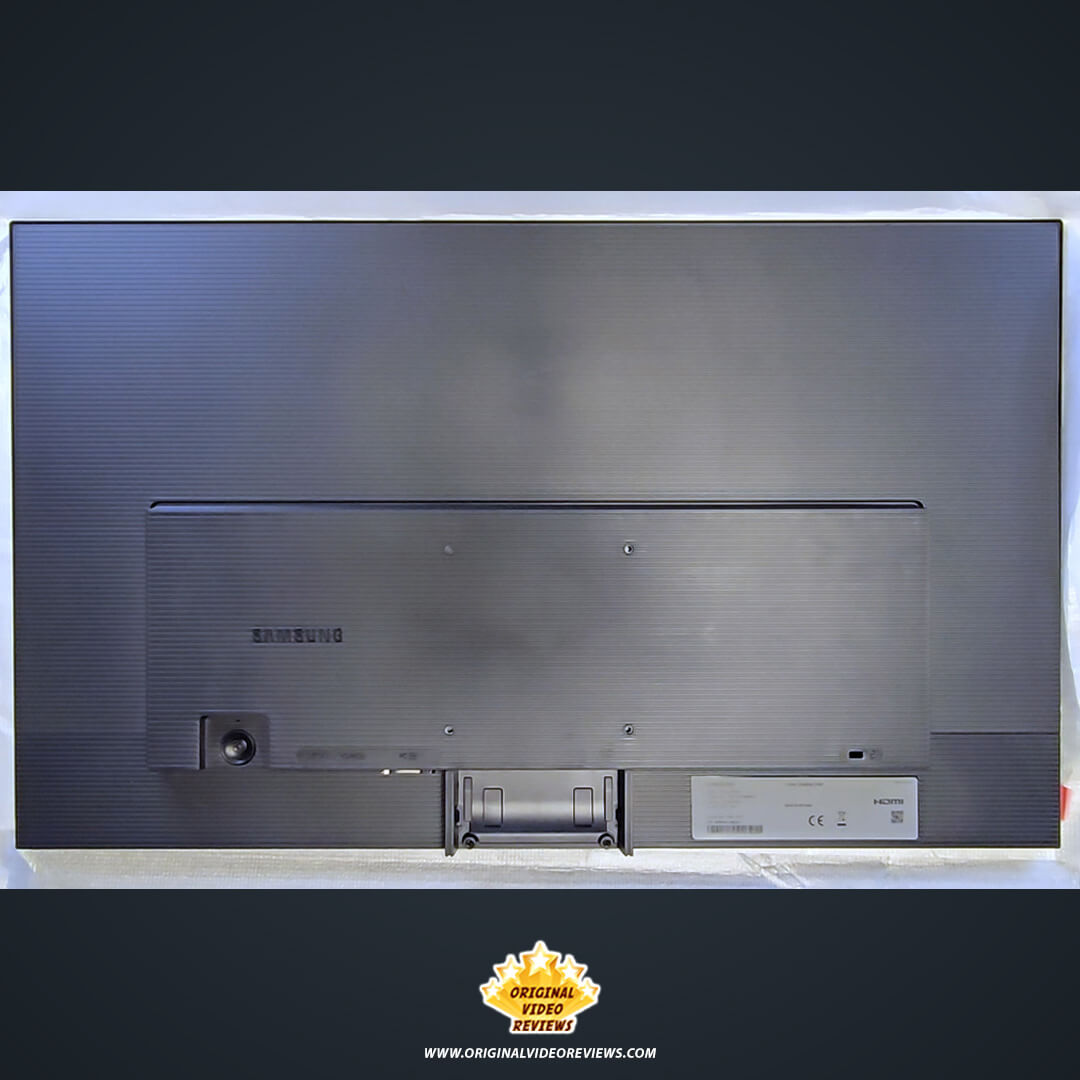
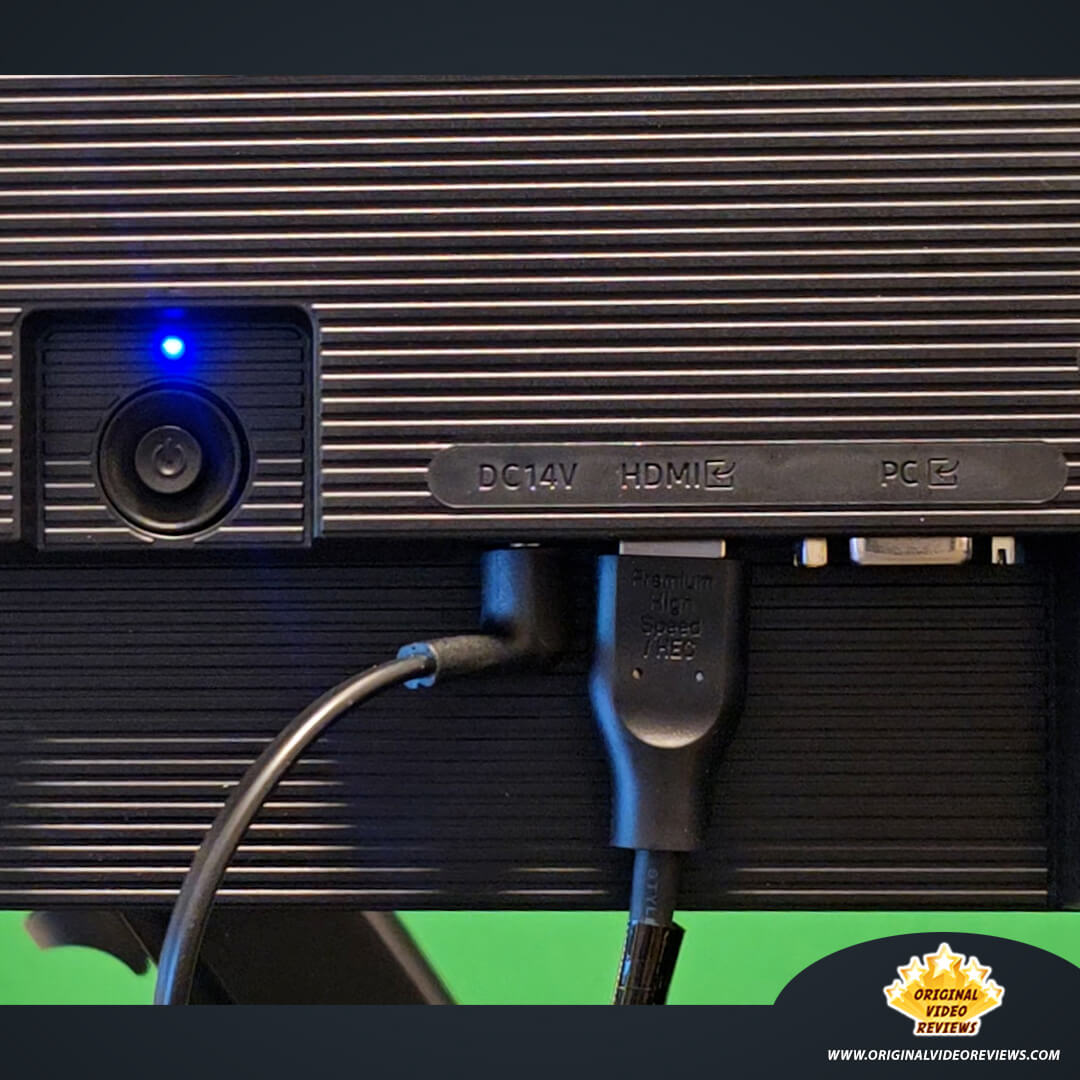
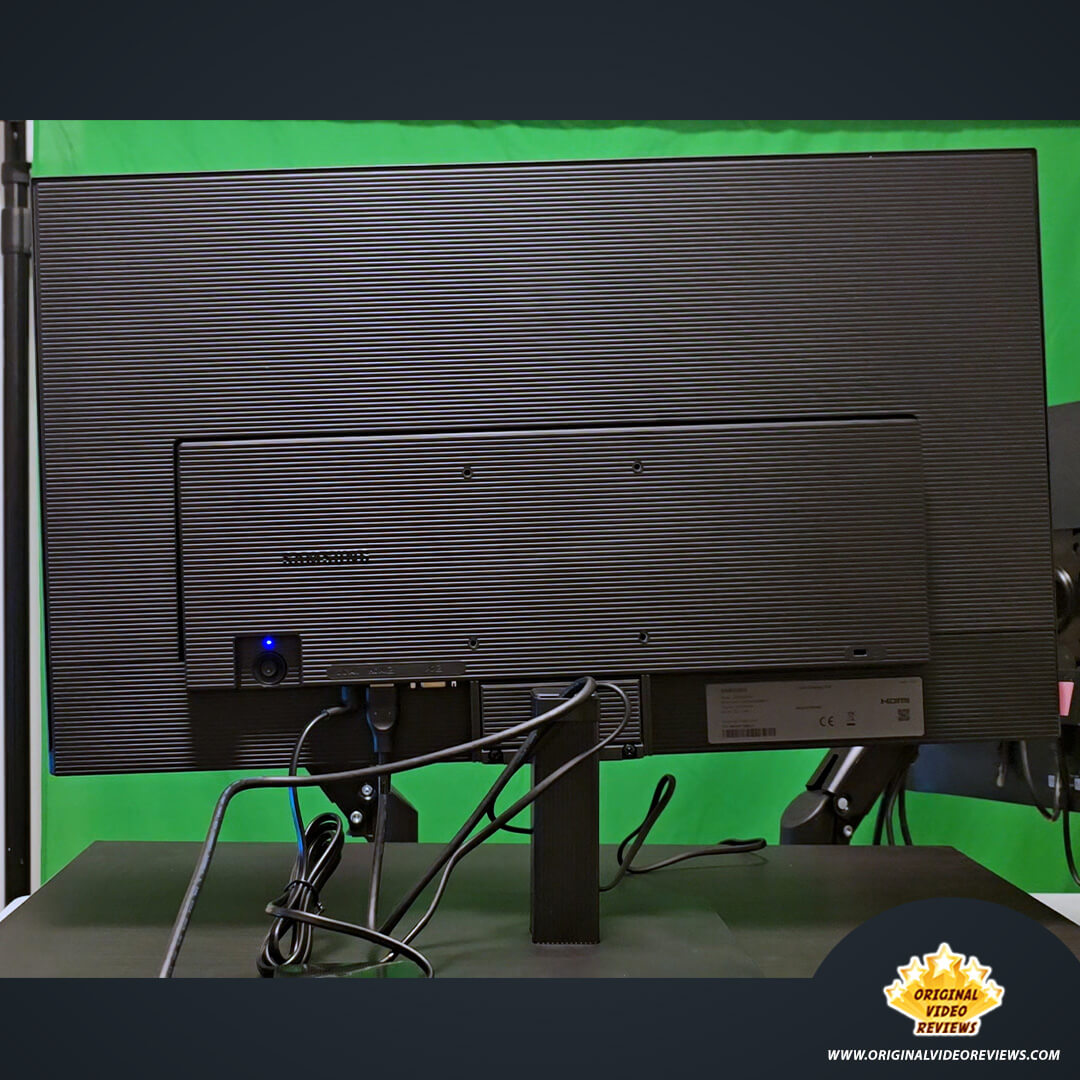
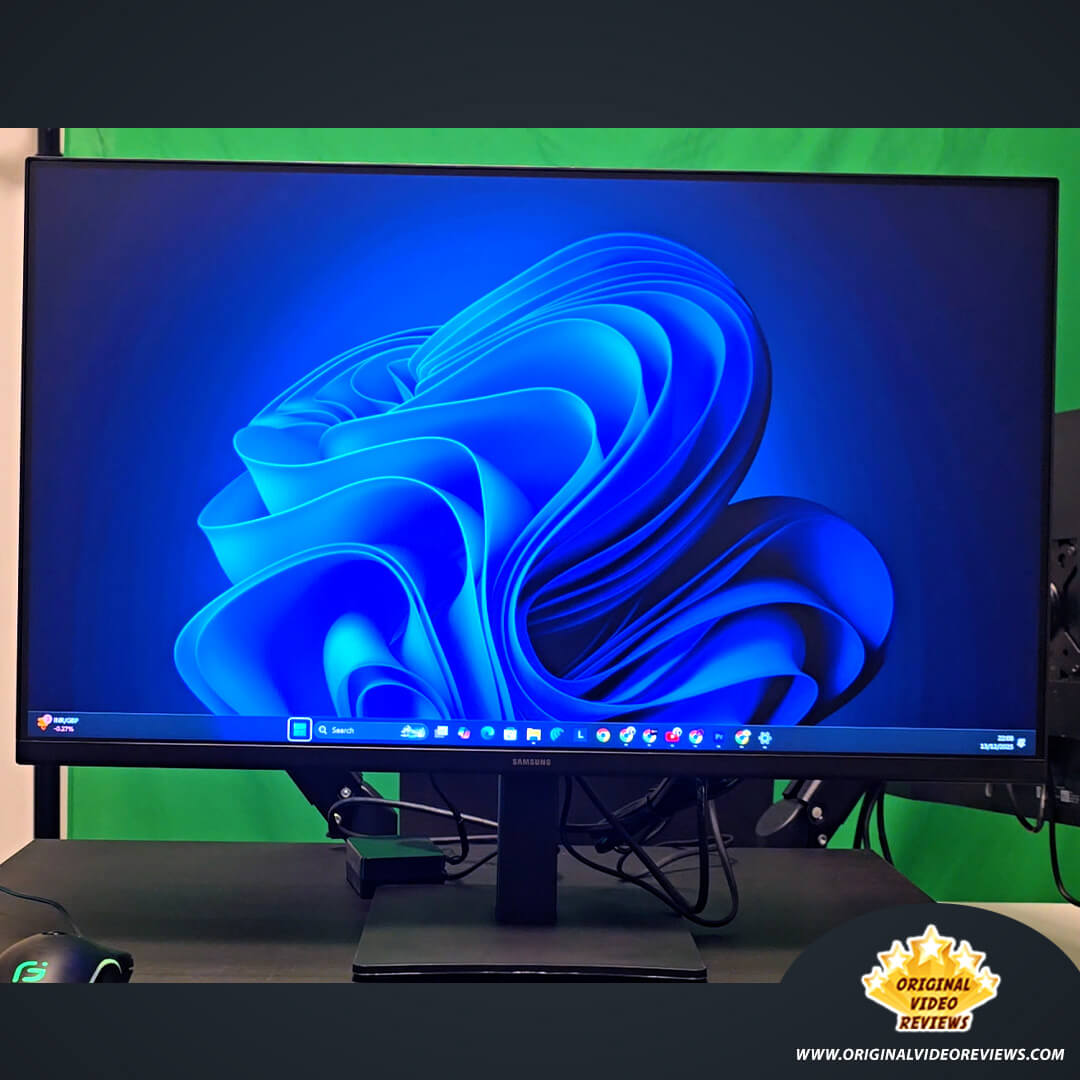
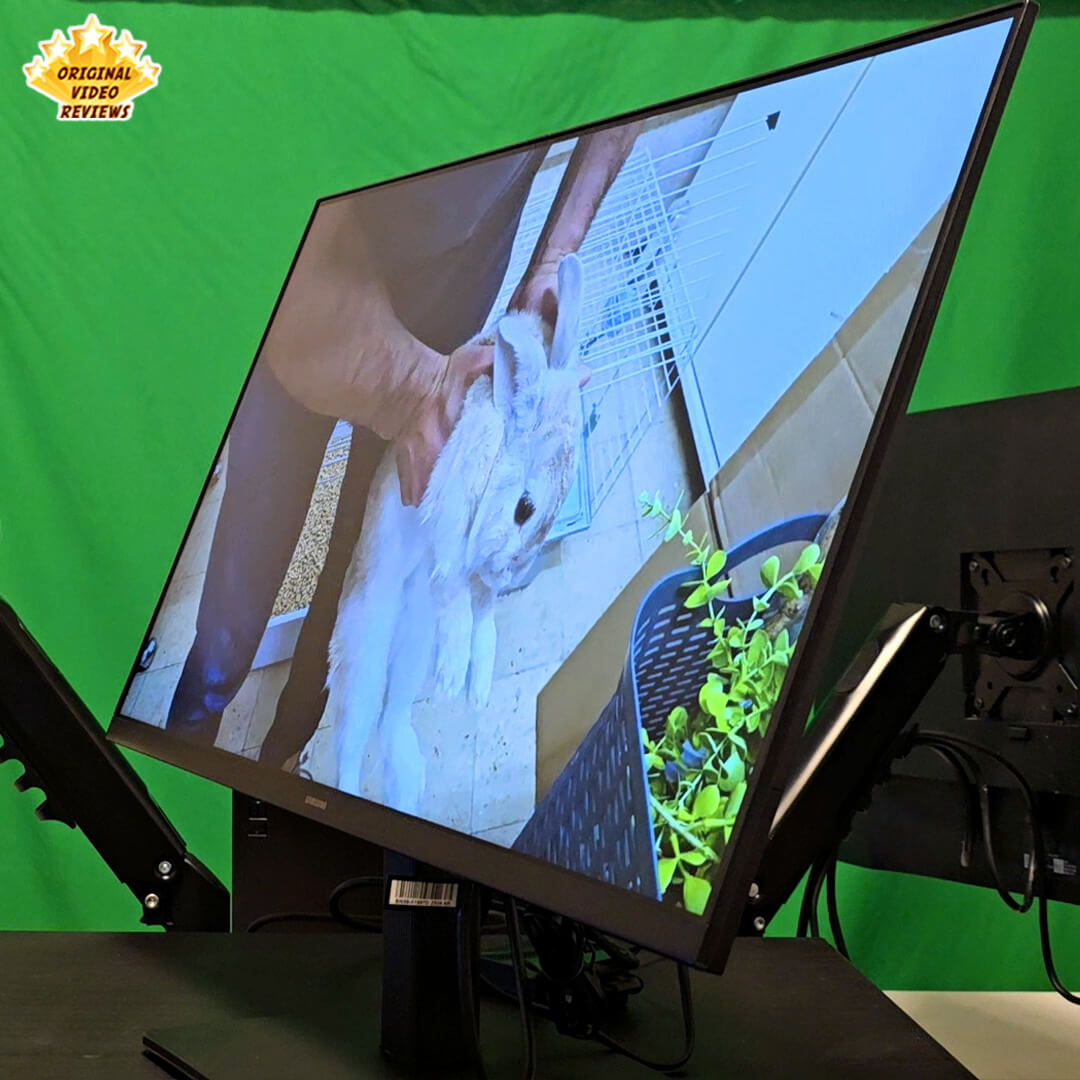
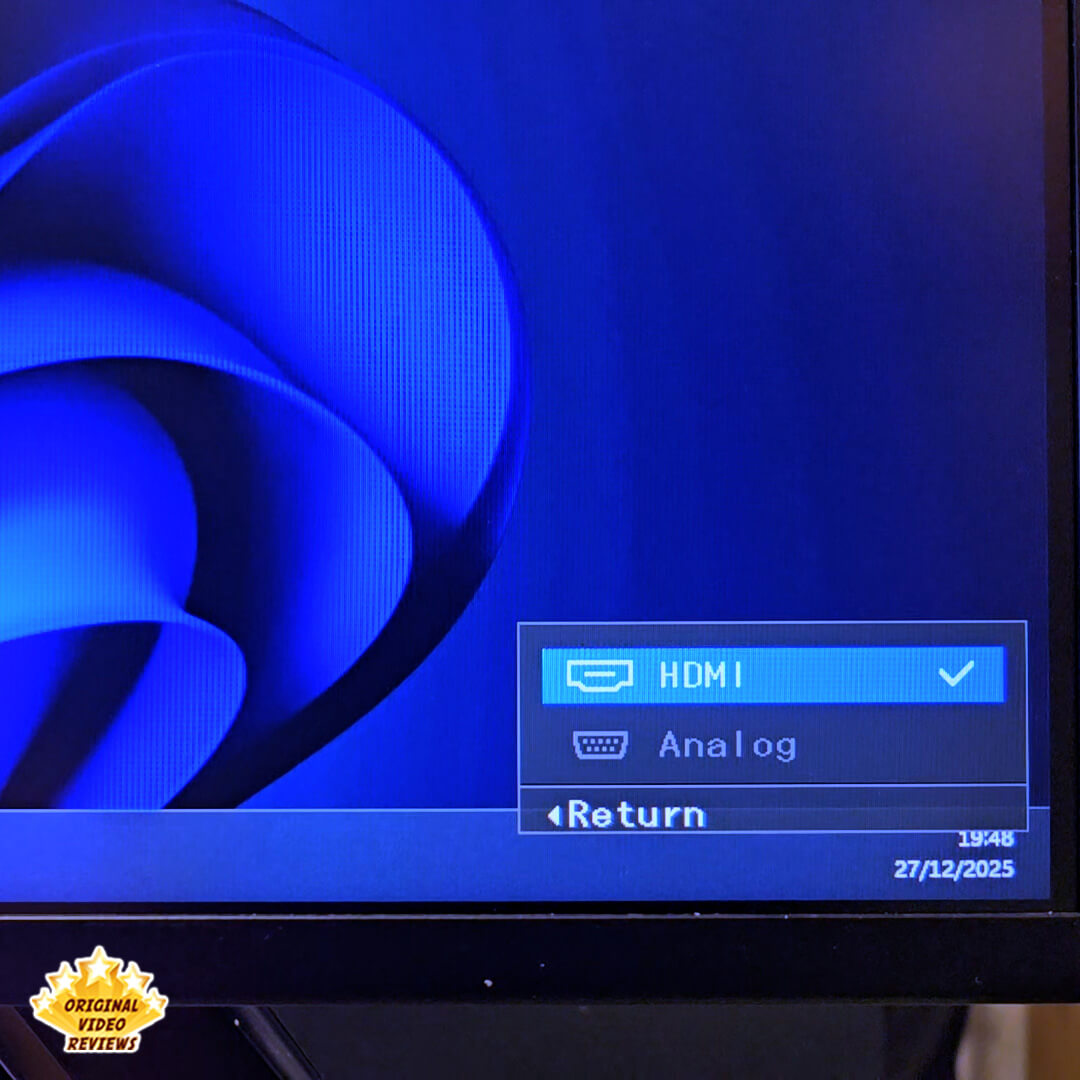
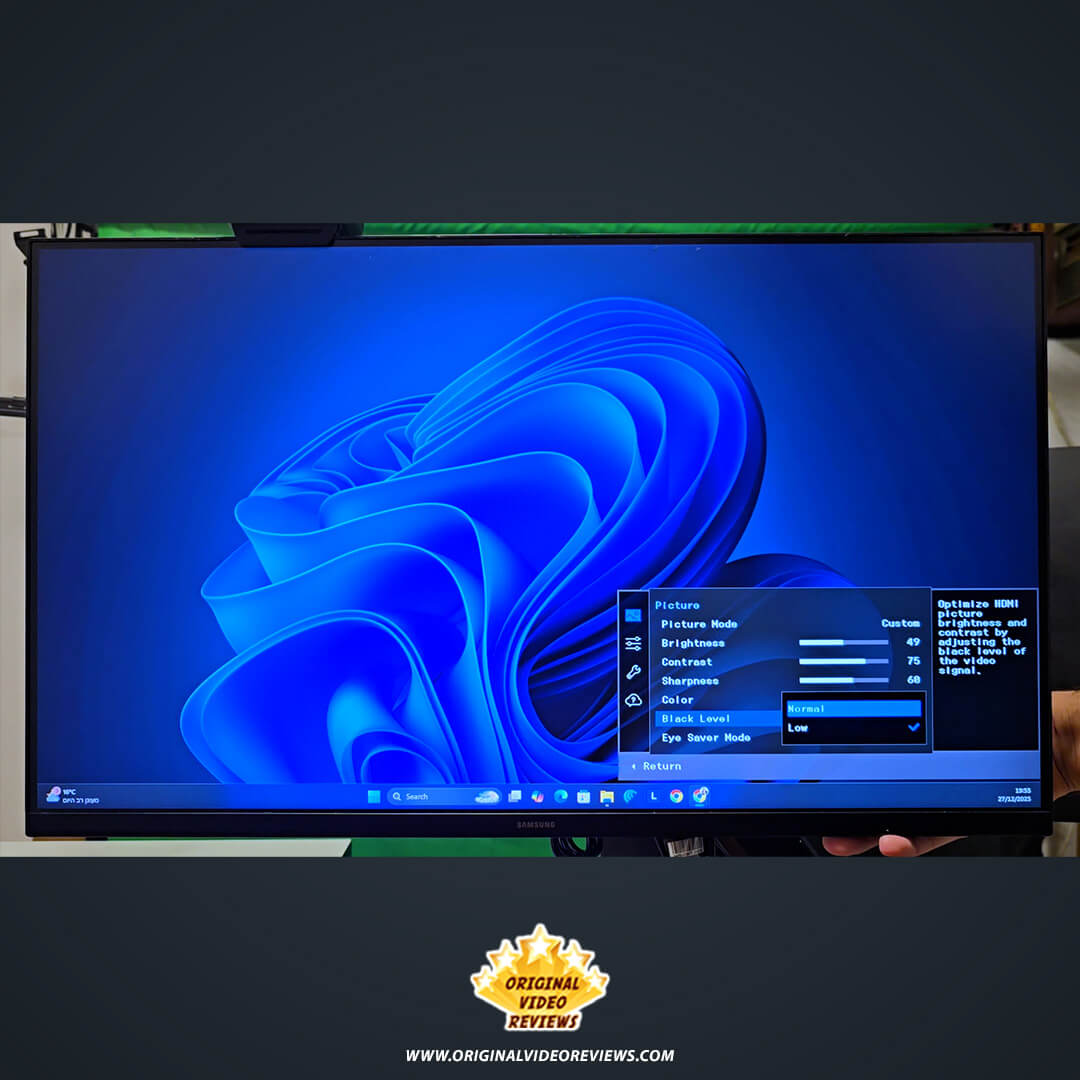
On the design front, the S30GD follows a minimalist aesthetic with ultra-thin bezels on three sides, making it an excellent candidate for dual-monitor setups. It also features Samsung’s dedicated Eye Saver Mode and Flicker Free technology, which are essential for those of us who spend long hours in front of the glass. In terms of connectivity, the monitor keeps it straightforward and functional with both HDMI 1.4 and DisplayPort 1.2 inputs, ensuring compatibility with most modern laptops and PCs.
Specifications
Display Specifications
| Screen & Panel | |
| Screen Size (Class) | 27" |
| Panel Type | IPS |
| Resolution | 1,920 x 1,080 (FHD) |
| Aspect Ratio | 16:9 |
| Brightness (Typical) | 250 cd/㎡ |
| Contrast Ratio Static | 1000:1 (Typ.) |
| Performance Features | |
| Refresh Rate | Max 100Hz |
| Response Time | 4ms (GTG) |
| Viewing Angle (H/V) | 178° / 178° |
| Color Support | Max 16.7M |
| Color Gamut (NTSC) | 72% |
Connectivity
| Ports & Interfaces | |
| HDMI Port | 1 EA (Version 1.4) |
| Display Port | 1 EA (Version 1.2) |
| HDCP Version | 1.4 |
| D-Sub (VGA) | No |
Special Features & Eco
| Eye Comfort & Gaming | |
| Eye Saver Mode | Yes |
| Flicker Free | Yes |
| Game Mode | Yes |
| FreeSync | AMD FreeSync |
| Auto Source Switch | Yes |
| Eco & Power | |
| Eco Saving Plus | Yes |
| Power Supply | AC 100~240V |
| Type | External Adaptor |
Design & Dimensions
| 27" Model Dimensions (S30GD) | |
| Set Dimension with Stand (WxHxD) | 24.1 x 18.2 x 7.6 inches |
| Set Dimension without Stand (WxHxD) | 24.1 x 14.3 x 2.0 inches |
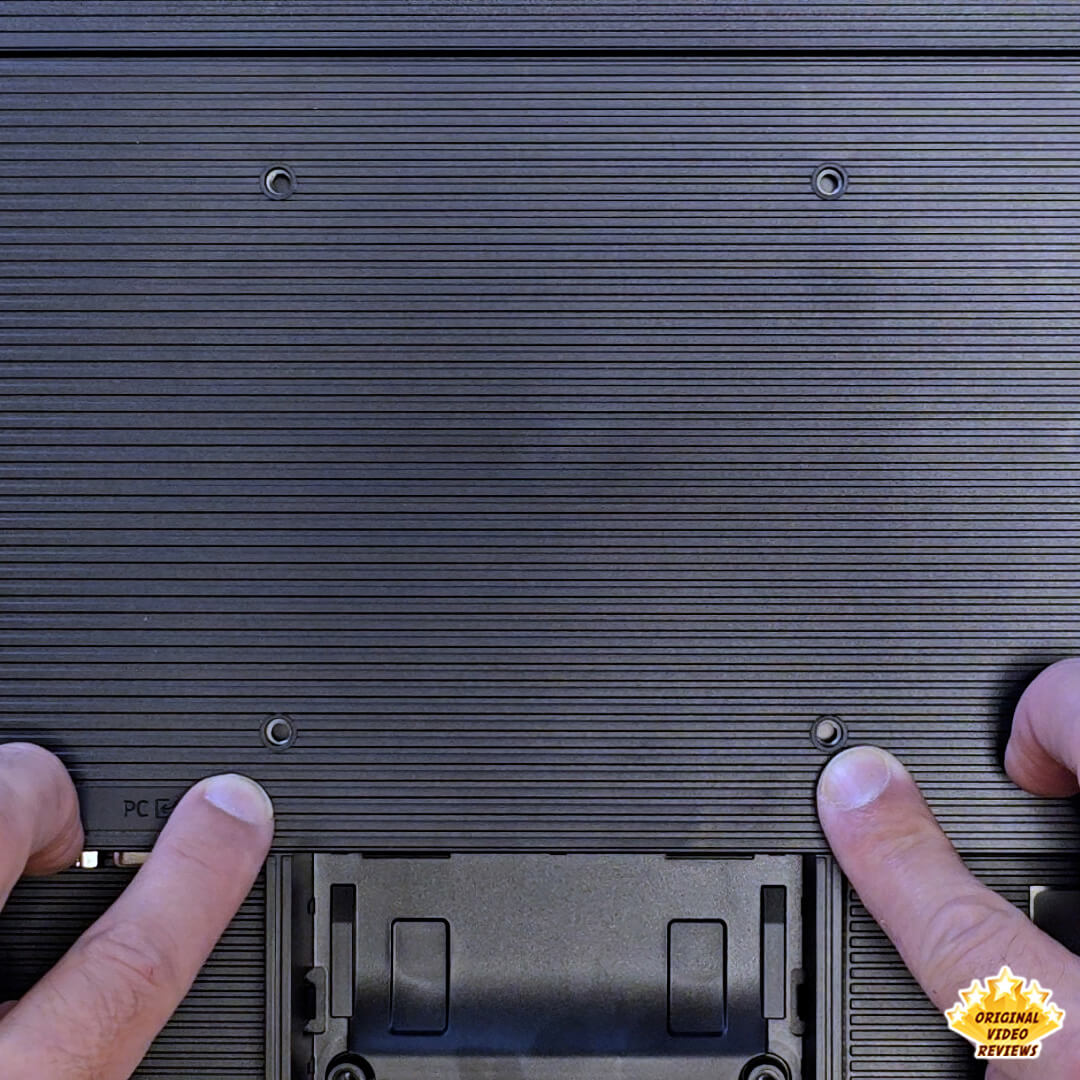
| Wall Mount (VESA) | 75.0 x 75.0 mm |
| Tilt Range | -2.0°(±2.0°) ~ 22.0°(±2.0°) |
| Weight | |
| Set Weight with Stand | 7.9 lbs |
| Set Weight without Stand | 7.1 lbs |
| Alternative Sizes (Reference Only) | |
| Available Model Sizes | 22", 24", 27" |
Inside the box
Pros
Excellent Value Consistently recognized as providing great "bang for the buck" for its price point.
Picture Quality Sharp and clear visuals with accurate color reproduction and solid brightness.
Lightweight Design Ultra-thin build that is exceptionally easy to move and handle.
Smooth Performance The 100Hz refresh rate ensures fluid motion for both casual gaming and video playback.
Wide Viewing Angles IPS panel technology maintains color consistency at 178° angles.
Eye Comfort Built-in eye care features effectively reduce strain during extended use.
Simple Setup True plug-and-play experience with essential cables included in the box.
Cons
Resolution Density At 27 inches, some users find 1080p resolution shows slight pixelation compared to smaller screens or higher resolutions.
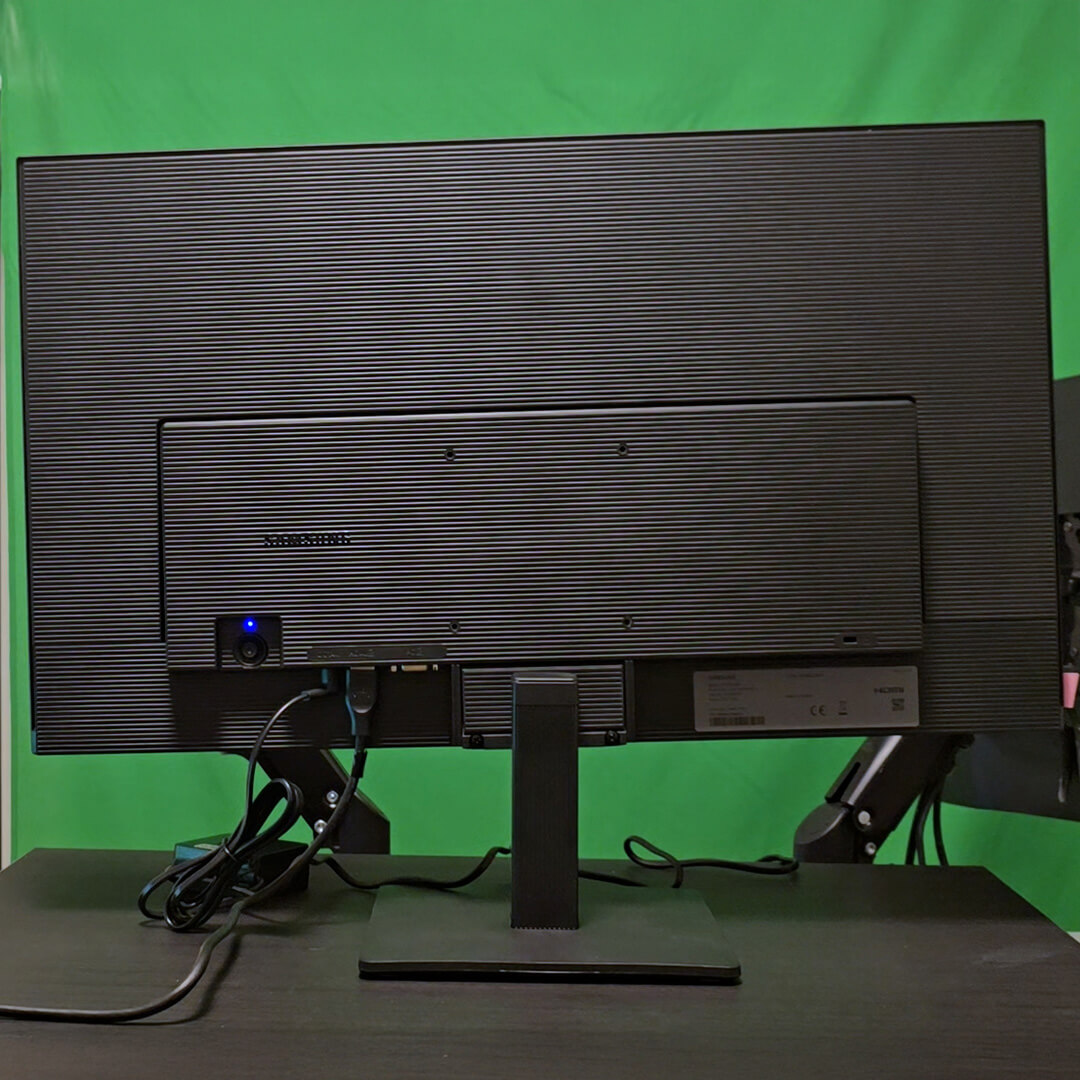
Limited Adjustability The included stand only allows for tilting; there is no height adjustment or swivel.
No Integrated Audio The monitor does not have built-in speakers, necessitating an external sound system.
Build Materials The stand construction feels somewhat basic and less robust than premium models.
Text Clarity Users transitioning from 4K displays may notice a downgrade in the sharpness of text and fine details.
Overall Verdict
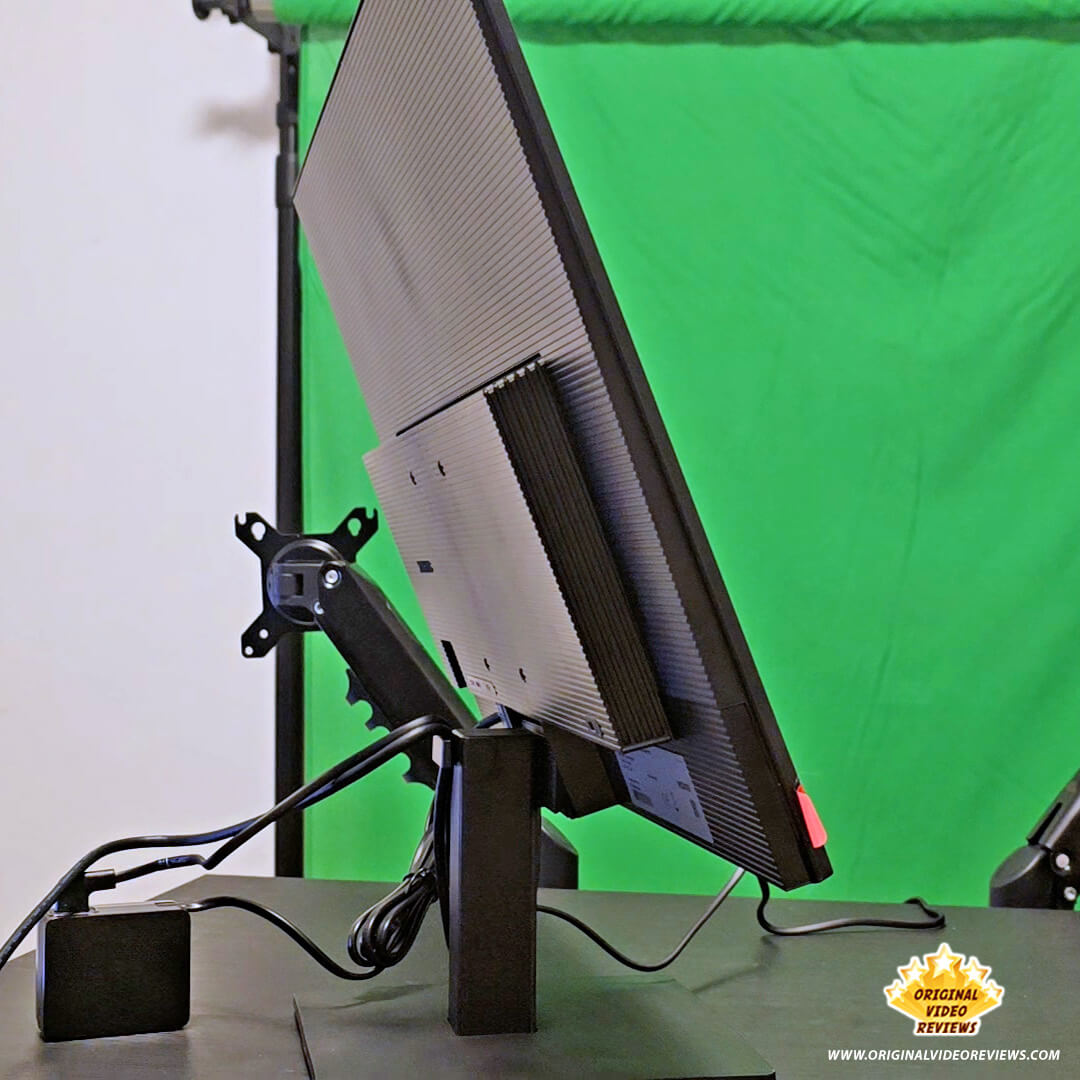
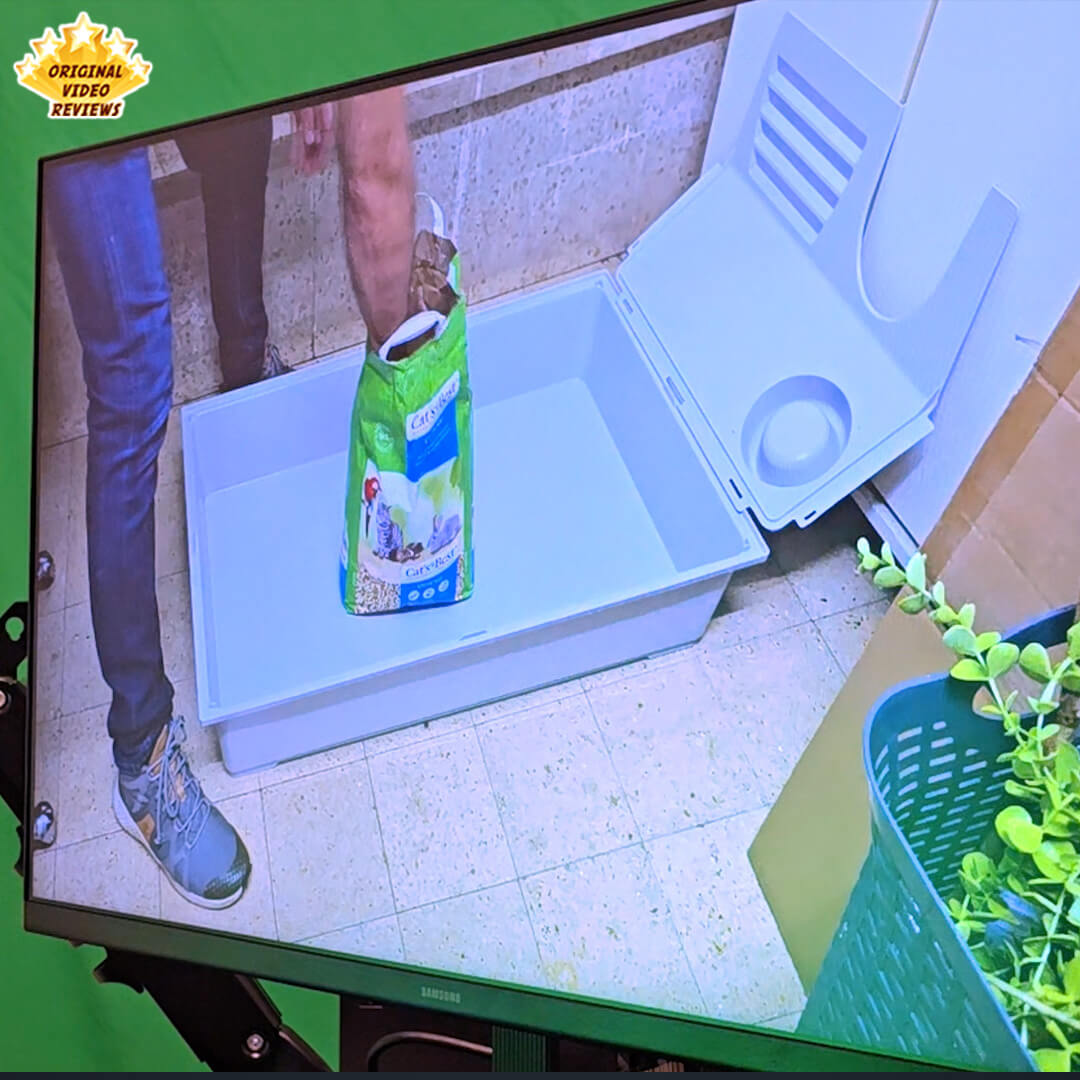
After using the Samsung S30GD daily for the past five months, I have a very clear picture of where it shines and where it compromises. Right off the bat, I love the physical design. It is incredibly thin and integrates seamlessly into a modern desk setup without looking bulky or out of place.
Going in, I was slightly concerned about the display's brightness given its standard cd/m² (nits) rating, but it pleasantly surprised me. It is perfectly adequate and comfortable for indoor daily use. That being said, it is not a 4K panel. The image quality is perfectly fine, but it won't blow you away if you are used to staring at pixel-dense smartphone screens or premium displays. Still, as part of a multi-monitor workflow, this is far from a dealbreaker for me, and I suspect most users will find it more than sufficient.
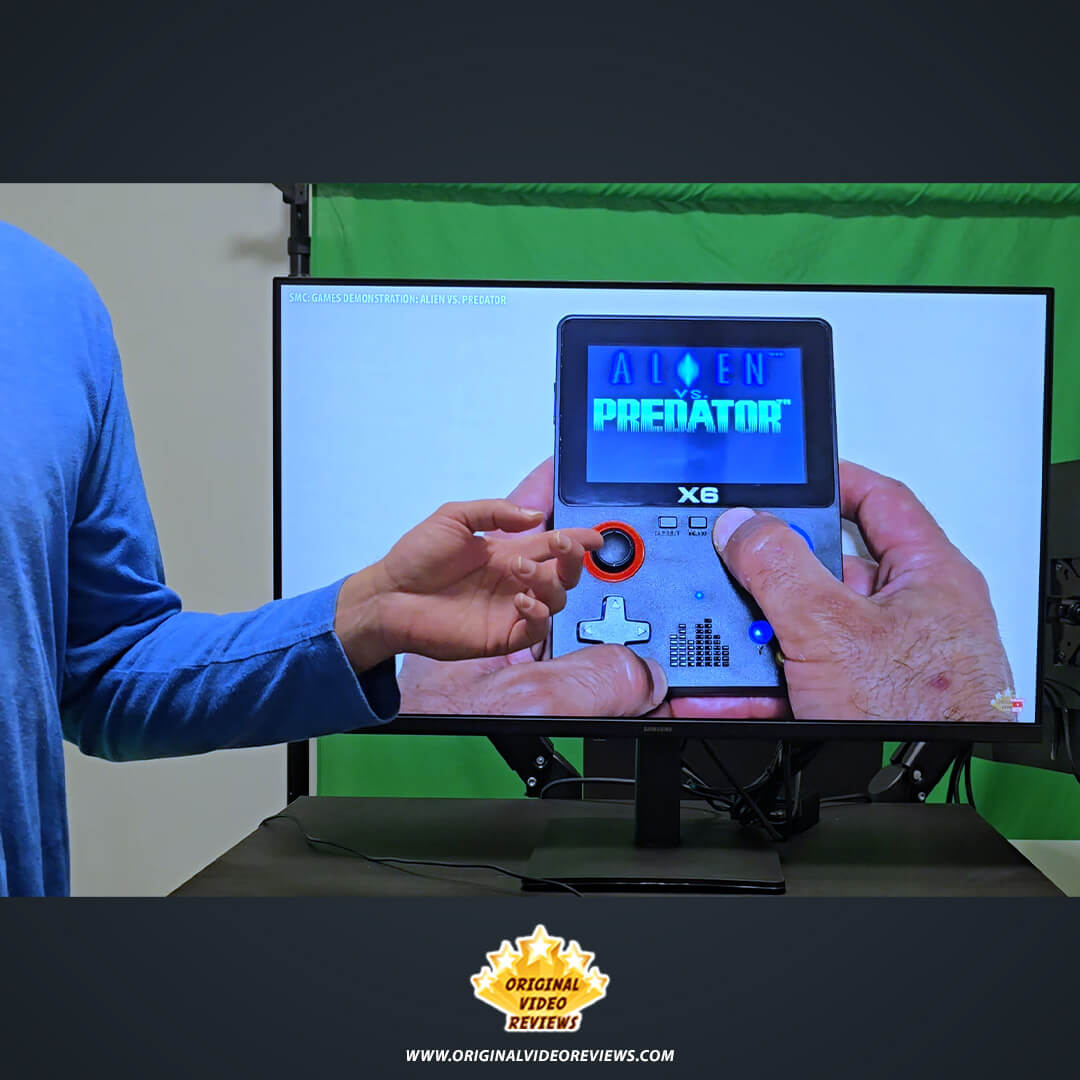
I’ve put it through my exact daily routine, which is heavily leaning towards office tasks (website management, Excel, Word), followed closely by Gen AI work, video editing, and graphic creation. It handles all of these daily productivity tasks, as well as regular web browsing and streaming media, beautifully. While gaming is lower on my priority list—happening maybe a few times a week—the monitor absolutely gets the job done for casual to average gamers.
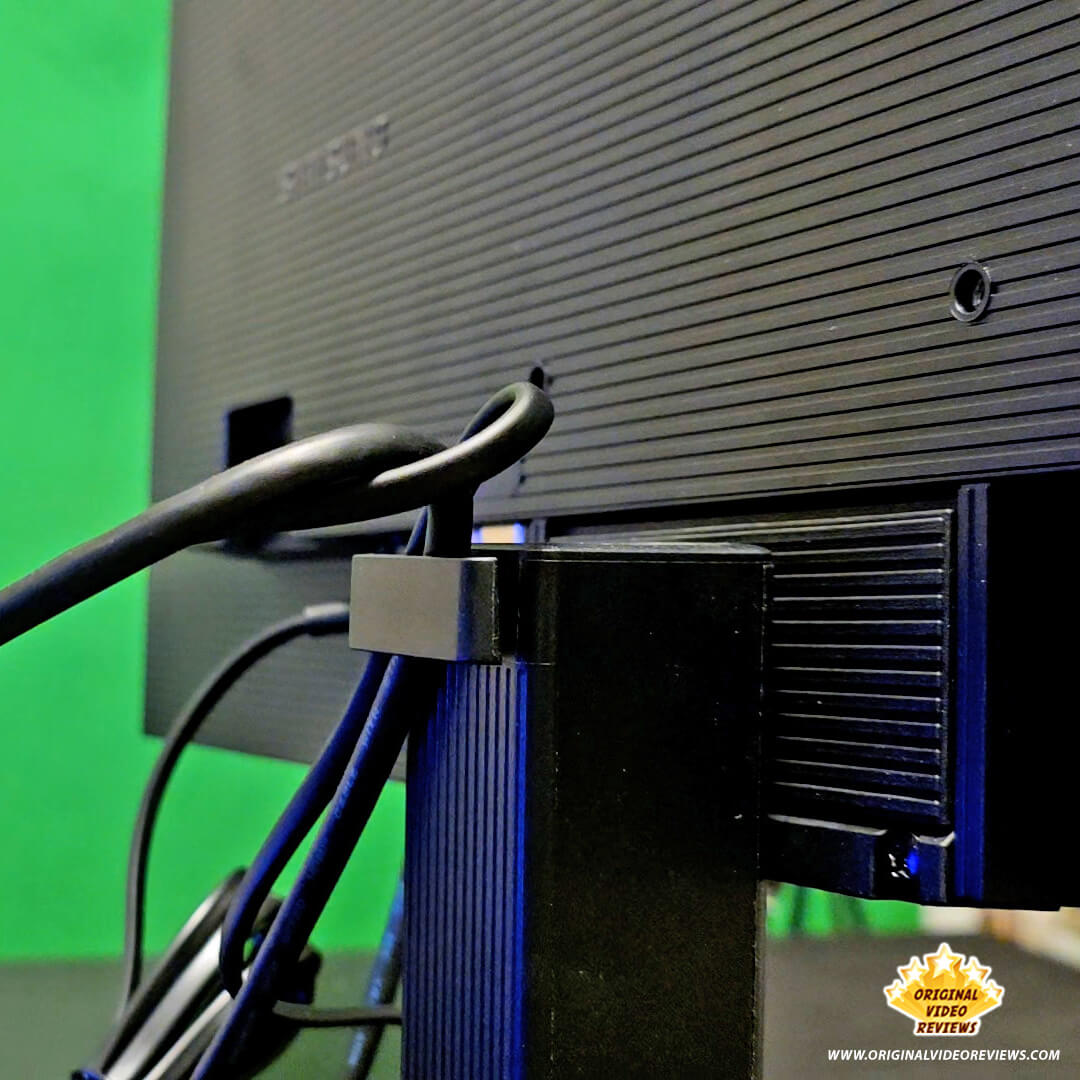
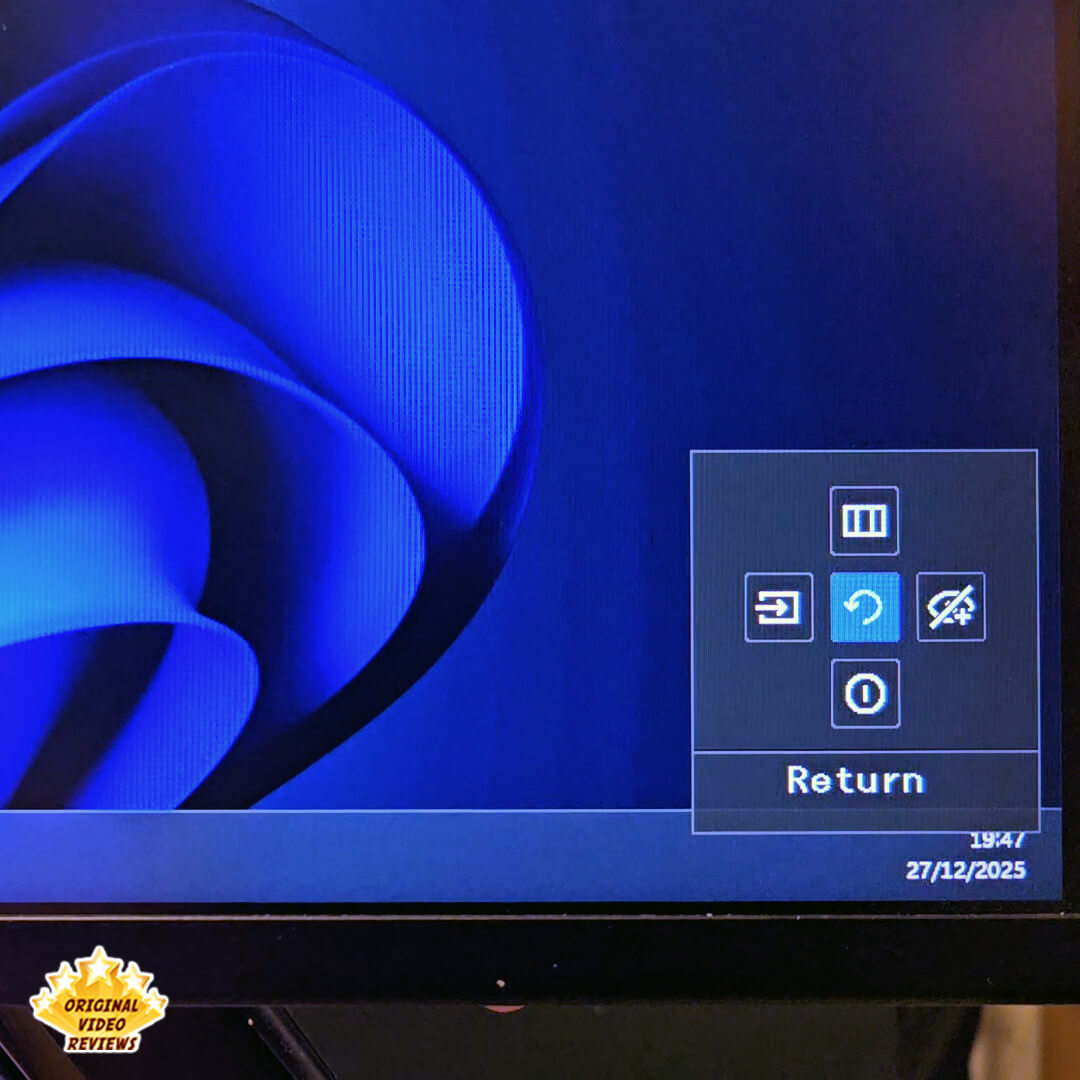
Its biggest drawback is its extreme minimalism. There are very few input ports, and the included stand is highly restrictive, offering almost no adjustability. My immediate workaround was ditching the default stand and mounting the display on a VESA monitor arm. This completely solved the movement issue, giving me the ergonomic freedom I need while maximizing my desk space.
The Samsung S30GD is a solid monitor from a trusted brand that delivers an attractive price, a sleek design, and versatility for a wide variety of tasks. It does exactly what a basic monitor needs to do, and the vast majority of people will be highly satisfied with it. However, it strips away all the "extras"—it lacks extensive connectivity ports, high-resolution clarity, and an adjustable stand. If you are looking for a strictly functional, reliable display, this is a fantastic choice. But if your workflow demands premium features and extra connectivity, you will need to look elsewhere.
Where to buy
Below are links to purchase the Samsung Essential Monitor S3 27″ or similar models:
Photos
User Manual
Samsung Essential Monitor S3
Official user manual & documentation (PDF via Samsung.com)
Additional links
FAQ
Does the Samsung Essential Monitor S3 27" have built-in speakers?
Can the height be adjusted?
What is the response time?
Is the stand supposed to wobble or tilt to the side on its own?
Does it work with a MacBook Pro?
Is the screen matte or glossy?
Got questions about the Samsung Essential Monitor S3 27"?
Already tried the Samsung Essential Monitor S3 27"?
More Monitor Reviews

The Ultimate Monitor Guide
Dive into our complete hub for deep-dive reviews, side-by-side comparisons, and real-world testing.
Explore ReviewsSubscribe OVR channels
Choose the channels you like and subscribe on YouTube.
Disclaimer
This post contains affiliate links.
Please check out my disclosure policy for more details.
Thank you for your support & understanding!

Comments