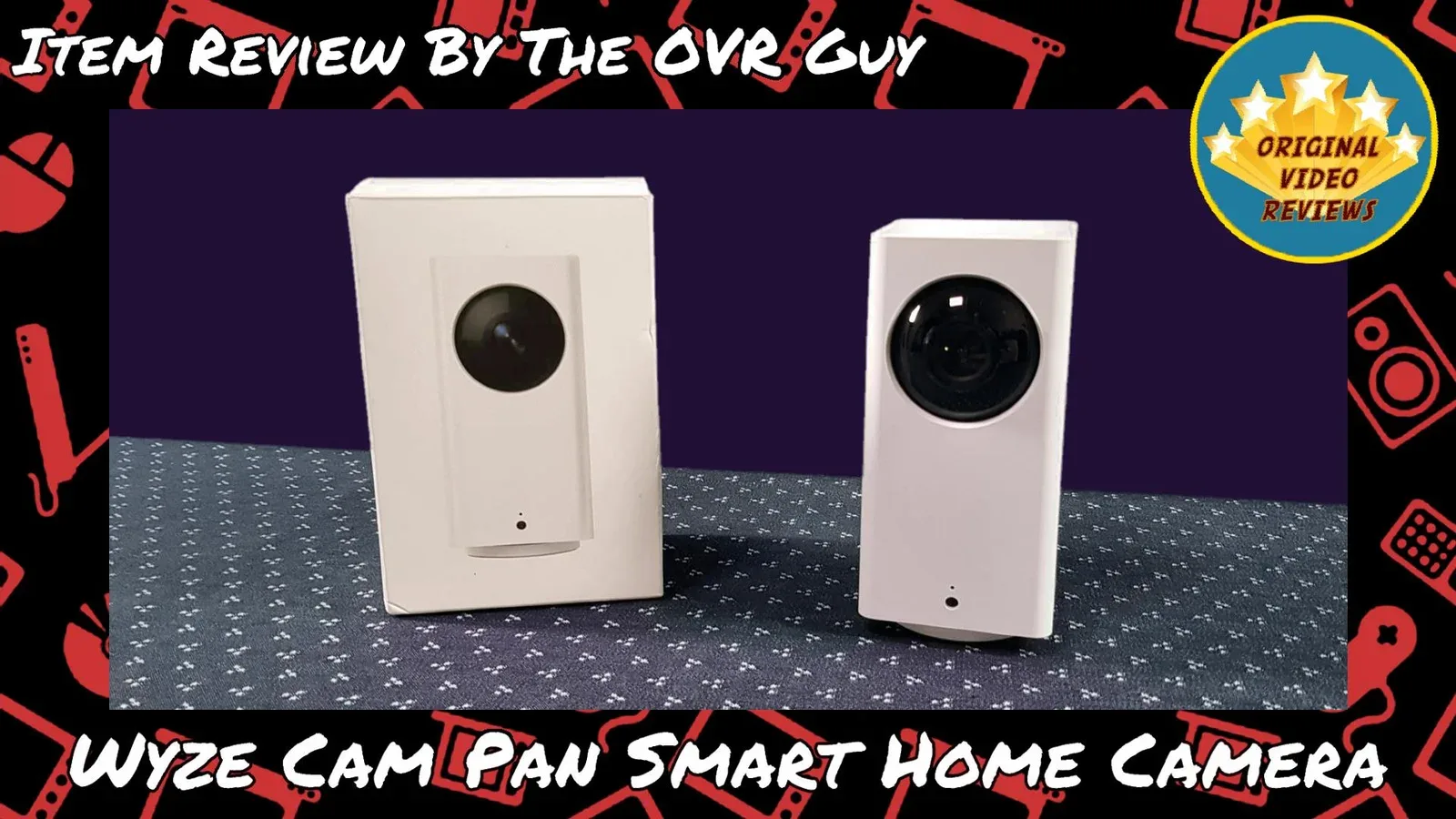
Wyze Cam Pan Smart Home Camera An affordable pan and tilt Wi-Fi smart home camera
Overview
I originally bought the Wyze Cam Pan mainly for its promised Alexa integration. After setting it up, I recorded my initial video review and published it. However, a viewer pointed out in the comments that the USB port on the back was actually intended for daisy-chaining (powering a second camera through the first). That took me by surprise, since discussions on the Wyze forums claimed it had no purpose at all.
Rather than leaving things half-explained, I scrapped the original video and dug deeper. This updated review covers the full picture: what the camera does well, where it falls short, and the real story behind that USB port.
See the Wyze Cam Pan Smart Home Camera in action below before diving into the detailed breakdown.
Product description
- Brand
- Wyze
- Model No.
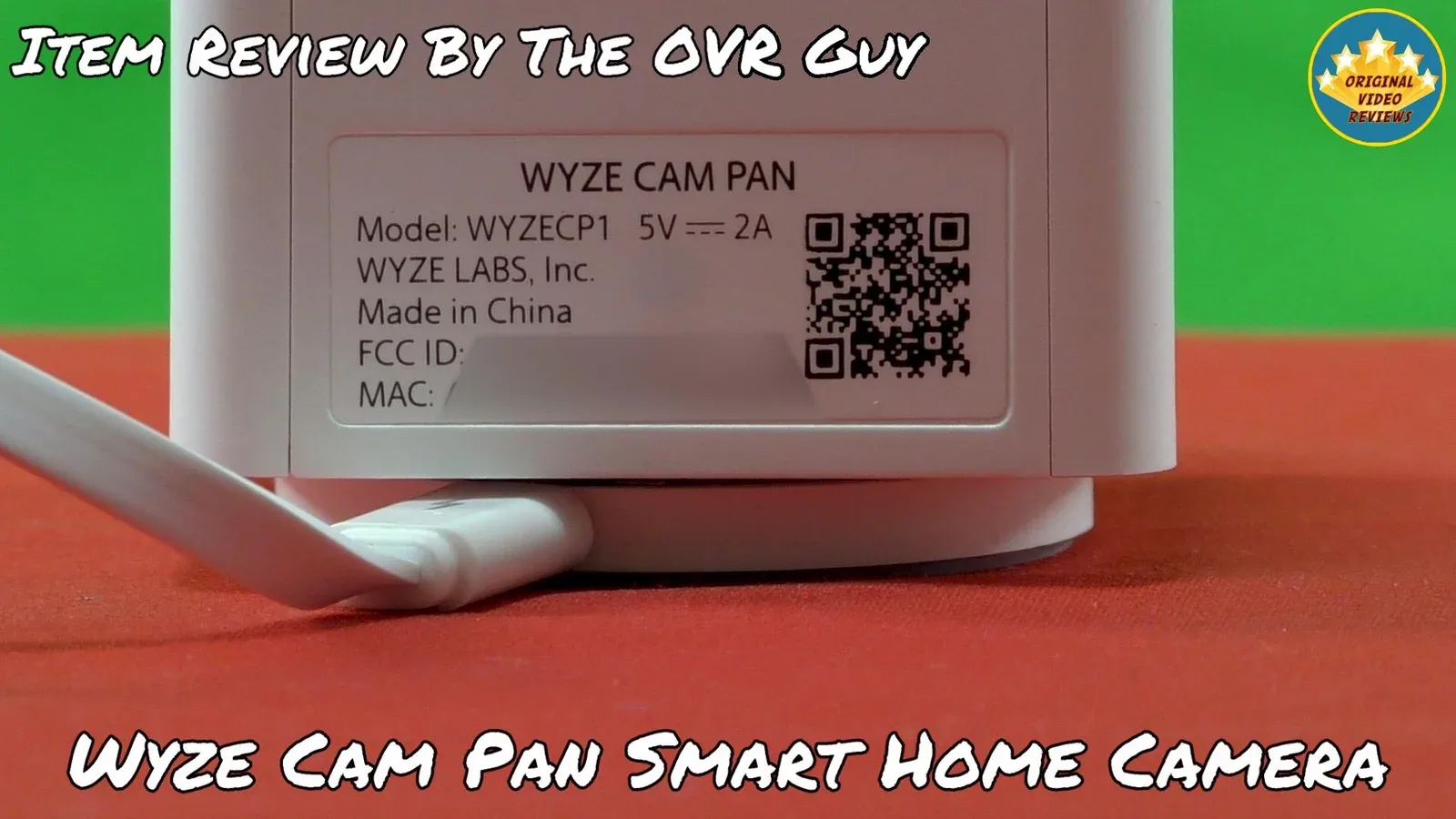
- WYZECP1
- Type
- Pan and tilt Wi-Fi smart home camera
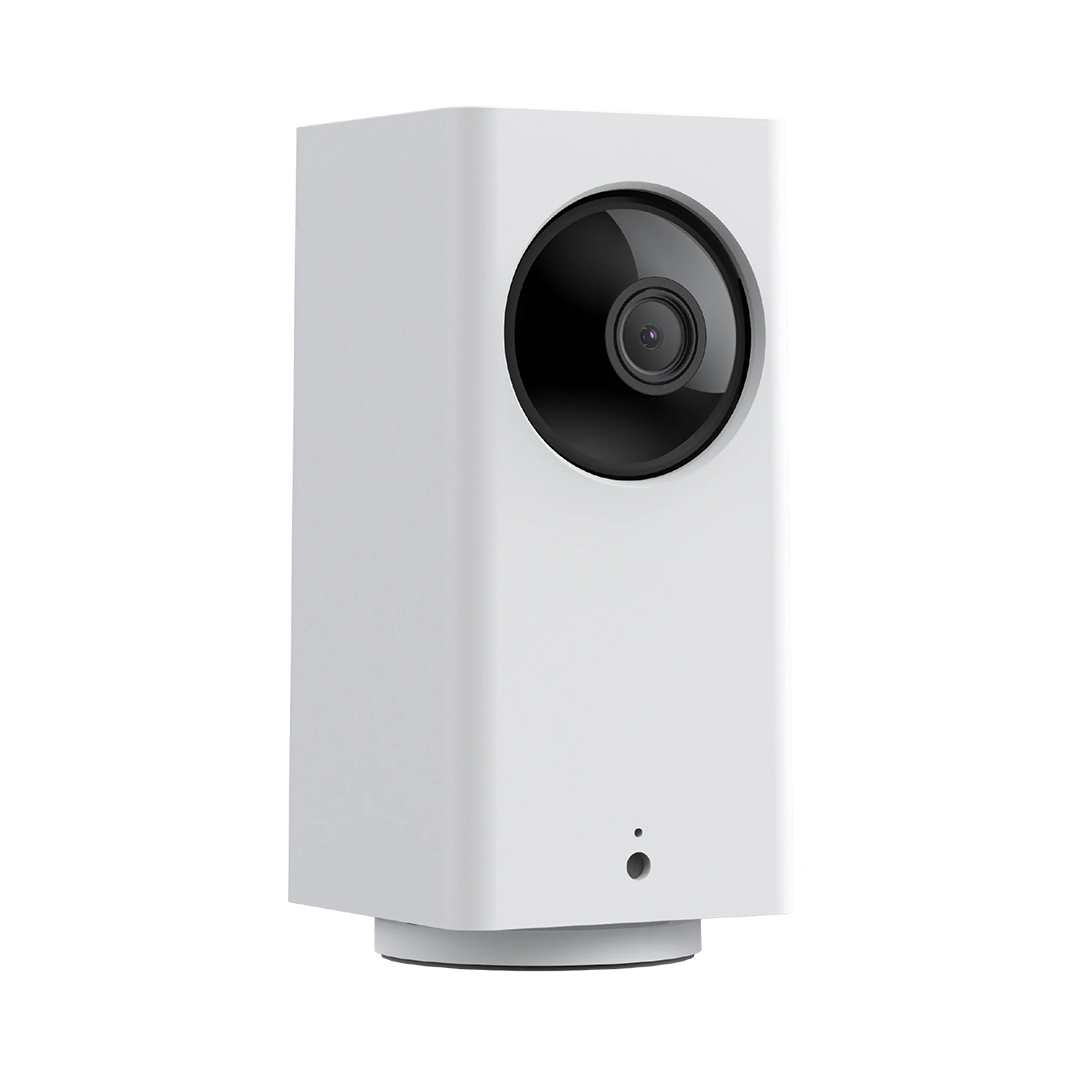
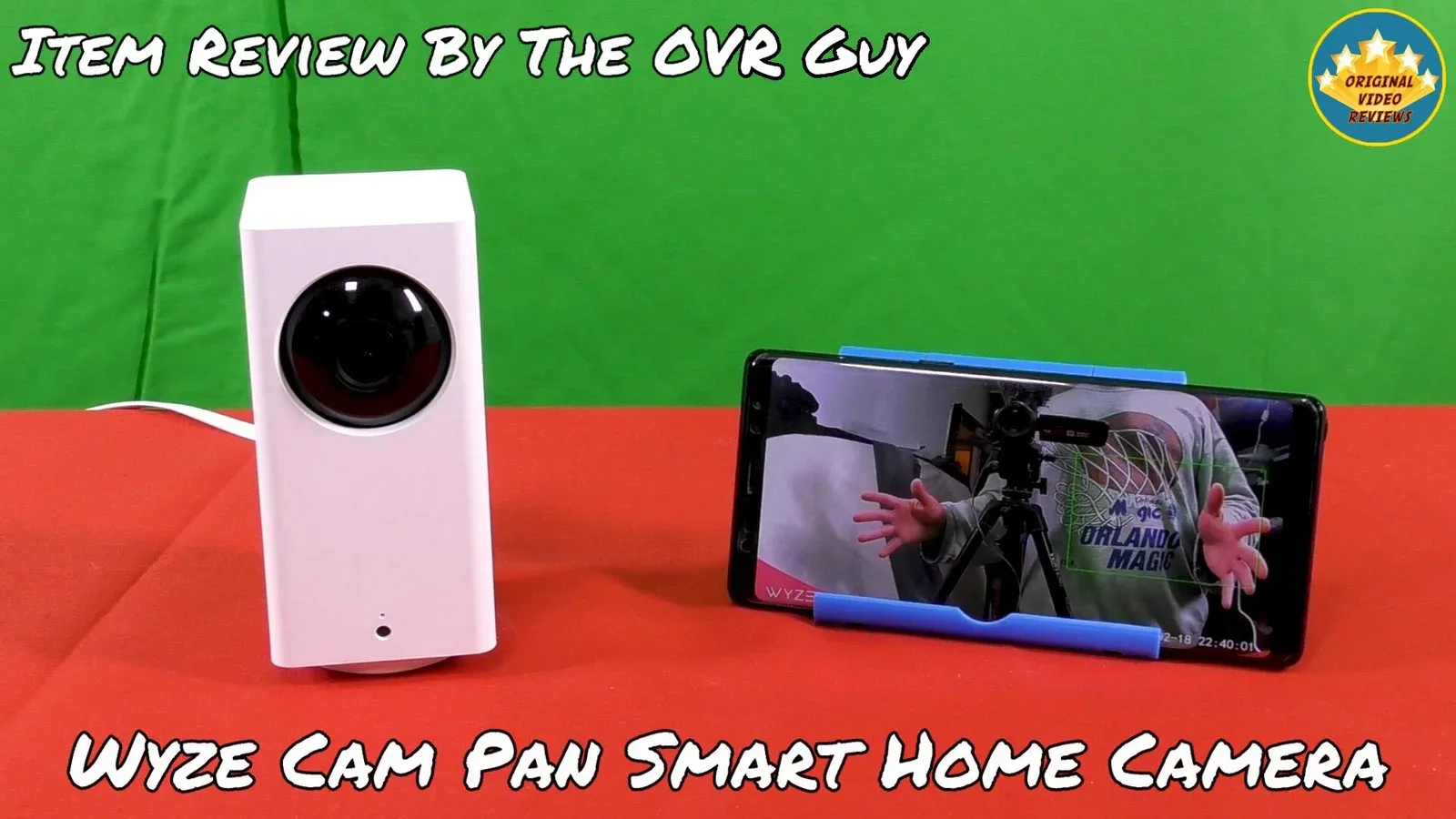
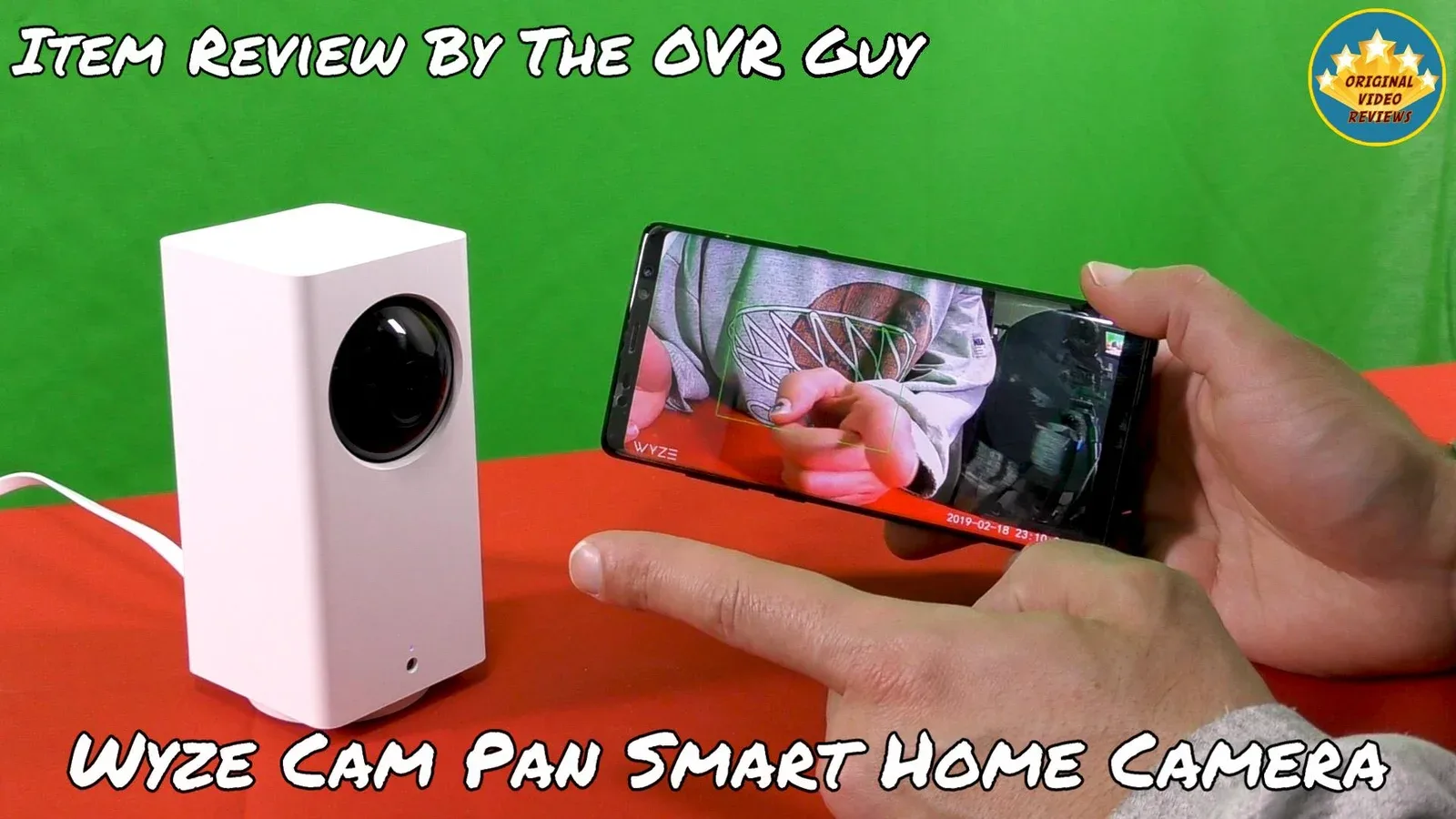
The Wyze Cam Pan is an affordable wireless smart home security camera. It records Full HD (1080p) video, offers 2-way audio, and is controlled from Android and iOS devices through the Wyze app.
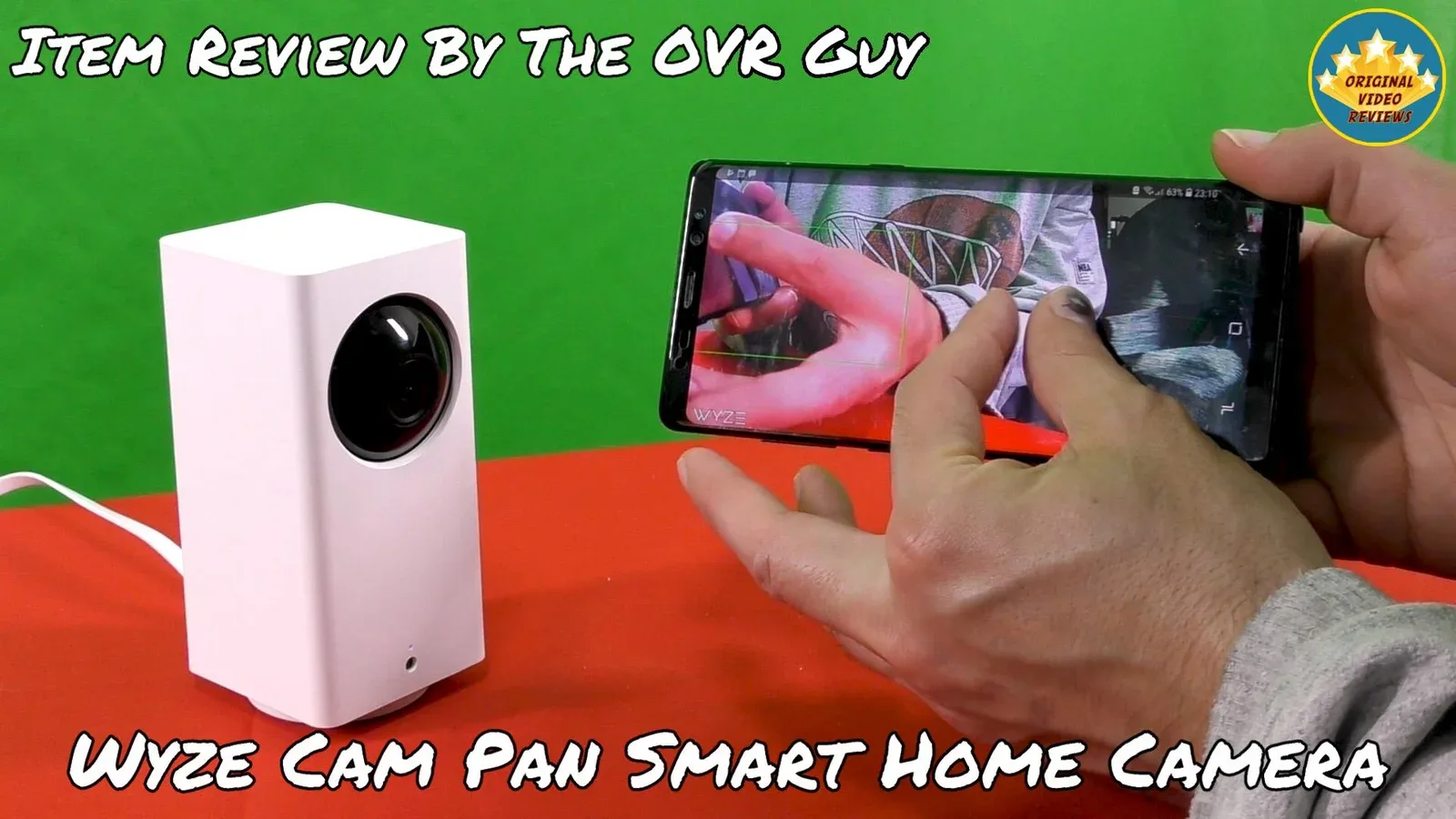
It pans and tilts remotely, zooms in up to 8x and has night vision. Footage can be saved to a microSD card (sold separately), and motion and sound alerts can be recorded to the cloud.
Smarter features include motion tracking, Pan Scan between up to 4 custom waypoints, motion detection zones, alert scheduling and IFTTT integration. It is also supposed to work with Alexa on devices with a screen.
Specifications
Camera & Video
| Resolution | Full HD (1080p) |
| Lens angle | 120° |
| Zoom | Up to 8x |
| Night vision | Yes |
Pan & Tilt
| Pan range | 360° |
| Tilt range | 93° |
| Rotation speed | 110° per second |
Audio
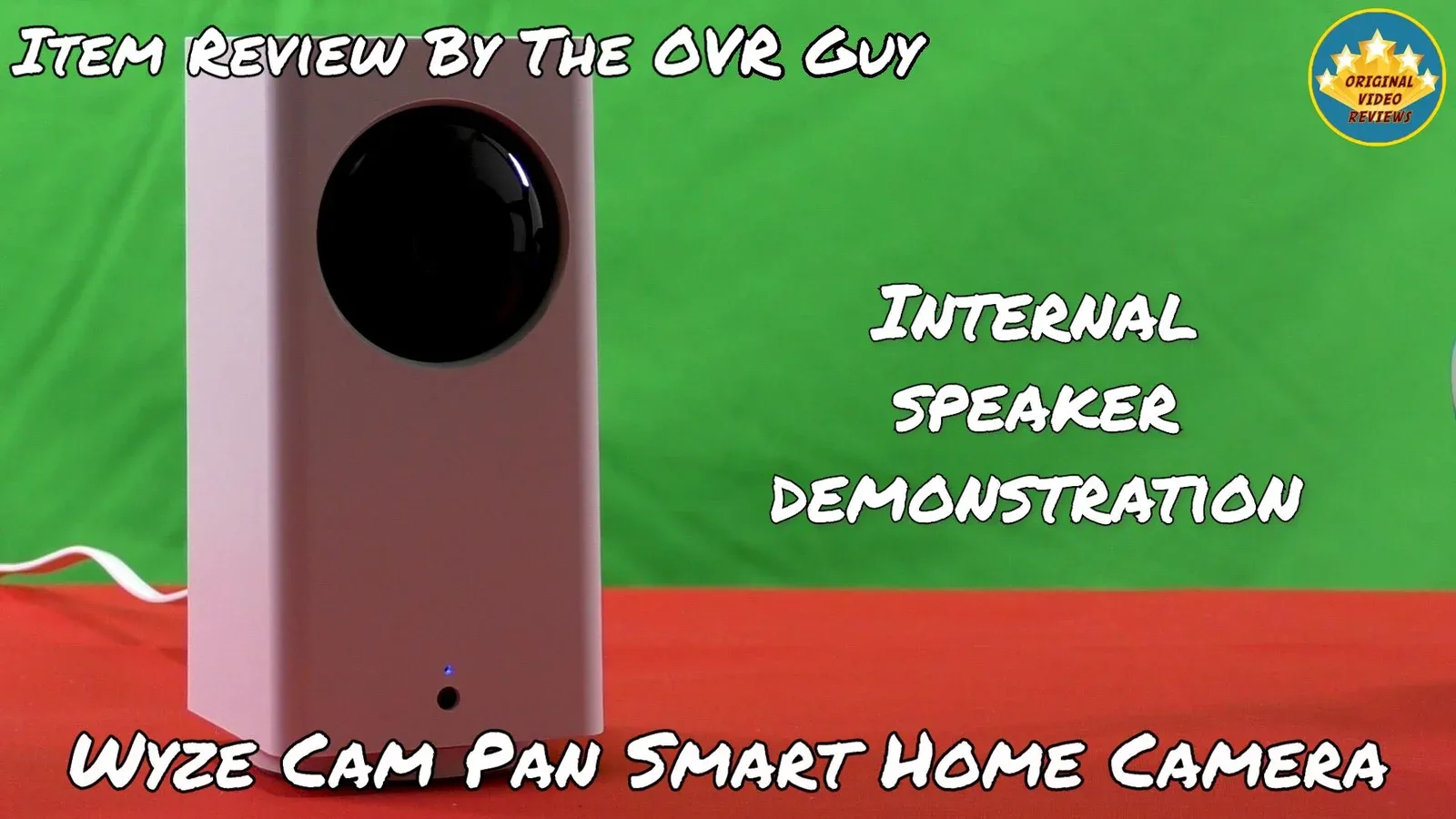
| Audio | 2-way (built-in speaker and microphone) |
Power & Connectivity
| Power input | 5V DC, 2A |
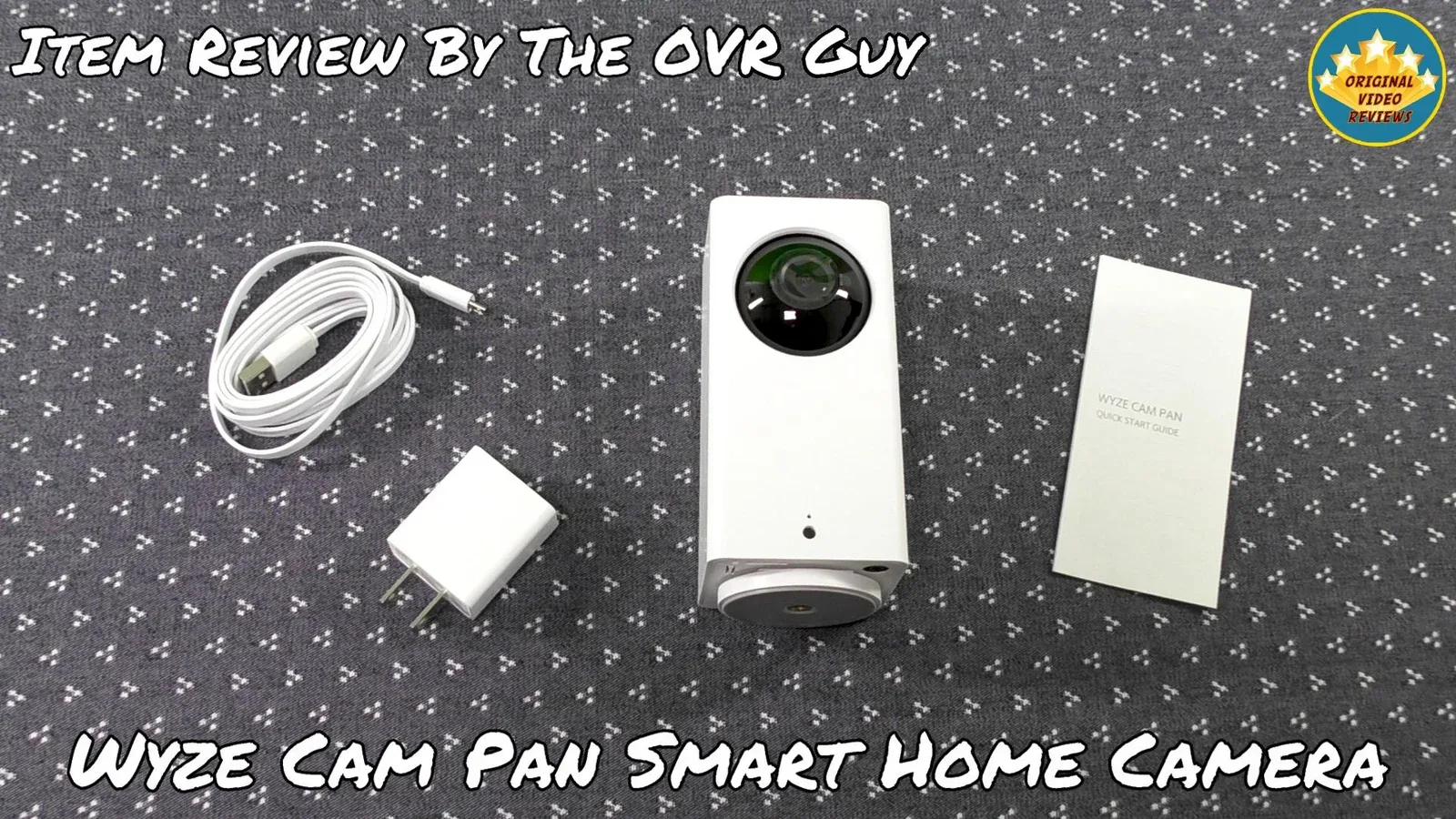
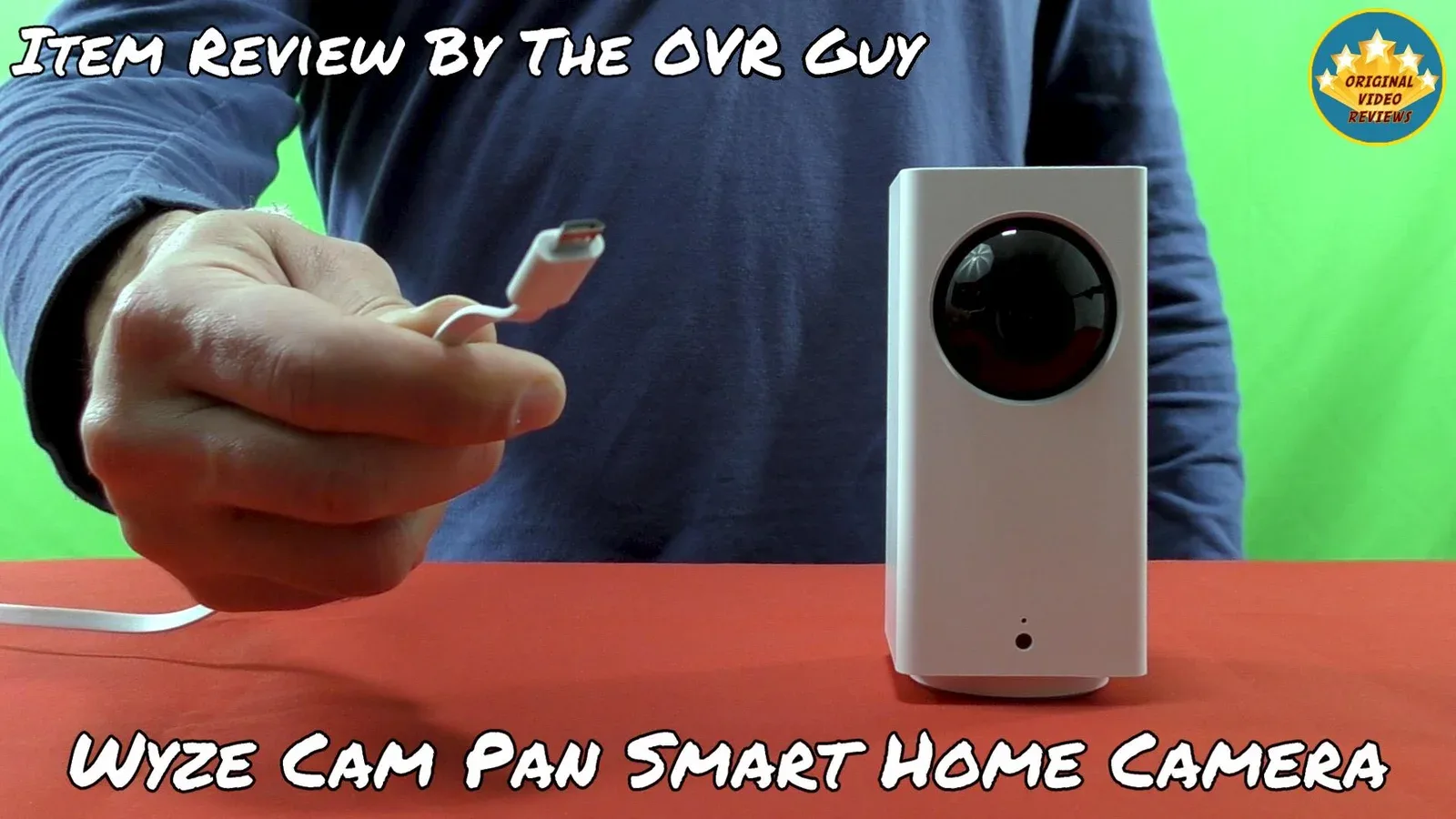
| USB cable length | Approx. 1.8 meters (6 feet) |
| Storage | microSD card (not included) |
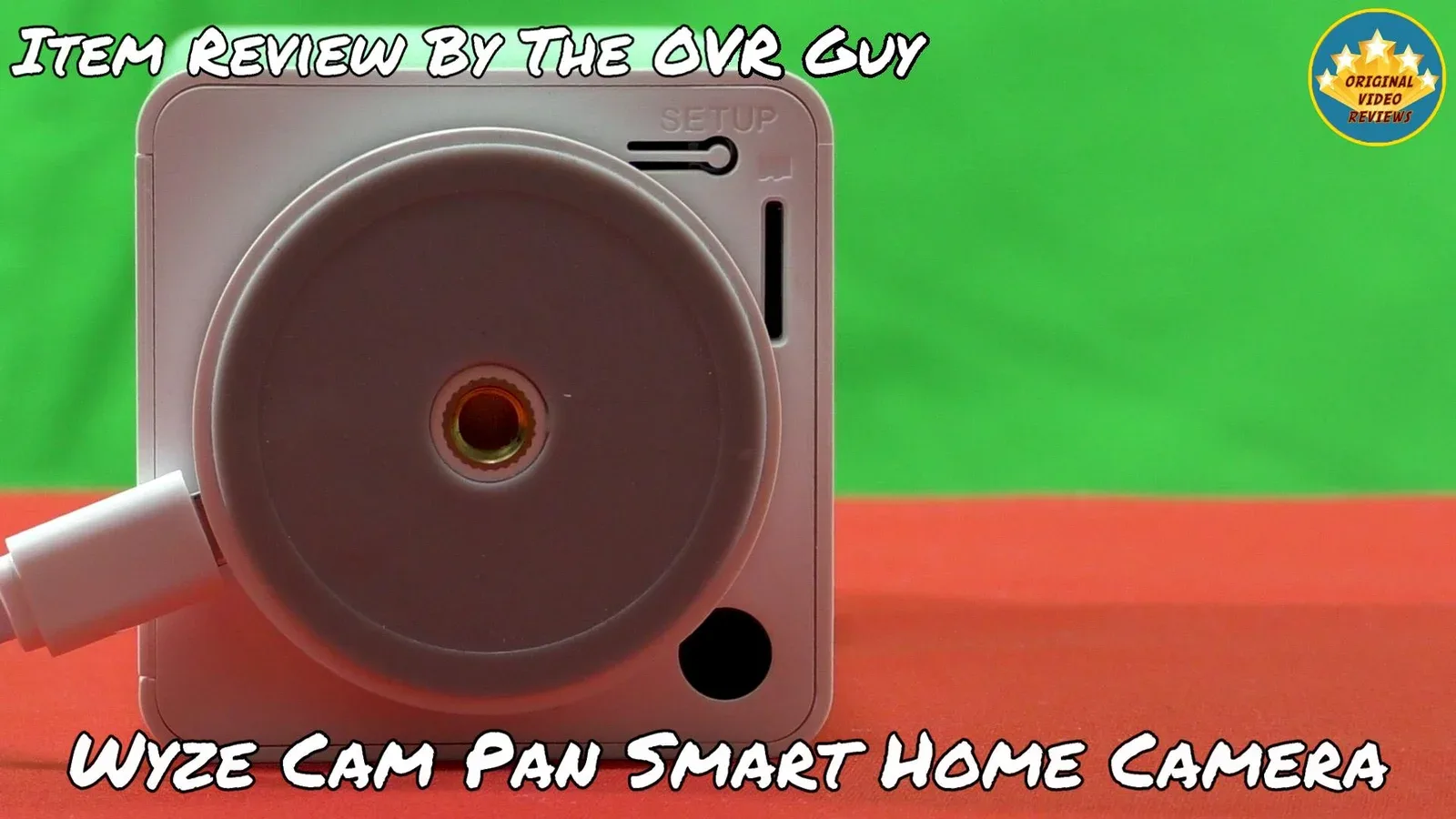
| Base mount | ¼ inch threaded screw hole |
| Compatibility | Android 4.0+, iOS 8.0+ |
Inside the box
Pros
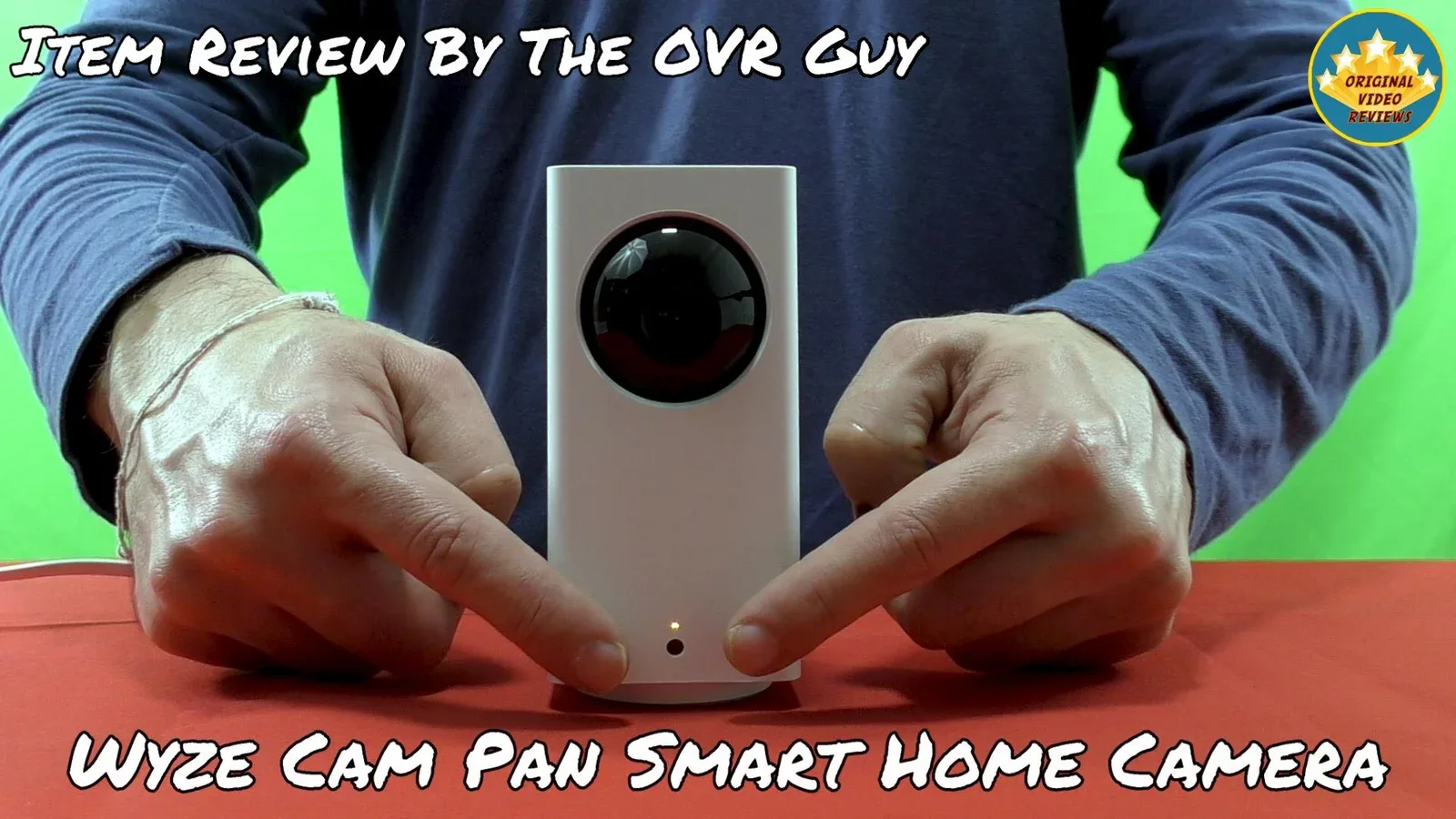
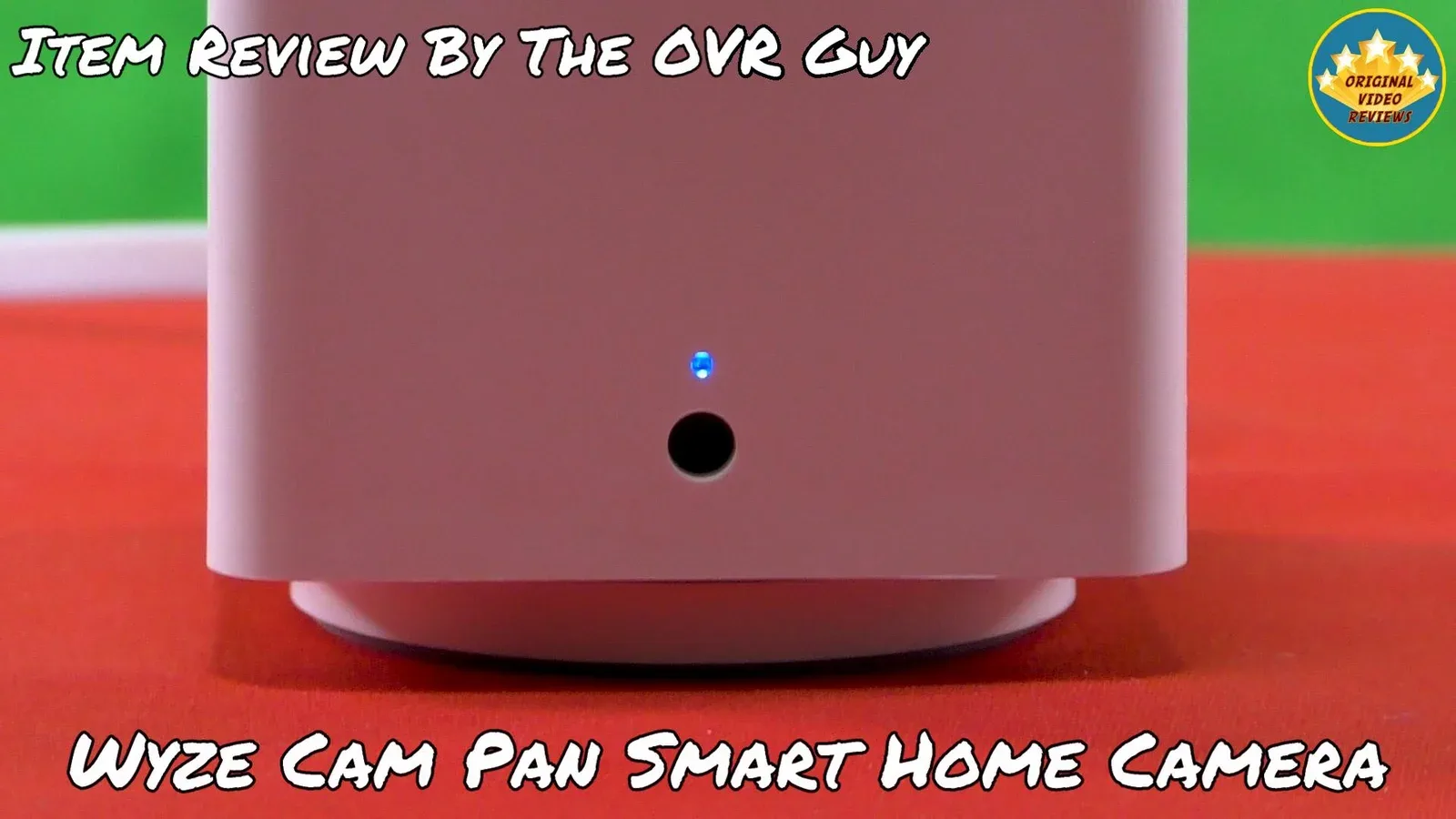
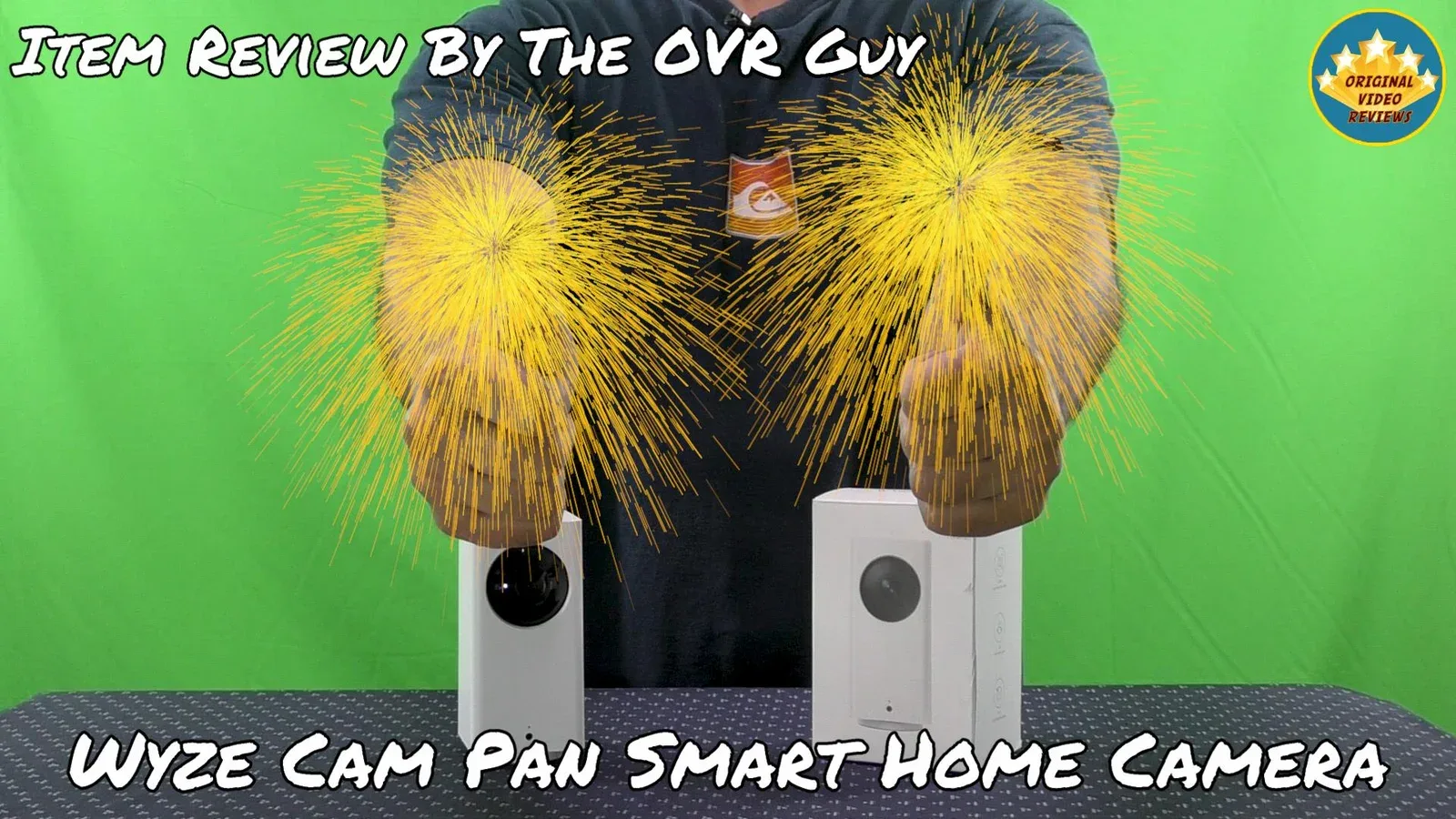
Compact size: The camera is shaped like a small rectangle. What is funny about it is that this is the larger model offered by this brand (along with the smaller Wyze Cam).
Friendly app: To use the Wyze Cam Pan, you need to download the Wyze app, which you can get here: Google Play or App Store.
Easy to install and set up: It took me several minutes to download the Wyze app, install it, register a new user account and connect the camera. If you follow the instructions in the app (or on the Wyze website), you will probably succeed quickly.
Physically, installing the camera is easy as well. At the base, it has a ¼ threaded screw hole that is compatible with standard camera mounts, so it can be mounted on any surface. Please note you can find additional accessories online to maximize your experience with the Wyze Cam Pan.
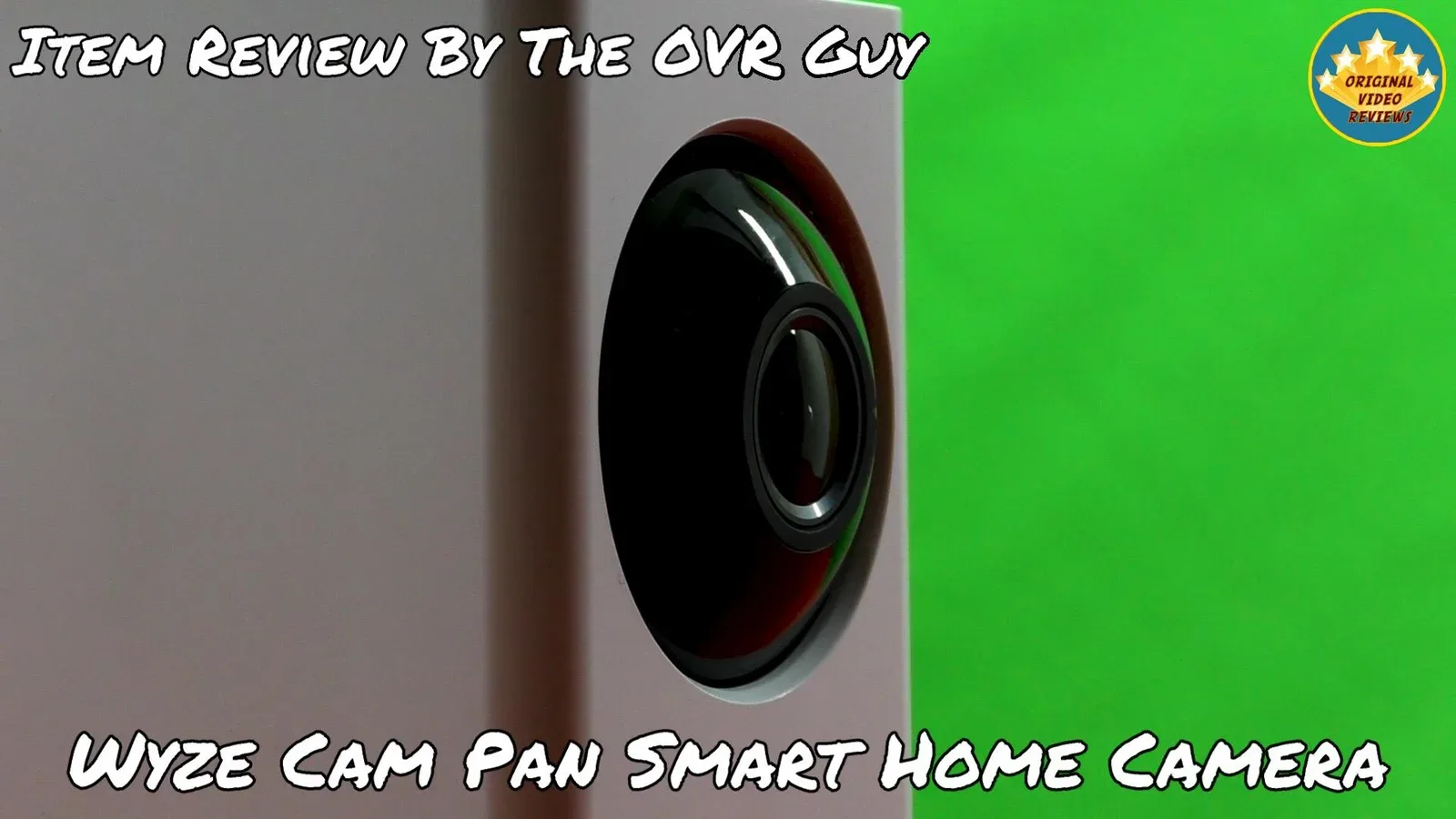
Excellent video quality: The camera shoots videos at 1080P Full-HD resolution, and the outcome during live streaming and in the saved files looks great.
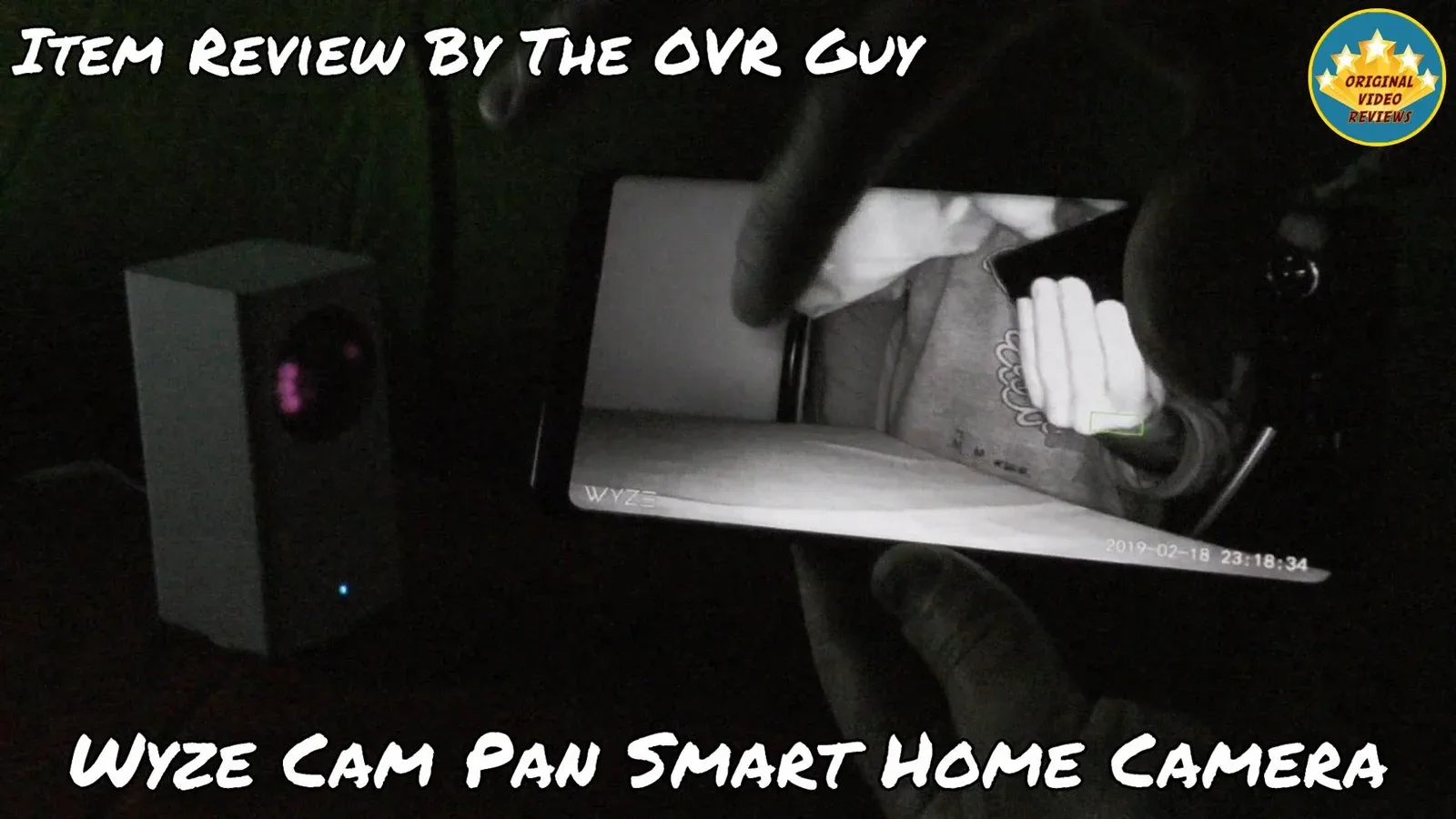
The video quality also looks great when zooming in (up to 8x) and in night vision mode (the camera distinguishes 18 steps of gray).
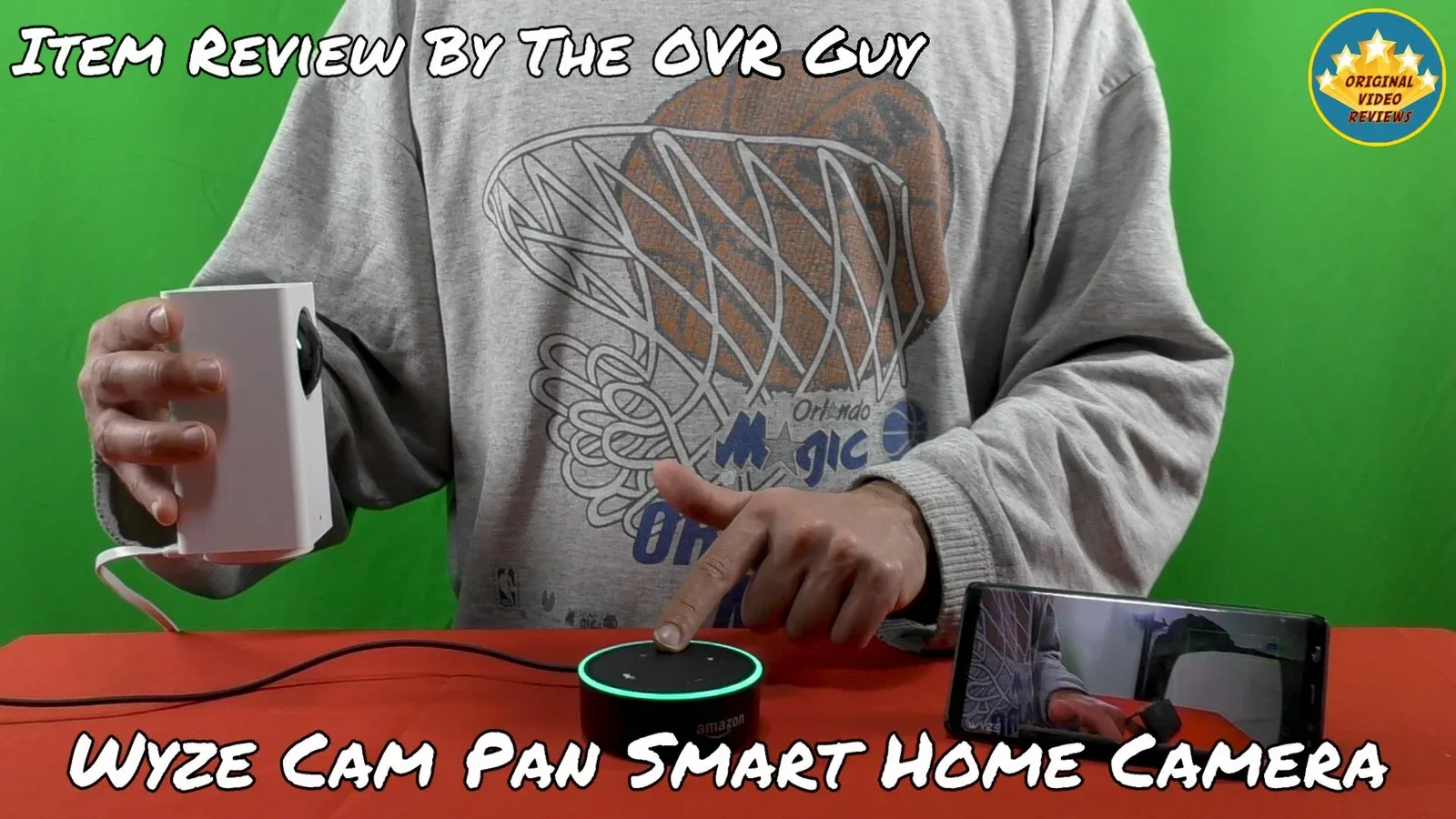
Works with Amazon Alexa: The main reason I purchased this camera is that it is supposed to synchronize with Alexa. After pairing the camera with your Amazon device, you should be able to ask Alexa to show your camera on any Amazon device with a screen, to pull up a live feed of your camera for up to 10 minutes. Currently, Wyze cameras work with Echo Spot, Echo Show, and Fire TV 4K and HD.
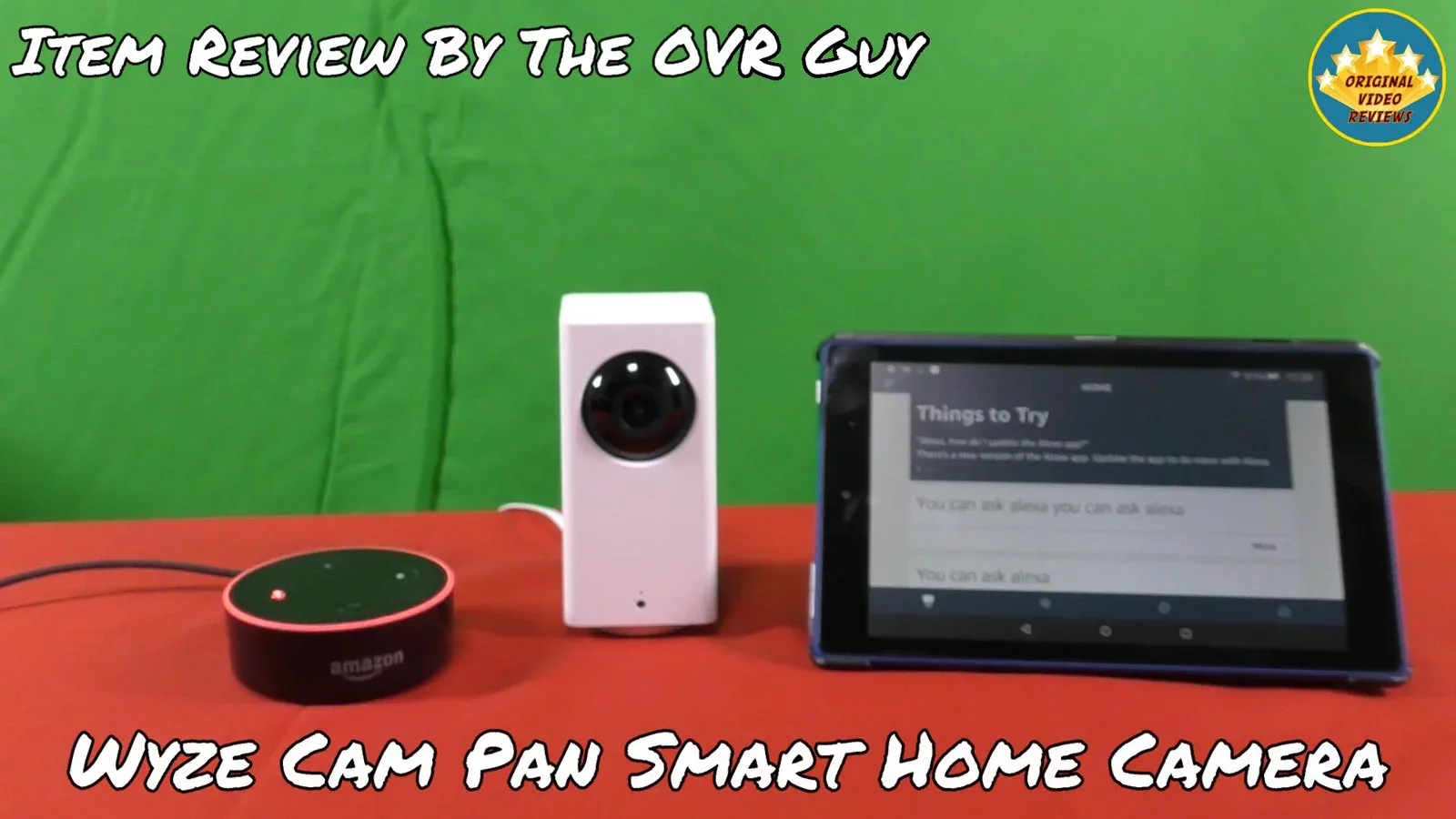
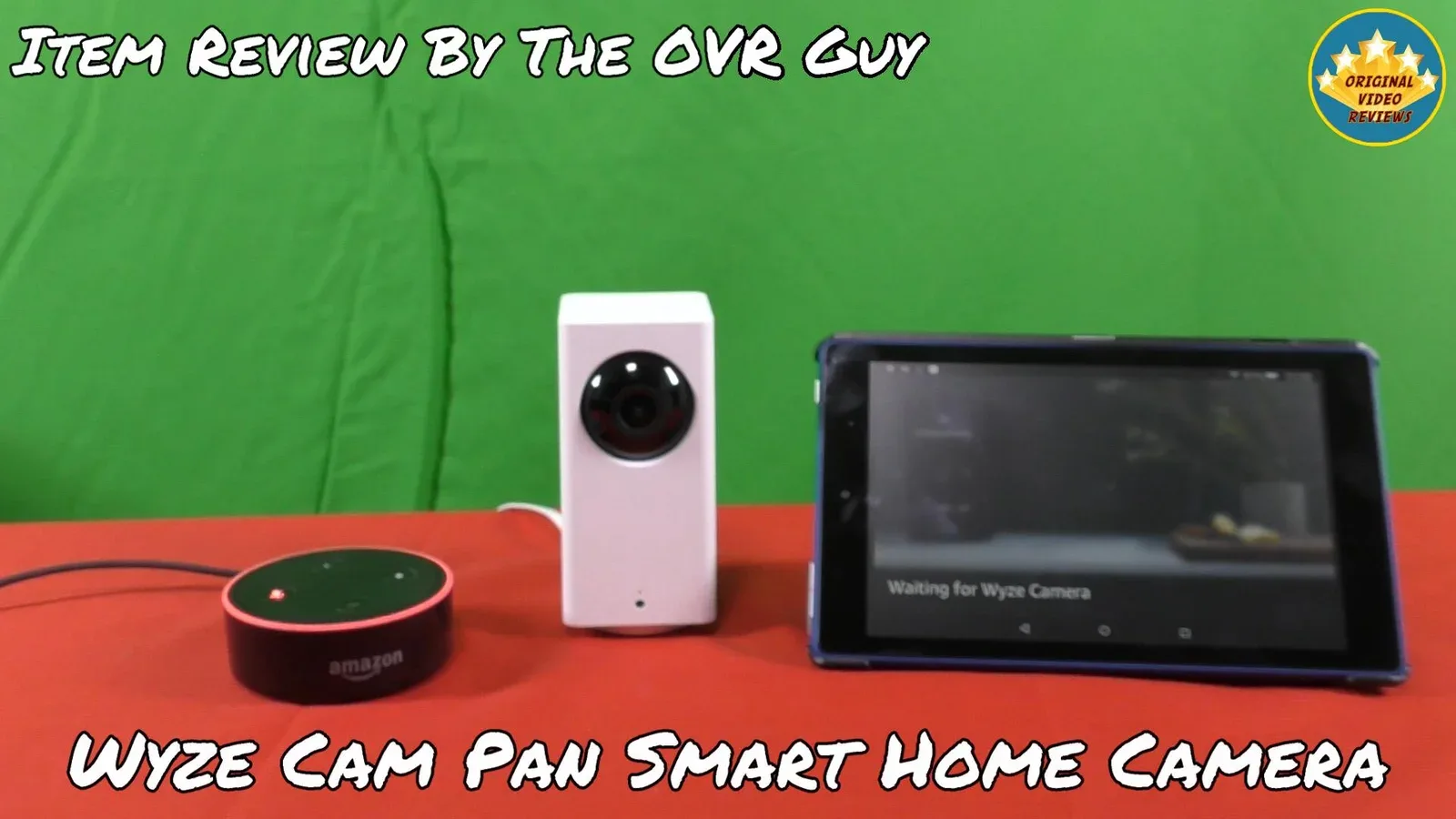
Unfortunately, as can be seen in my video of the Wyze Cam Pan, I did not manage to use it with my Fire HD 8 tablet. From what I understand, this device does not support this camera. Hopefully, this issue will be solved someday soon, because based on the available devices you can use it with, I do not see any logical reason to prevent more potential users from doing that.
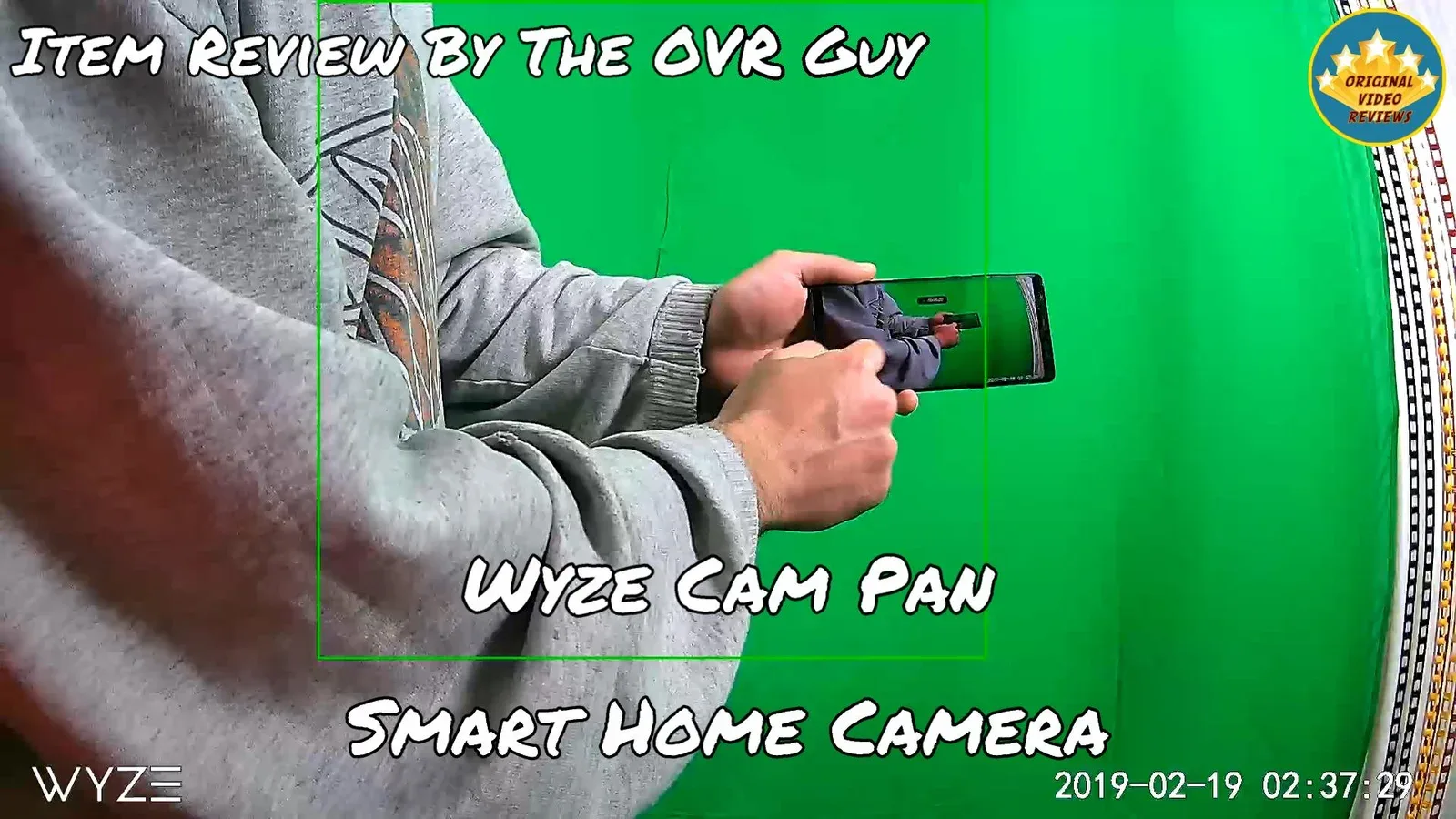
Large variety of features: The basic features are executed well, and include: pan and tilt movement; zoom in (up to 8x); saving video into files; playback by scrolling through the timeline and pinch zooming the timeline for easier navigation (possible when a microSD card, not included, is installed); 2-way audio (speaker and microphone); recording videos or taking pictures directly to your phone for later viewing or sharing; night vision; and continuous recording to a microSD card (sold separately), where older files are automatically overwritten when storage reaches capacity.
The advanced features include: Alexa support (assuming you have read what I wrote in the previous paragraph); Pan Scan, where the camera automatically scans its surroundings by rotating to up to 4 custom waypoints and pauses for 10 seconds at each one; Motion Tracking, which auto-tracks any moving object detected within its field of view; Motion and Sound Detection, which records a 12-second video that is securely stored in the AWS cloud; Motion Tagging, which highlights motion in both live stream and playback modes; a custom Motion Detection Zone, so alert videos are triggered only by motion in a specific area of the field of view; Time Lapse; Smart Sound Recognition of the tonal patterns of smoke alarms and CO monitors; Push Notifications; Alert Scheduling, to turn motion and sound detection on and off at specific times of the day; and IFTTT integration, with 4 triggers (motion, sound, CO alarm and smoke alarm) and 5 actions (turn on/off motion alerts, turn on/off push notifications, and upload an alert video to the cloud).
Free rolling 14-day cloud storage: By owning the Wyze Cam Pan, you have free access to saved motion and sound-triggered alert videos for a rolling 14 days, in perpetuity.
According to the manufacturer site, the files are saved into secure AWS cloud storage. The Wyze Cam Pan uses end-to-end encryption for uploading and downloading alert videos to and from the AWS cloud.
Cons
Audio quality is not as brilliant as I expected: I am not sure what your standards are for the audio quality in wireless cameras, but I was not astonished by the built-in speaker.
It is not that the audio quality is bad, but I had great expectations based on what was written on the package...
You need to create another account to use the app: Once you download the Wyze app, you need to register. It might be obvious, but this means another user and password that you need to keep somewhere safe.
At least you are not required to register a new account when the files are saved on cloud storage (as mentioned above)...
Suitable for indoor use only: According to the manufacturer, this camera is intended for indoor use only. However, you can find accessories online that will allow you to use it outdoors (I am not sure if these are official or licensed accessories).
It cannot be used with a computer: Currently, the Wyze Cam Pan is compatible only with Android and iOS devices. I checked the Wyze website support forum, and many users are asking for this feature, but it is currently not available.
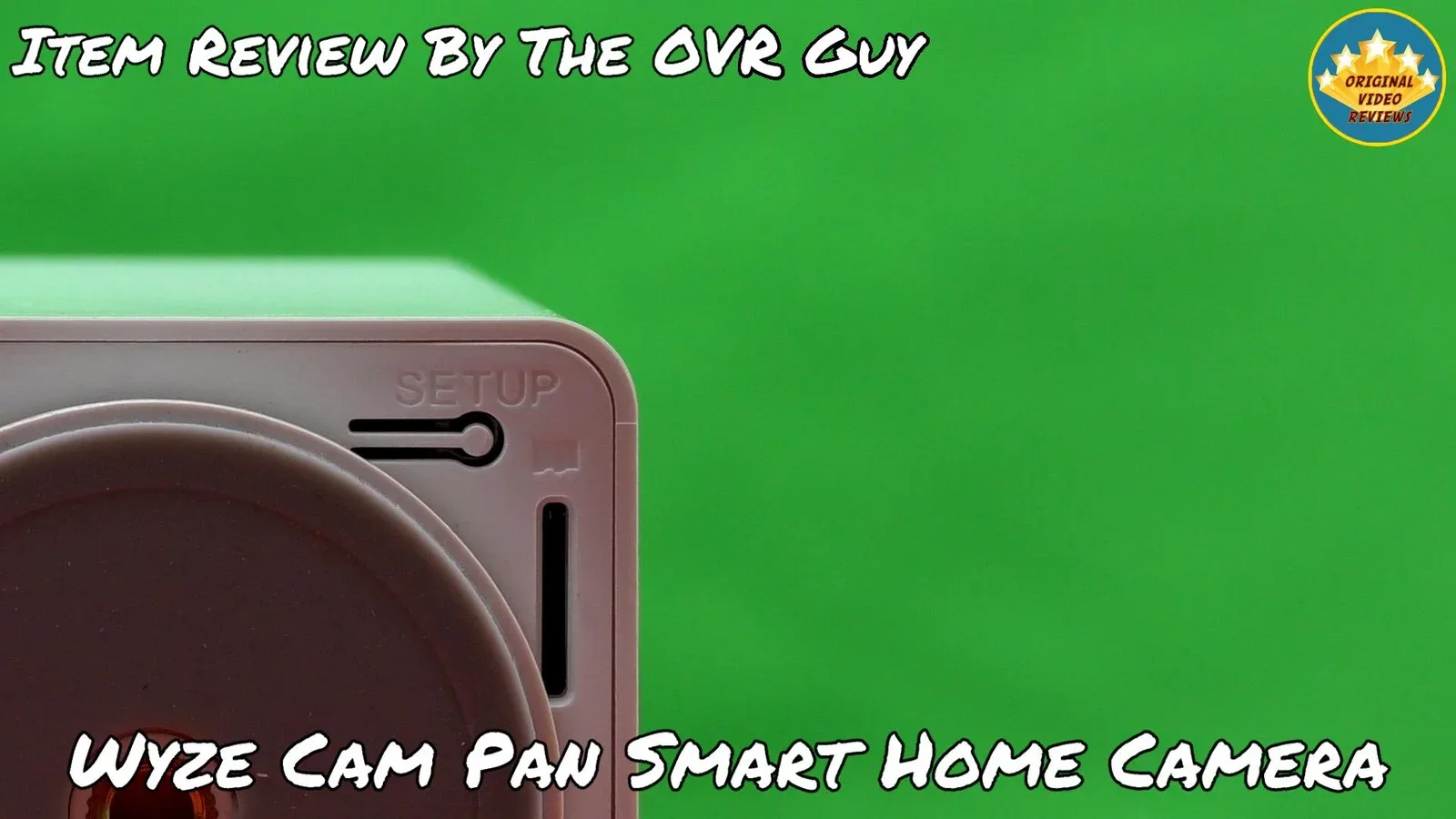
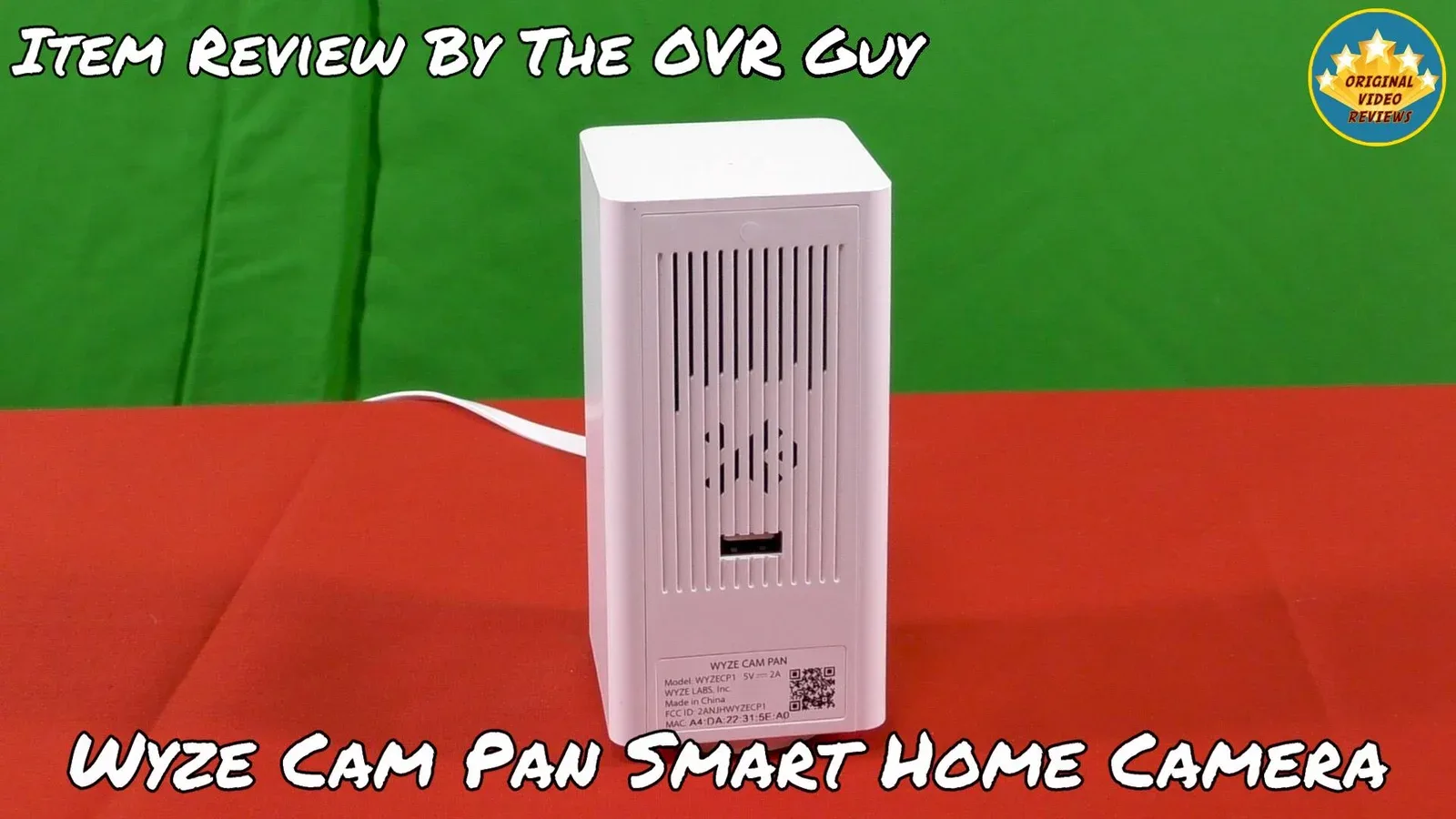
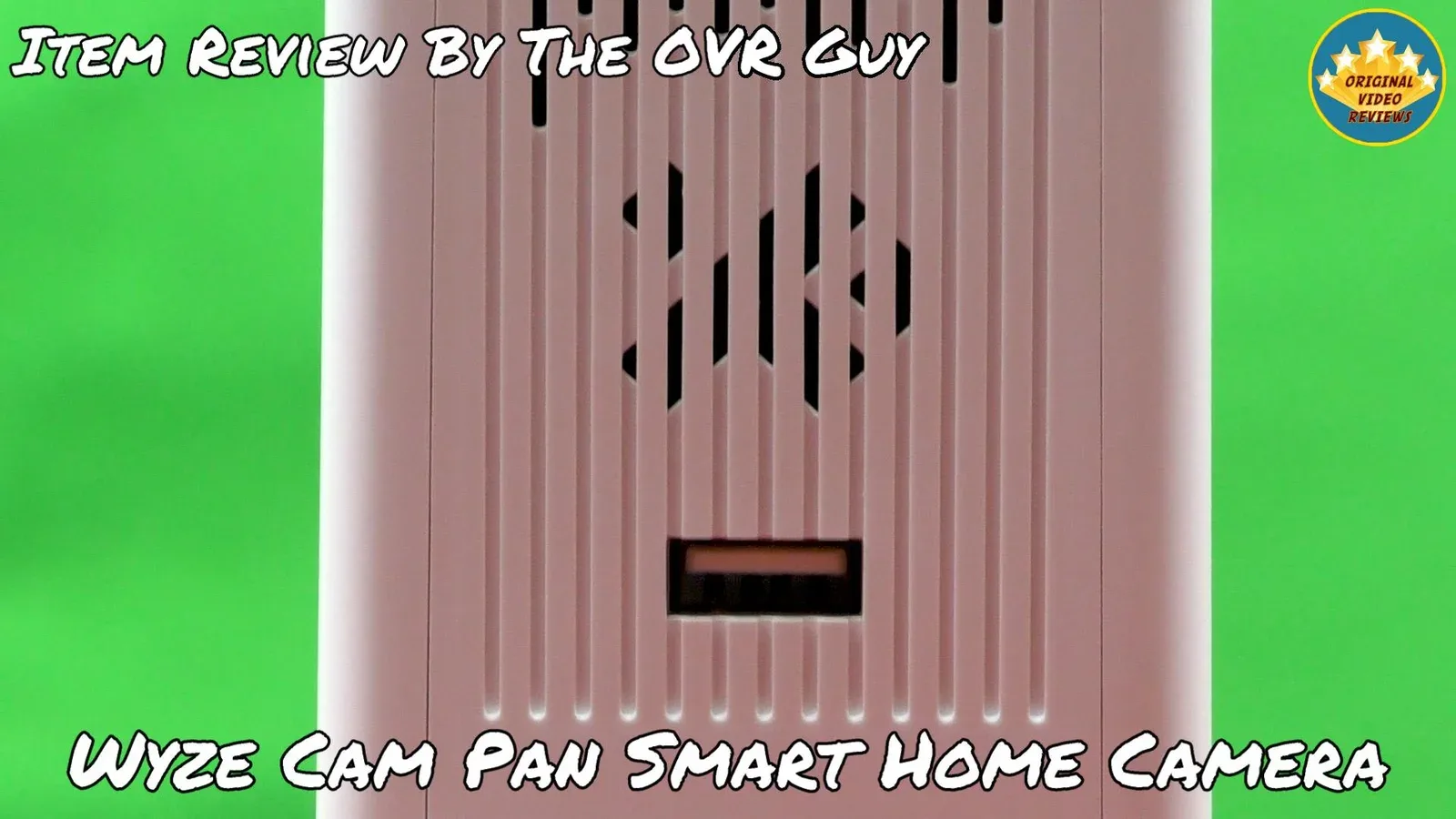
I am still not sure what the USB port is for: At first, I thought there was a purpose for the USB port at the back of the camera. Then I read on the Wyze website forum that it has no purpose.
Following that, I published the first edition of my review, but someone commented that the USB port is intended for "Daisy Chain". So I scrapped my video review and spent more time on this issue on the Wyze forum.
As of now, I know that it is possible to use the USB port for Daisy Chain, but it is not clear how it works over time. Other than that, there are several speculations on what this USB port is for.
Overall Verdict
I was really impressed by the Wyze Cam Pan. The video quality is excellent, it offers many useful tools and functions, and most of them work well, all at an affordable price.
The main drawback I ran into is the Alexa integration. I could not sync the camera with Alexa, even though I followed the official instructions on the Wyze website and in the app. The camera is also designed for indoor use only, which limits where you can use it.
The Wyze Cam Pan is an impressive, affordable camera with excellent video quality and plenty of features that work well. The one real letdown for me was Alexa, which I could not get to sync.
This review was written in 2019. Three things have changed since then.
Using the camera from a computer: Wyze now offers Web View, which lets you watch live video and event playback from a browser on a computer. Wyze lists the Wyze Cam Pan v1 as supported. Accounts without a subscription can live stream one camera per month. Details on the Wyze support page.
Cloud storage: Cloud event videos are now part of the paid Cam Plus plans. The older Cam Plus Lite service is no longer available to new users, and Wyze lists the Wyze Cam Pan v1 among its eligible cameras for existing subscribers. Read the Cam Plus Lite FAQ and check Wyze current plans before relying on cloud storage.
Voice assistants: Alexa is no longer the only option. Wyze list of devices compatible with Google Assistant includes the Wyze Cam Pan.
Where to buy
Below is the link to purchase the Wyze Cam Pan Smart Home Camera:
Photos
User Manual
Wyze Cam Pan v1 Quick Start Guide
Quick start guide, on the Wyze support site
Wyze Cam v1/v2 and Wyze Cam Pan v1 Setup Guide
Setup guide, on the Wyze support site
FAQ
Can I use the Wyze Cam Pan with a different app?
Can I operate and control the Wyze Cam Pan with my computer?
Will the Wyze Cam Pan work with other smart assistants, except Amazon Alexa?
What is the USB cable length?
Is this camera suitable for outdoor use?
What is the USB port at the back of the camera for?
How does the free rolling 14-day cloud storage work?
Event videos are automatically stored to the AWS cloud via end-to-end encryption and can be viewed for up to 14 days in the "Events" tab of the Wyze app. After 14 days, event videos are deleted and cannot be recovered.
There is no subscription involved, no trial, just constant use with a 14-day time expiration for individual video clips.
Got questions about the Wyze Cam Pan Smart Home Camera?
Already purchased the Wyze Cam Pan Smart Home Camera yourself?
More Smart Home Reviews

Smart Home
Check out my full collection of smart home and security camera reviews, all covered hands-on.
Explore All ReviewsSubscribe OVR channels
Choose the channels you like and subscribe on YouTube.
Disclaimer
This post contains affiliate links.
Please check out my disclosure policy for more details.
Thank you for your support & understanding!

Comments