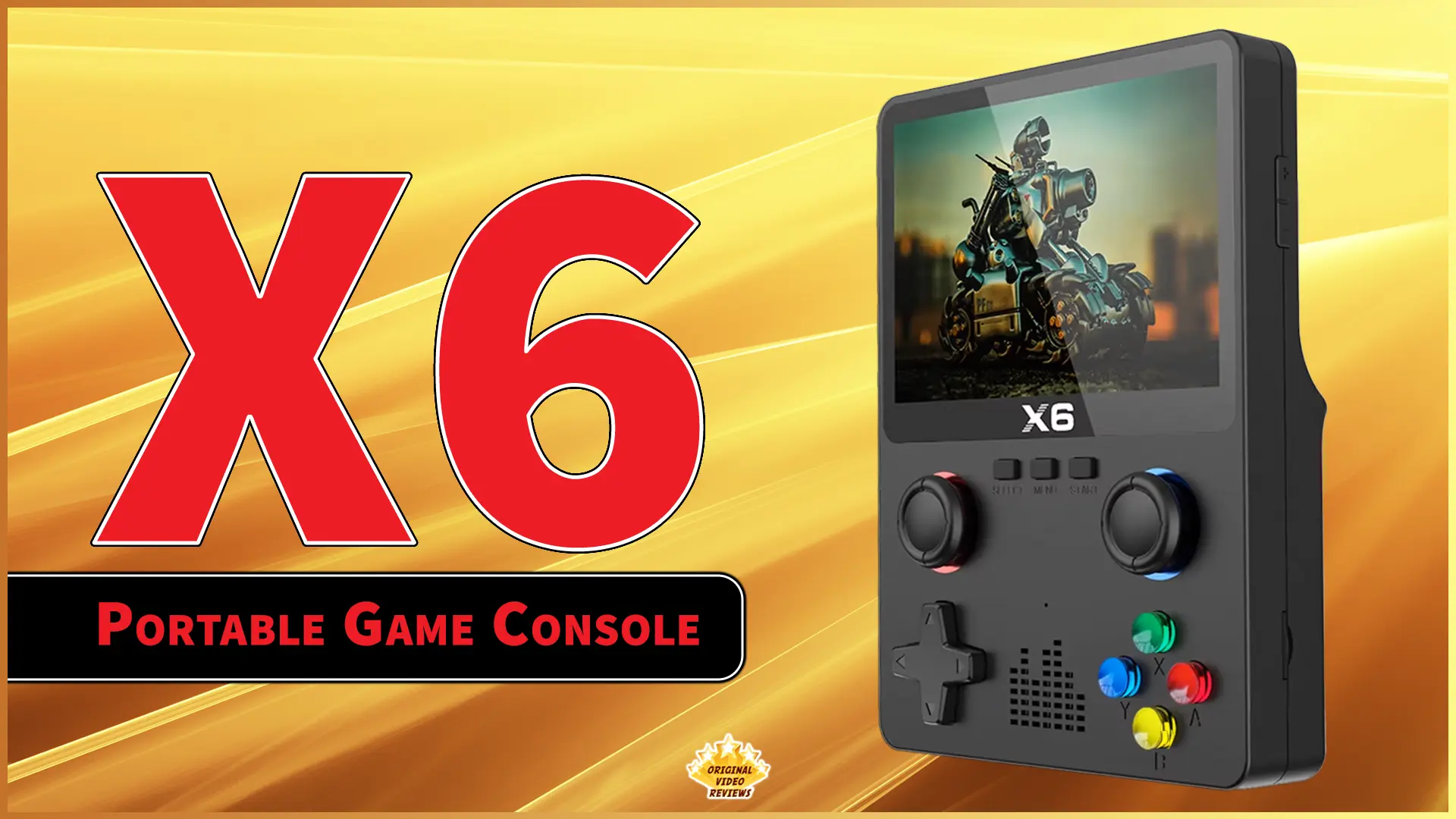
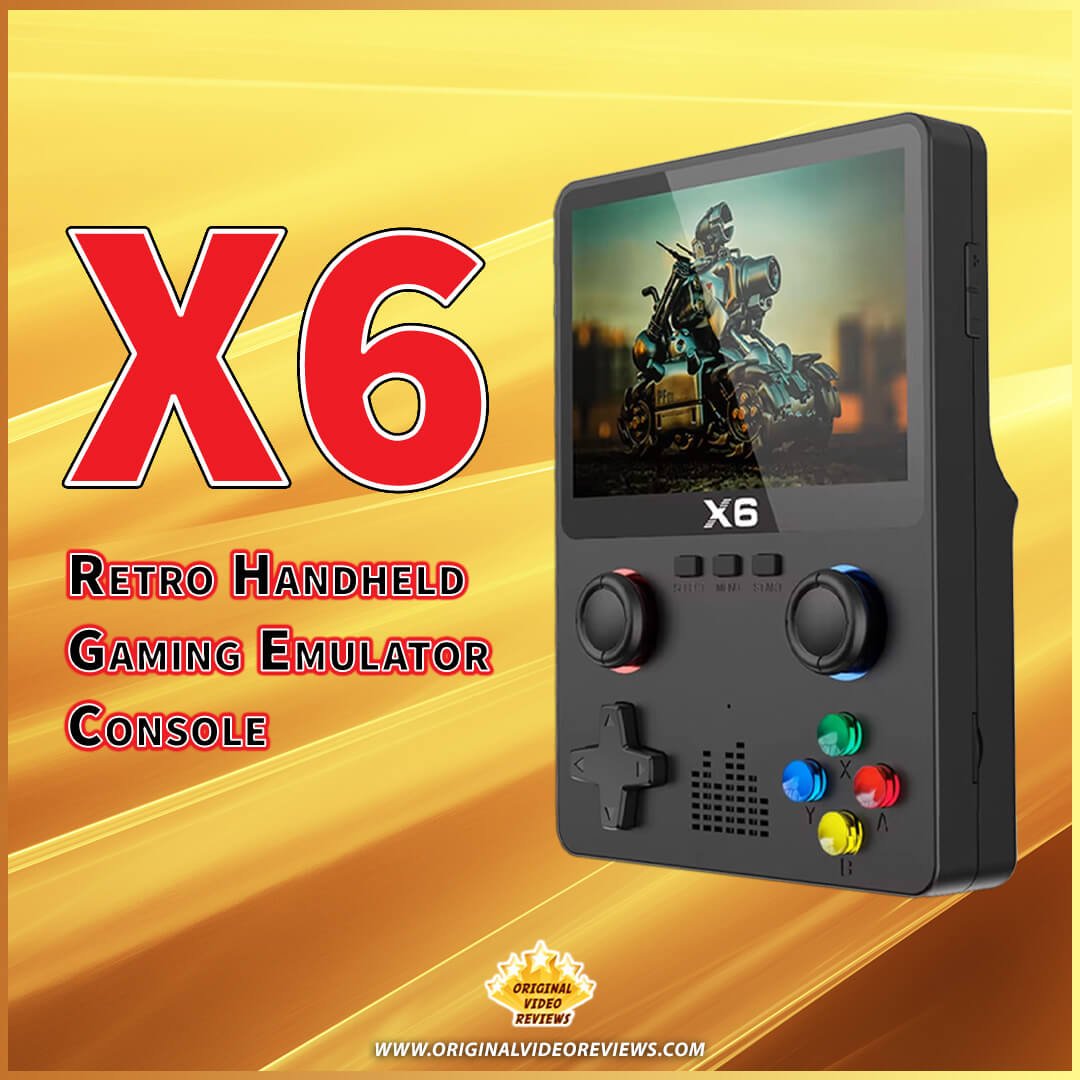
BOYHOM X6 Retro Handheld Gaming Console
Overview
If you've been following Original Video Reviews (OVR) over the years, you already know I have a soft spot for retro gaming.
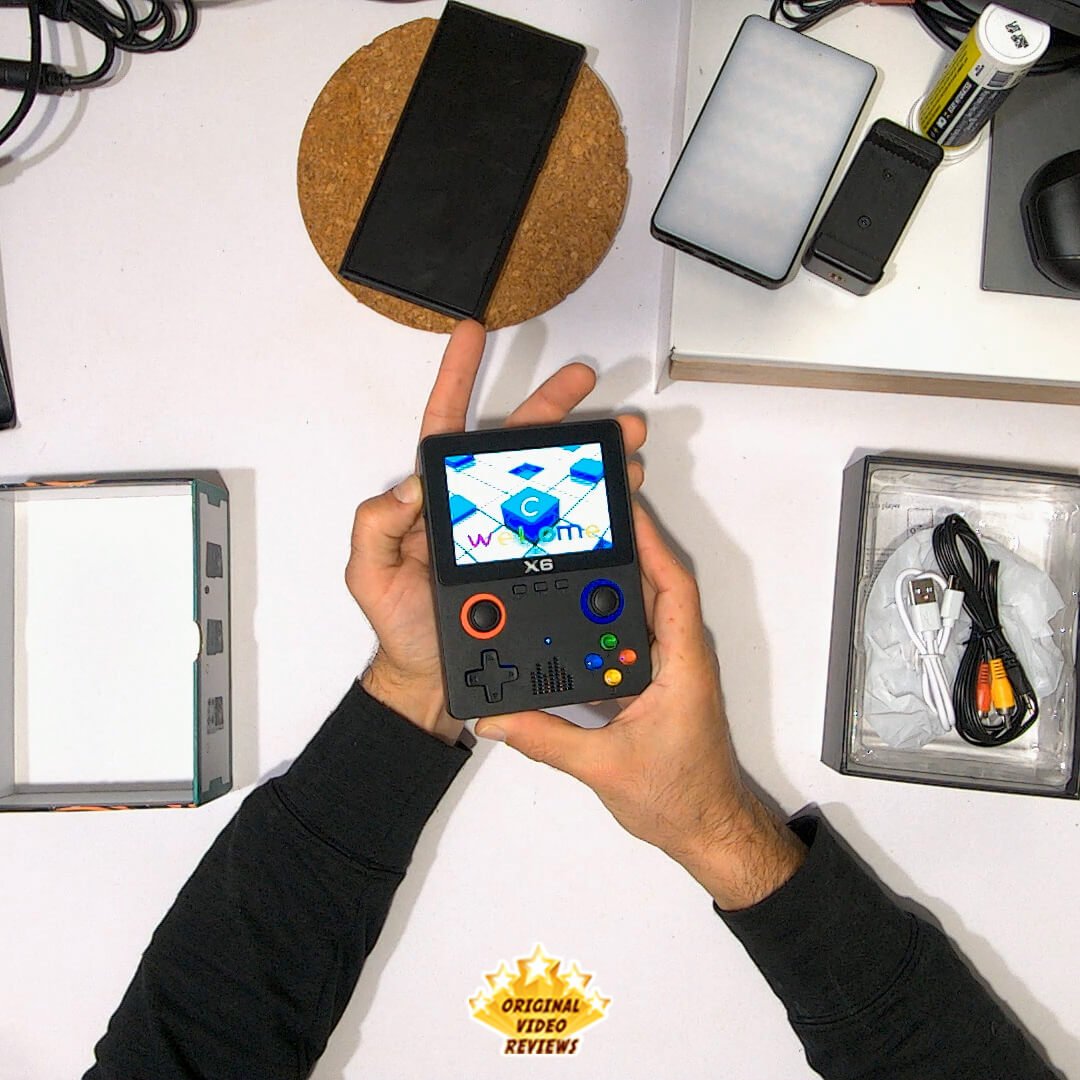
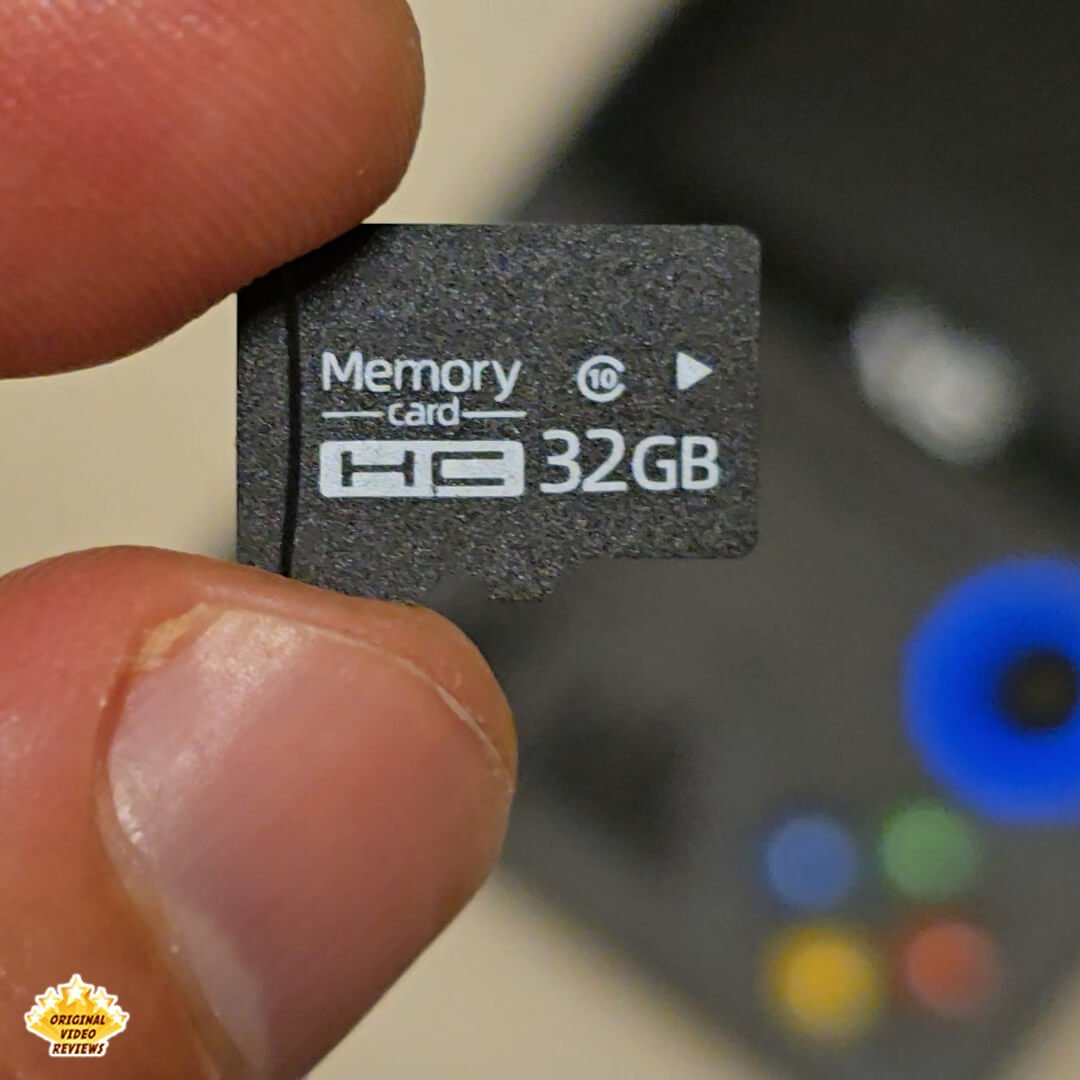
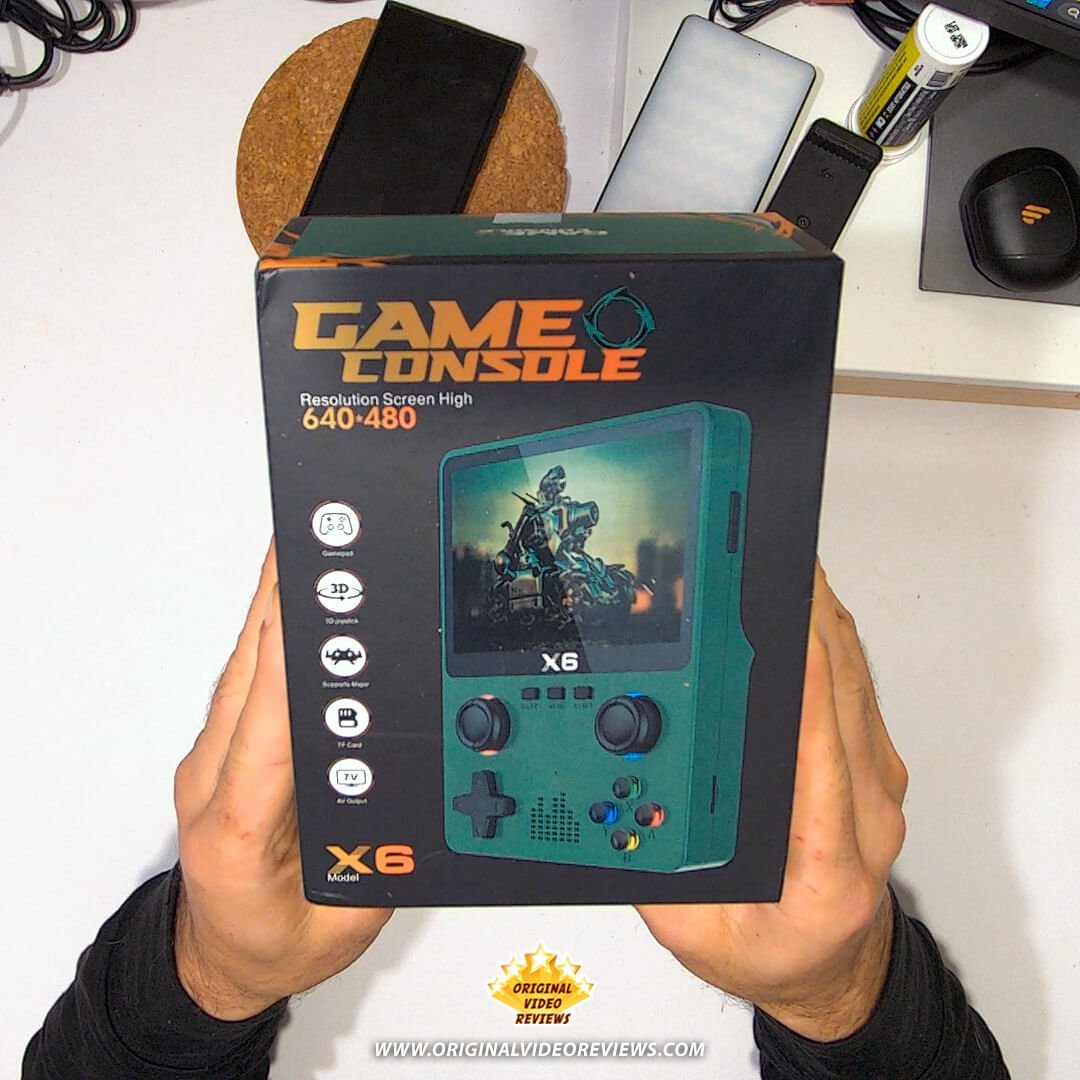
I've reviewed several consoles and handhelds, but this time a new, ultra‑budget gadget caught my attention. The BOYHOM X6 is a portable emulator console that comes with a 32GB memory card preloaded with over 10,000 classic titles. It features multiple control options — including front and back buttons — a solid, compact design, and the promise of taking your retro library anywhere.
I kept seeing ads for it, and eventually curiosity won. Could this little handheld actually deliver a satisfying retro gaming experience?
Product details
- Brand
- BOYHOM
- Model Name
- X6
- Type
- Retro Handheld Console
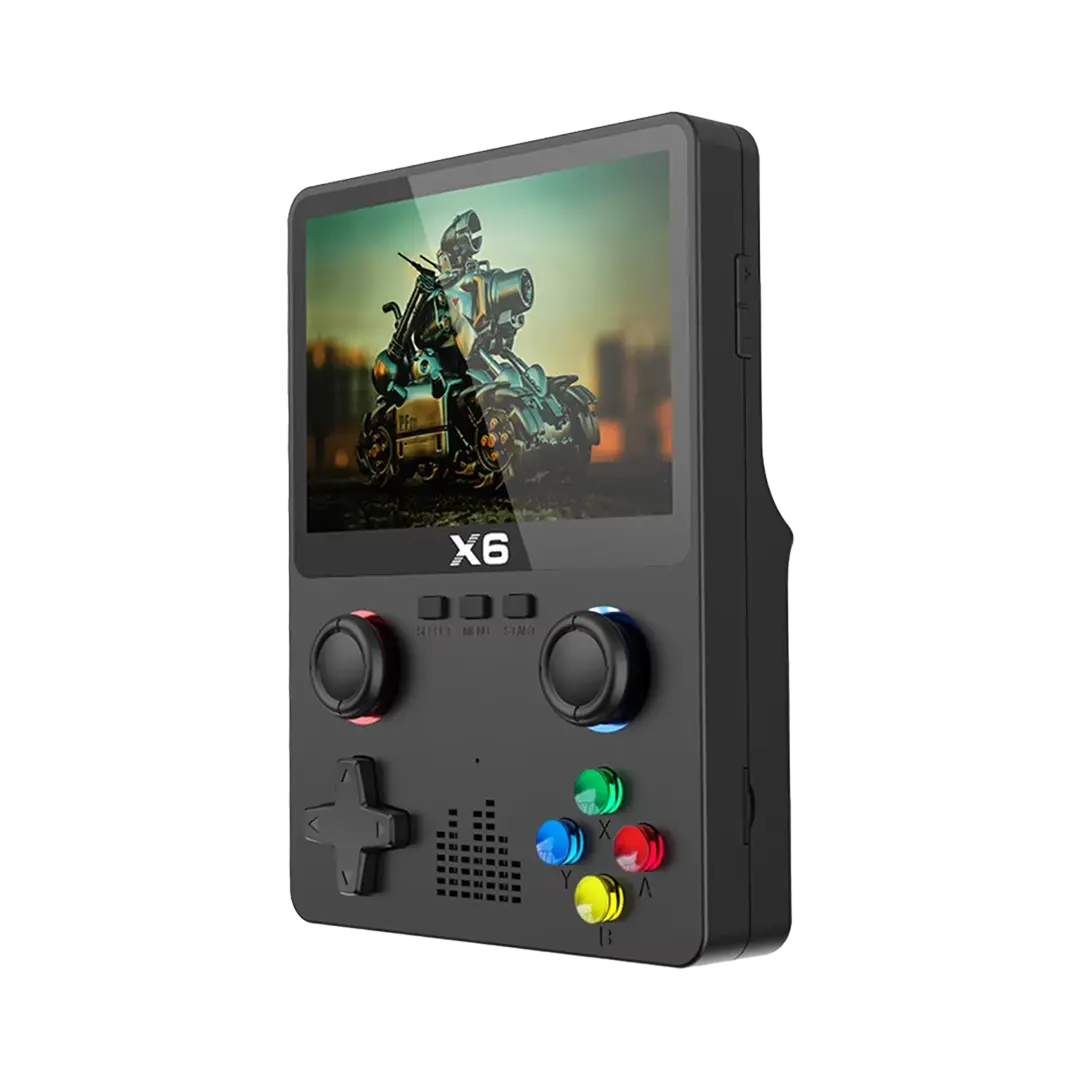
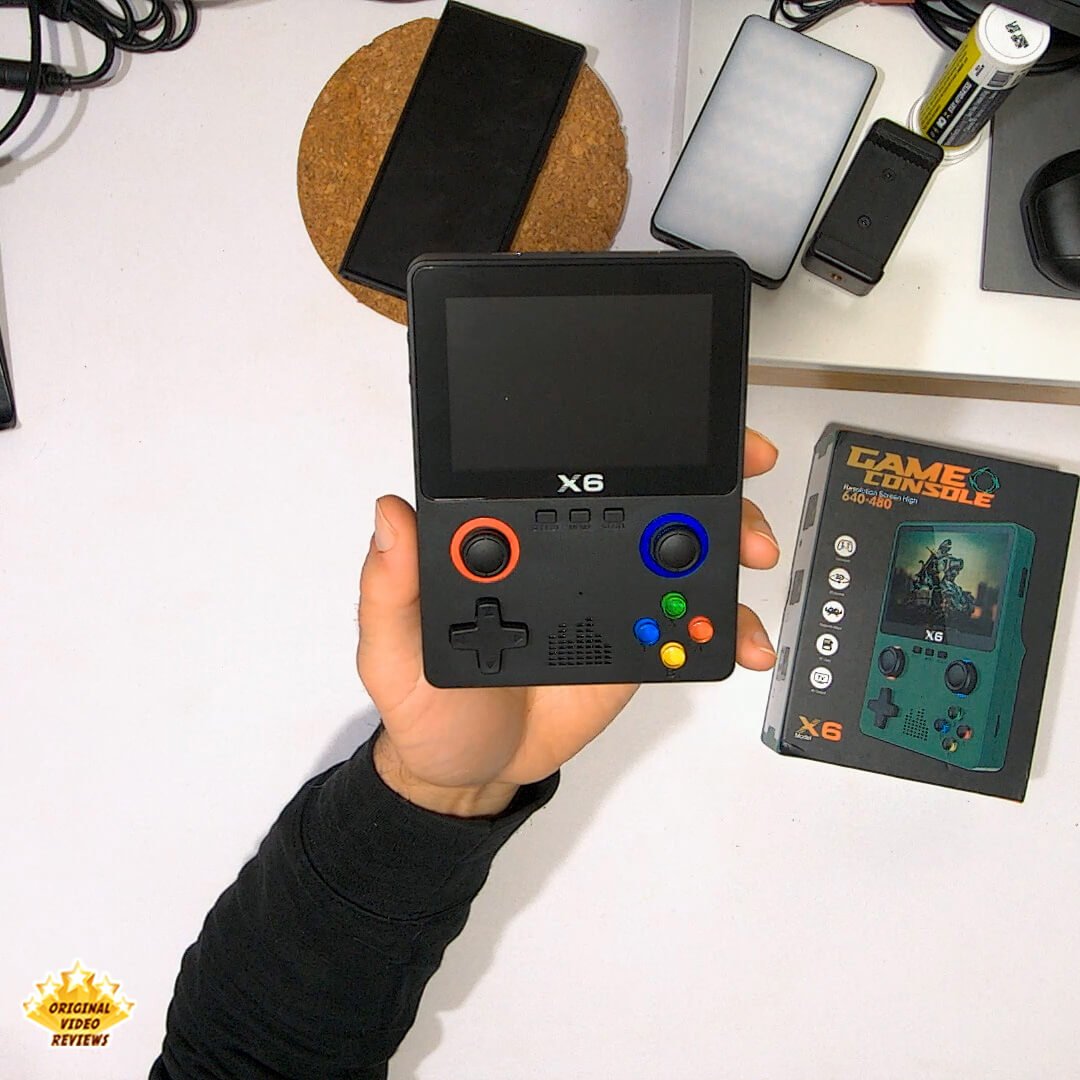
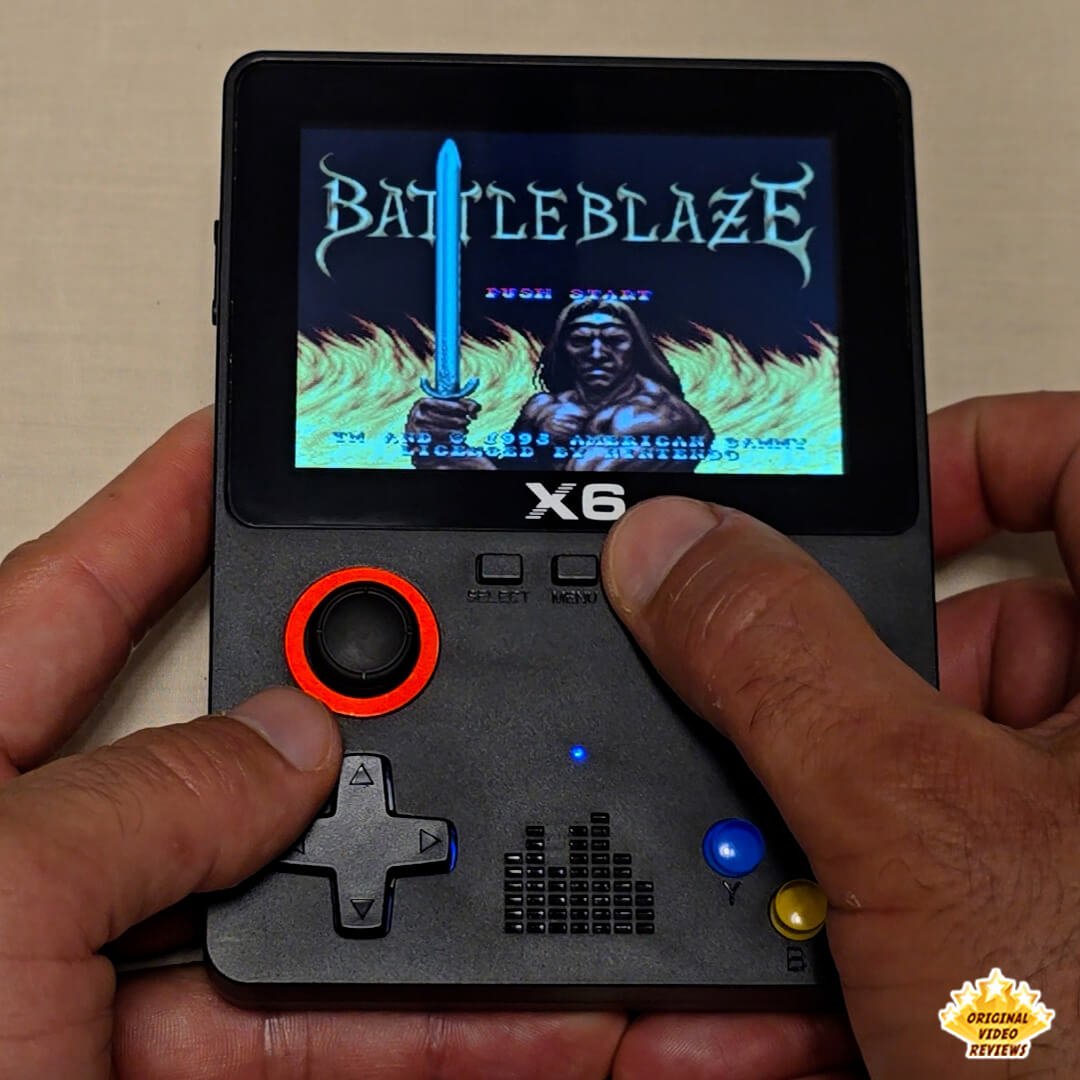
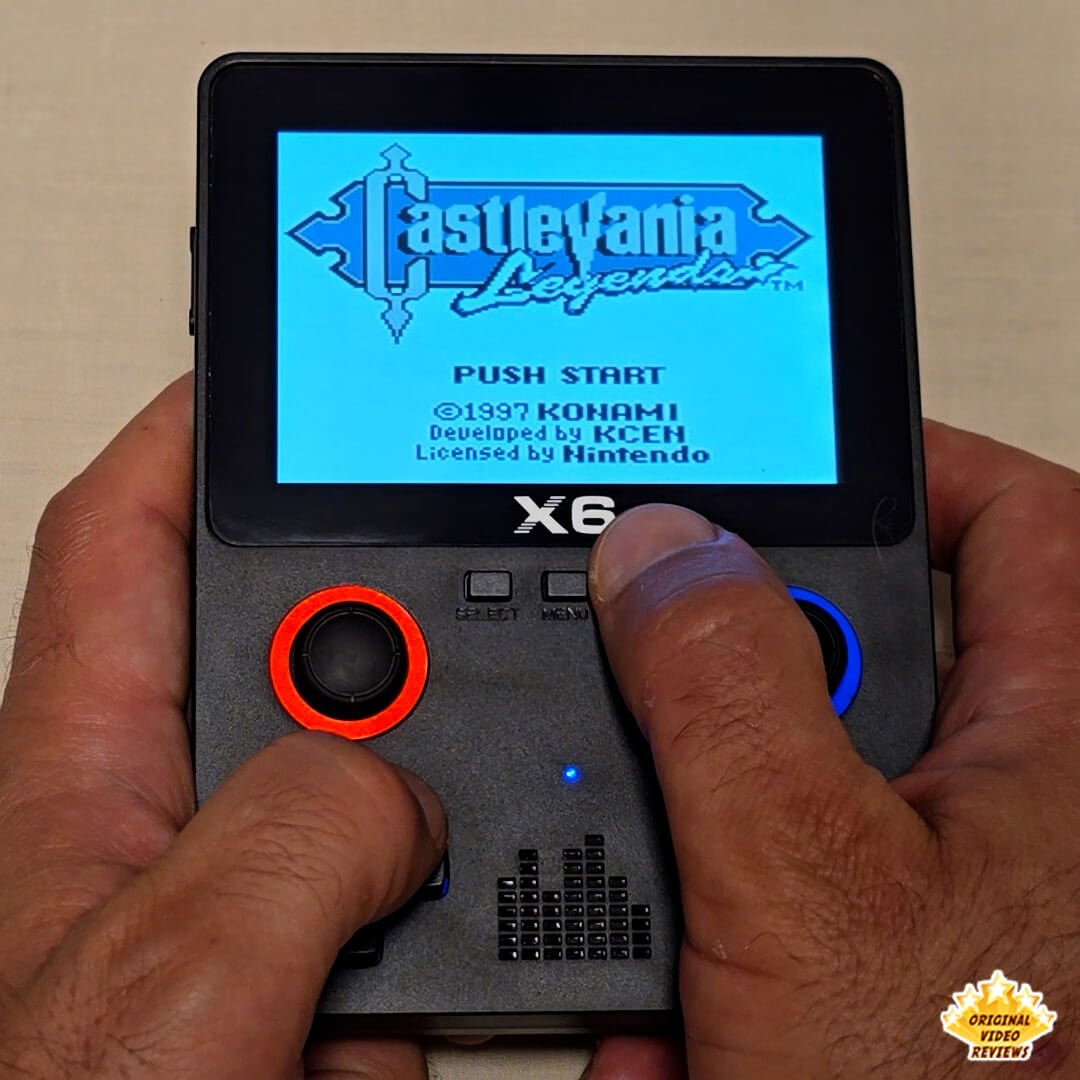
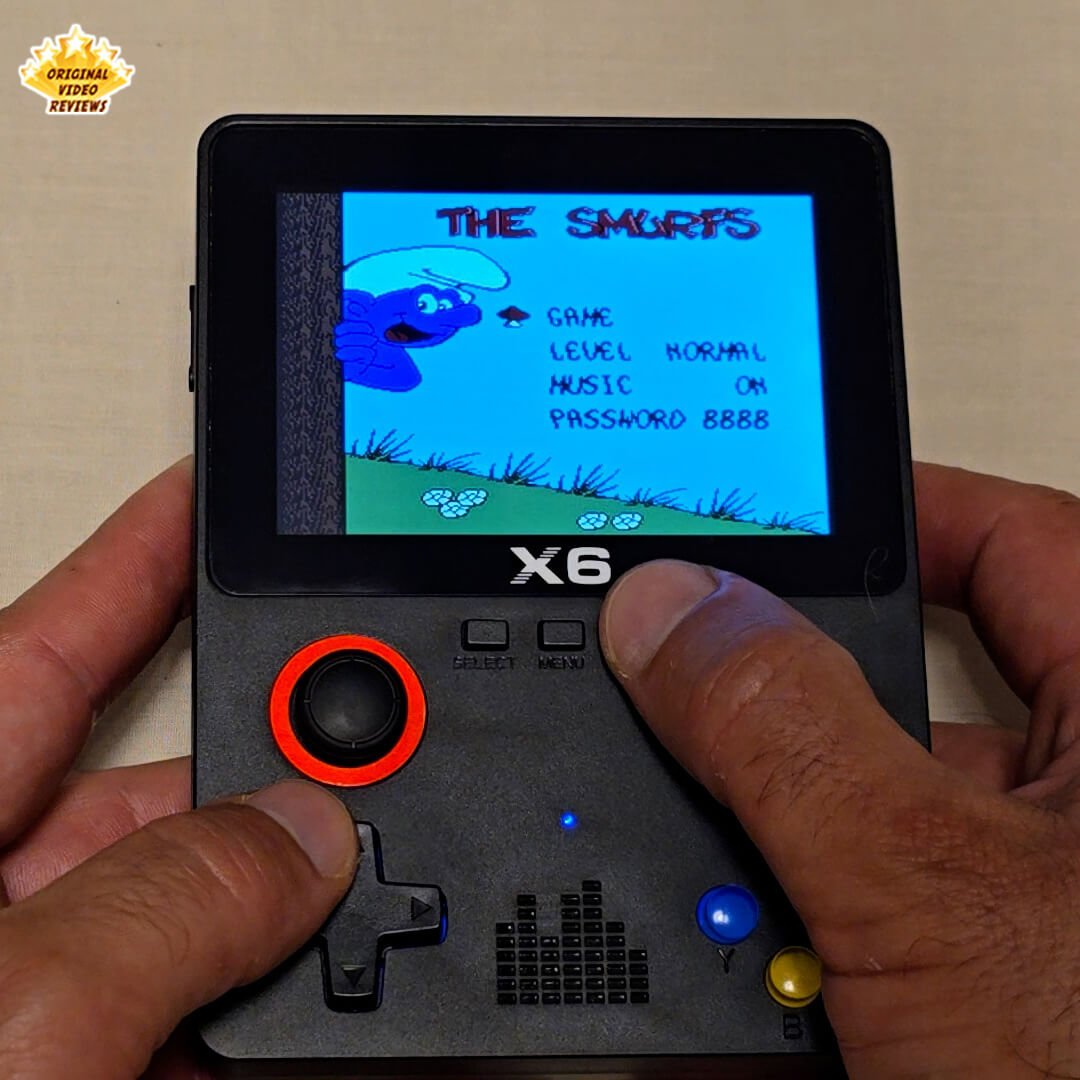
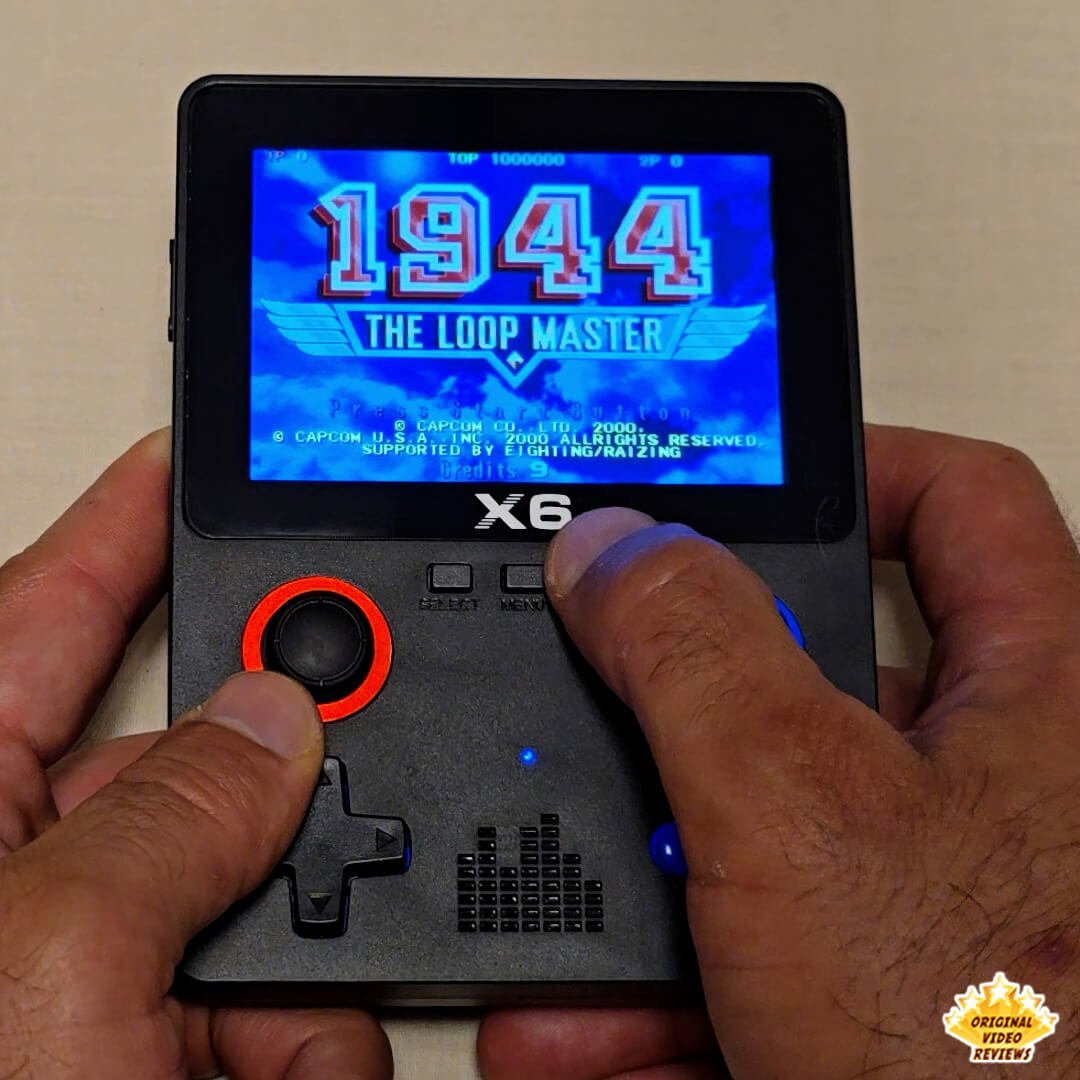
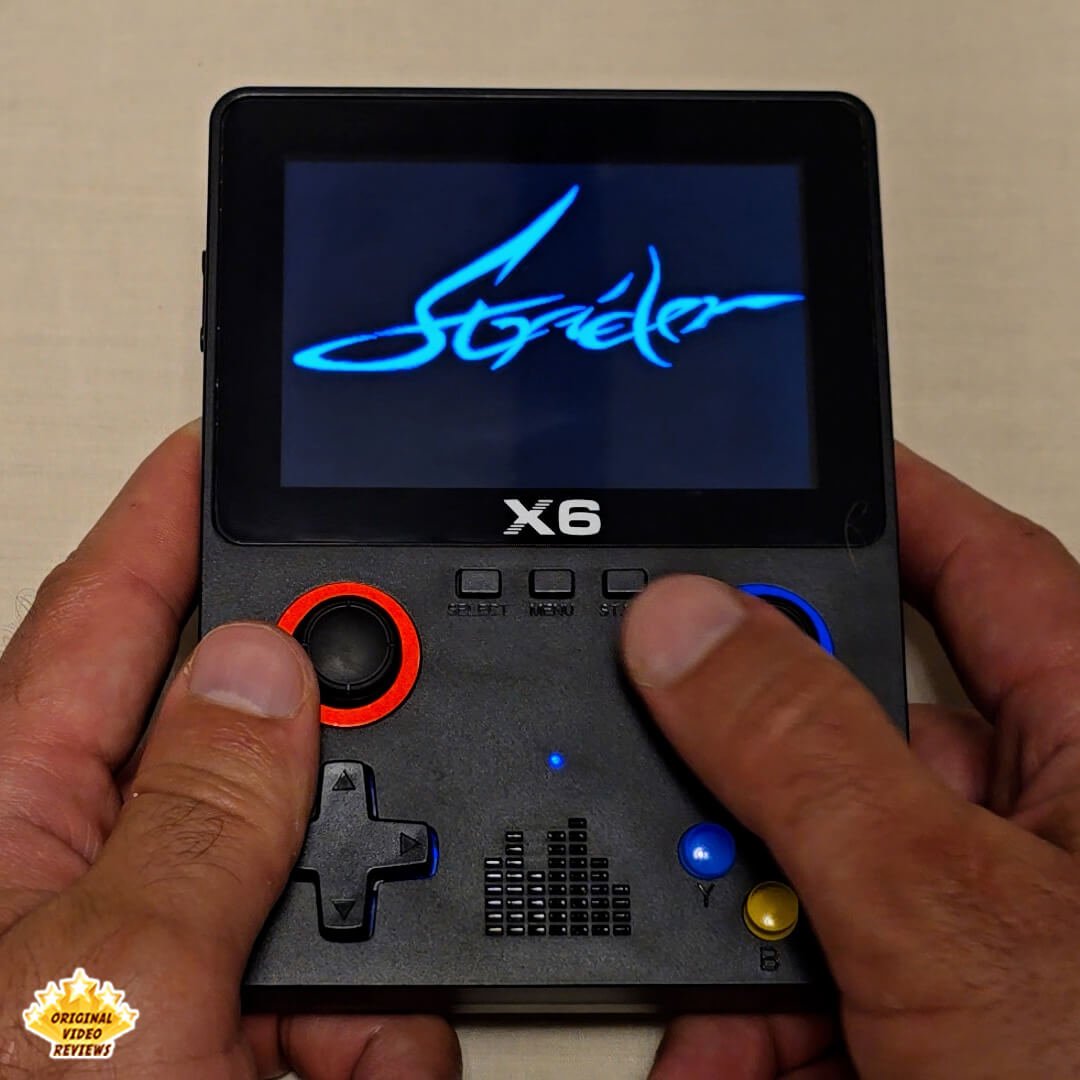
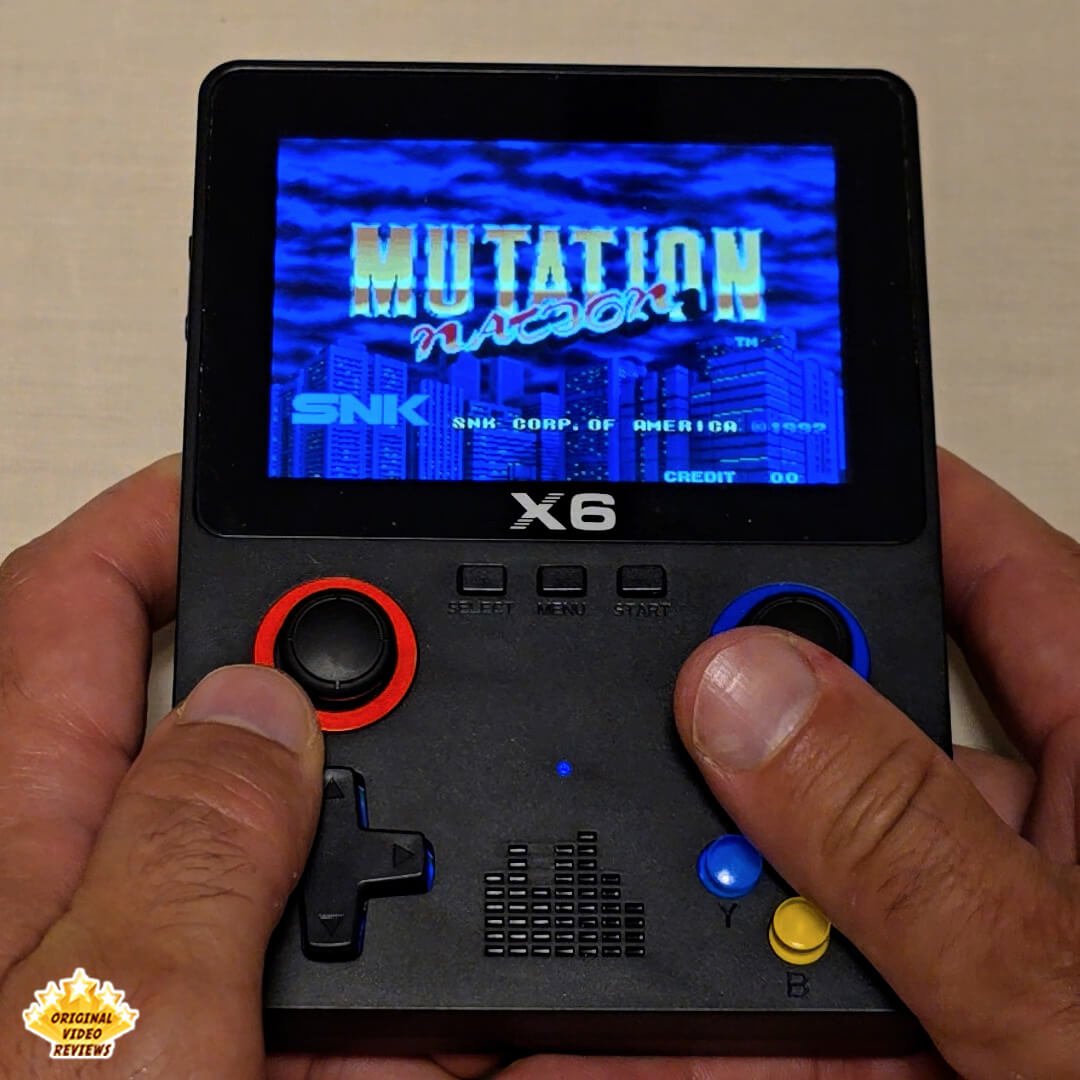
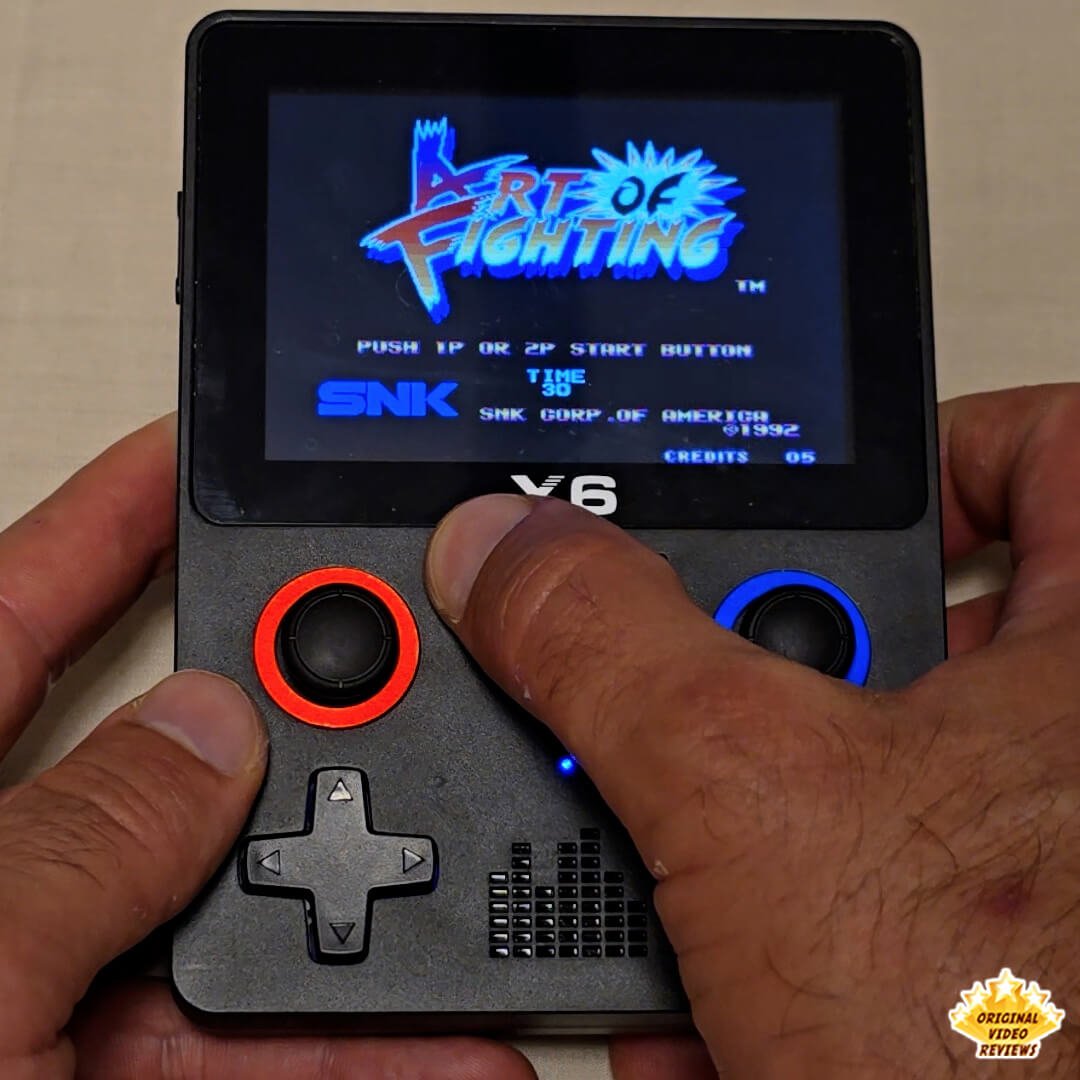
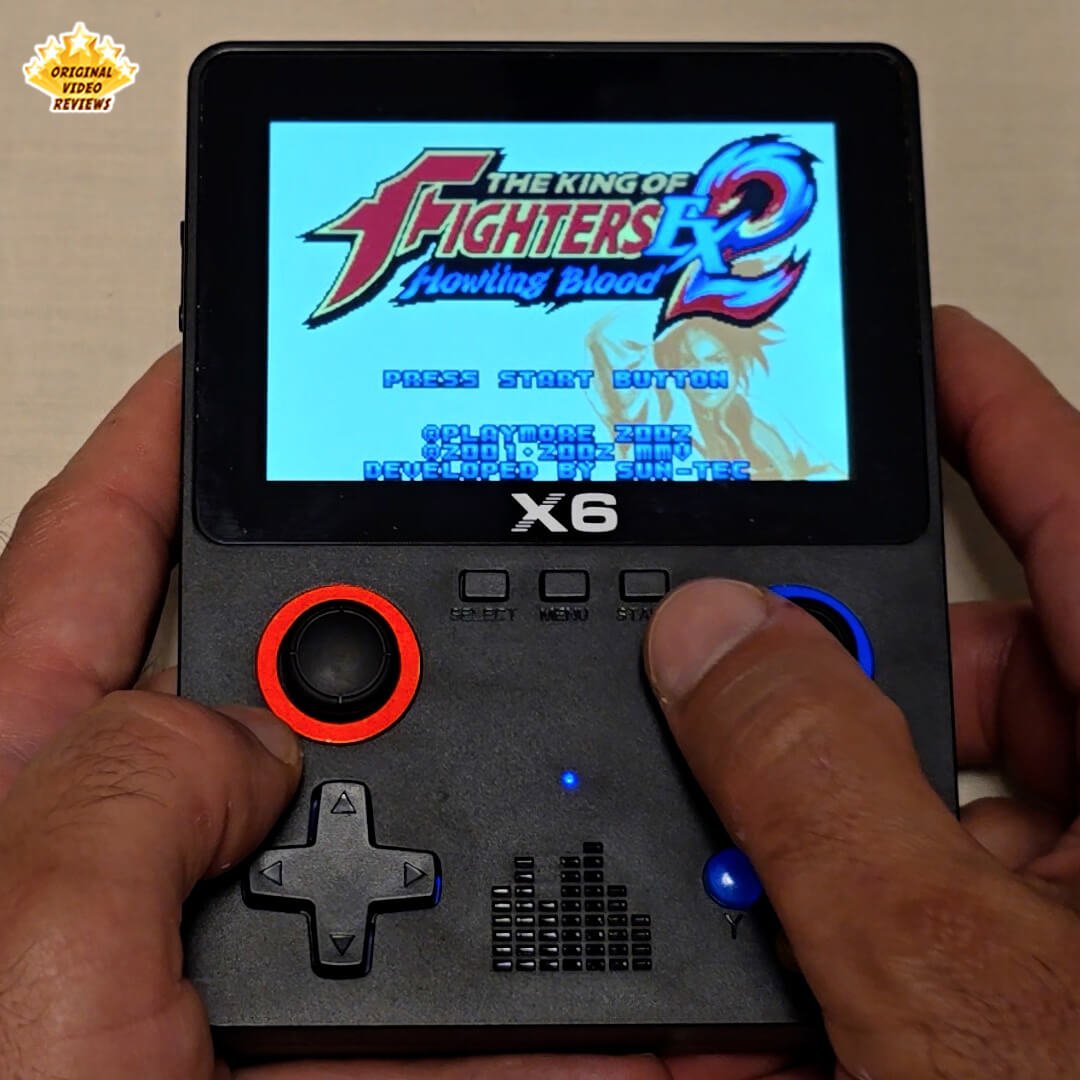
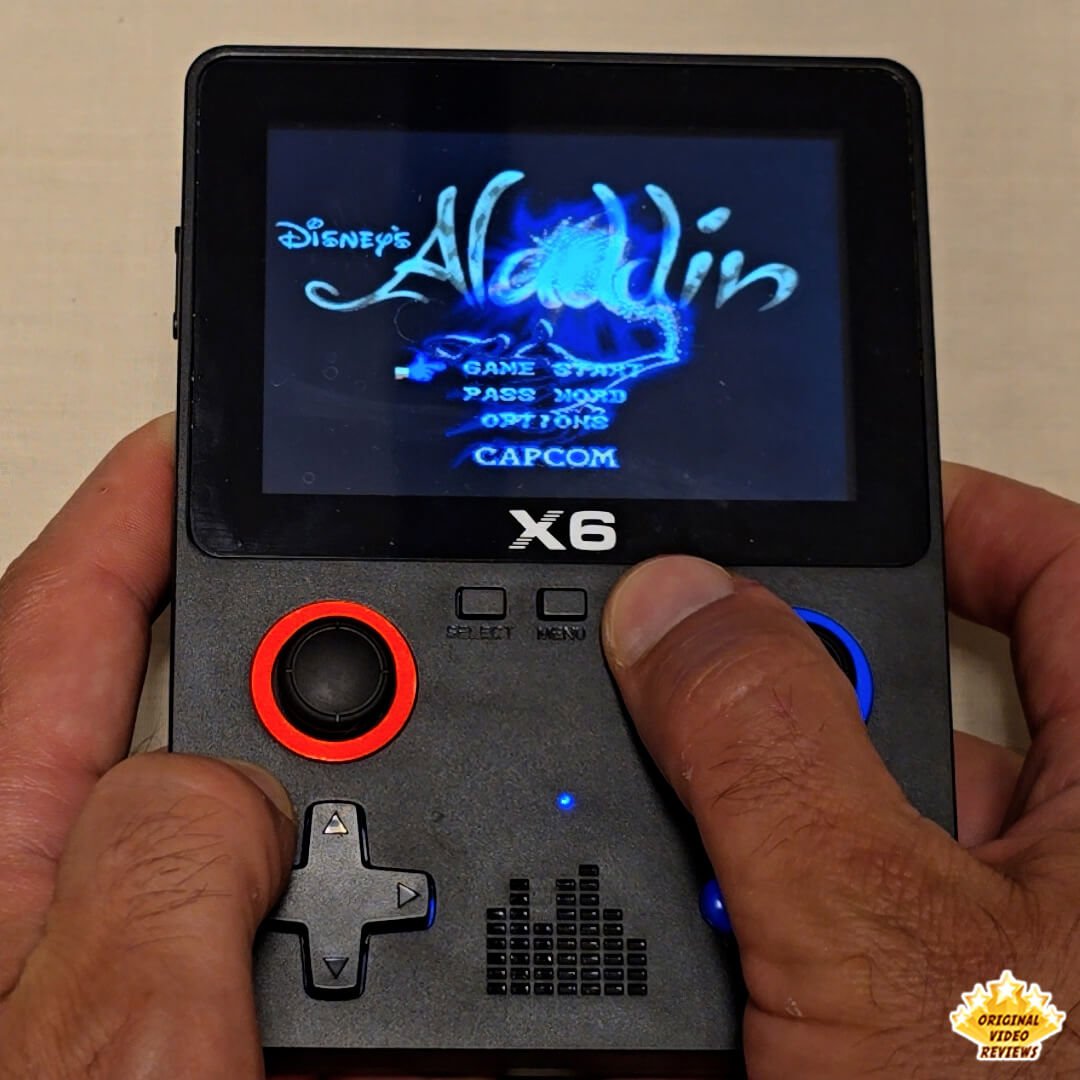
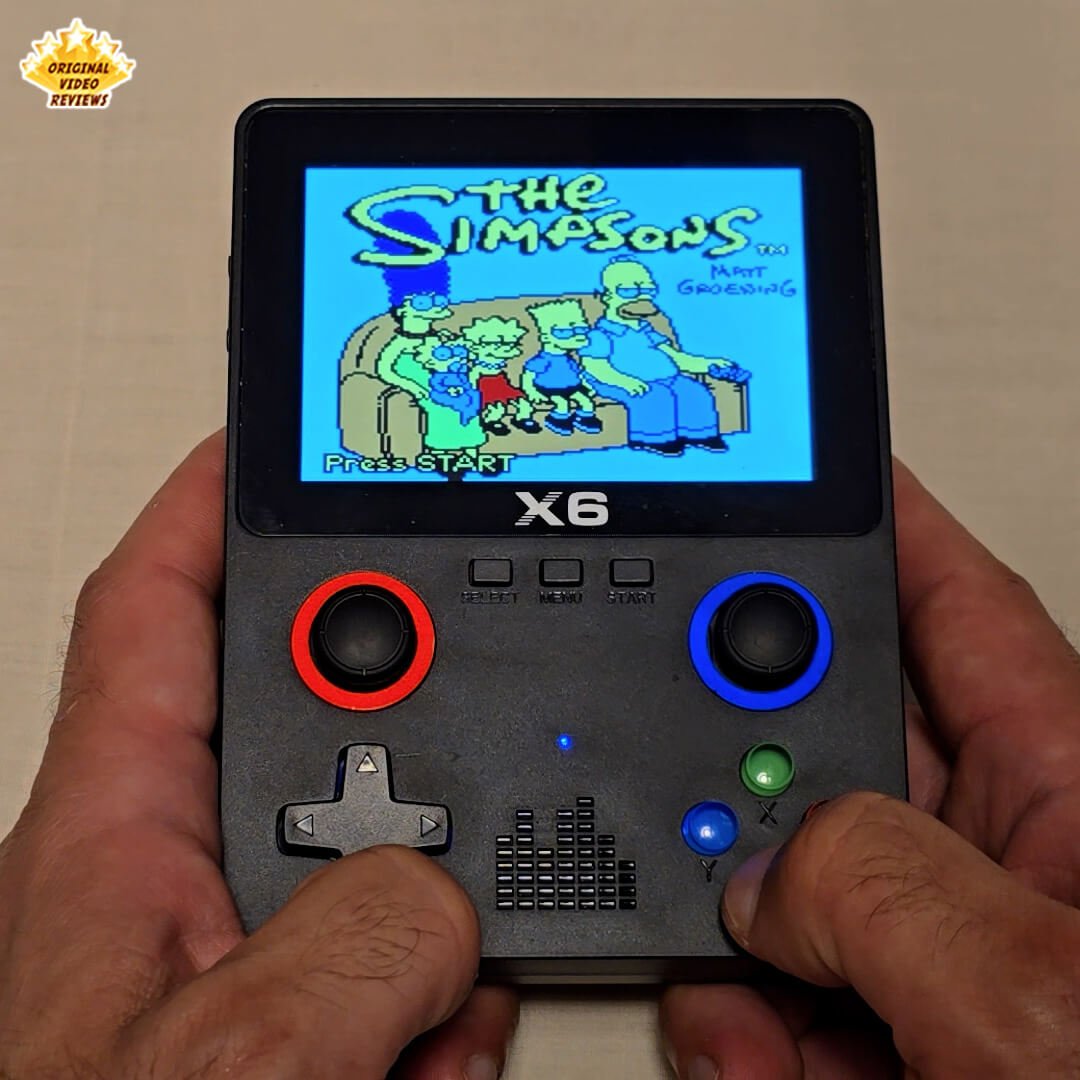
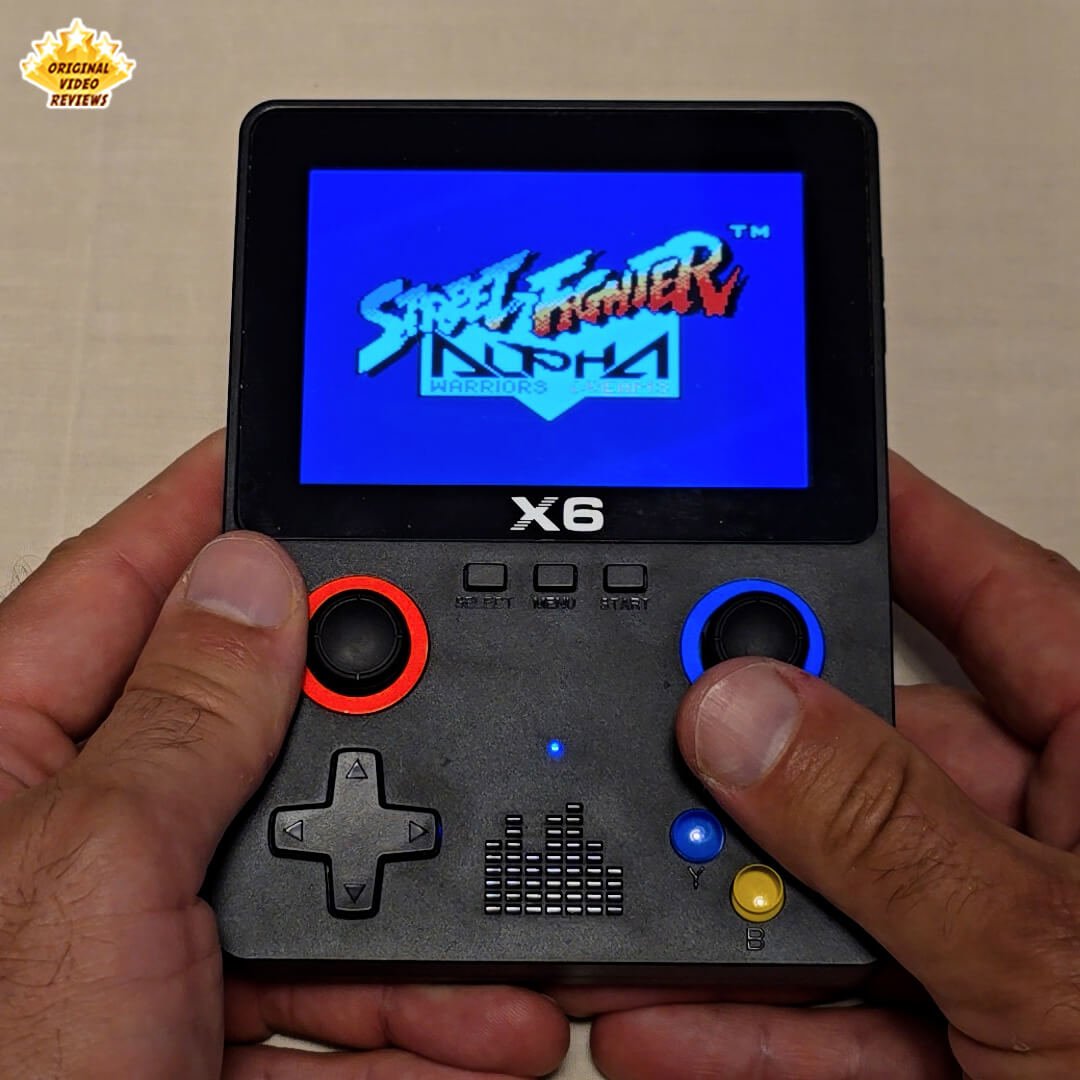
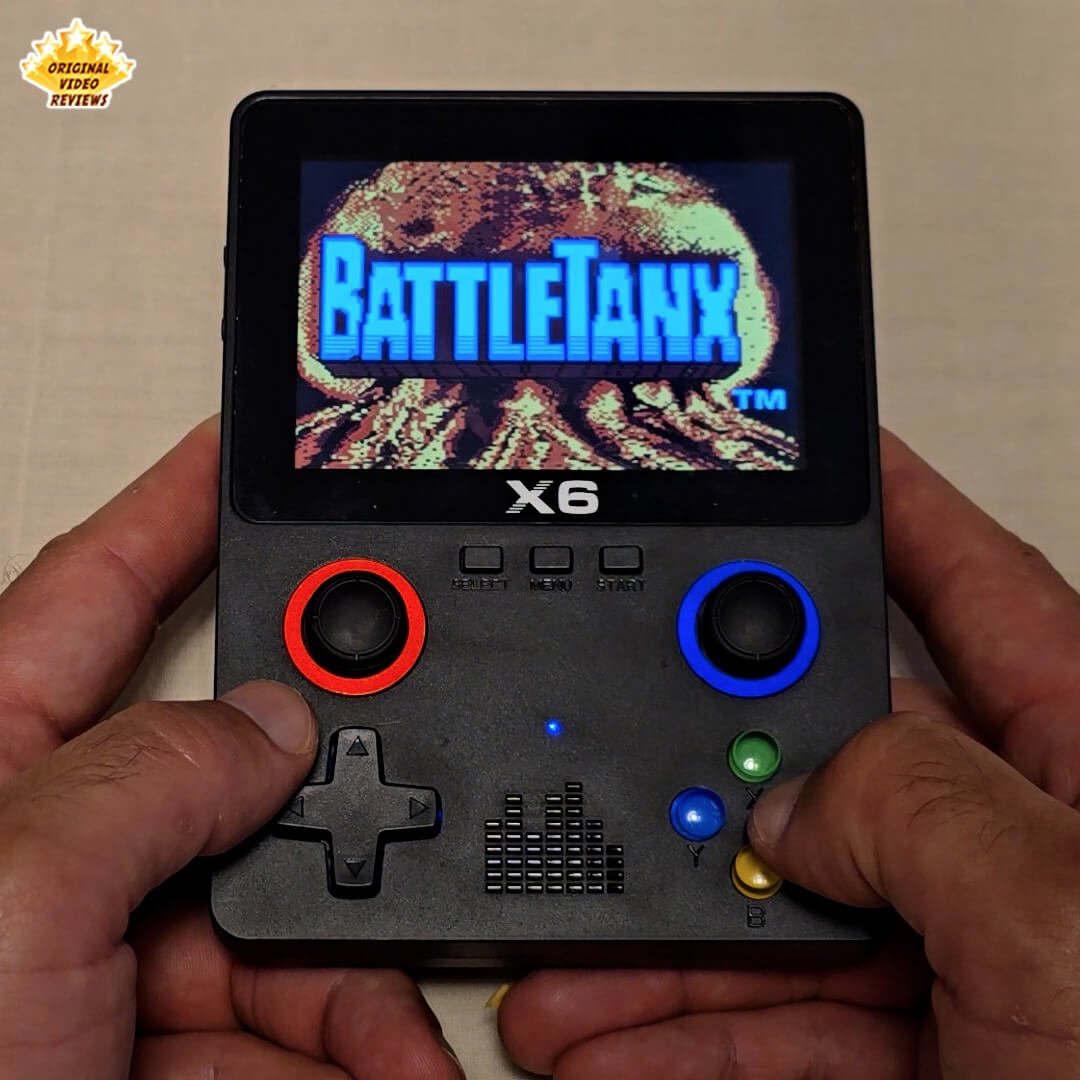
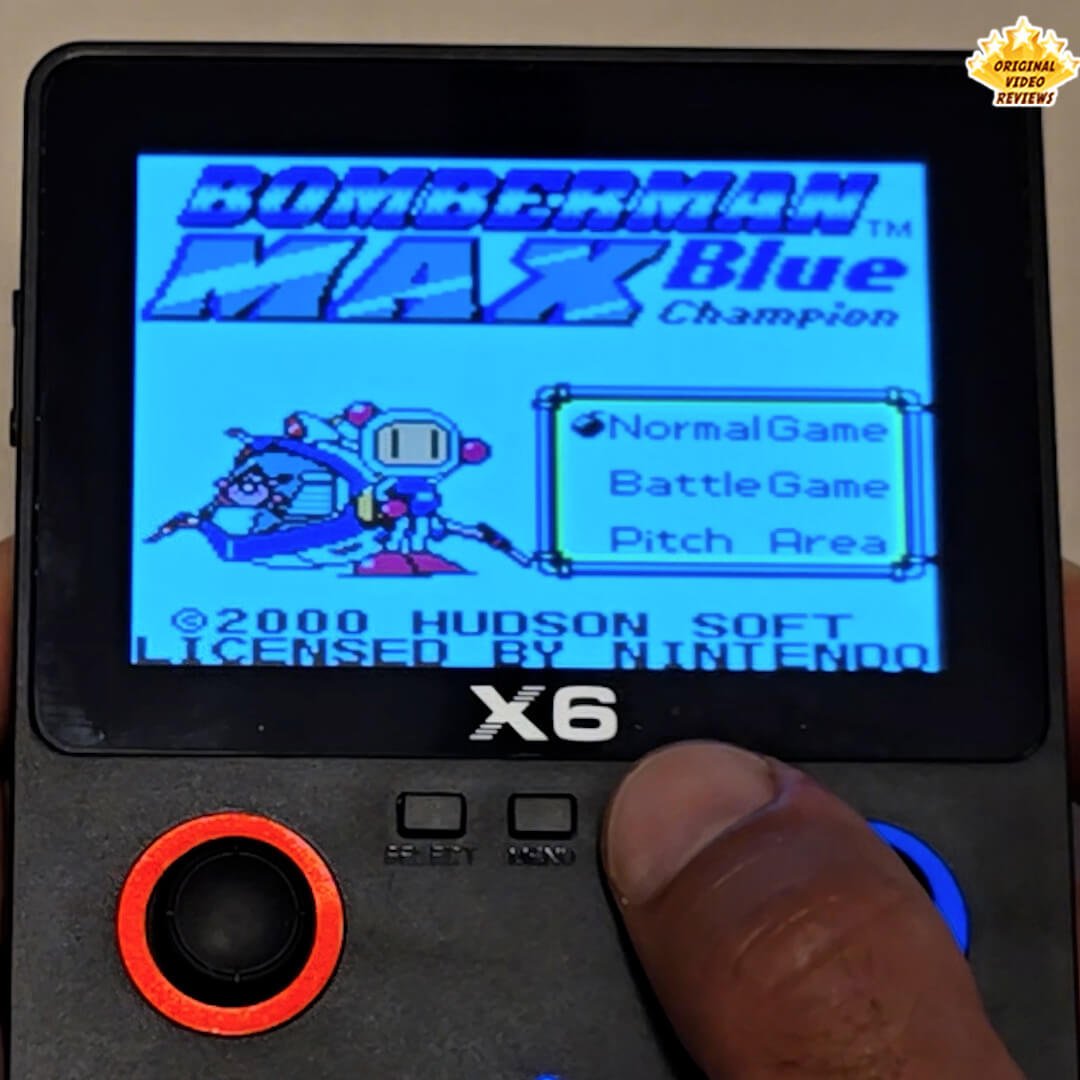
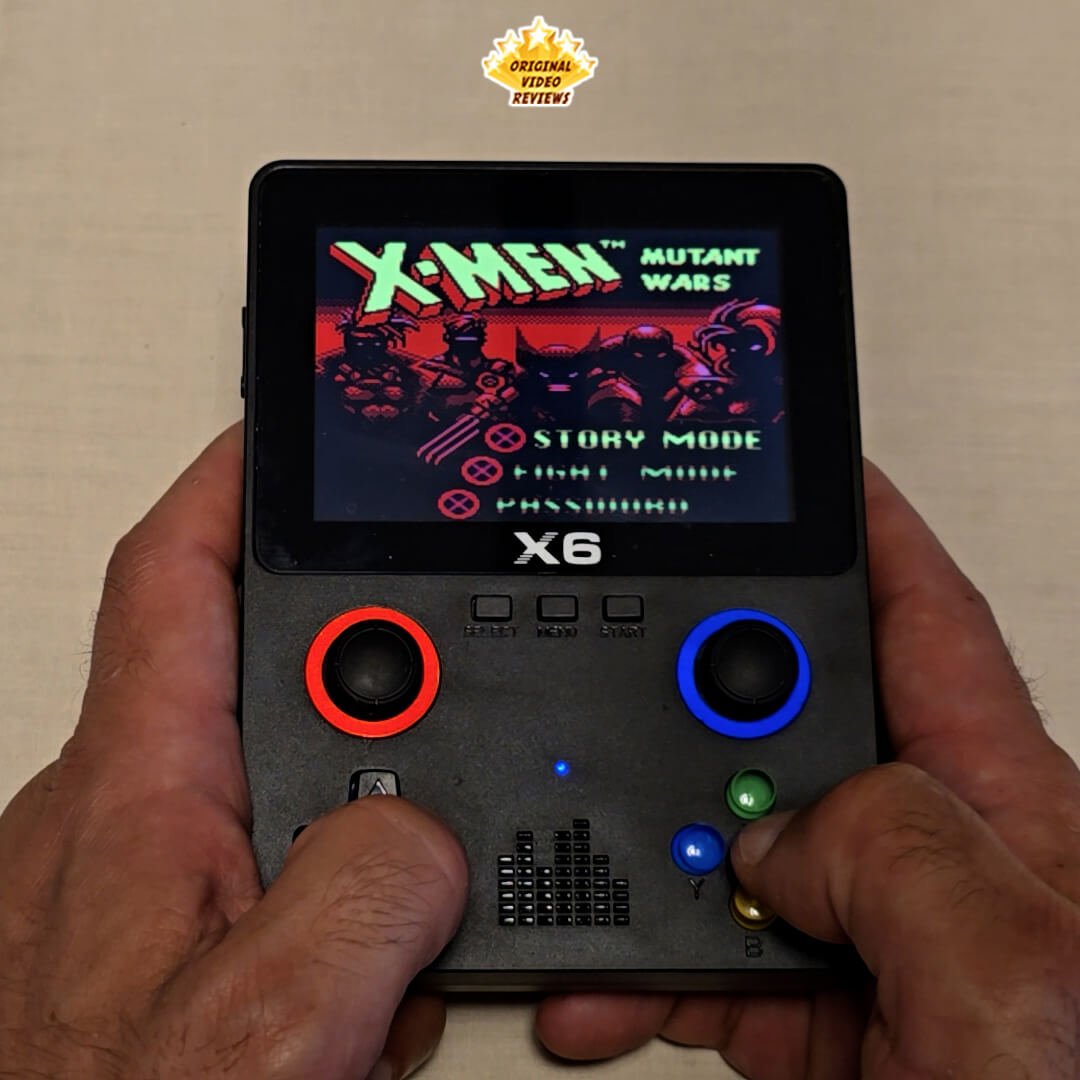
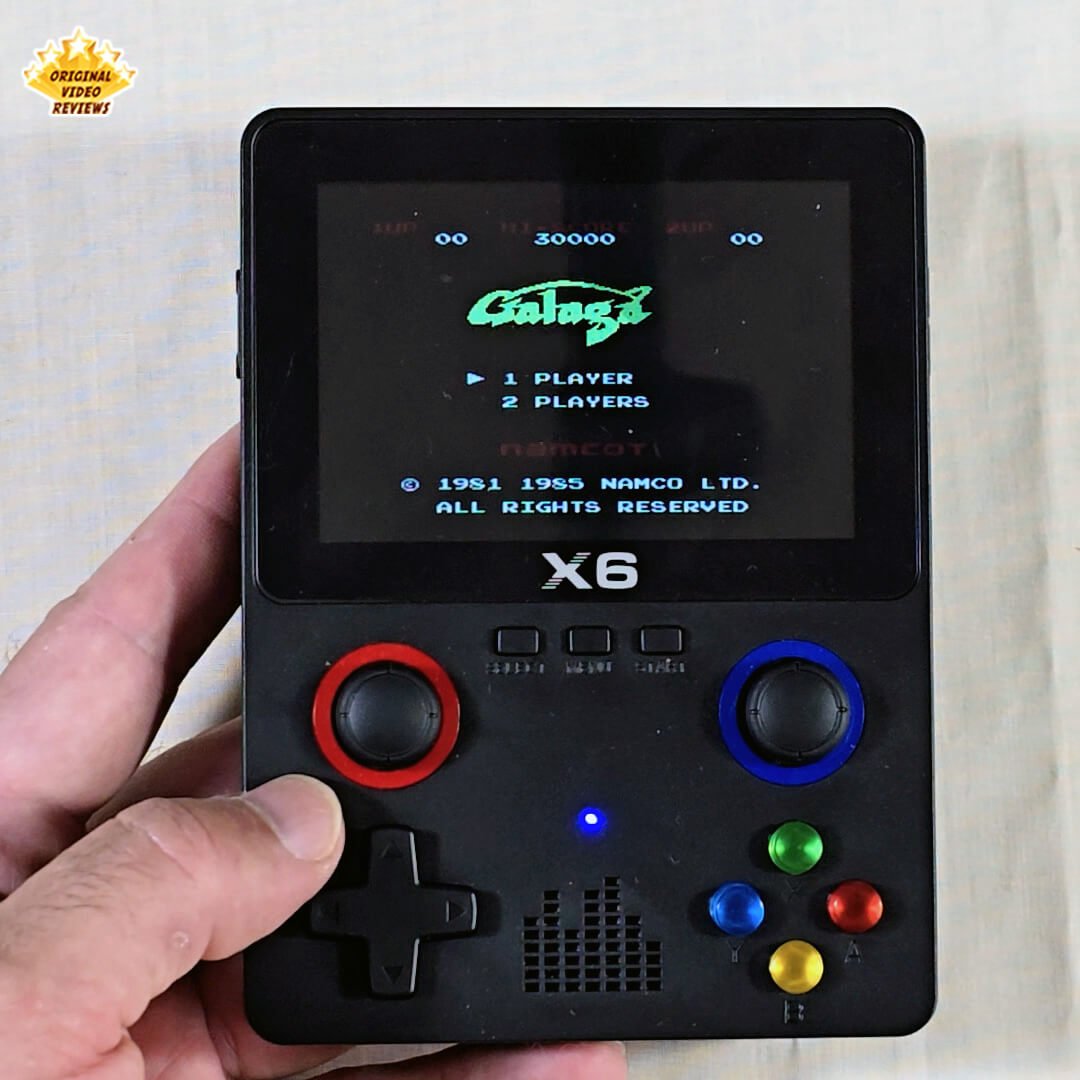
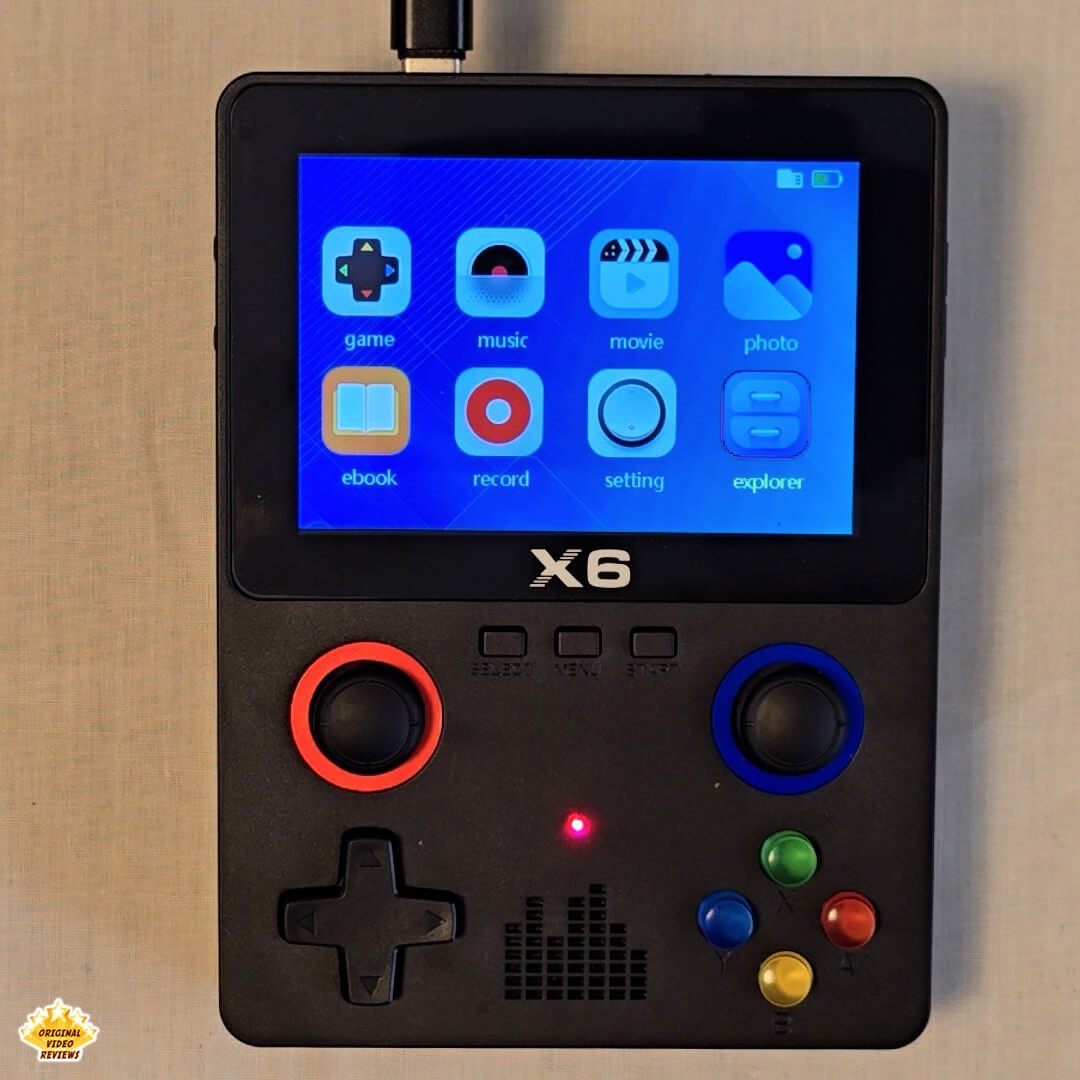
The X6 Retro Emulator Handheld Gaming Console is a small, portable device designed for retro gaming on the go. It has a 3.5‑inch color display and a built‑in rechargeable battery, providing several hours of playtime before requiring a charge.
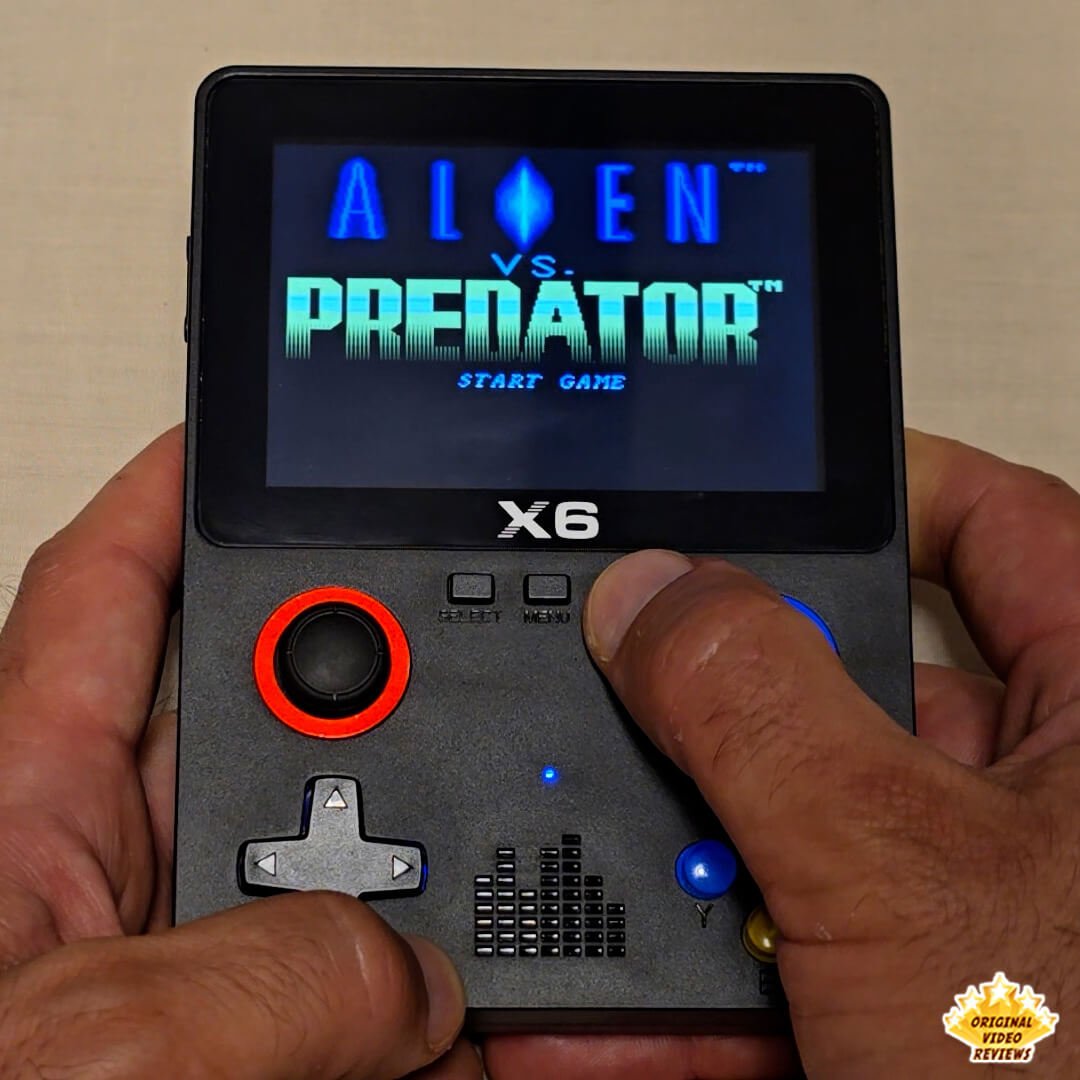
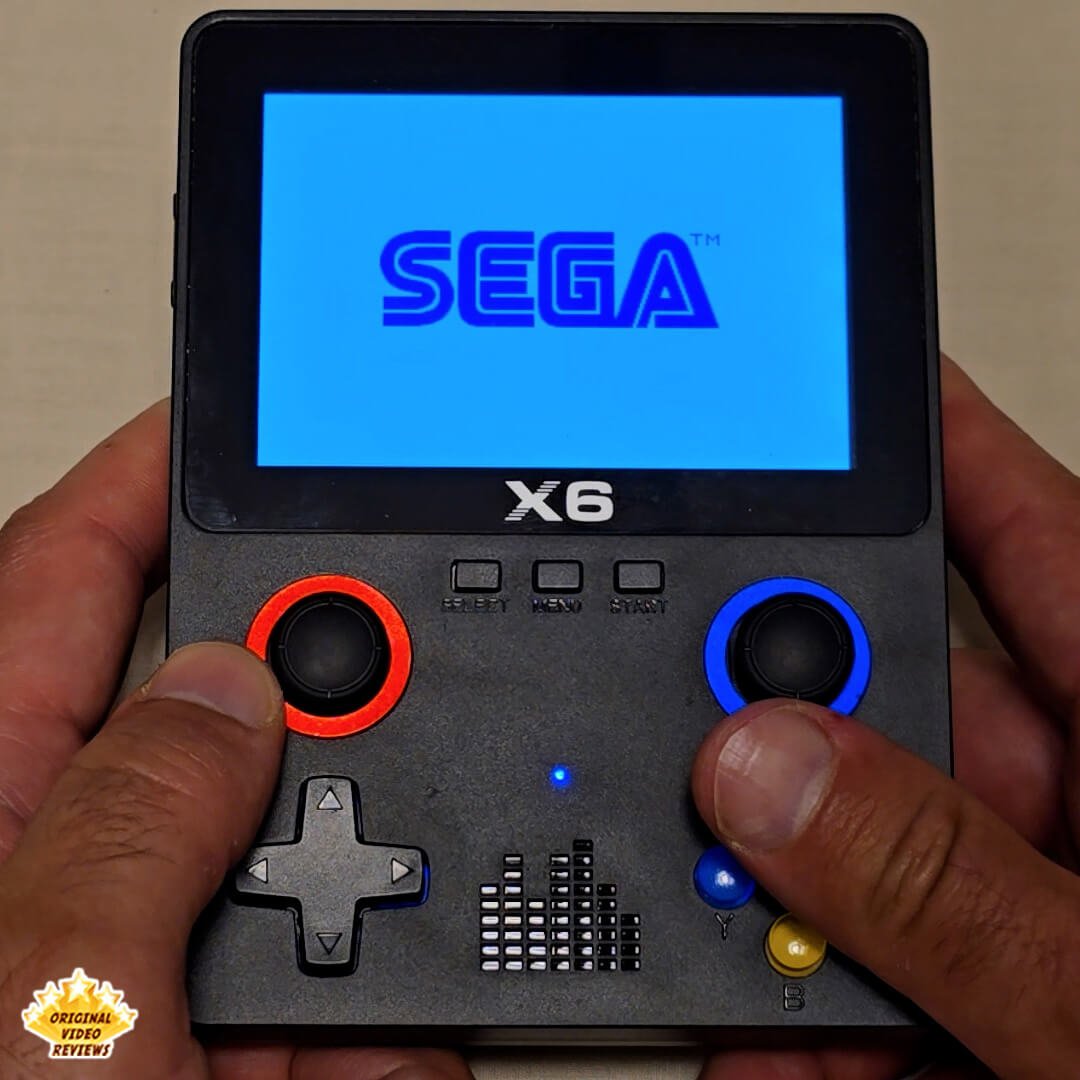
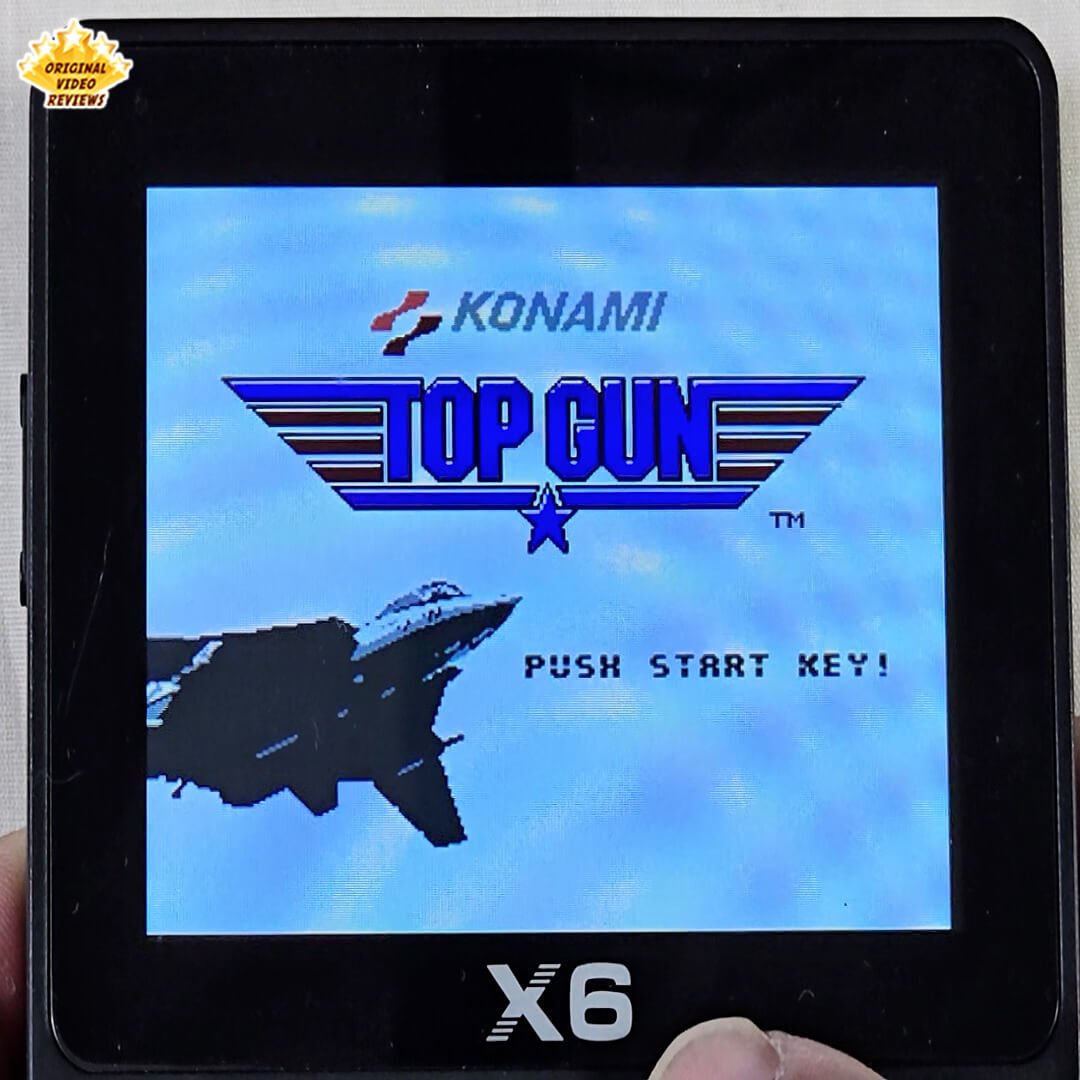
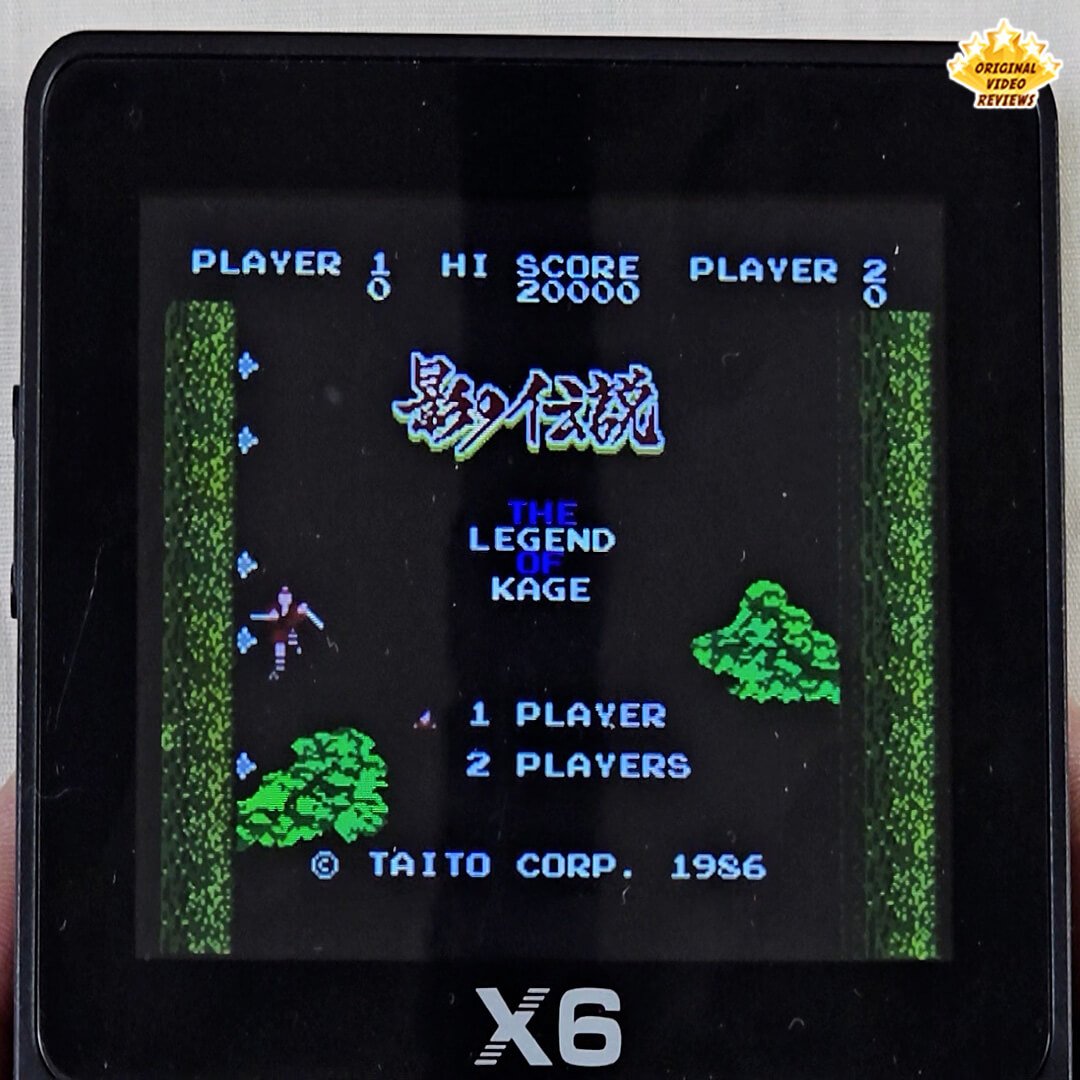
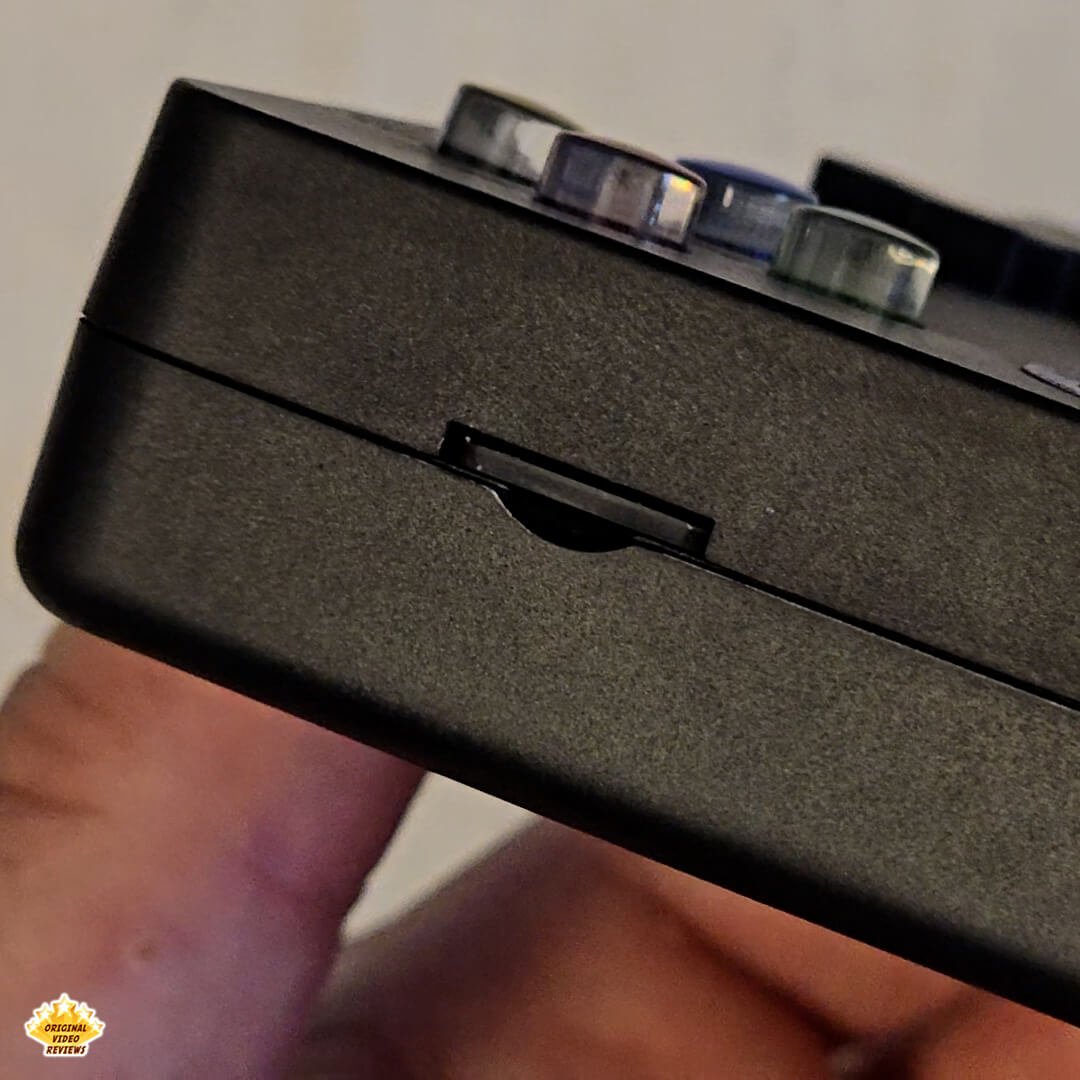
The console is primarily built for classic gaming through emulation, meaning it uses software to replicate older gaming systems without requiring the original hardware. It can run a variety of retro platforms up to the 32‑bit era, including the NES, SNES, Sega Genesis, and the different Game Boy generations. The X6 stores its game library on a removable microSD/TF memory card rather than internal storage, allowing the library to reside externally and making card replacements or upgrades possible depending on the device version.
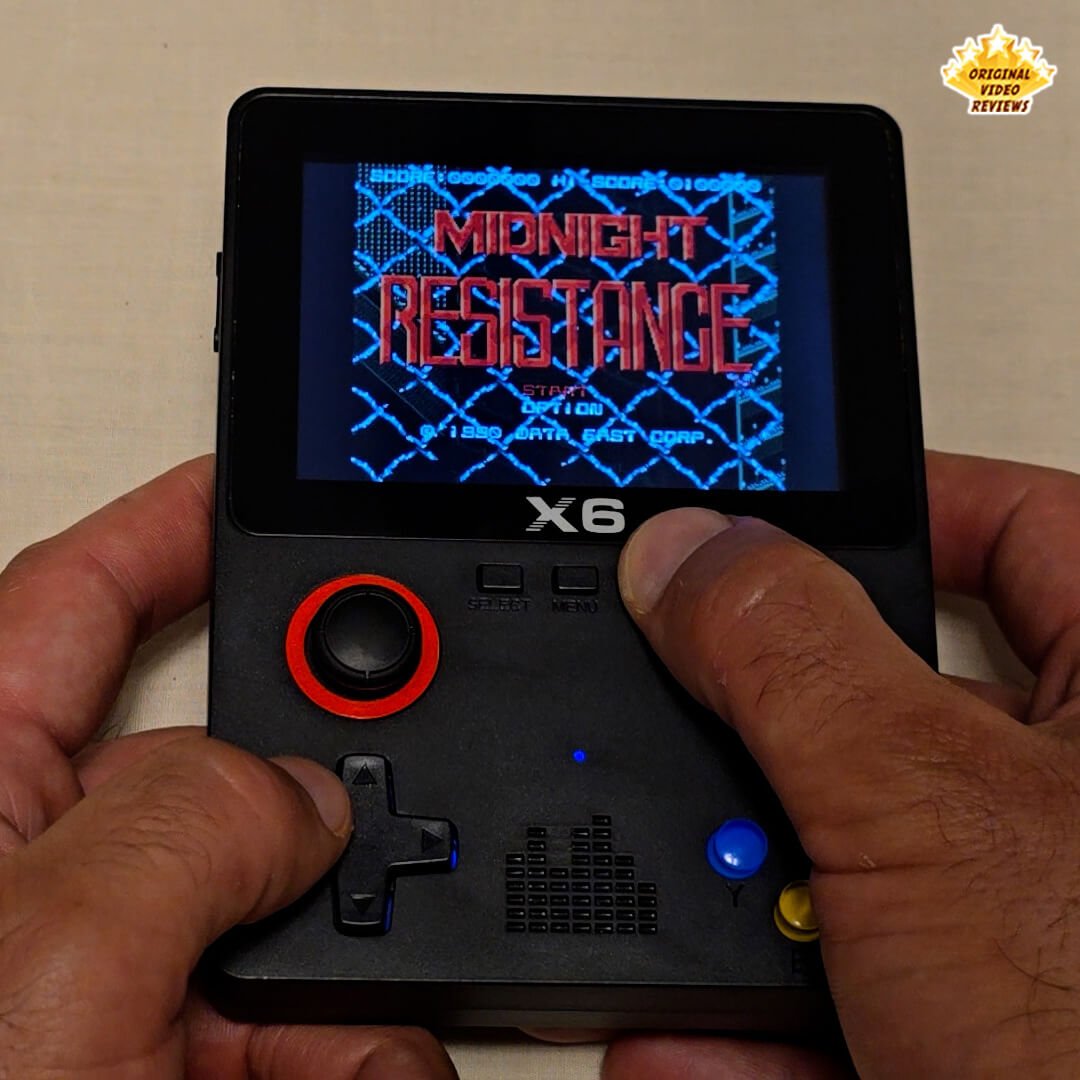
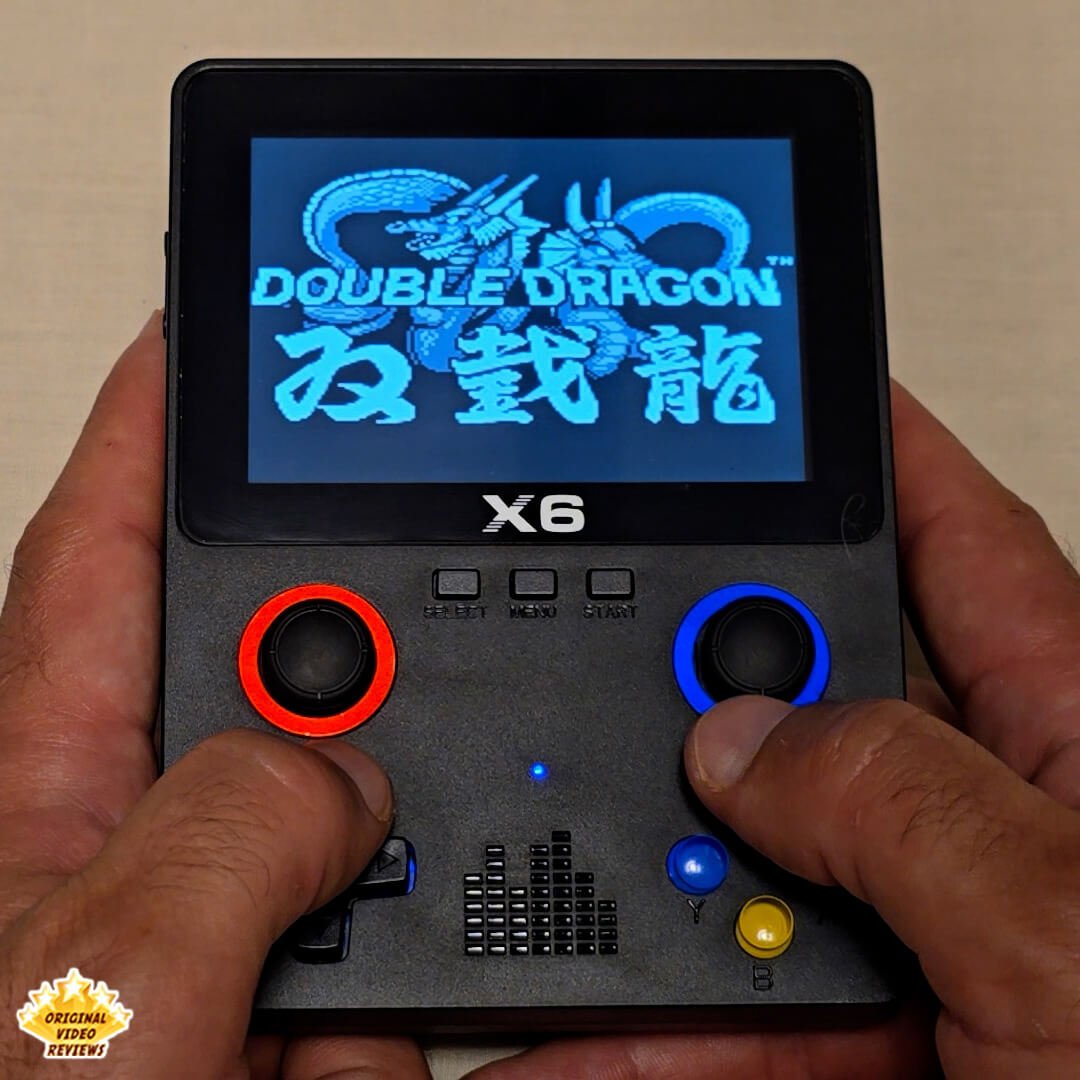
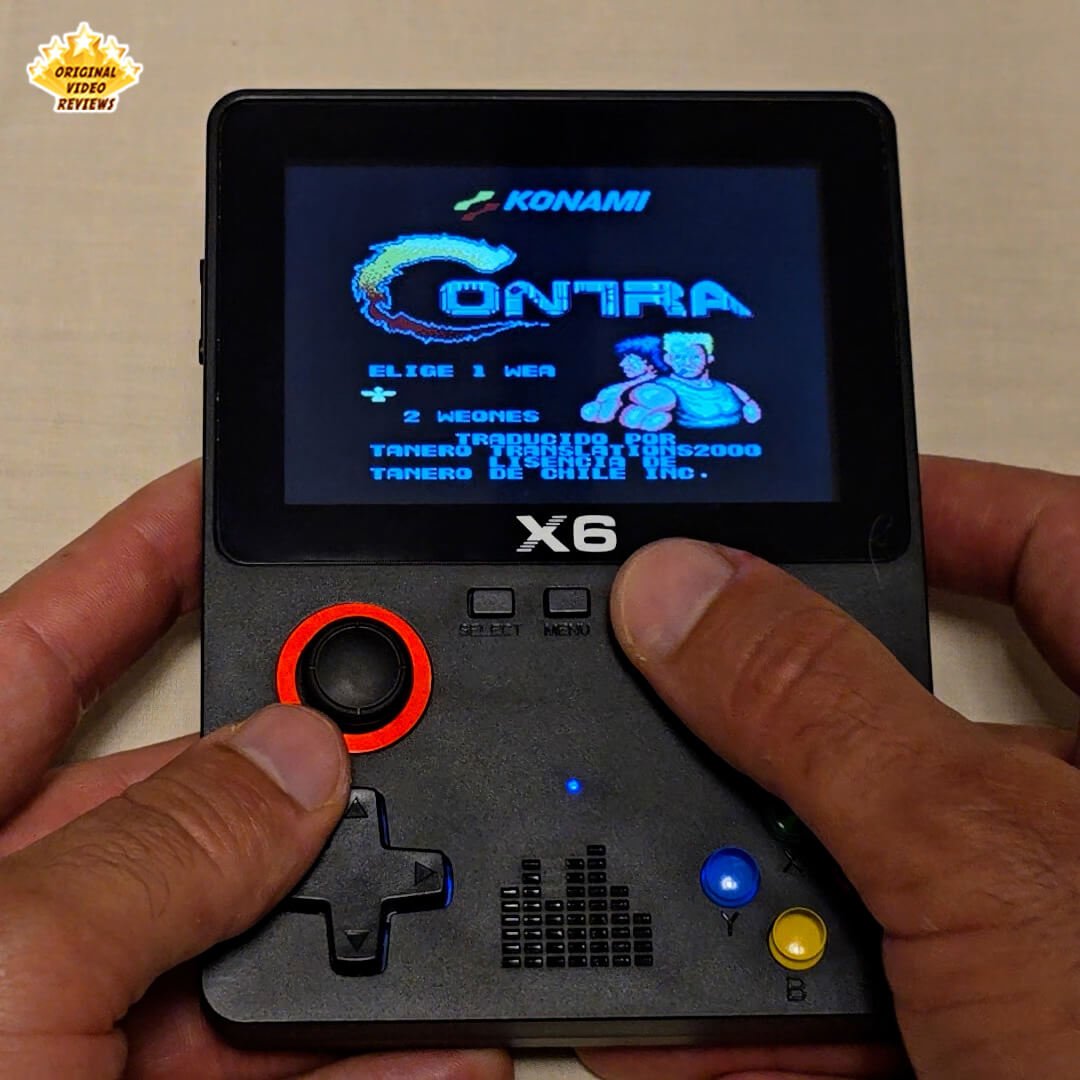
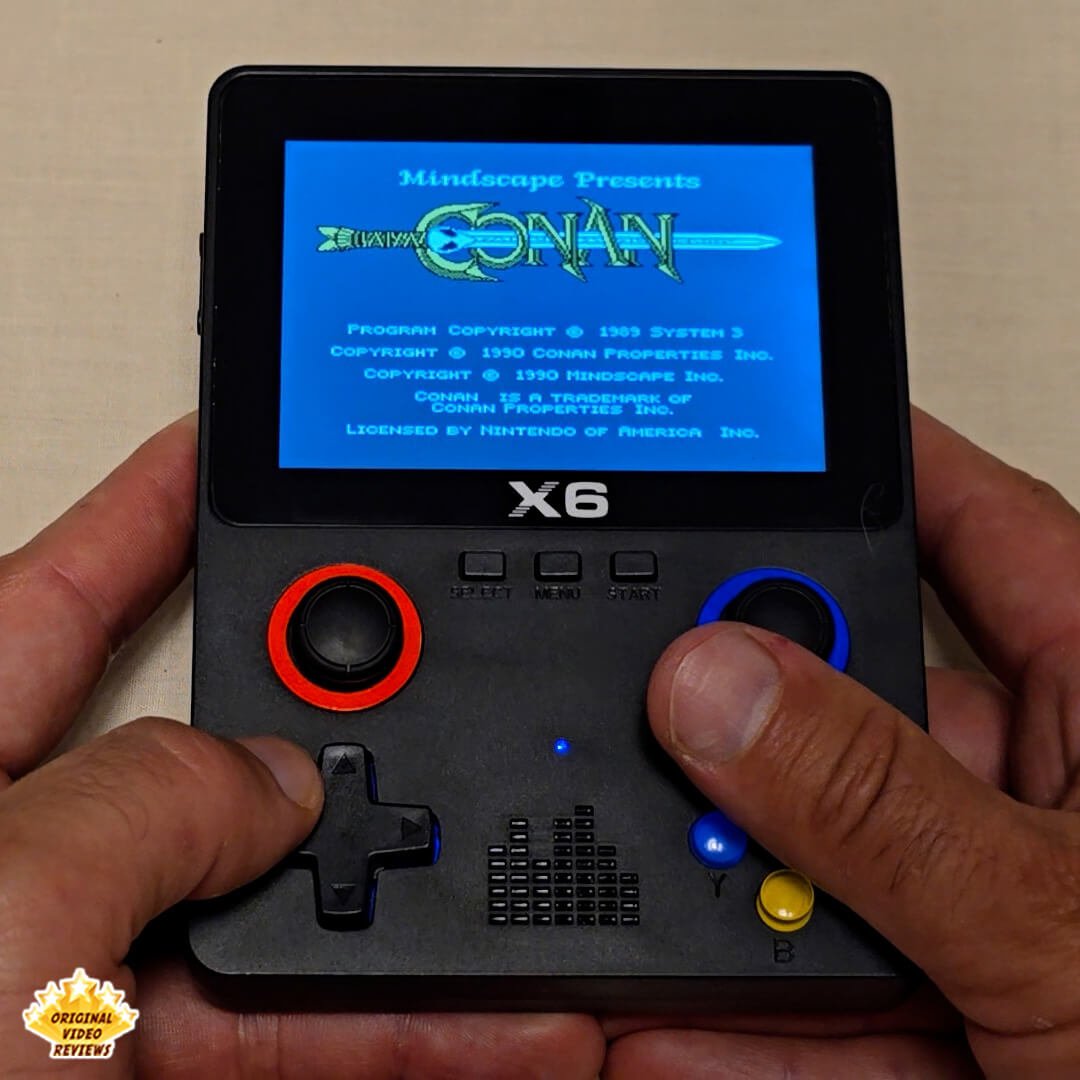
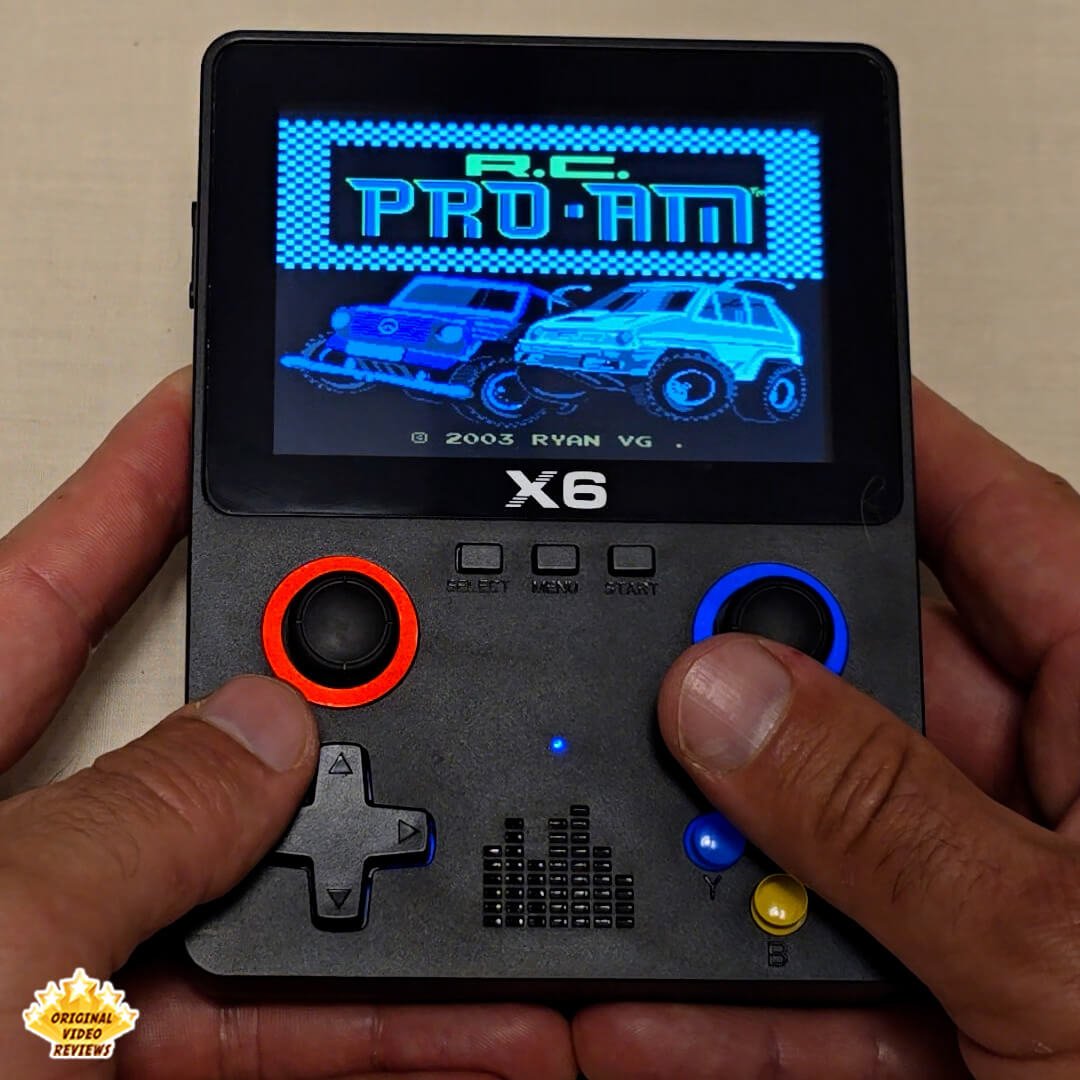
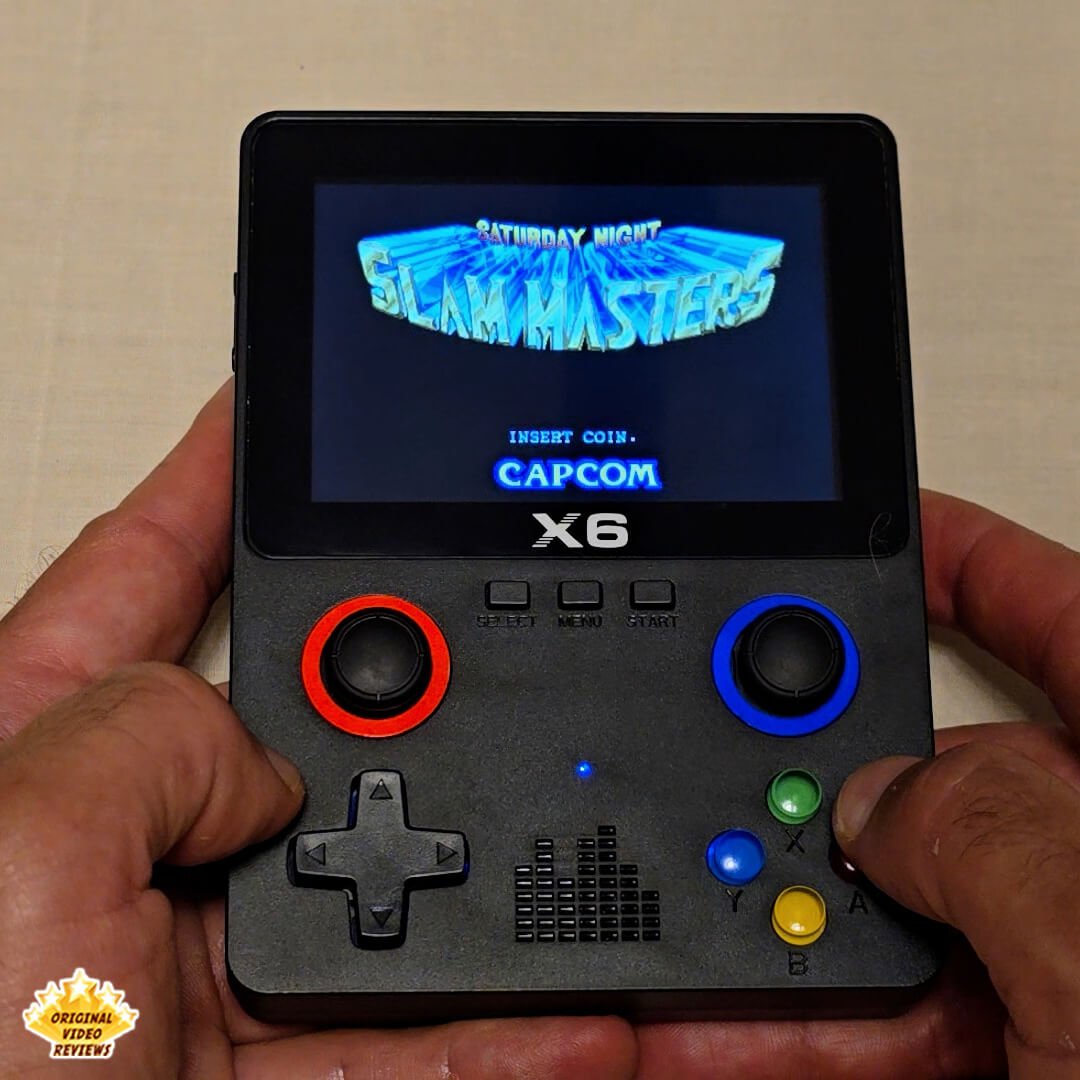
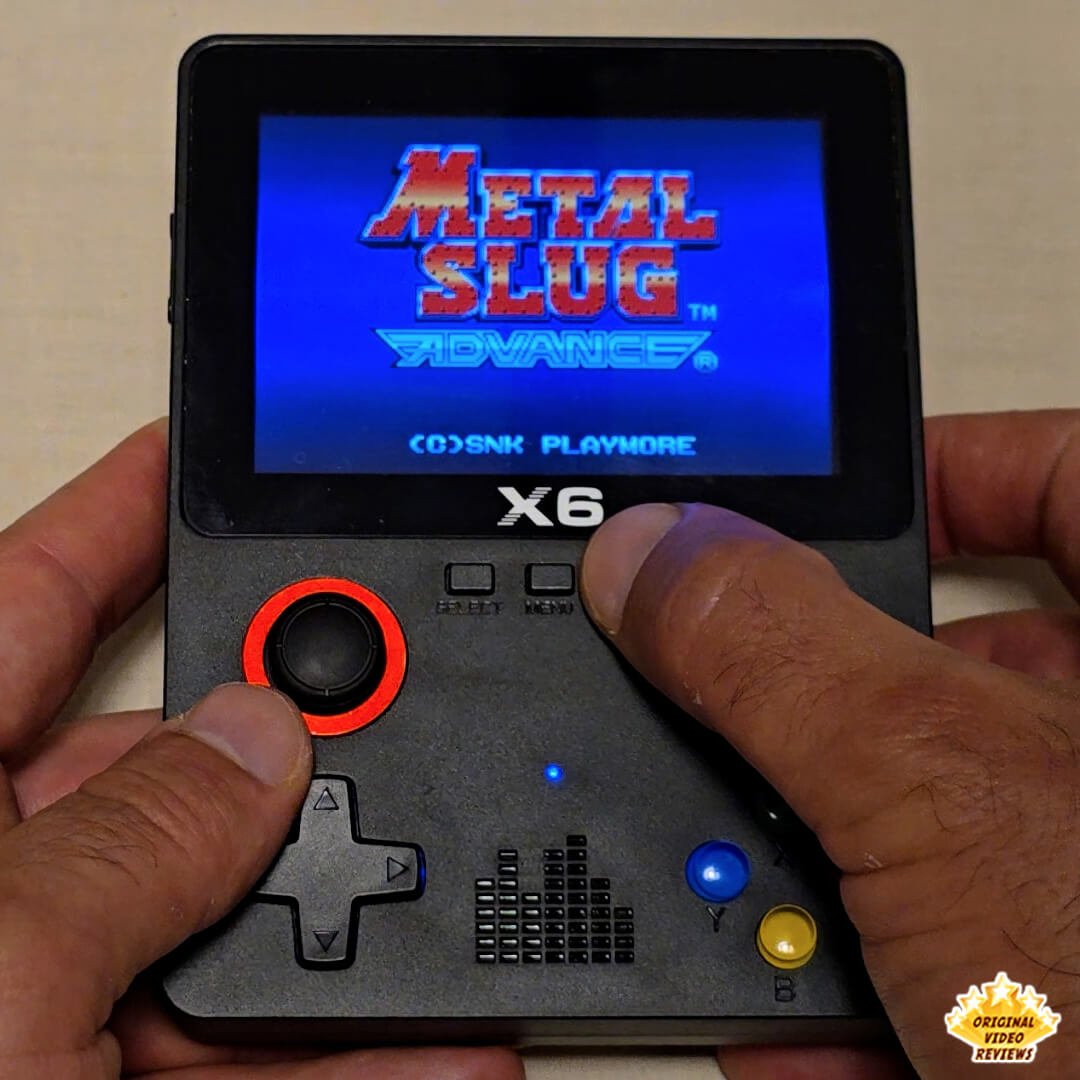
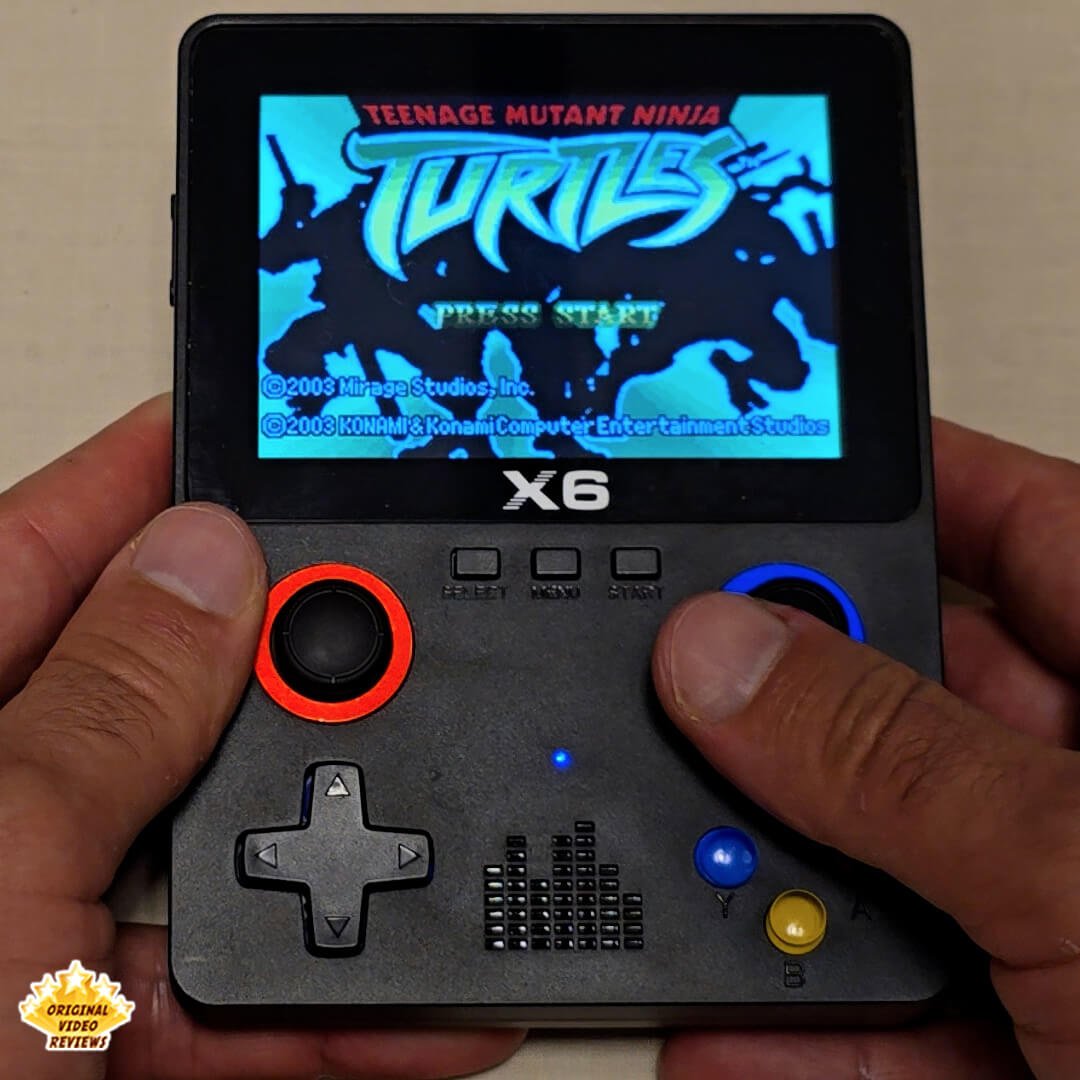
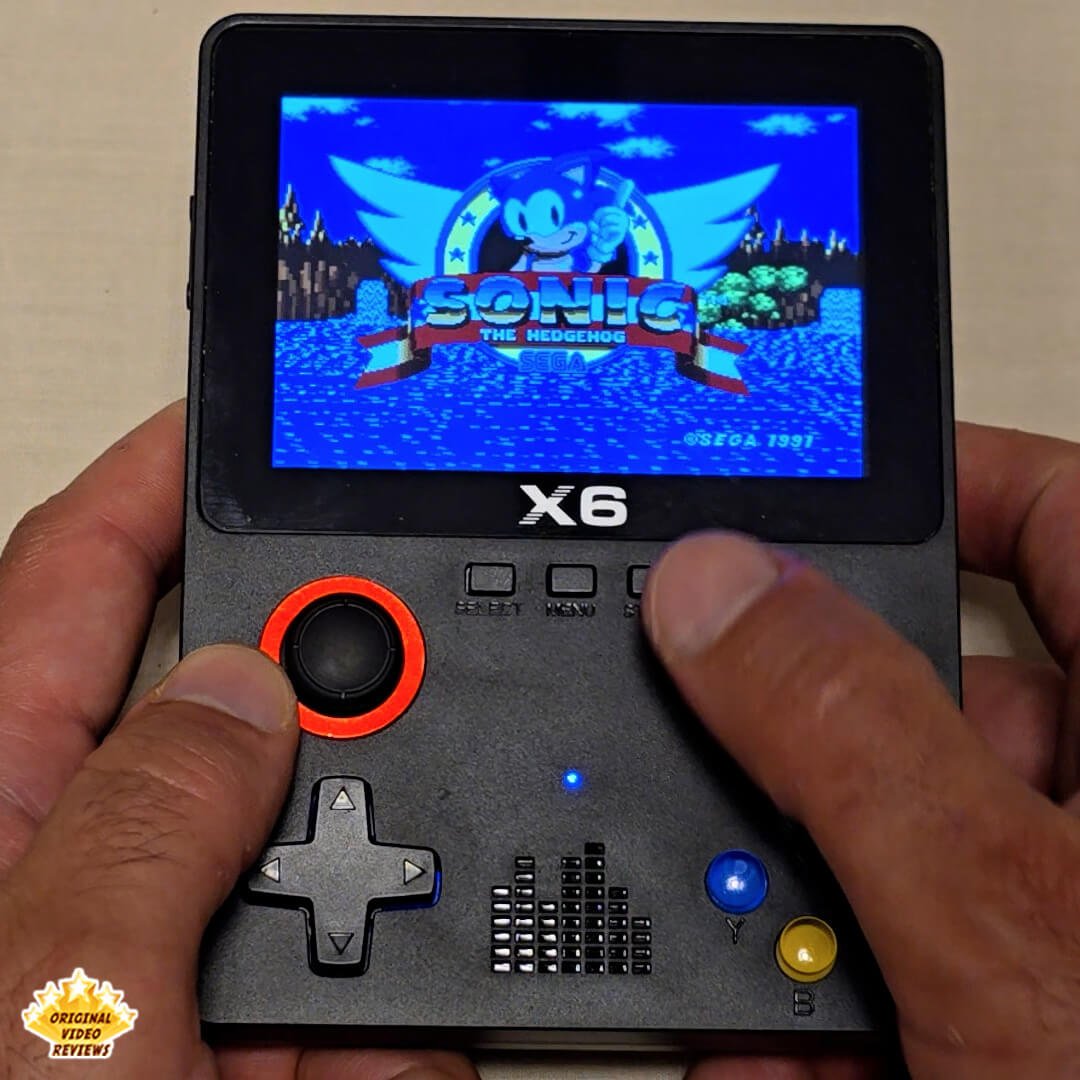
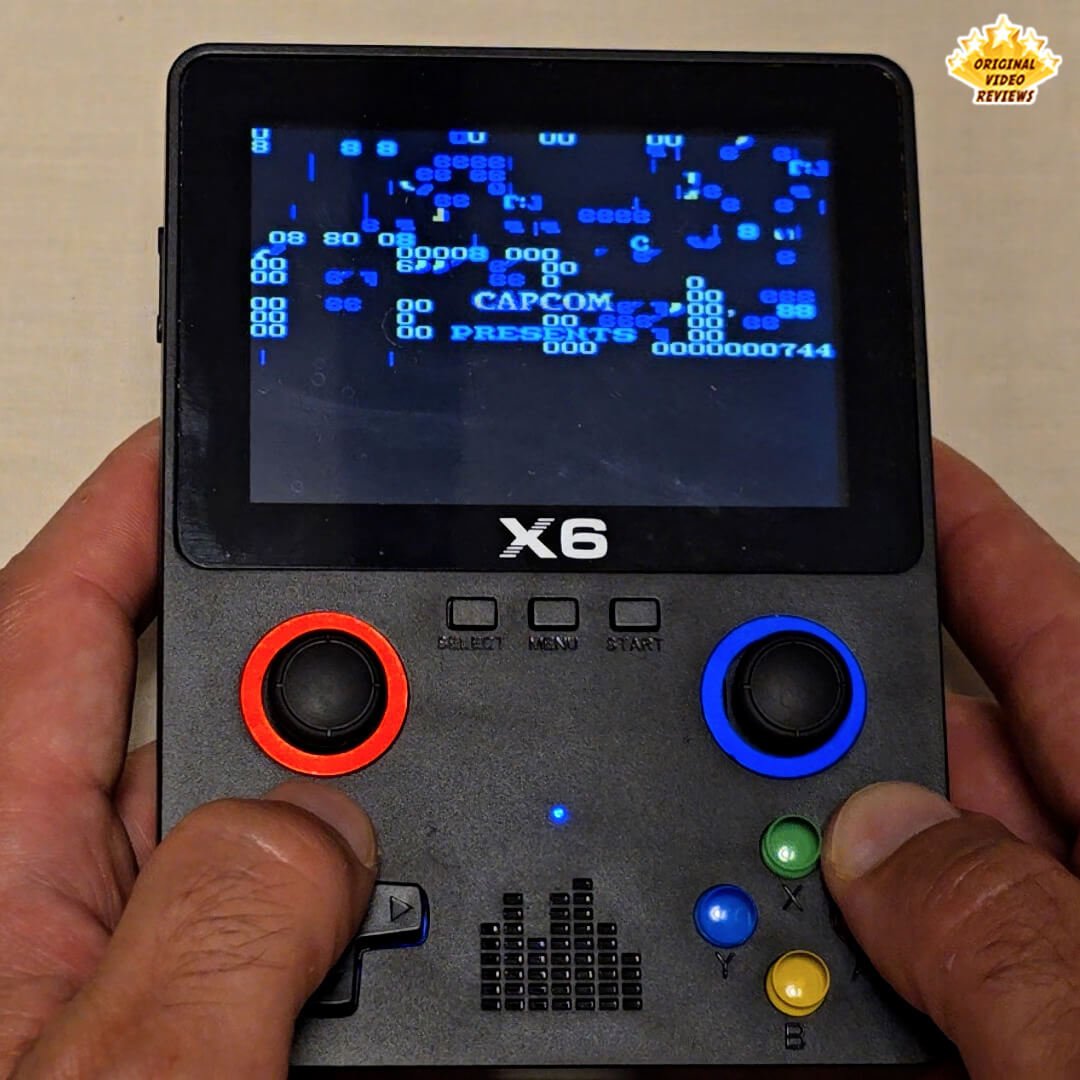
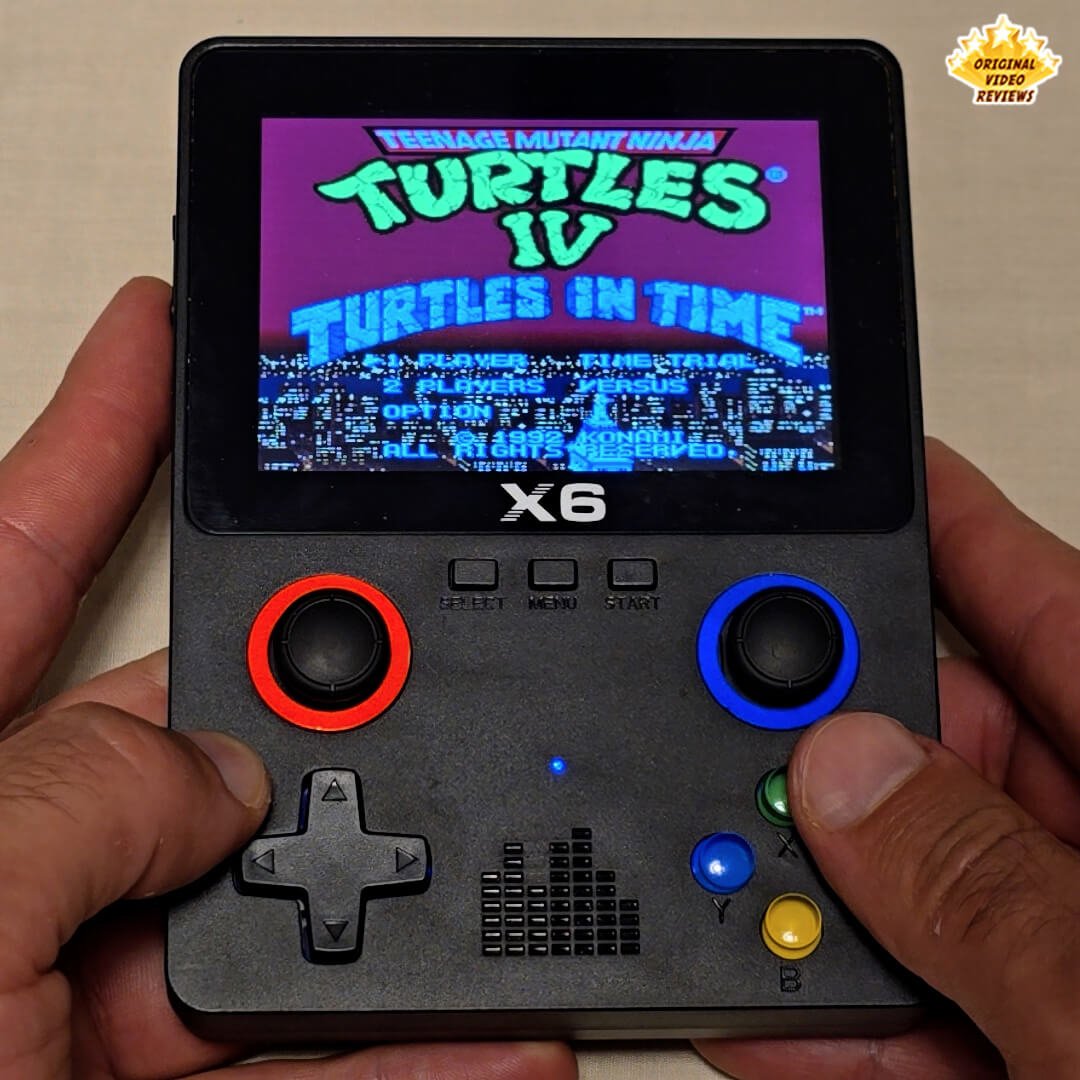
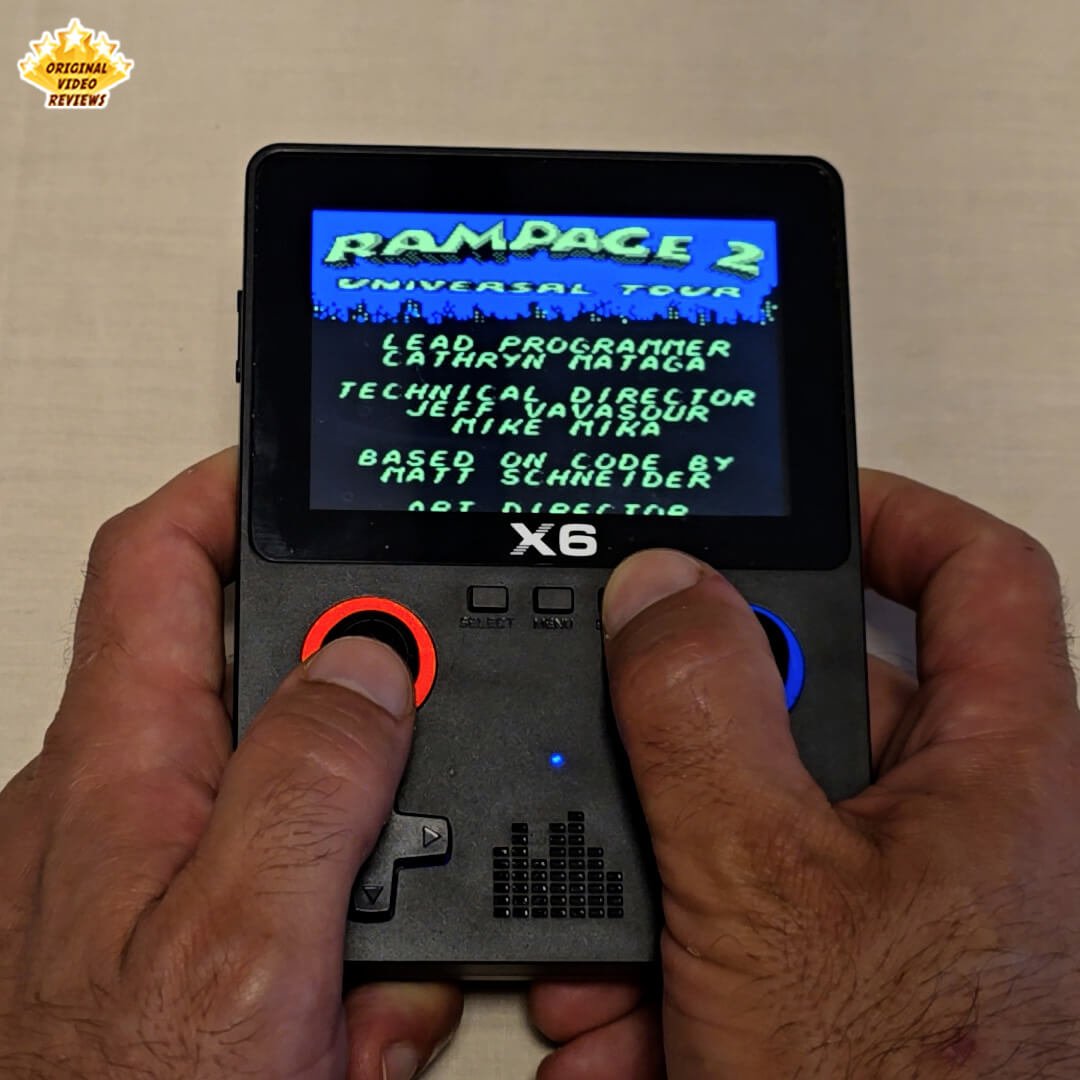
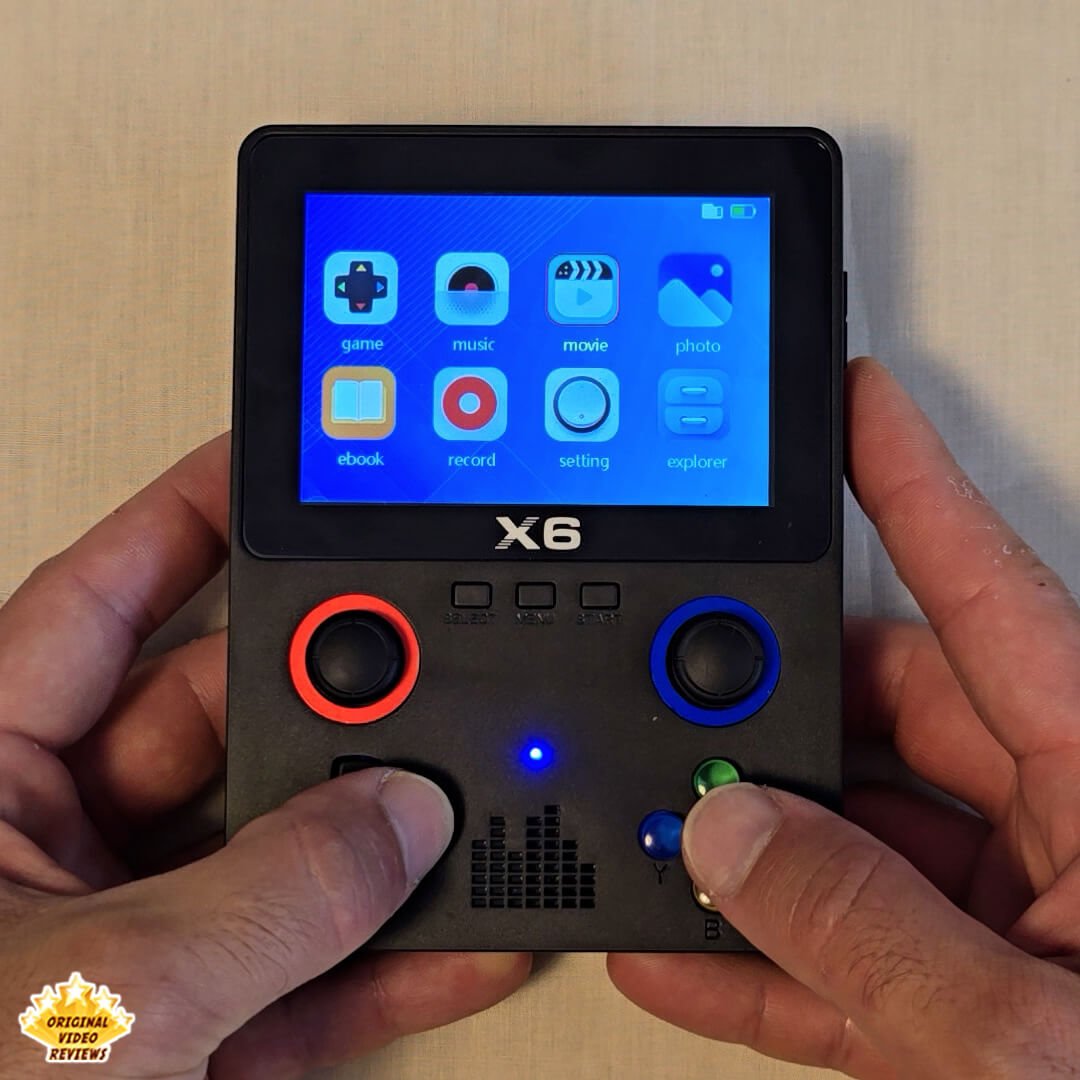
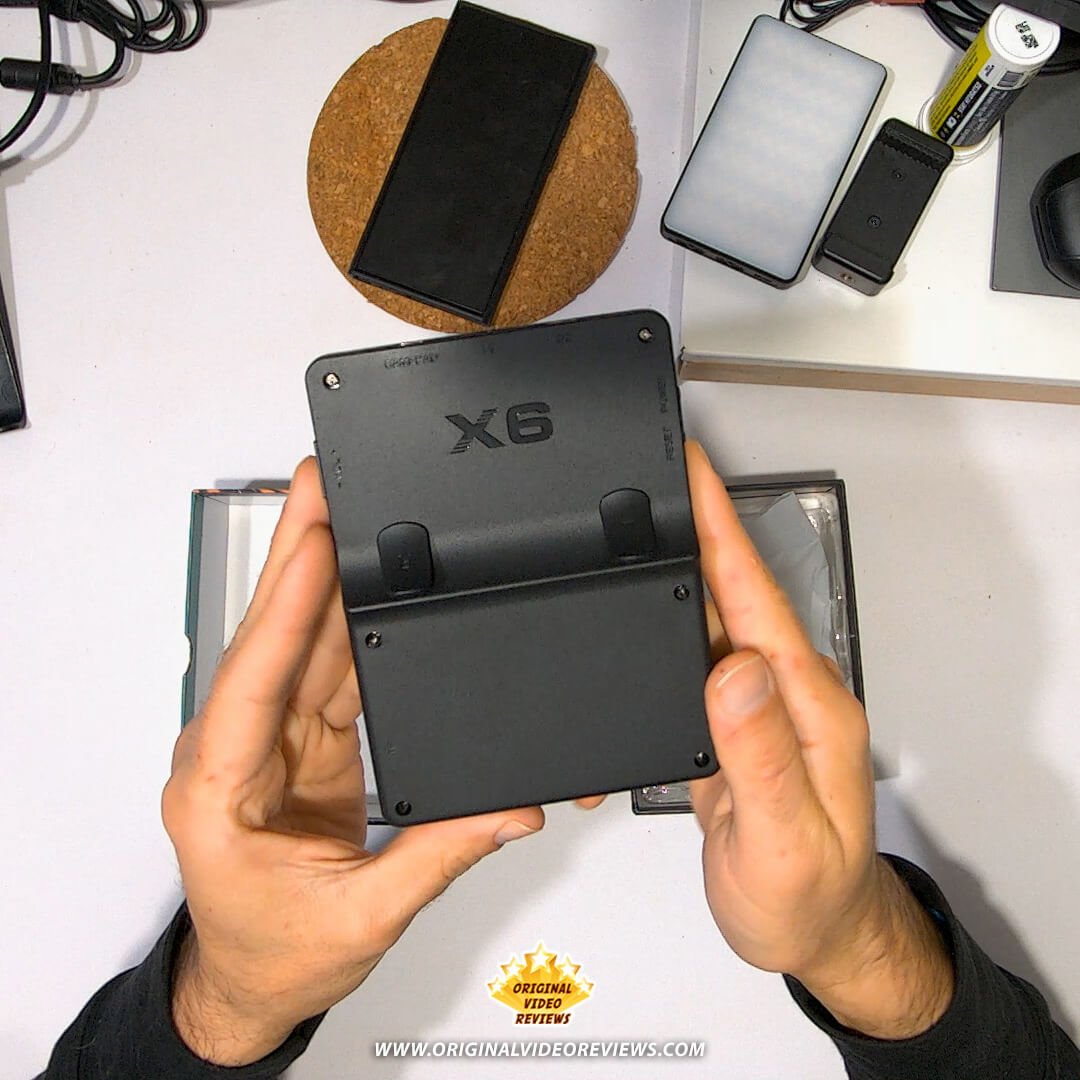
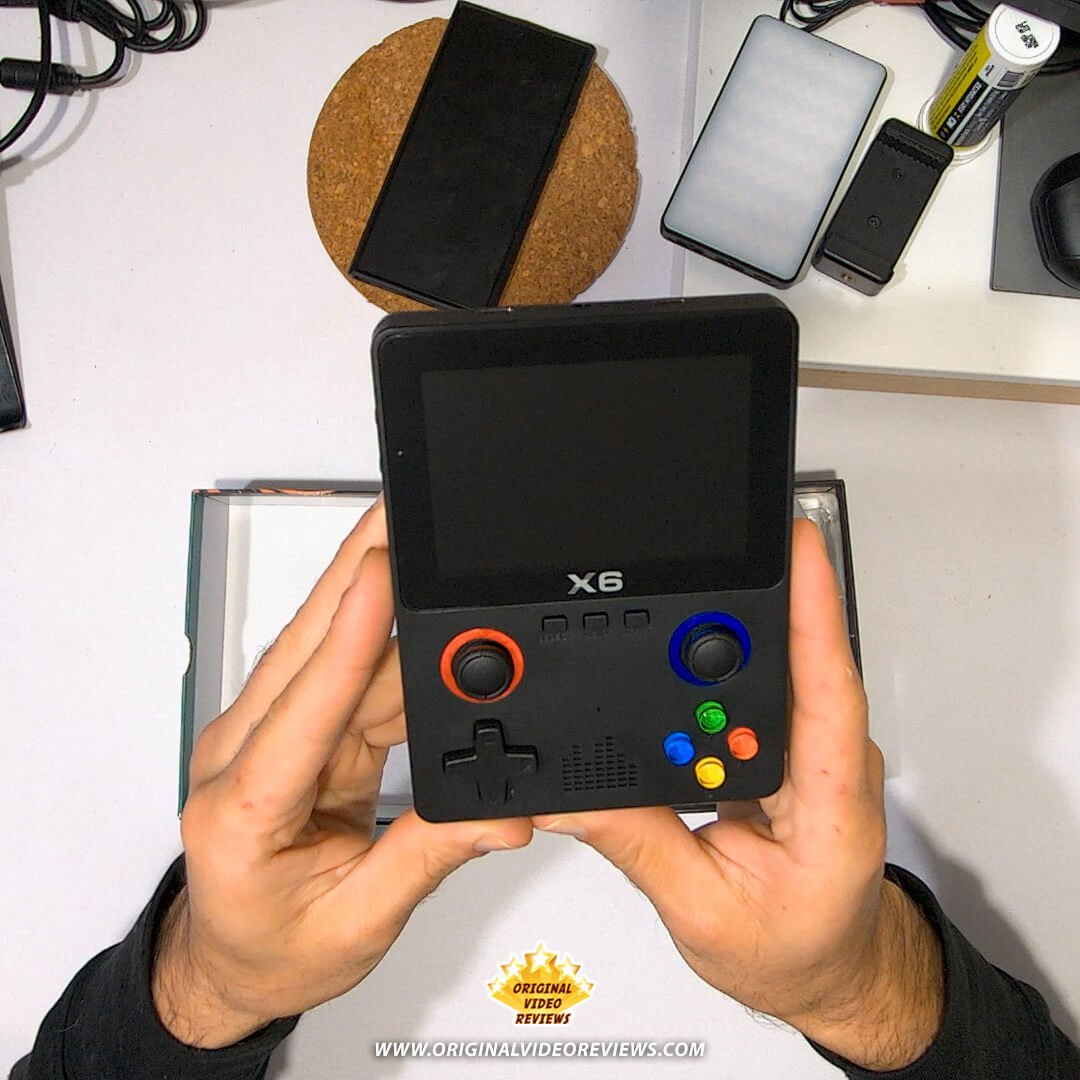
Its design includes dual analog sticks, a D‑pad, action buttons, and shoulder buttons on the back, providing enough controls for both 2D and more advanced retro games. The device also features a port for connecting an external controller, which enables two‑player gaming on supported titles. This feature was not tested on my unit, as it did not include an extra controller.
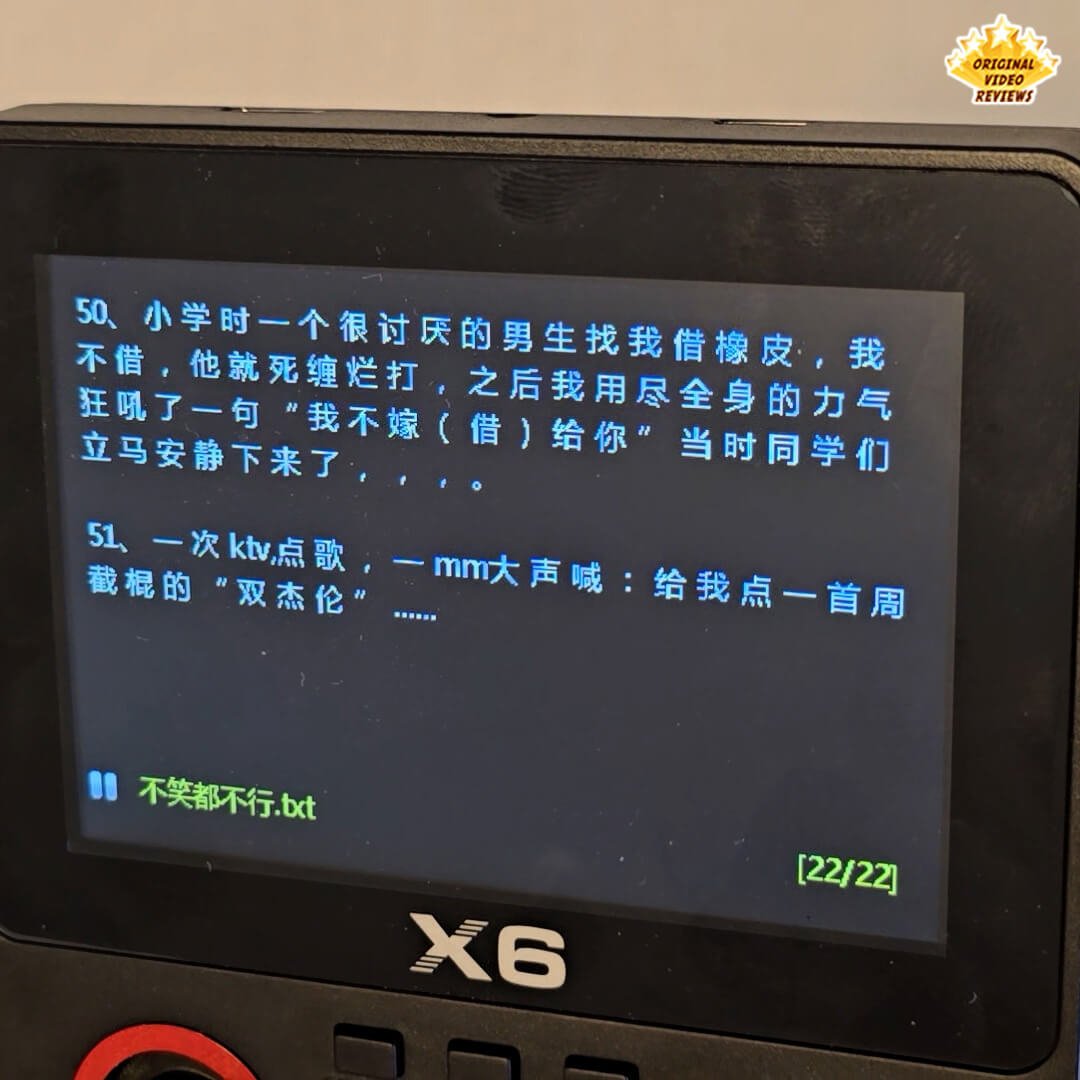
In addition to gaming, the X6 can play music and video files, display e‑books, and connect to a TV or monitor for larger‑screen gameplay. This is a generic, white‑label product, which means it may appear under different brand names and with minor variations in included games, memory cards, or small design details. As a result, the exact contents and features may differ slightly between units.
Specifications
General
| Device & Display | |
| Dimensions | 4.95 × 3.75 × 1.1 inches(12.6 × 9.5 × 2.8 cm) |
| Weight | ~250 g / ~0.5 lb (approx.) |
| CPU | ATJ2273S 32‑bit RISC |
| Screen Size | 3.5‑inch |
| Display Type | IPS |
| Screen Resolution | Up to 640 × 480Some sources list 480 × 320. |
| Refresh Rate | Up to 60 Hz |
Battery & Storage
| Power | |
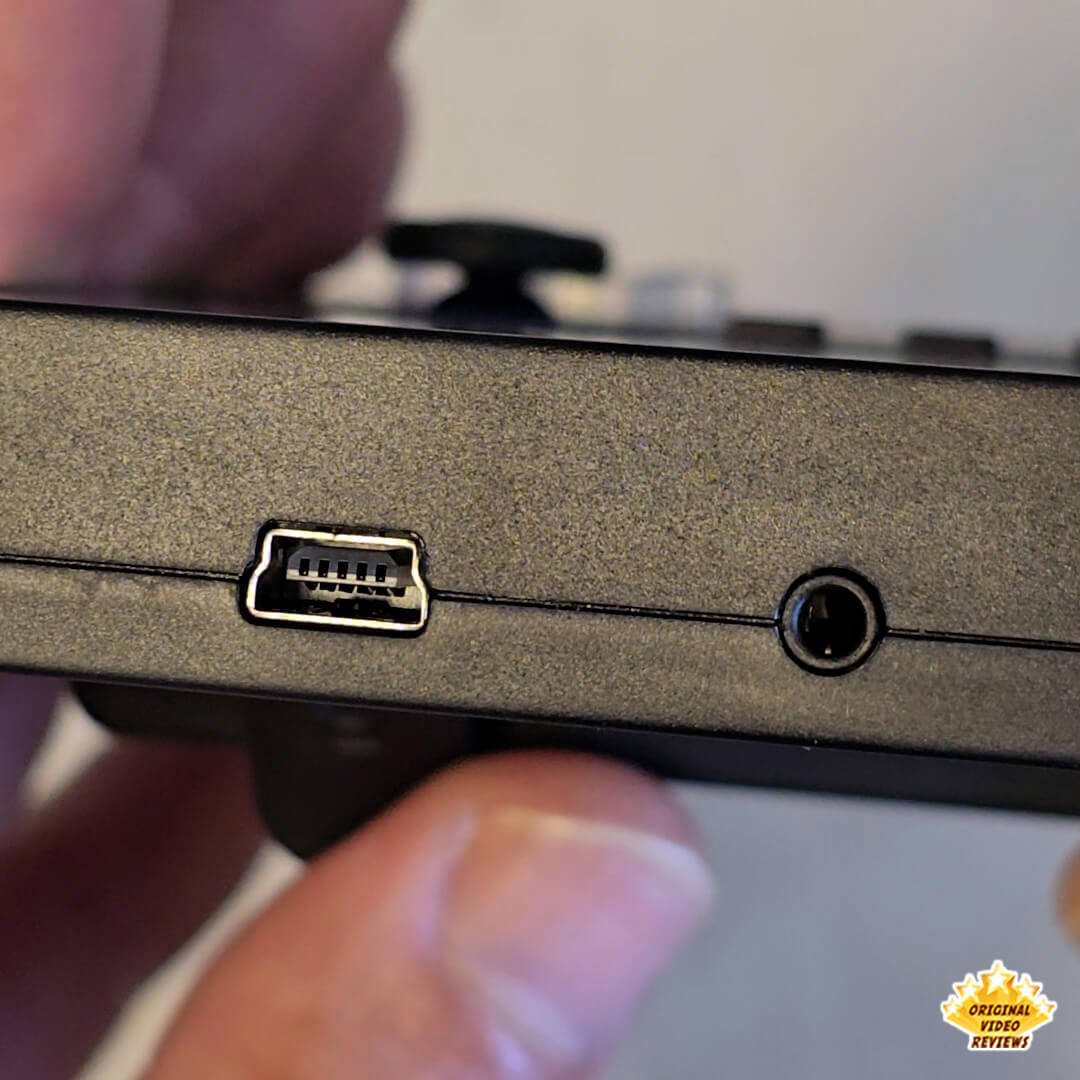
| Charging Interface | USB‑C |
| Battery Type | Lithium‑ion (rechargeable) |
| Battery Capacity | 2,000 mAh |
| Battery Life | ~3–5 hours (usage‑dependent) |
| Storage | |
| Memory Card | Removable microSD (TF)Supports up to 64 GB; content and card size may vary by unit. |
Controls & Connectivity
| Controls | |
| Controls | Dual analog sticks, D‑pad, four action buttons, rear L/R shoulder buttons |
| External Controller / 2‑Player | Port available for an external controller (two‑player on supported titles).Present on the device; this feature was not tested on my unit. |
| Output | |
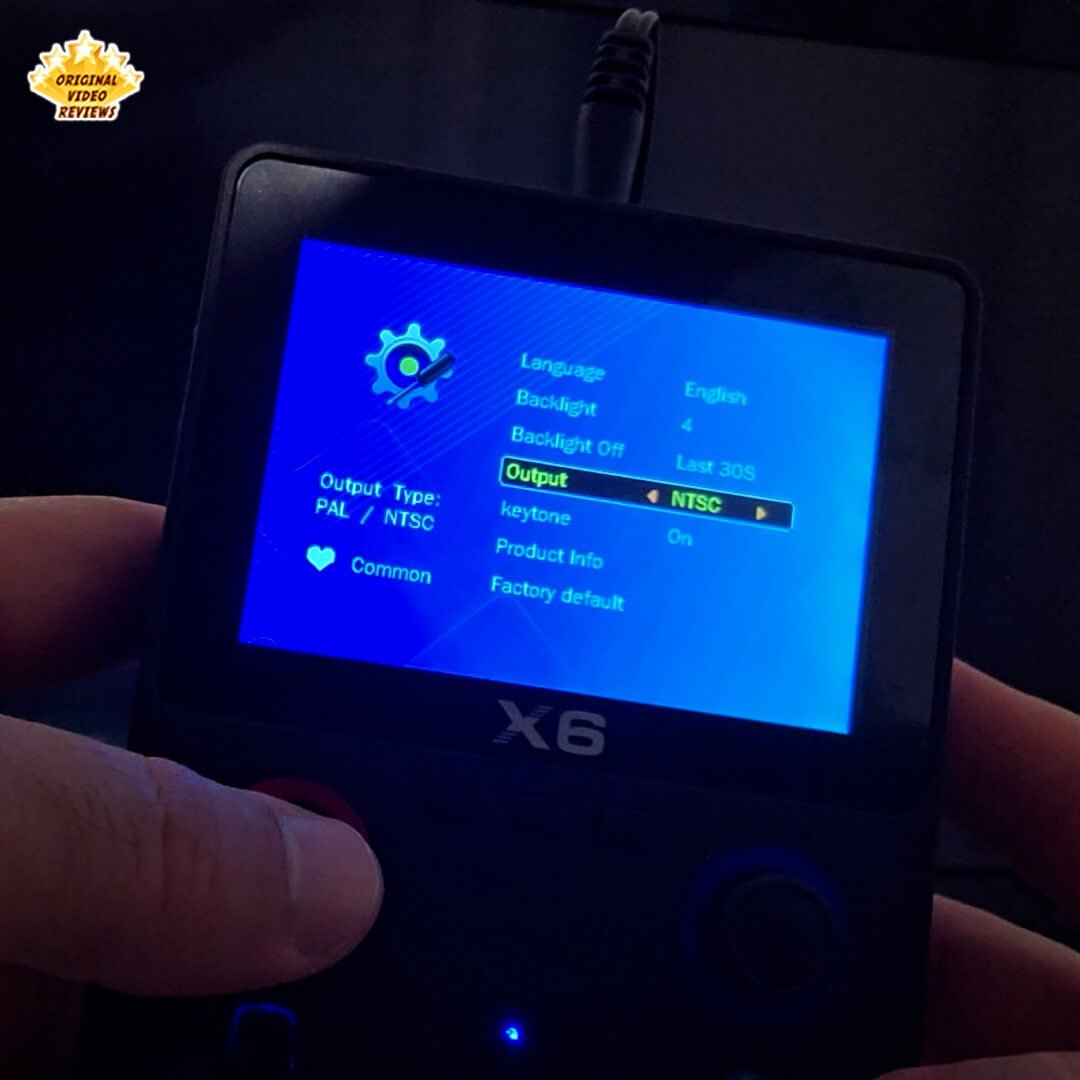
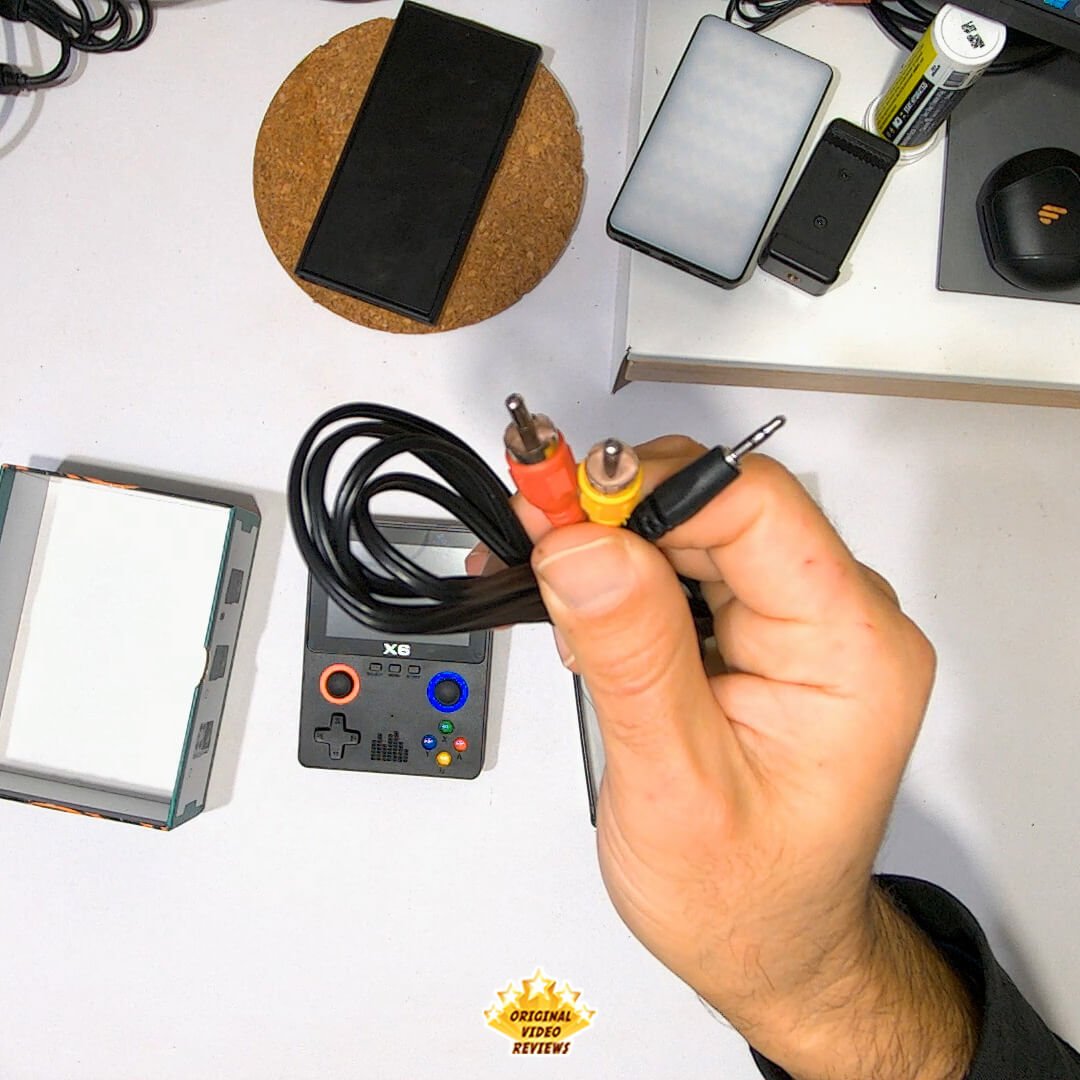
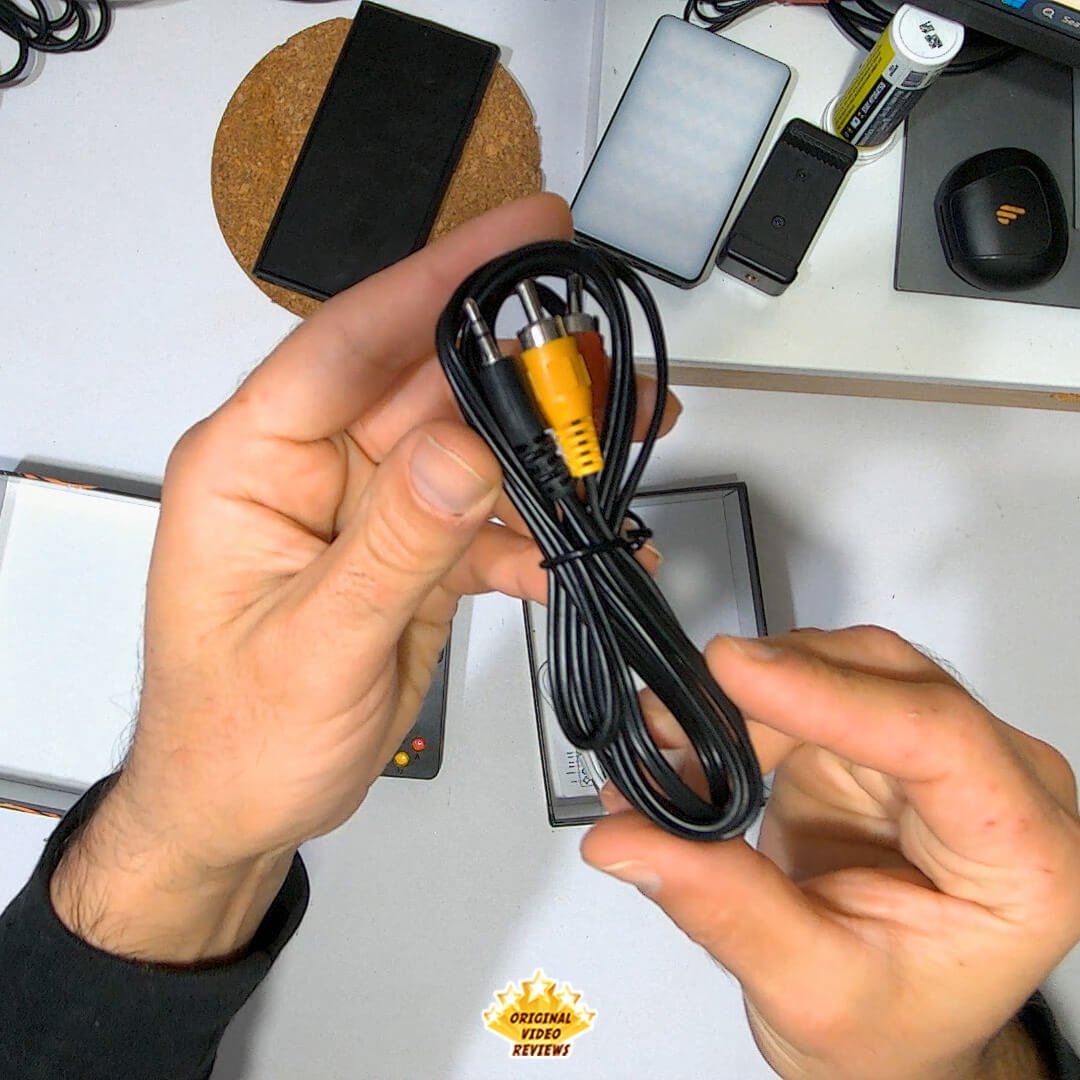
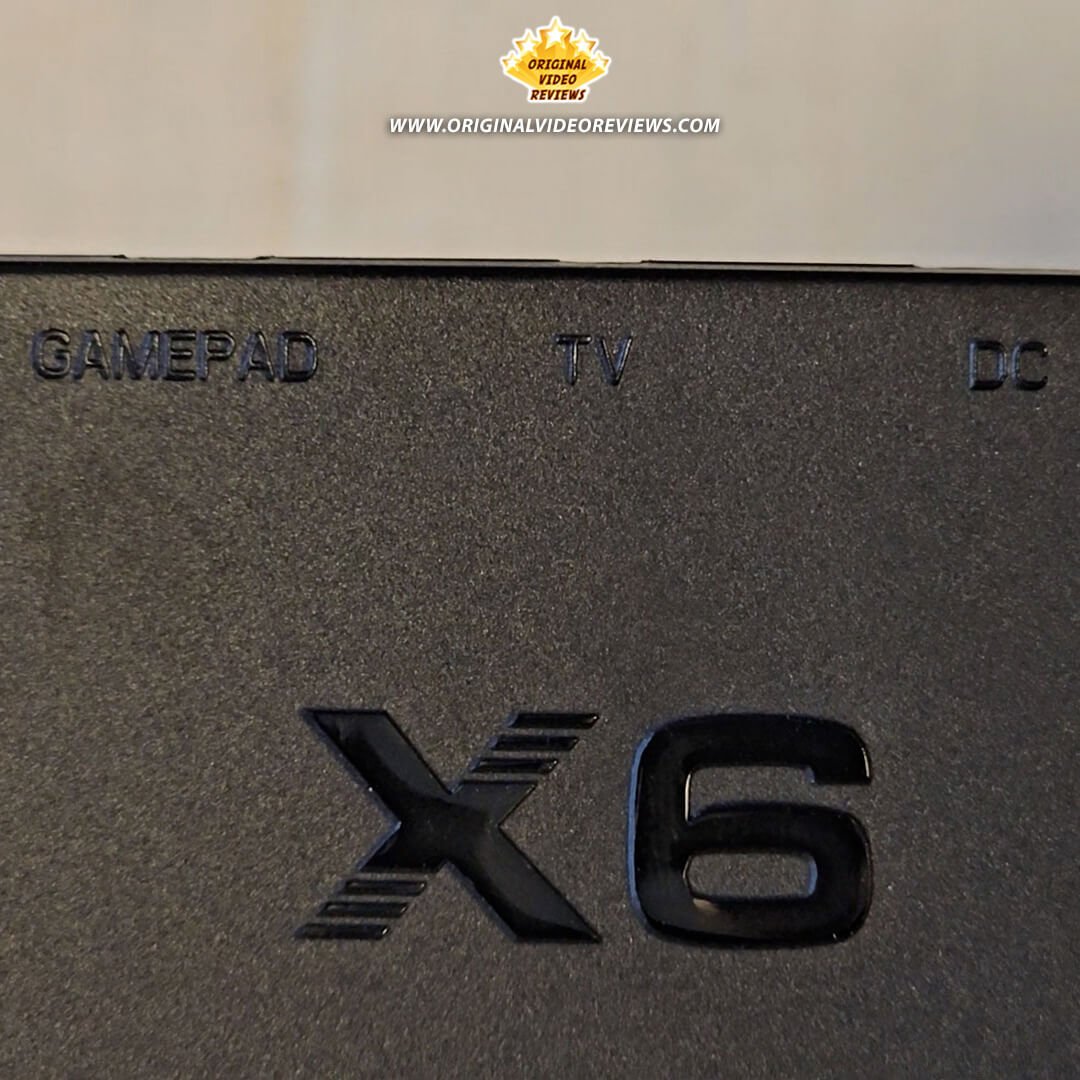
| TV Output | 3.5 mm to dual RCA (Yellow – video, Red – mono audio) |
Emulation & Features
| Supported Systems | |
| Supported Systems (via emulation) | Up to 32‑bit era: NES, SNES, Sega Genesis, Game Boy / Color / Advance, and others.PlayStation support is advertised in some listings but was not tested on my unit. |
| Additional Features | |
| Additional Features | MP3 and MP4 playback, e‑book viewing |
Inside the box
Pros
Price While prices can vary, I managed to buy my X6 on sale for under $20. For what it offers, that's an impressive deal in the world of budget handhelds.
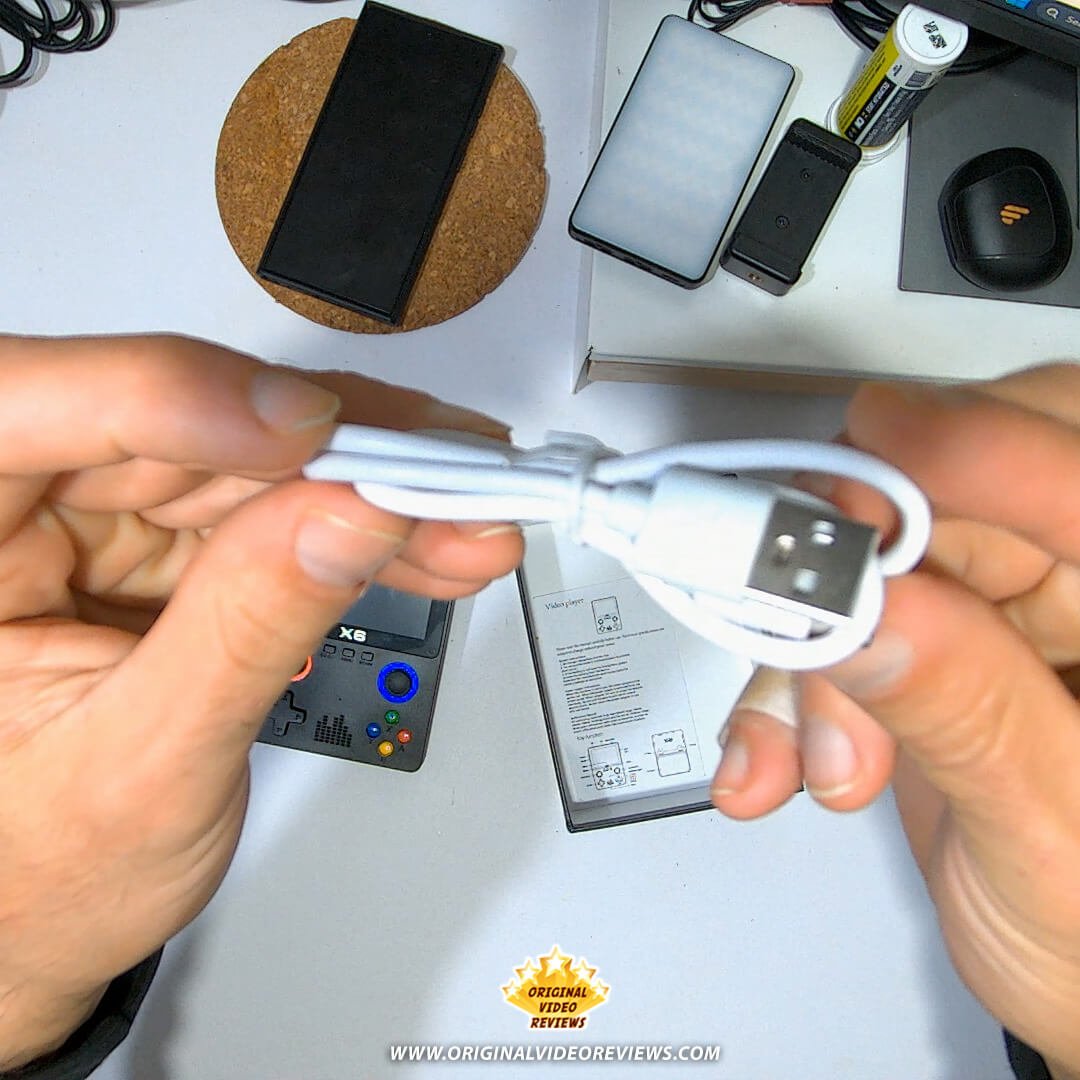
USB‑C Charging Unlike many cheap devices that still rely on outdated micro-USB ports, the X6 charges via USB‑C — a welcome upgrade for modern users.
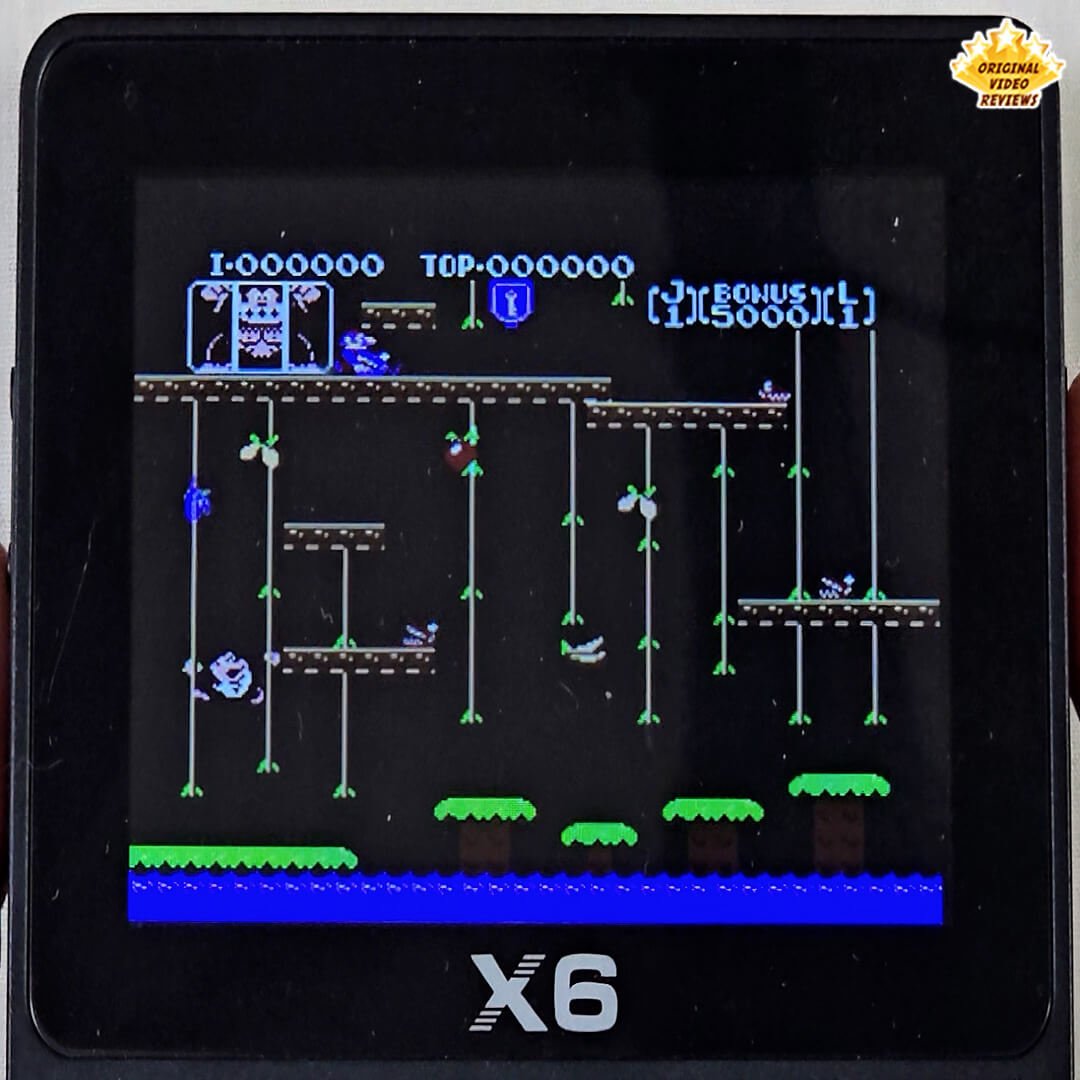
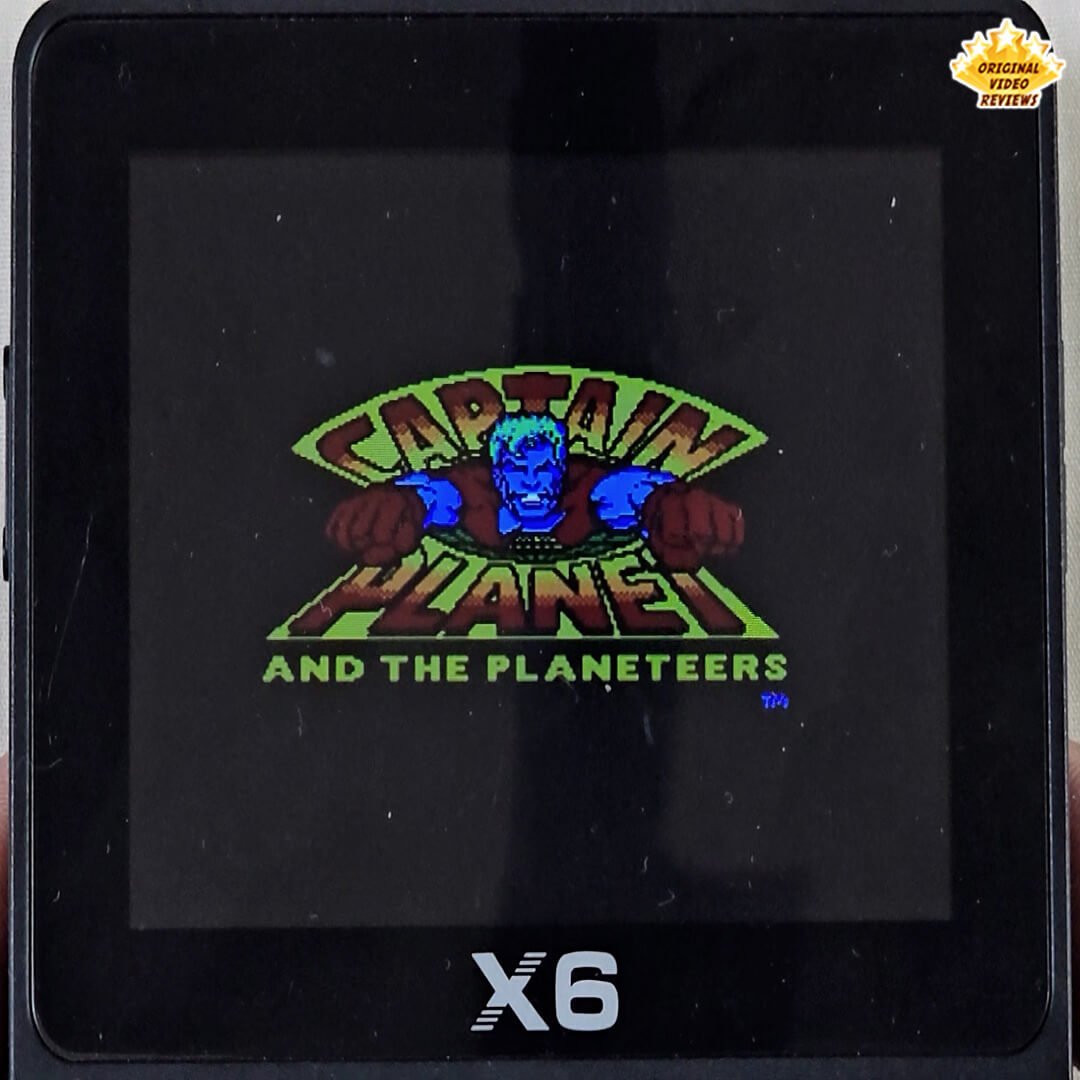
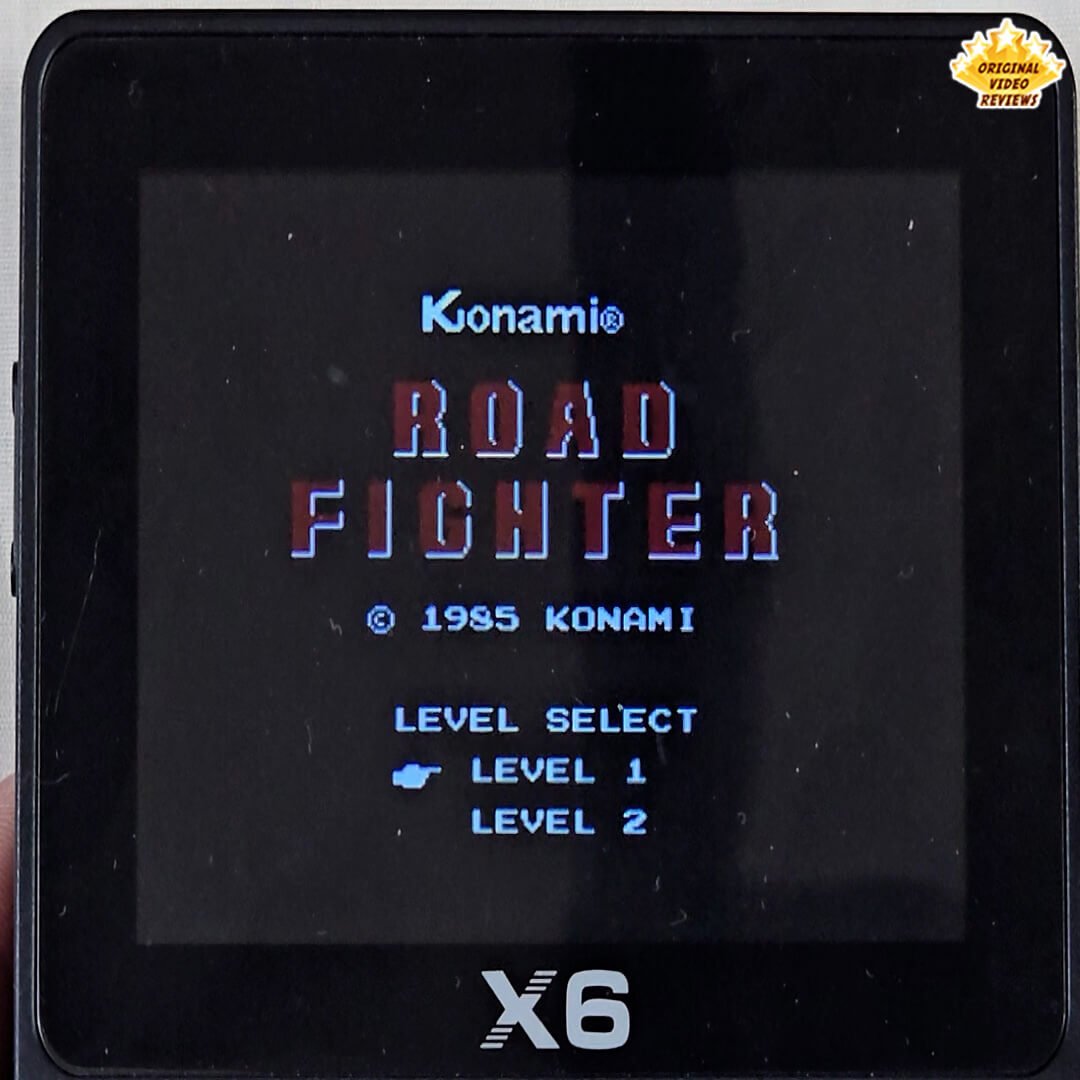
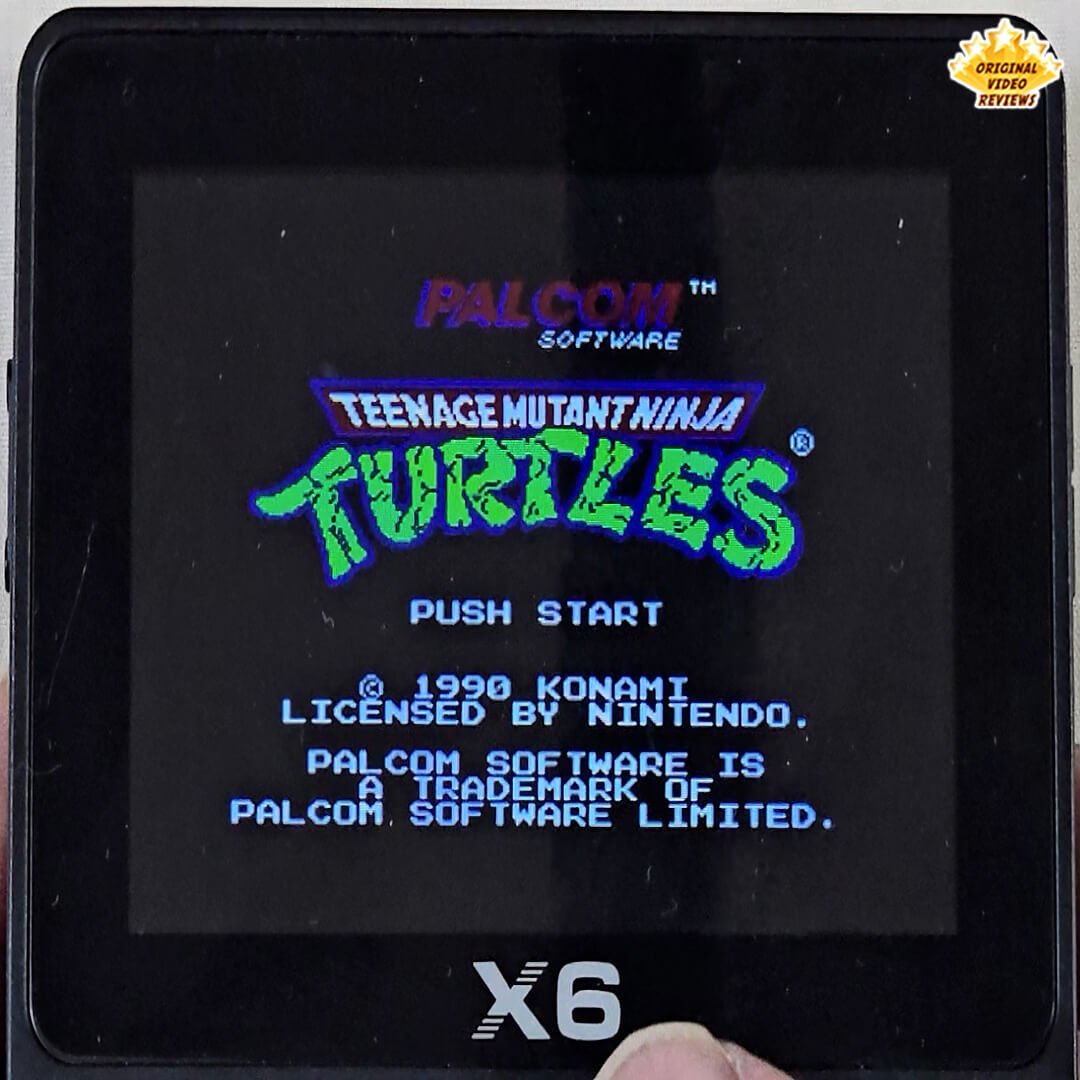
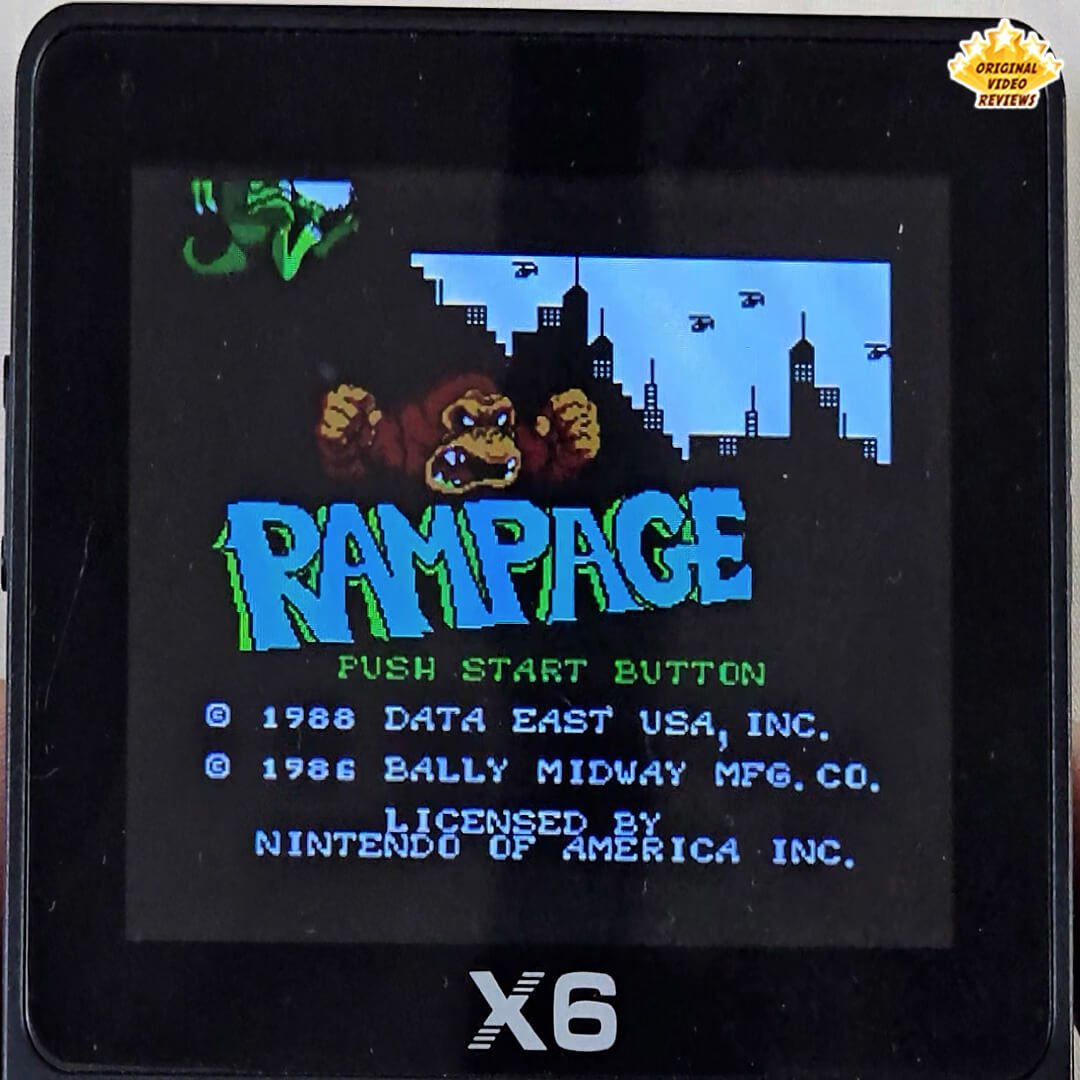
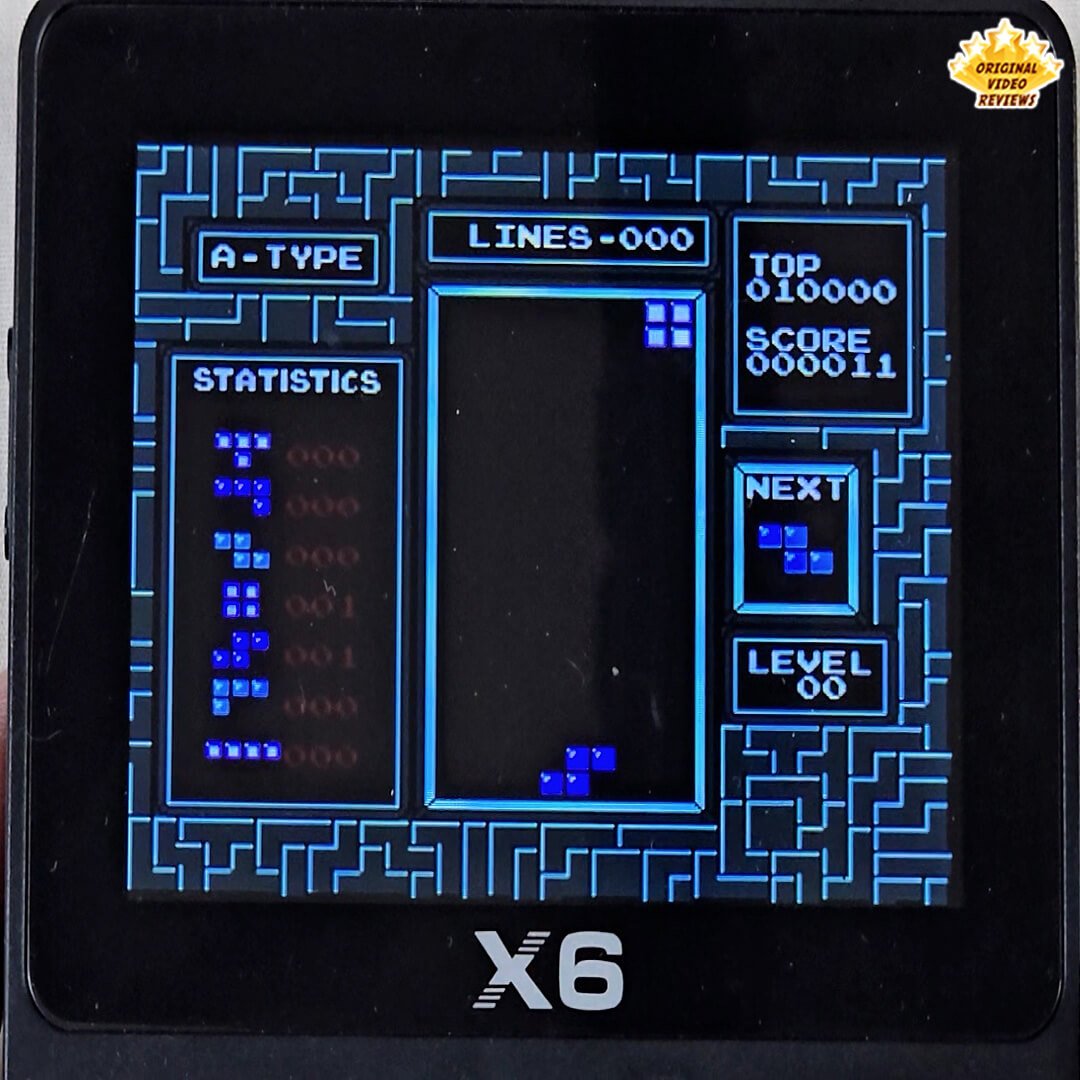
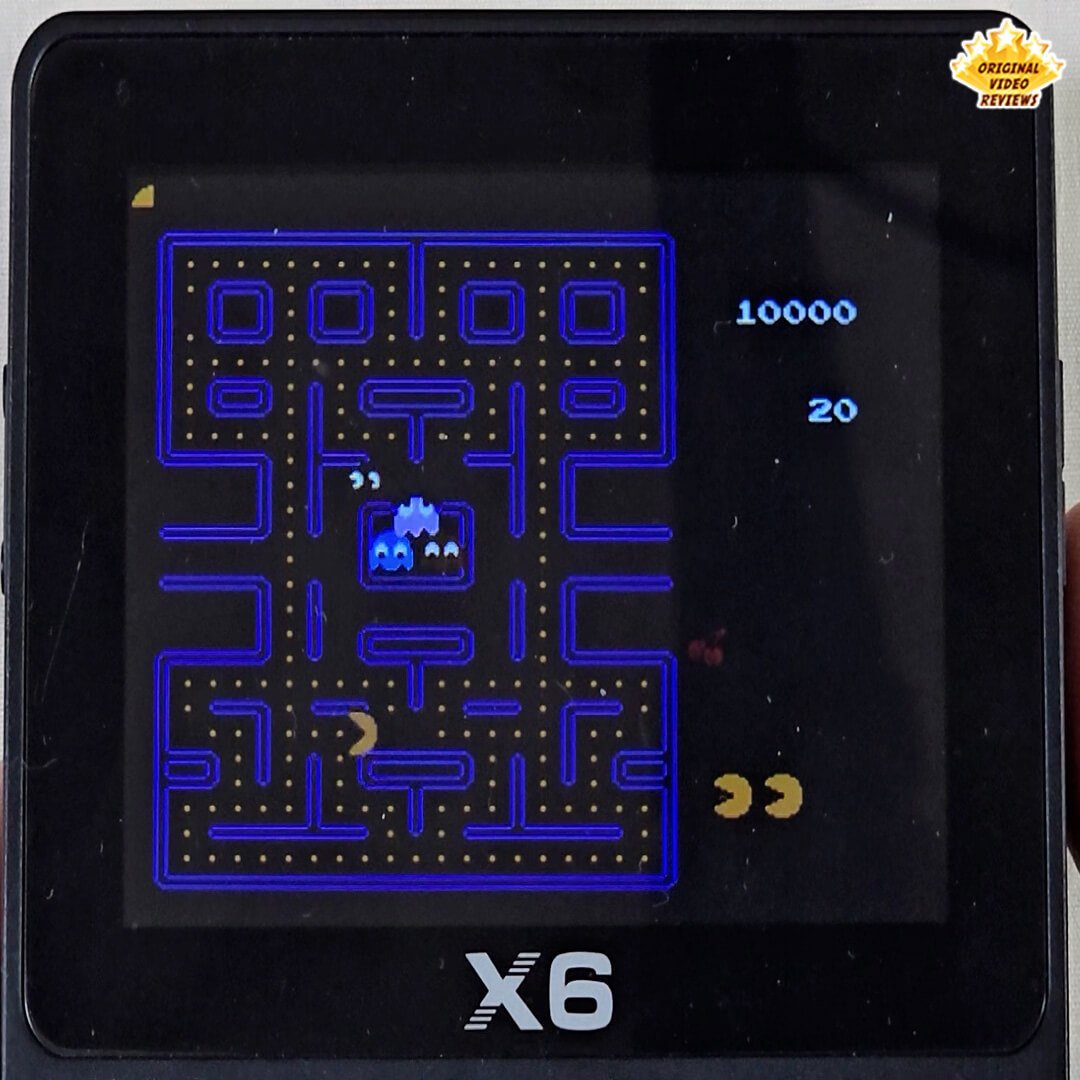
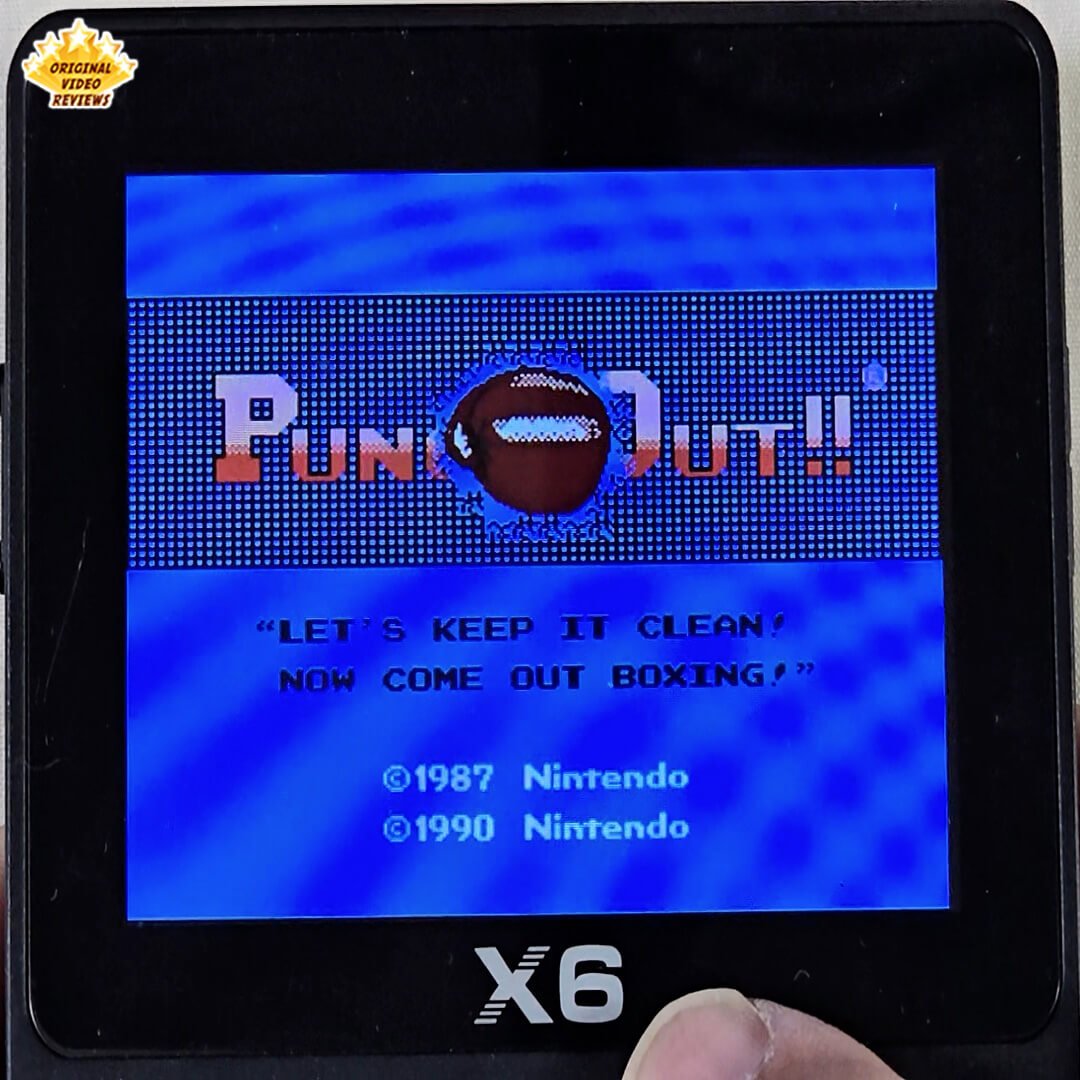
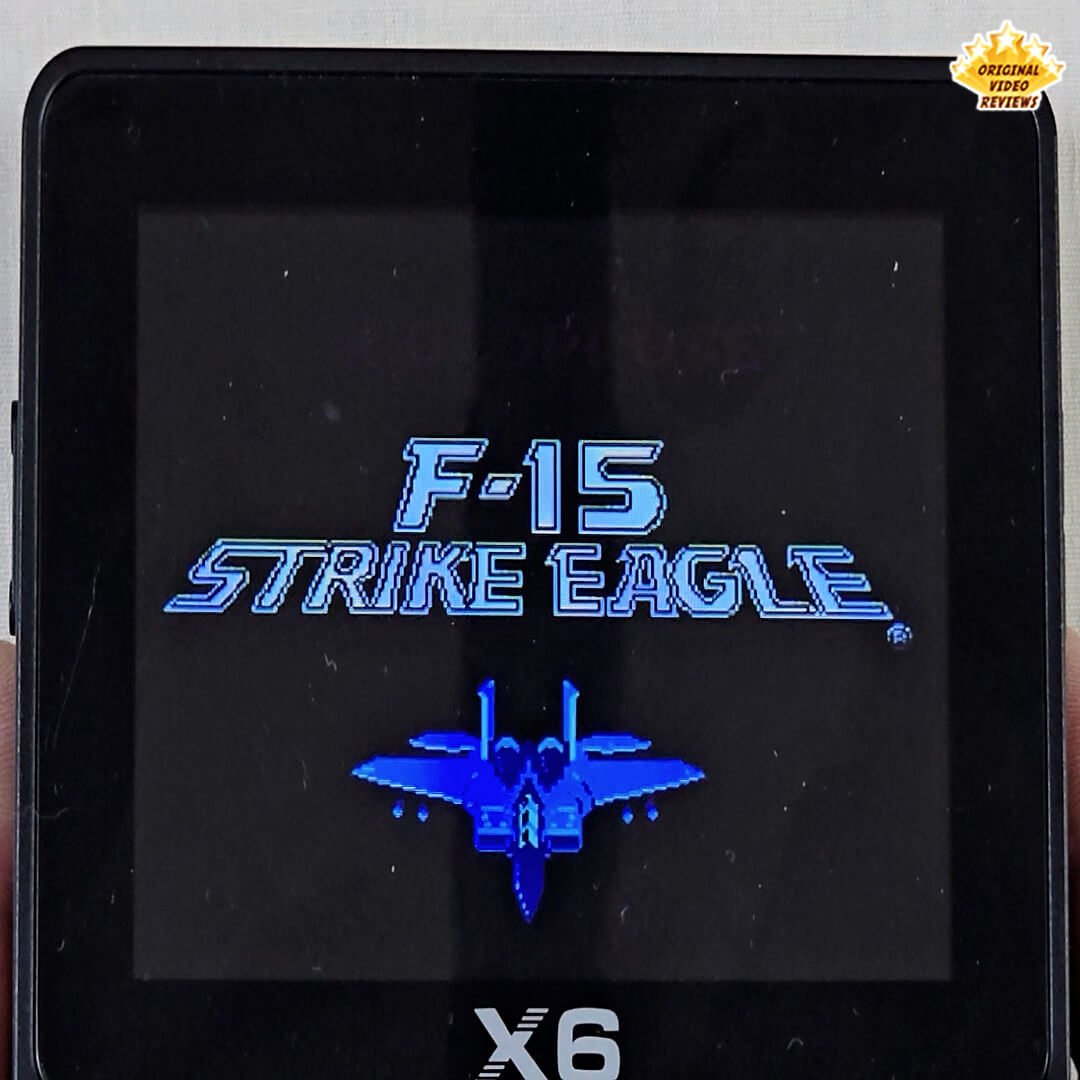
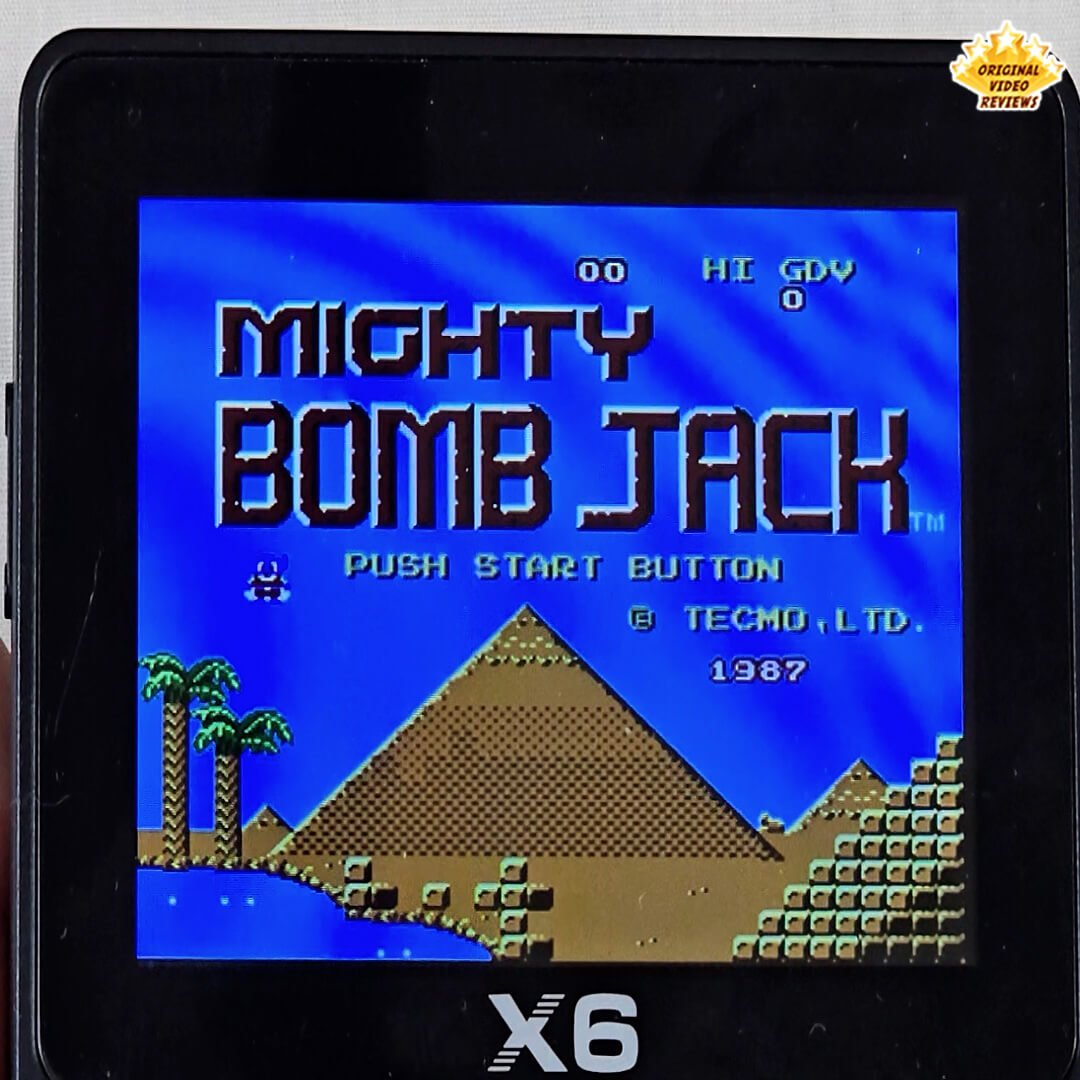
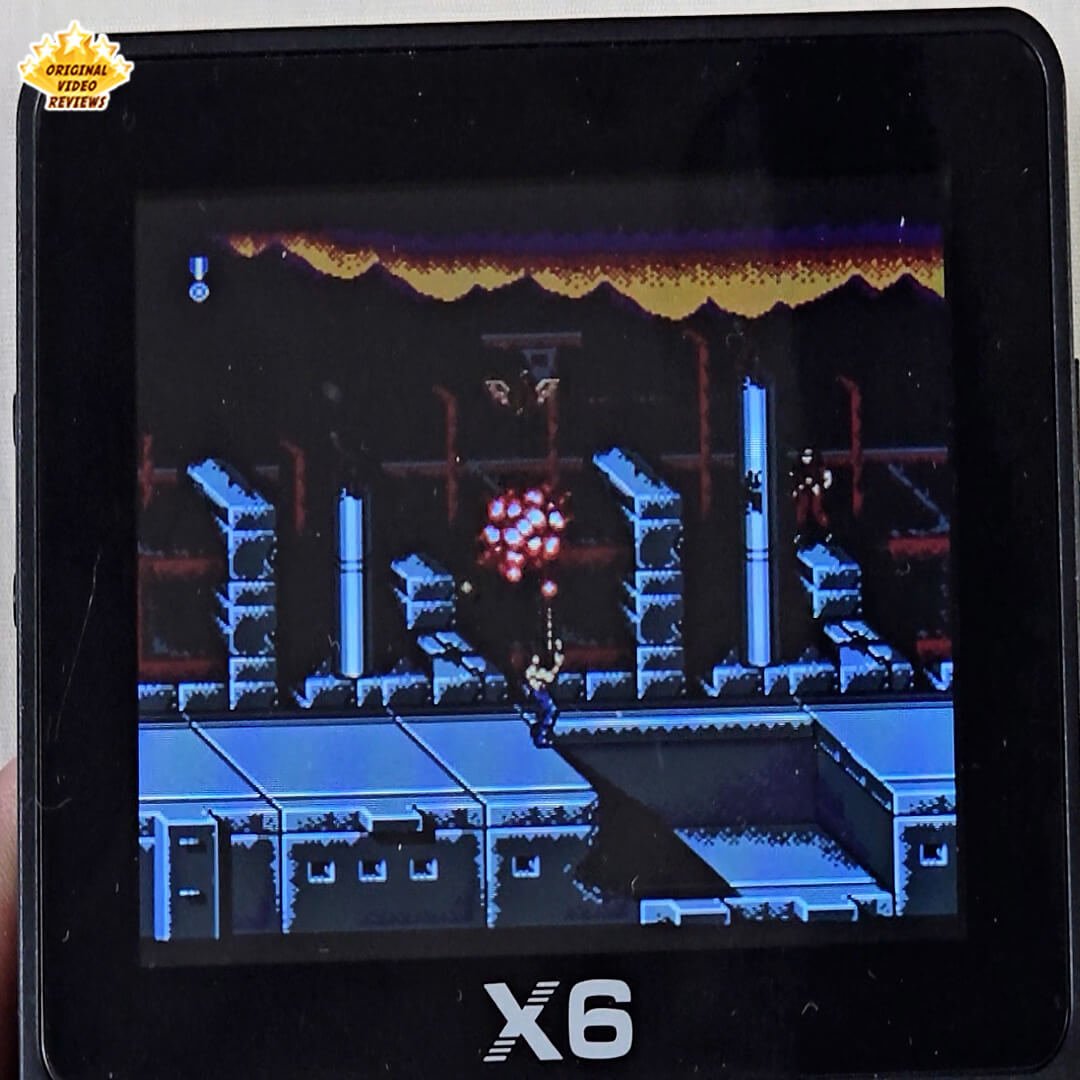
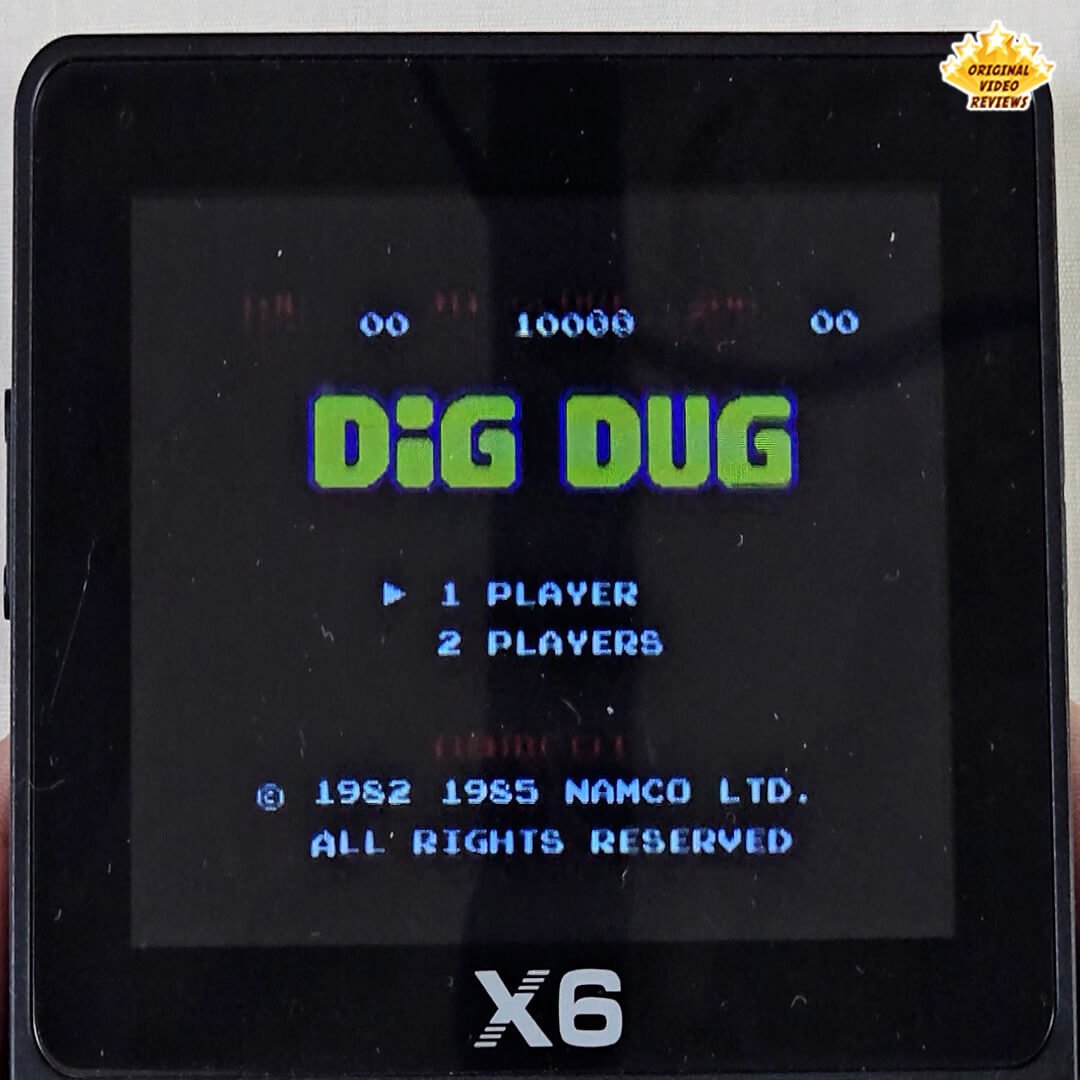
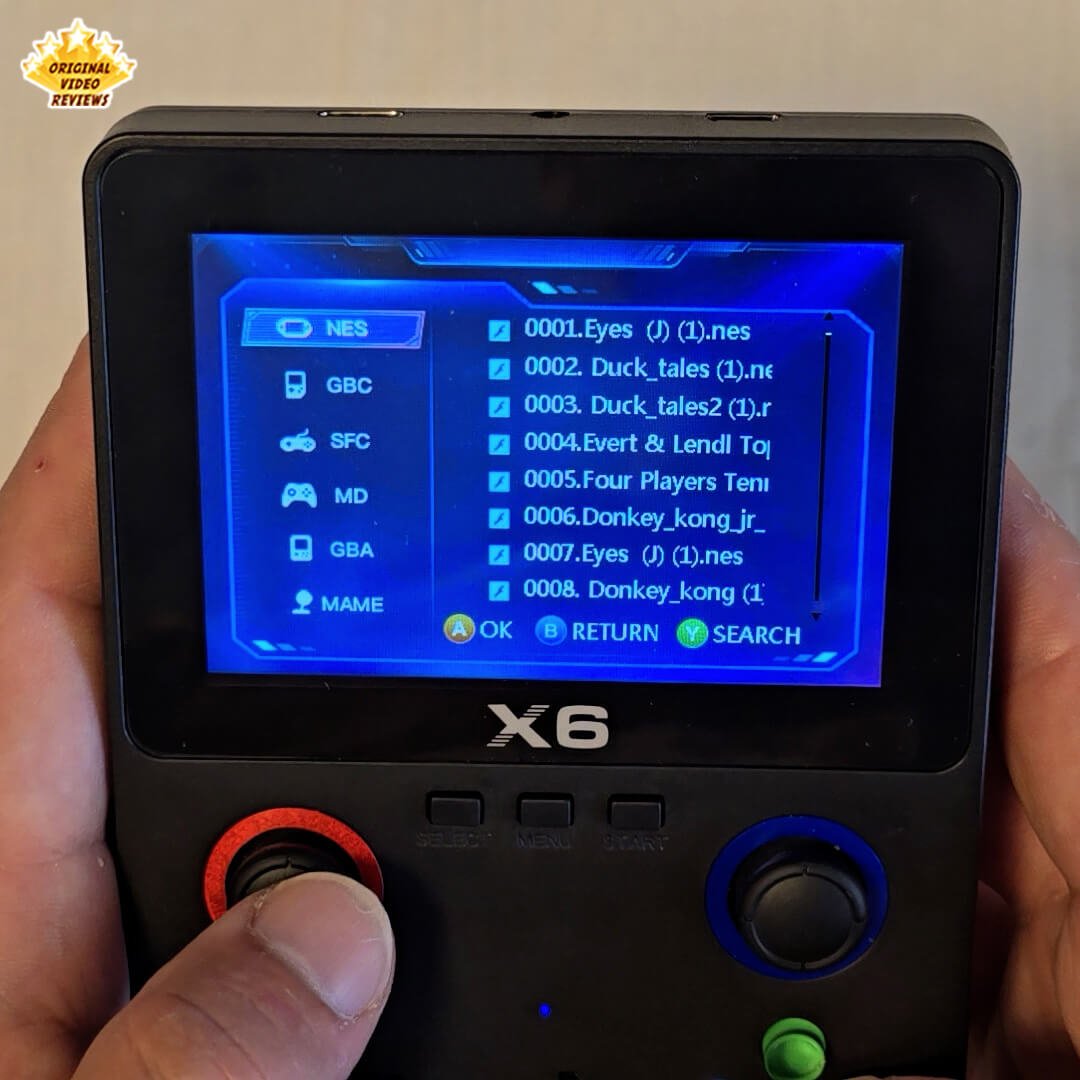
Game Library (with Expandable Storage) The unit I tested came with a 32GB microSD card preloaded with hundreds (if not thousands) of retro games. You can also add your own ROMs or remove titles you don't want — the system reads files directly from the memory card.
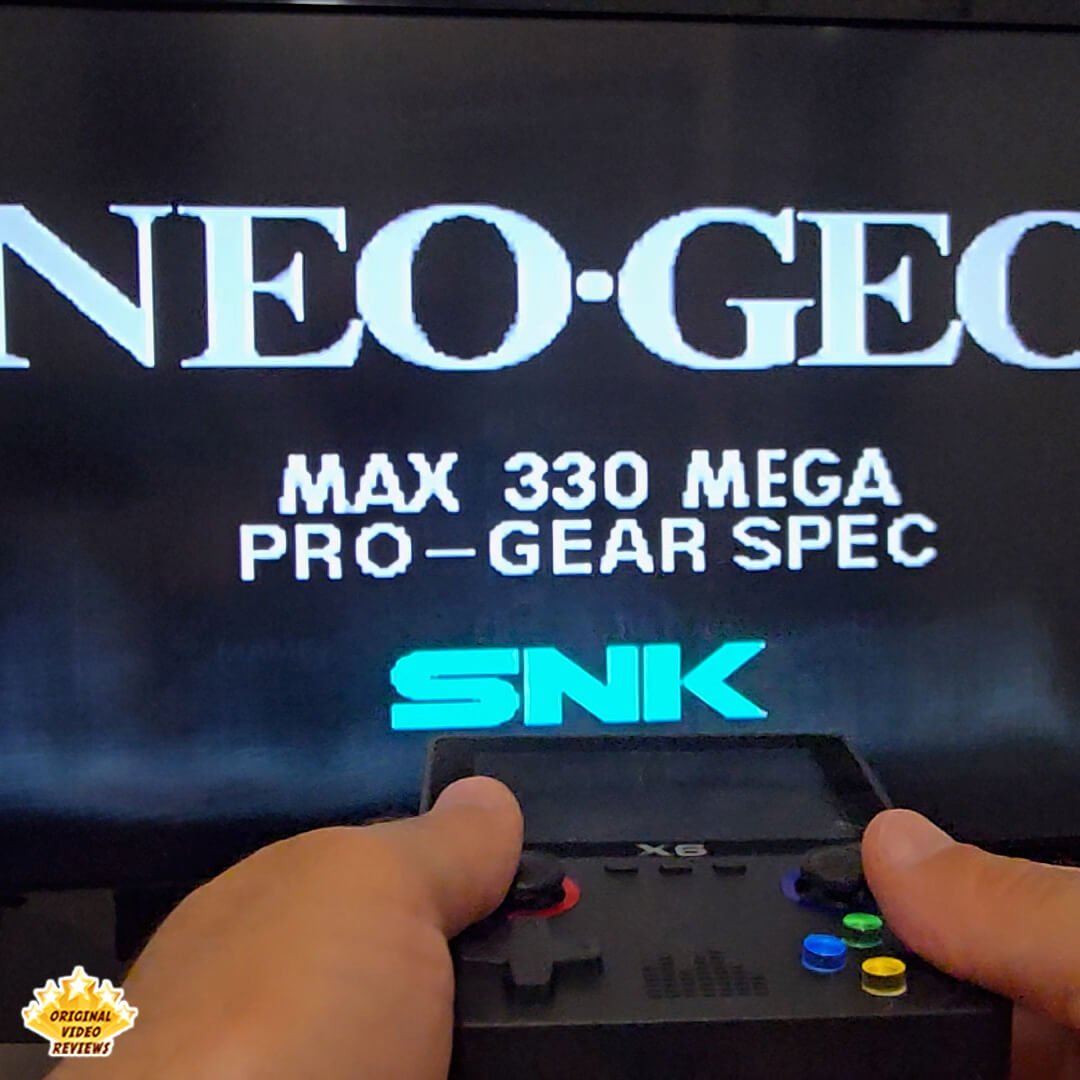
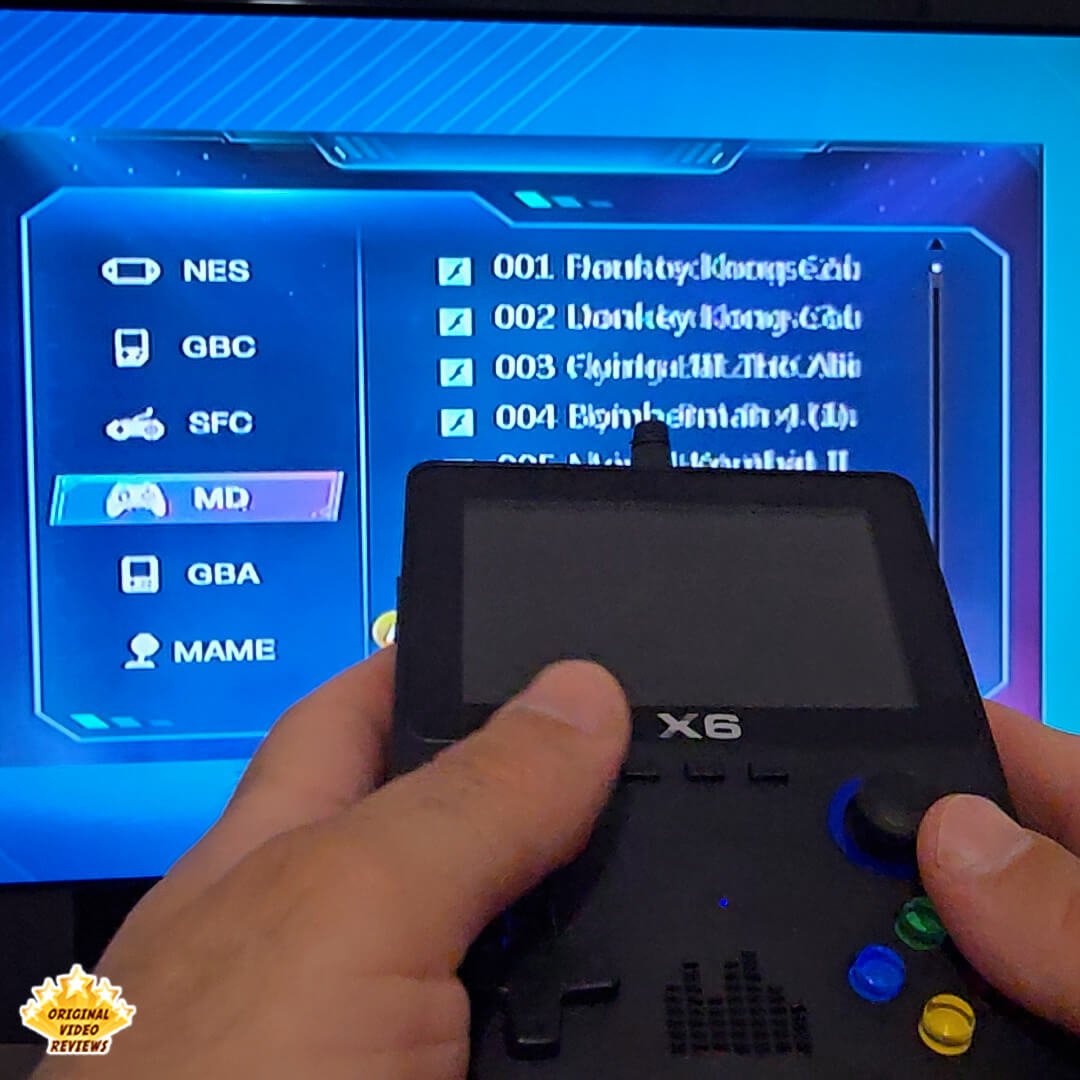
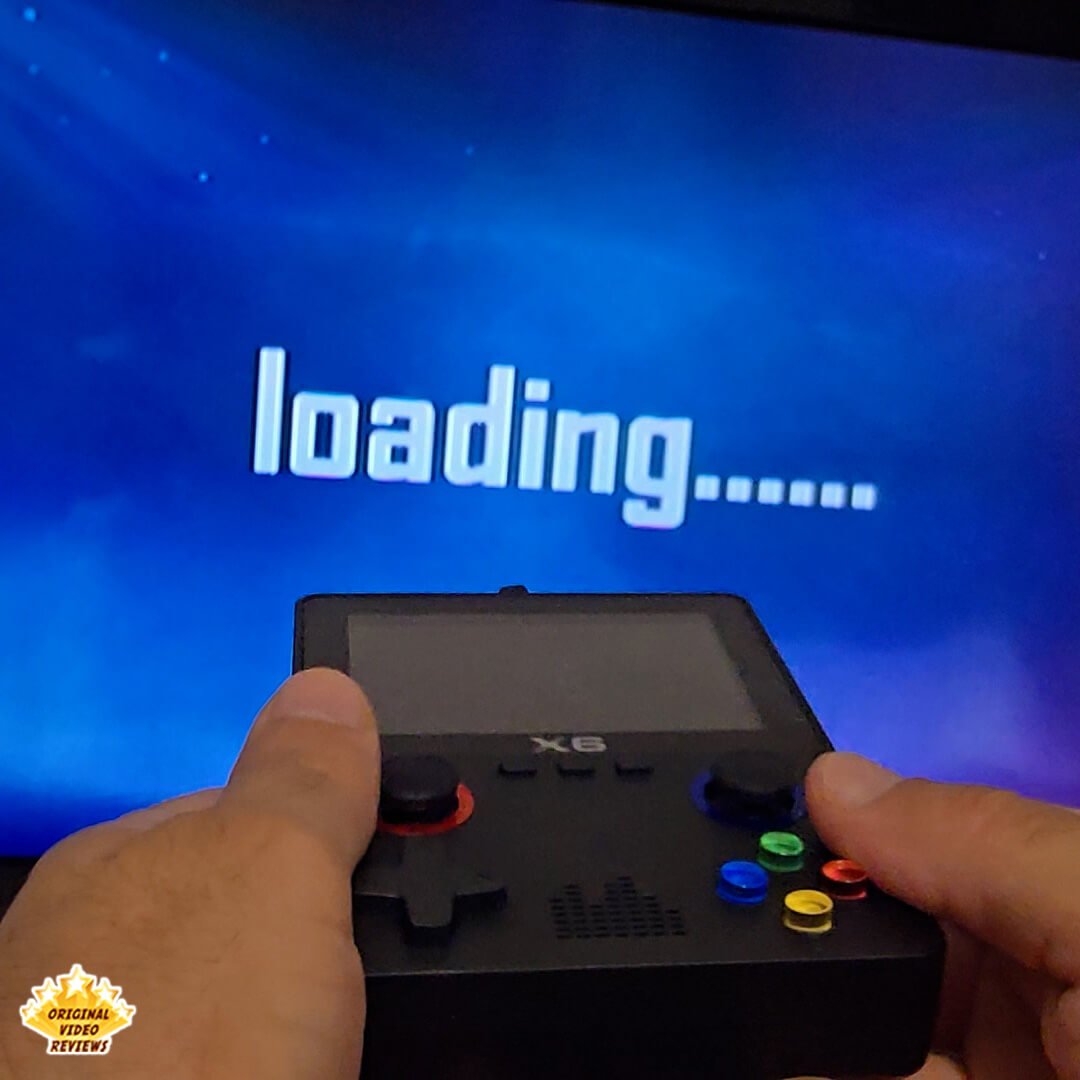
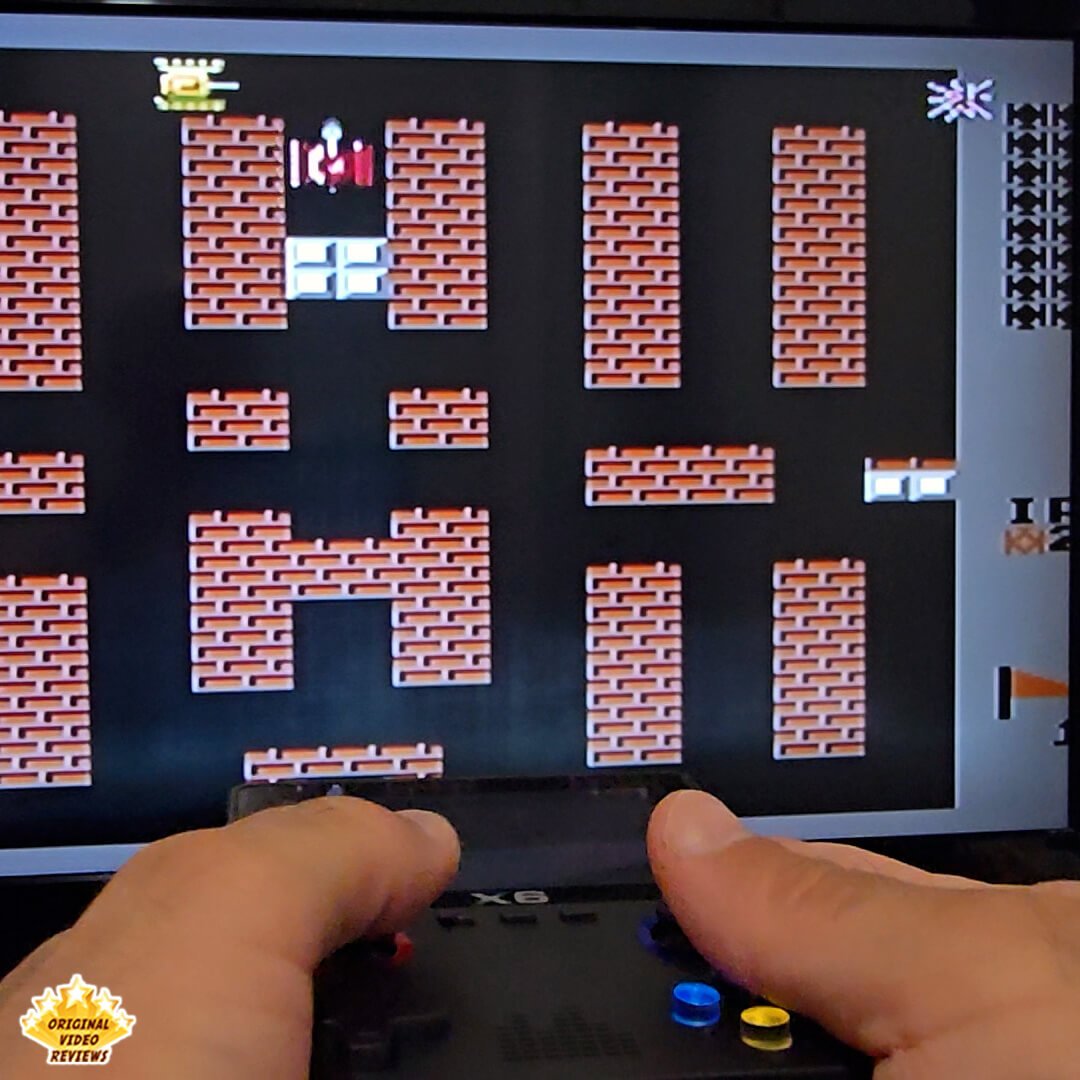
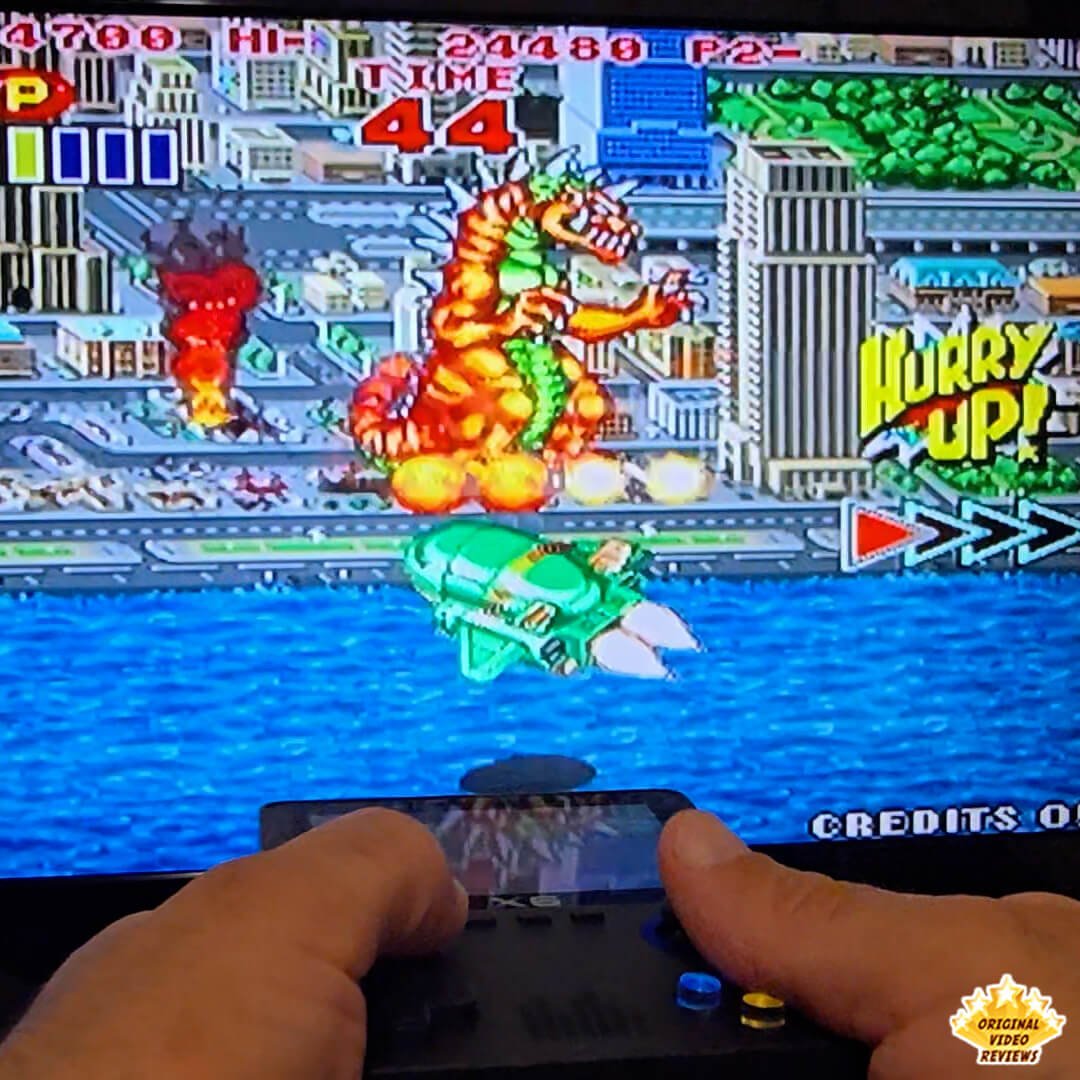
TV Output via AV I tested the console on an older 32" LCD TV using the AV (RCA) output, and it worked surprisingly well. For longer sessions, I definitely prefer playing on a bigger screen than squinting at the small 3.5" display.
Reasonable Battery Life Battery life is rated for up to 5 hours. That's not groundbreaking, but it's decent for a budget device. You can also charge the console while using it — as long as it's plugged into a wall charger or power bank (not a computer).
2-Player Support The X6 includes a port for connecting a second gamepad, which means local multiplayer is supported on paper. Please note that I haven't tested the 2-player functionality myself, as I didn't have an extra gamepad available at the time.
Audio Quality & Volume Both are better than expected. The built-in speaker is loud enough and delivers reasonable clarity, especially considering the price point.
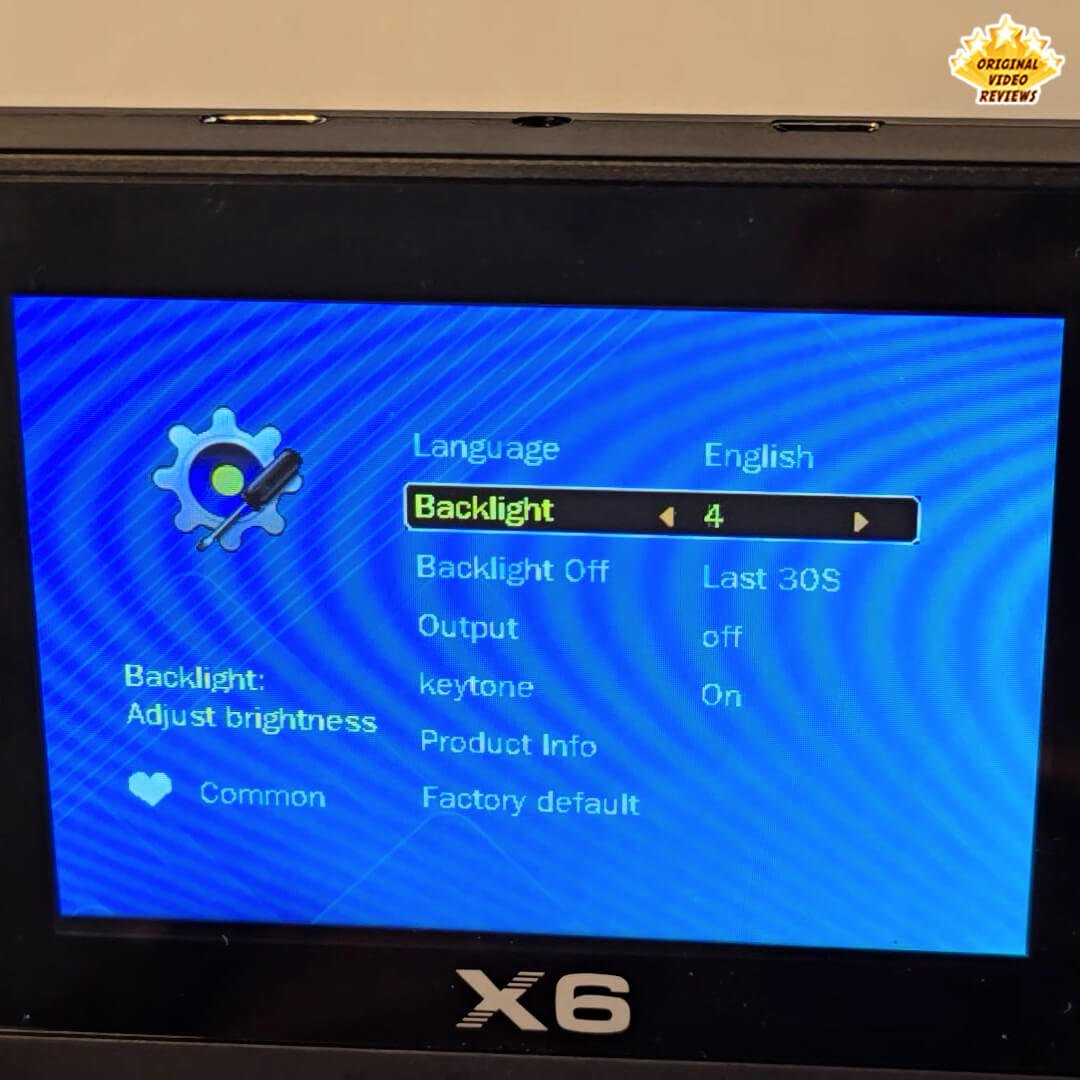
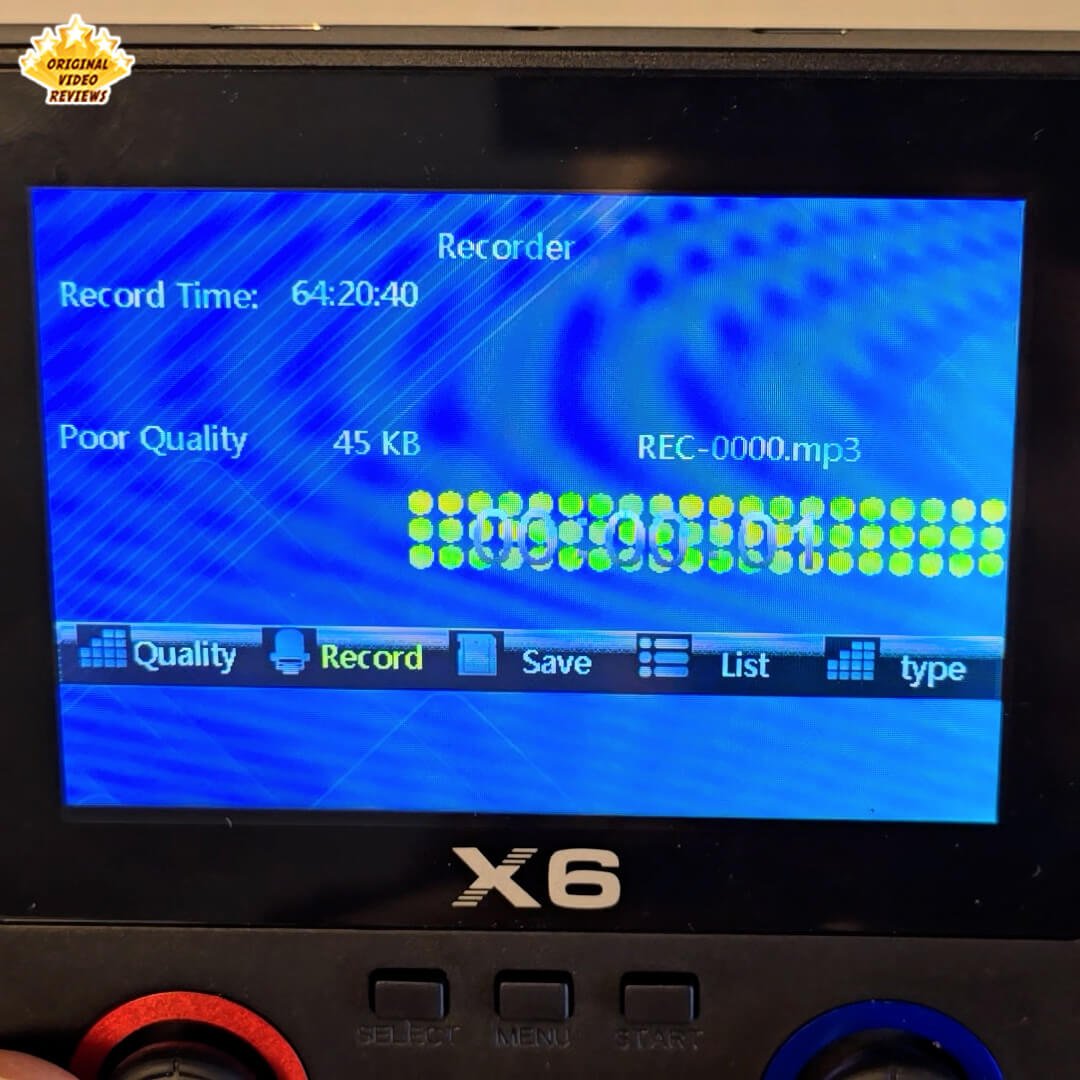
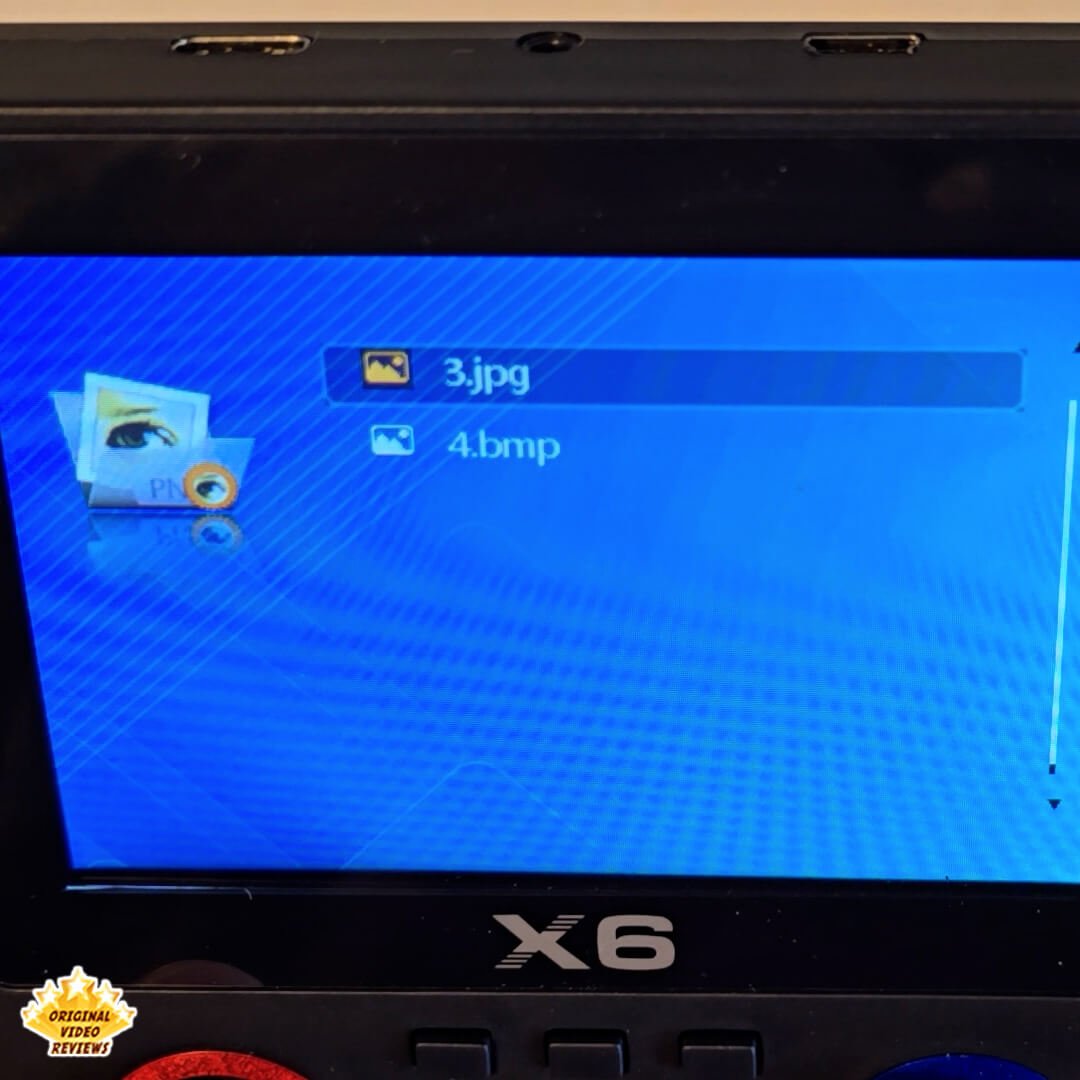
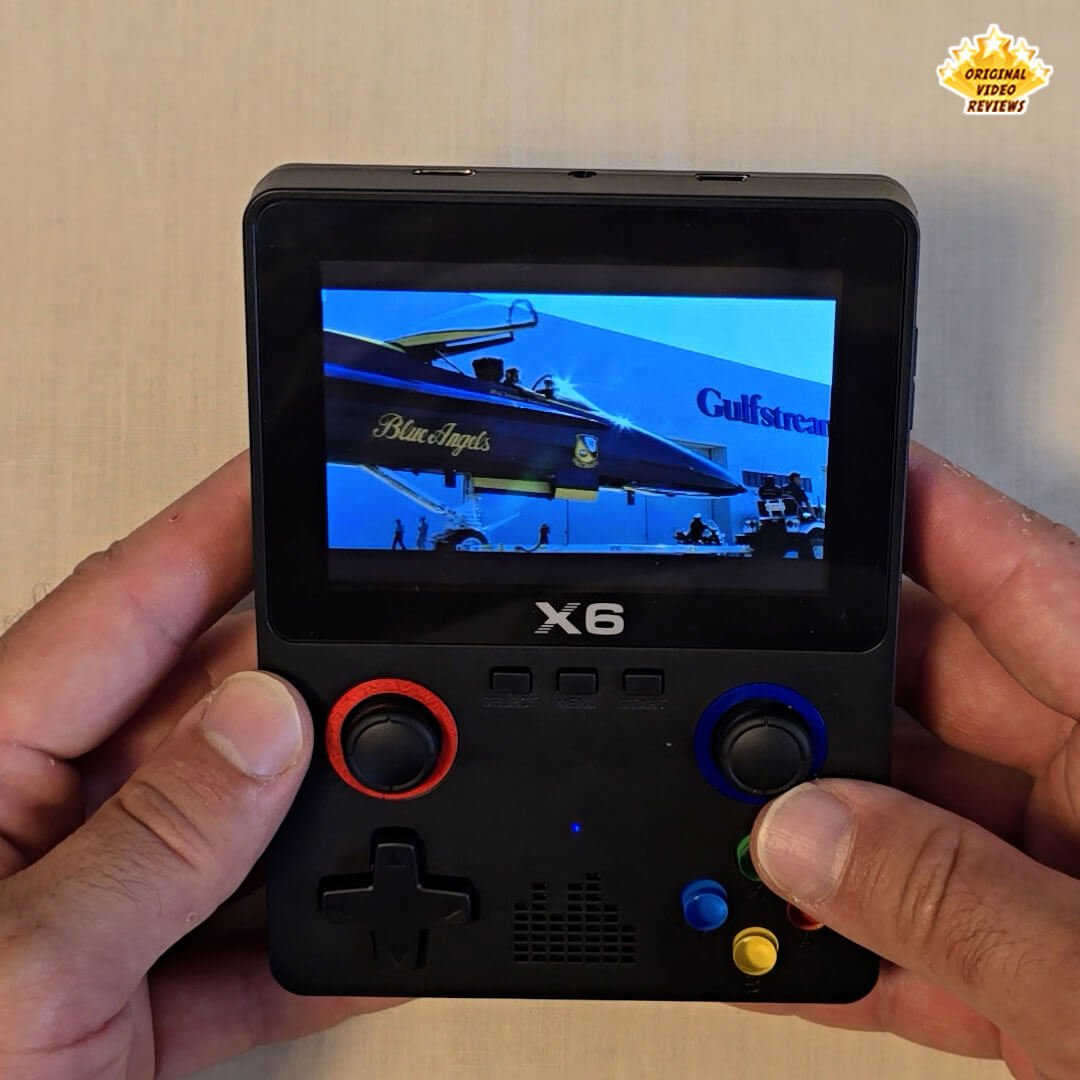
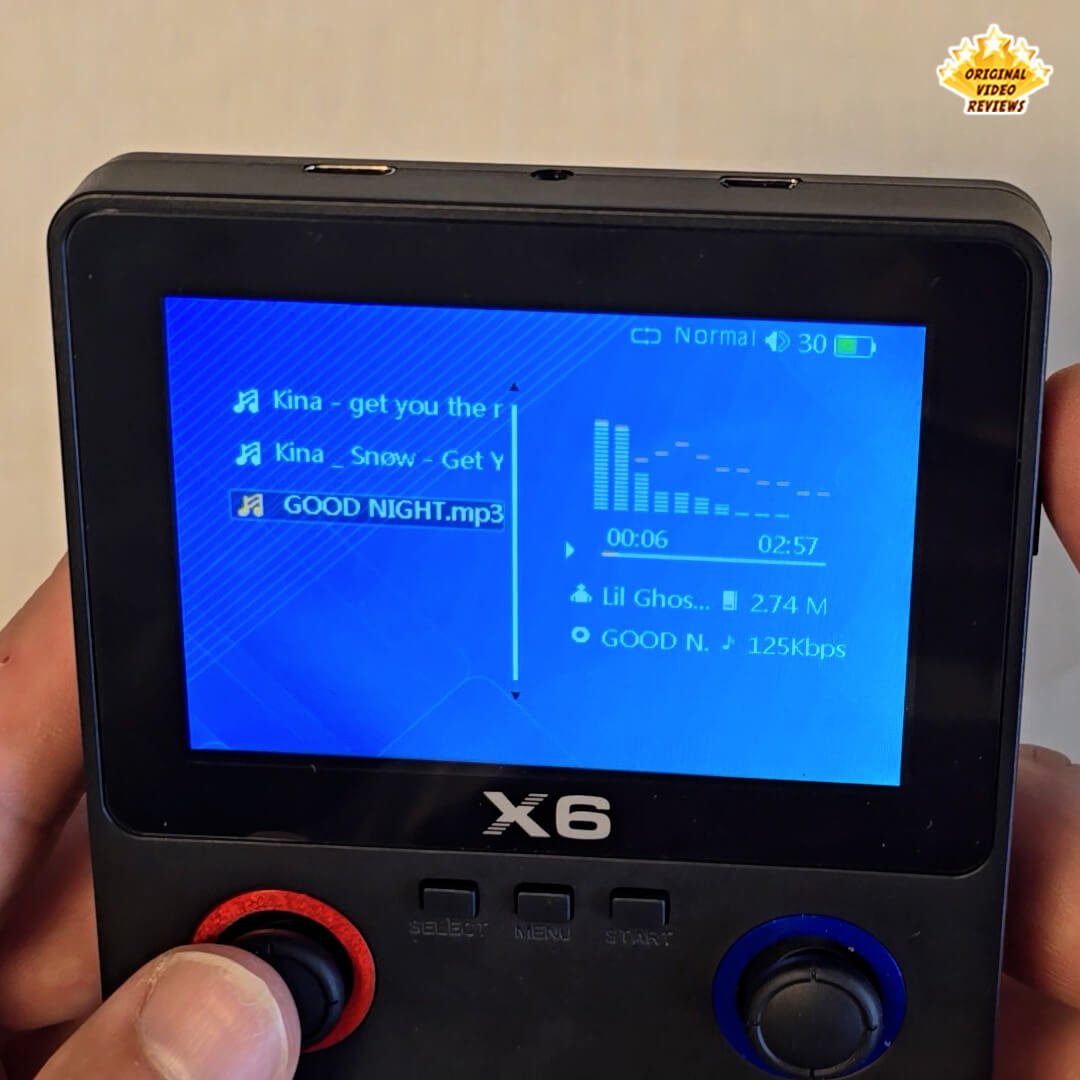
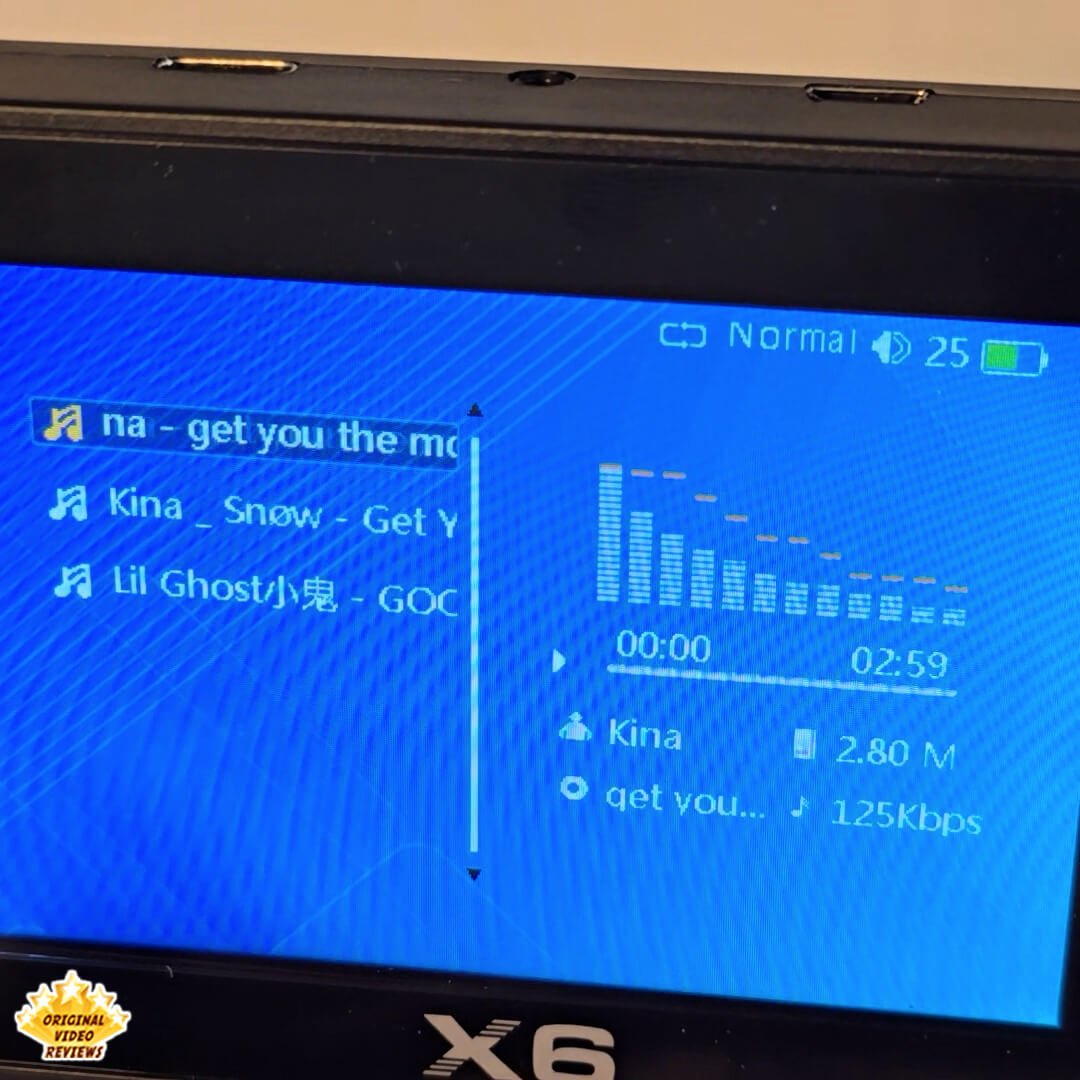
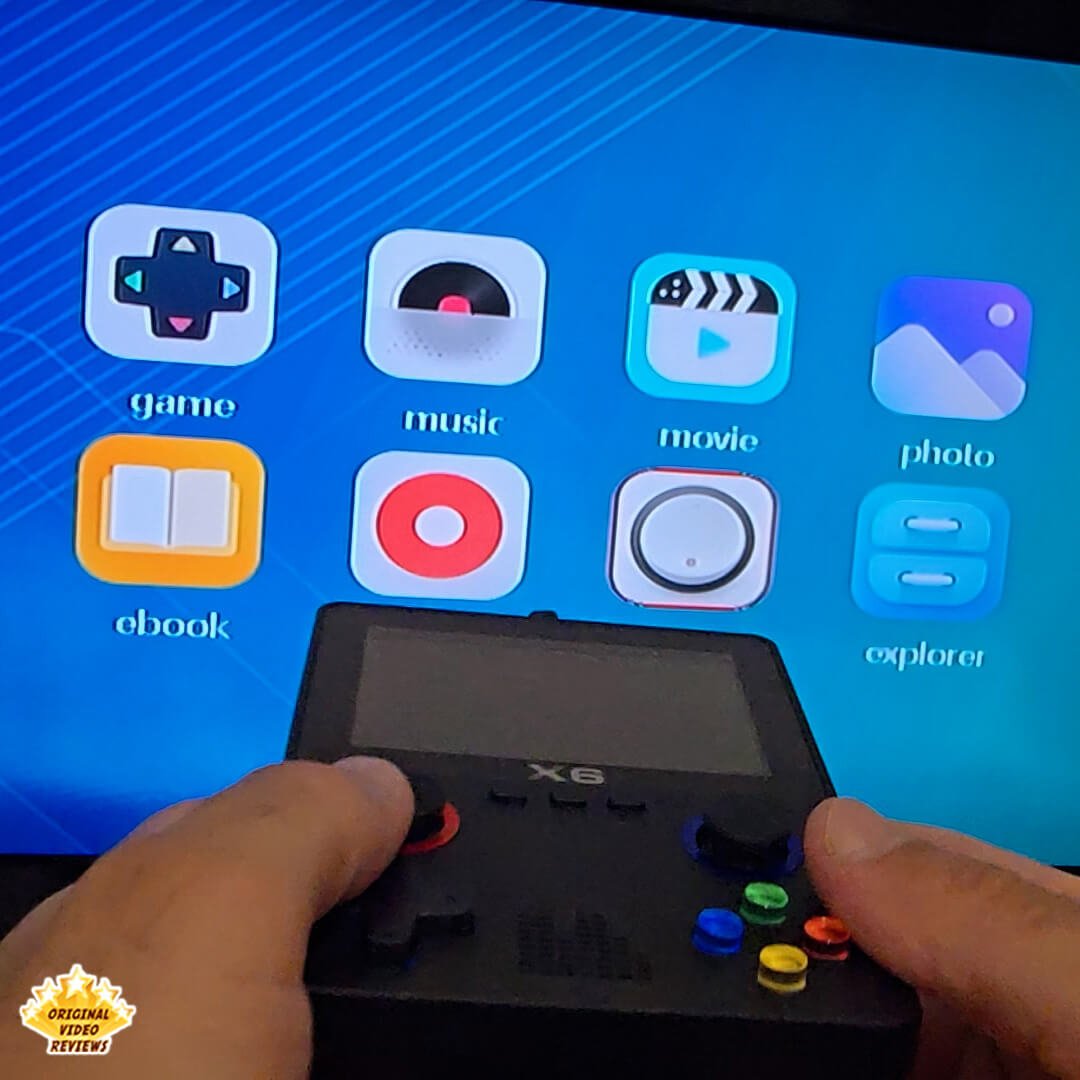
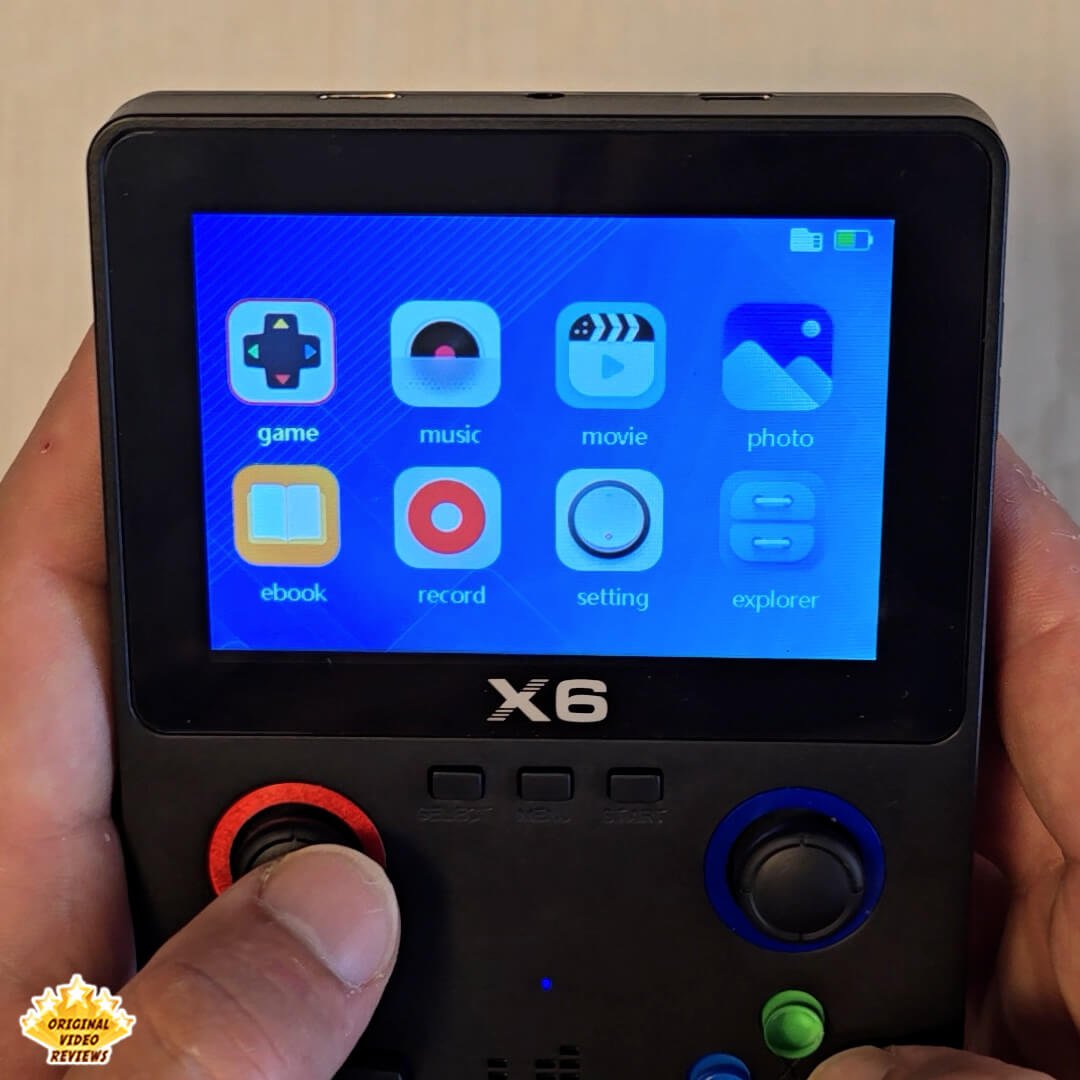
Bonus Features The X6 includes a media player, photo viewer, and voice recorder. I bought this console strictly for retro gaming, but it's worth noting that these features do work, even if they're basic.
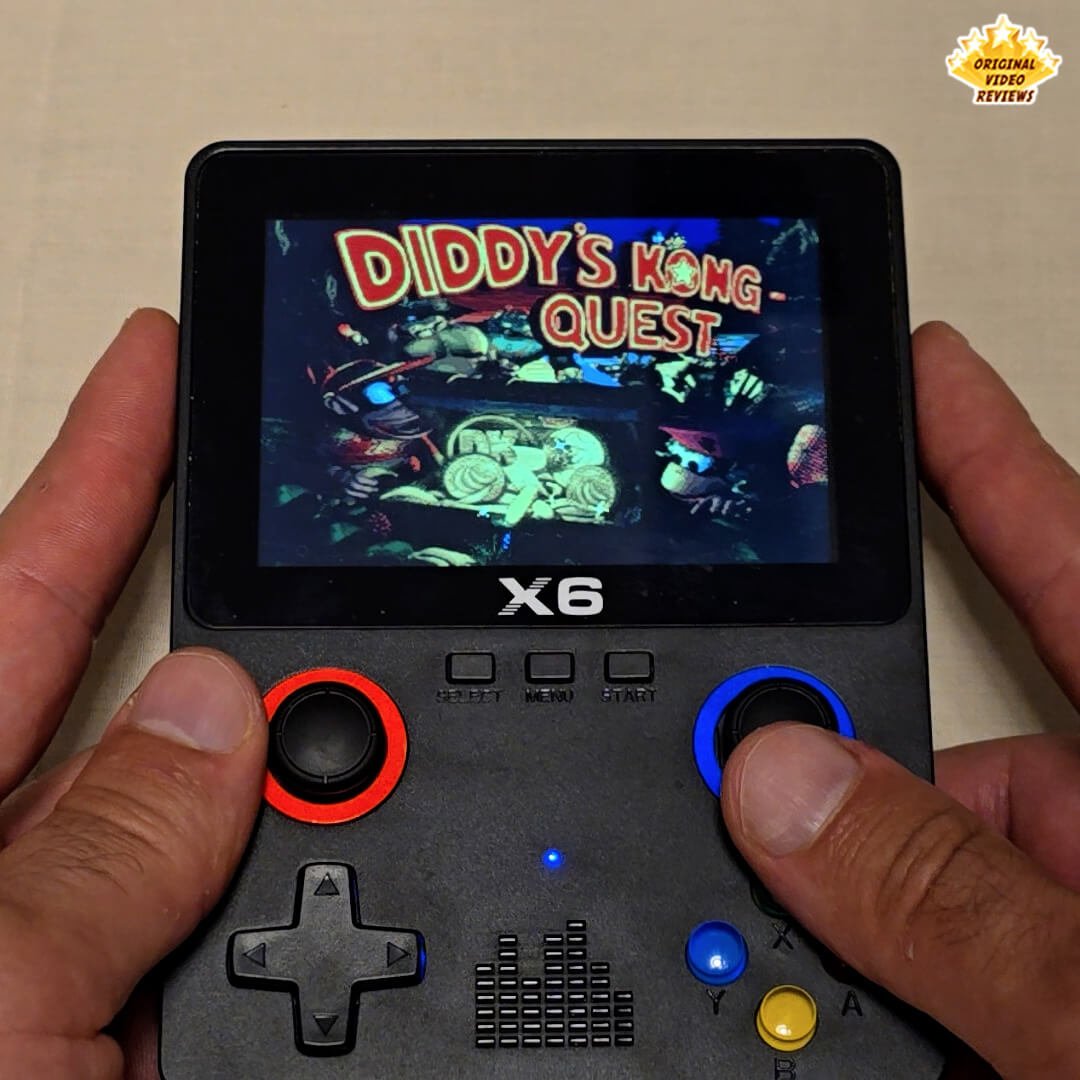
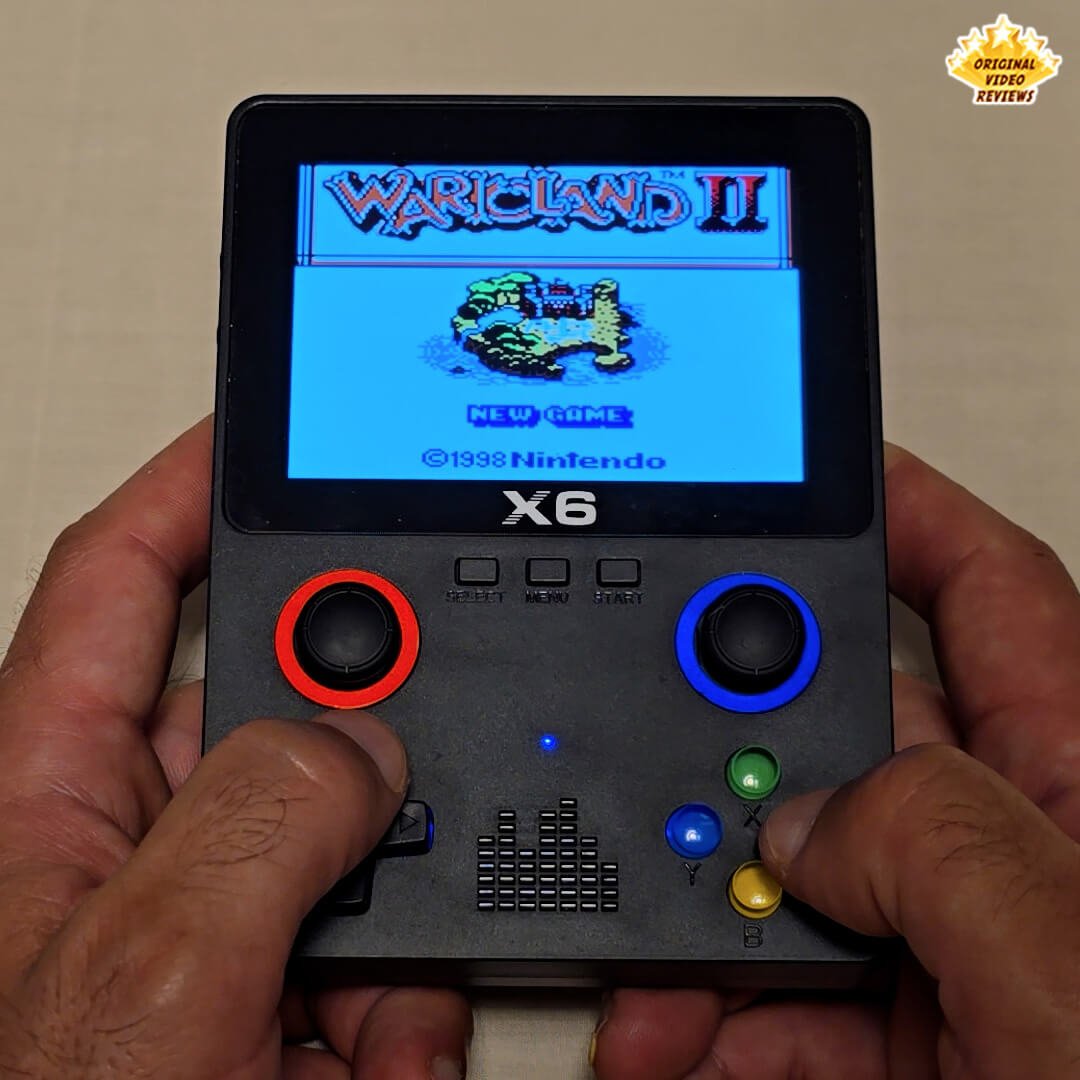
Button Variety The console includes both a D-pad and a circular analog-style pad. Some games let you switch between them during gameplay, which can be helpful depending on the genre.
USB File Access & Charging Simultaneously When plugged into a PC, the device charges and also mounts as a removable storage drive. This makes it easy to transfer games, reorganize folders, or back up saves.
Cons
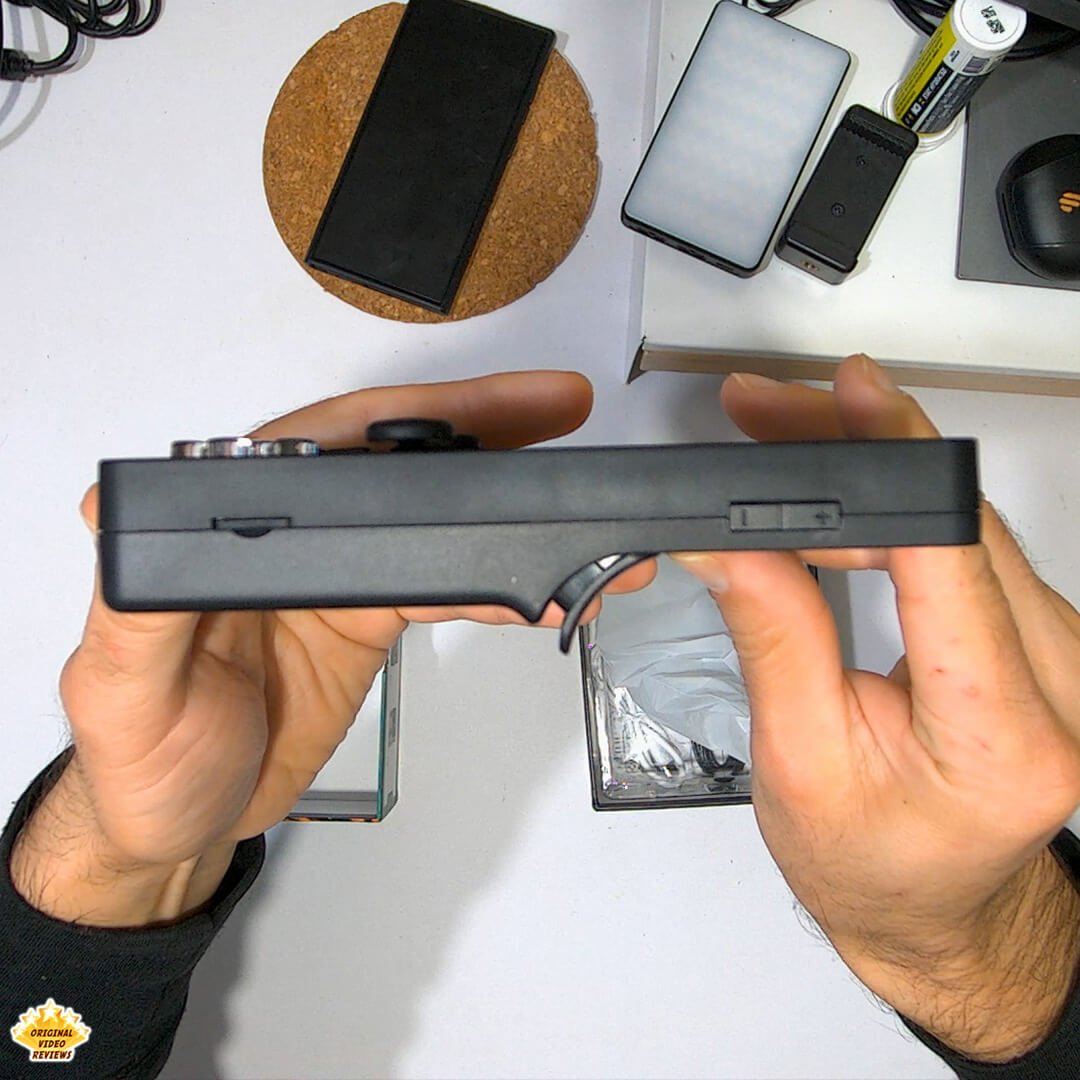
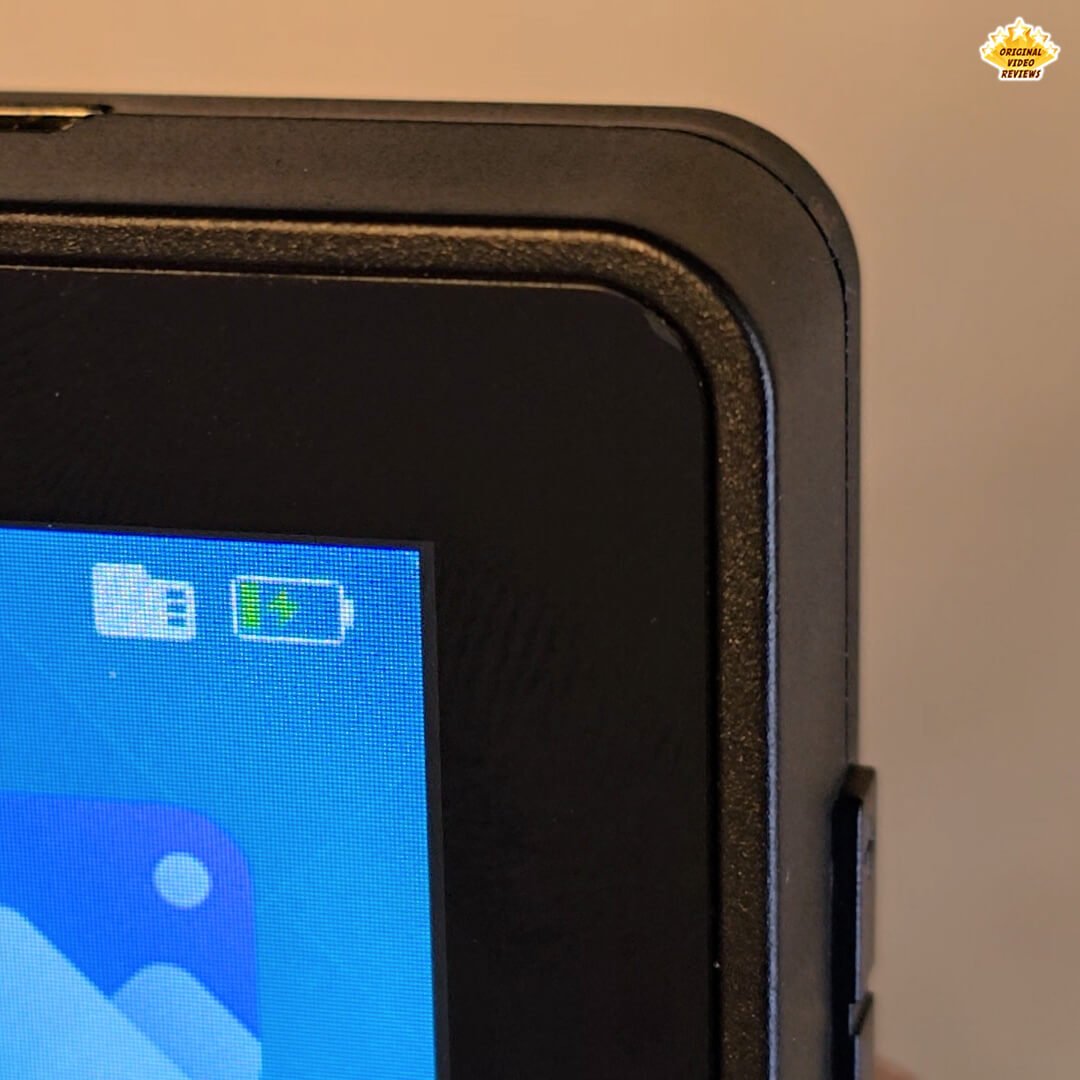
Basic Plastic Build The X6 is made from basic plastic. While everything mostly holds together fine, it doesn’t exactly scream quality – it feels light and hollow, more like a toy than a solid gaming device.
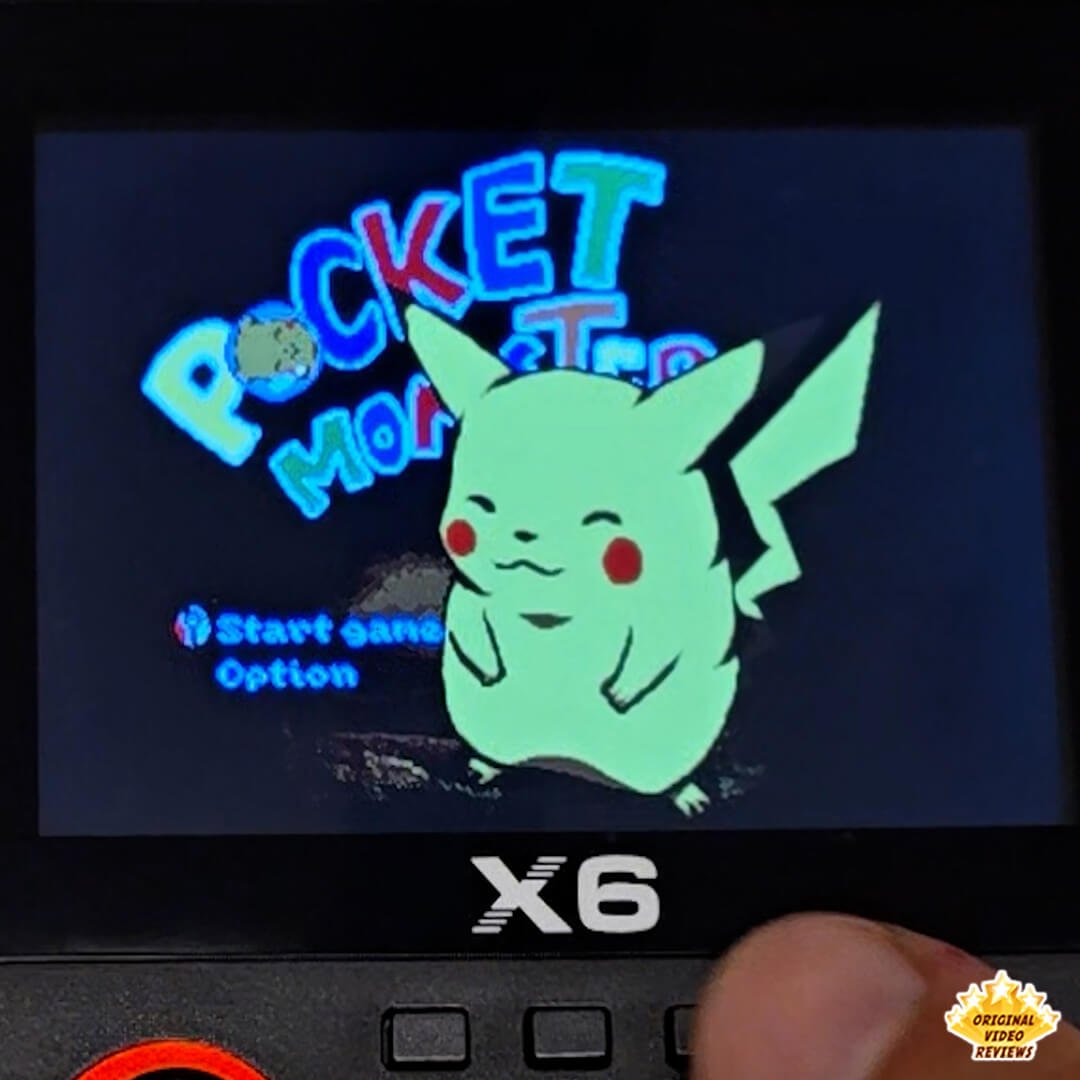
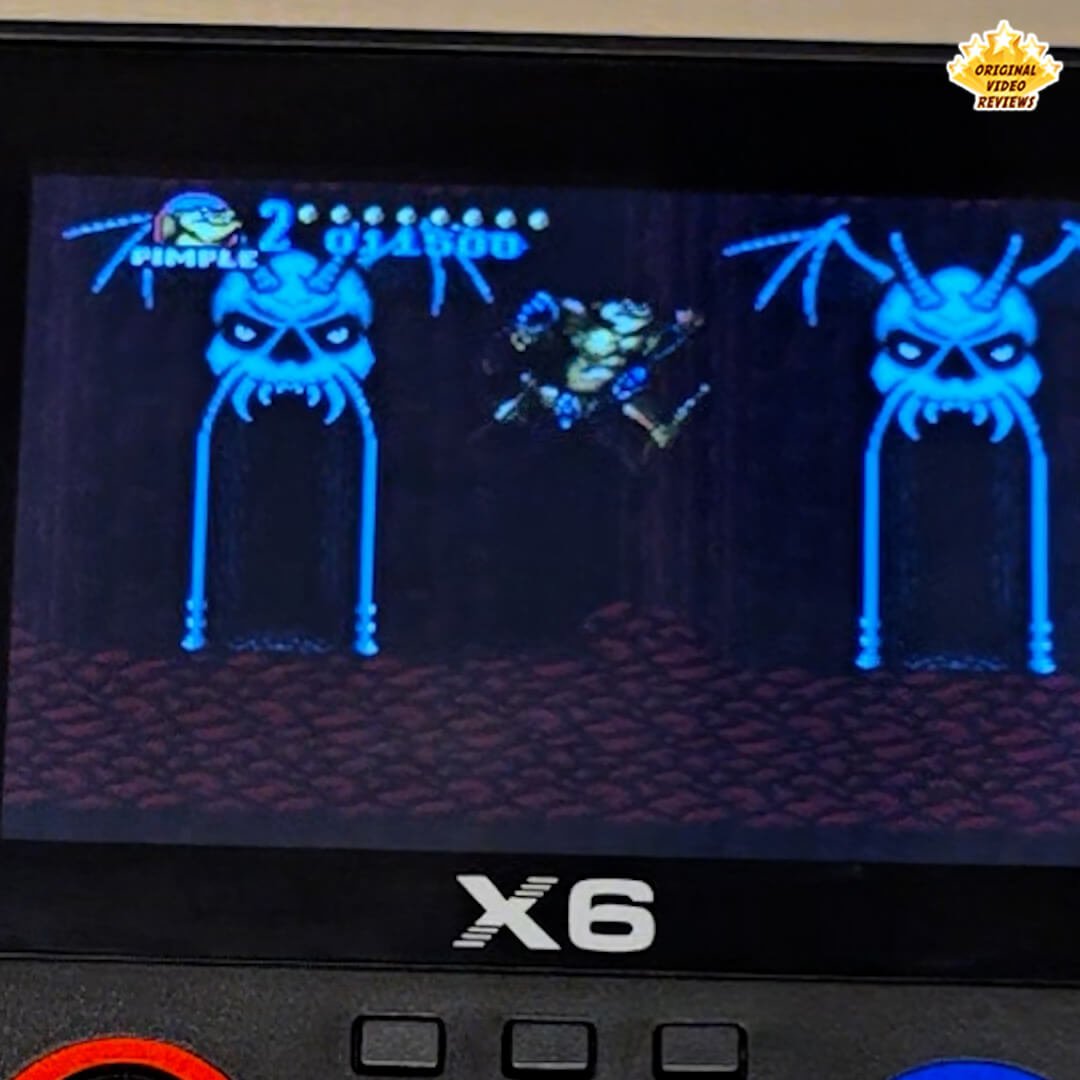
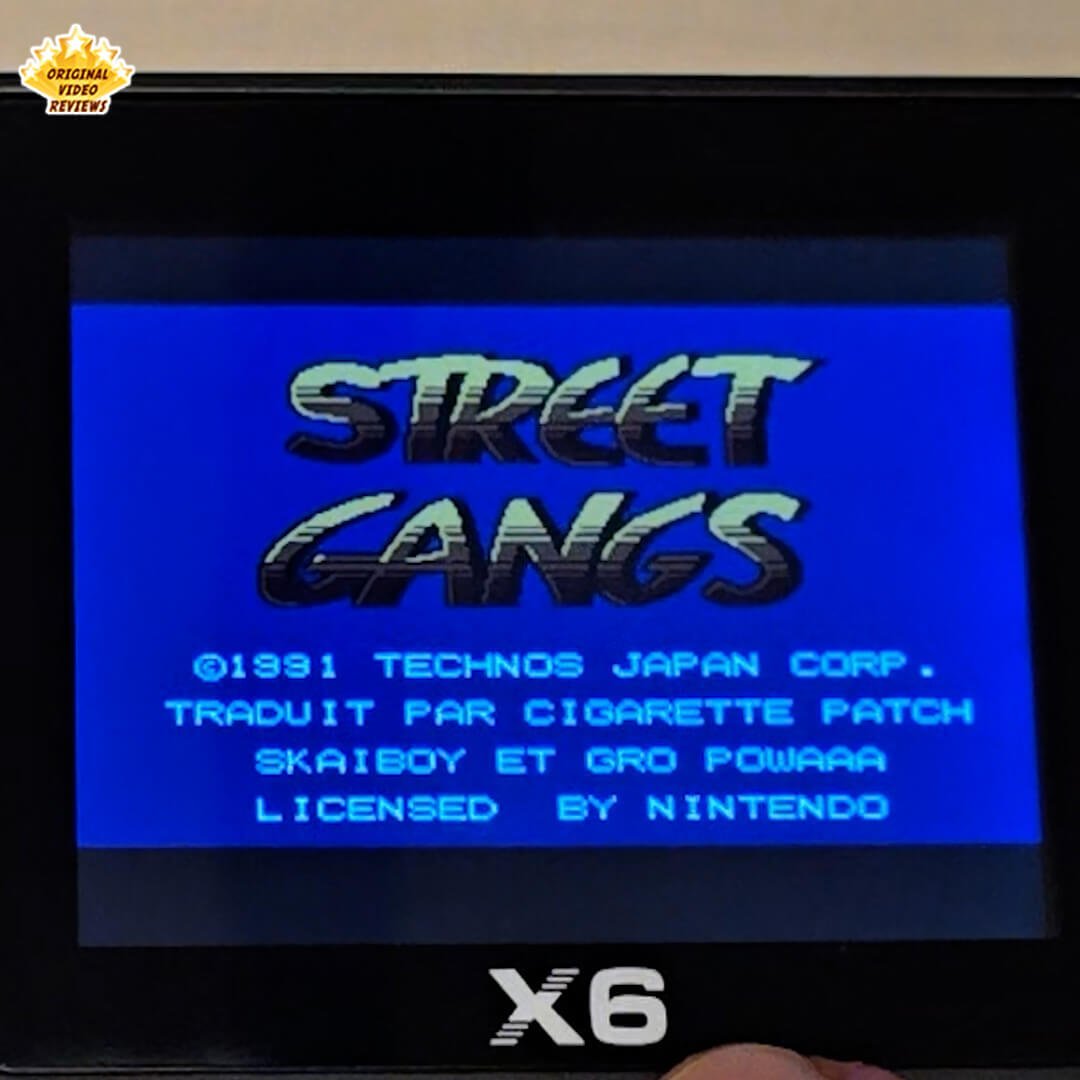
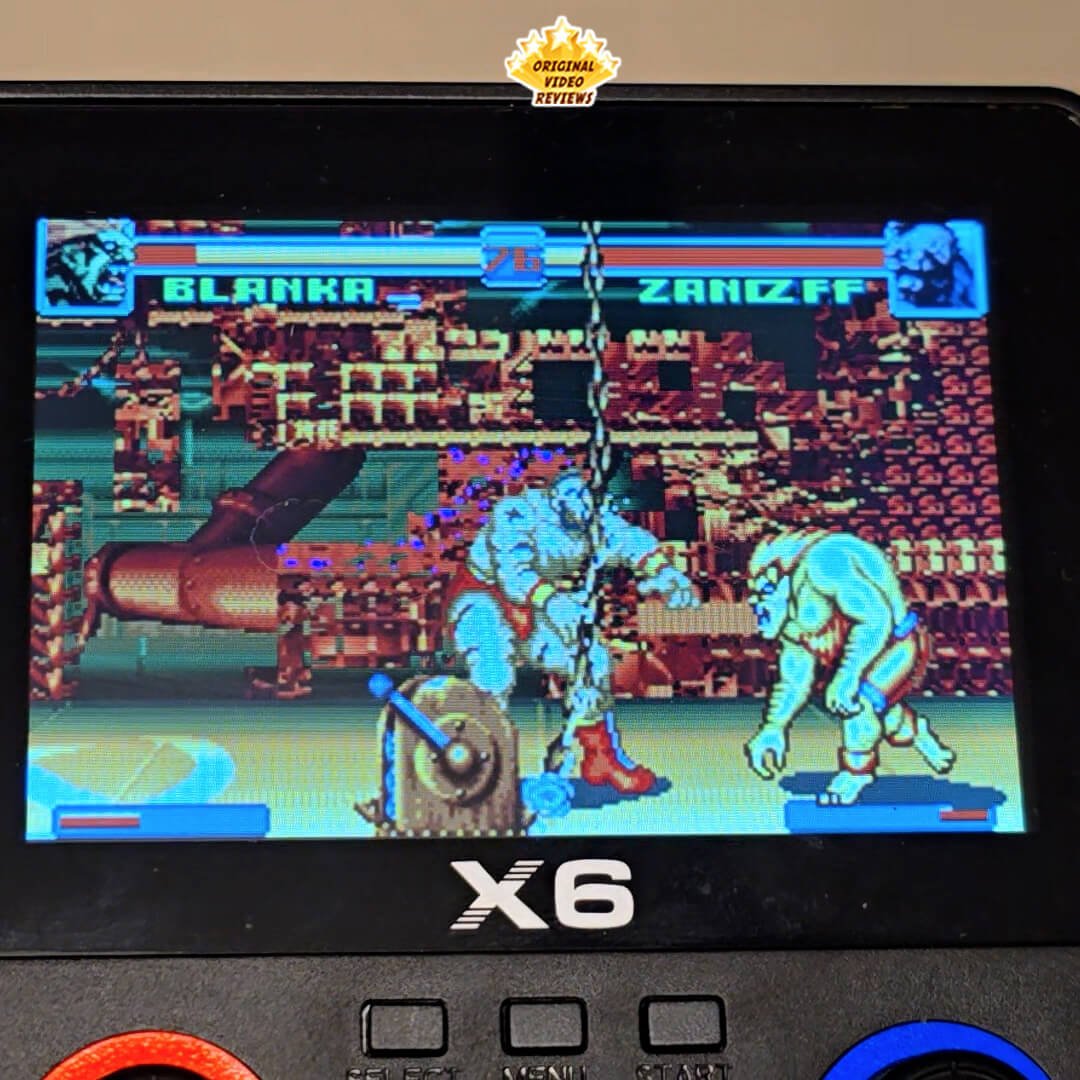
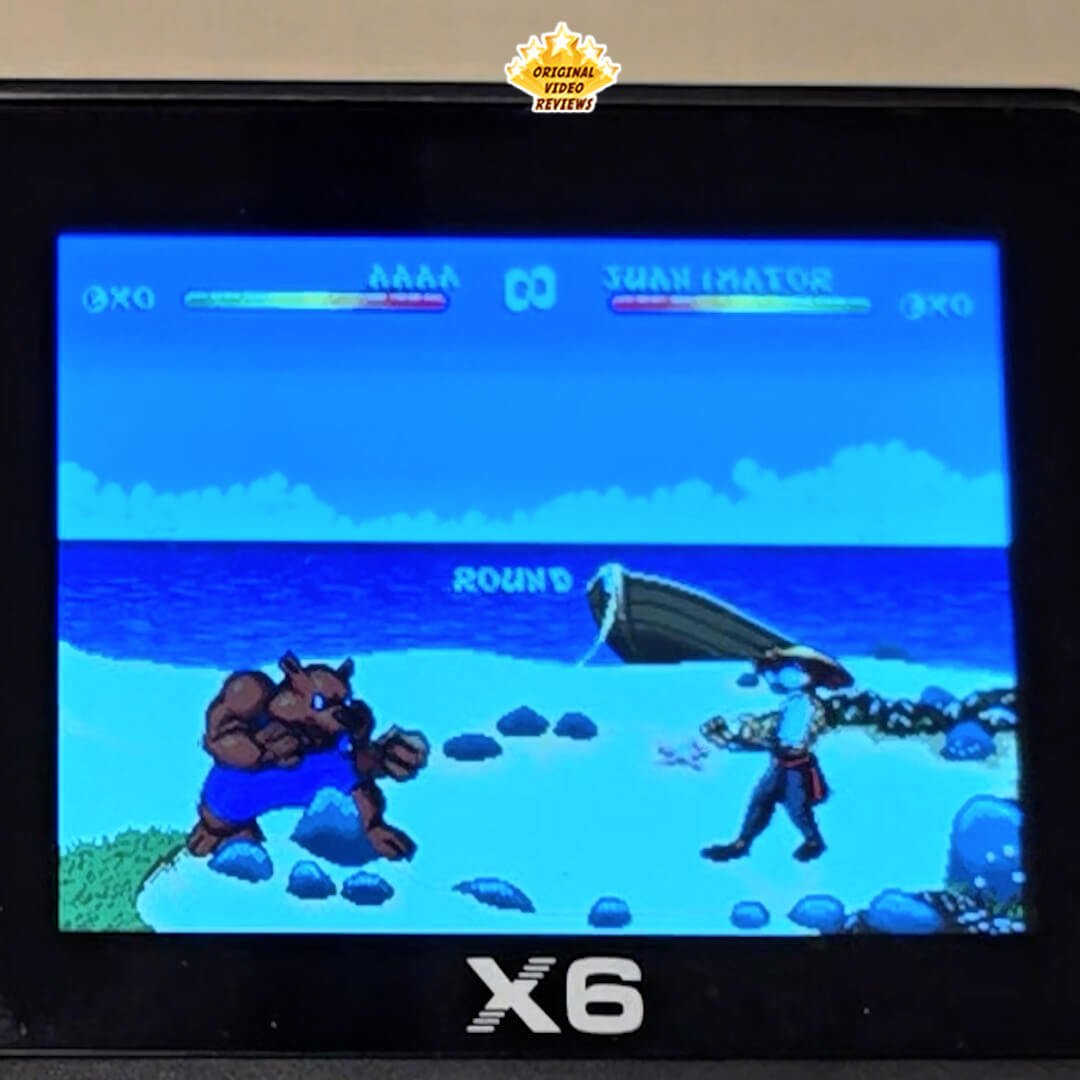
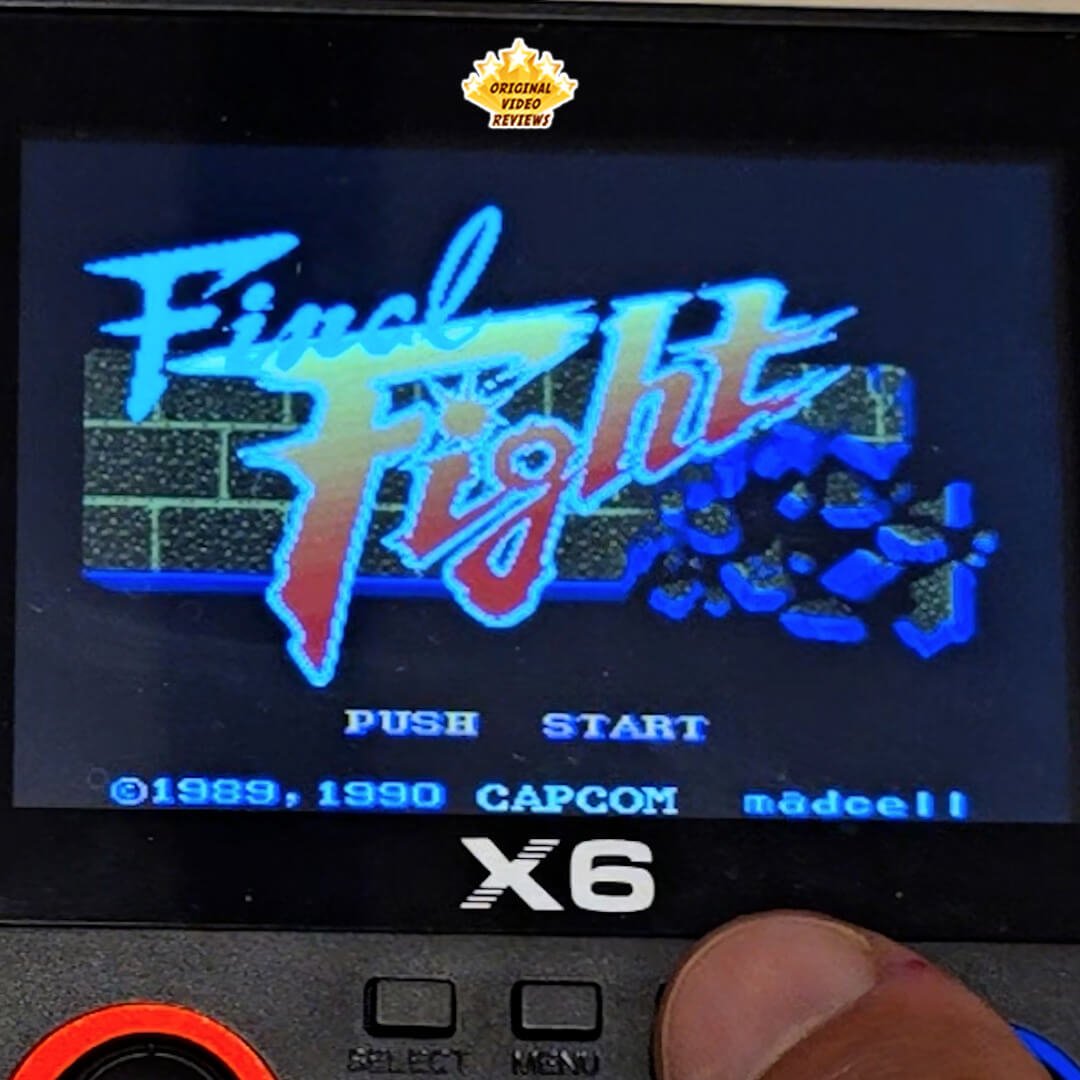
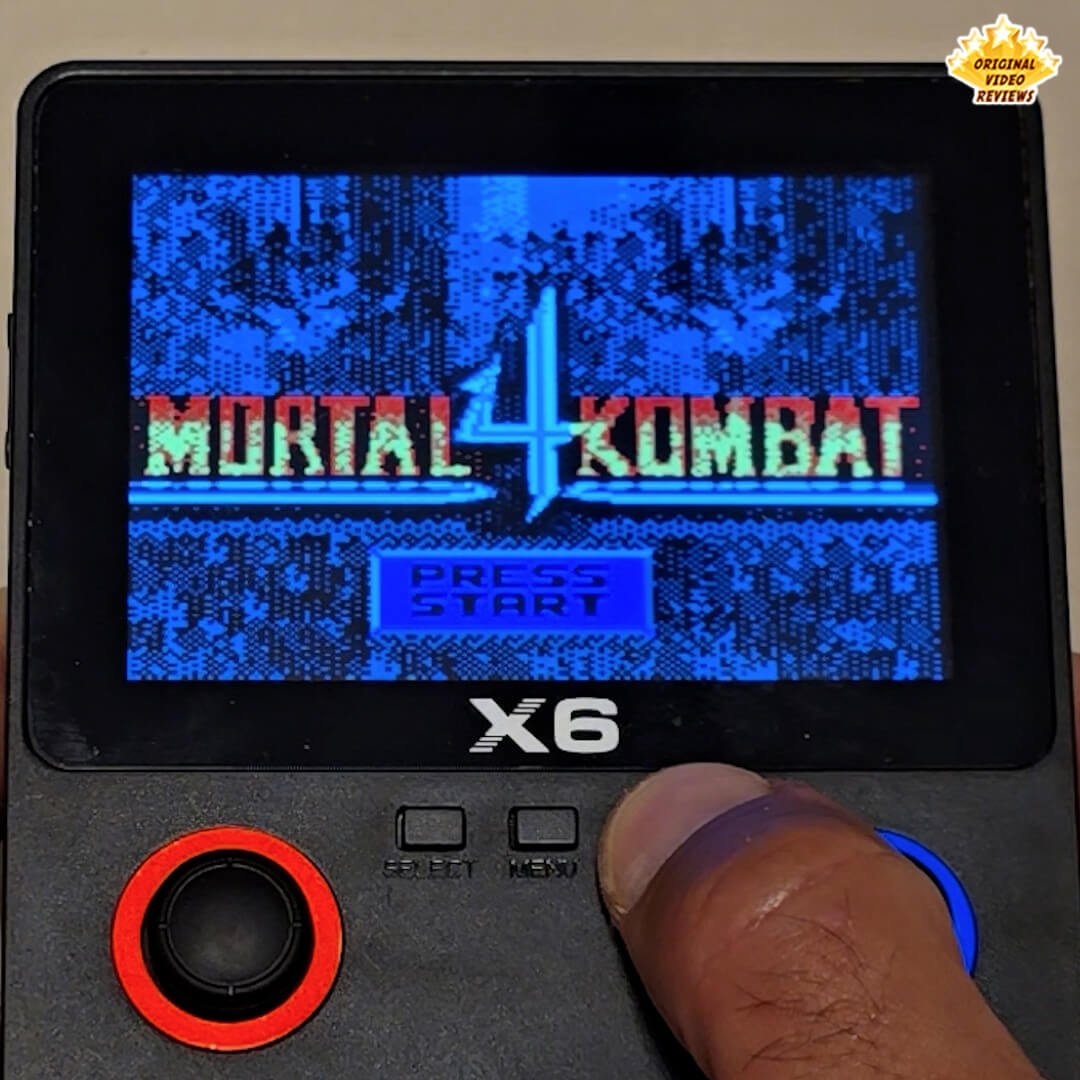
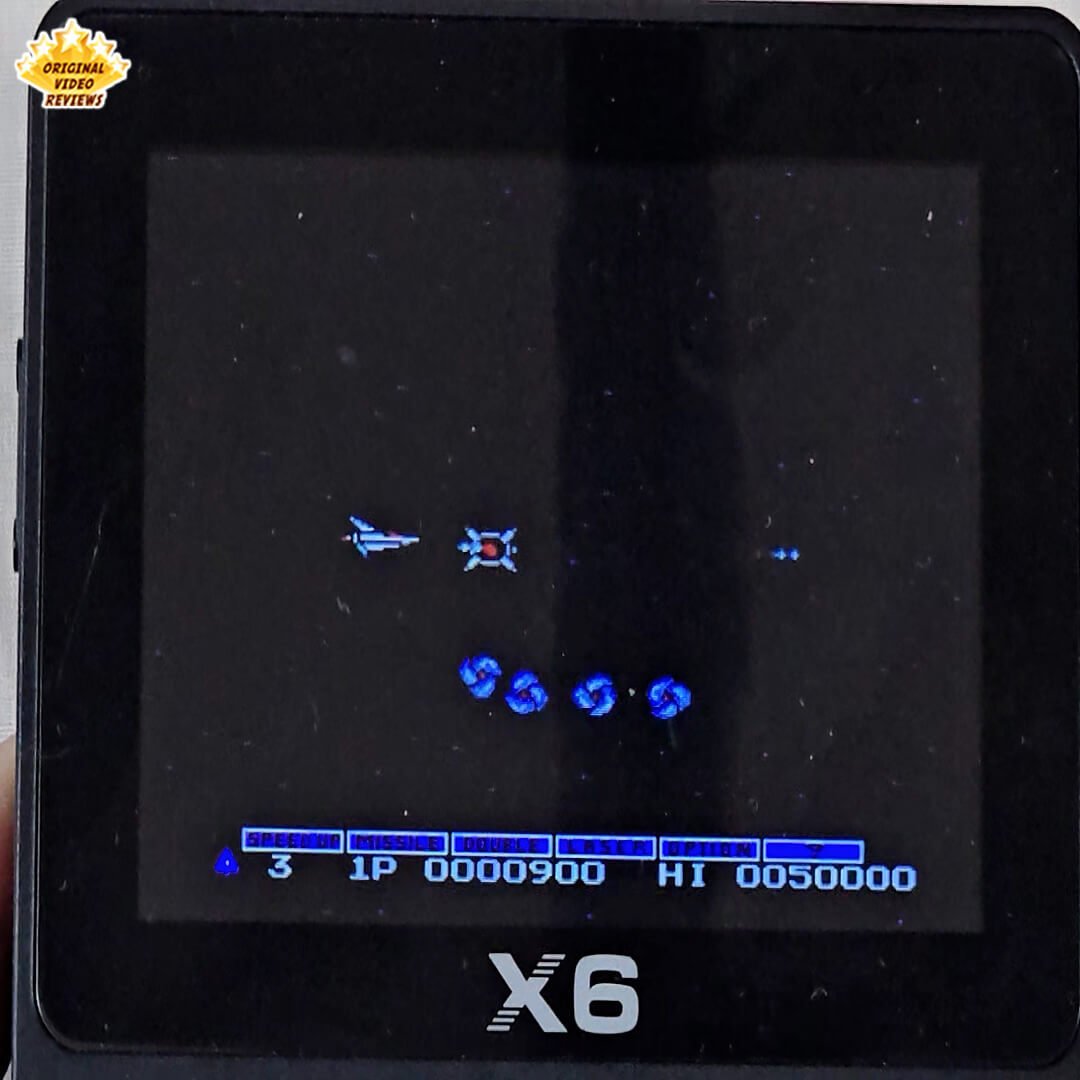
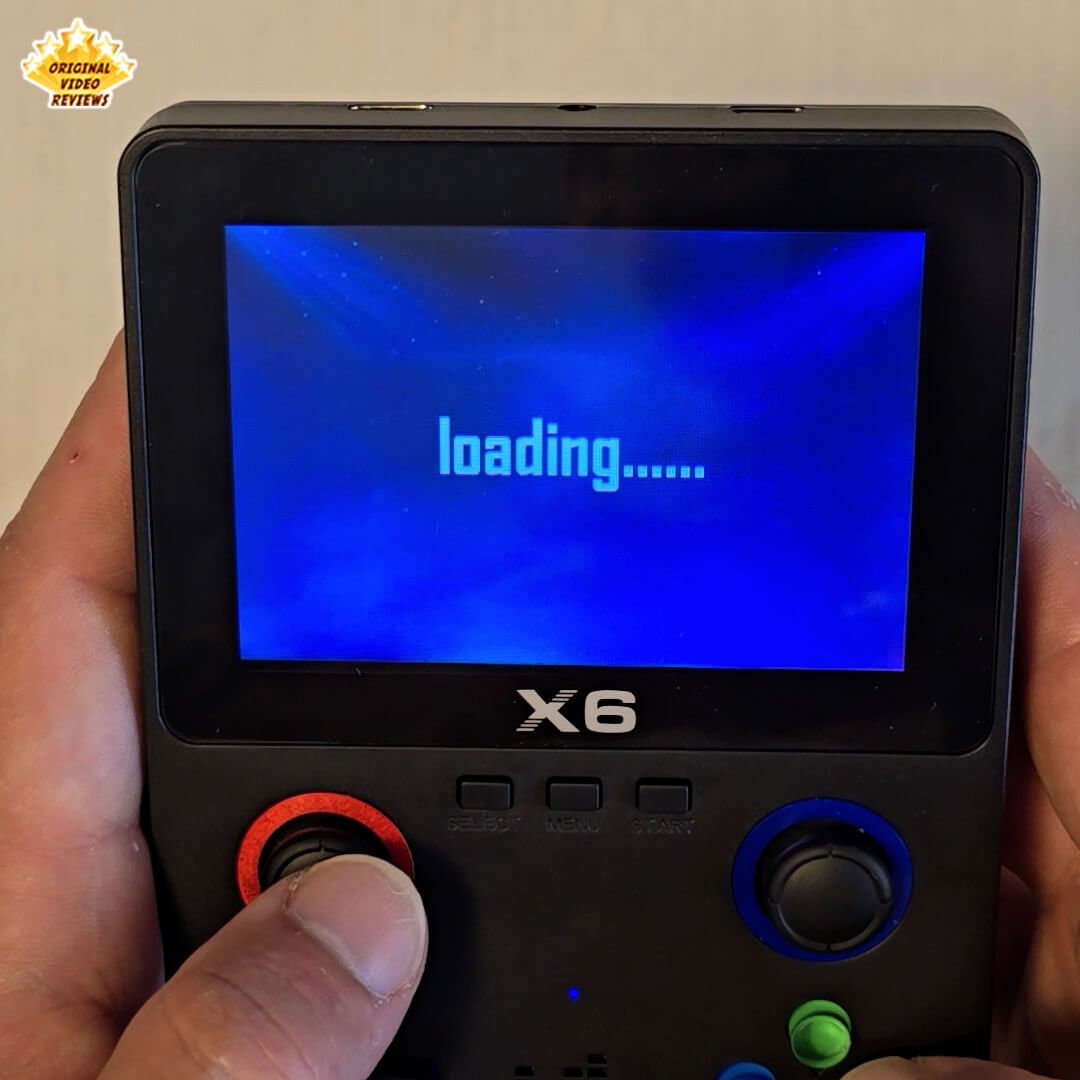
Not All Preloaded Games Run Smoothly I ran into several games that stuttered, froze, or had audio/video glitches. This isn’t necessarily a flaw in the X6 itself – more often, these issues are caused by poorly optimized ROMs or limited compatibility with the built-in emulator.
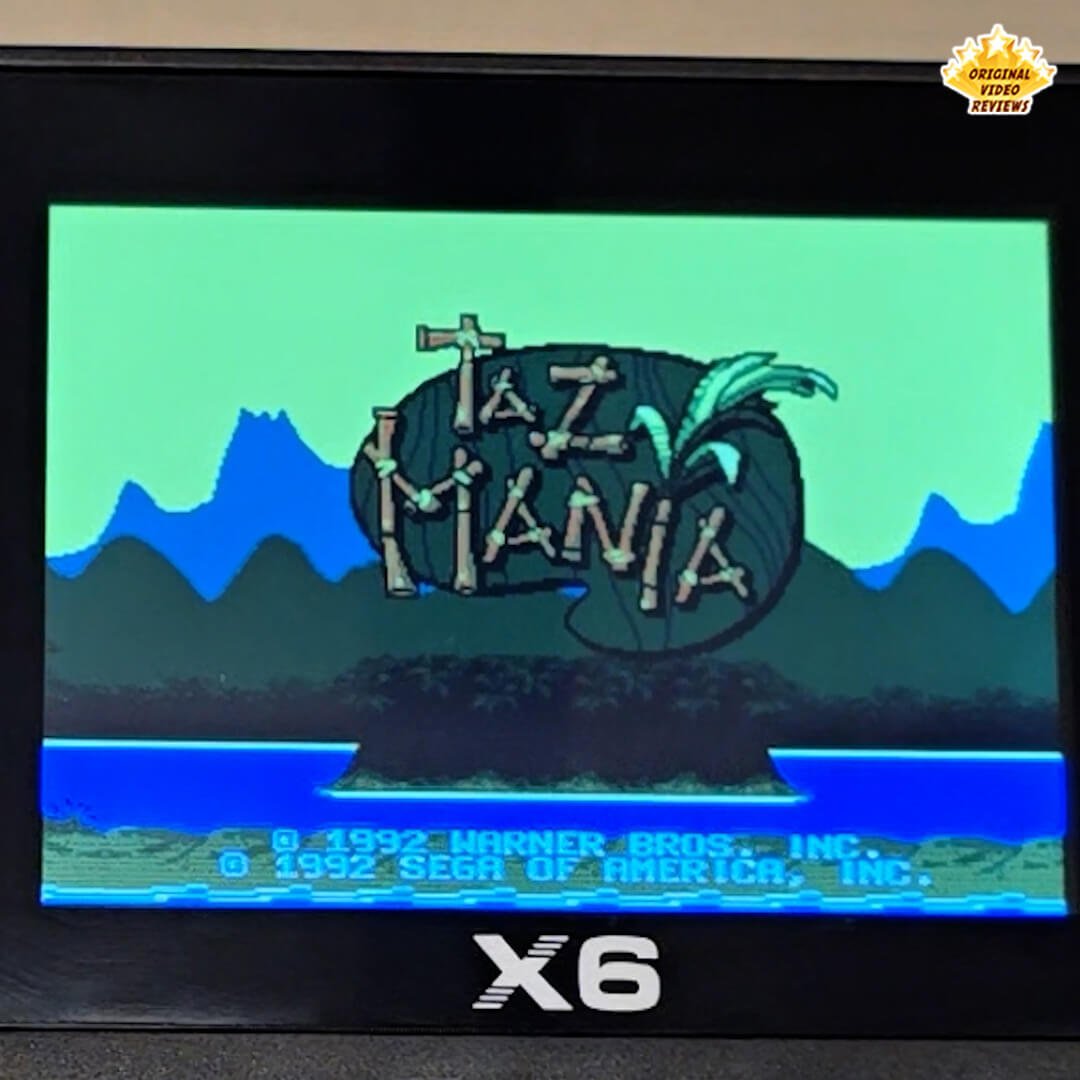
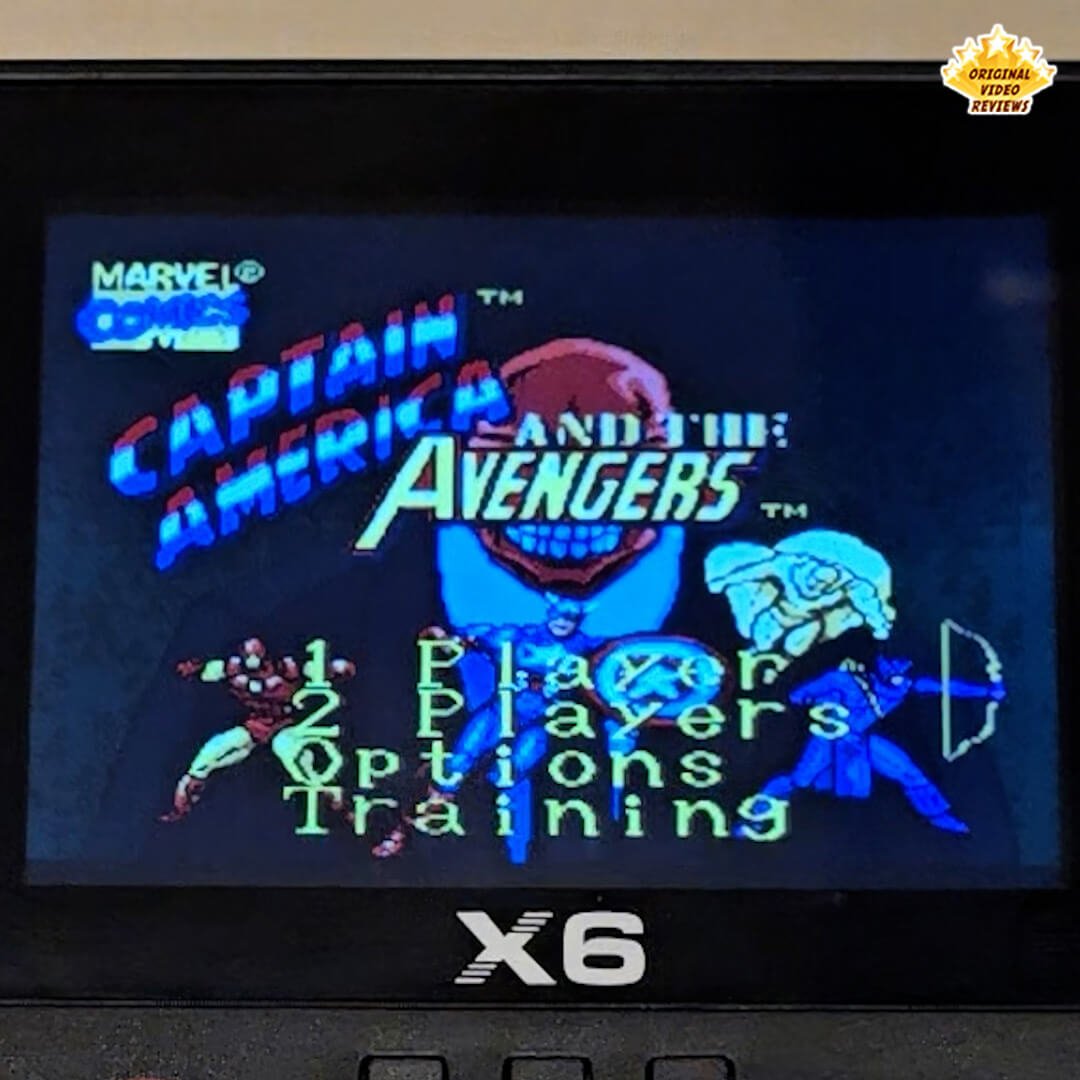
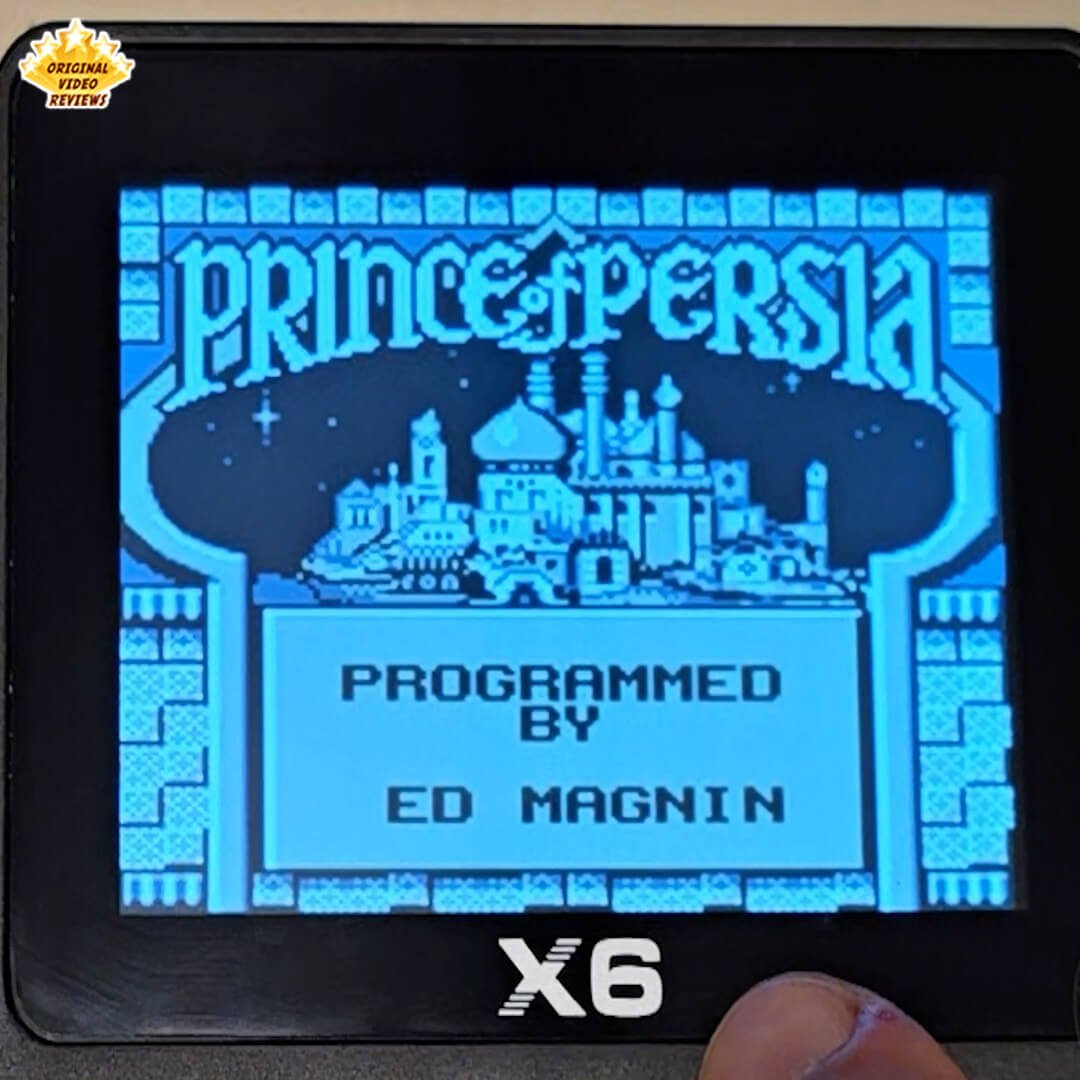
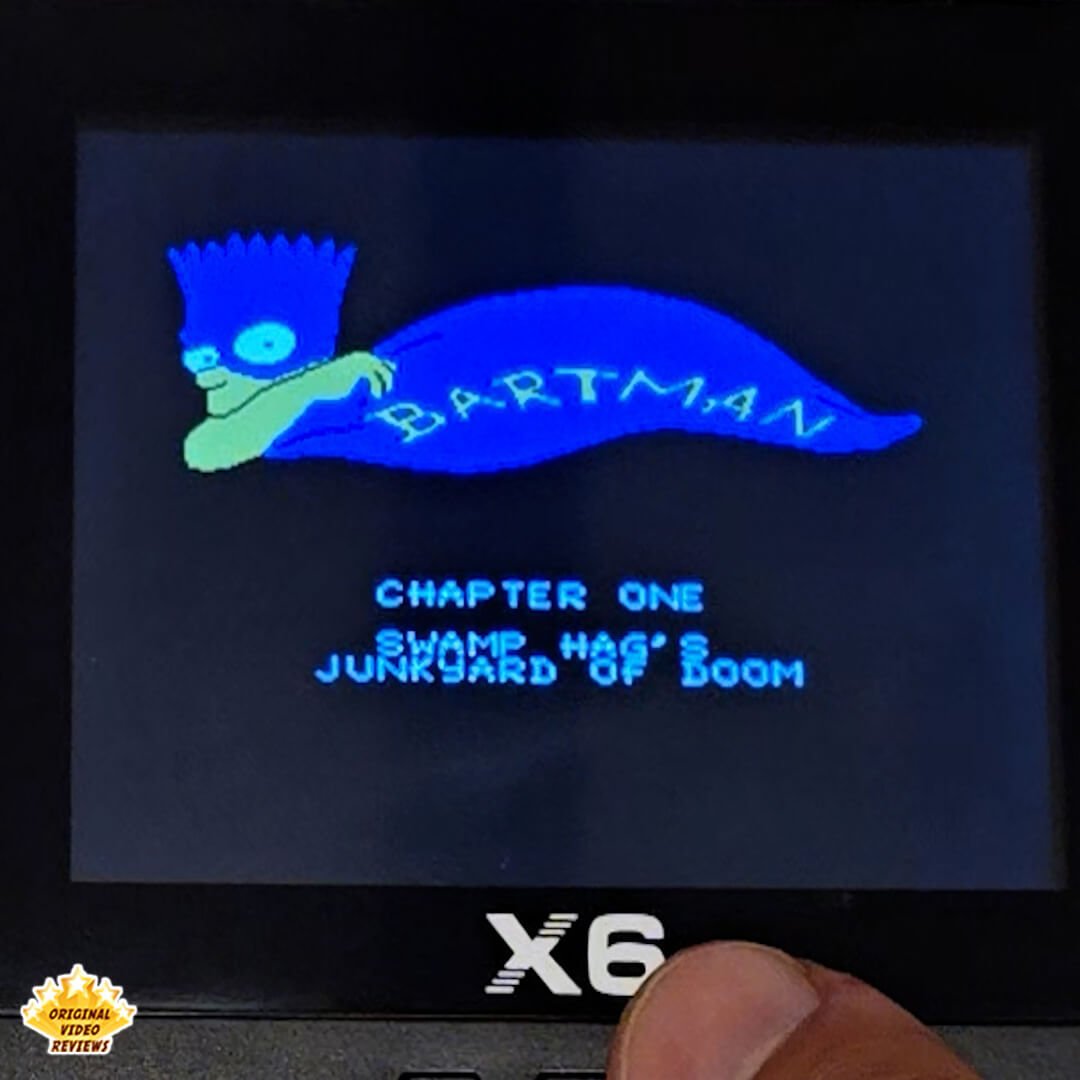
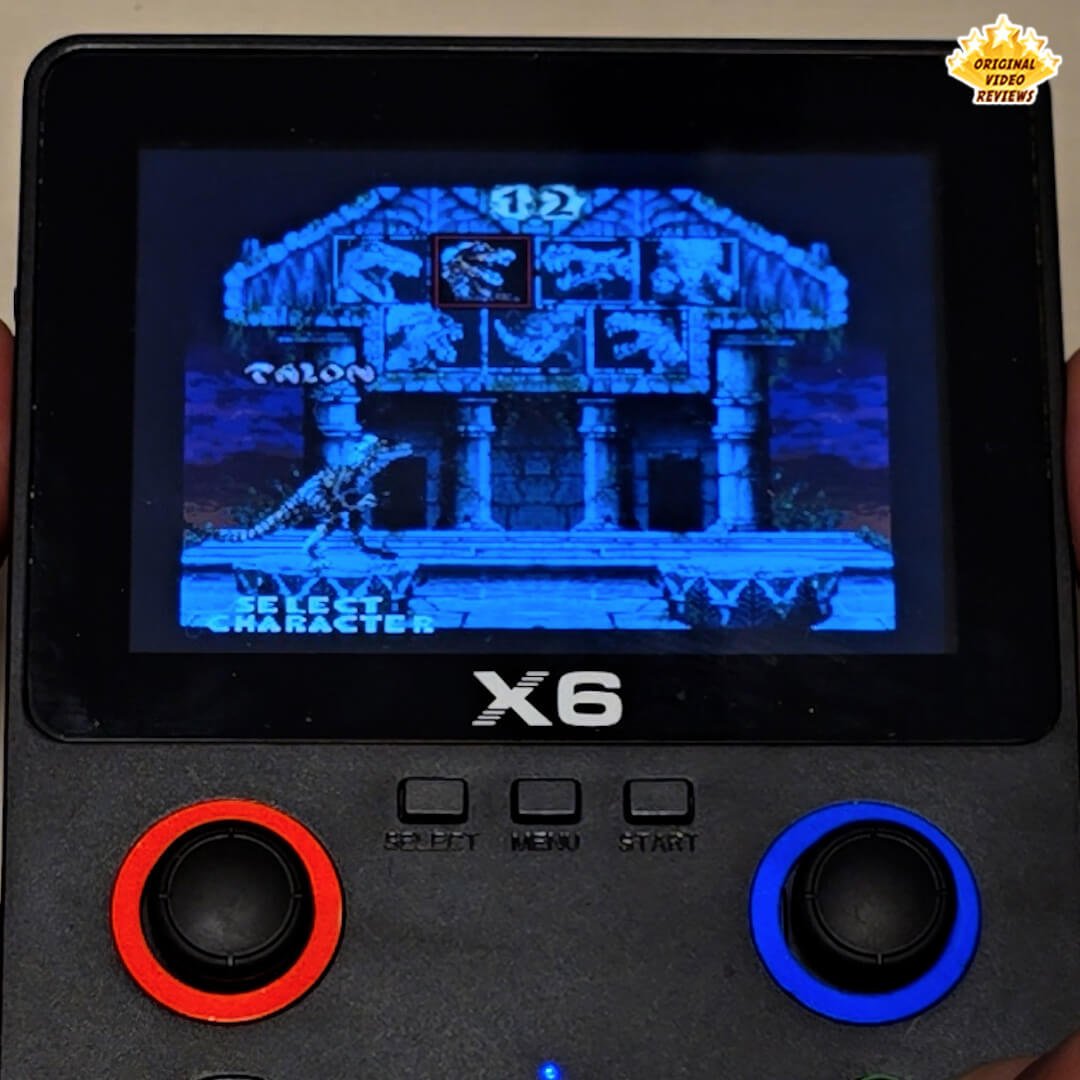
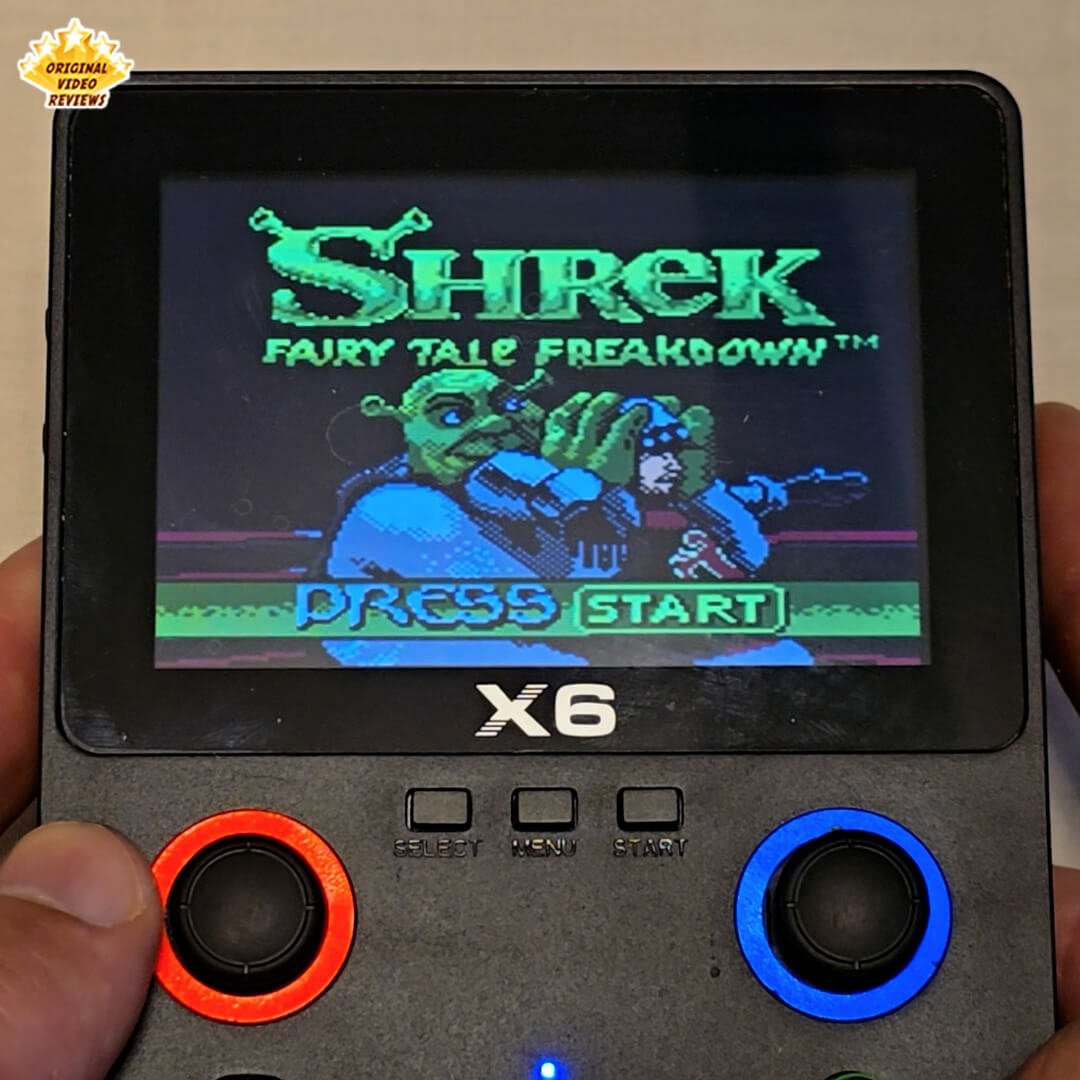
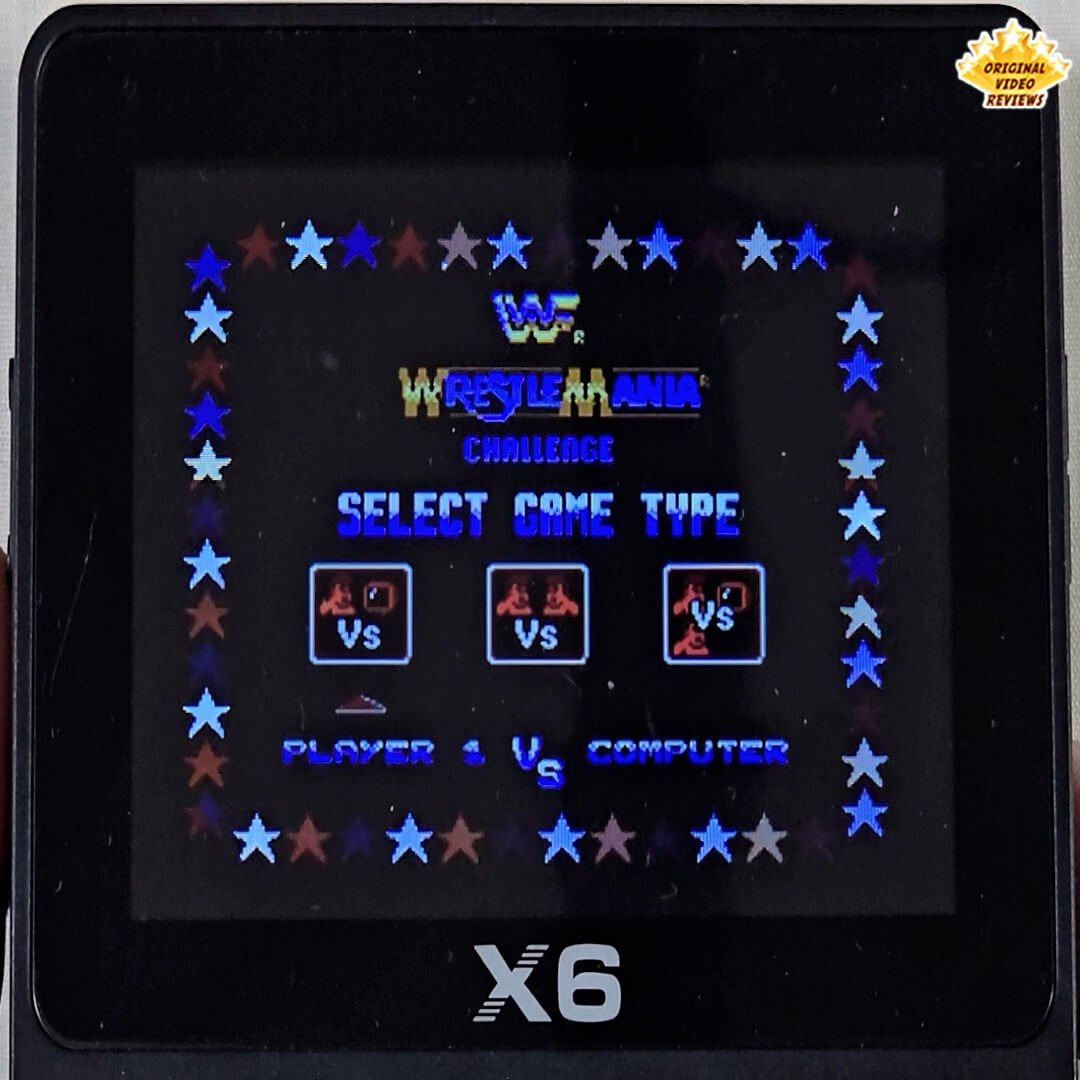
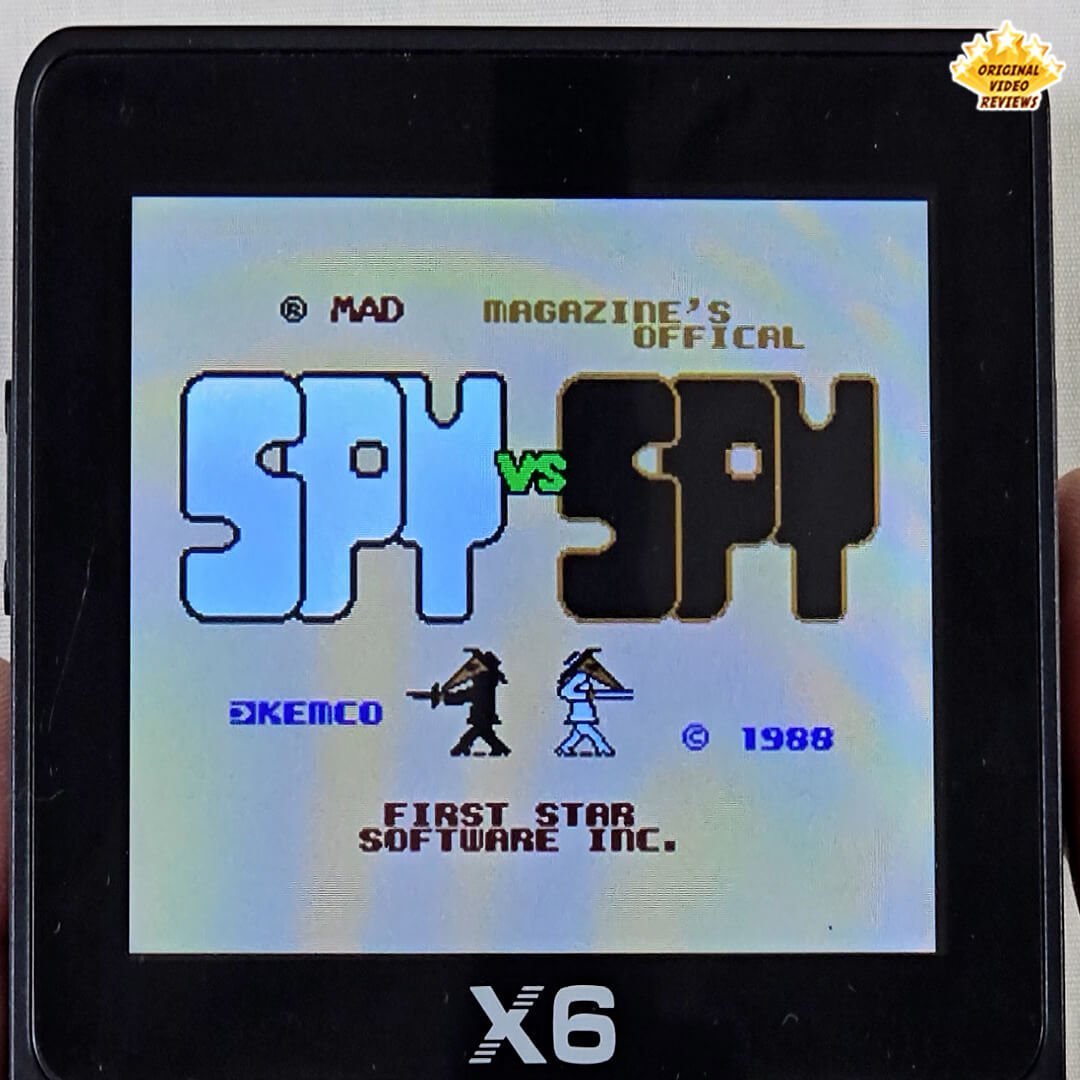
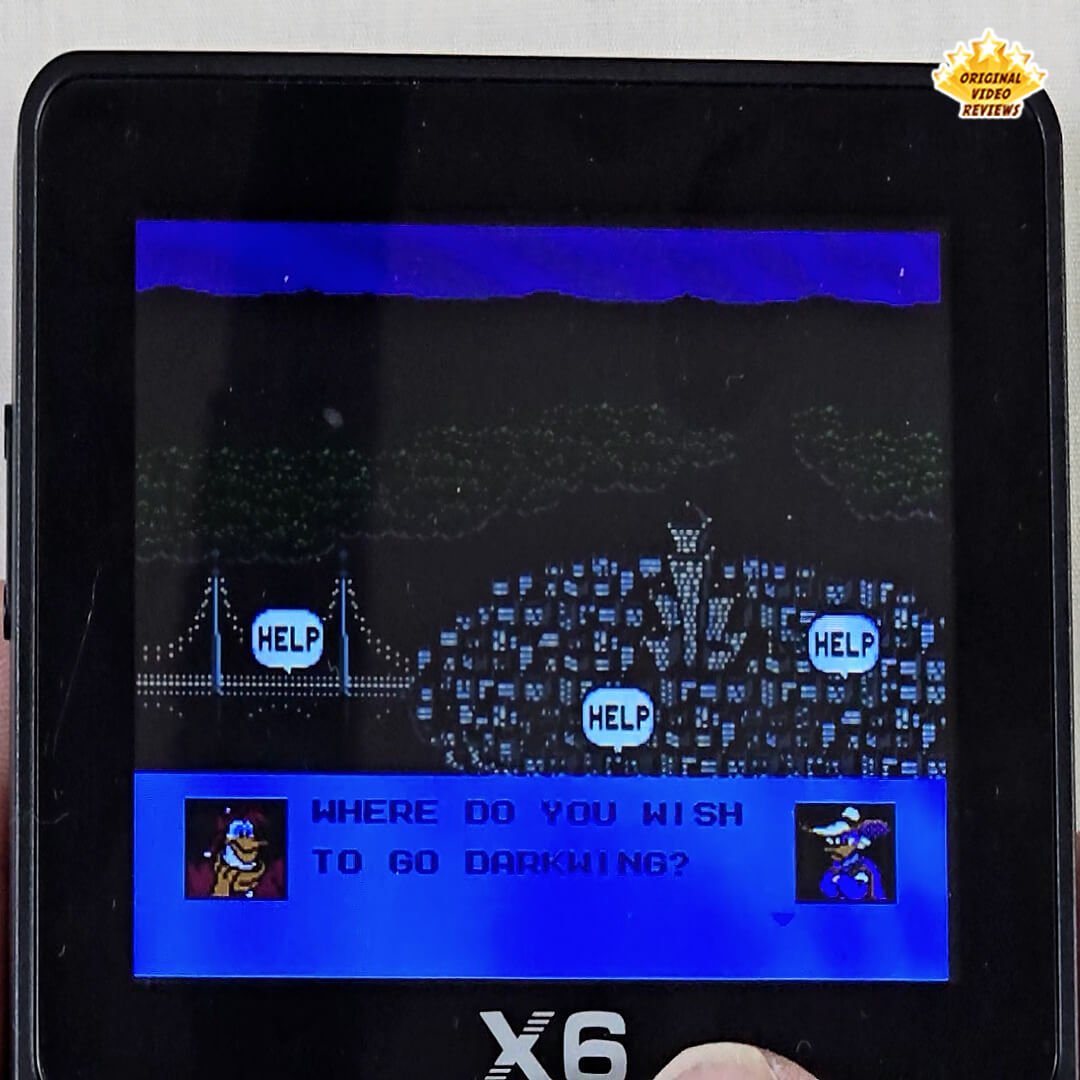
Built-In Screen Lacks Color Depth The X6’s display looks okay at first glance — decent enough for a budget device. But after playing a while, I noticed the colors felt muted and a bit flat. This issue doesn’t appear when using the console with a TV, where colors look noticeably better. If you’re mainly playing on the handheld screen, this could affect your overall gameplay experience.
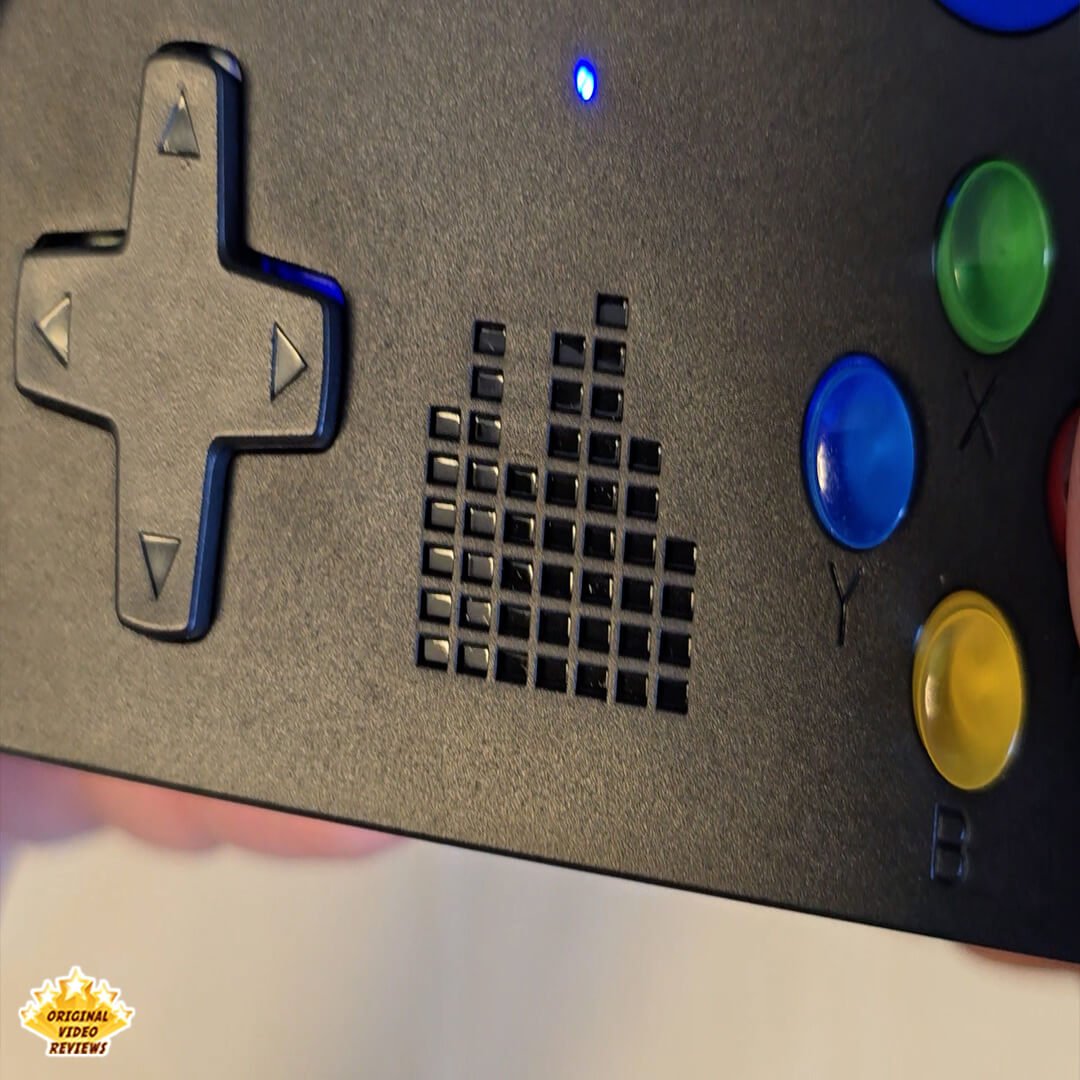
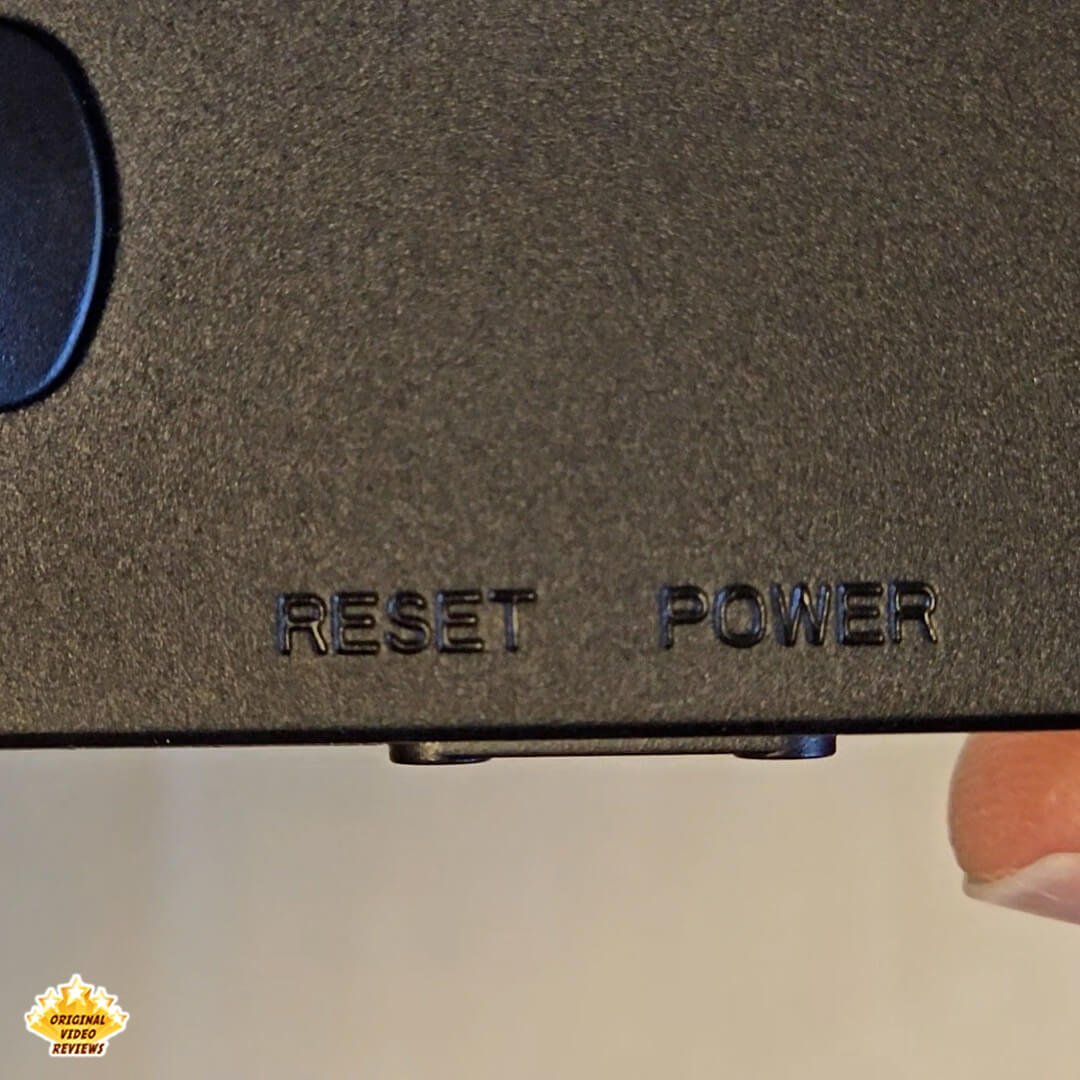
Overly Bright Front-Facing LED The power indicator on the X6 is way too bright — to the point it genuinely feels like a laser beam when it hits your eye at the wrong angle. This isn’t a minor annoyance; it caused real visual discomfort every time it happened. I strongly suggest covering it with a small piece of duct tape when using the device.
Limited Button Customization There are six action buttons, but no option to remap them — unless the individual game supports it. For players who prefer personal control layouts, this is a drawback.
No Built-In Headphone Port Or Bluetooth Surprisingly, the X6 has no 3.5mm headphone jack or Bluetooth support. That means you’re limited to the onboard speaker or AV-out – no private listening.
Not Ergonomically Designed The X6 has a classic retro form factor that may remind you of devices like the Game Boy. But personally, I found it uncomfortable to hold for long sessions. As an adult with relatively large hands, my fingers began to cramp after less than an hour — especially during fast-paced or button-heavy games.
No HDMI Output The X6 only supports AV (composite) output and doesn’t offer HDMI. Personally, I prefer using HDMI when possible — it’s simpler and more convenient for my setup. That said, if your TV doesn’t include AV input, you might be able to work around it by using an AV-to-HDMI adapter.
Missing Advertised Features & ROM Variation Some features mentioned in listings — like PlayStation support or an alarm clock — were not present on the unit I received. This likely depends on the specific version or firmware of the console. The actual selection of preloaded games may also vary between sellers.
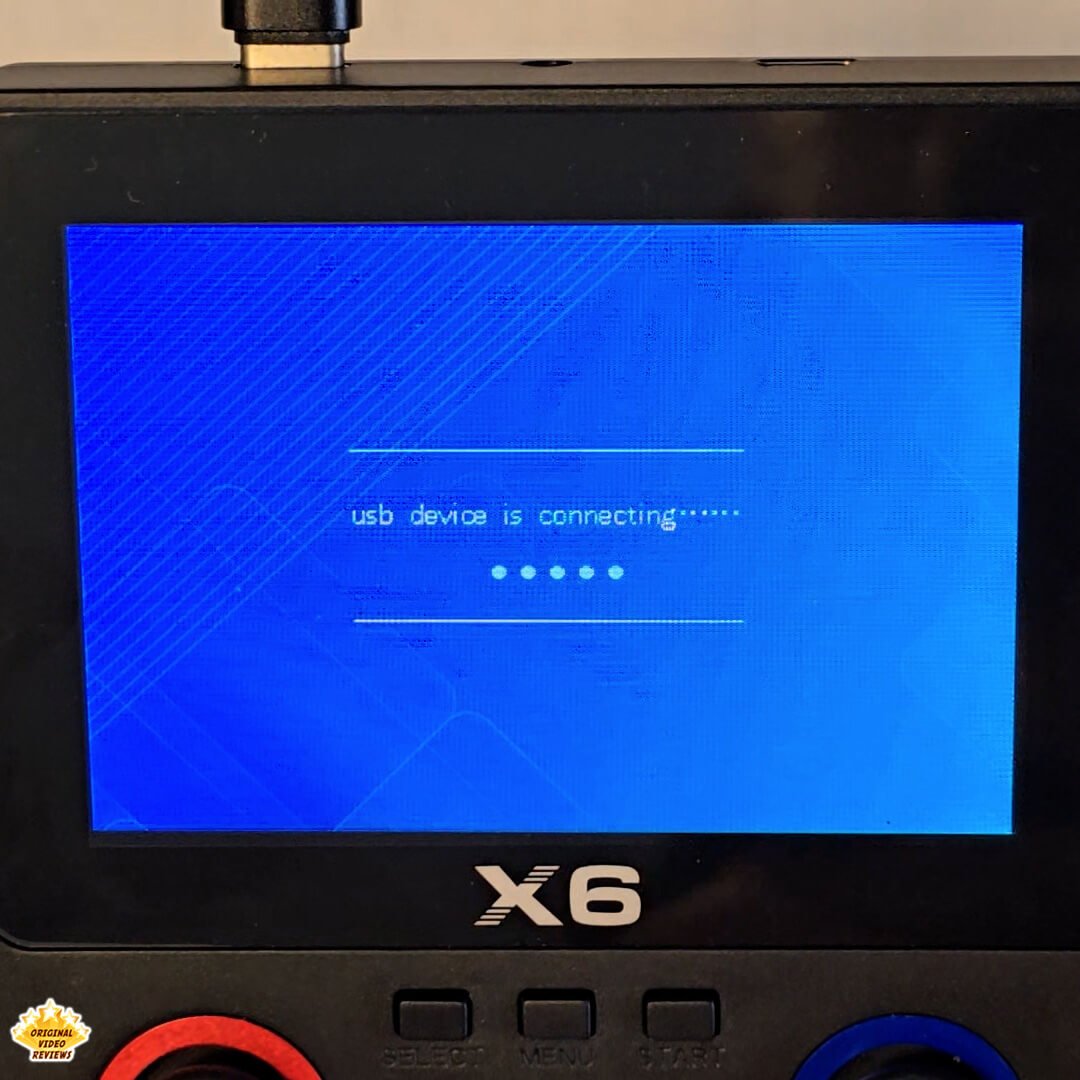
No Gameplay While Connected To A Computer When you plug the X6 into a PC, it automatically switches to USB storage mode — allowing file transfers, but disabling gameplay entirely. You can’t navigate the interface or launch games until it’s unplugged. This also means you can’t charge the device via computer and play at the same time.
Specs Are Unclear The exact hardware details (like display resolution or battery type) aren’t always provided – and might differ depending on the seller or the brand label (there are many rebranded X6 units). That makes it hard to know what you’re actually getting.
2-Player Mode Requires Extra Hardware The X6 includes a port for connecting a second controller, which enables local multiplayer in supported games. Some sellers offer a bundle that includes an additional gamepad, but my unit came with the console only.
Some Games And Systems Are Duplicates There’s a fair amount of overlap — with different regional versions of the same game (USA, Europe, Japan), and similar console emulators (like NES and Famicom).
Mono Audio Only Sound output is mono — both from the built-in speaker and through the supplied AV cable (red audio connector only).
Overall Verdict
The X6 surprised me - in a good way. It offers a lot of functionality and content for a relatively low price. Whether it’s for casual gaming, a dose of nostalgia, or just something to keep the kids entertained, it gets the job done.
I see it more as a fun gadget than a serious gaming console - and that’s totally fine. But if your goal is to truly enjoy retro games for longer sessions, you might want to invest a bit more in a device that offers a sturdier build, a more comfortable grip, and a noticeably better screen.
Since it's a white-label product, there are multiple versions on the market — some with additional shoulder buttons, others with different batteries, TF cards, or preloaded games. Prices range from around $20 to $96 USD, depending on the seller and specific configuration.
Whether those differences justify the higher prices is something to evaluate. If you’re seeing it at the lower end of the range — it’s a solid little device. If the price is closer to the higher end, make sure you know exactly what you're getting — otherwise, there might be better-quality alternatives worth considering.
The X6 is a fun and affordable retro gadget that delivers impressive value when purchased at the lower end of its price spectrum. Packed with modern conveniences like USB-C charging, a massive expandable game library, and reliable TV output, it’s ideal for casual nostalgia or entertaining kids. However, its basic plastic build, flat screen colors, and cramped ergonomics make it less suited for serious, long-term gaming sessions. If you can find it for a highly budget-friendly price, it is a fantastic buy—but if a seller's specific configuration pushes the cost significantly higher, you should consider skipping it in favor of better-built alternatives.
Where to buy
Below are links to purchase the X6 portable game console (or similar models):
Photos
Additional links
Currently, there are no additional official links or resources available for this product. I will update this section if relevant information surfaces.
FAQ
Can it run emulators of other game consoles?
Does the X6 support PlayStation games?
Does the X6 have an alarm clock feature?
Got questions about the X6 console?
Already tried the X6 yourself?
More Game Console Reviews

The Ultimate Gaming Guide
Dive into our complete hub for deep-dive game console reviews, video game accessories, and real-world testing.
Explore ReviewsSubscribe OVR channels
Choose the channels you like and subscribe on YouTube.
Disclaimer
This post contains affiliate links.
Please check out my disclosure policy for more details.
Thank you for your support & understanding!

Comments