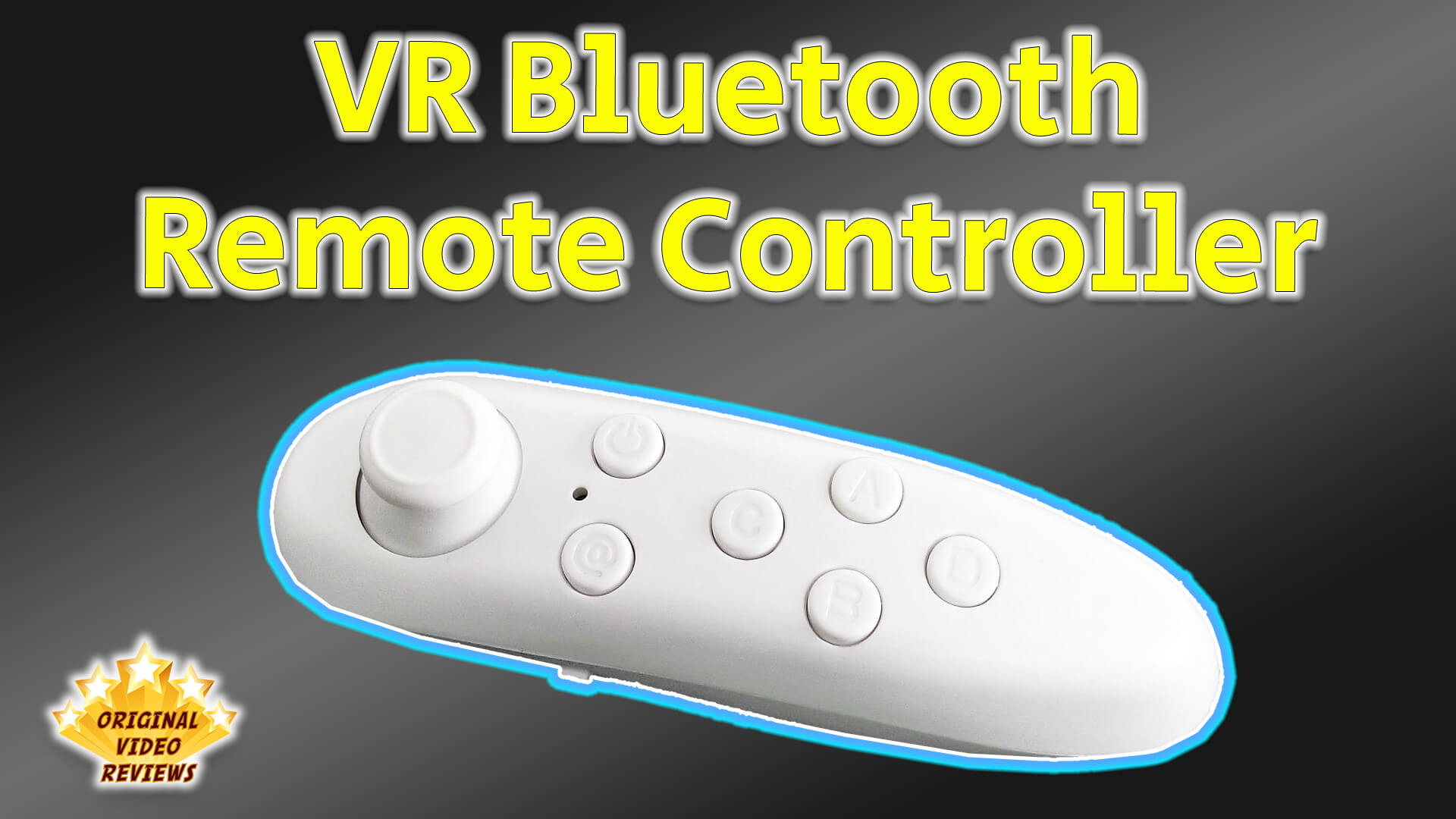
VR Bluetooth Remote Controller A compact Bluetooth remote for VR glasses and mobile games
Overview
This Bluetooth game controller is designed as a compact remote for use with VR glasses and is compatible with most Android and iOS smartphones.
It connects wirelessly via Bluetooth and can be used for VR games, classic games, and even basic media control such as video and music playback.
The remote also works with Windows devices, making it a versatile option across platforms.
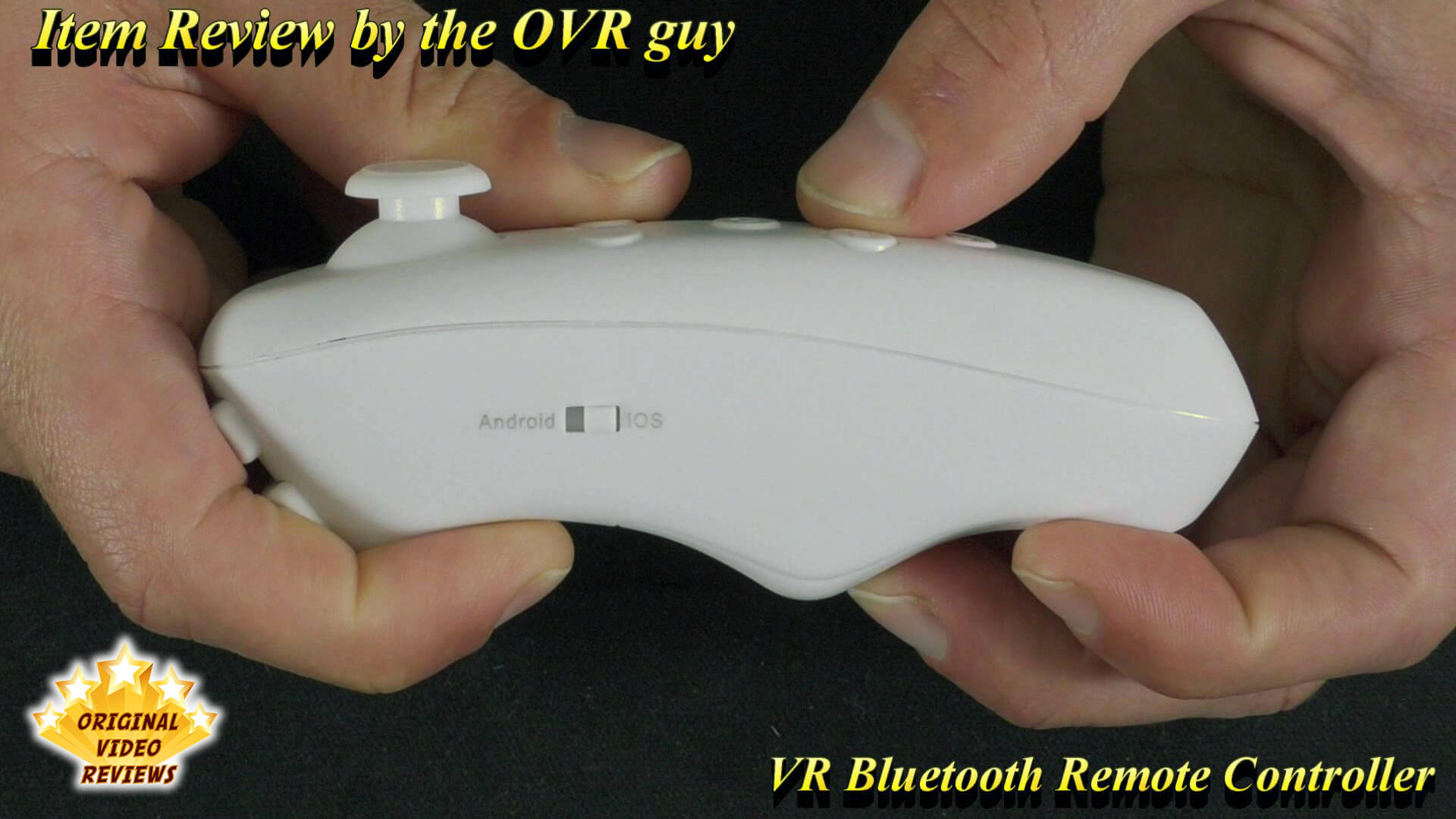
On iOS, functionality is slightly limited - mouse and certain game modes are not supported - but for general use, it performs without major issues.
Product description
- Brand
- N/A
- Model
- VR CASE / BT03 / VR Box
- Type
- Bluetooth VR remote controller
This is a compact Bluetooth remote controller designed for use with VR glasses. It connects wirelessly to most Android and iOS smartphones, and it also works with Windows devices.
Beyond VR games, the listed features include acting as a shutter for selfies, controlling music and video playback, flipping pages in e-book apps such as Kindle and Anki, and scrolling short videos up and down on Instagram, TikTok and Likee. It also has a mouse function, and it can play VR apps and videos as well as iCade games such as Crossy Road and XINPUT games such as Dungeon Hunter, Contra Returns and Call of Duty.
Specifications
General
| Physical | |
| Size | 118×33×42 mm |
| Power | |
| Battery | R03 No. 7 1.5V battery × 2 units |
| Working current | 0.5-8 mA |
| Standby current | 0.5-1 mA |
| Shutdown current | 0 |
| Continuous gaming time | About 40-120 hours, according to the user manual (varies by model and battery type) |
Connectivity and compatibility
| Wireless | |
| Protocol | Bluetooth 3.0 compliant |
| Compatibility | |
| Supported systems | Android, iOS, PC |
| Supported games | Android / PC gamepad games (NES, GB, SMD, SX, GBC, N64, MAME emulators, Android APK), Apple iOS iCade games |
Inside the box
Pros
PriceThis is an affordable controller.
It works OKAs long as the specific game supports this kind of controller, then it should work just fine.
Various featuresIt can do many things, such as control the camera, media player, air mouse, etc.
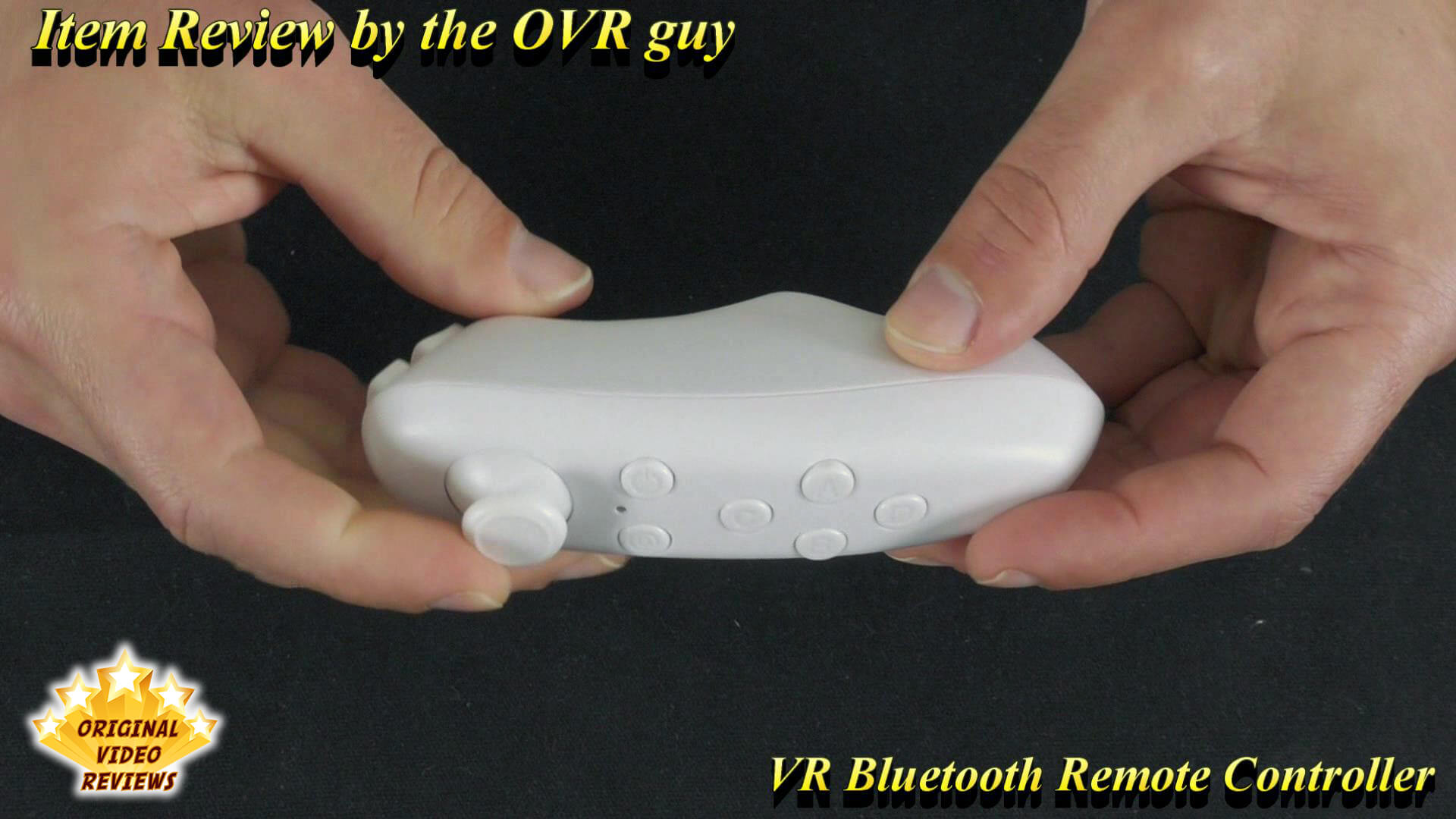
Comfortable designIt is comfortable to hold, similar to a Nintendo Wii Nunchuk.
Cons
It doesn’t support certain VR gamesThis issue isn’t relevant to the controller itself but to the game/software.
Overall Verdict
All in all, this is a nice, feature-rich gadget that offers plenty of utility for the price. It works as an air mouse, a media player remote and a camera shutter, and it is also a popular accessory for VR glasses.
To get the most out of it, take the time to pair it and set the correct mode for your operating system (iOS, Android or Windows). Keep in mind that compatibility depends on whether the specific game or app supports this type of controller, so that limitation comes from the software and not from the hardware itself.
Cheap, versatile and comfortable to hold. Worth the shot, as long as your game or app supports this type of controller.
Where to buy
Below are links to purchase this Bluetooth game controller (or similar models):
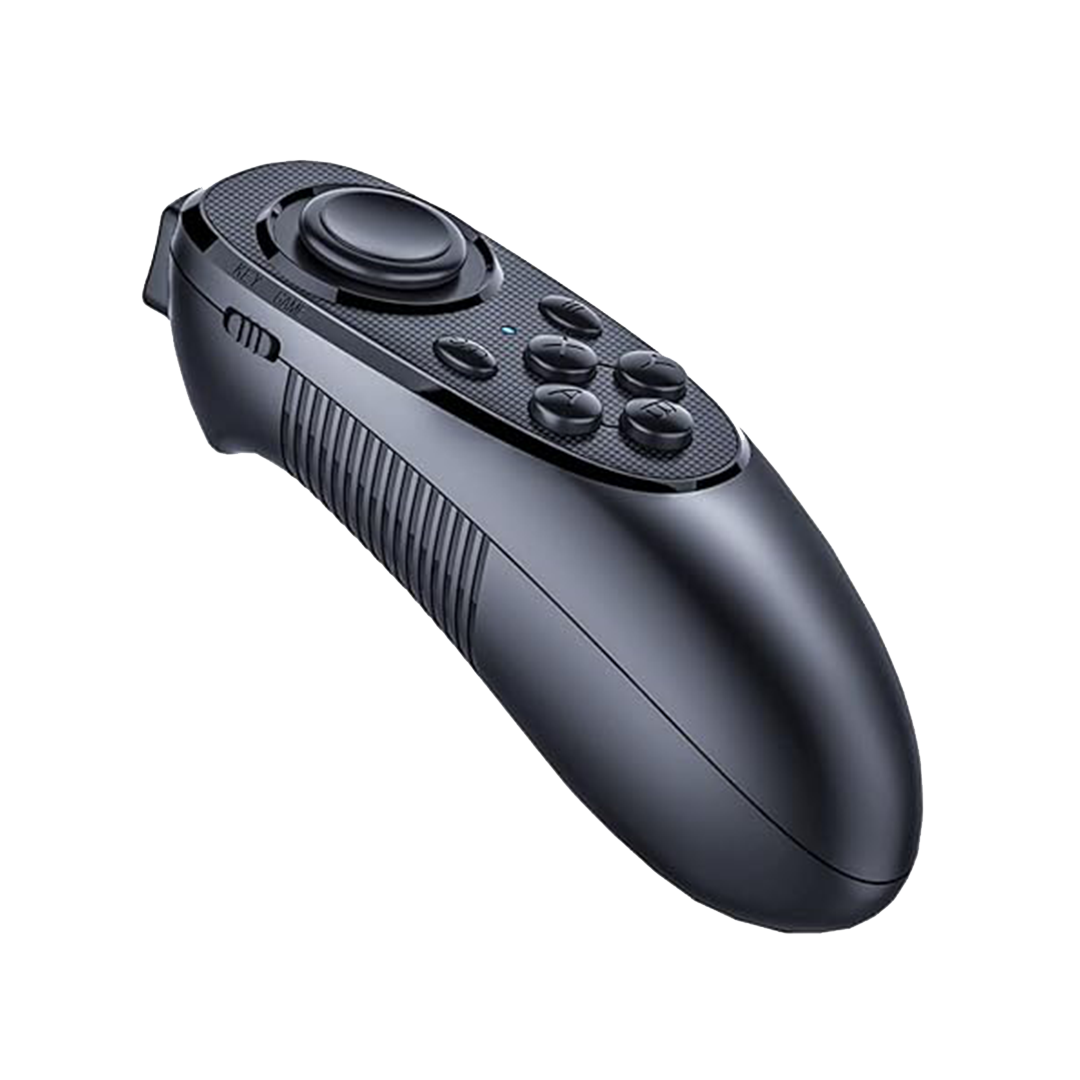
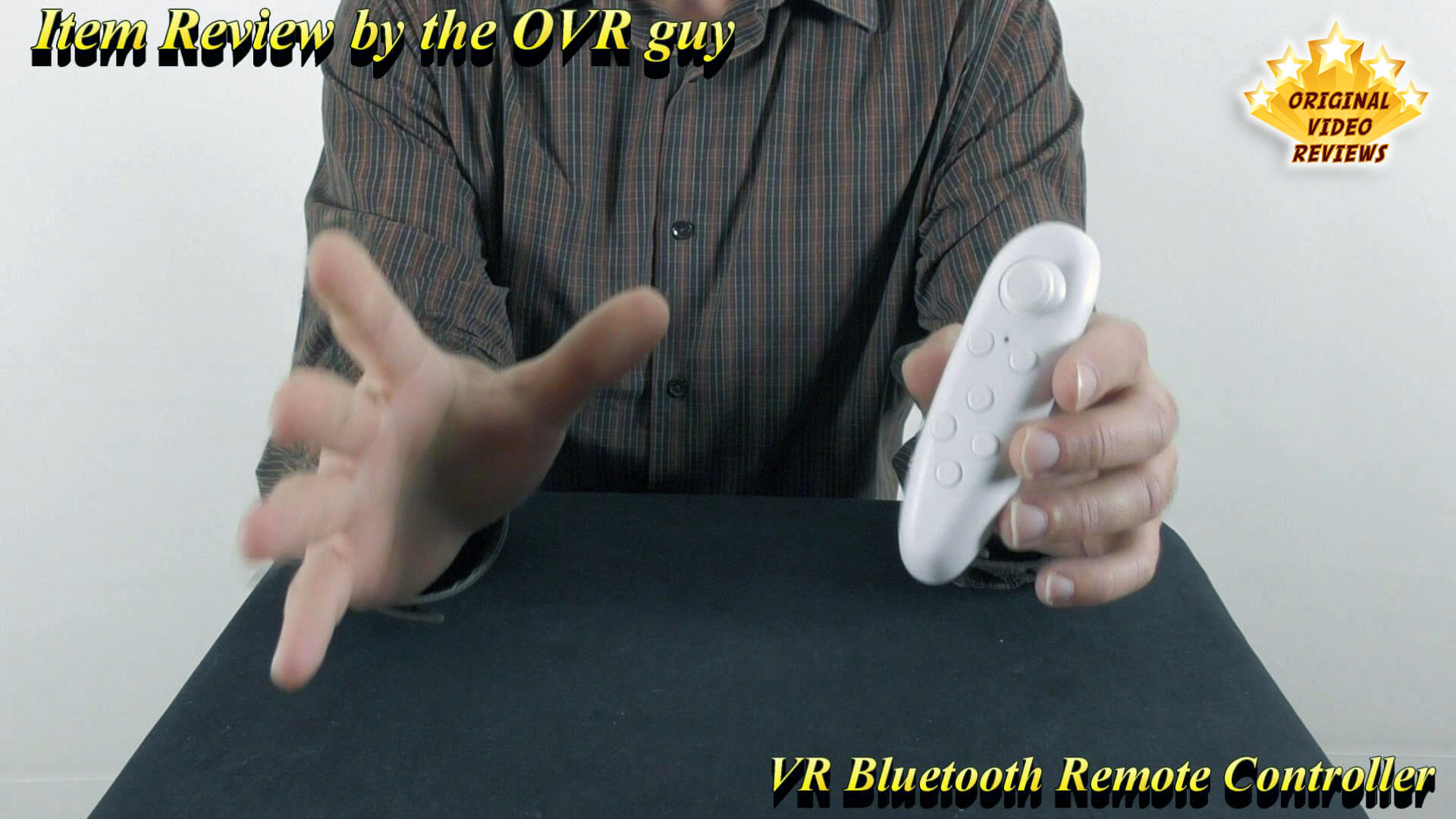
Photos


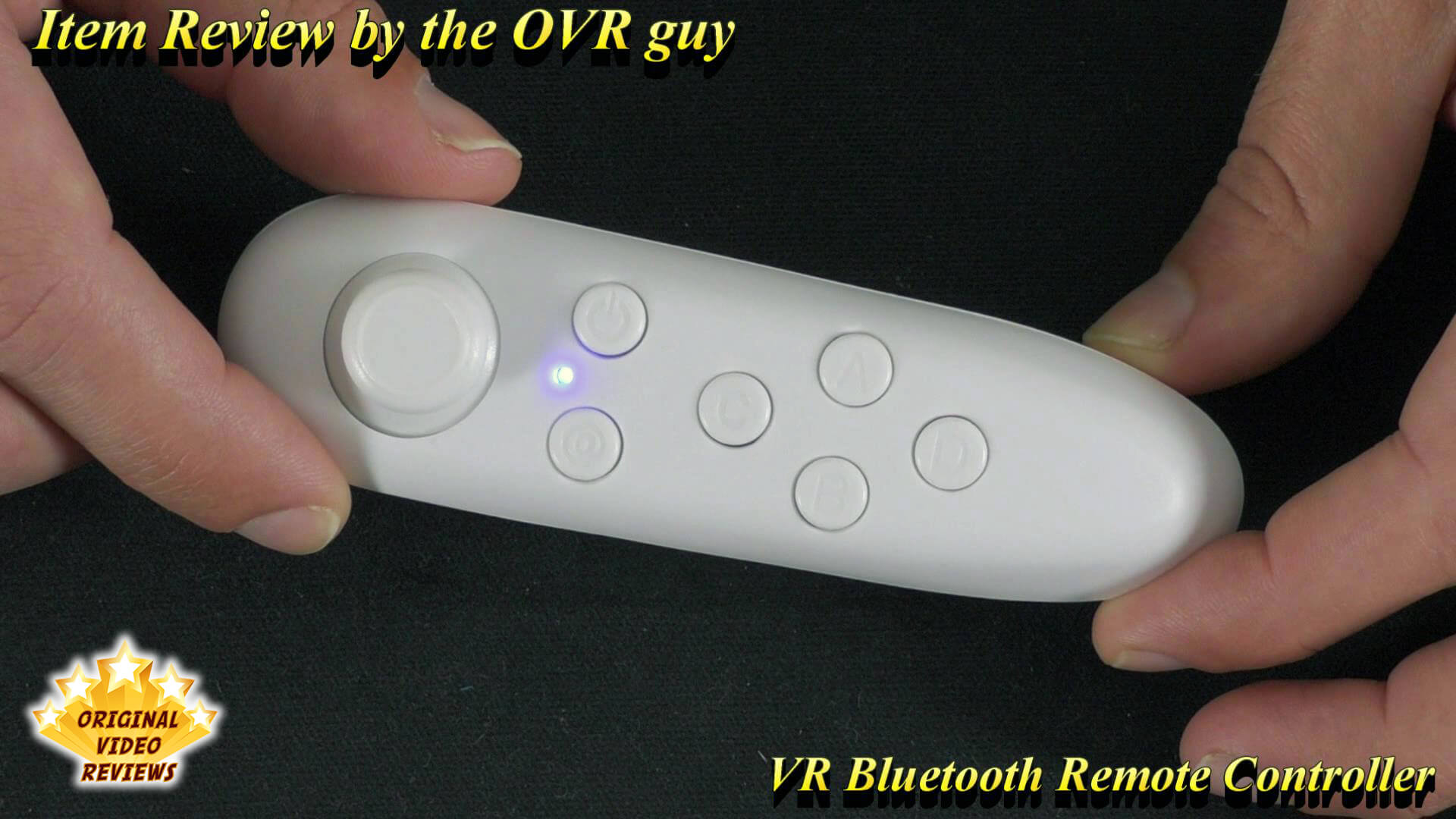


User Manual
VR Bluetooth Remote Controller User Manual
User manual (PDF)
FAQ
Where can I find games for this controller?
Why this controller doesn’t work with a game I downloaded?
Reason #1 - The specific game doesn’t support a controller. Many developers don’t create VR games that operate with a controller but only with body movement. I believe as time goes by, you will be able to find more and more games that allow you to use a controller such as this one.
Reason #2 - You didn’t set up the controller properly, so check if it switched to the relevant OS that you are using (iOS / Android / Windows), and make sure to choose the right mode (as I explained in the video).
Does this controller work with a PC?
Can I use this controller with any VR game, such as VRChat?
Got questions about this controller?
Already used this controller yourself?
More Computer Accessories

Essential Computer Gear
Check out my full collection of computer accessories, including docking stations, hubs, peripherals, and more, all reviewed with a hands-on approach.
Explore All ReviewsSubscribe OVR channels
Choose the channels you like and subscribe on YouTube.
Disclaimer
This post contains affiliate links.
Please check out my disclosure policy for more details.
Thank you for your support & understanding!
Comments