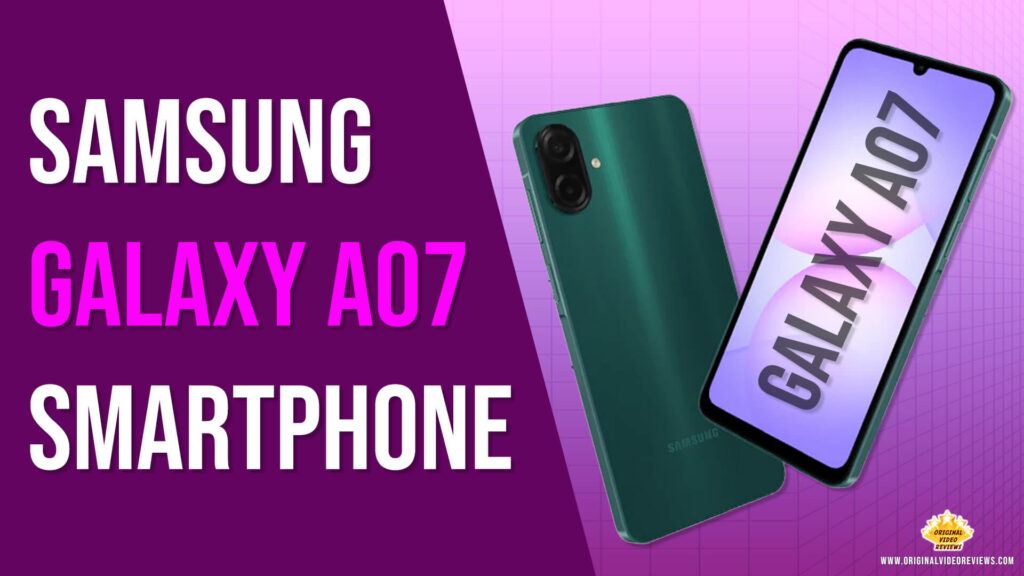
Overview
The most critical and substantial change in the Galaxy A07, which makes it a worthwhile upgrade over previous generations, lies under the hood.
Samsung has replaced the older Mediatek G85 processor with the new Mediatek G99. The G99 not only offers higher processing speeds but is built on a smaller, more efficient 6 nm architecture (compared to the likely 12 nm of the previous model).
What this means for the user is a smoother overall experience, significantly faster app launch times, more fluid gaming, and crucially—better battery life due to the superior power efficiency of the new chipset.
This upgrade directly addresses the core performance needs of a modern budget smartphone user.
This is an ongoing review.
I will update this info soon If you have questions – please write a comment.
Product details
Brand: Samsung
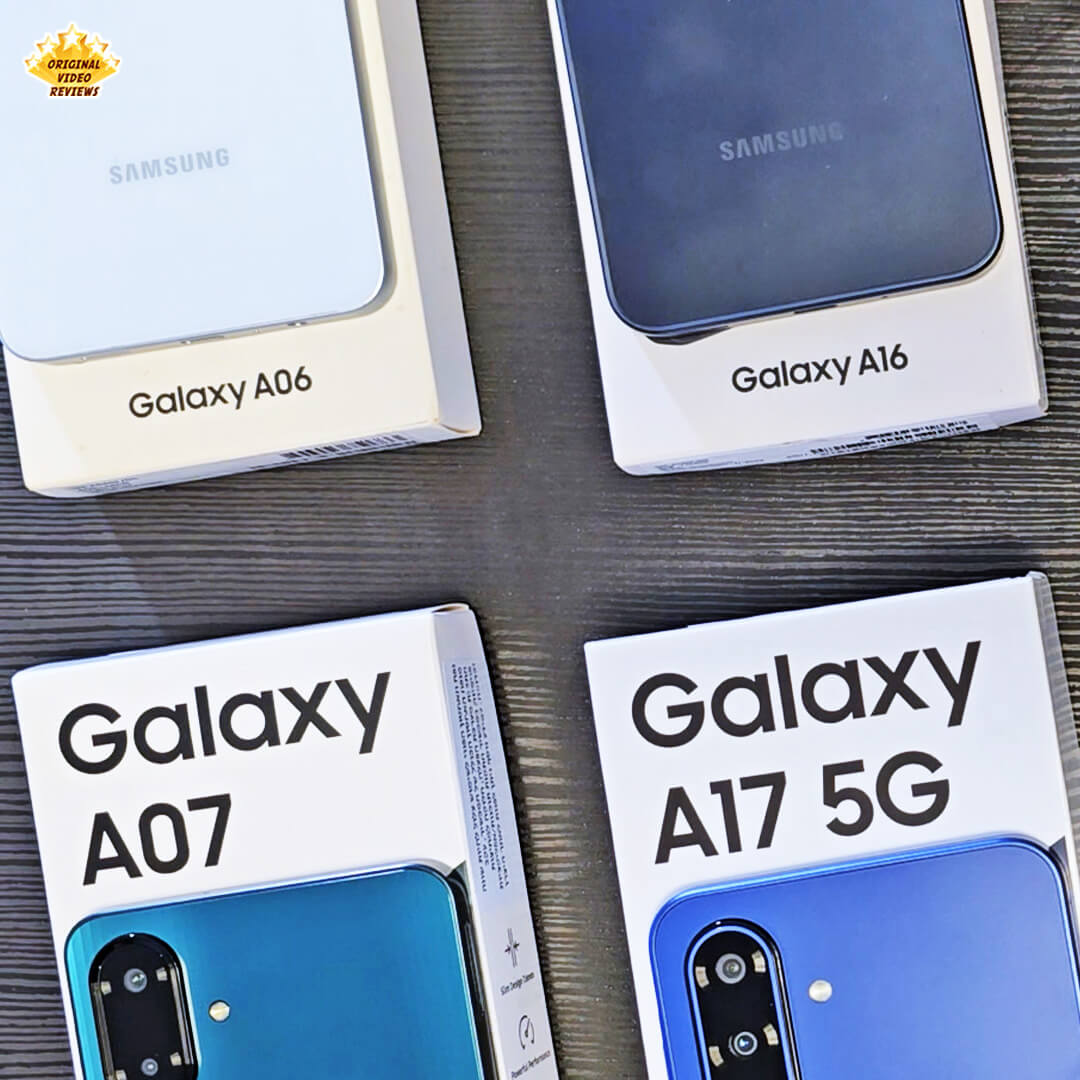
Model: Galaxy A07 (SM-A075F)
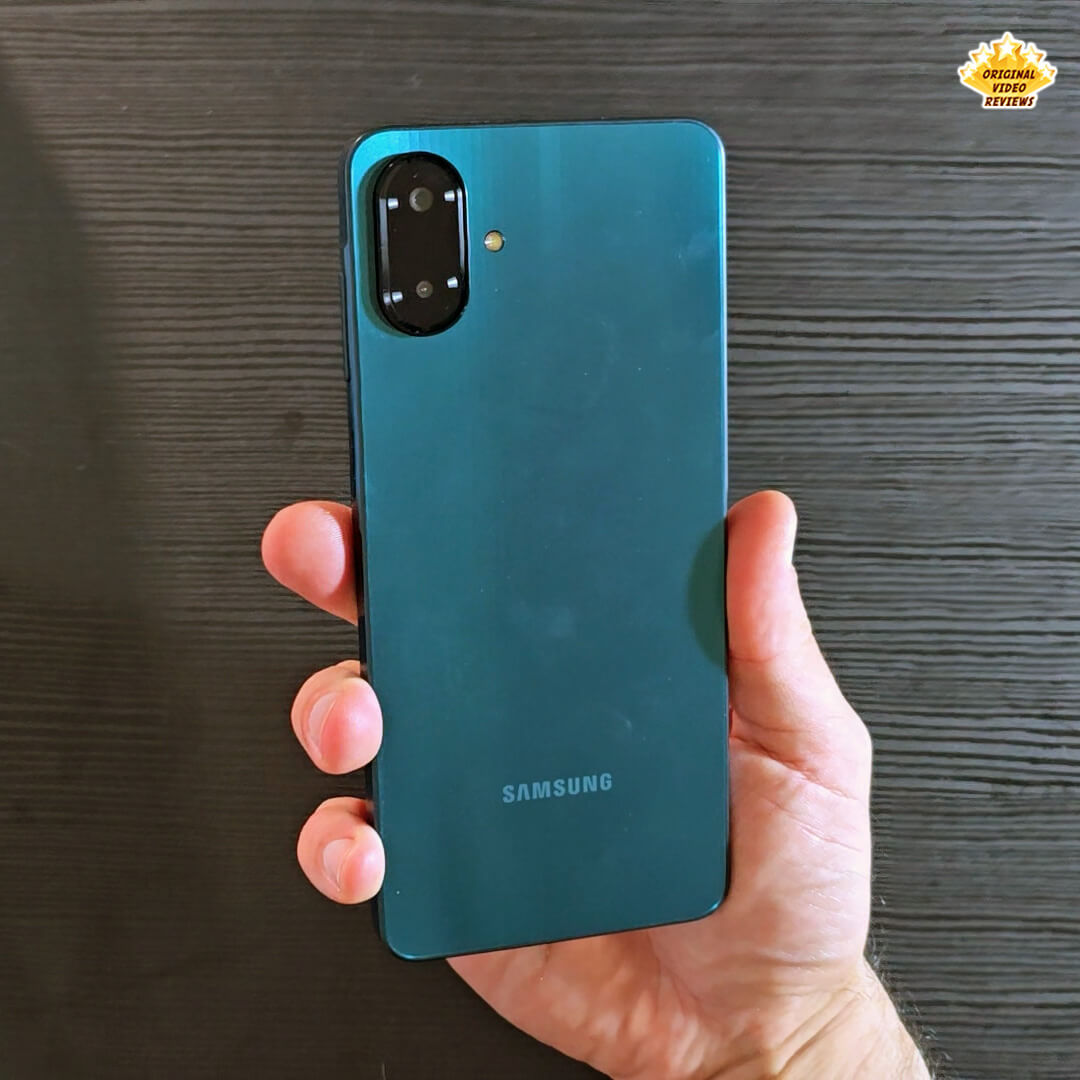
The Galaxy A07 debuts a slimmer 7.6 mm flat design for effortless handling, features an upgraded processor from 12 nm to 6 nm for faster load times and smoother multitasking, and carries an IP54 rating that repels dust and 360° water spray for added durability.
The Galaxy A07 swaps the previous model’s Mediatek G85 for the new Mediatek G99, built on a smaller, more efficient 6 nm chip. That means apps launch faster, games run smoother, videos play in higher quality, and you can jump between tasks without a hitch, all while enjoying better battery life.
You get 6x OS upgrades and 6 years of security support, so your phone stays future-ready and protected against emerging threats.
If you’re looking for a more affordable Samsung Galaxy smartphone that still offers great features, Galaxy A series is an excellent choice. With a reasonable price, you can take amazing photos, binge-watch your favorite show with little battery issues and more.
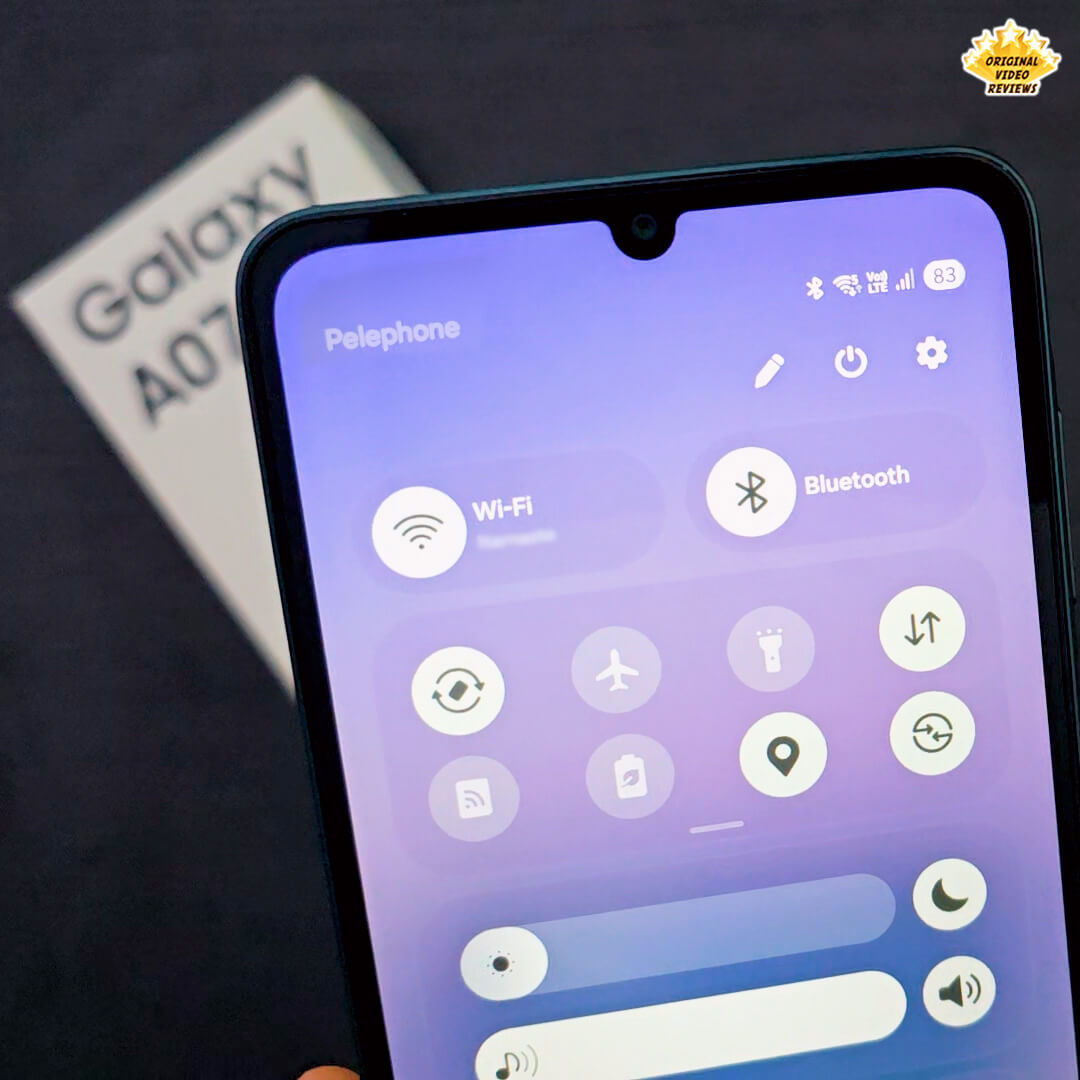
With a new intuitive look and upgraded usability, One UI 7 makes Galaxy A07 easy to use.
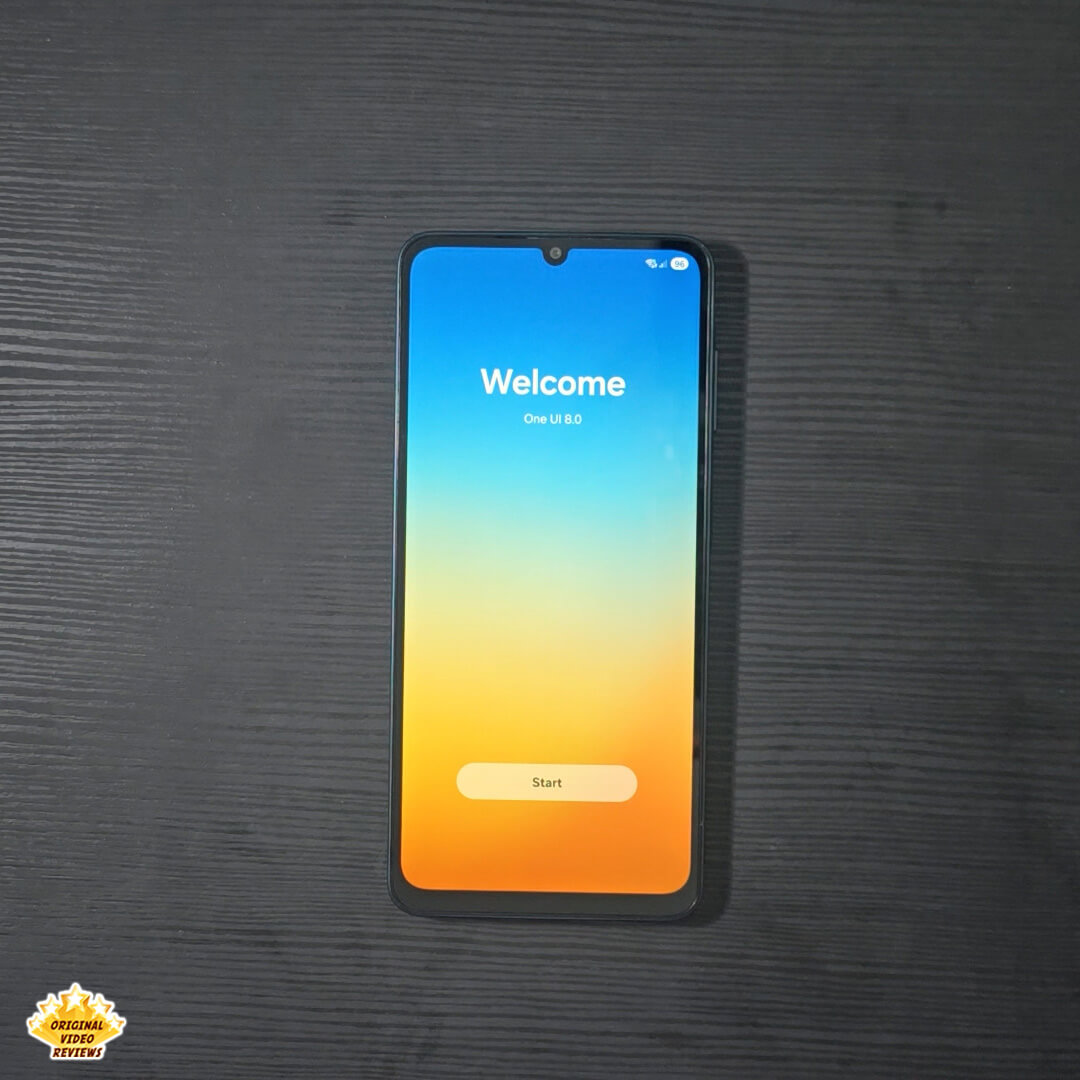
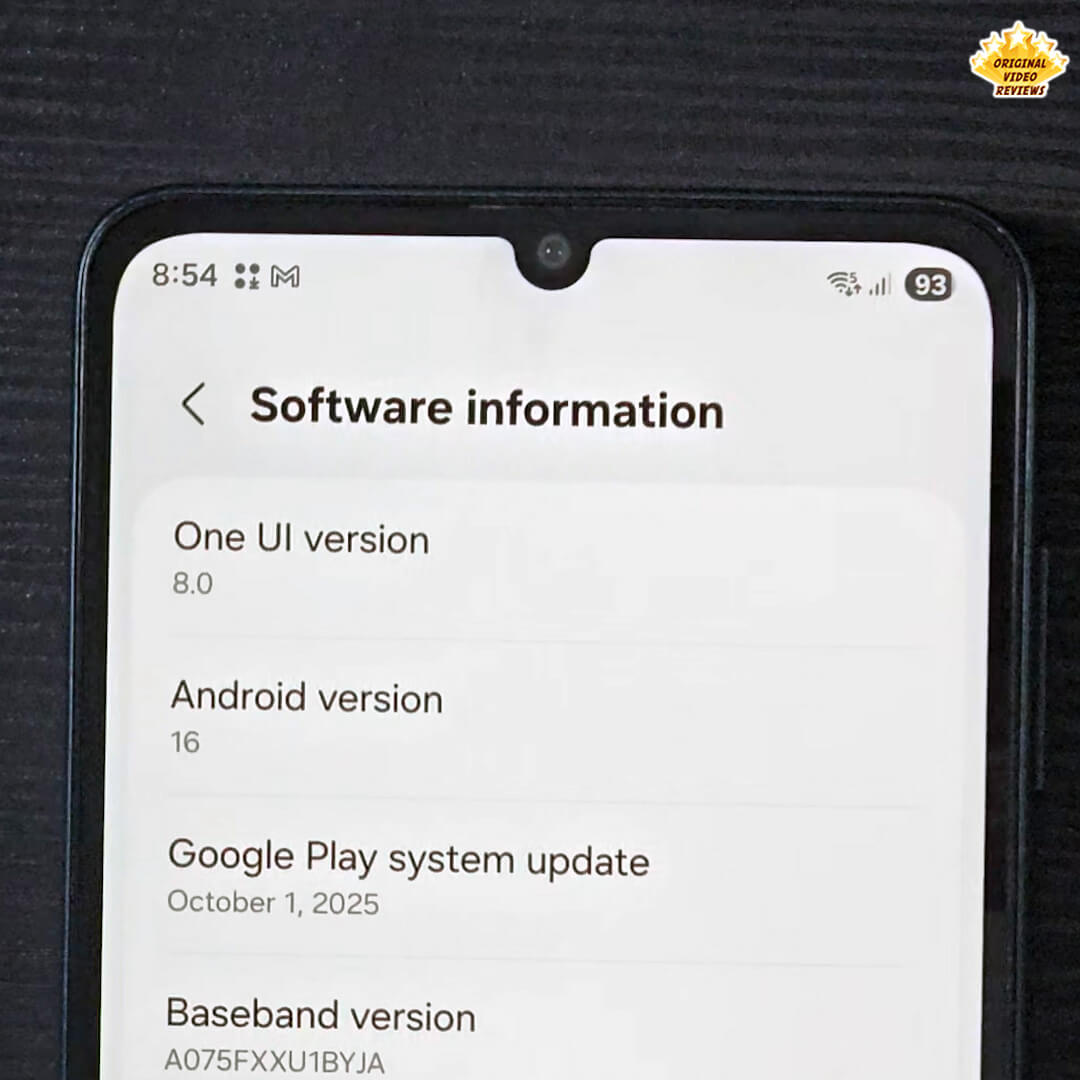
- only a few days after purchase, the One UI 8 update became available and was immediately installed. Therefore, all subsequent analysis and observations regarding the device’s ease of use, interface, and feature set are based on the enhanced capabilities provided by the newer One UI 8 software version.
Use Quick Share feature to effortlessly send files between devices within or outside of Samsung Galaxy, including iOS and PCs.
* Available on devices with One UI 2.1 or above, with Android OS version 10.0 (Q) or higher installed. Bluetooth Low Energy and Wi-Fi connection are both required for Quick Share. Supports Galaxy Books, including Qualcomm-based PCs released in 2020 and later, and Windows PCs with Intel Bluetooth/Wi-Fi from other manufacturers. (OS: Windows 10 2004 version or higher, Bluetooth driver: Intel 22.50.02 or higher, Wi-Fi driver: Intel 22.50.07 or higher). Number of devices Quick Share can share to at the same time may vary depending on the Wi-Fi chip hardware of the sharing device. Actual speed may vary depending on device, network condition and user environment. The transferable type, number, capacity and expiry date of files, as well as the number of simultaneous file shares in Private Share may be limited.
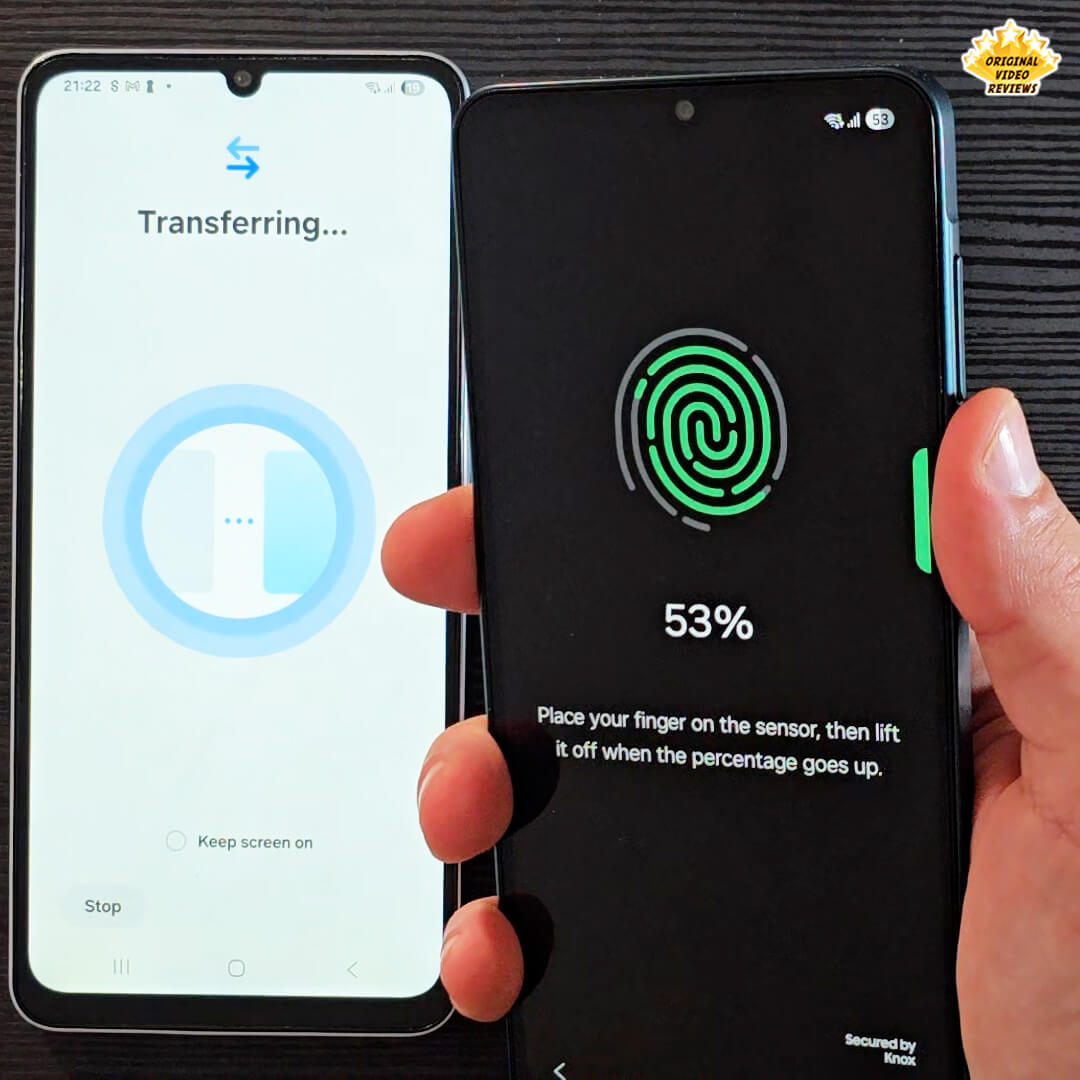
Switching from iOS is so easy! Thanks to Smart Switch, you can transfer your photos, videos, contacts and apps effortlessly.
* Wired transfers from iOS require the receiving device to have Android™ 4.3 or later and the sending device to have iOS 5 or later. Transfers can be completed without a cable through a wireless connection or iCloud. For wireless connections, the receiving device must have Android™ 4.0 or later and the sending device must have iOS 12 or later. iCloud transfers require the receiving device to have Android™ 4.0 or later and the sending device to have iOS 5 or later. Open Smart Switch Mobile in “Settings” on the receiving Galaxy device or download the Smart Switch Mobile app from the Galaxy Store. For wireless transfers, download Smart Switch for iOS from the App Store on your iPhone or iPad. Data, content and apps available for transfer may vary by transmission method. Contacts, gallery, videos, calendars and reminders can be transferred wirelessly from an iOS device.
Specifications
Processor & Performance
| CPU Type | Octa-Core |
| Chipset | Mediatek G99 (MT6789) (6nm) |
| CPU Speed | 2.2GHz, 2GHz |
Display
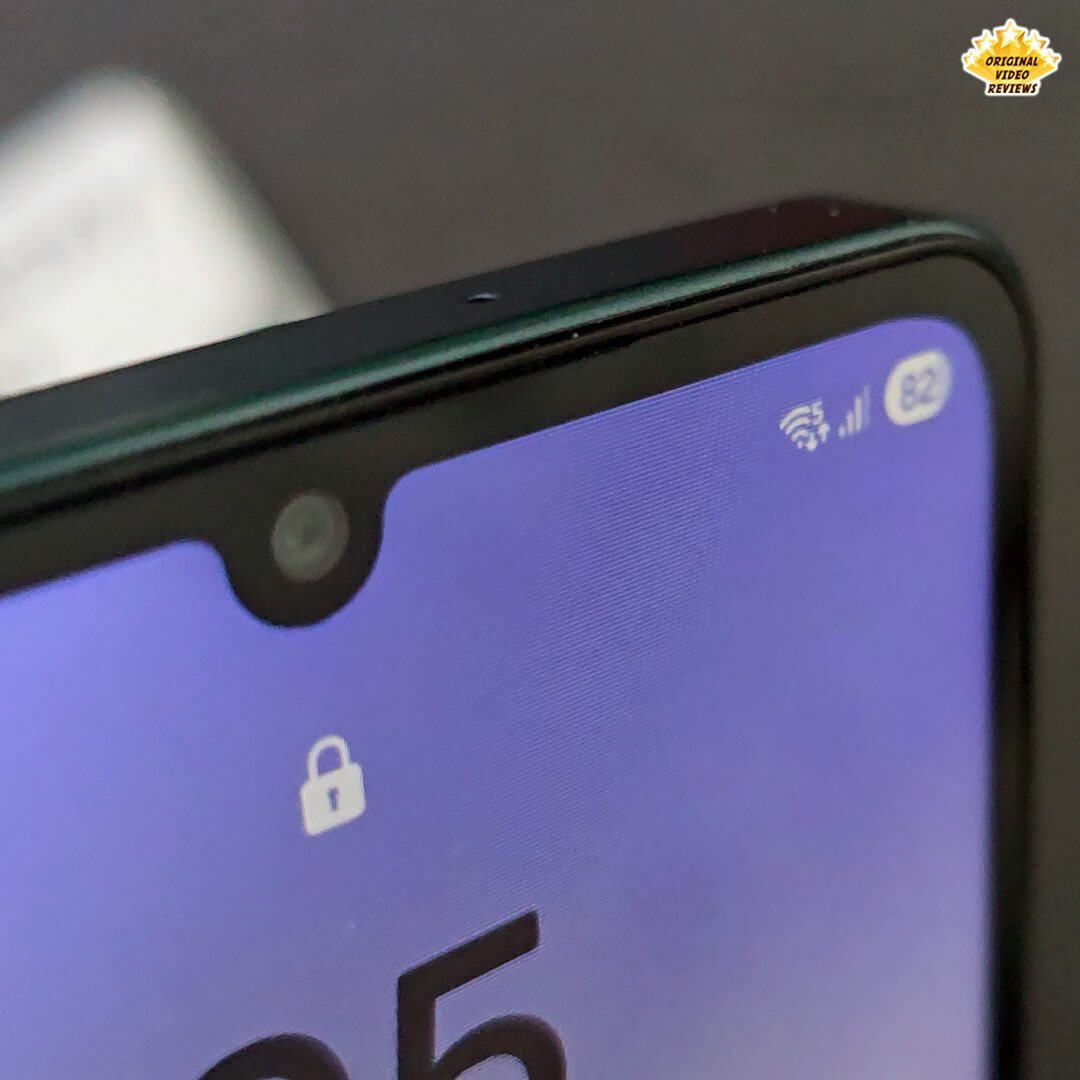
| Size | 171.3mm (6.7") |
| Resolution | 720 x 1600 (HD+) |
| Technology | PLS LCD (90Hz) |
| Color Depth | 16M |
Camera
| Rear Camera | |
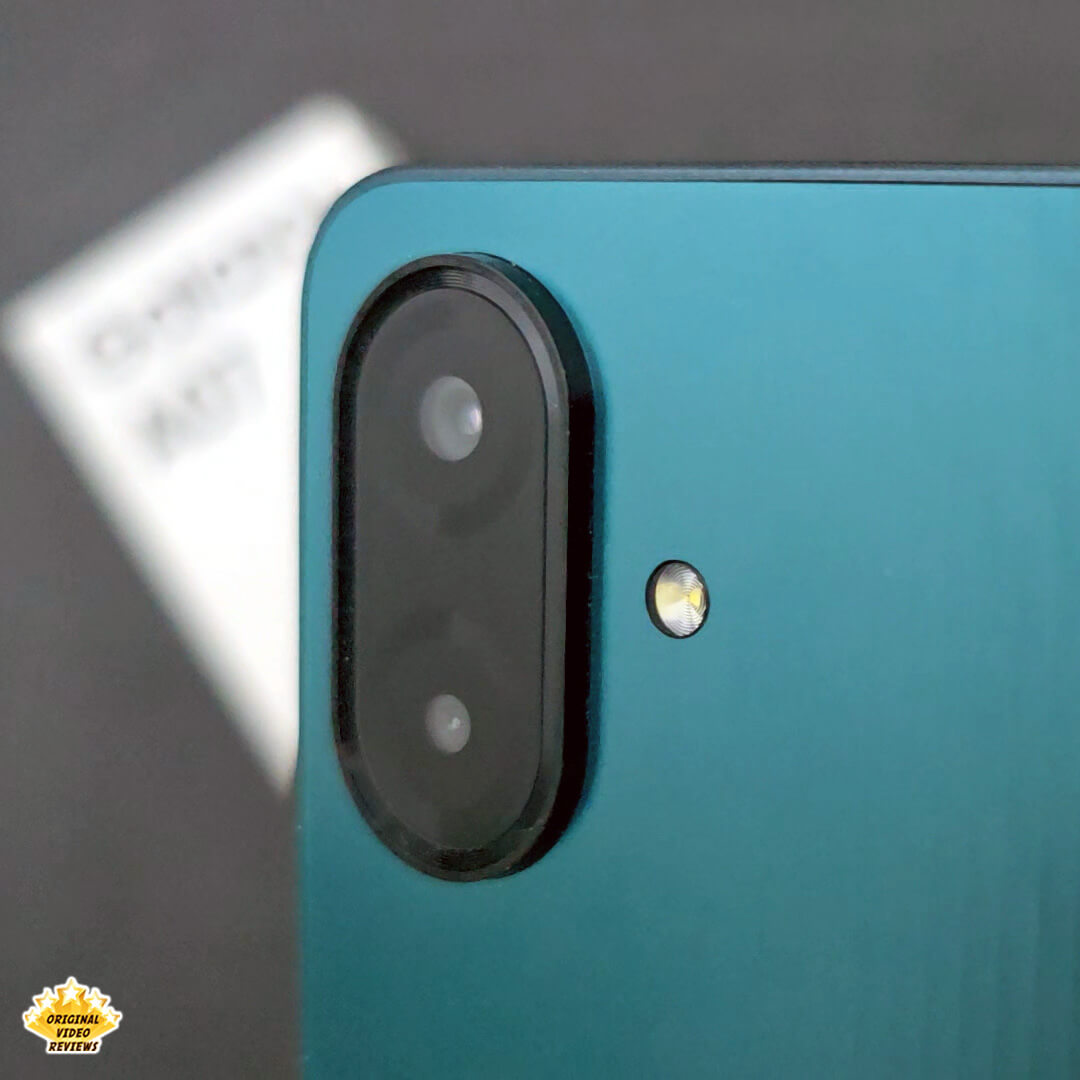
| Resolution | 50.0 MP + 2.0 MP |
| F Number | F1.8, F2.4 |
| Auto Focus | Yes |
| OIS | No |
| Zoom | Digital Zoom up to 10x |
| Flash | Yes |
| Front Camera | |
| Resolution | 8.0 MP |
| F Number | F2.0 |
| Auto Focus | No |
| OIS | No |
| Flash | No |
| Video | |
| Recording Resolution | FHD (1920 x 1080)@30fps |
| Slow Motion | 120fps @HD |
Memory & Storage
| 64GB | 128GB | 256GB | |
|---|---|---|---|
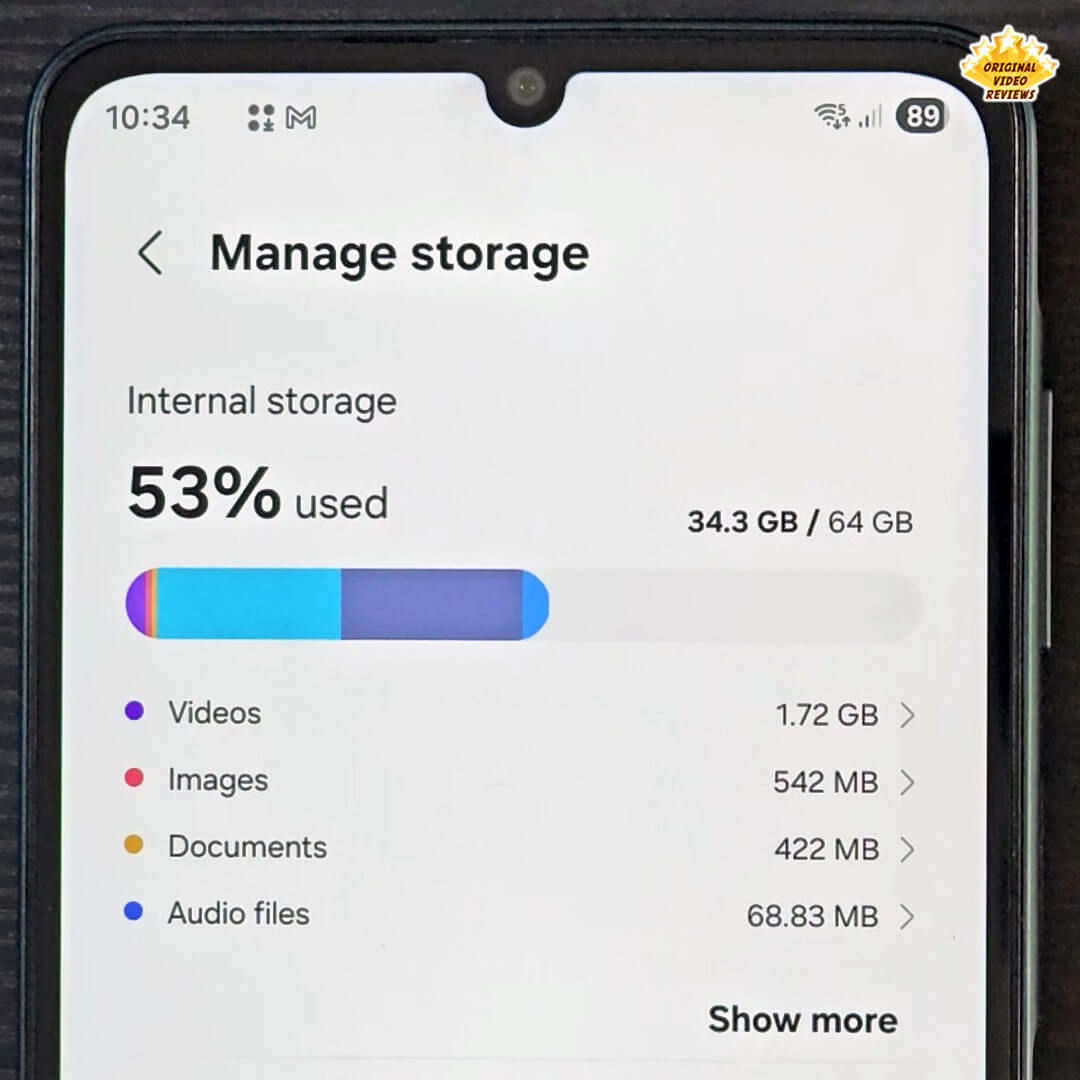
| Internal Storage (ROM) | 64GB | 128GB | 256GB |
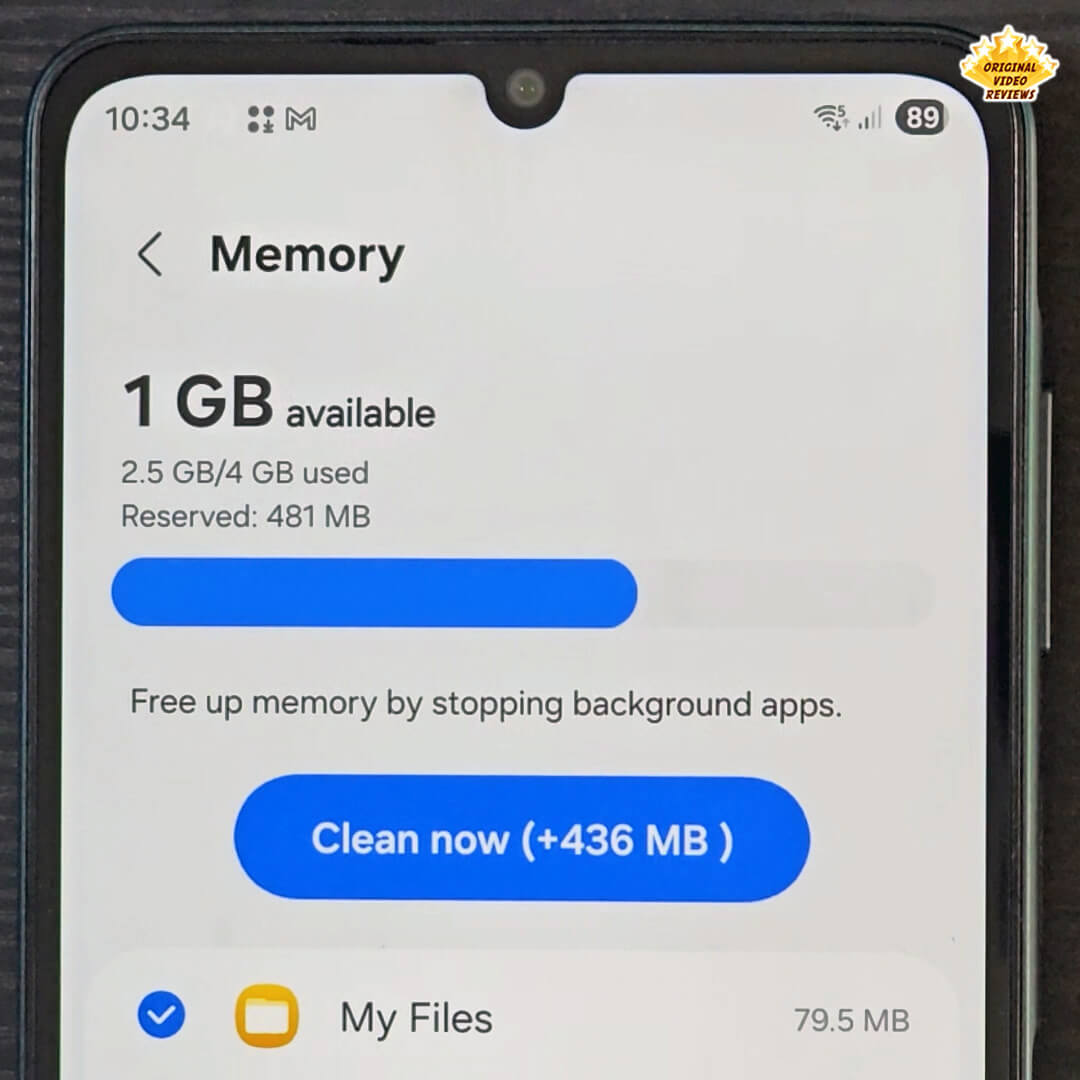
| Memory (RAM) | 4GB | 4GB / 6GB | 8GB |
| Available Storage | 45.7GB | 109.4GB | 235.8GB |
| External Storage Support | MicroSD (Up to 2TB) | ||
Network & Connectivity
| SIM & Infrastructure | |
| SIM Type | Dual-SIM (Nano-SIM) |
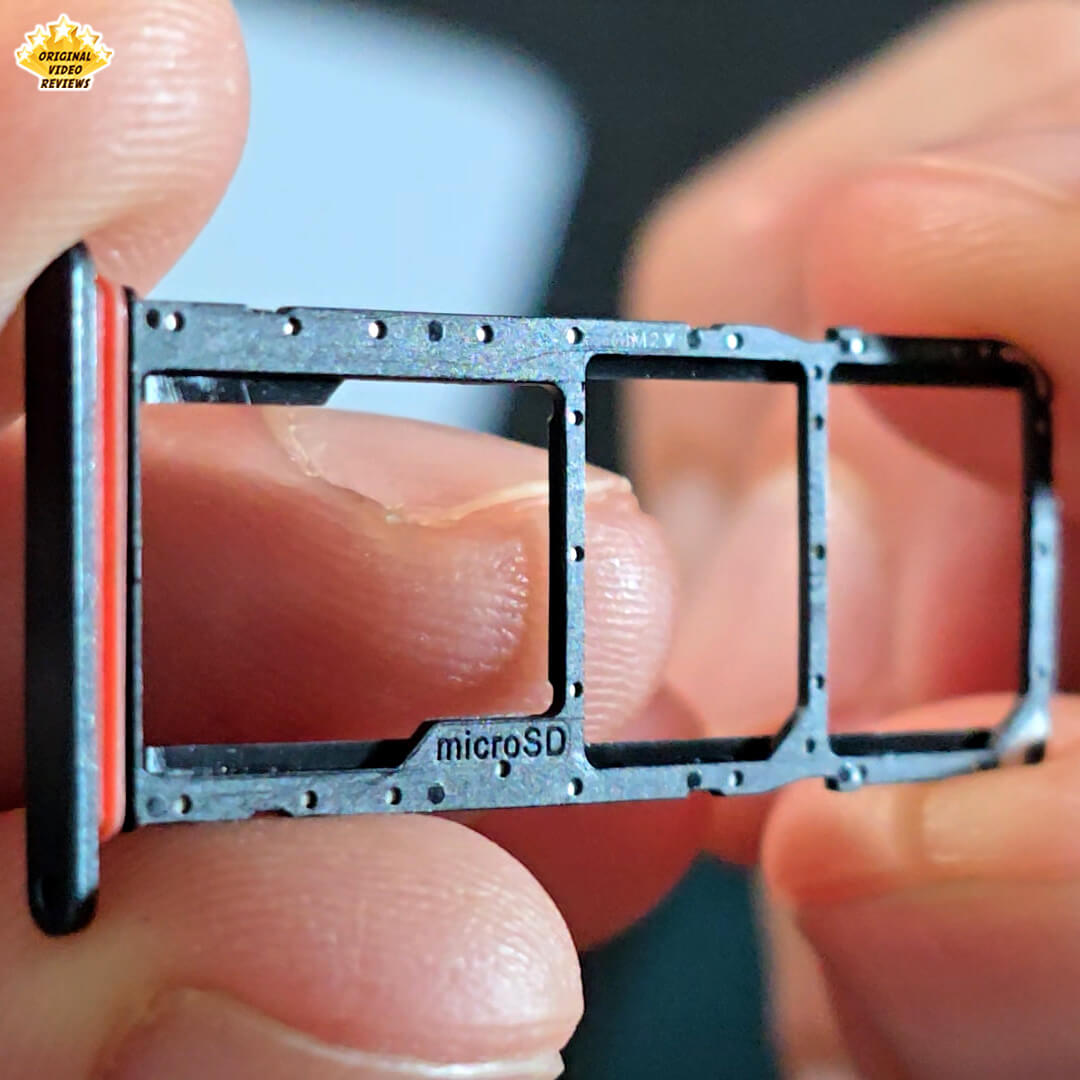
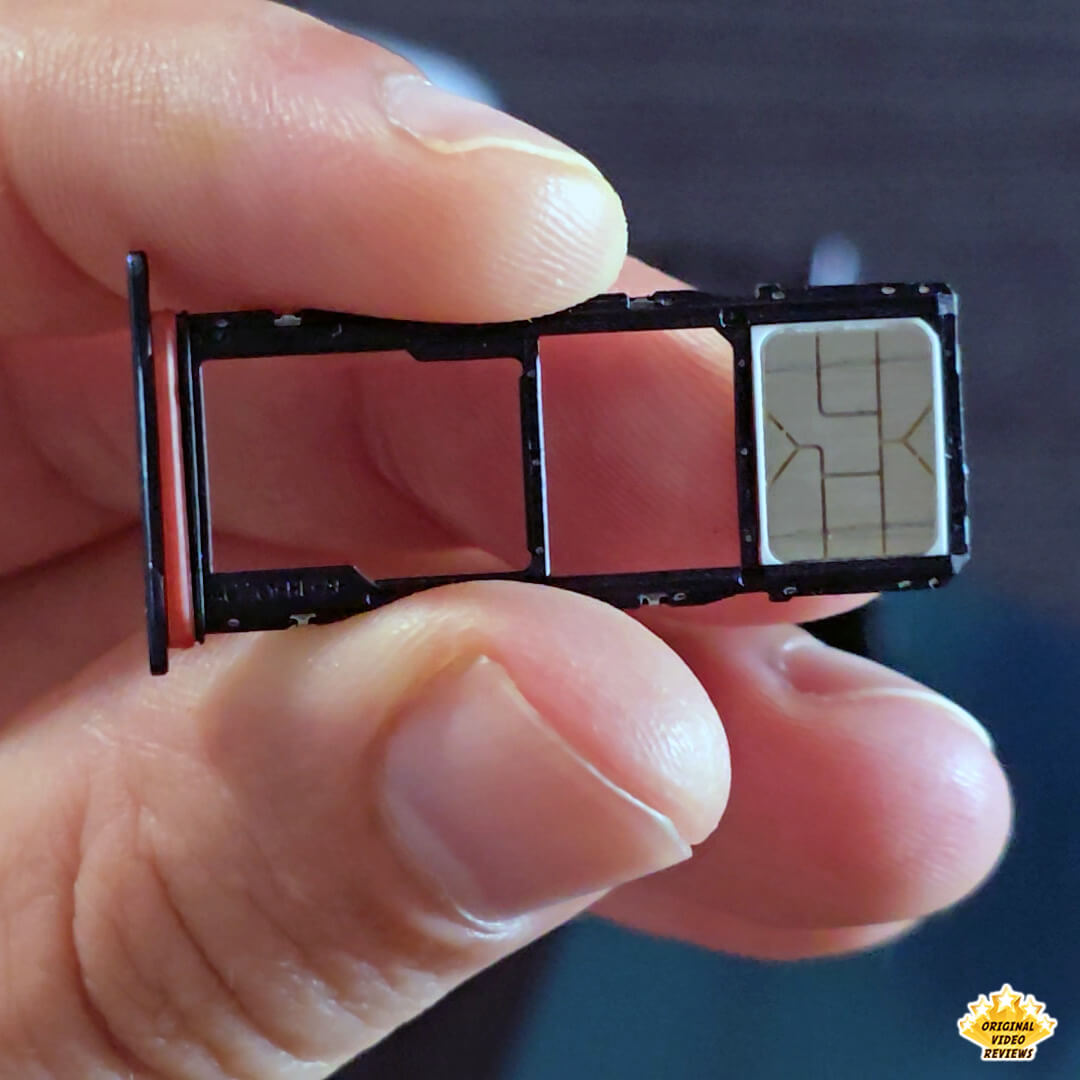
| SIM Slot Type | SIM 1 + SIM 2 + MicroSD |
| Infra | 2G GSM, 3G WCDMA, 4G LTE FDD/TDD |
| Supported Bands (Regional) | |
| 2G GSM | GSM850, GSM900, DCS1800 |
| 3G UMTS | B1(2100), B5(850), B8(900) |
| 4G FDD LTE | B1(2100), B3(1800), B5(850), B7(2600), B8(900), B20(800), B28(700) |
| 4G TDD LTE | B38(2600), B40(2300), B41(2500) |
| Connectivity | |
| Bluetooth Version | Bluetooth v5.3 |
| Wi-Fi | 802.11 a/b/g/n/ac (2.4GHz+5GHz, VHT80) |
| NFC | No |
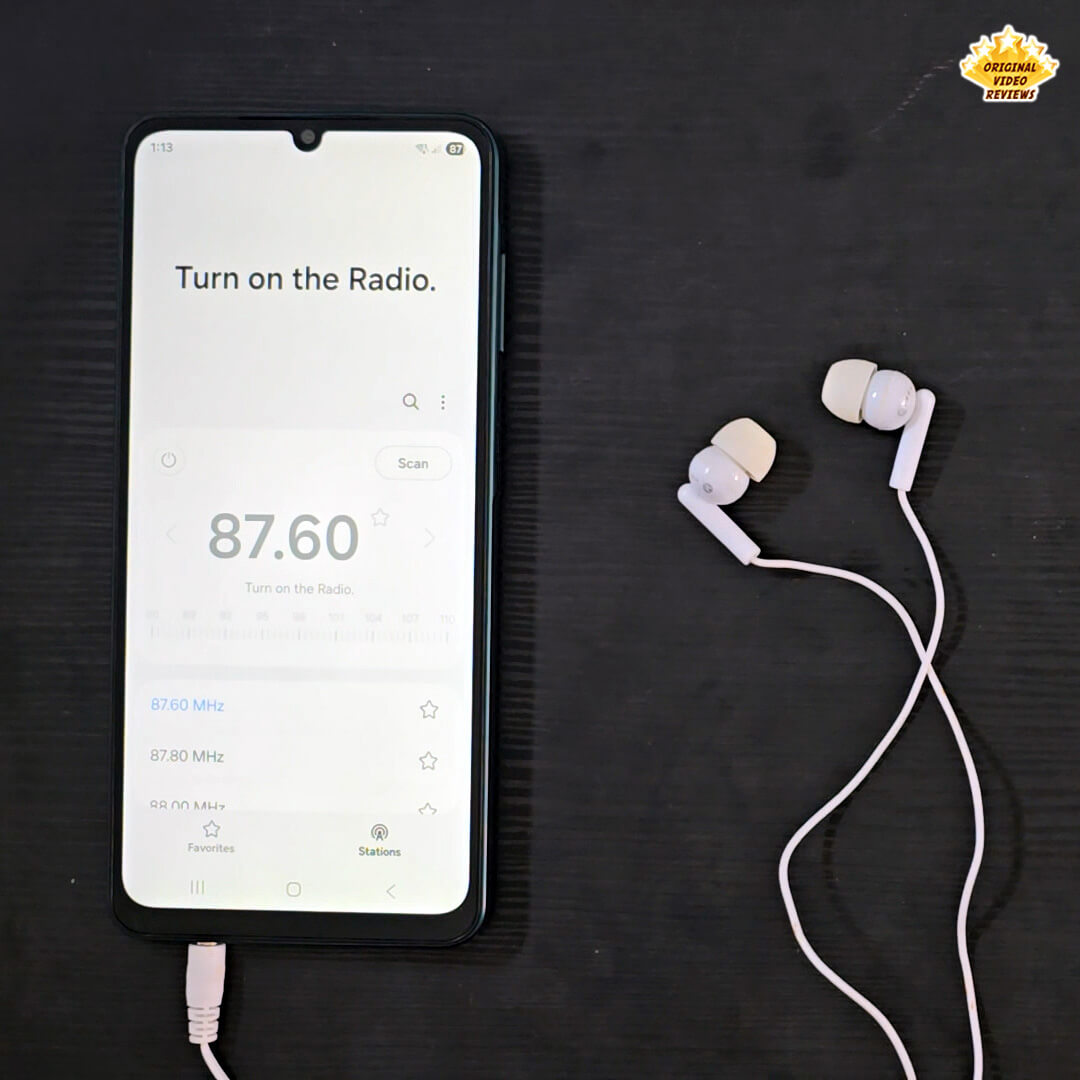
| Radio | FM radio |
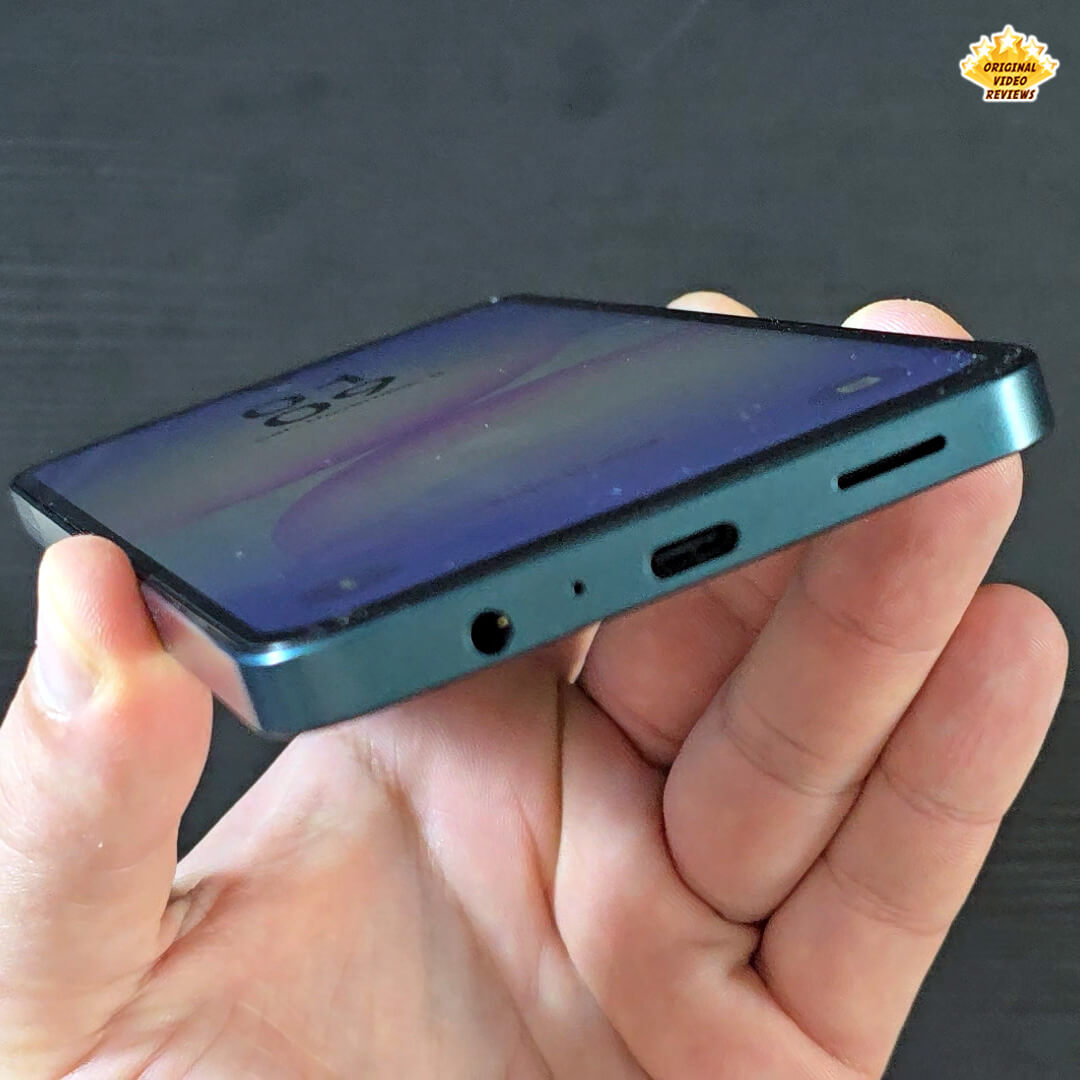
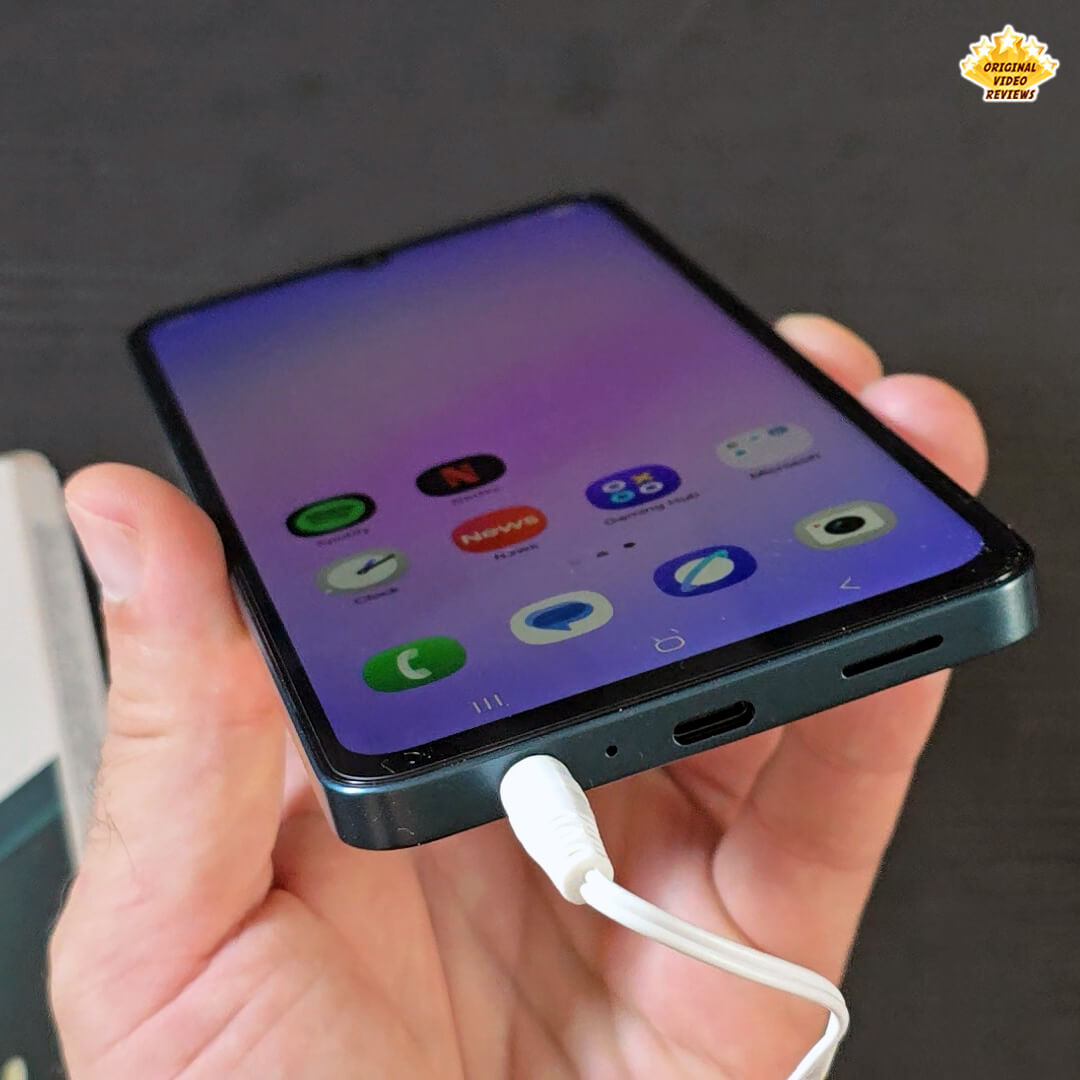
| USB Interface | USB Type-C |
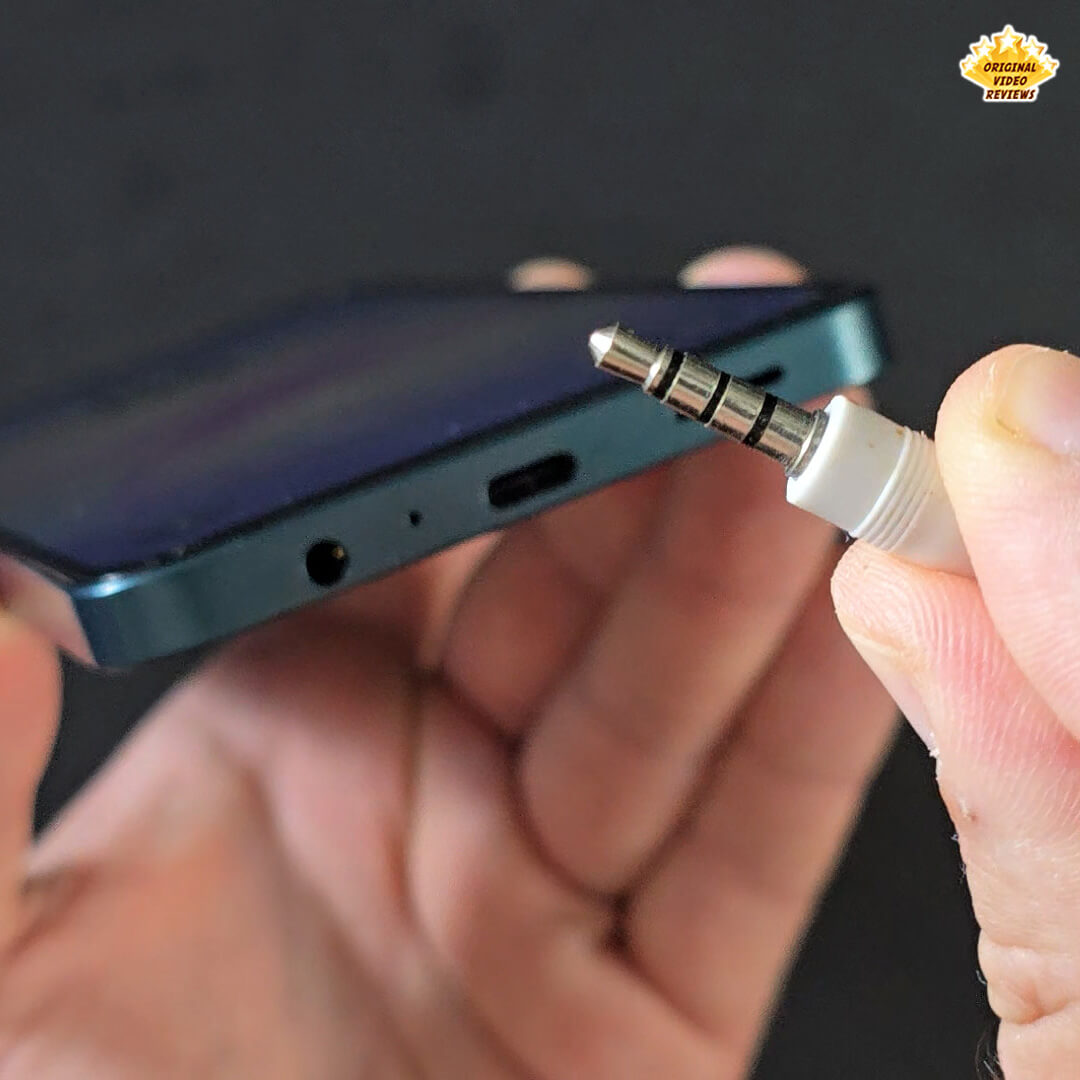
| Earjack | 3.5mm Stereo |
OS, General & Physical
| OS & Software | |
| Operating System | Android 15, One UI 7 |
| Software Support | 6 OS updates guaranteed |
| General & Physical | |
| Water & Dust Protection | IP54 (Water splashes resistant) |
| Sensors | Accelerometer, Fingerprint, Light, Proximity |
| Dimensions (HxWxD) | 167.4 x 77.4 x 7.6 mm |
| Weight | 184 g |
Battery & Audio
| Battery | |
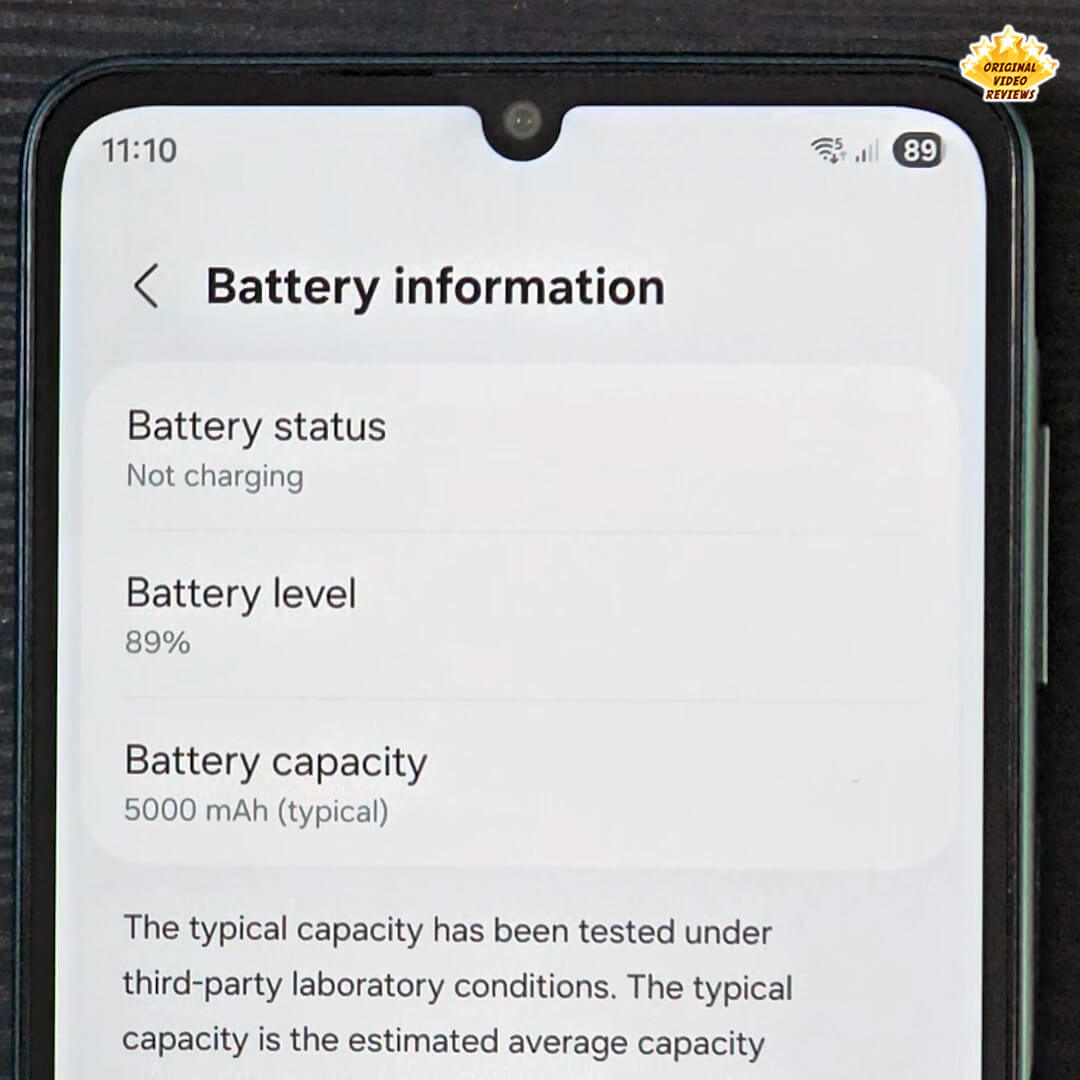
| Capacity (Typical) | 5000 mAh |
| Charging | 25W wired |
| Wireless Charging | No |
| Removable | No |
| Audio | |
| Loudspeaker | Yes (Mono) |
| Stereo Support | No |
| 3.5mm Jack | Yes |
Inside the box
| Samsung Galaxy A07 | × 1 |
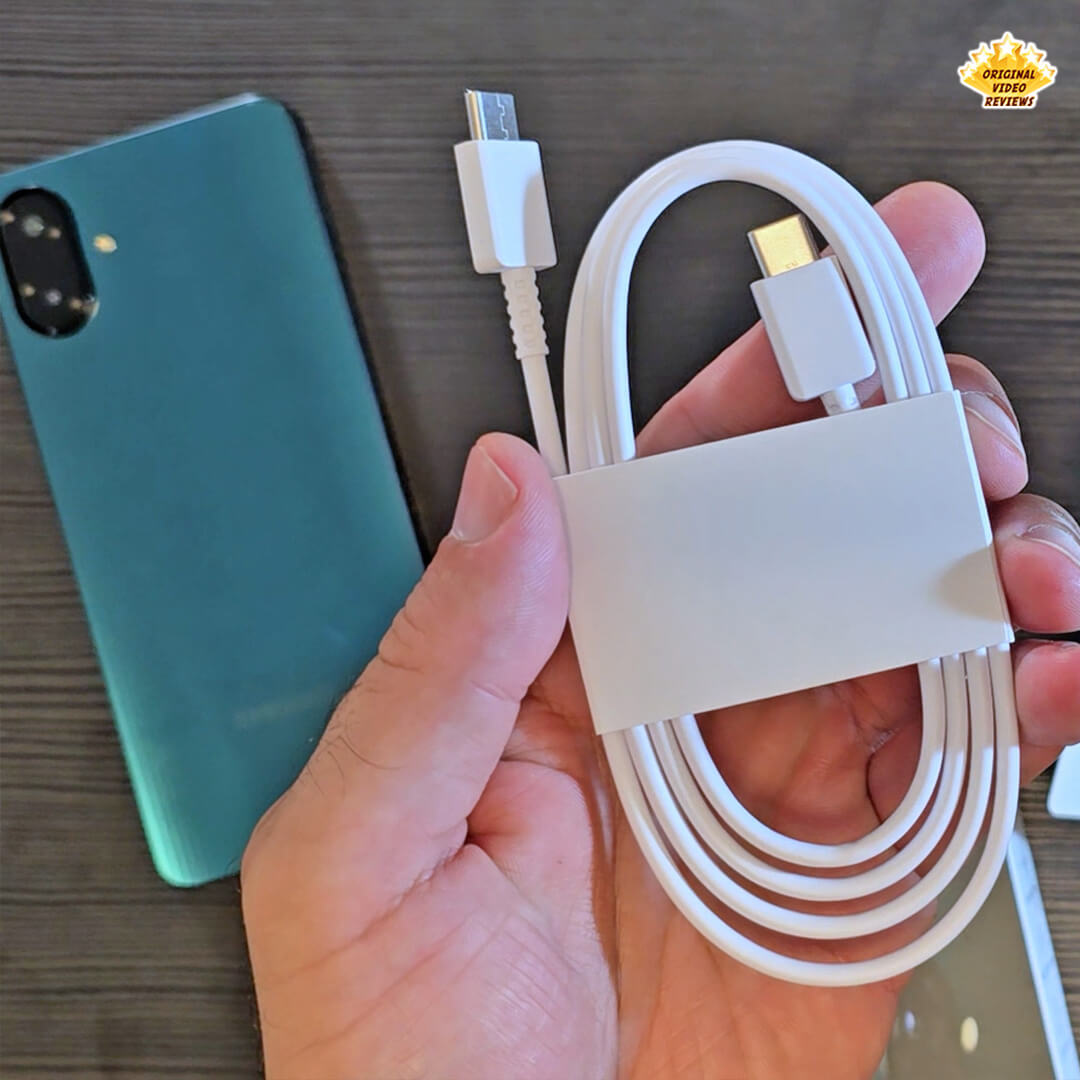
| USB Type-C Data Cable | × 1 |
| SIM Ejection Pin | × 1 |
| Quick Start Guide & Safety Leaflet | Included |
Pros
- Competitive Pricing: The Galaxy A07 provides a highly accessible price point for a new smartphone from a strong, reliable brand like Samsung.
Strong Battery Life: Equipped with a large 5000mAh battery capacity, ensuring excellent endurance.
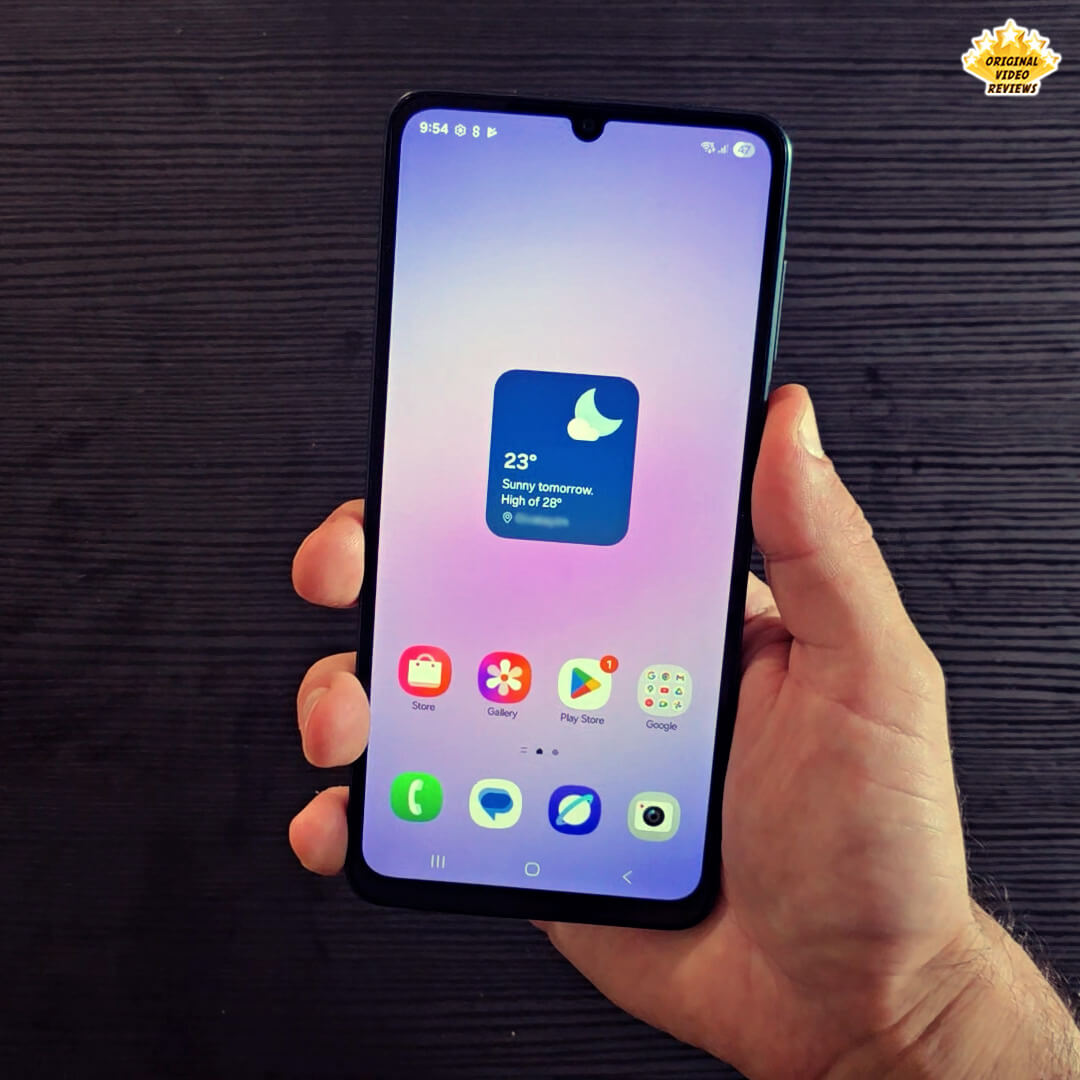
Impressive Display: The screen delivers good performance, offering quality color and smooth operation for video content.
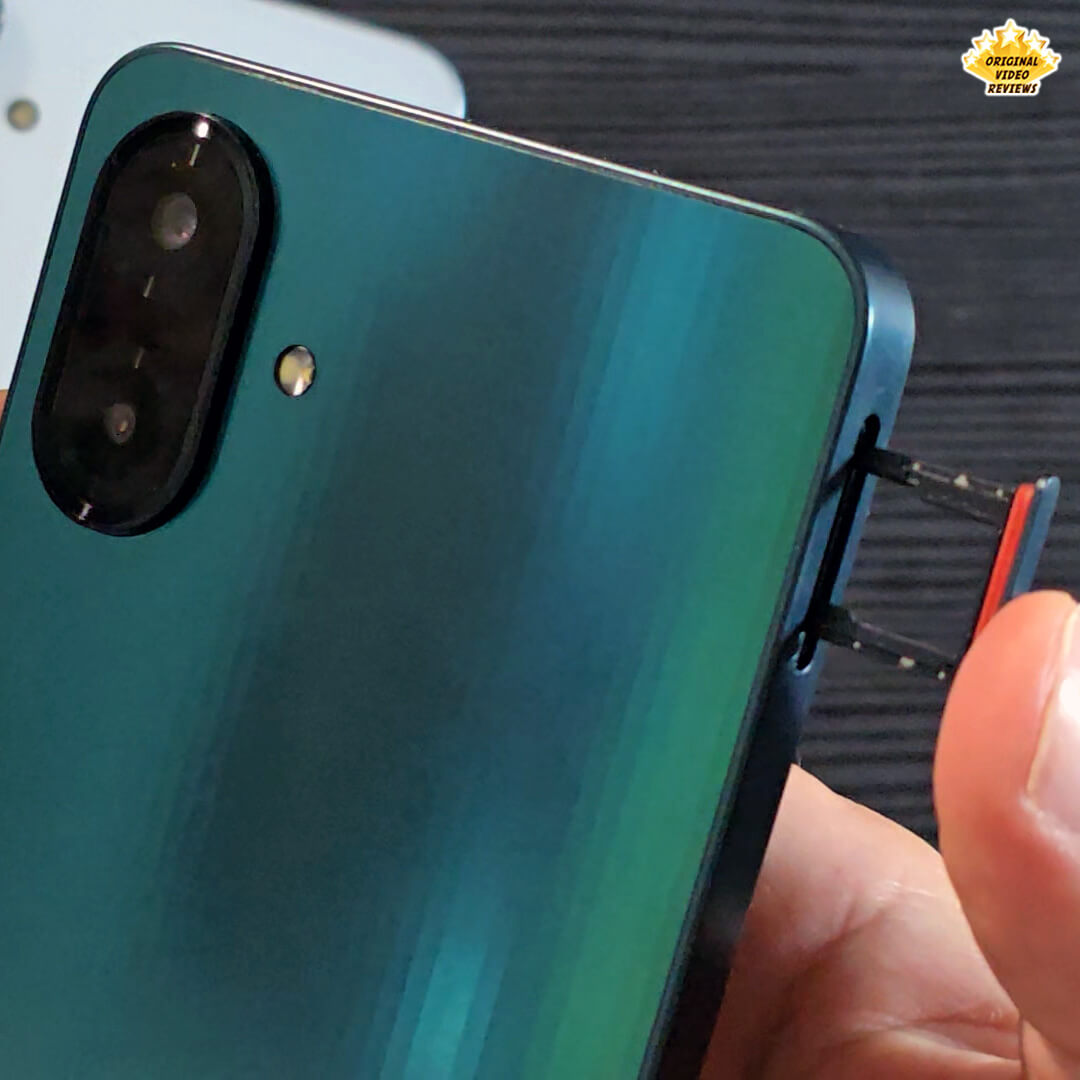
Triple Slot Functionality: Includes a dedicated Triple Tray allowing simultaneous use of Dual SIM cards and MicroSD storage expansion.
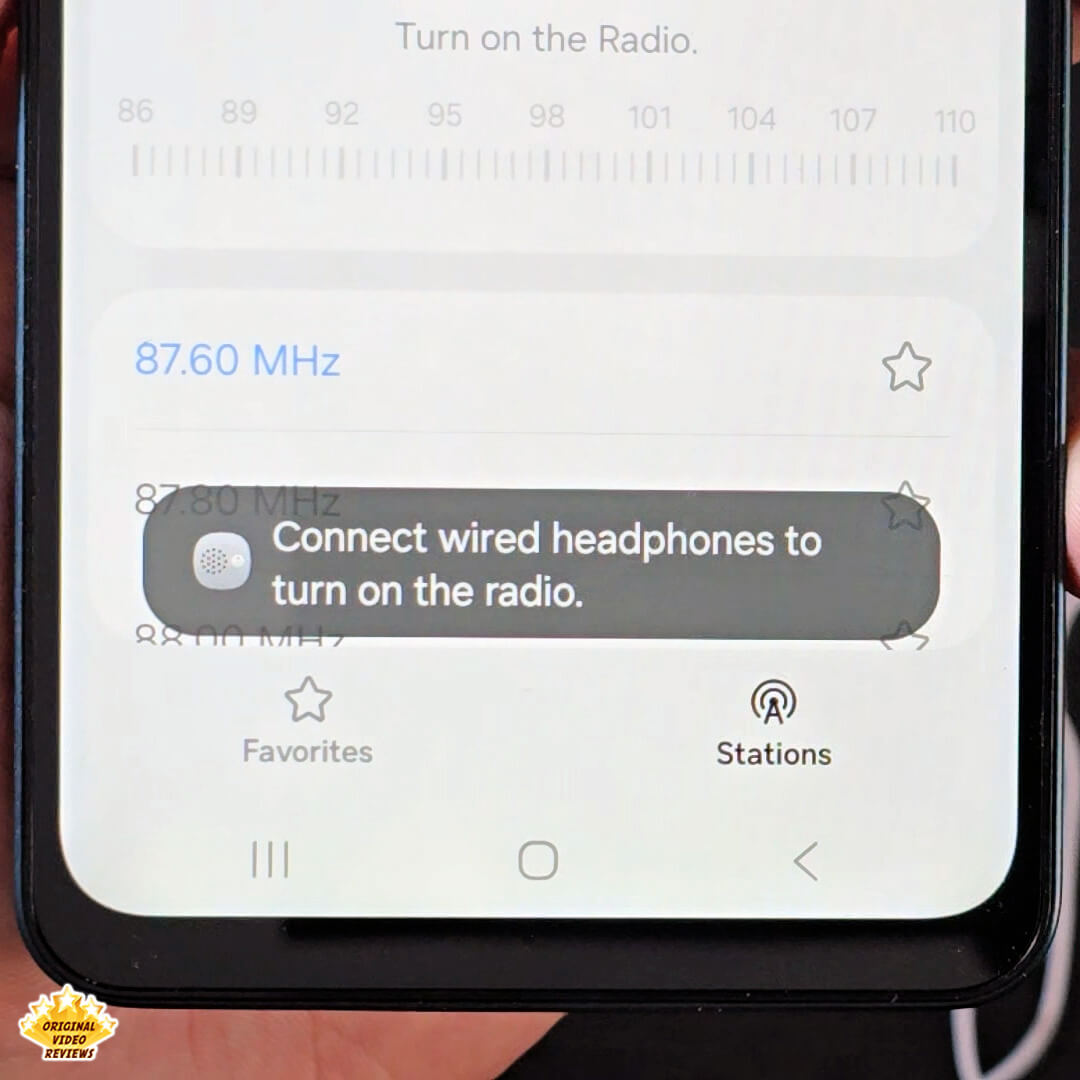
Retained 3.5mm Jack: The inclusion of the 3.5mm headphone jack supports wired audio and enables the built-in FM radio function.
Improved Performance: Features an upgraded processor compared to the previous generation, offering better general performance and smooth navigation between basic applications.
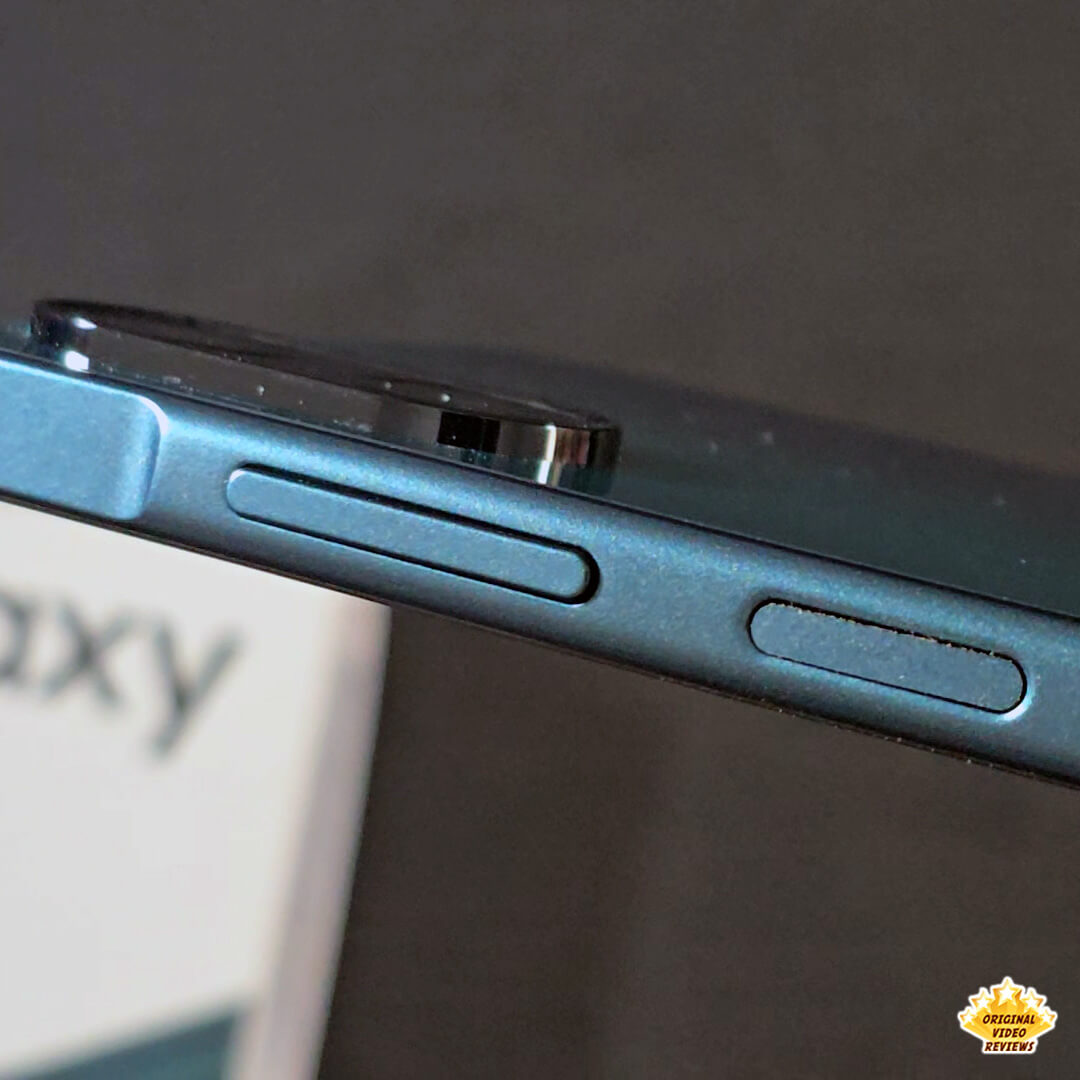
Side Fingerprint Sensor: The sensor is integrated into the power button and operates quickly and responsively.
Decent Camera: The 50MP primary camera offers perfectly adequate daylight shooting quality for its price segment.
Aesthetics: Elegant design and finish, with unique color options available.
Cons
This is an ongoing review.
I will update this info soon If you have questions – please write a comment.
Overall verdict
This is an ongoing review.
I will update this info soon If you have questions – please write a comment.
Where to buy
Below are links to purchase the Samsung Galaxy A07 smartphone or similar models:
Videos
Photos
User manual
This is an ongoing review.
I will update this info soon If you have questions – please write a comment.
Additional links
FAQ
Got questions about the Samsung Galaxy A07 Smartphone?
Feel free to drop them in the comments – I’ll do my best to help.
And if you’ve already tried the Samsung Galaxy A07, I’d love to hear your thoughts.
Your feedback might help others decide whether this smartphone is the right fit for them.
Comments
More Smartphone Reviews
This is your comprehensive hub for smartphone reviews and comparisons.
OVR delivers straight-talk assessments – covering devices, operating systems, top brands, and essential accessories – focusing on practical, real-world performance: the good, the bad, and the unexpected.
Start exploring our reviews now and choose your next device with confidence.

Subscribe OVR channels
Choose the channels you like and subscribe on YouTube.
Follow us
Explore more content, updates and fun moments on social media.
Disclaimer
This post contains affiliate links. Please check out my disclosure policy for more details.
Thank you for your support & understanding!

[…] motivation for this review stems from my previous look at the highly budget-focused Galaxy A07. While I found the A07 to be a ‘great everyday phone’ offering high value, it […]